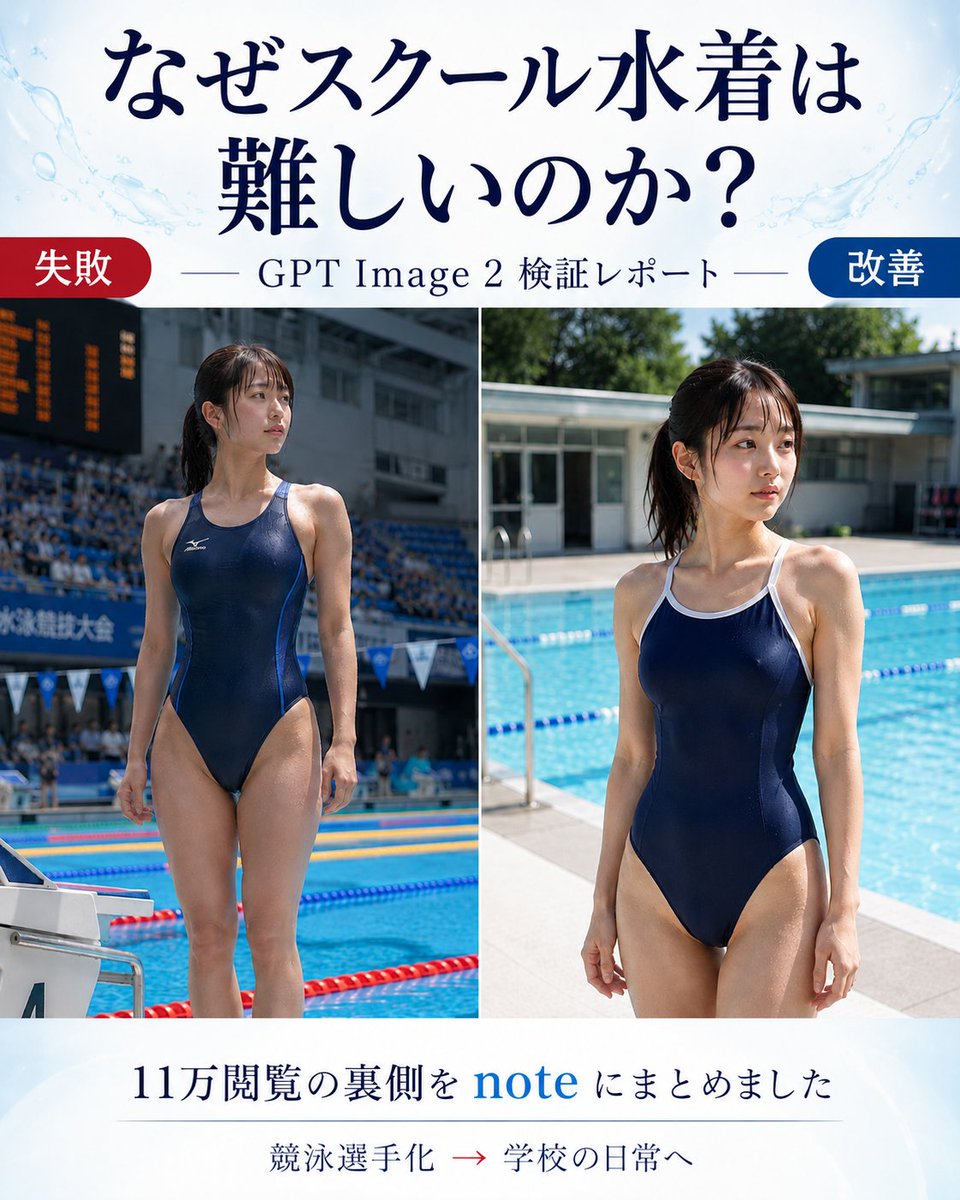
Japanese GPT Image 2 Swimsuit Report Poster
Prompt
Goal: Create a vertical Japanese promotional comparison poster for an article about why generating a school swimsuit is difficult in GPT Image 2, showing a before/after visual test report.

Canvas: Portrait 4:5 layout, clean editorial blog-thumbnail design, white background with pale blue watercolor splashes and subtle pool-water motifs near the top corners. Use elegant dark navy Japanese serif typography.

Header: Large centered headline text in Japanese: 「なぜスクール水着は 難しいのか?」 with the line break after 「は」. Below it, add a thin horizontal rule on both sides of the subtitle 「GPT Image 2 検証レポート」.

Main layout: Two large side-by-side photo panels separated by a thin white vertical divider. Use exactly 2 comparison images: left panel labeled as failure, right panel labeled as improvement. At the top-left of the image area, place a rounded red pill label reading 「失敗」. At the top-right, place a rounded blue pill label reading 「改善」.

Left photo panel: A realistic full-body poolside photo of an adult woman in a navy one-piece competitive racing swimsuit, standing at an indoor or stadium-like competition pool. Make it look like a sports meet or swimming competition: spectator stands, scoreboard, lane ropes, starting block, and official competition atmosphere. Her face should be intentionally obscured with a rectangular blur/mosaic block. The pose is upright and athletic, emphasizing that the generation became too much like a competitive swimmer.

Right photo panel: A realistic full-body poolside photo of an adult woman in a navy one-piece school-style swimsuit with white trim and shoulder straps, standing beside a bright outdoor school pool in daylight. Background includes blue pool water, lane ropes, pool deck, low school-building architecture, and greenery. Her face should also be intentionally obscured with a rectangular blur/mosaic block. The mood is casual school daily life rather than sports advertising.

Footer: Centered Japanese text in dark navy: 「11万閲覧の裏側を note にまとめました」 with the word “note” in bright blue. Under it, add a small line of text: 「競泳選手化 → 学校の日常へ」 with the arrow in red. Use a faint divider line above the small text.

Visual style: Realistic photography in the two panels, magazine/article cover composition, high contrast between the failed sports-ad look and the improved school-pool daily-life look. Keep the design polished and readable, with no extra logos or watermarks.

Customizable slots: Article headline may be なぜスクール水着は難しいのか?; subtitle may be GPT Image 2 検証レポート; left label may be 失敗; right label may be 改善; footer text may be 11万閲覧の裏側を note にまとめました.
- Category
- Charts & Infographics
- Model
- GPT Image 2
- Creator
- jins2001jp
- Source ID
- youmind-24017
Views1













