20

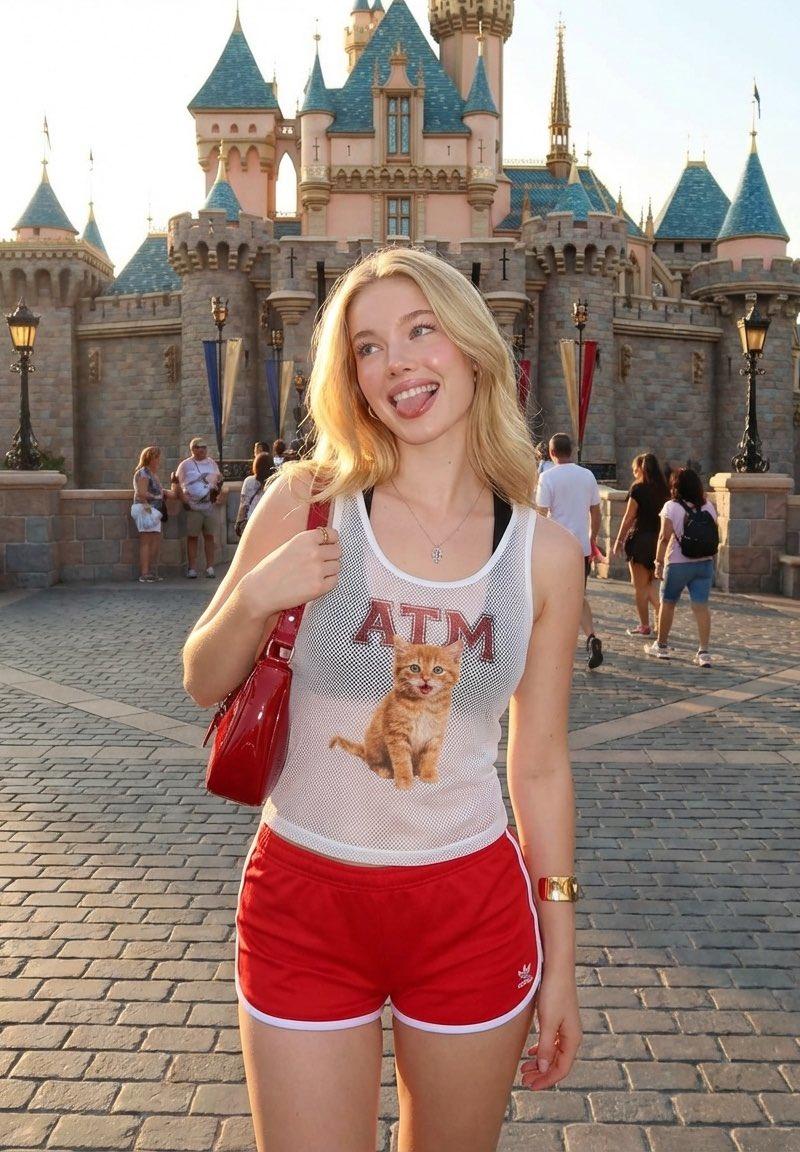
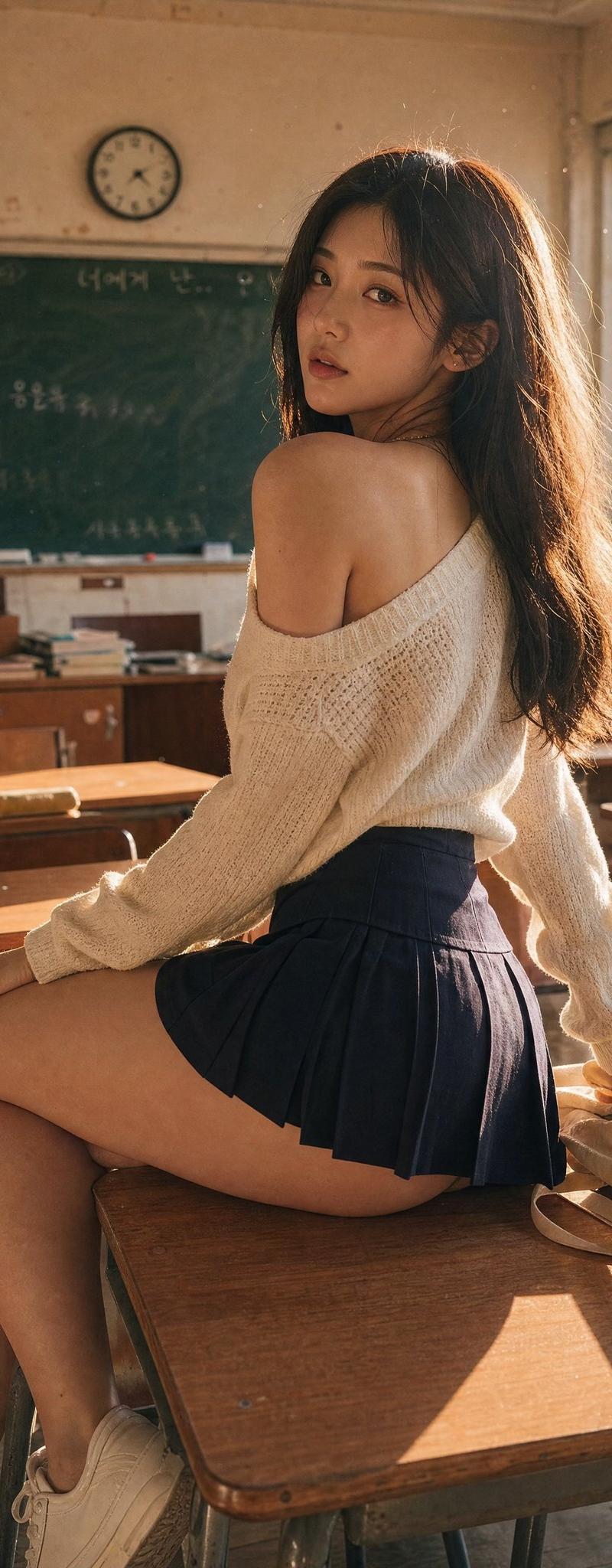
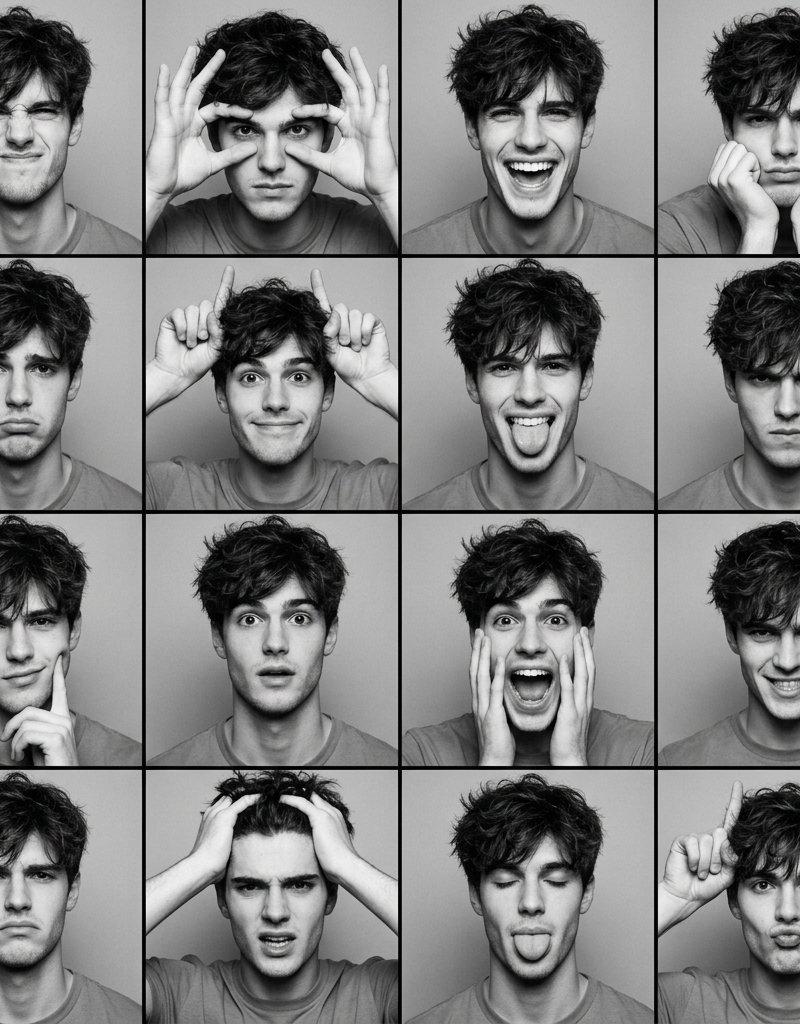
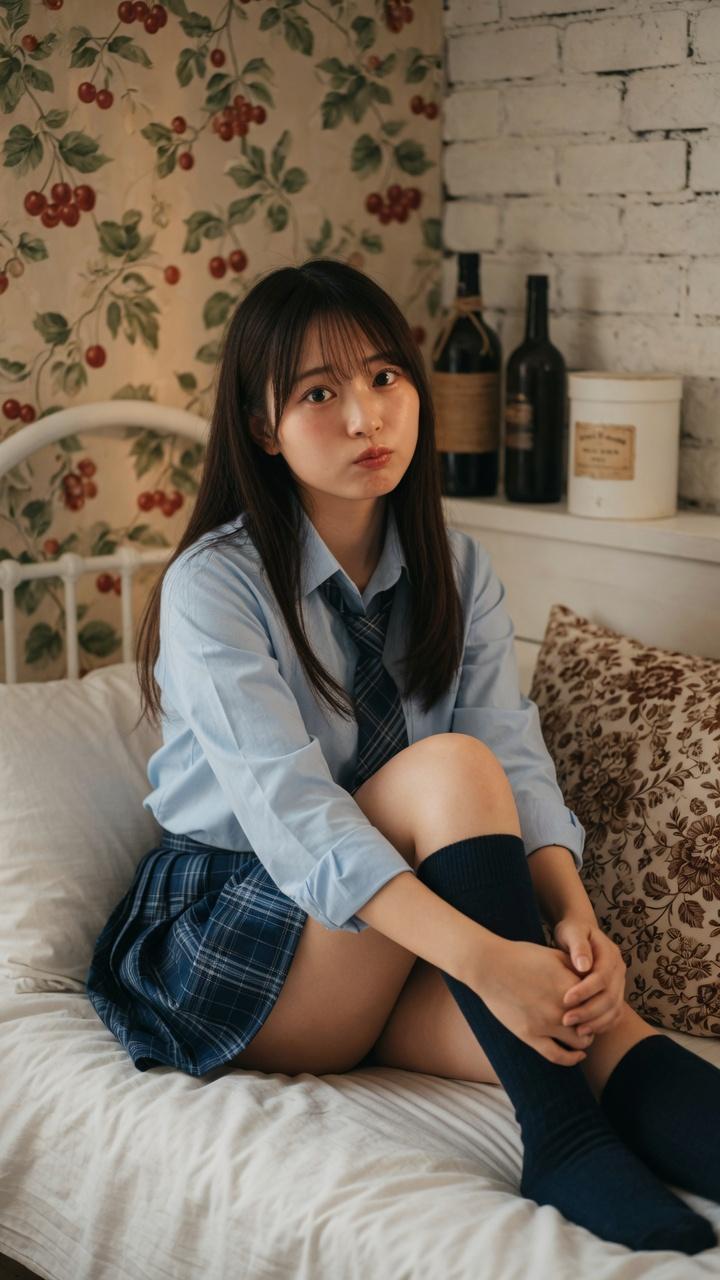
White summer dress ledge portrait: GPT Image 2 prompt
Enlarge

Example images

White summer dress ledge portrait: GPT Image 2 prompt

Prompt
{
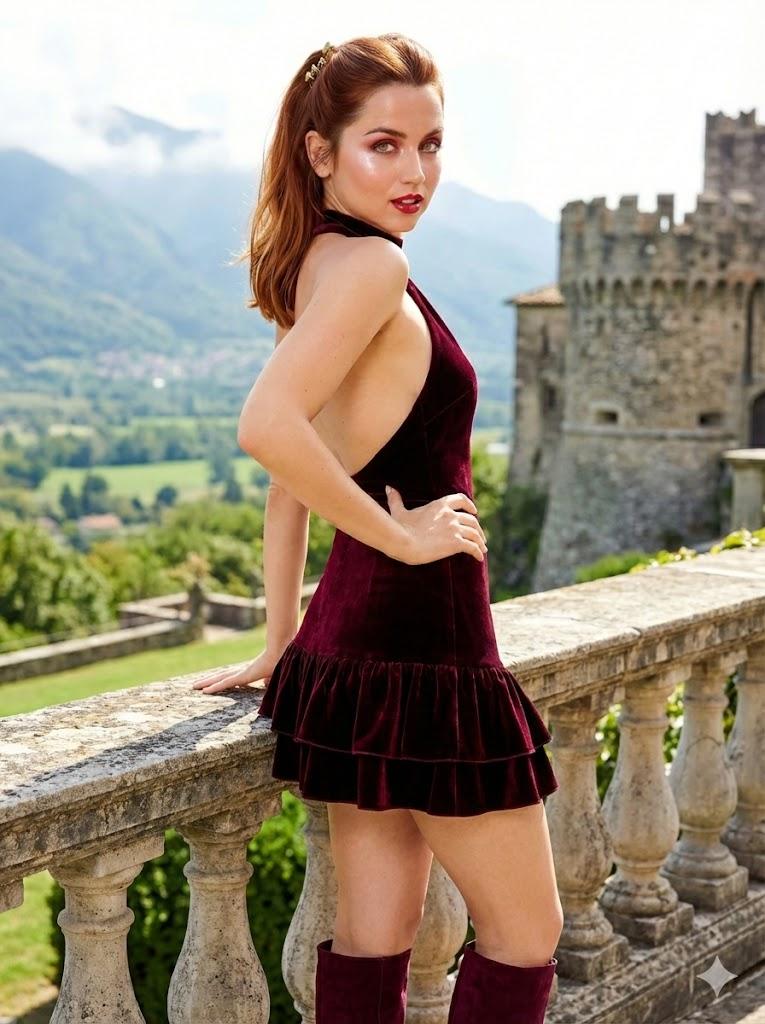
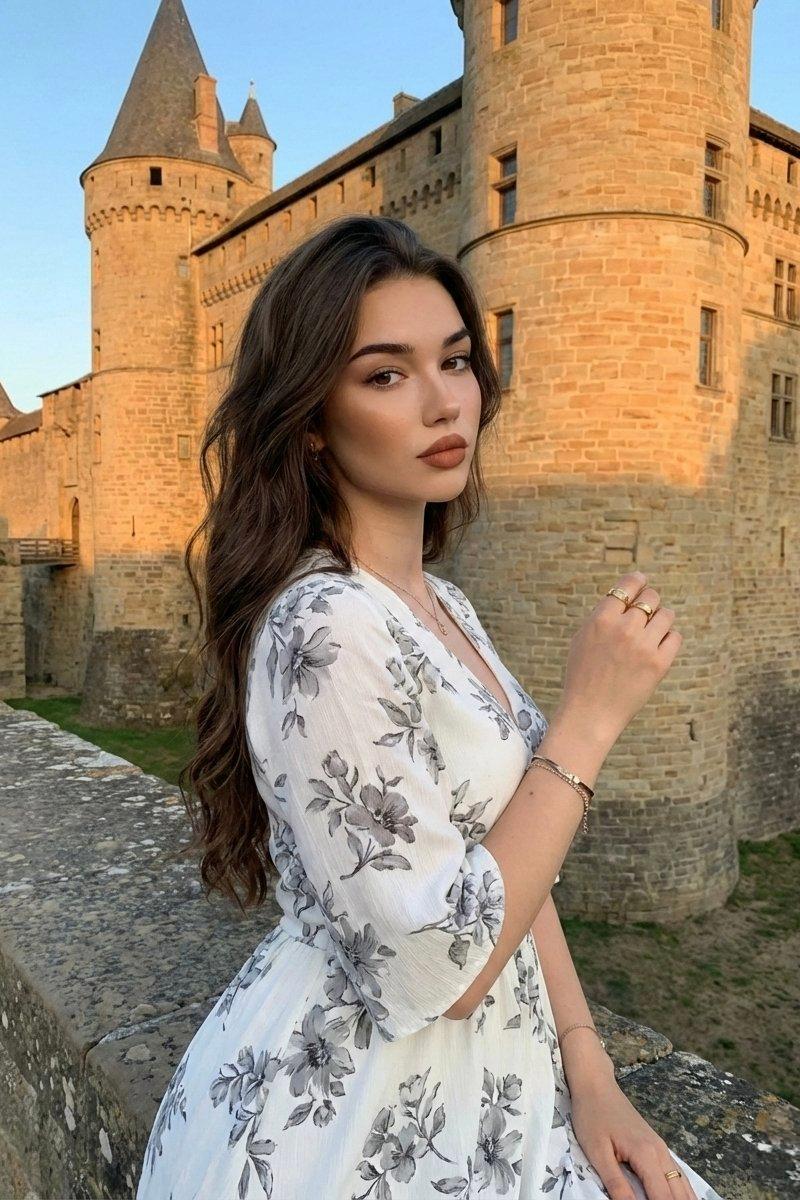
 "image_description": {
 "subject": {
 "person": "Young woman with original facial features from the reference image",
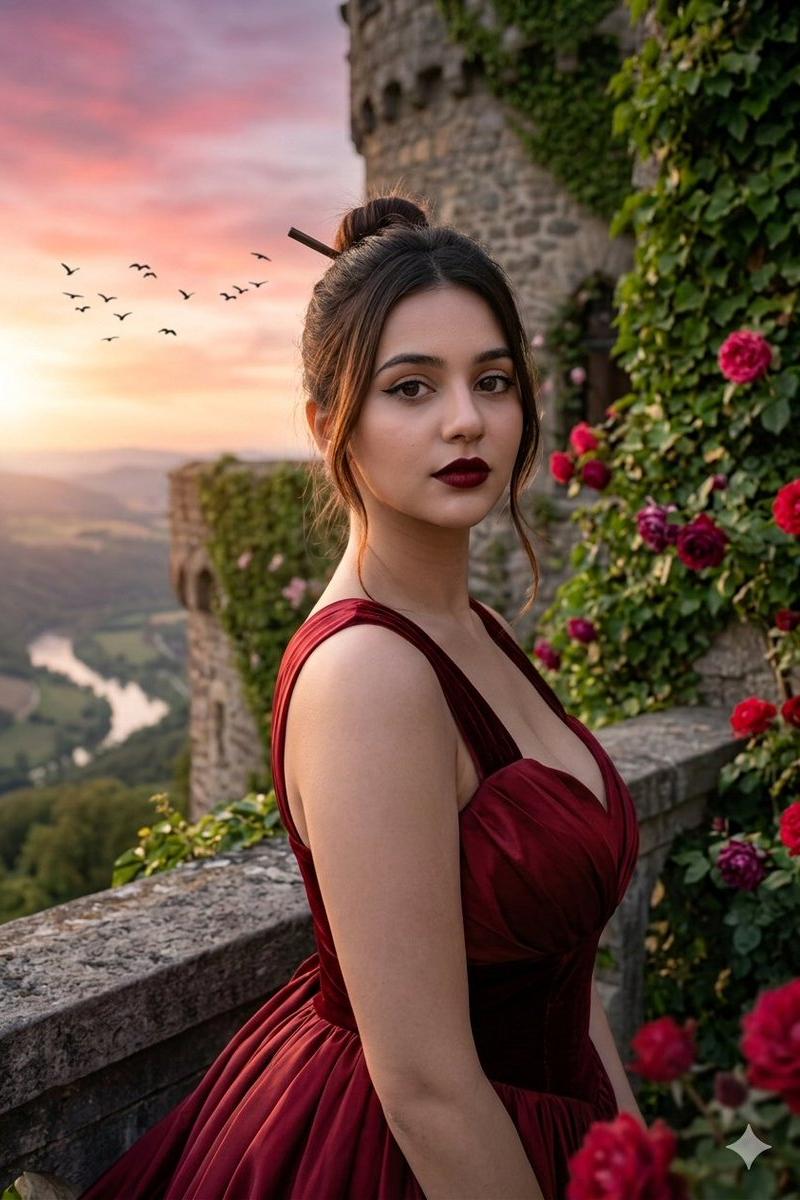
 "pose": "Sitting in side profile on a wide stone ledge, looking directly at the camera with a calm, confident expression",
 "hair": "Long, wavy, dark brown hair flowing down her back",
 "makeup": "Full professional makeup, sharp contouring, earthy-toned matte lipstick, accentuated eyes",
 "clothing": "Elegant white summer dress with delicate gray floral patterns, V-neckline, elbow-length sleeves, cinched waist",
 "accessories": "Simple gold rings on fingers, delicate gold bracelet, thin gold necklace"
 },
 "environment": {
 "location": "Historic fortress or ancient stone castle made of golden-yellow sandstone",
 "architectural_details": ["Circular towers", "conical roofs", "stone battlements", "small window openings"],
 "seating": "Edge of a wide, textured stone wall overlooking the castle grounds"
 },
 "technical_details": {
 "lighting": "Golden hour, warm and soft late-afternoon sunlight casting long shadows",
 "composition": "Medium shot, rule of thirds, architectural background with depth",
 "aesthetic": "Cinematic, historical, travel photography, high detail"
 }
 }
}
Category
Photography & Realism
Model
GPT Image 2
Creator
𝗦𝗮𝗻𝗶𝗮
Source language
en
Views0
Source ID
2008862441460088992
Published
Jan 7, 2026
Studio

Guide

About "White summer dress ledge portrait: GPT Image 2 prompt"

What is this prompt for?

"White summer dress ledge portrait: GPT Image 2 prompt" AI image prompt for GPT Image 2 (Photography & Realism). { "image_description": { "subject": { "person"…

The full copyable prompt and example visuals above are ready for AI image generation or one-click recreate in Picva.

How to use this prompt

  1. Step 1

    Open the prompt detail

    Review the example visuals, category, and full prompt text for "White summer dress ledge portrait: GPT Image 2 prompt".

  2. Step 2

    Copy the prompt

    Copy the prompt body from this page, or load it directly in Studio.

  3. Step 3

    Pick a model (GPT Image 2)

    Prefer GPT Image 2. If you switch models, keep subject and composition and tweak style terms.

  4. Step 4

    Generate and export

    Recreate the look in Picva, or export into your workflow for editing and publishing.

FAQ

What is the "White summer dress ledge portrait: GPT Image 2 prompt" prompt?
It is an AI image-generation prompt for GPT Image 2 in the Photography & Realism category. This page includes the full prompt text, example visuals, and a one-click recreate path in Picva.
How do I use this prompt to generate an image?
Copy the prompt from this page, or use Generate / Studio. Paste it into a compatible image model, or recreate the look in Picva with optional reference images.
Which model is this prompt for?
This page lists GPT Image 2. Most descriptive prompts also transfer to nearby image models such as GPT Image, Flux, or Midjourney with light style tweaks.
Can I use the result commercially?
You can usually copy the prompt for creation, but commercial use of the final image depends on the model terms, reference-image rights, and the generated content. Follow the source author and platform rules.