15

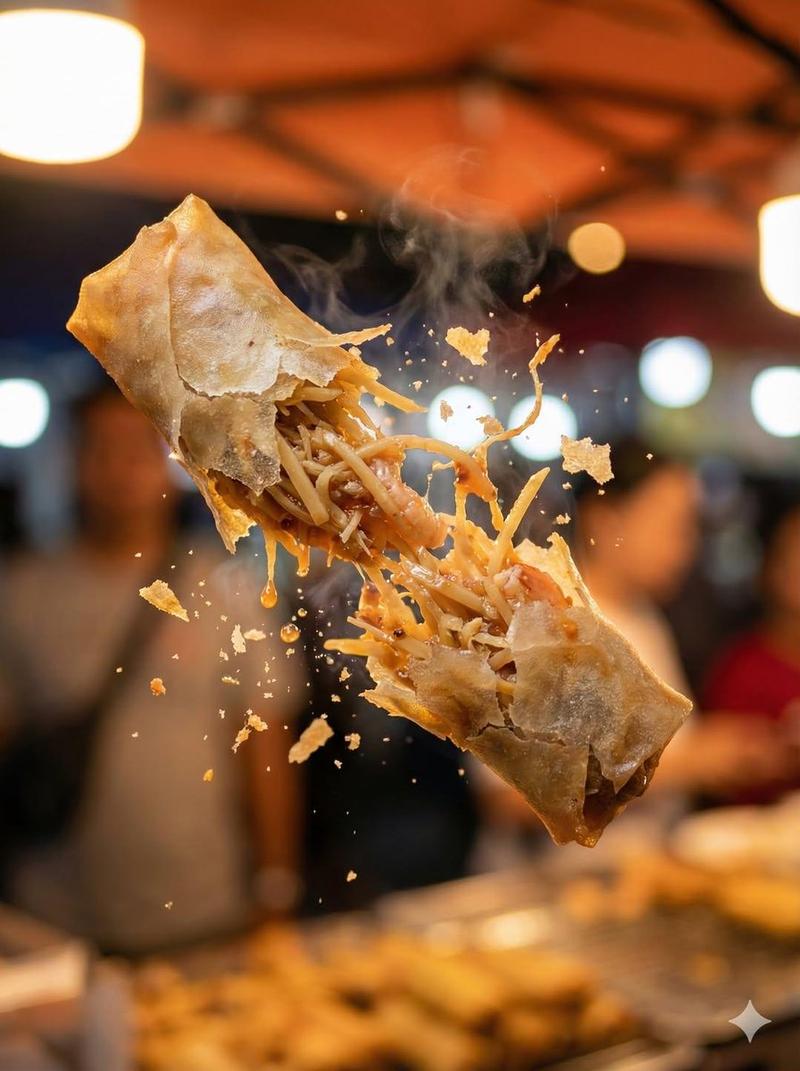
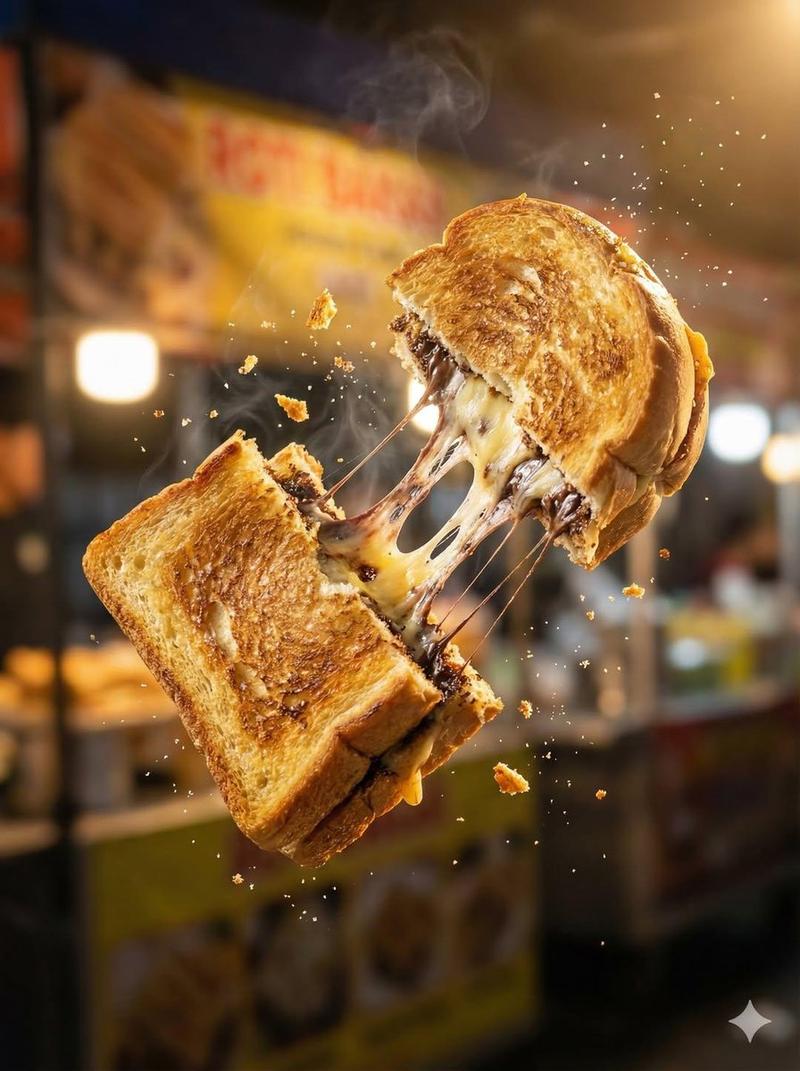
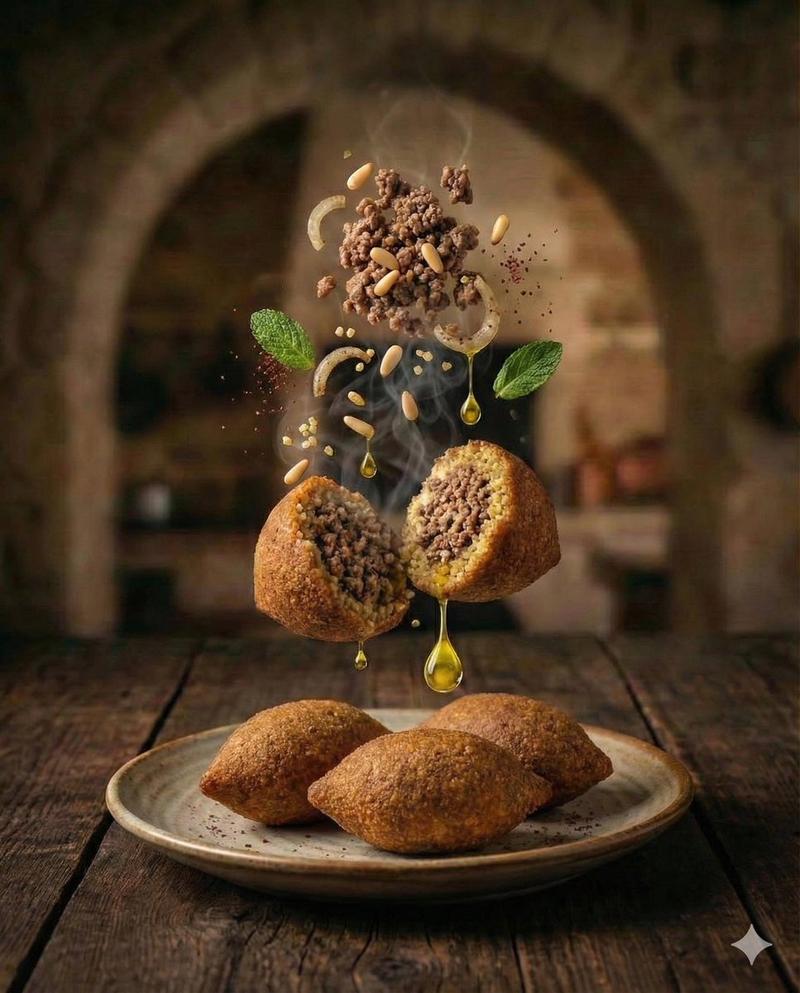
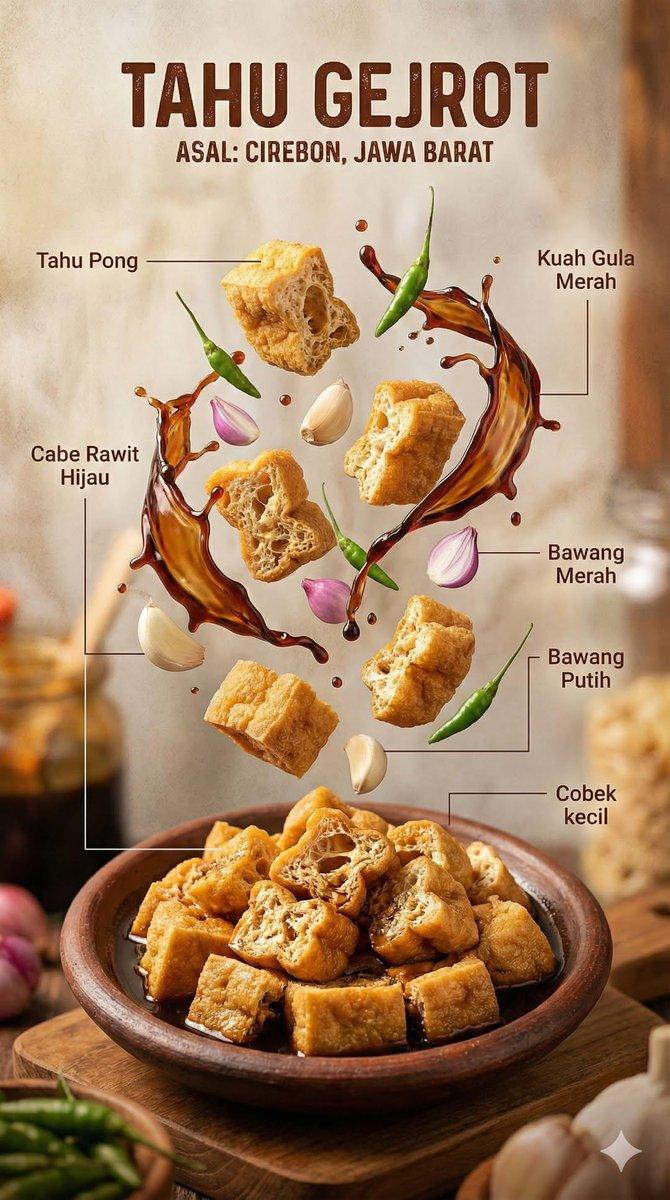
Martabak telur macro tear: GPT Image 2 prompt
Enlarge

Example images

Martabak telur macro tear: GPT Image 2 prompt

Prompt
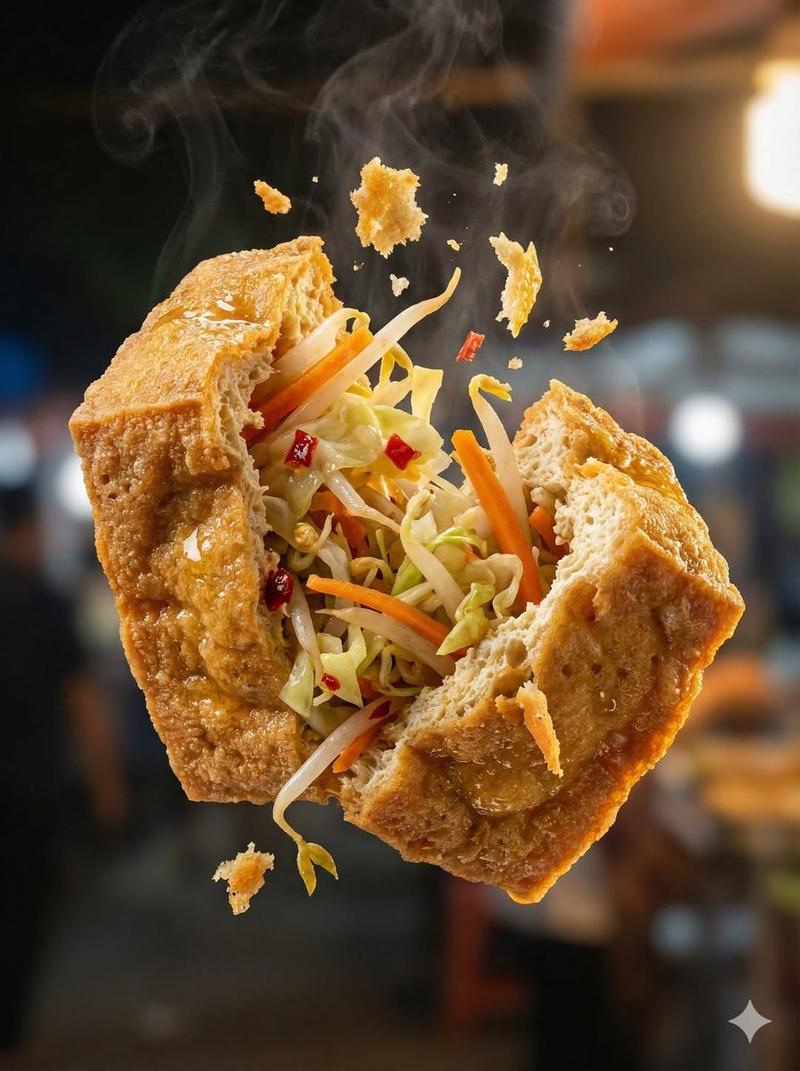
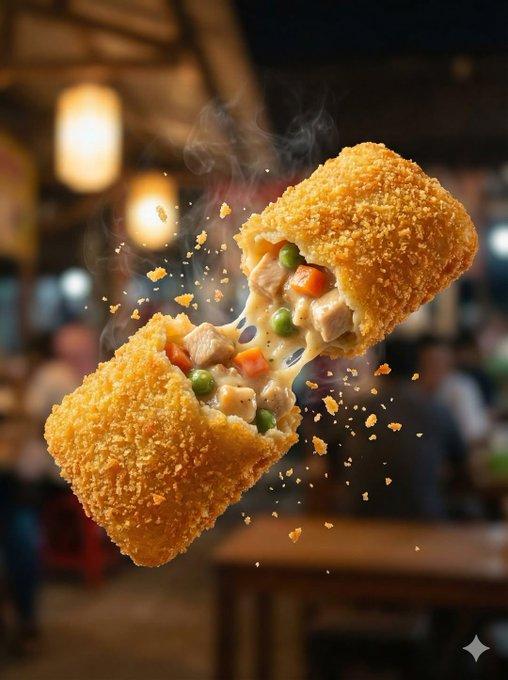
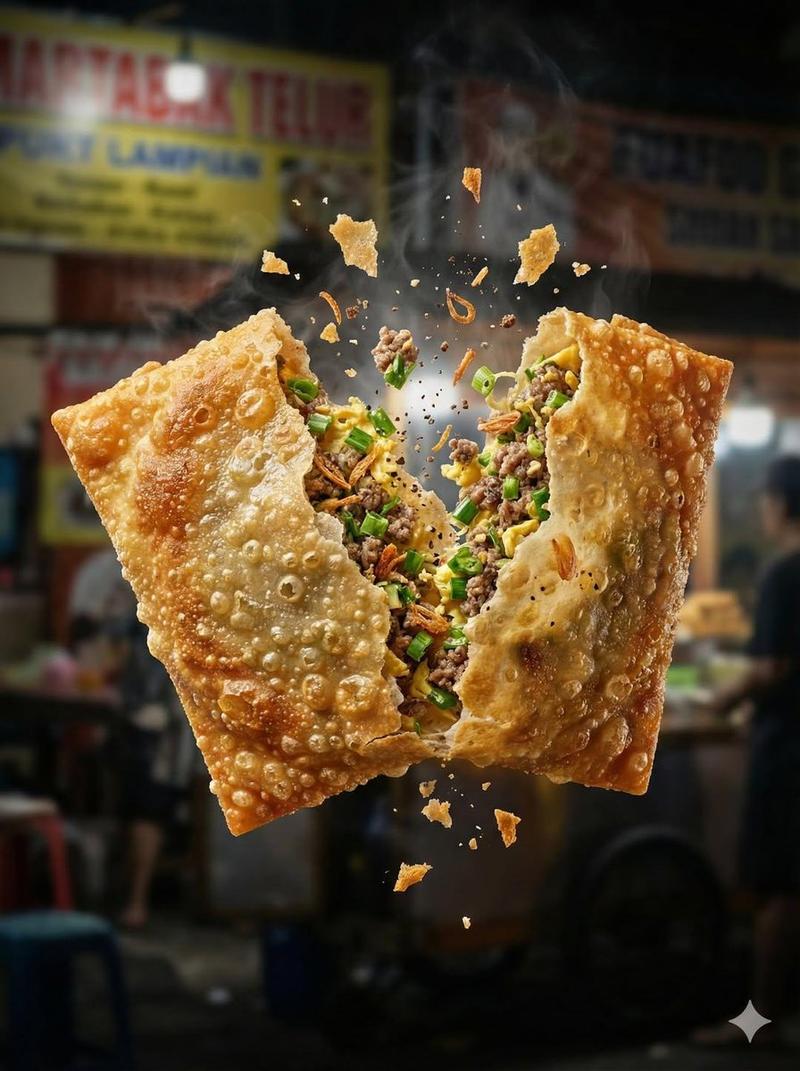
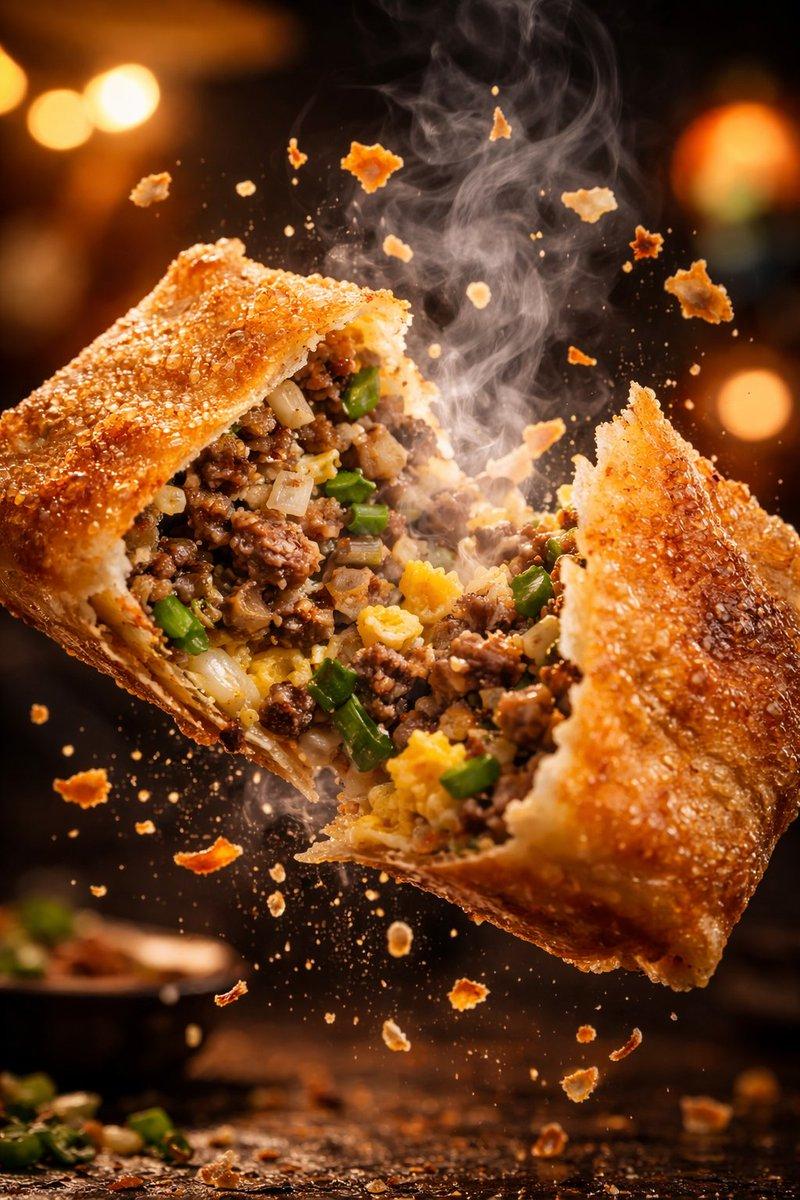
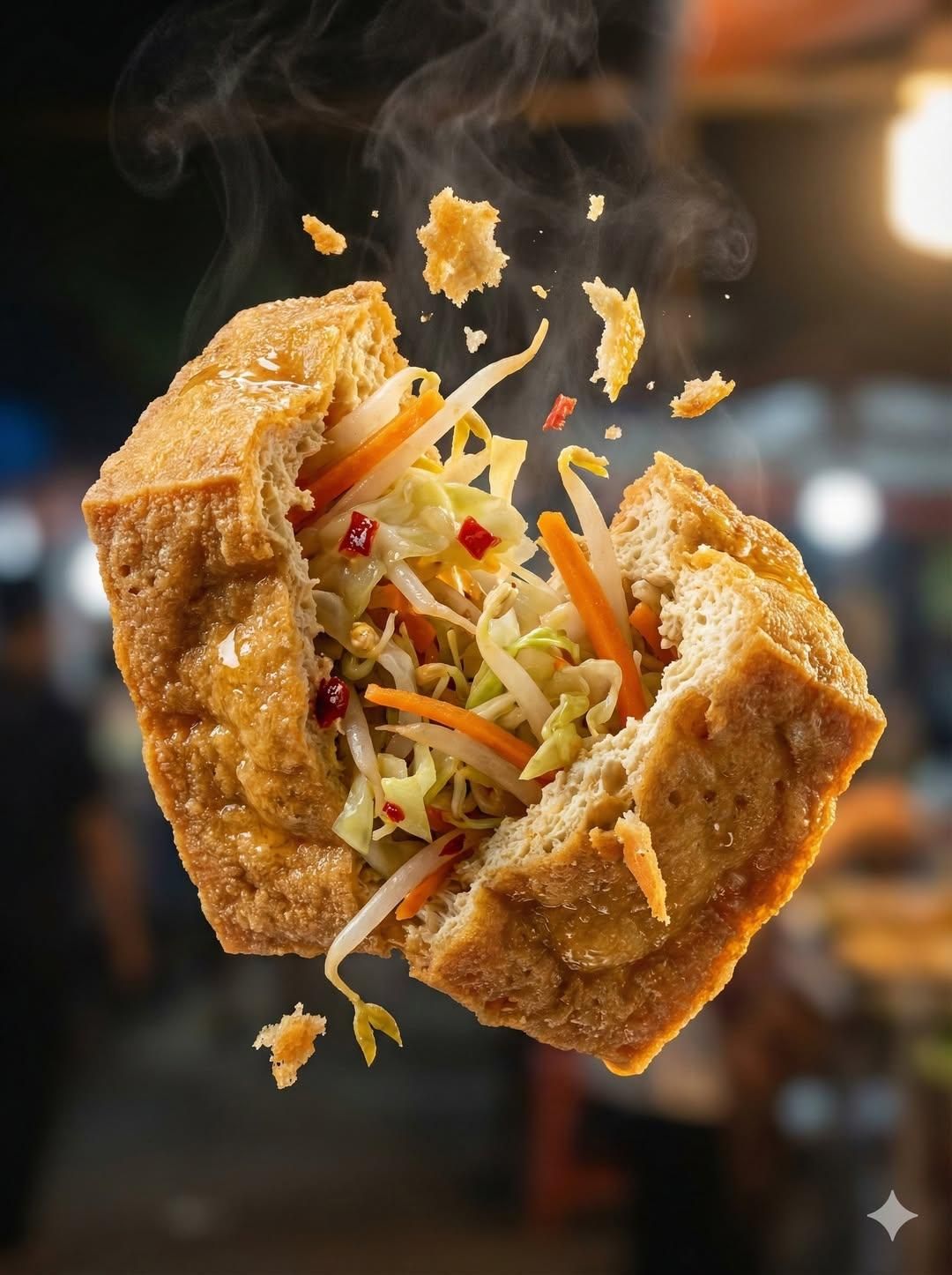
"Macro food photography of a crispy martabak telur tearing open mid-air, thin golden wrapper shattering with a crack, hot filling of minced beef, scallions, and egg bursting outward. Flecks of fried onion and pepper suspended in motion, steam visible, glossy oil sheen catching the light. Warm Indonesian street-stall lighting, tungsten + charcoal warmth, dramatic rim light, ultra high texture detail (bubbled wrapper, layered interior).Editorial food shot, shallow depth of field, bokeh of night market signage, Nikon Z9 look, 105mm macro, fast shutter freeze, hyper-real crumbs. --ar 3:4"
Category
Products & E-commerce
Model
GPT Image 2
Views0
Source ID
2009937038670540843
Published
Jan 10, 2026

Guide

About "Martabak telur macro tear: GPT Image 2 prompt"

What is this prompt for?

"Martabak telur macro tear: GPT Image 2 prompt" AI image prompt for GPT Image 2 (Products & E-commerce). "Macro food photography of a crispy martabak telur tea…

The full copyable prompt and example visuals above are ready for AI image generation or one-click recreate in Picva.

How to use this prompt

  1. Step 1

    Open the prompt detail

    Review the example visuals, category, and full prompt text for "Martabak telur macro tear: GPT Image 2 prompt".

  2. Step 2

    Copy the prompt

    Copy the prompt body from this page, or load it directly in Studio.

  3. Step 3

    Pick a model (GPT Image 2)

    Prefer GPT Image 2. If you switch models, keep subject and composition and tweak style terms.

  4. Step 4

    Generate and export

    Recreate the look in Picva, or export into your workflow for editing and publishing.

FAQ

What is the "Martabak telur macro tear: GPT Image 2 prompt" prompt?
It is an AI image-generation prompt for GPT Image 2 in the Products & E-commerce category. This page includes the full prompt text, example visuals, and a one-click recreate path in Picva.
How do I use this prompt to generate an image?
Copy the prompt from this page, or use Generate / Studio. Paste it into a compatible image model, or recreate the look in Picva with optional reference images.
Which model is this prompt for?
This page lists GPT Image 2. Most descriptive prompts also transfer to nearby image models such as GPT Image, Flux, or Midjourney with light style tweaks.
Can I use the result commercially?
You can usually copy the prompt for creation, but commercial use of the final image depends on the model terms, reference-image rights, and the generated content. Follow the source author and platform rules.