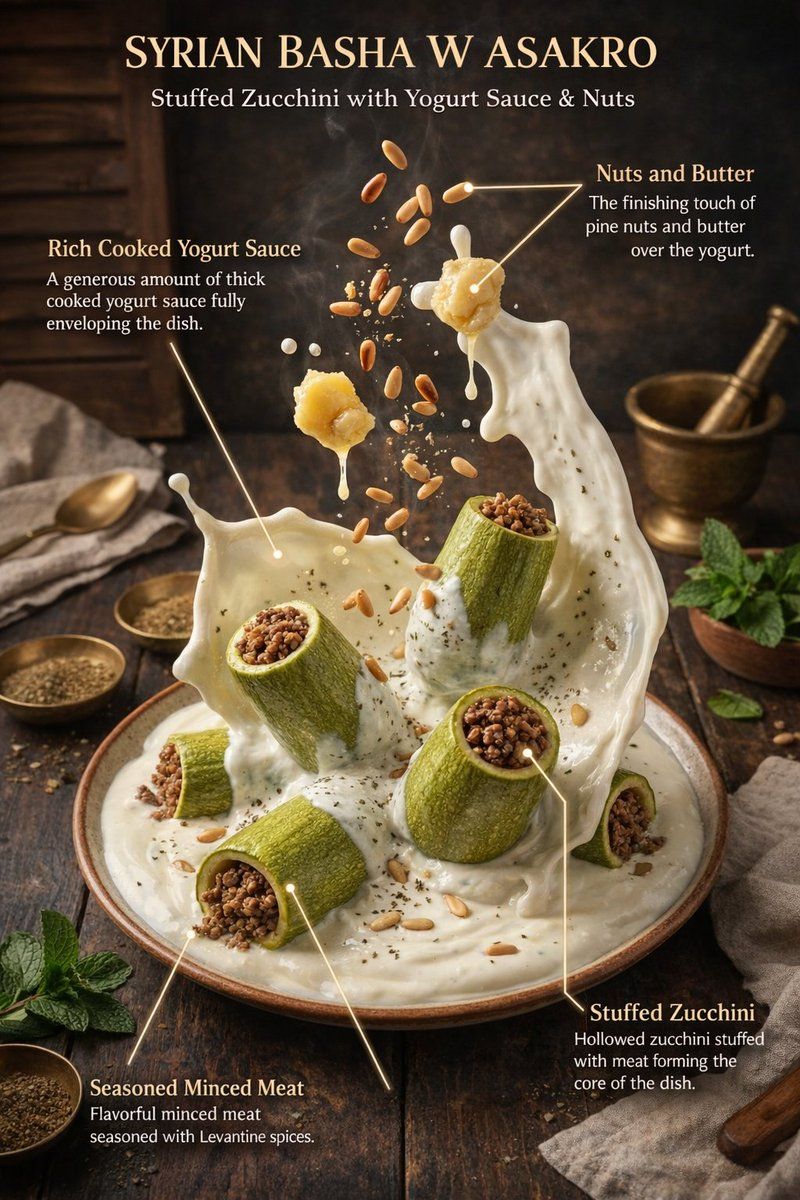
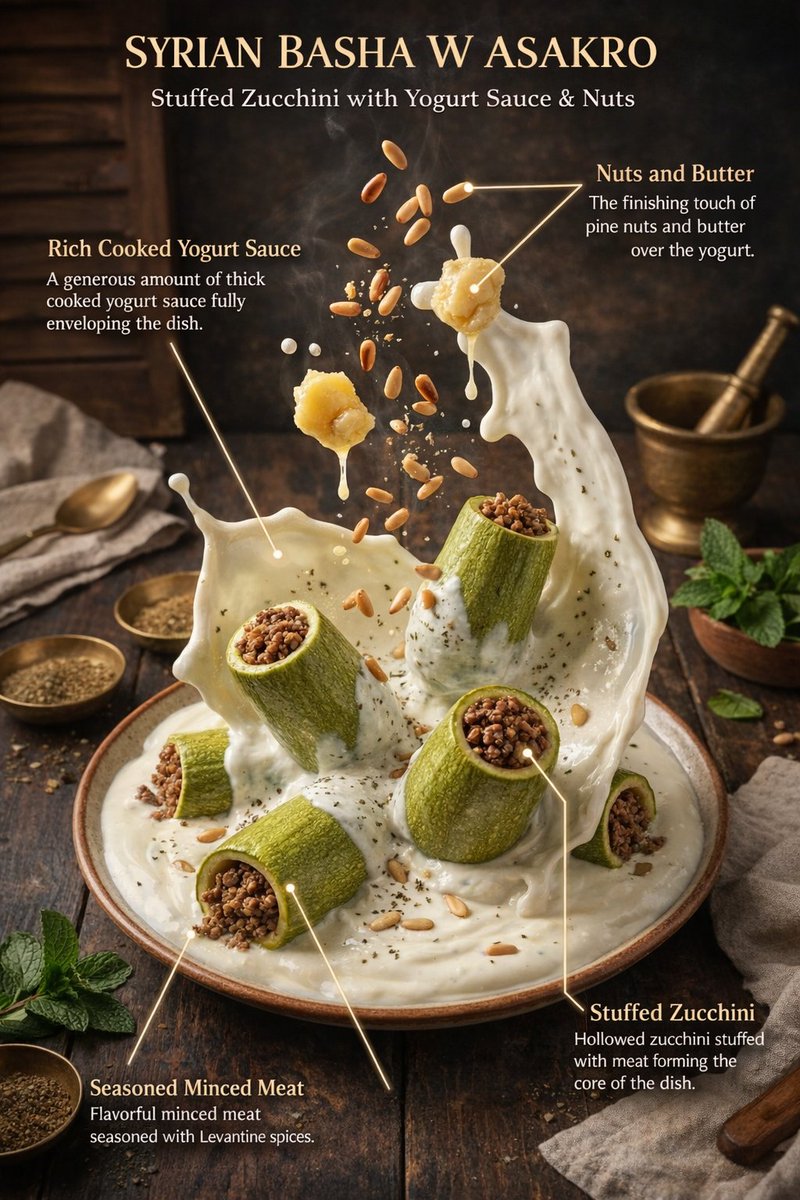
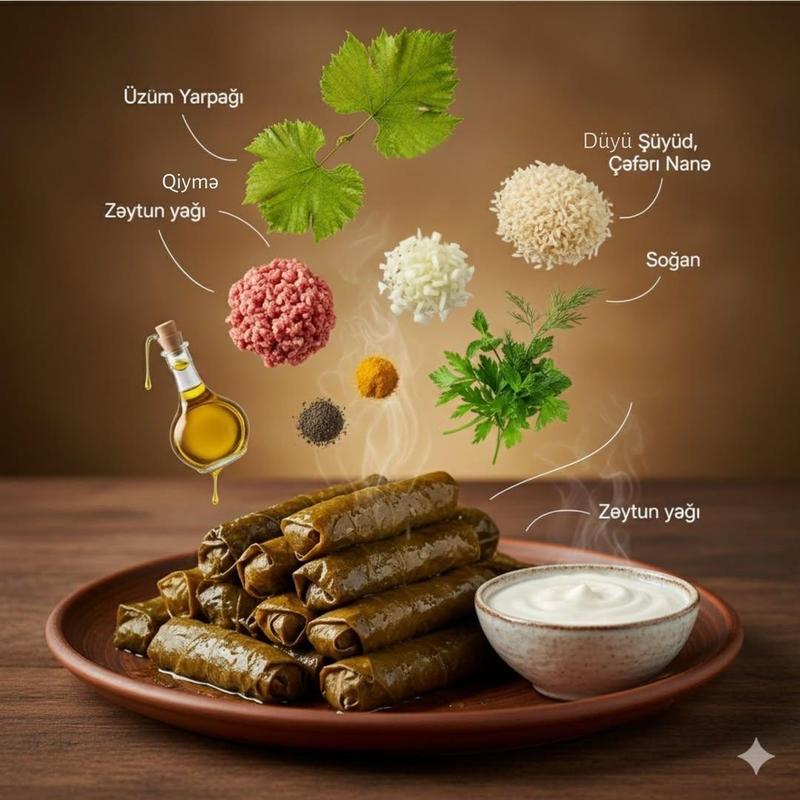
8K editorial food infographic: GPT Image 2 prompt
Prompt
{
 "global_settings": {
 "resolution": "8K ultra high definition",
 "aspect_ratio": "3:4",
 "camera_style": "studio food photography with cinematic lighting",
 "depth_of_field": "shallow depth of field, sharp subject, soft background",
 "lighting": "soft directional key light, subtle rim light, controlled highlights",
 "style": "hyper-realistic food illustration with editorial infographic overlays",
 "composition_rules": [
 "no zoom",
 "no crop",
 "center-weighted vertical composition",
 "floating elements frozen in motion"
 ],
 "text_design": {
 "ingredient_name_color": "metallic gold",
 "ingredient_description_color": "pure white",
 "font_style": "elegant serif for titles, clean sans-serif for descriptions",
 "indicator_lines": "long, thin, smooth golden lines with rounded corners"
 }
 },

 "module_1_image_1_style": {
 "scene_description": "A vertical stack of assorted cake slices floating above a white ceramic plate against a soft pink gradient background.",
 "background": {
 "color": "soft pastel pink",
 "texture": "smooth gradient",
 "lighting": "even, studio-lit, no harsh shadows"
 },
 "main_subjects": [
 "multiple layered sponge cake slices",
 "white whipped cream layers",
 "raspberry cream layer",
 "chocolate cream topping"
 ],
 "visible_ingredients": [
 "vanilla sponge cake",
 "whipped cream",
 "raspberries",
 "blueberries",
 "strawberries",
 "macarons (vanilla and chocolate)",
 "chocolate bar pieces",
 "mint leaves",
 "small nut fragments"
 ],
 "motion_elements": [
 "floating fruits",
 "floating macarons",
 "crumbs suspended in air"
 ],
 "text_labels": [
 "Vanilla Cake – soft, fluffy sponge cake layered with white cream filling",
 "Macaron – creamy filling between almond meringue shells",
 "Raspberries – juicy, fresh raspberries",
 "Chocolate Bar – chunks of smooth milk chocolate",
 "Raspberry Cream – soft sponge cake layered with creamy, fruity raspberry cream"
 ]
 },

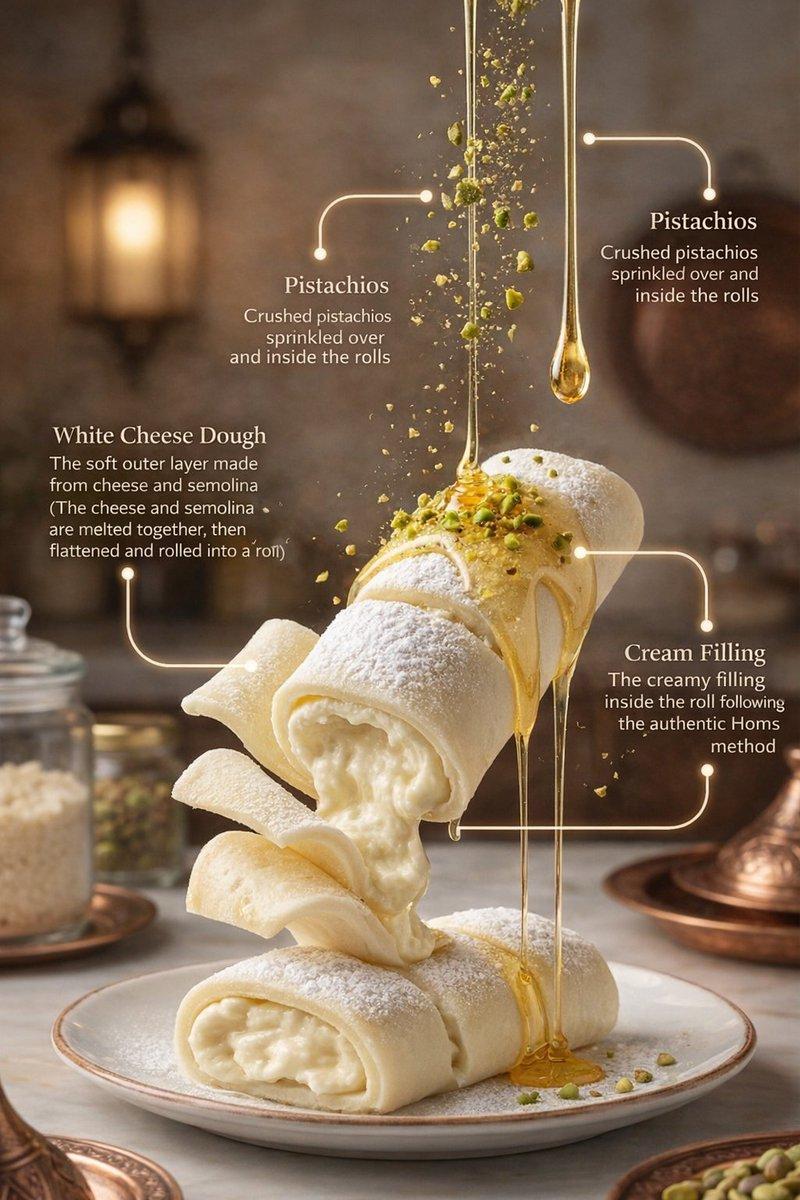
 "module_2_image_2_style": {
 "scene_description": "Rolled Syrian dessert presented vertically with syrup pouring from above, placed in a warm, rustic kitchen environment.",
 "background": {
 "environment": "traditional kitchen",
 "elements": [
 "warm lantern light",
 "wooden surfaces",
 "brass and copper utensils"
 ],
 "lighting": "warm ambient lighting with soft highlights"
 },
 "main_subjects": [
 "rolled white dessert dough",
 "cream filling spilling out",
 "golden syrup stream"
 ],
 "visible_ingredients": [
 "white cheese dough",
 "cream filling",
 "pistachios",
 "sugar syrup"
 ],
 "motion_elements": [
 "syrup dripping vertically",
 "pistachio crumbs falling"
 ],
 "text_labels": [
 "White Cheese Dough – soft outer layer made from cheese and semolina",
 "Cream Filling – creamy filling inside the roll",
 "Pistachios – crushed pistachios sprinkled over and inside the rolls"
 ]
}- Category
- Products & E-commerce
- Model
- GPT Image 2
- Creator
- Shahid Wani
- Source ID
- 2011994819124752631
- Published
- Jan 16, 2026
Views0



![Exploding [food item] with [filling], broken into two pieces with [filling actio](https://whqgdndlpxjbwosvipip.supabase.co/storage/v1/render/image/public/prompt-source-media/promptsref/work-2413/image-1-e26dc765f3c49579.png?width=800&quality=75&resize=contain)