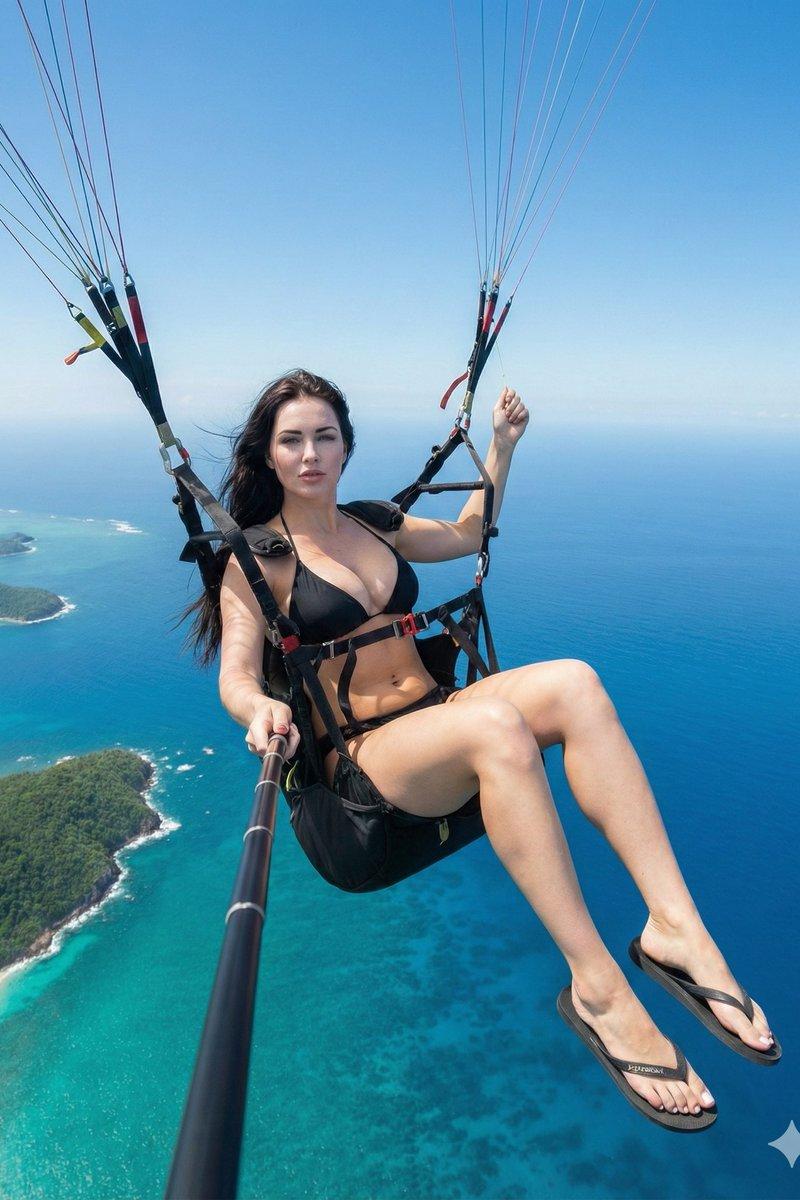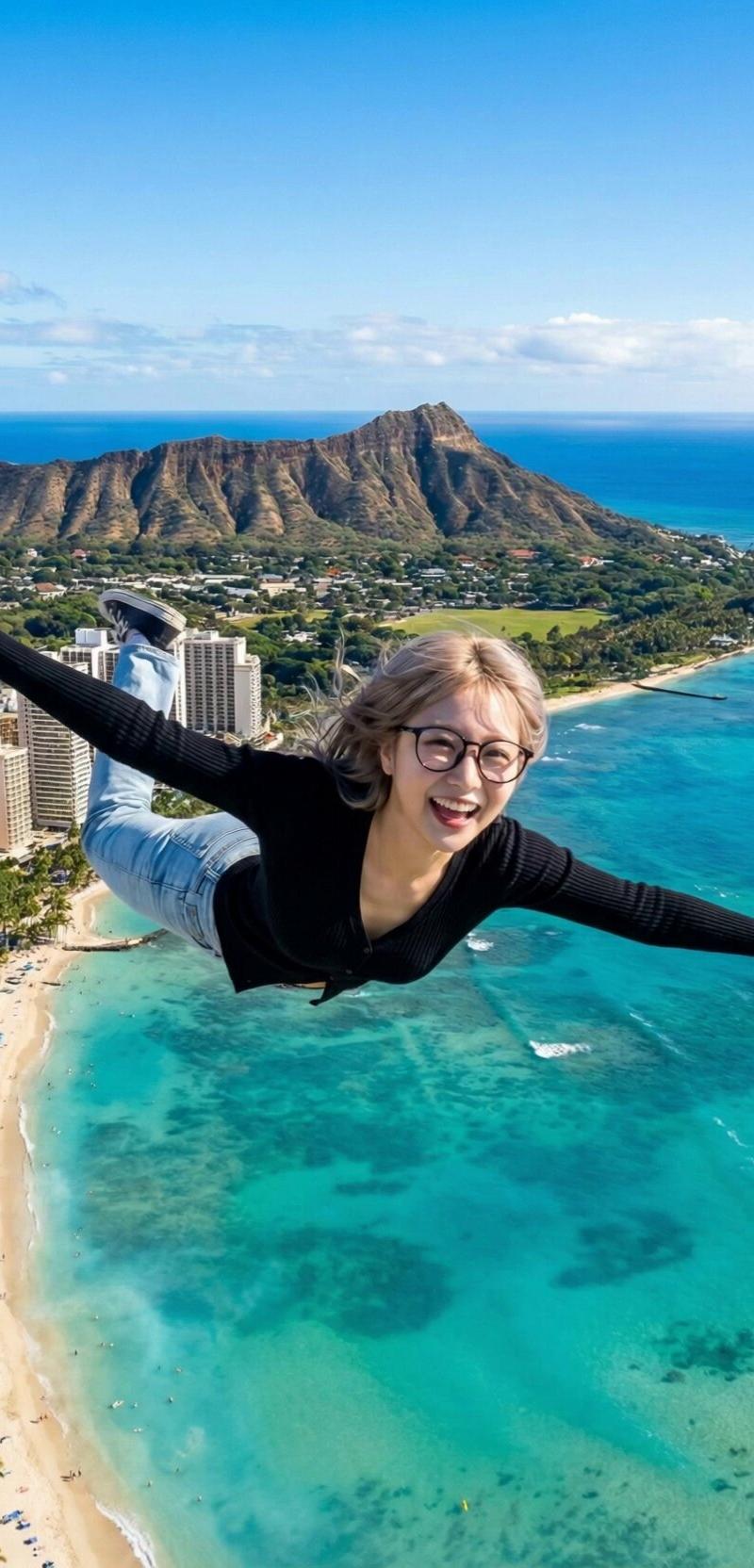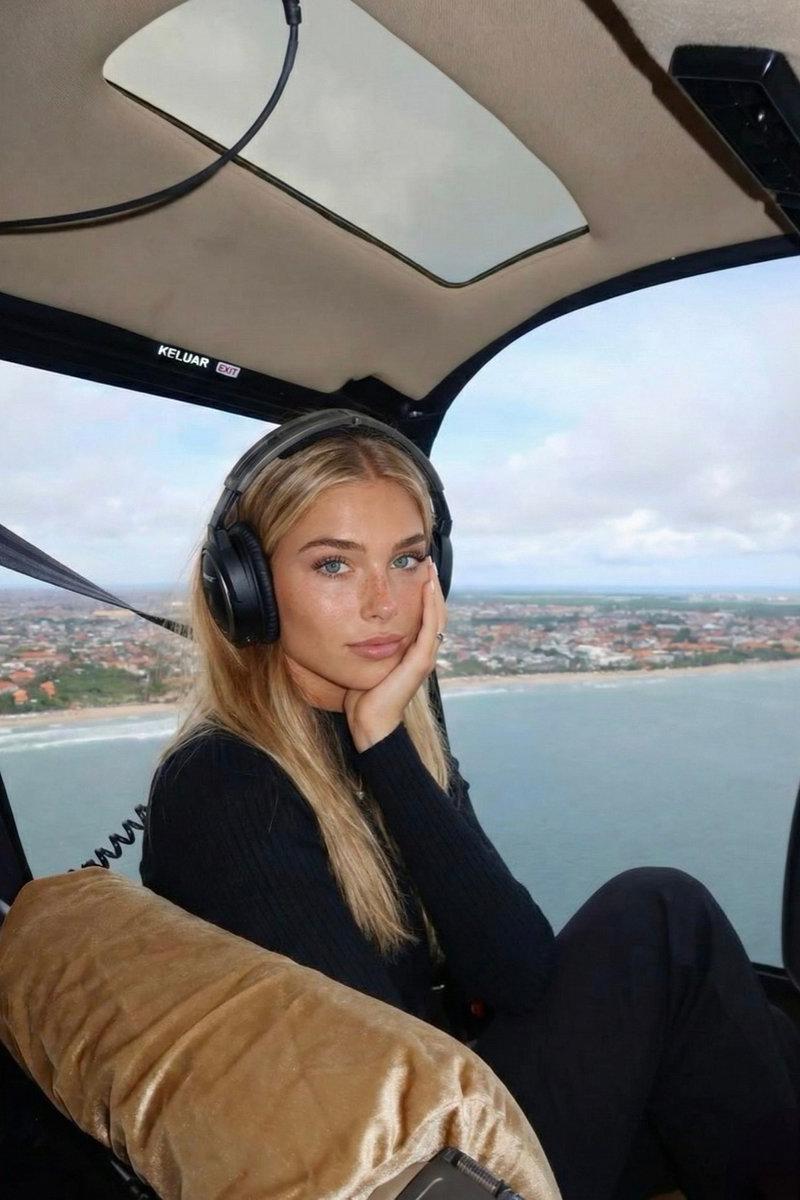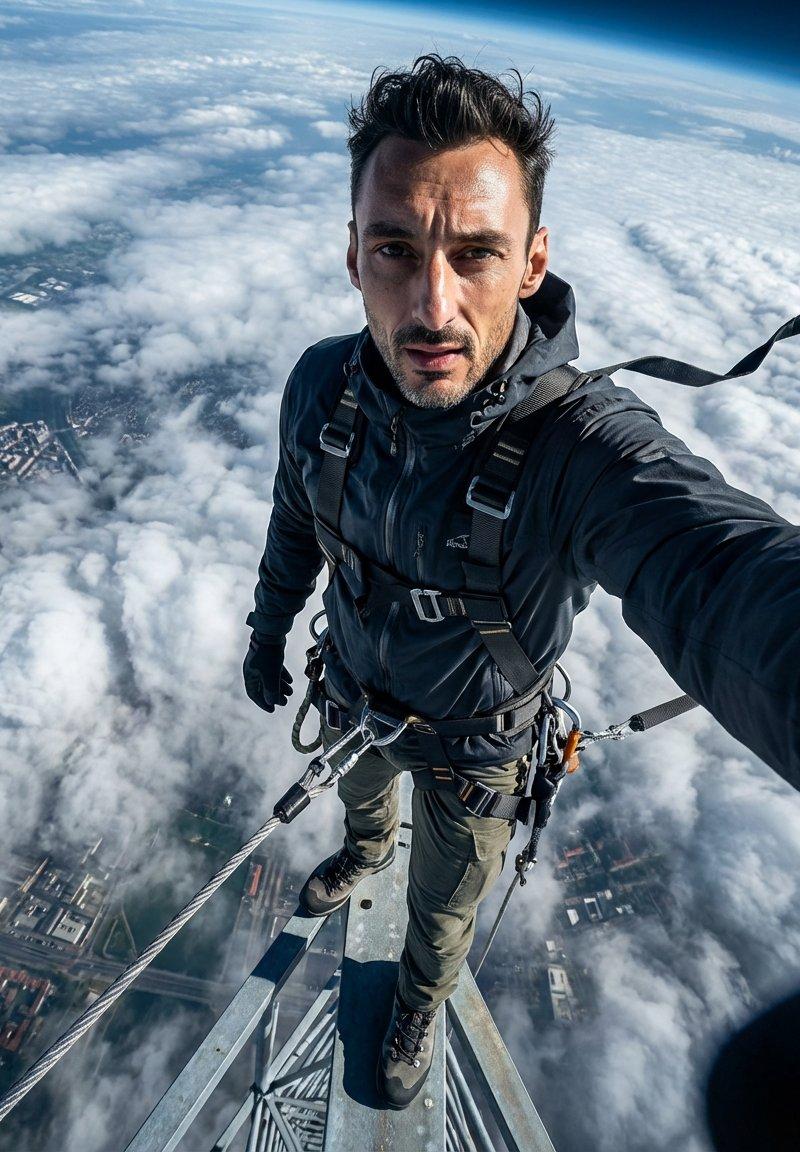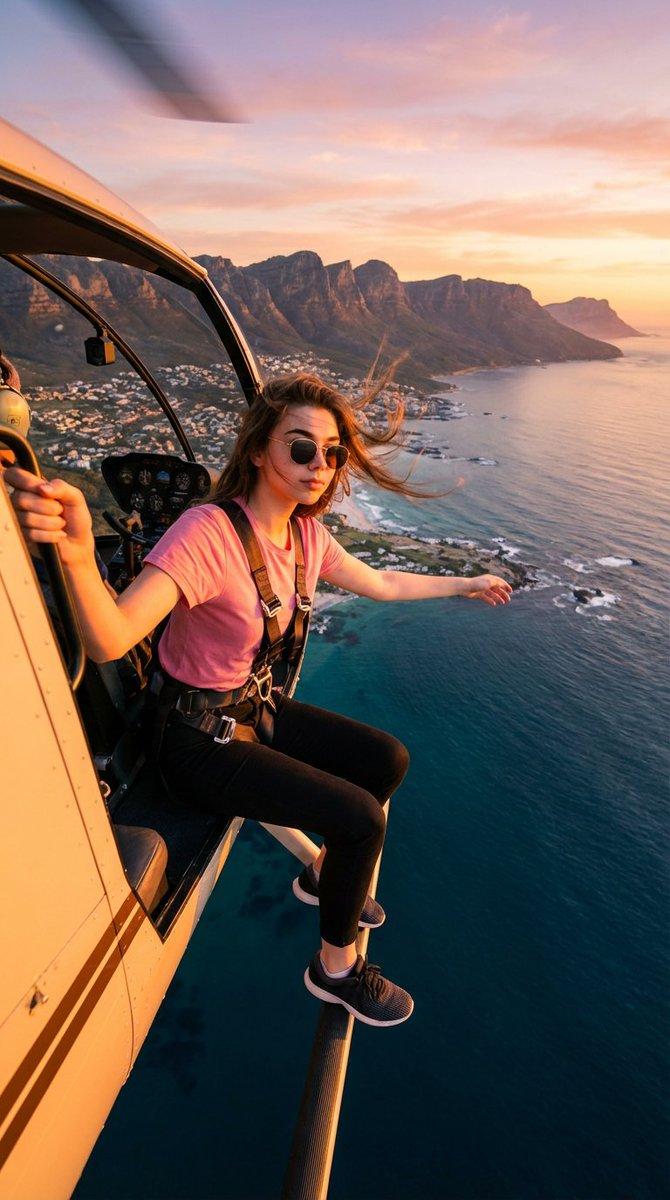
16:9 helicopter edge aerial portrait: GPT Image 2 prompt
Prompt
{
 "type": "image_generation_prompt",
 "aspect_ratio": "16:9",
 "style": "cinematic, ultra-realistic aerial photography",
 "identity_preservation": {
 "use_reference_image": true,
 "strict_identity_lock": true,
 "alter_face": false,
 "notes": "Preserve 100% of the girl’s facial features, proportions, skin texture, hairstyle, and expression exactly as in the reference photos."
 },
 "subject": {
 "gender": "female",
 "pose": {
 "position": "sitting on the edge of a helicopter in flight",
 "details": [
 "one arm extended outward into the open air",
 "other hand firmly holding the helicopter frame",
 "securely attached with a visible safety harness"
 ]
 },
 "expression": "calm, confident, and adventurous",
 "wardrobe": {
 "top": "pink t-shirt",
 "bottom": "black pants",
 "footwear": "sneakers",
 "accessories": [
 "sunglasses",
 "safety harness"
 ]
 }
 },
 "environment": {
 "setting": "high-altitude helicopter flight",
 "location": "above a coastal city",
 "landscape": [
 "mountain ranges",
 "deep blue ocean",
 "coastal shoreline",
 "urban details below"
 ],
 "time_of_day": "sunset"
 },
 "lighting": {
 "type": "golden hour sunset lighting",
 "qualities": [
 "warm cinematic glow",
 "natural highlights on skin and clothing",
 "golden reflections on helicopter surfaces"
 ]
 },
 "camera": {
 "type": "wide-angle action camera",
 "perspective": "realistic aerial perspective",
 "dynamic_range": "high dynamic range (HDR)",
 "focus": "sharp subject with expansive landscape detail"
 },
 "visual_details": {
 "sky": "vibrant sunset tones with warm oranges, pinks, and soft purples",
 "ocean": "highly detailed textures and reflections",
 "city": "clearly visible but naturally scaled below"
 },
 "quality": {
 "realism": "photorealistic",
 "detail_level": "high detail in textures, landscape, and lighting",
 "artifacts": "none"
 },
 "constraints": [
 "Do not alter the girl’s face or identity",
 "No exaggerated or fantasy elements",
 "Maintain realistic proportions and physics",
 "No text, logos, or watermarks"
 ],
 "output_goal": "Create a cinematic, ultra-realistic image of a girl from the reference photos sitting on the edge of a helicopter in flight above a coastal city at sunset, with golden lighting, wide-angle aerial perspective, and detailed ocean and mountain scenery."
}- Category
- Products & E-commerce
- Model
- GPT Image 2
- Creator
- 𝗦𝗮𝗻𝗶𝗮
- Source language
- en
- Source ID
- 2012141043492545021
- Published
- Jan 16, 2026
Views0