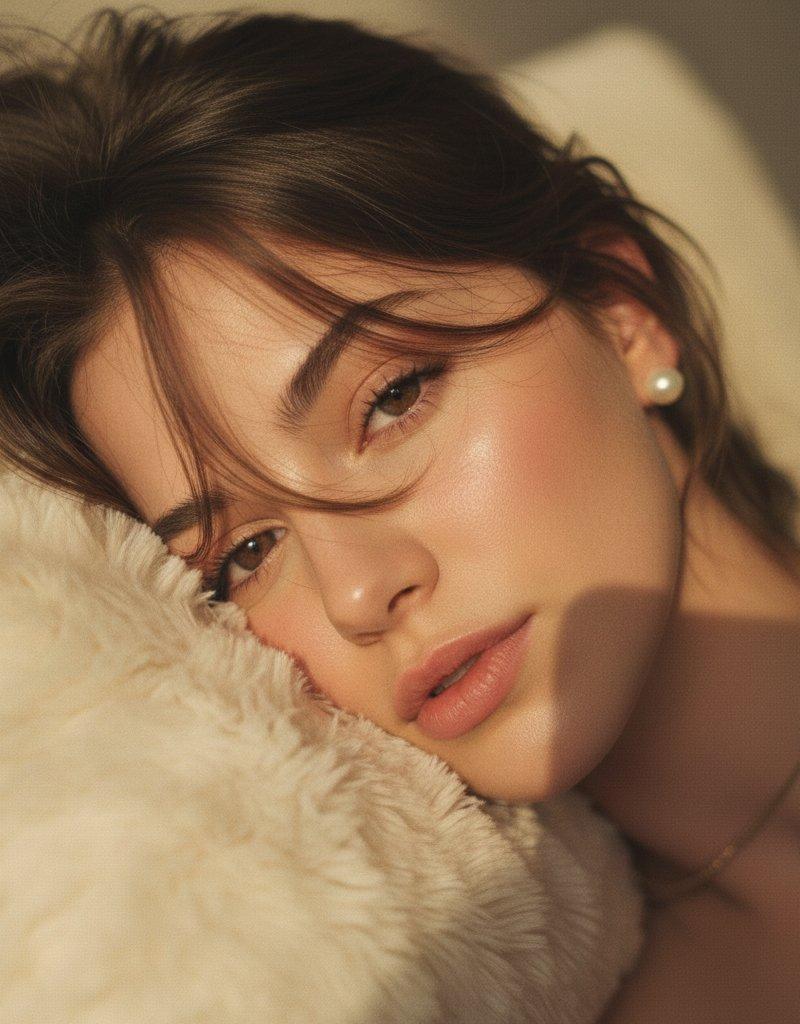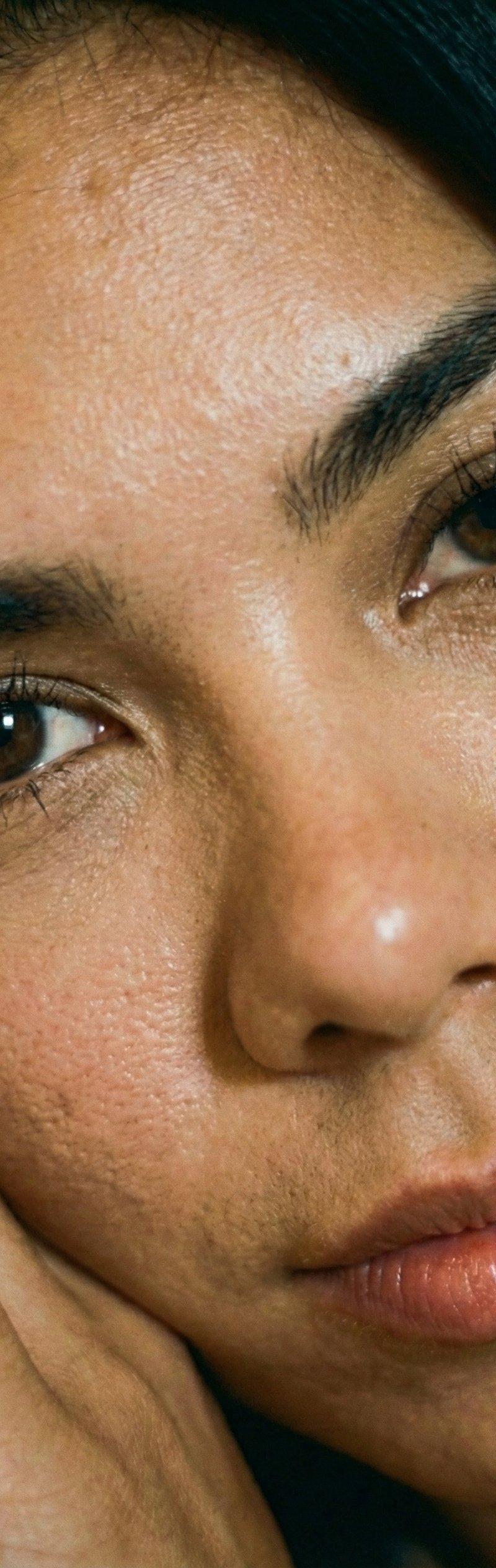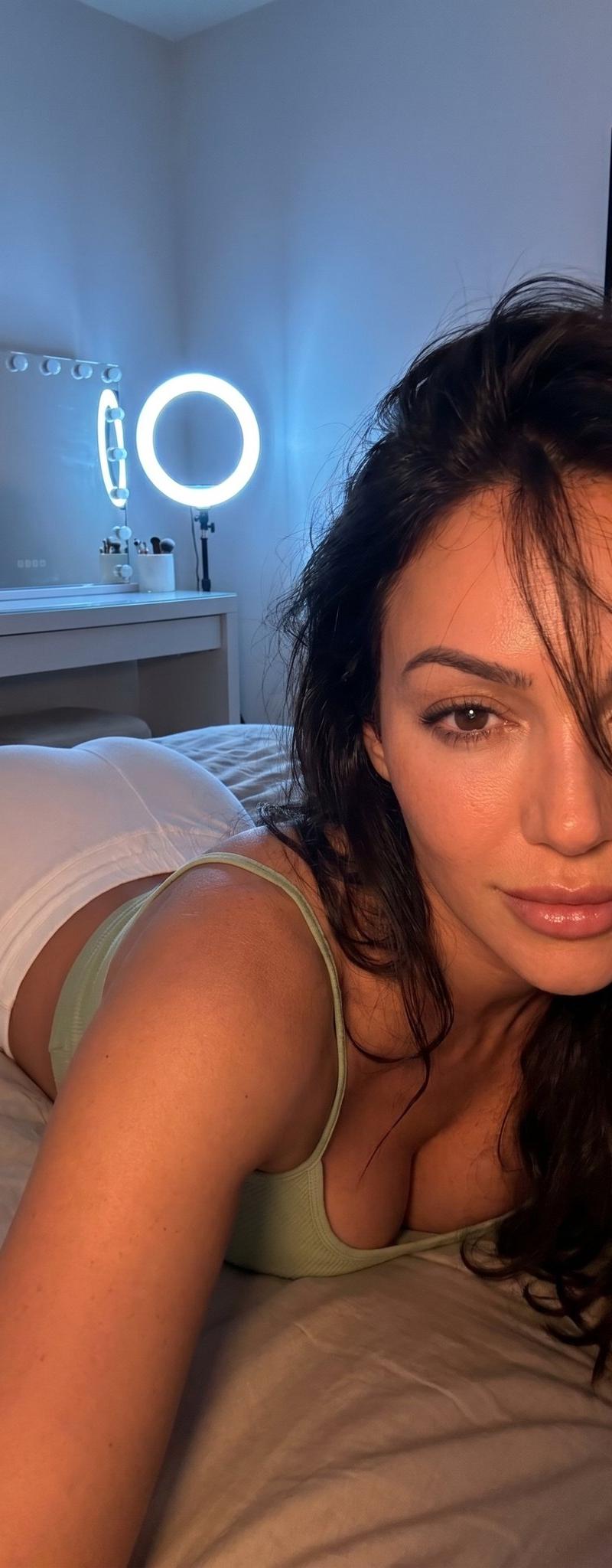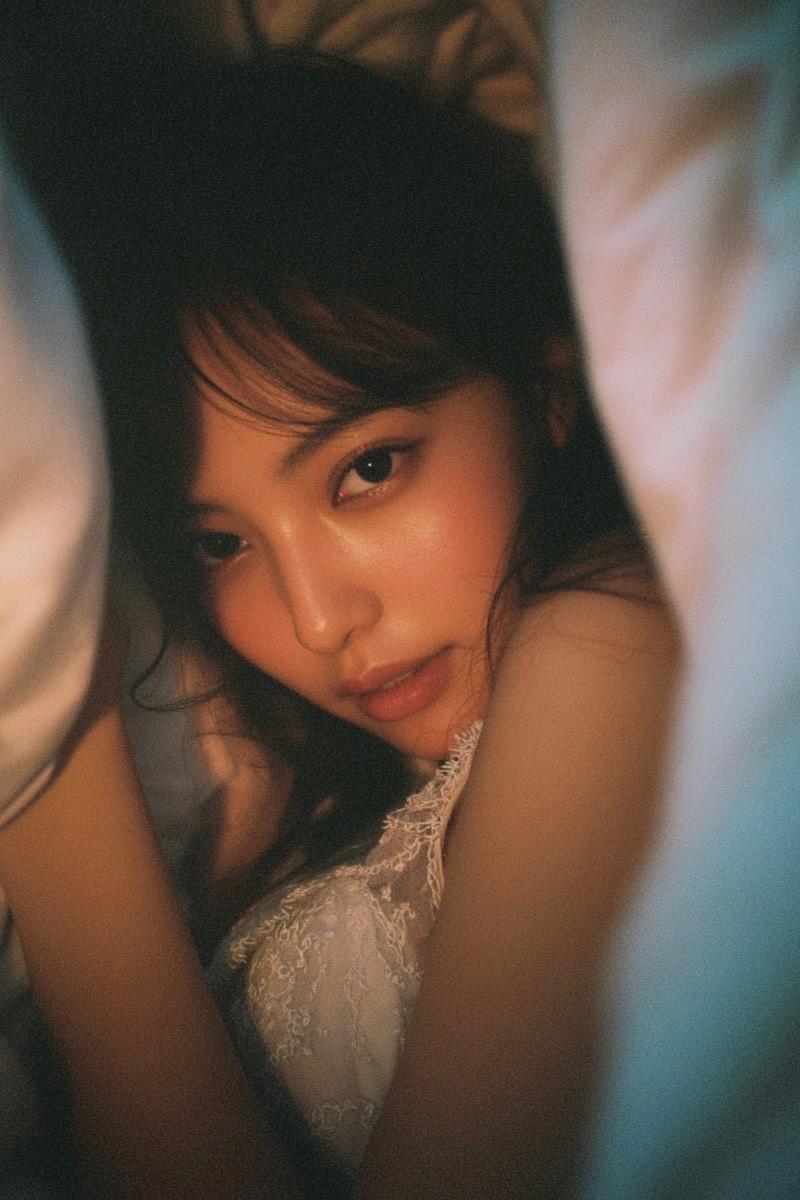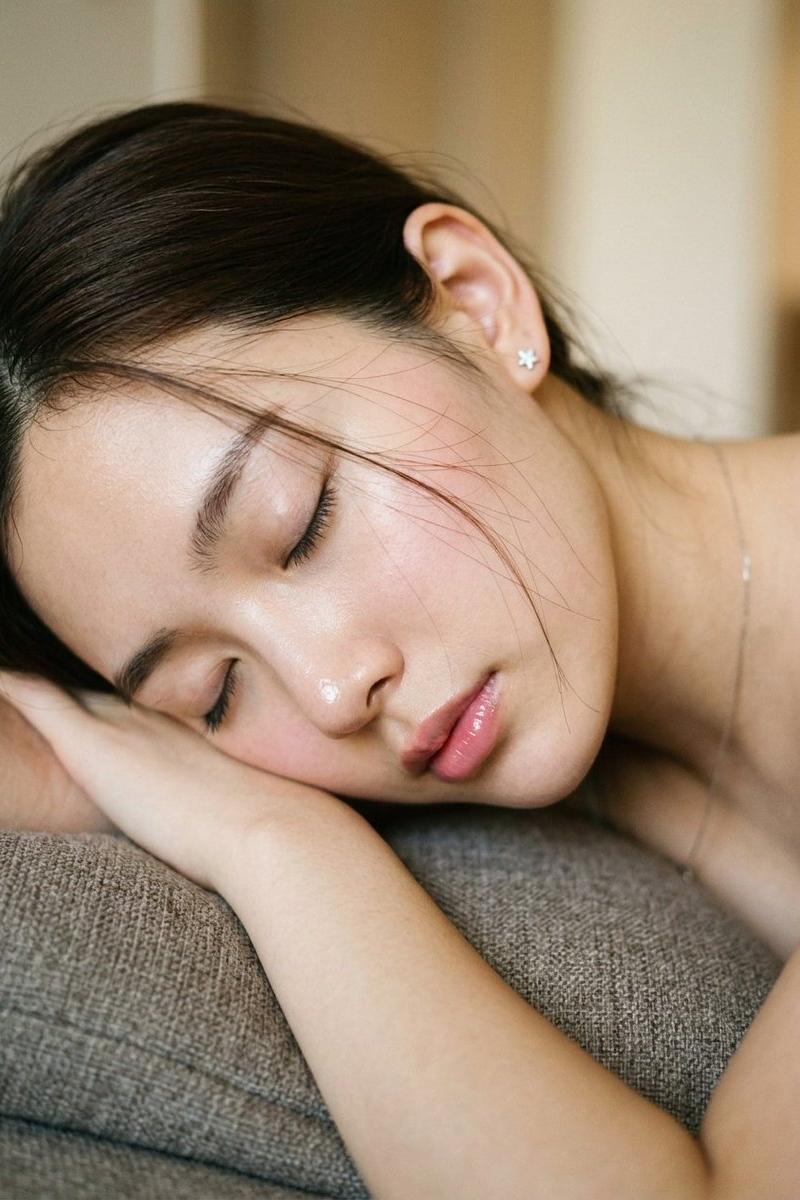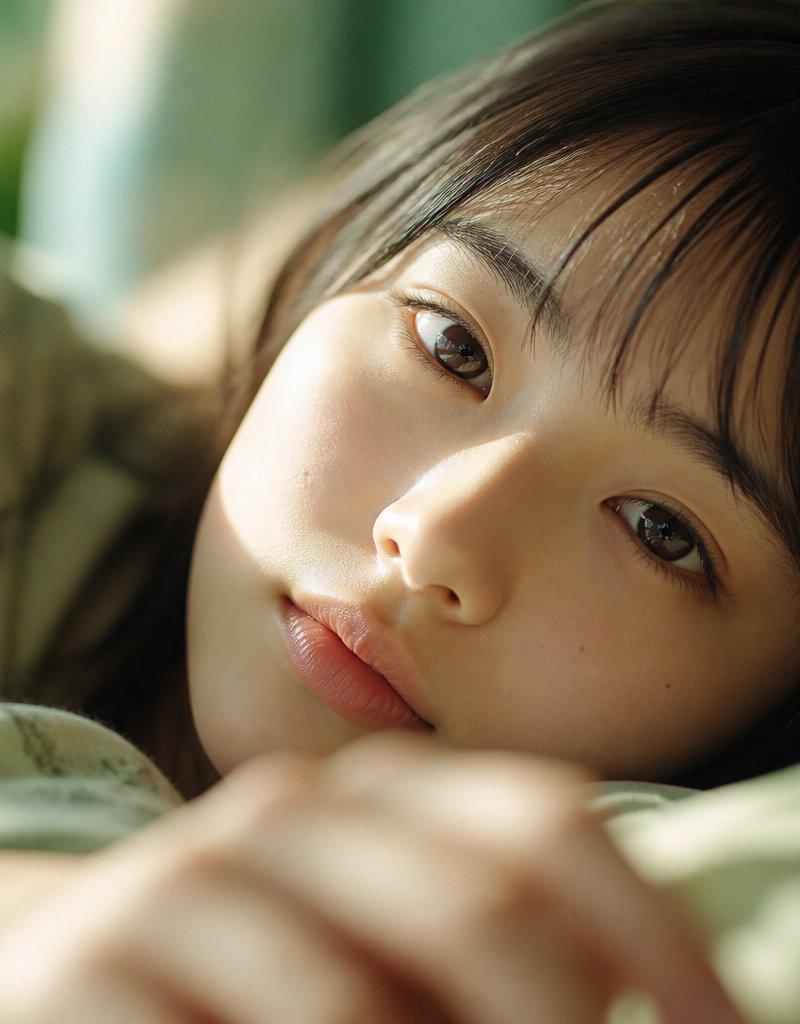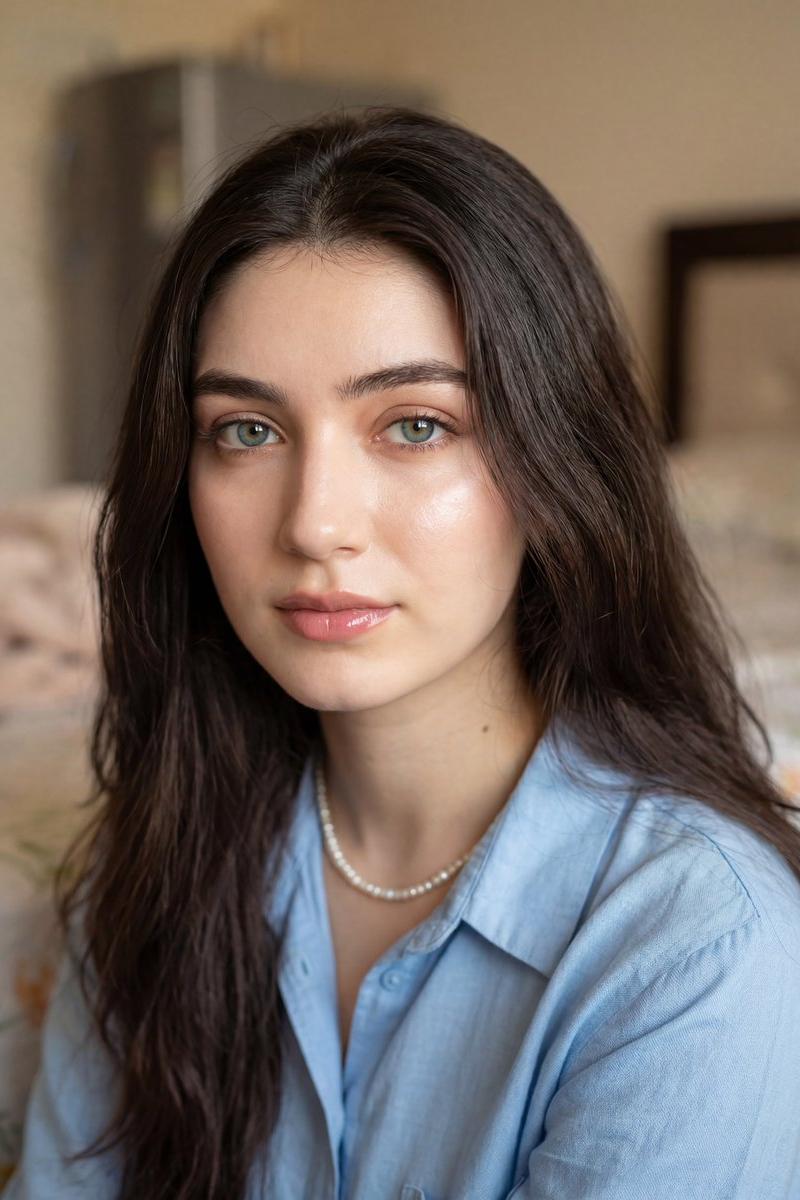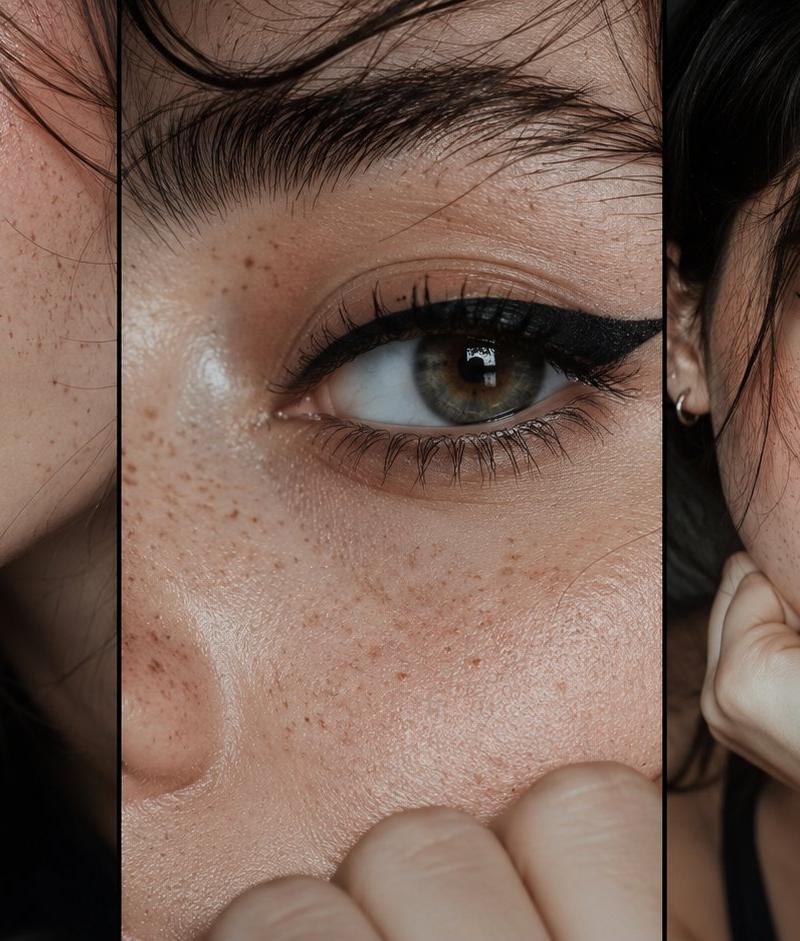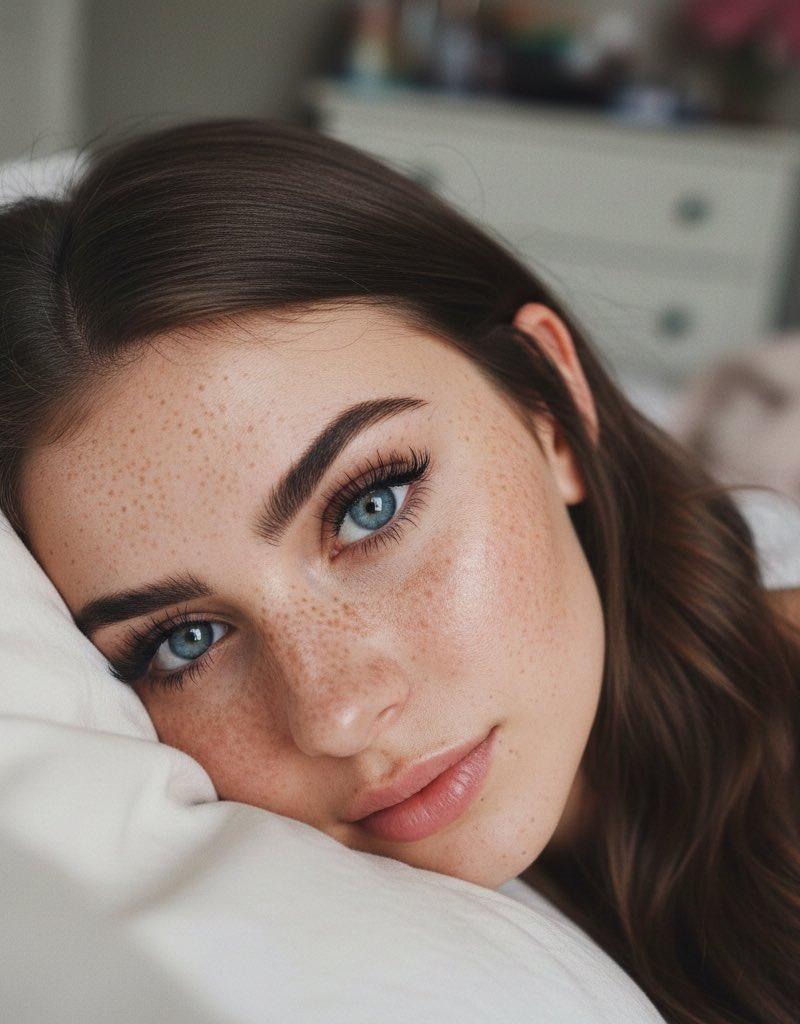
Freckled bedroom close-up: GPT Image 2 prompt
Prompt
{
 "subject_details": {
 "appearance": {
 “description": "Young woman"
 "eyes": "large, striking blue irises with high-definition clarity",
 "skin": "fair complexion with a dense, natural pattern of sun-kissed freckles across the bridge of the nose, cheeks, and forehead",
 "eyebrows": "well-defined, thick, dark brown arched brows",
 "eyelashes": "long, voluminous black mascara-coated lashes with a distinct 'doll-eye' separation",
 "hair": "long, flowing brunette hair with soft waves, falling over the shoulder"
 },
 "pose": "extreme close-up portrait, subject leaning against a textured white pillow, lower face partially obscured, looking directly into the lens with an intimate and soft gaze",
 "styling": "natural yet polished aesthetic, focused on lash definition and brow shaping, minimal lip color"
 },
 "environment_and_atmosphere": {
 "background": "soft-focus bedroom setting, hint of pink floral decor in the upper right, neutral-toned bedding and cluttered white dresser in the deep background",
 "lighting": "soft, diffused indoor light creating gentle shadows, high-key exposure that emphasizes skin texture and eye color",
 "mood": "dreamy, intimate, cozy, and youthful"
 },
 "technical_specifications": {
 "camera_details": {
 "camera": "Sony A7R V",
 "lens": "35mm f/1.4 GM",
 "settings": "f/1.8 aperture for shallow depth of field, ISO 400, 1/125s shutter speed",
 "angle": "High-angle close-up"
 },
 "image_quality": [
 "8k resolution",
 "ultra-photorealistic",
 "hyper-detailed skin texture",
 "individual eyelash follicles",
 "subsurface scattering on skin",
 "cinematic film grain",
 "masterpiece quality"
 ]
 }
}- Category
- Photography & Realism
- Model
- GPT Image 2
- Creator
- cinema 🎥
- Source language
- en
- Source ID
- 2013249730239758389
- Published
- Jan 19, 2026
Views0