19

Red sparkling water can: GPT Image 2 prompt
Enlarge

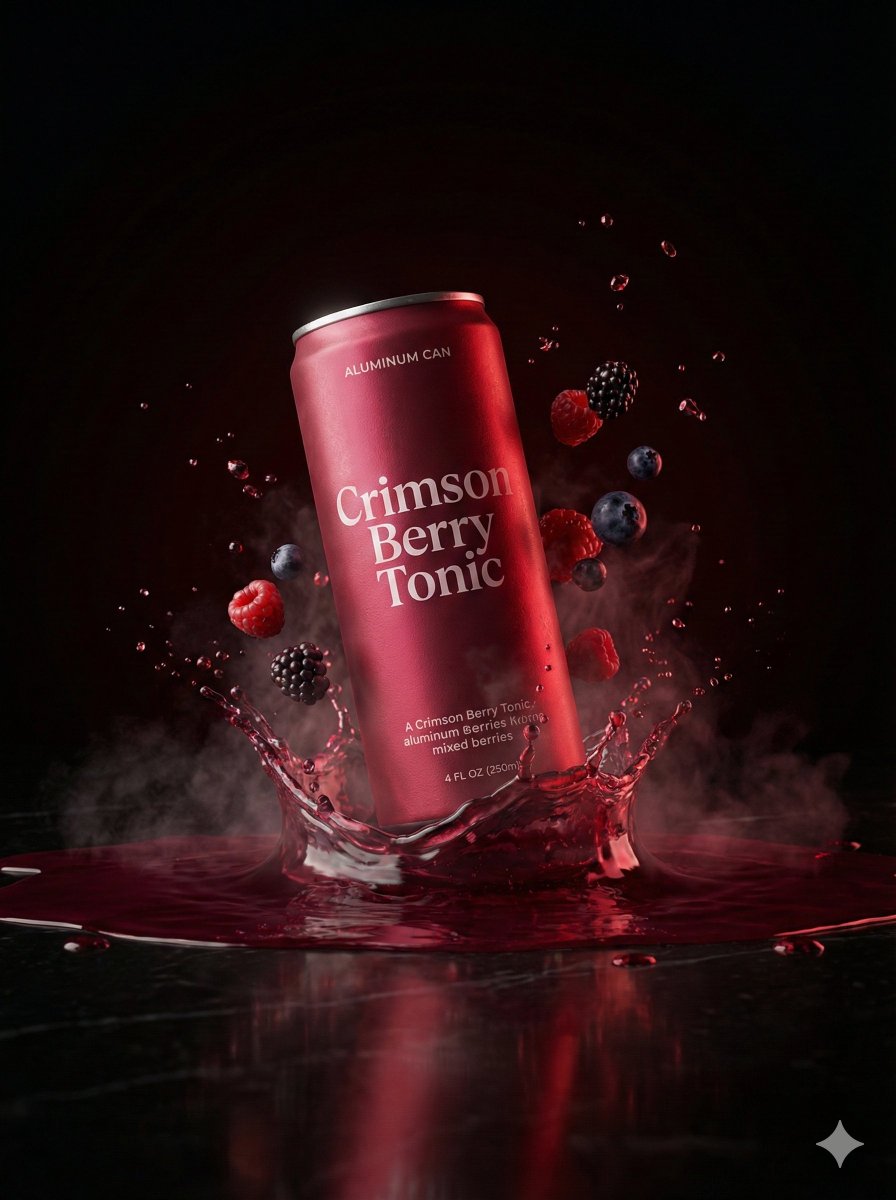
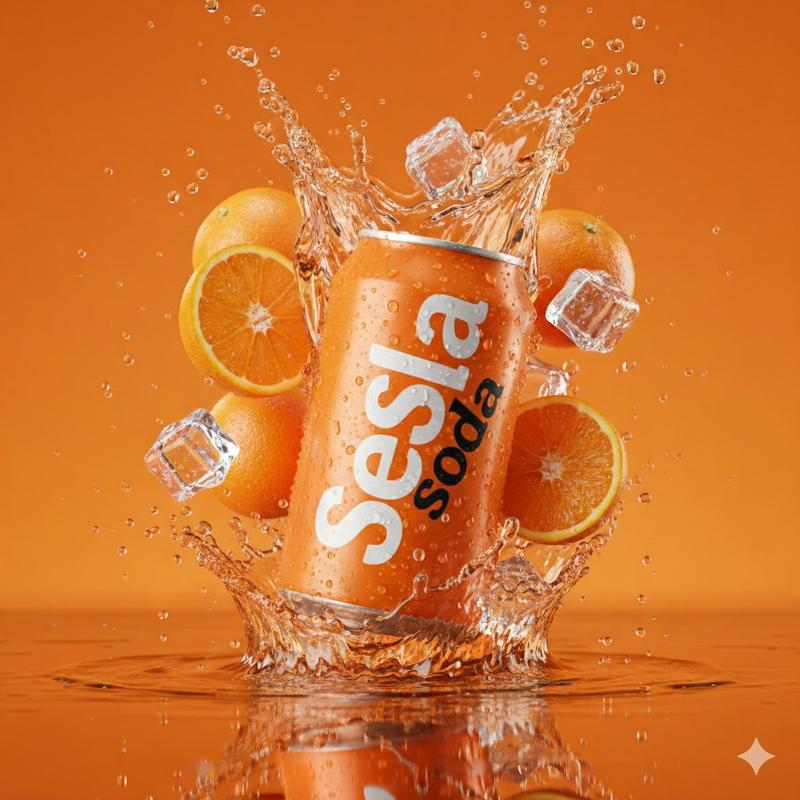
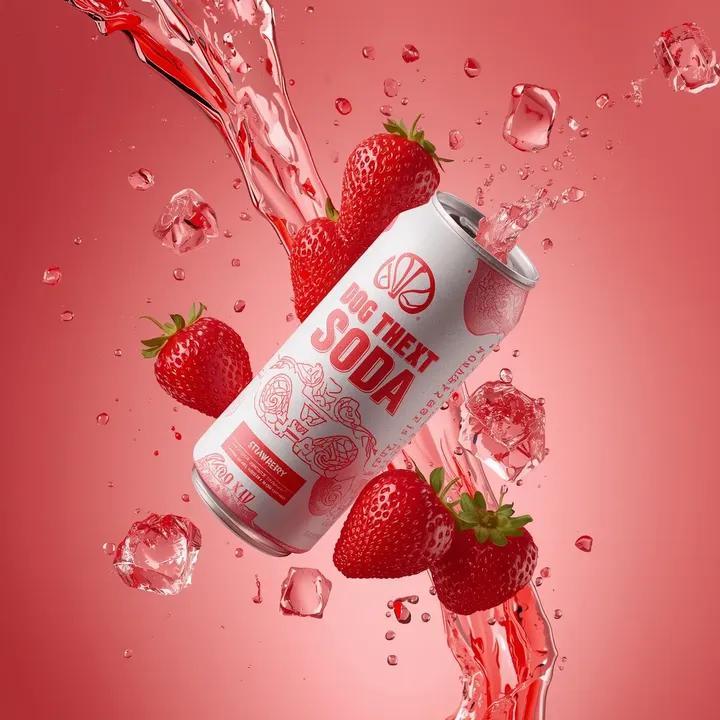
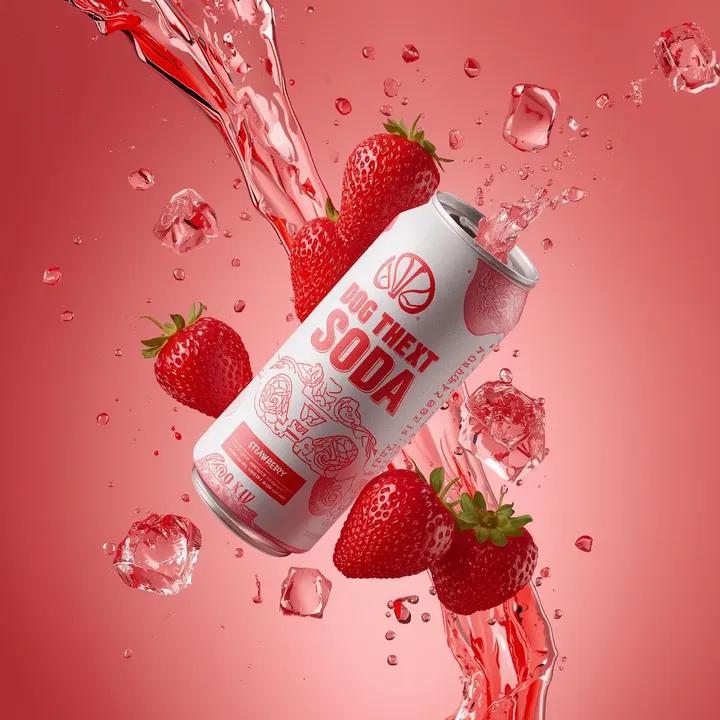
Example images

Red sparkling water can: GPT Image 2 prompt

Prompt
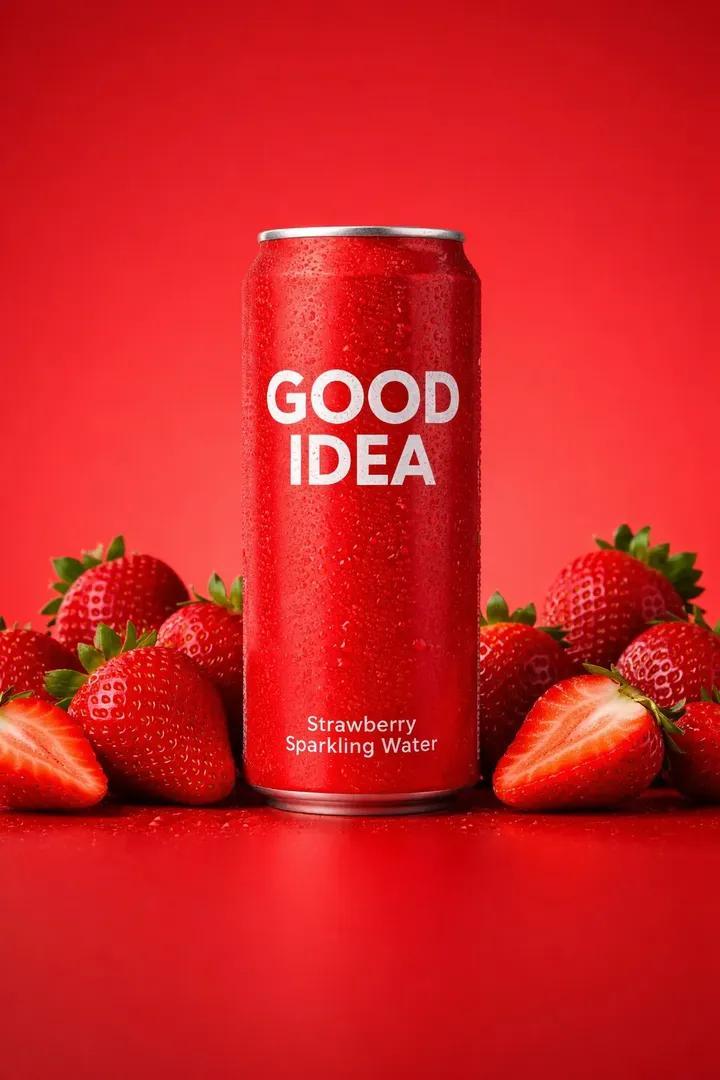
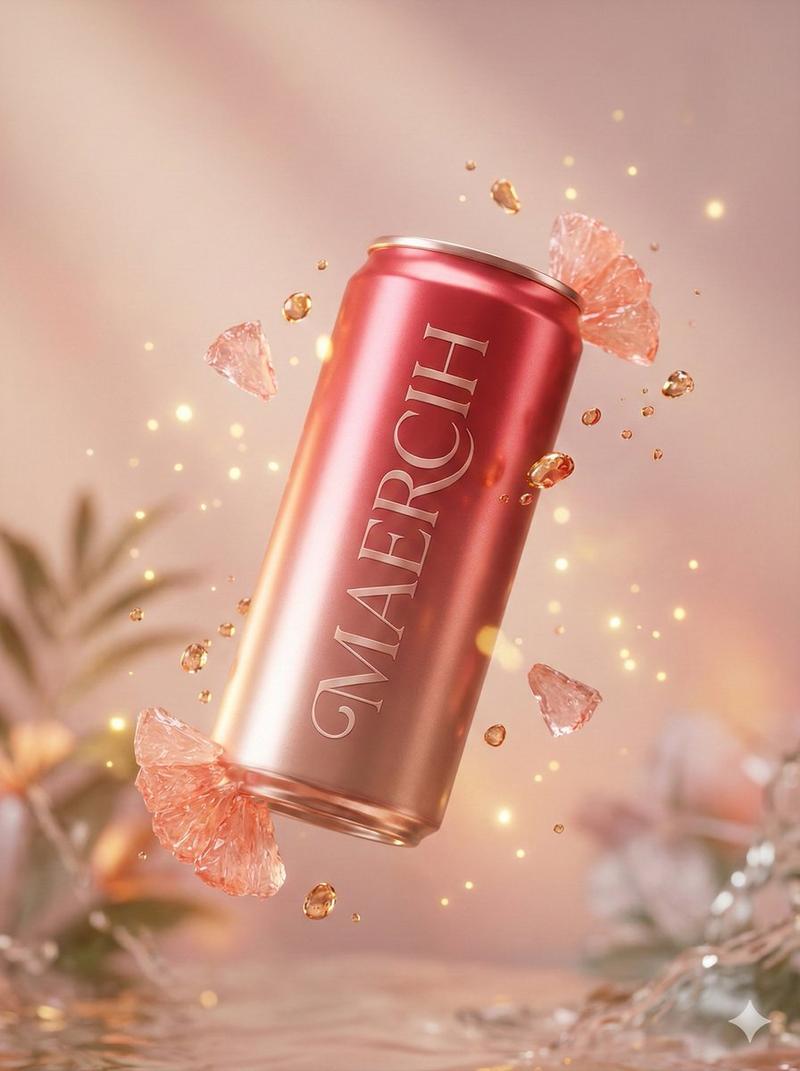
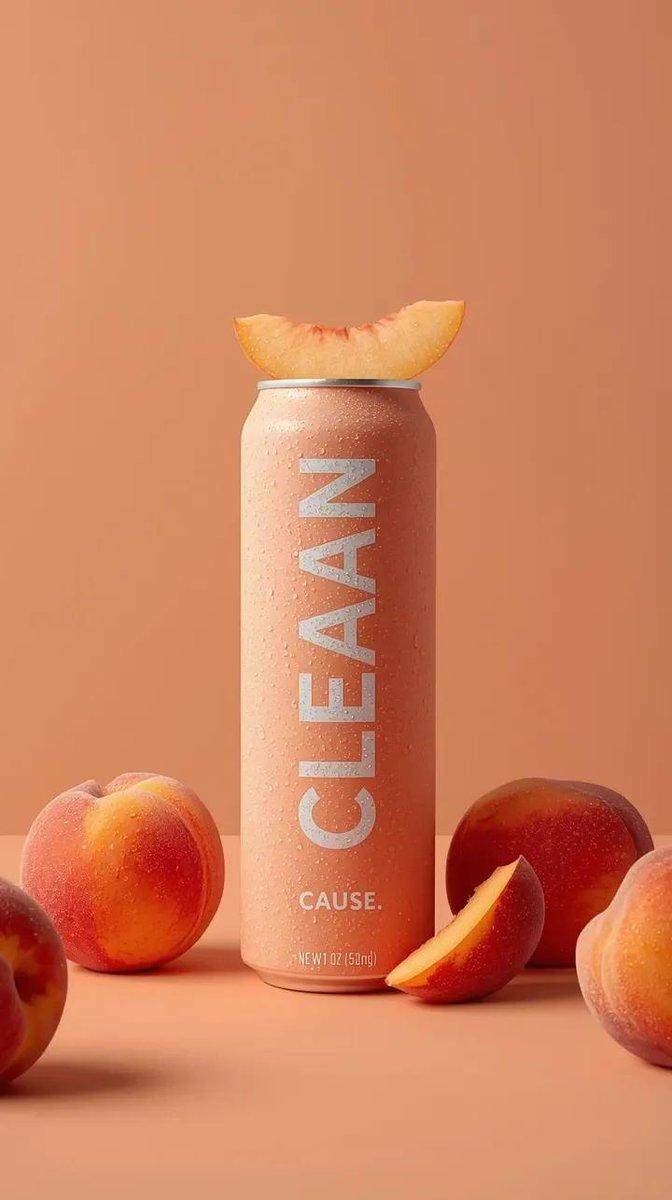
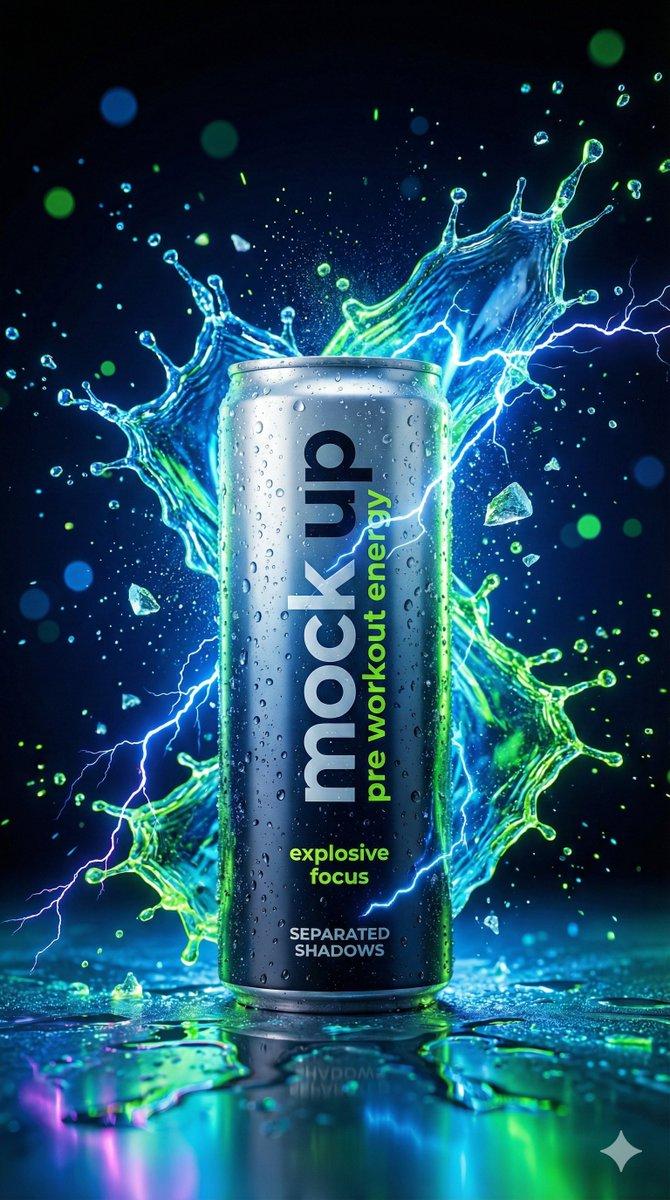
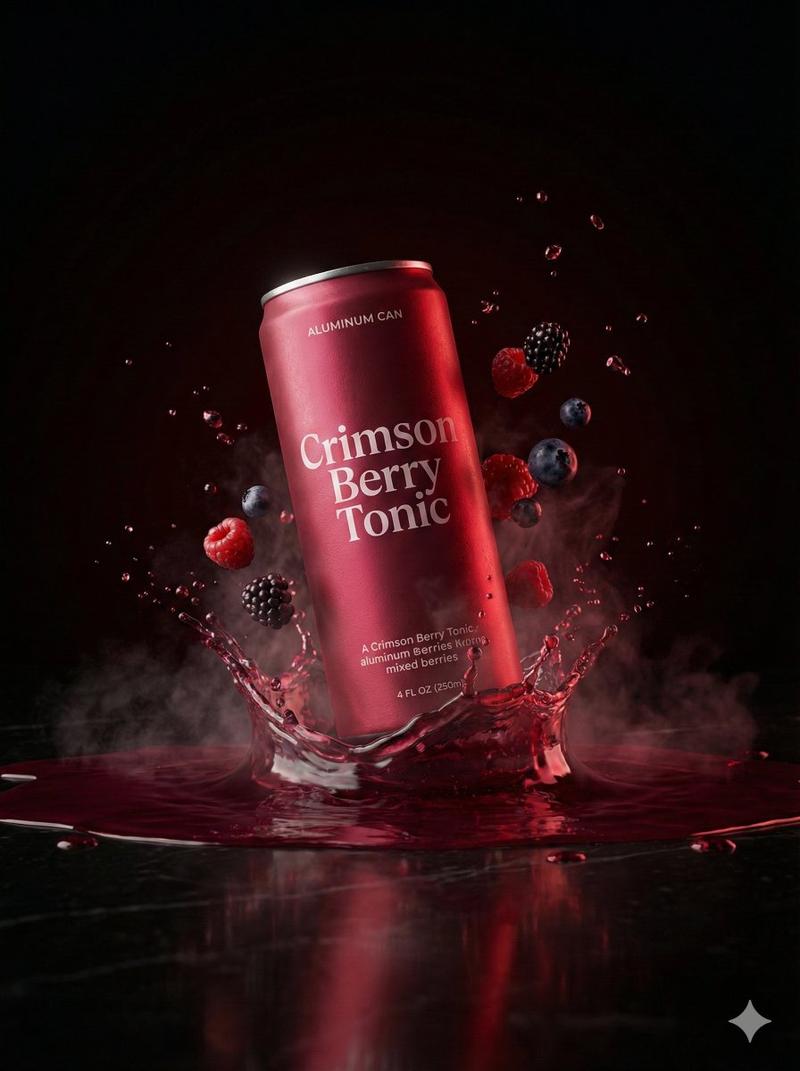
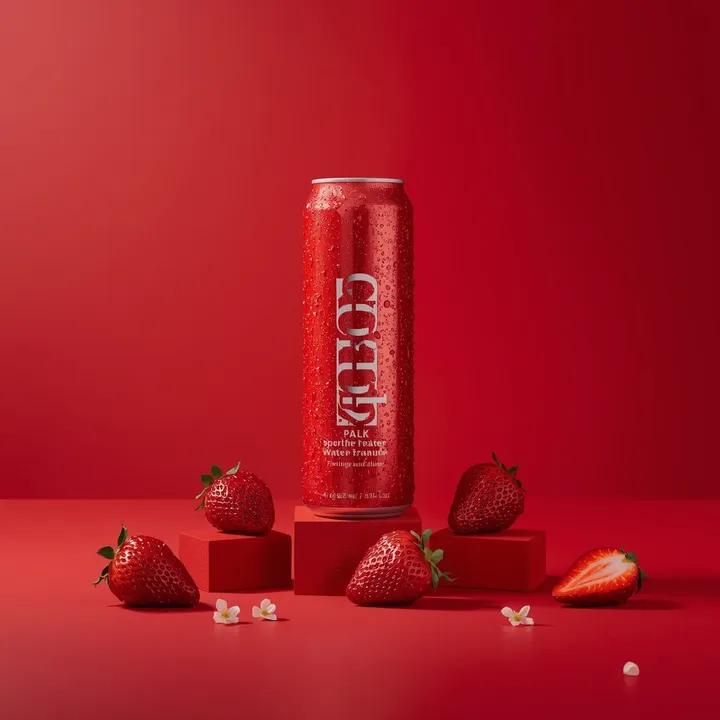
A premium studio product photograph of a tall, slim red aluminum sparkling water can standing upright and centered against a seamless vivid red background, the can covered in fine condensation droplets with crisp white typography reading “GOOD IDEA” and smaller flavor text beneath, positioned on a matte red surface with subtle reflections, surrounded symmetrically by fresh ripe strawberries with glossy seeds and deep red flesh, some resting directly on the surface and others placed on small red rectangular blocks to the left and right, delicate white elderflower blossoms scattered between the fruit for contrast, the lighting soft yet directional from the upper left creating gentle highlights on the can's metallic texture and soft shadows beneath the fruit, the color palette dominated by saturated reds with clean white accents and natural green stems, the composition minimal and perfectly balanced with generous negative space above the product, shallow depth of field, ultra-sharp focus on the can, high-end commercial aesthetic, photorealistic, studio-grade, cinematic realism.
Category
Products & E-commerce
Model
GPT Image 2
Creator
𝐌
Views1
Source ID
2017622879190573425
Published
Jan 31, 2026

Guide

About "Red sparkling water can: GPT Image 2 prompt"

What is this prompt for?

"Red sparkling water can: GPT Image 2 prompt" AI image prompt for GPT Image 2 (Products & E-commerce). A premium studio product photograph of a tall, slim red…

The full copyable prompt and example visuals above are ready for AI image generation or one-click recreate in Picva.

How to use this prompt

  1. Step 1

    Open the prompt detail

    Review the example visuals, category, and full prompt text for "Red sparkling water can: GPT Image 2 prompt".

  2. Step 2

    Copy the prompt

    Copy the prompt body from this page, or load it directly in Studio.

  3. Step 3

    Pick a model (GPT Image 2)

    Prefer GPT Image 2. If you switch models, keep subject and composition and tweak style terms.

  4. Step 4

    Generate and export

    Recreate the look in Picva, or export into your workflow for editing and publishing.

FAQ

What is the "Red sparkling water can: GPT Image 2 prompt" prompt?
It is an AI image-generation prompt for GPT Image 2 in the Products & E-commerce category. This page includes the full prompt text, example visuals, and a one-click recreate path in Picva.
How do I use this prompt to generate an image?
Copy the prompt from this page, or use Generate / Studio. Paste it into a compatible image model, or recreate the look in Picva with optional reference images.
Which model is this prompt for?
This page lists GPT Image 2. Most descriptive prompts also transfer to nearby image models such as GPT Image, Flux, or Midjourney with light style tweaks.
Can I use the result commercially?
You can usually copy the prompt for creation, but commercial use of the final image depends on the model terms, reference-image rights, and the generated content. Follow the source author and platform rules.