Cityscape: GPT Image 2 prompt
Prompt
"scene_description": {
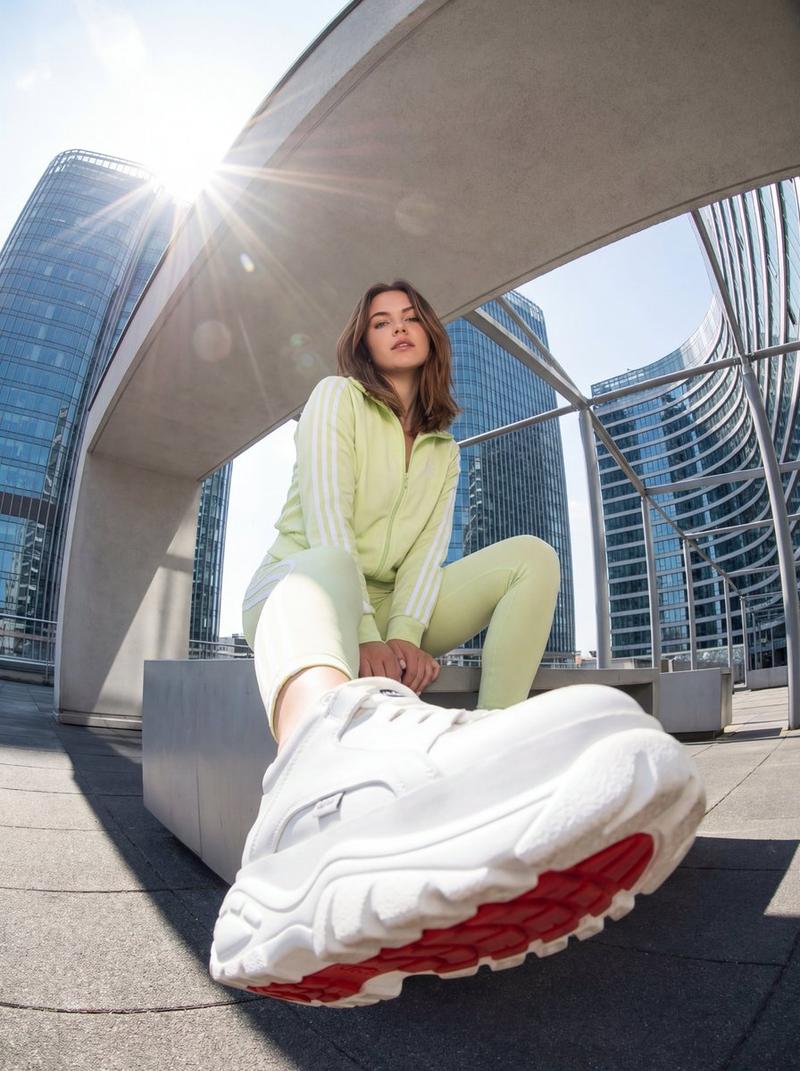
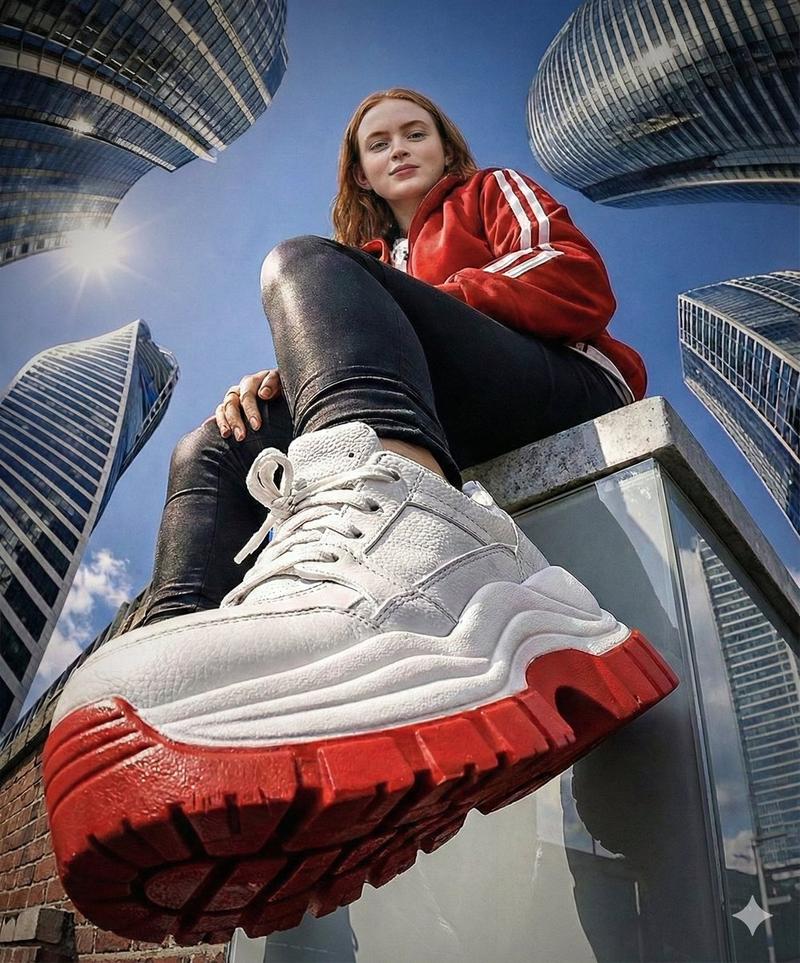
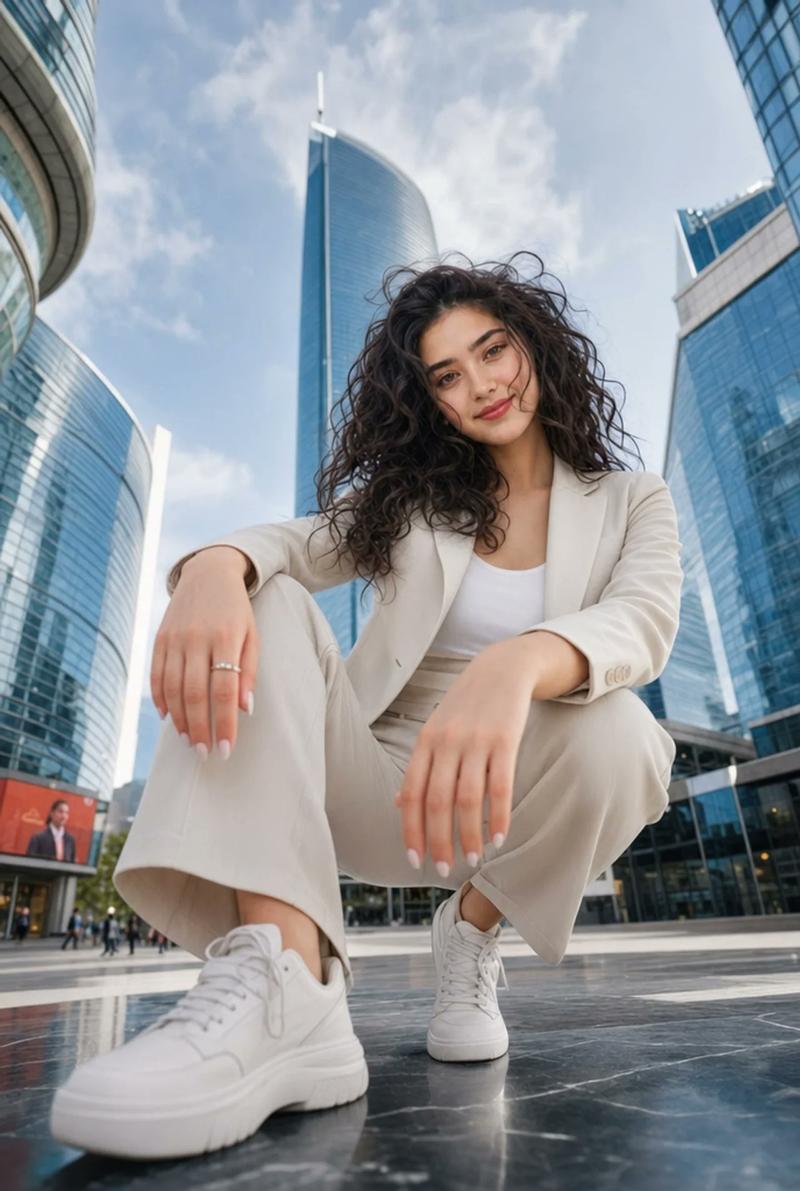
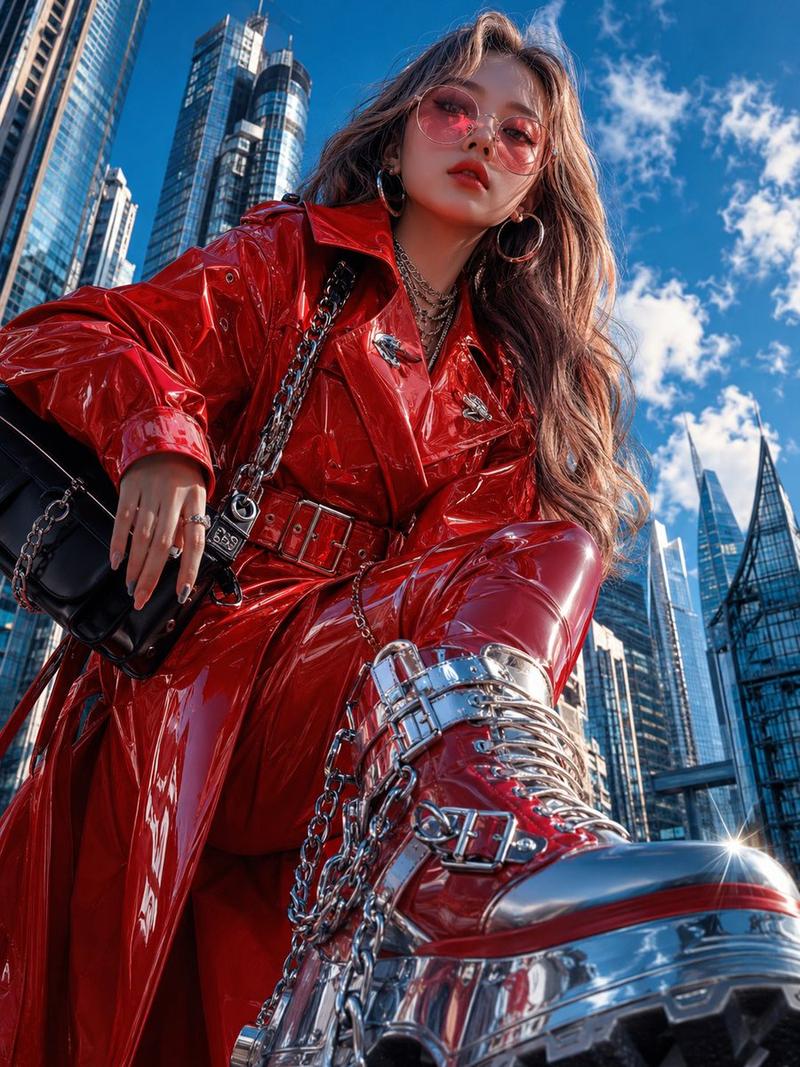
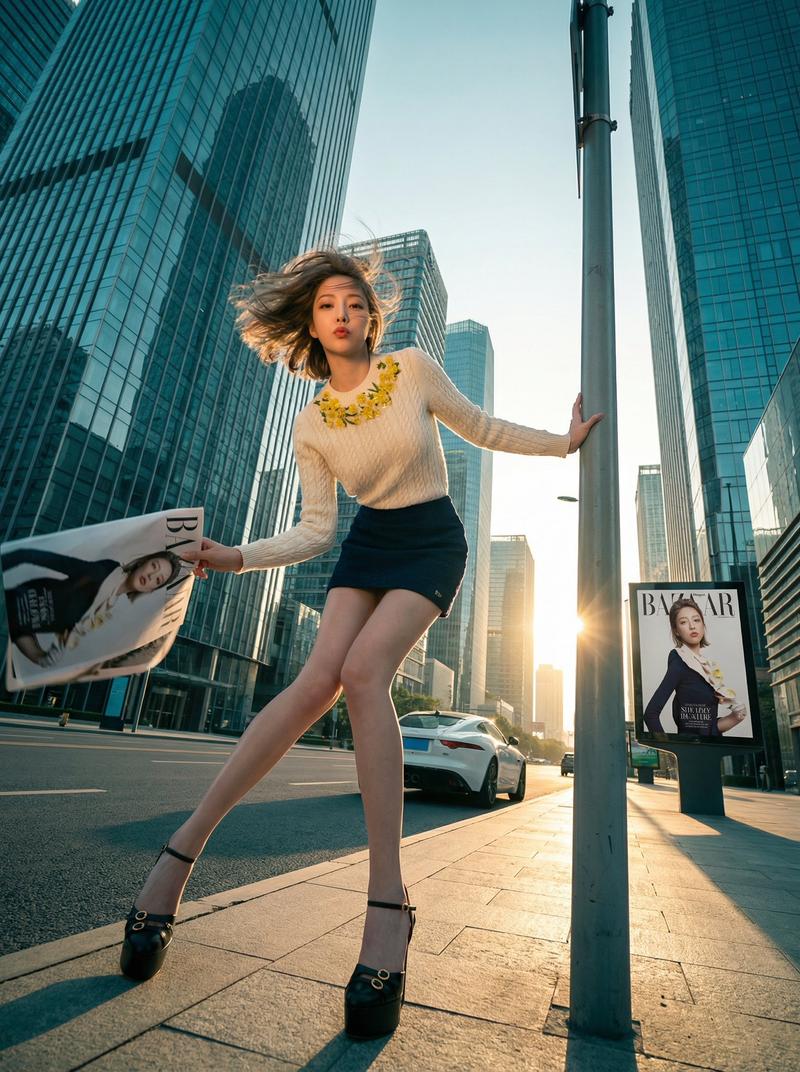
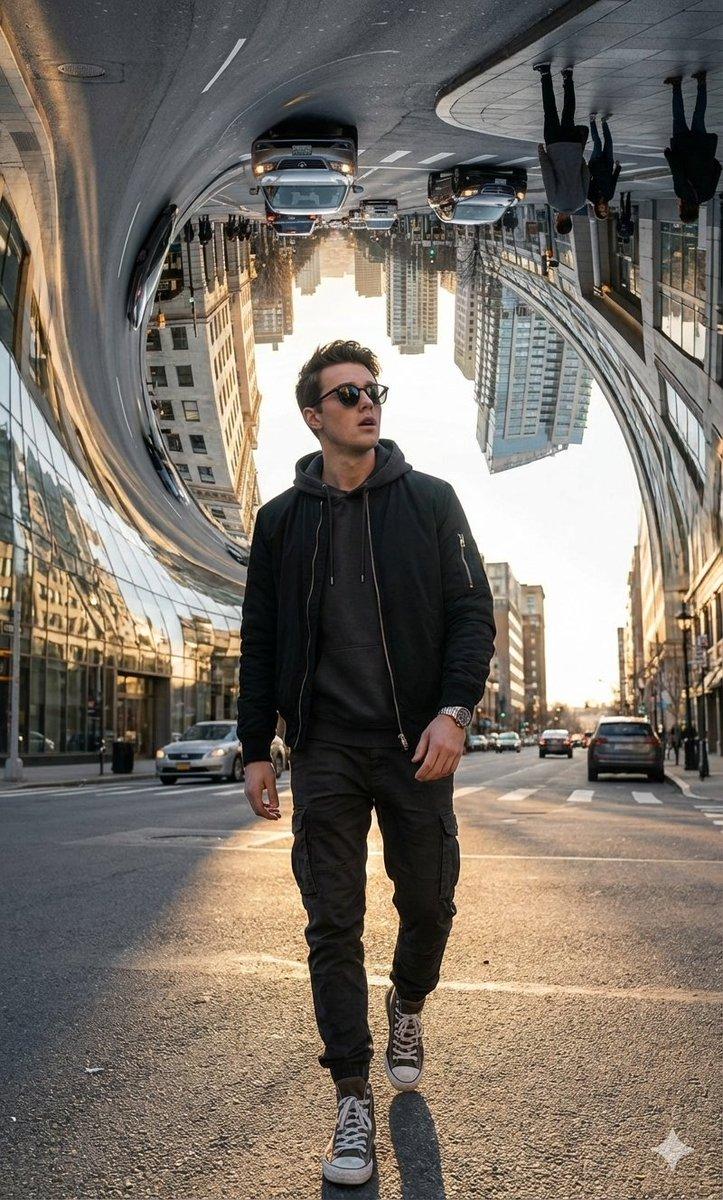
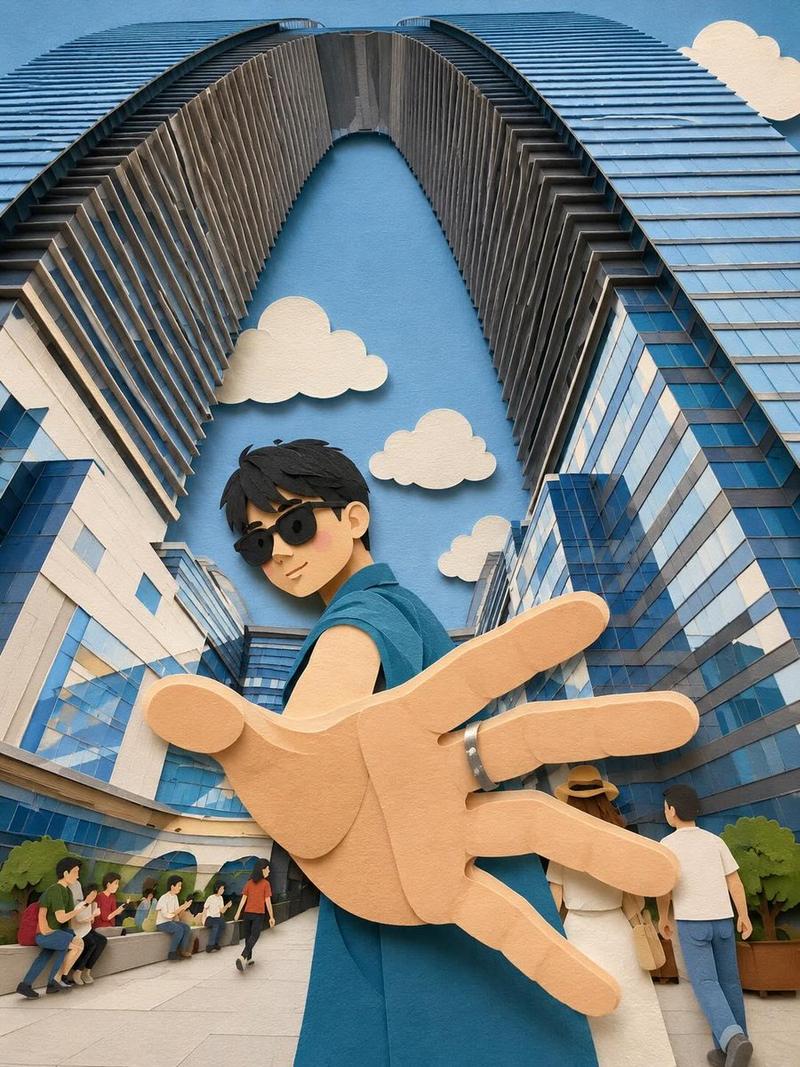
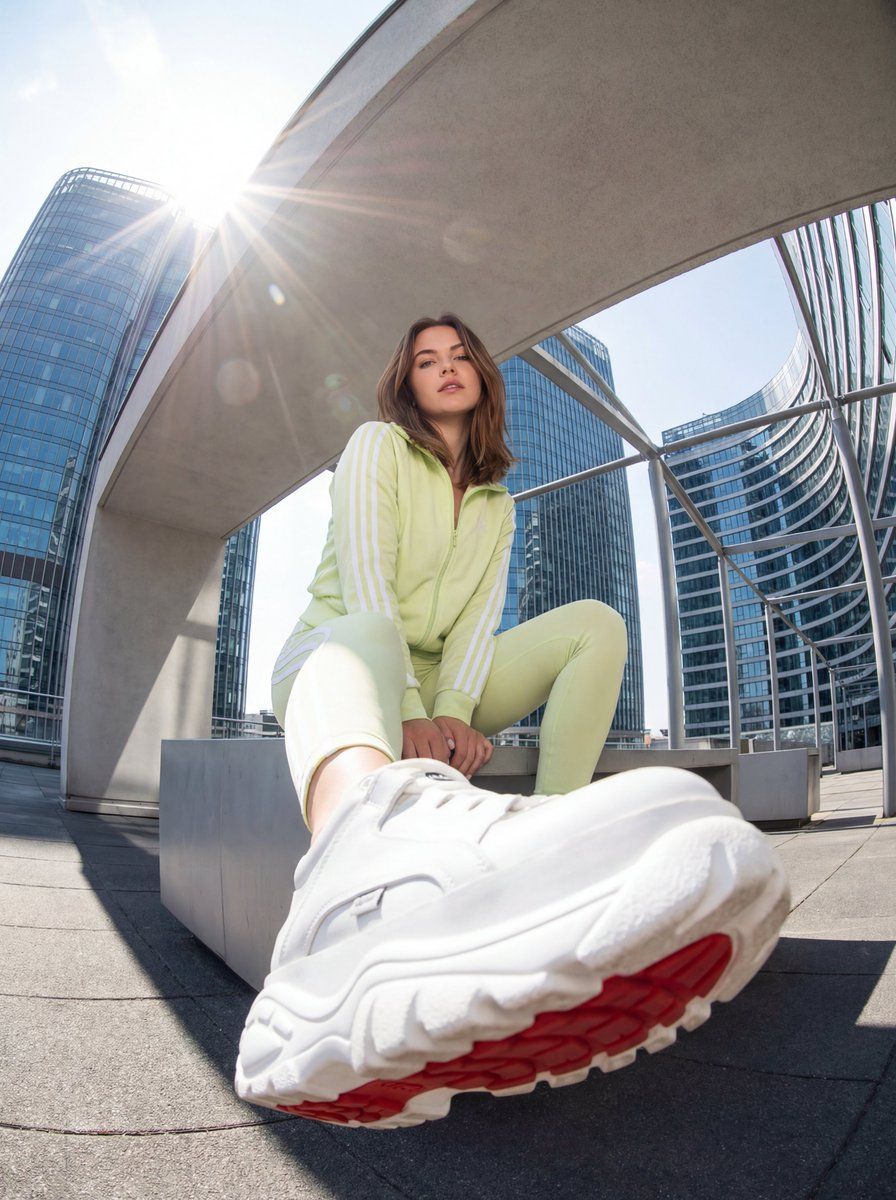
 "location": "Urban rooftop or high vantage point with a backdrop of towering glass skyscrapers and sleek modern architecture",
 "vibe": "Energetic, youthful, urban streetwear, dynamic and slightly distorted perspective",
 "lighting": "Bright daylight, harsh sunlight creating a sunburst/lens flare in the upper left, high contrast shadows on the sleek surfaces, vibrant colors",
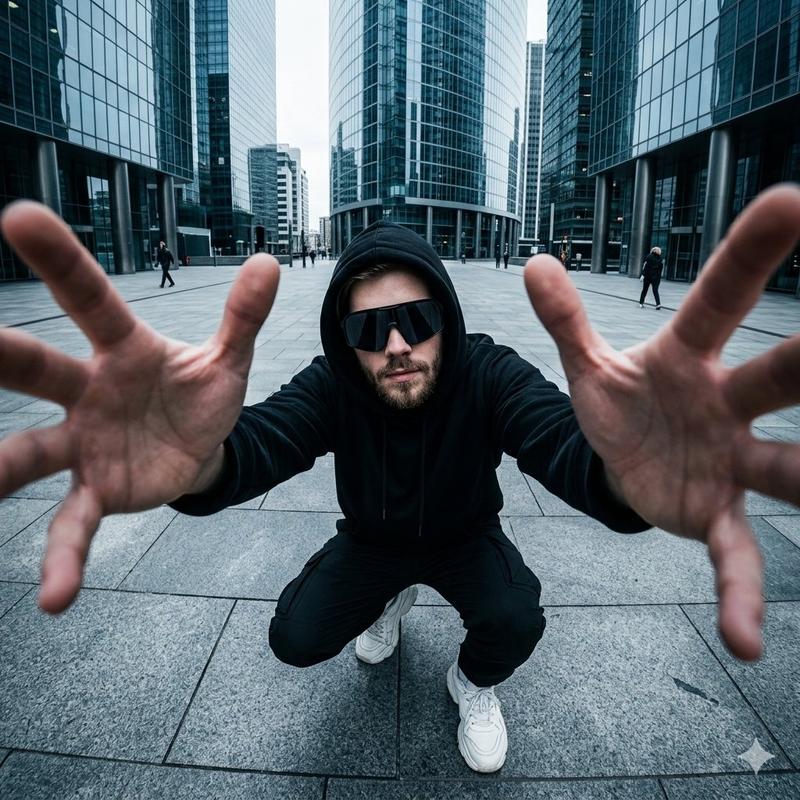
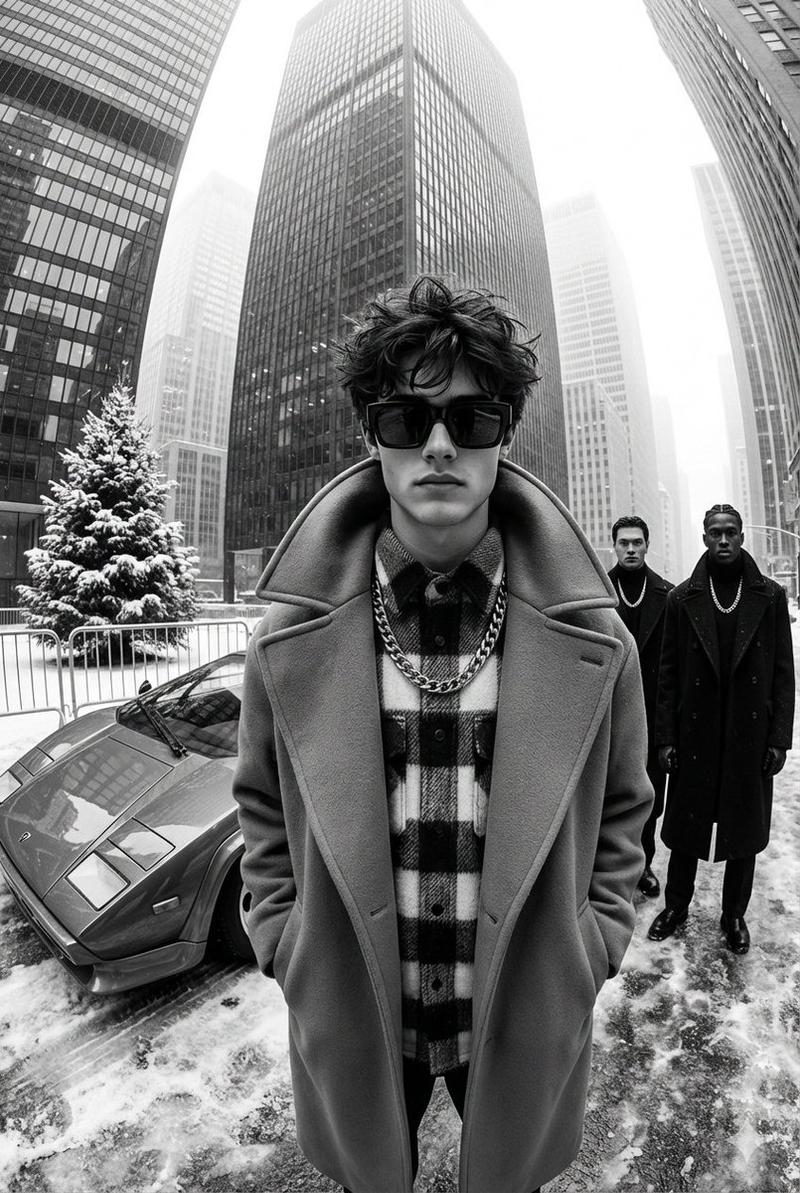
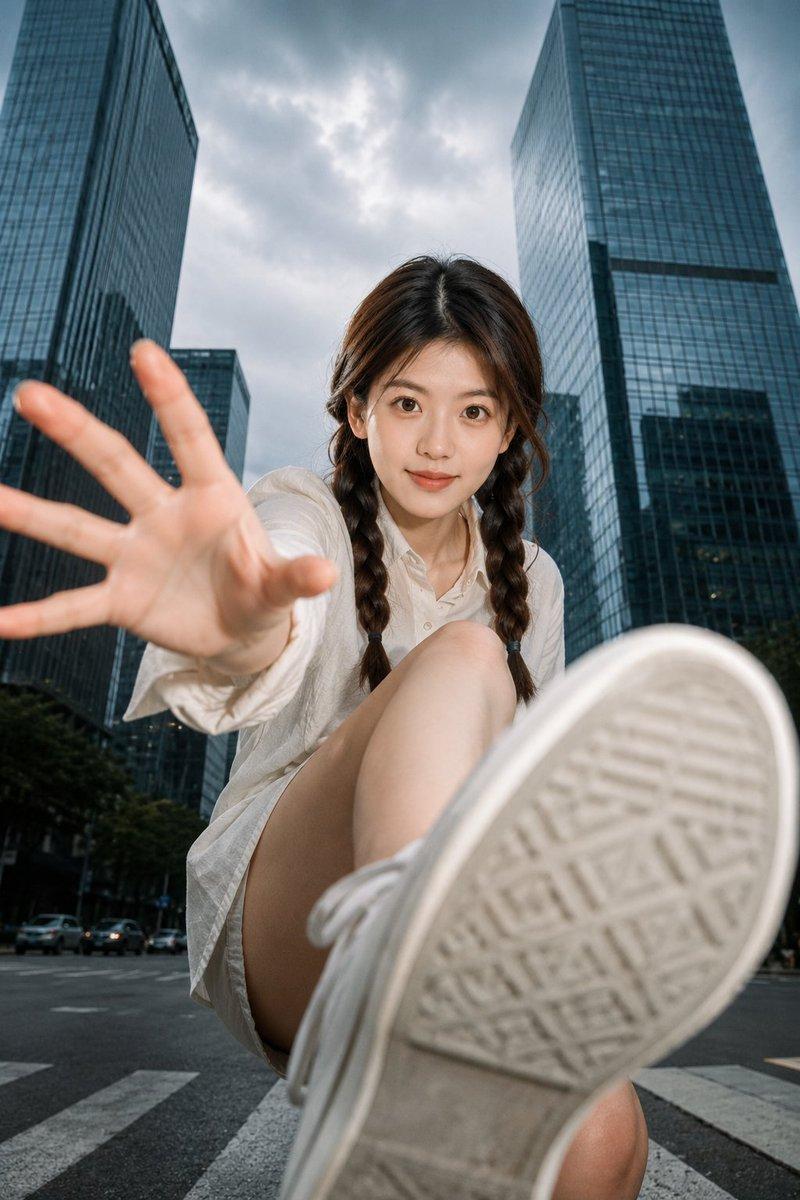
 "camera_settings": "Ultra-wide angle or Fisheye lens (approx 8mm-12mm), extreme low angle (worm's-eye view), forced perspective, deep depth of field, sharp focus from shoe sole to skyline, close up full body shot of the woman"
 },
 "primary_subjects": [
 {
 "character": "Young woman with shoulder-length brown hair",
 "role": "Streetwear model / Urban explorer",
 "action": "Sitting casually on the corner of a modern minimalist ledge or platform, looking down at the camera with a confident, relaxed expression. One leg is extended forward towards the lens creating extreme foreshortening, maintaining the same pose as before",
 "details": "Bright red track jacket with white stripes on sleeves, Bright Red fitted leggings, massive white chunky platform sneakers with a distinct red tread pattern on the sole (shoe is the dominant foreground element)"
 }
 ],
 "environment_details": {
 "crowd": "None",
 "architecture": "Curved modern glass skyscrapers surrounding the subject, smooth light concrete or metallic ledge in the foreground instead of a red brick wall, clean modern textures",
 "fidelity": "High-resolution photography, realistic texture on the sneaker leather and modern materials, lens distortion effect on the buildings"
 }
}- Category
- Photography & Realism
- Model
- GPT Image 2
- Creator
- ANKIT PATEL 🇮🇳 | AI
- Source ID
- 2020152101528301587
- Published
- Feb 7, 2026
Views0