17

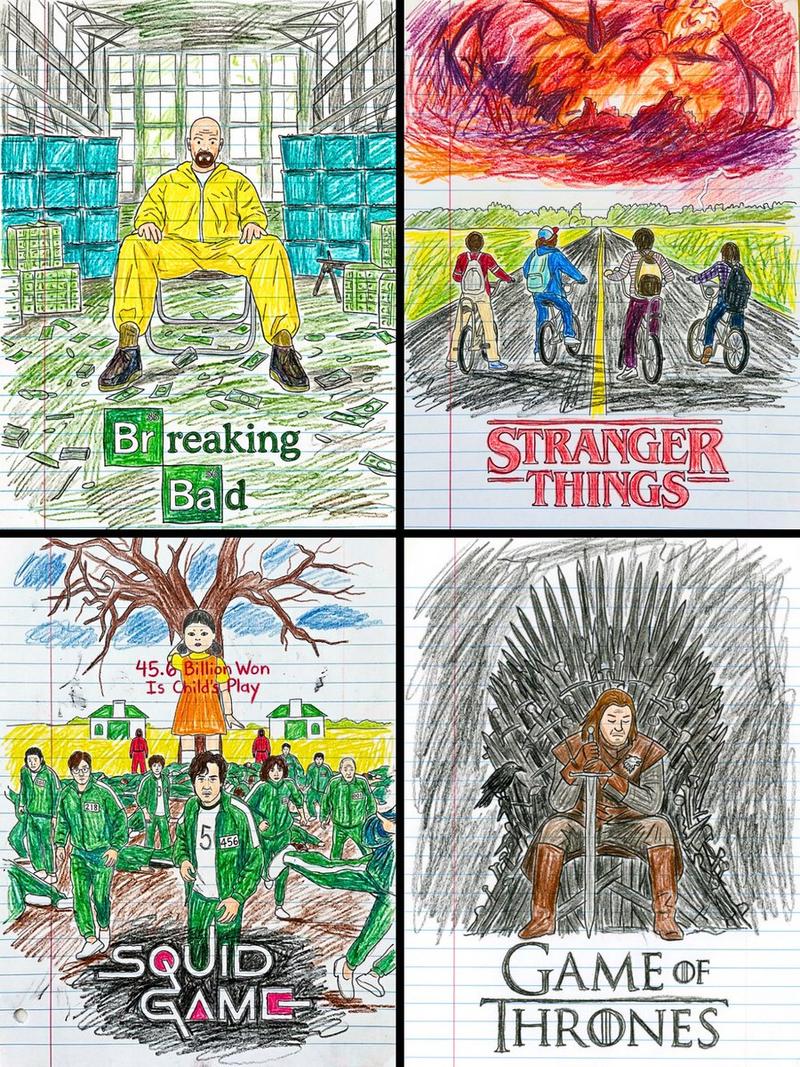
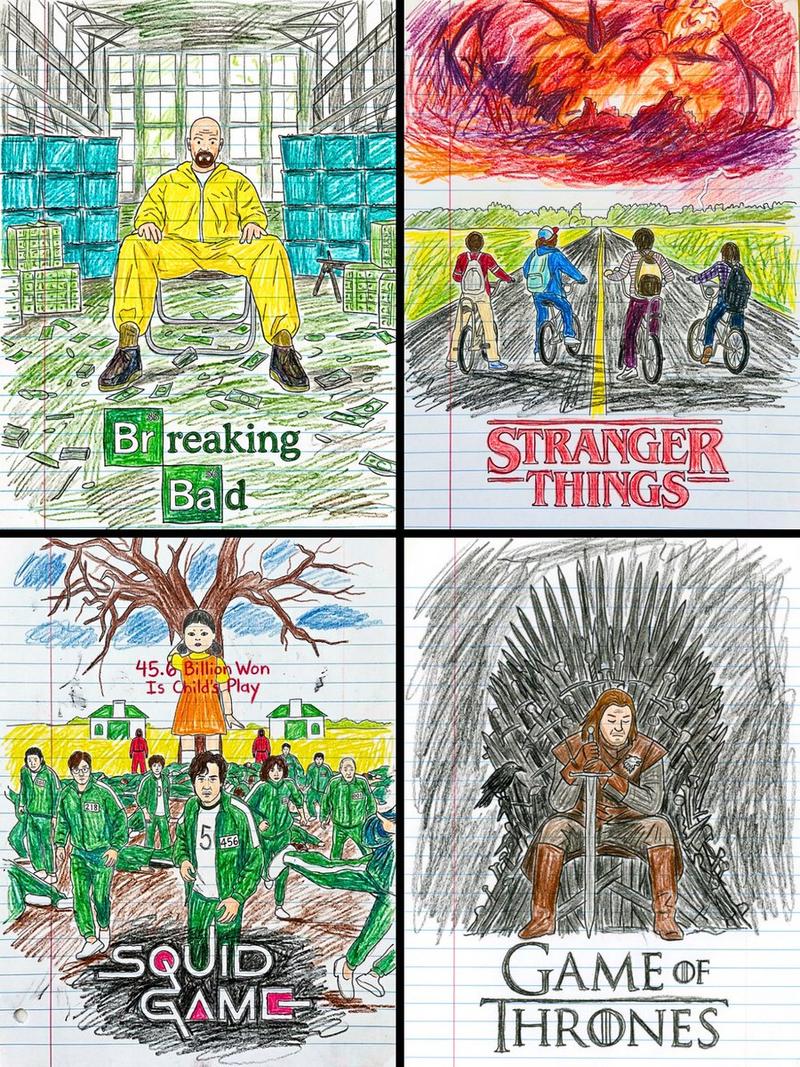
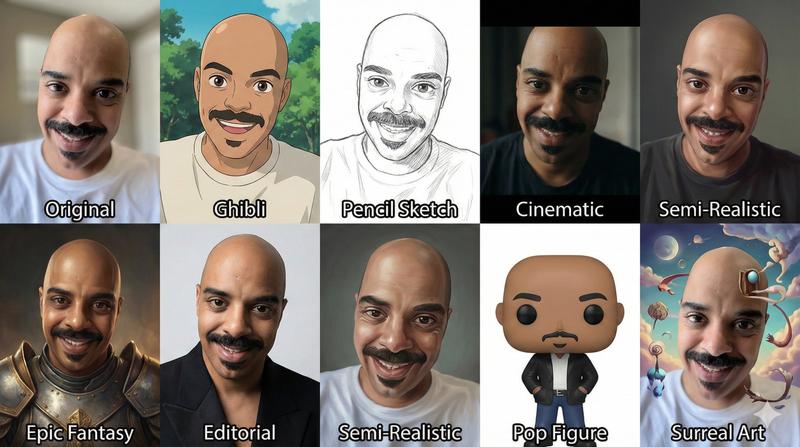
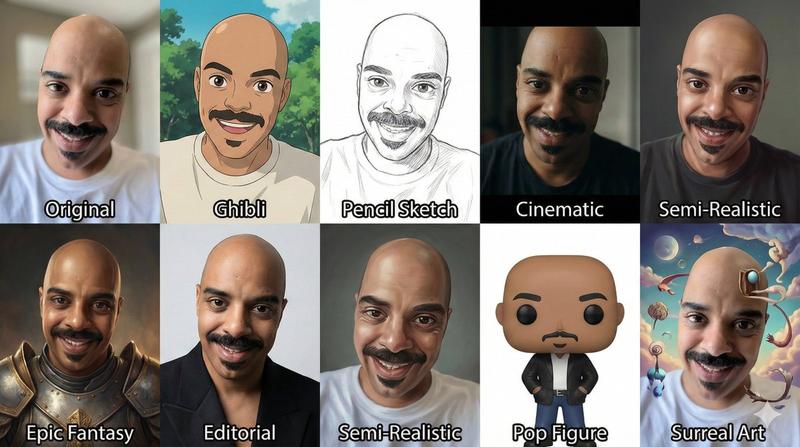
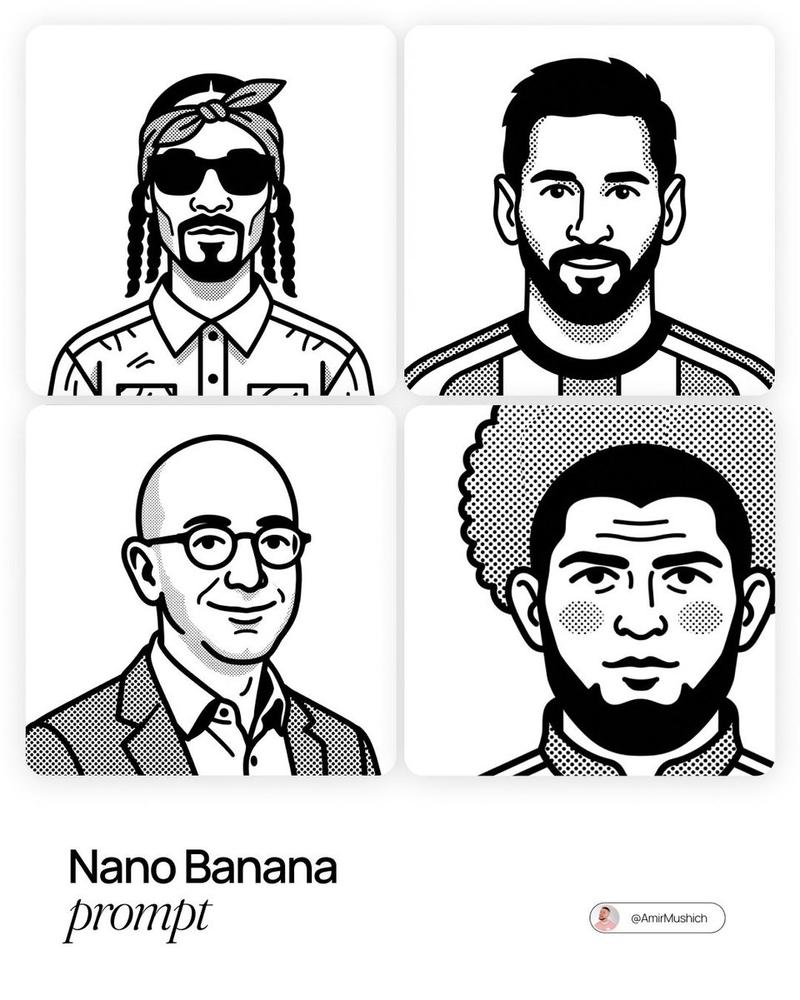
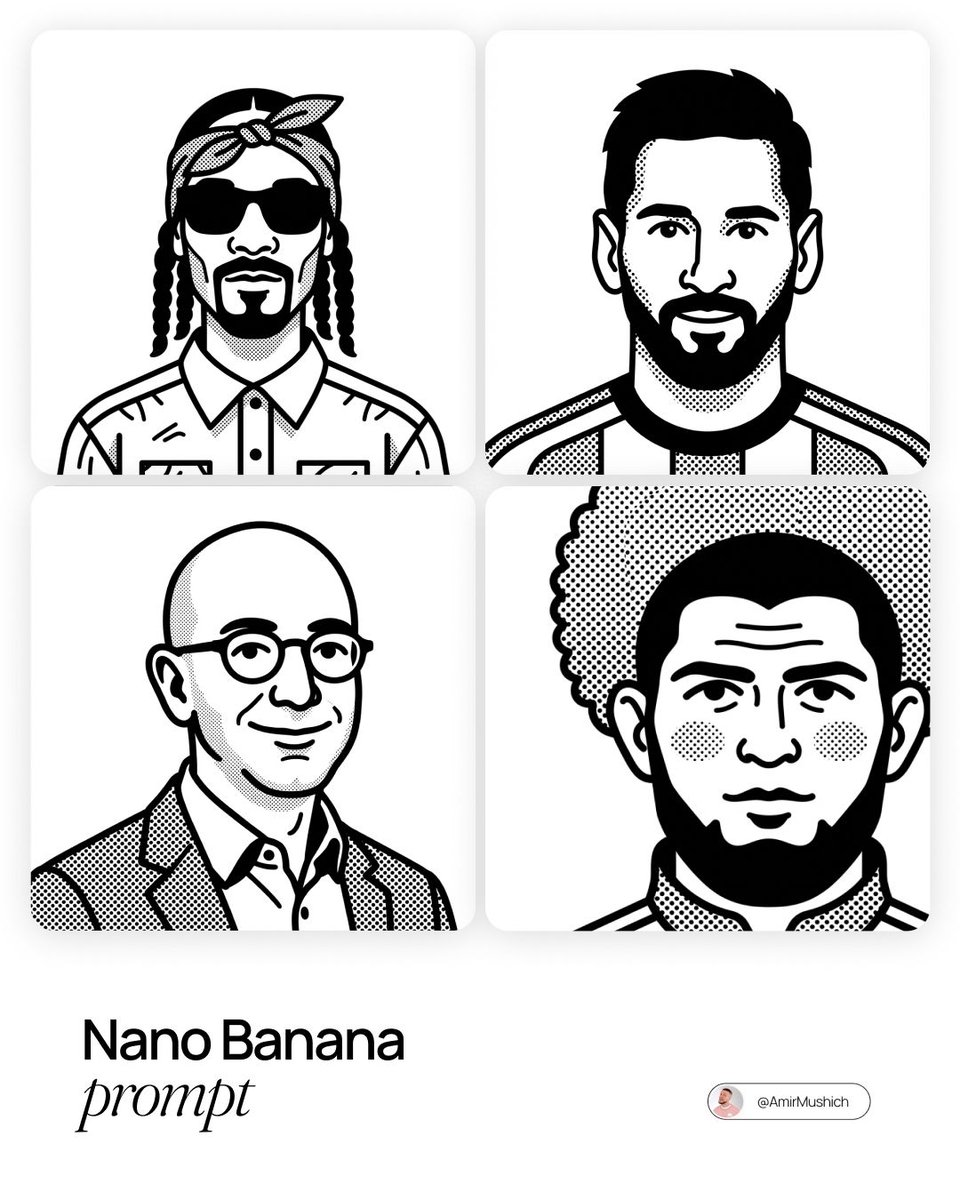
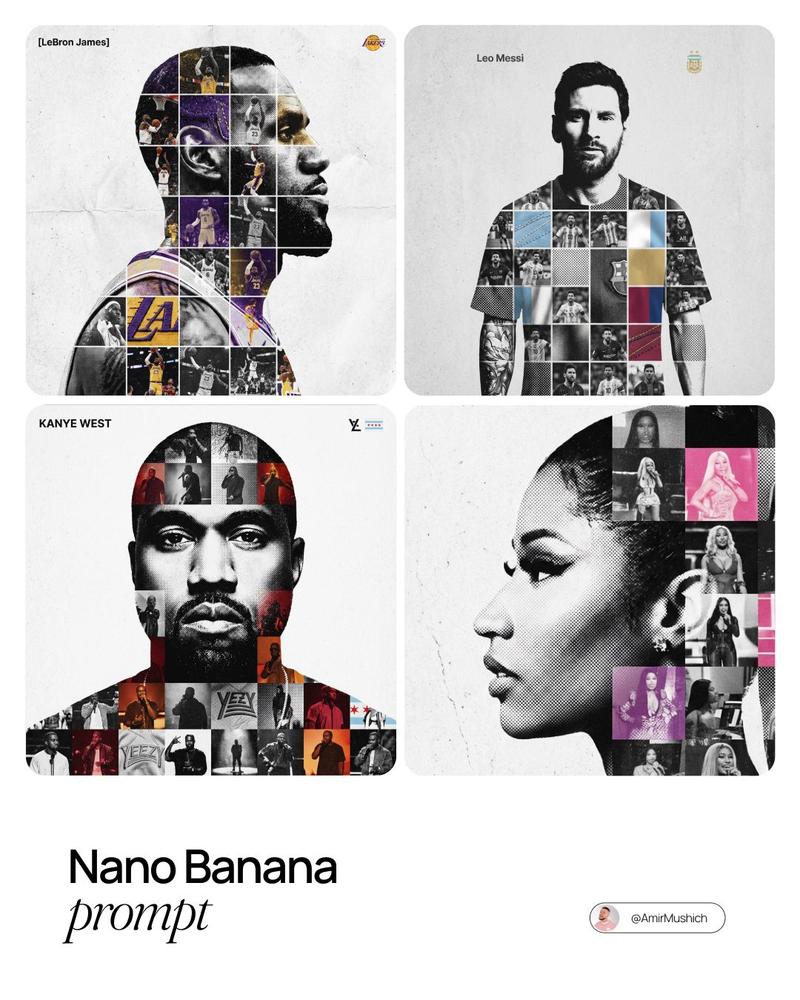
Illustration: GPT Image 2 prompt
Enlarge

Illustration: GPT Image 2 prompt

Prompt
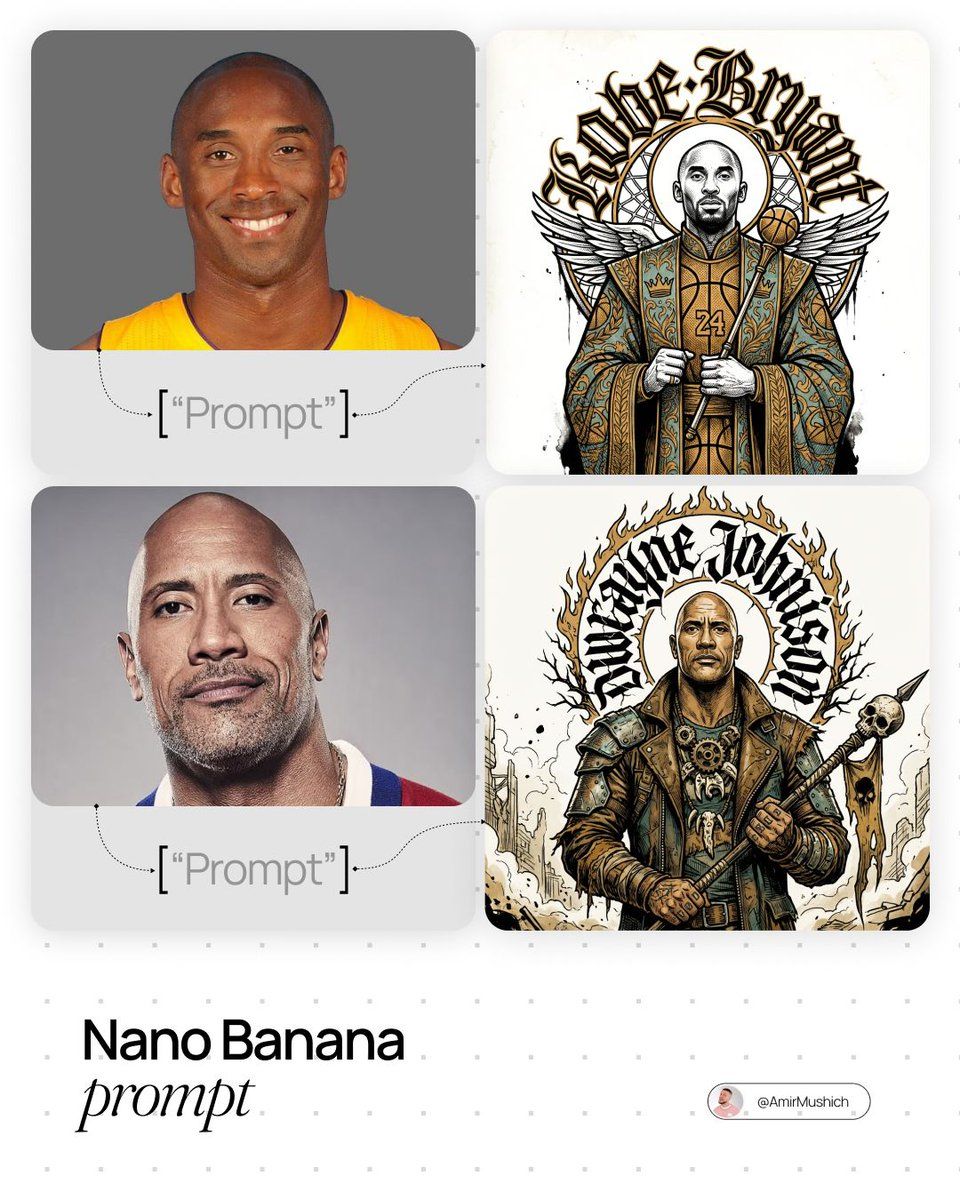
[PERSONE]. Act as a Creative Director and Master of Visual Metaphor.

PHASE 1: DYNAMIC ARCHETYPE LOGIC.

Autonomously analyze the core essence of [PERSONE] and assign them a "High-Status Sovereign" role:

- If the character is a scientist/intellectual: Depict as a "Grand Archivist" in heavy velvet robes with celestial instruments.

- If the character is a rebel/anti-hero: Depict as a "Wasteland Prophet" in deconstructed, layered streetwear and scavenged textures.

- If the character is royalty/leader: Depict as a "Divine Monarch" in stiff, ornamental ceremonial attire.

- Maintain the stoic, iconographic pose from the reference.

PHASE 2: ART STYLE & INK (THE REFERENCE LOOK).

Strictly follow the "Neo-Traditional Etching" style. 

- Bold black ink outlines, intricate cross-hatching, and stippling for shadows. 

- Color Palette: Deep Ochre, Faded Teal, Jet Black, and Bone White background.

PHASE 3: DYNAMIC TYPOGRAPHY.

- The massive Gothic/Blackletter halo behind the subject MUST explicitly spell out the name "[PERSONE]". 

- The font style should adapt to the archetype (e.g., sharp and aggressive for rebels, elegant and structured for scholars).

TECH SPECS:

2D flat illustration, white background, ink-bleed effects, high contrast, sharp line-work.
Category
Photography & Realism
Model
GPT Image 2
Views0
Source ID
2023079918830002551
Published
Feb 15, 2026

Guide

About "Illustration: GPT Image 2 prompt"

What is this prompt for?

"Illustration: GPT Image 2 prompt" AI image prompt for GPT Image 2 (Photography & Realism). [PERSONE]. Act as a Creative Director and Master of Visual Metaphor…

The full copyable prompt and example visuals above are ready for AI image generation or one-click recreate in Picva.

How to use this prompt

  1. Step 1

    Open the prompt detail

    Review the example visuals, category, and full prompt text for "Illustration: GPT Image 2 prompt".

  2. Step 2

    Copy the prompt

    Copy the prompt body from this page, or load it directly in Studio.

  3. Step 3

    Pick a model (GPT Image 2)

    Prefer GPT Image 2. If you switch models, keep subject and composition and tweak style terms.

  4. Step 4

    Generate and export

    Recreate the look in Picva, or export into your workflow for editing and publishing.

FAQ

What is the "Illustration: GPT Image 2 prompt" prompt?
It is an AI image-generation prompt for GPT Image 2 in the Photography & Realism category. This page includes the full prompt text, example visuals, and a one-click recreate path in Picva.
How do I use this prompt to generate an image?
Copy the prompt from this page, or use Generate / Studio. Paste it into a compatible image model, or recreate the look in Picva with optional reference images.
Which model is this prompt for?
This page lists GPT Image 2. Most descriptive prompts also transfer to nearby image models such as GPT Image, Flux, or Midjourney with light style tweaks.
Can I use the result commercially?
You can usually copy the prompt for creation, but commercial use of the final image depends on the model terms, reference-image rights, and the generated content. Follow the source author and platform rules.