13

Editorial poster: GPT Image 2 prompt
Enlarge

Editorial poster: GPT Image 2 prompt

Prompt
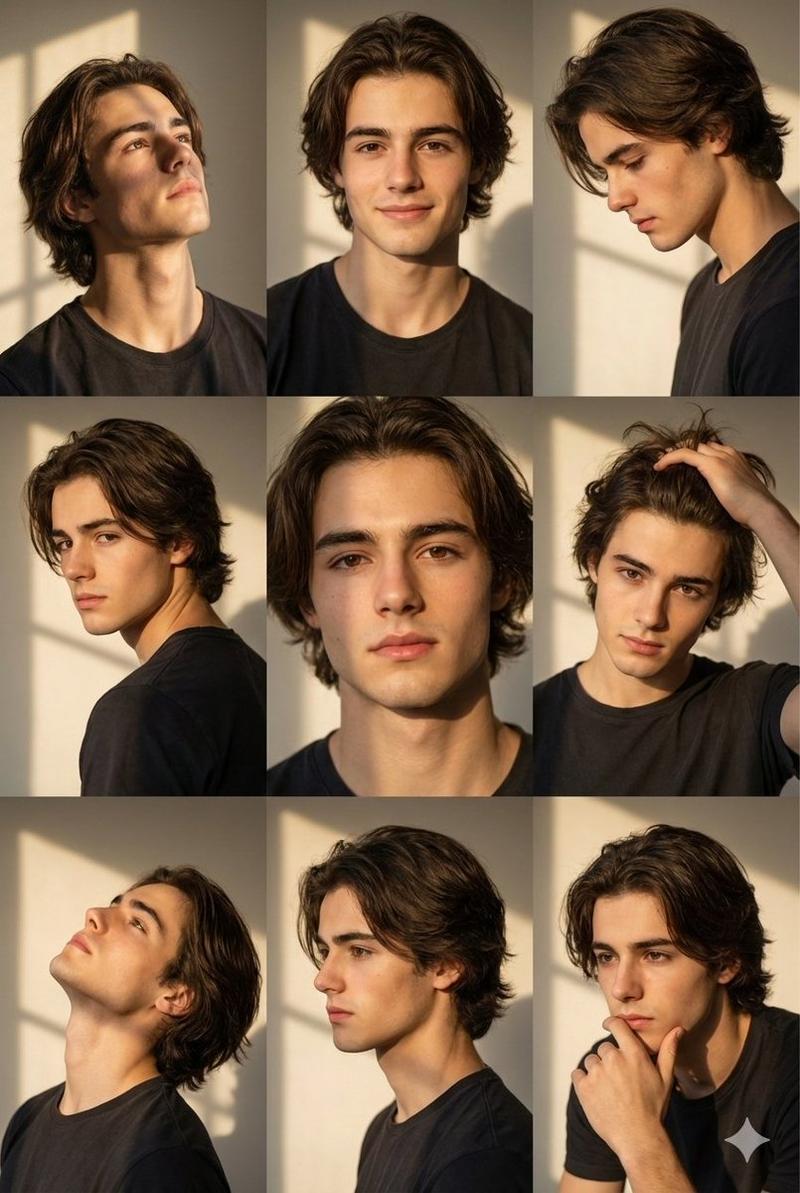
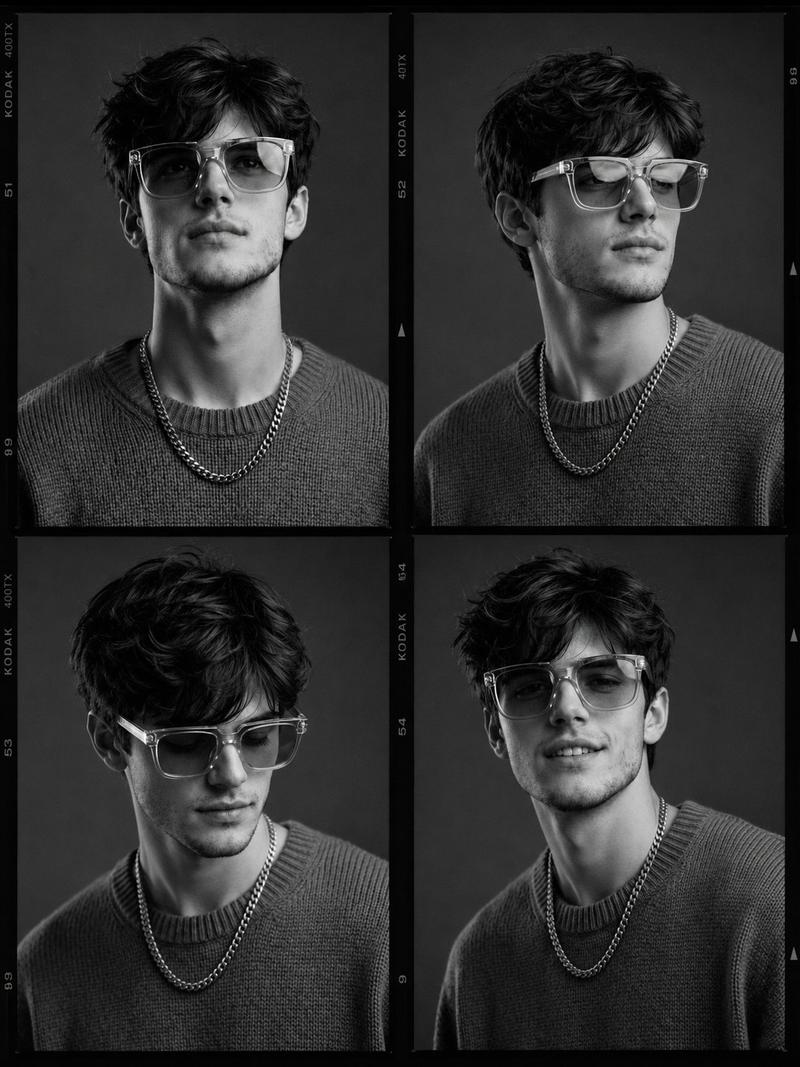
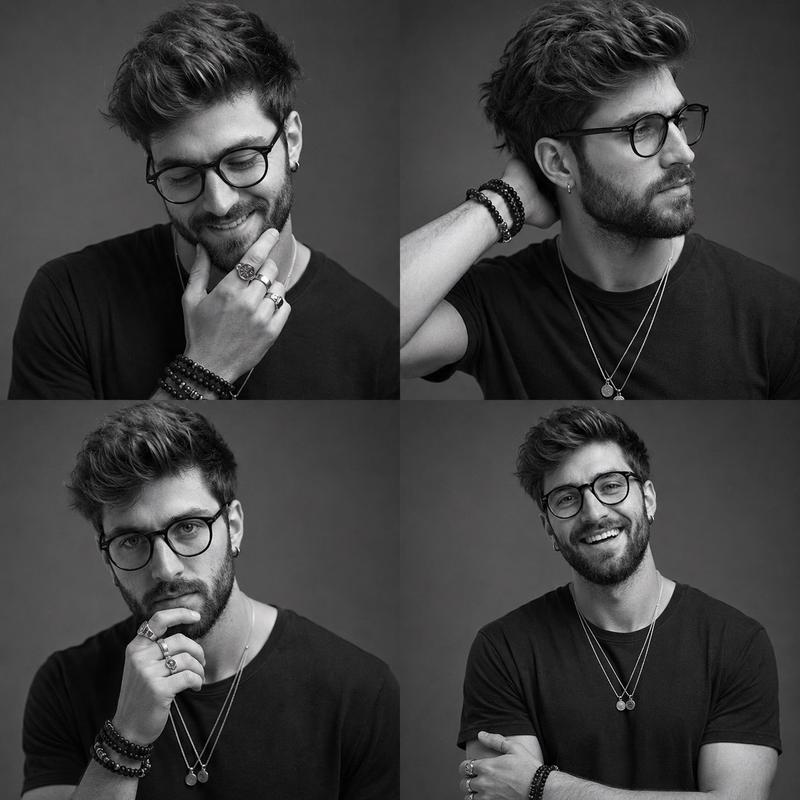
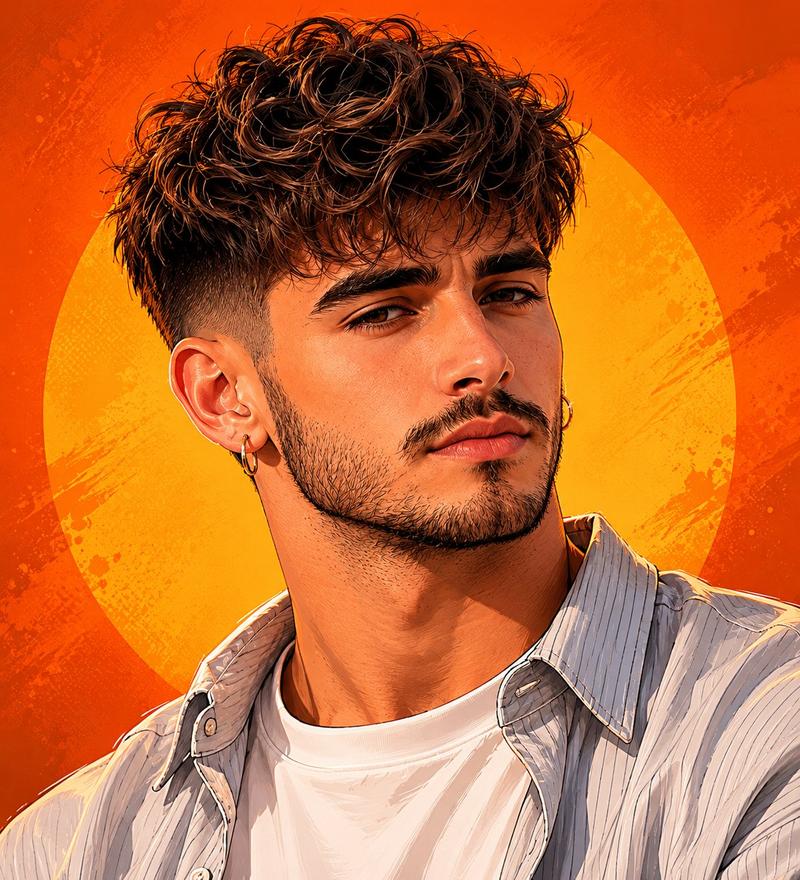
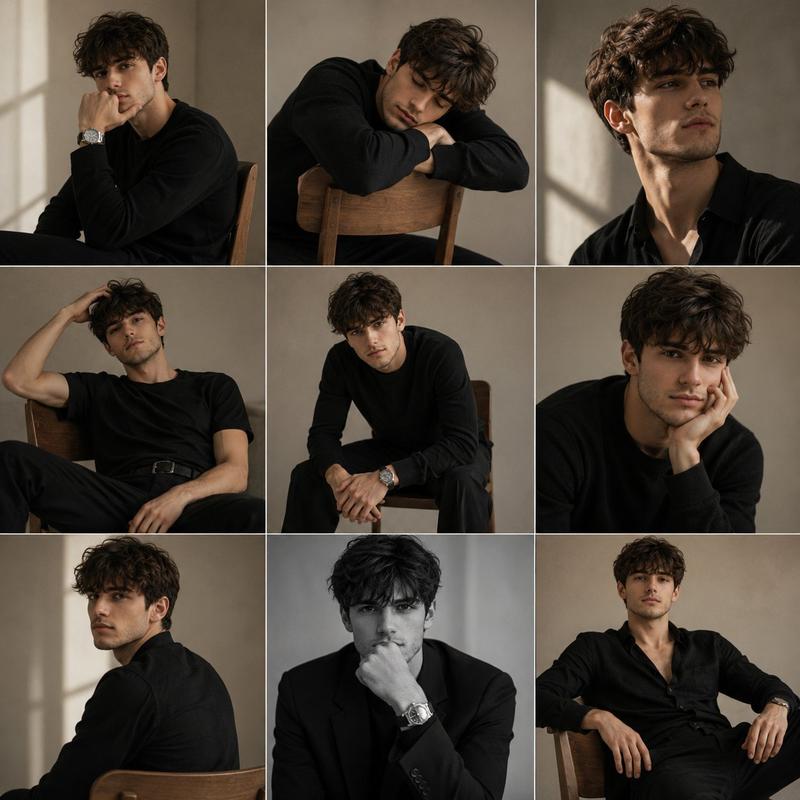
Preserve the face, proportions, and external features of the model as in the reference. A minimalist monochrome fashion editorial triptych featuring three stacked cinematic frames. The subject is a young man with short dark hair and a groomed beard. Frame 1: Emotional and introspective, looking downward with a hand near the collarbone, highlighting bone structure with Rembrandt lighting. Frame 2: A crisp profile shot with a focus on the nose, lips, and masculine jawline, gaze directed slightly upward. Frame 3: A frontal, thoughtful portrait with shoulders relaxed and direct eye contact. The composition is clean and modern, using a white T-shirt and gold necklace for visual continuity. Commercial magazine quality, high-end mirrorless camera, authentic skin pores, soft bokeh, and elegant masculinity.
Category
Photography & Realism
Model
GPT Image 2
Creator
Harboris
Views0
Source ID
2023230471061315992
Published
Feb 16, 2026

Guide

About "Editorial poster: GPT Image 2 prompt"

What is this prompt for?

"Editorial poster: GPT Image 2 prompt" AI image prompt for GPT Image 2 (Photography & Realism). Preserve the face, proportions, and external features of the mo…

The full copyable prompt and example visuals above are ready for AI image generation or one-click recreate in Picva.

How to use this prompt

  1. Step 1

    Open the prompt detail

    Review the example visuals, category, and full prompt text for "Editorial poster: GPT Image 2 prompt".

  2. Step 2

    Copy the prompt

    Copy the prompt body from this page, or load it directly in Studio.

  3. Step 3

    Pick a model (GPT Image 2)

    Prefer GPT Image 2. If you switch models, keep subject and composition and tweak style terms.

  4. Step 4

    Generate and export

    Recreate the look in Picva, or export into your workflow for editing and publishing.

FAQ

What is the "Editorial poster: GPT Image 2 prompt" prompt?
It is an AI image-generation prompt for GPT Image 2 in the Photography & Realism category. This page includes the full prompt text, example visuals, and a one-click recreate path in Picva.
How do I use this prompt to generate an image?
Copy the prompt from this page, or use Generate / Studio. Paste it into a compatible image model, or recreate the look in Picva with optional reference images.
Which model is this prompt for?
This page lists GPT Image 2. Most descriptive prompts also transfer to nearby image models such as GPT Image, Flux, or Midjourney with light style tweaks.
Can I use the result commercially?
You can usually copy the prompt for creation, but commercial use of the final image depends on the model terms, reference-image rights, and the generated content. Follow the source author and platform rules.