16

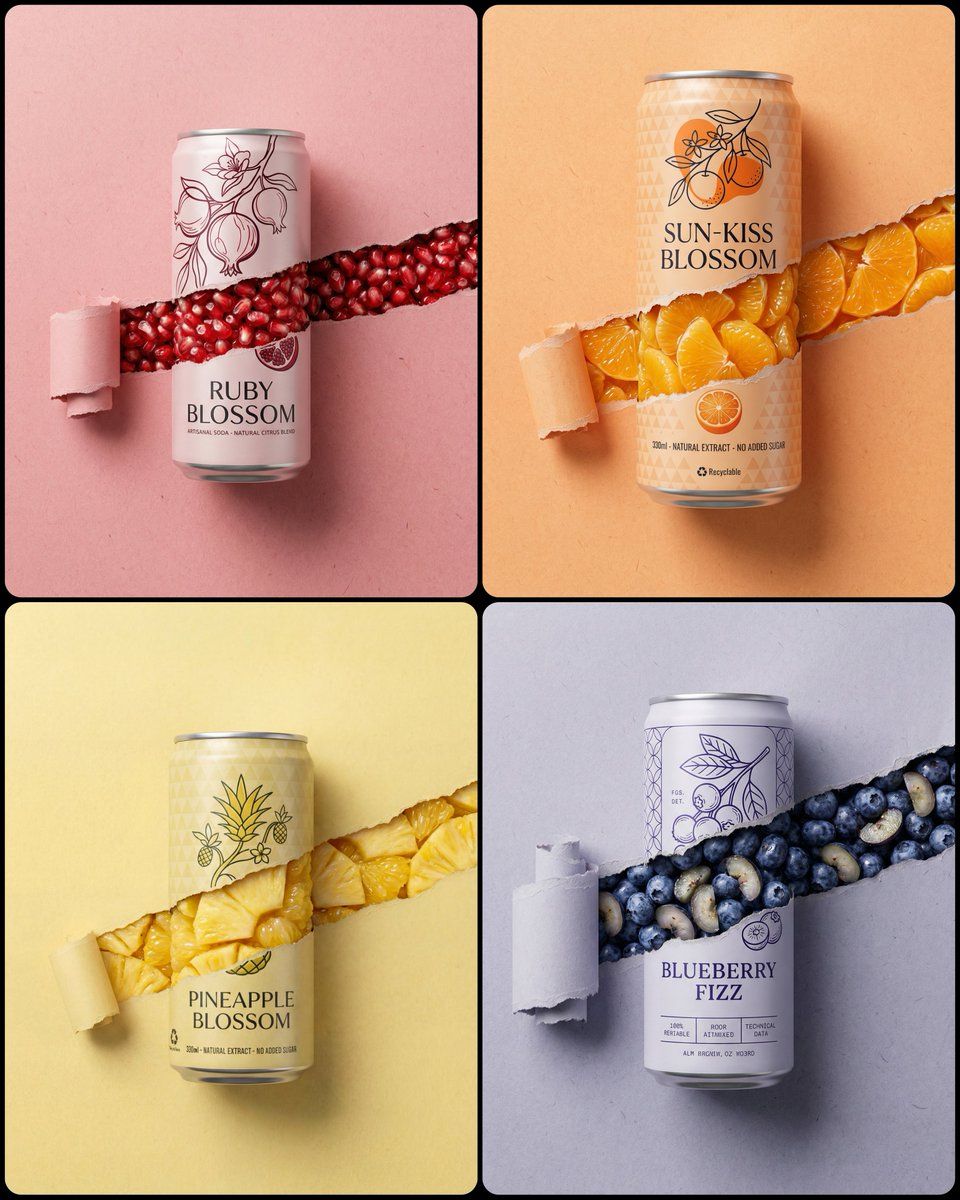
Torn paper soda can shot: GPT Image 2 prompt
Enlarge

Torn paper soda can shot: GPT Image 2 prompt

Prompt
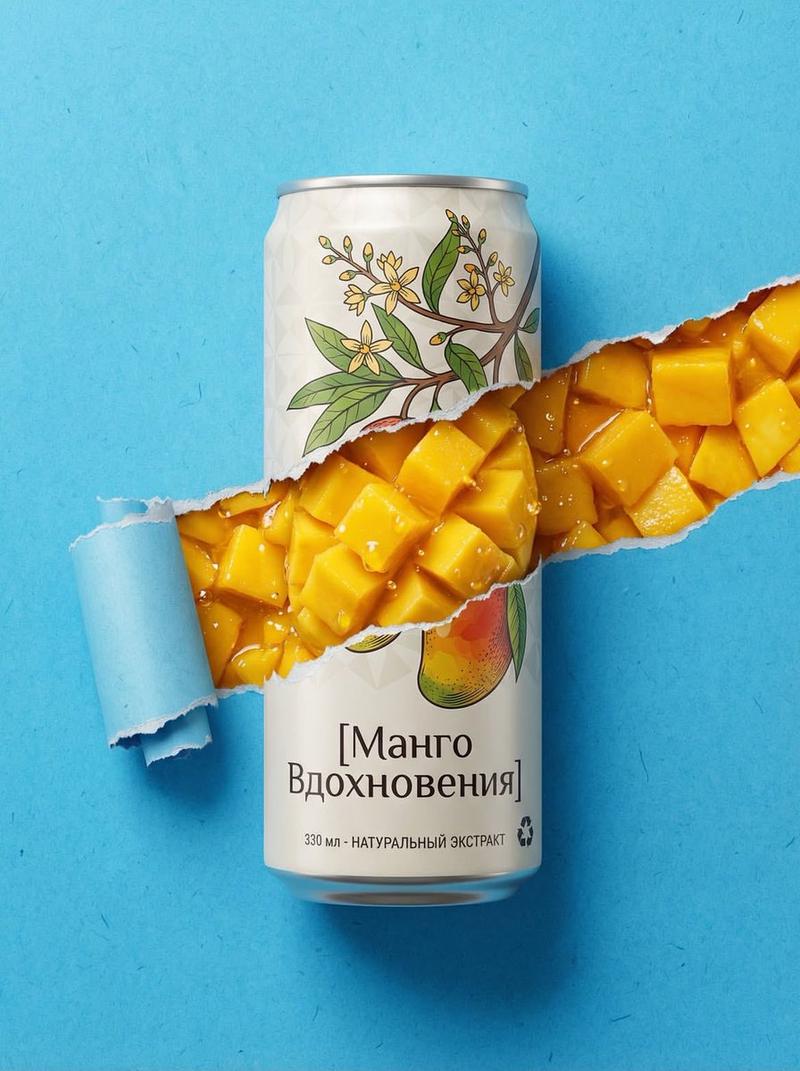
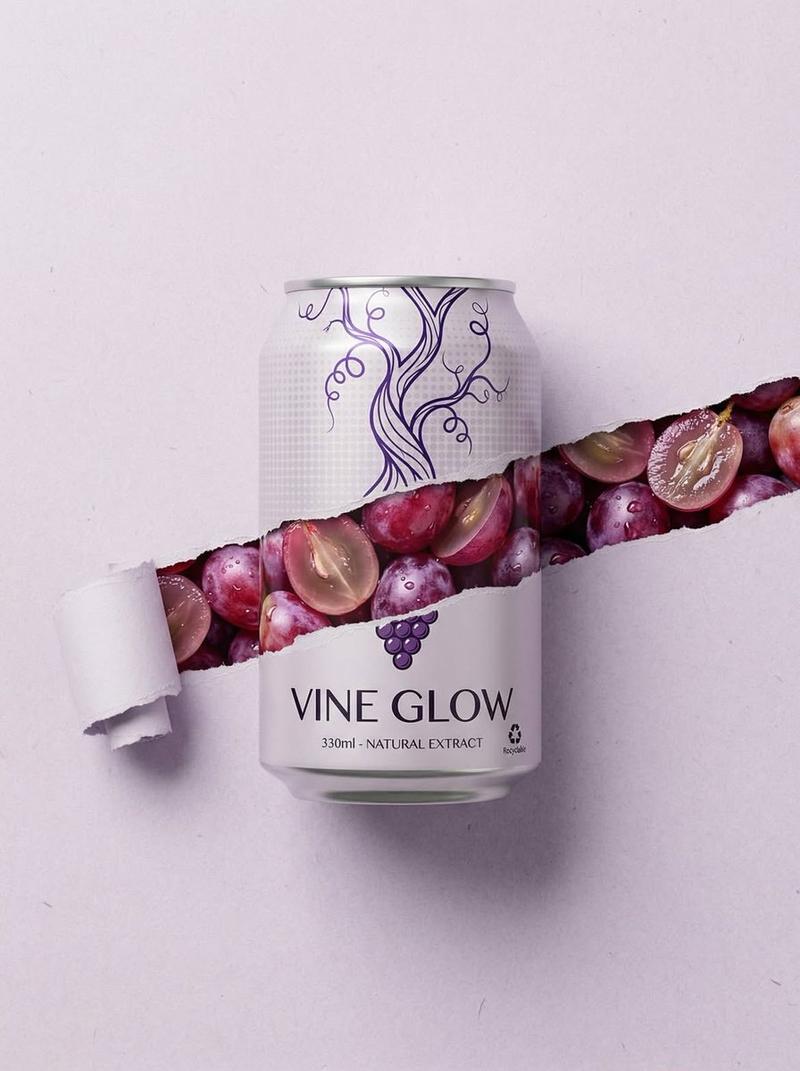
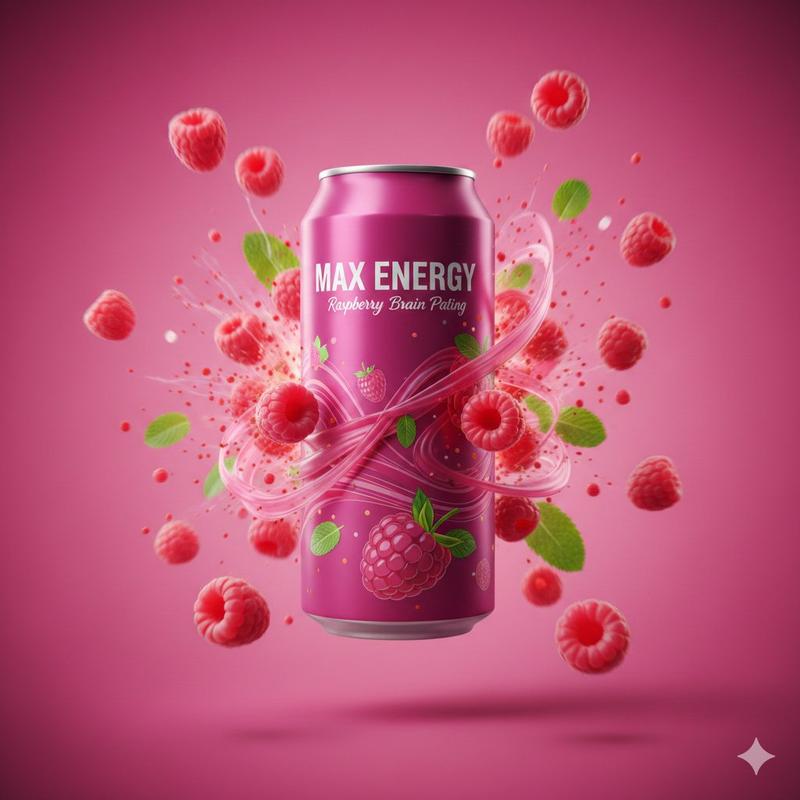
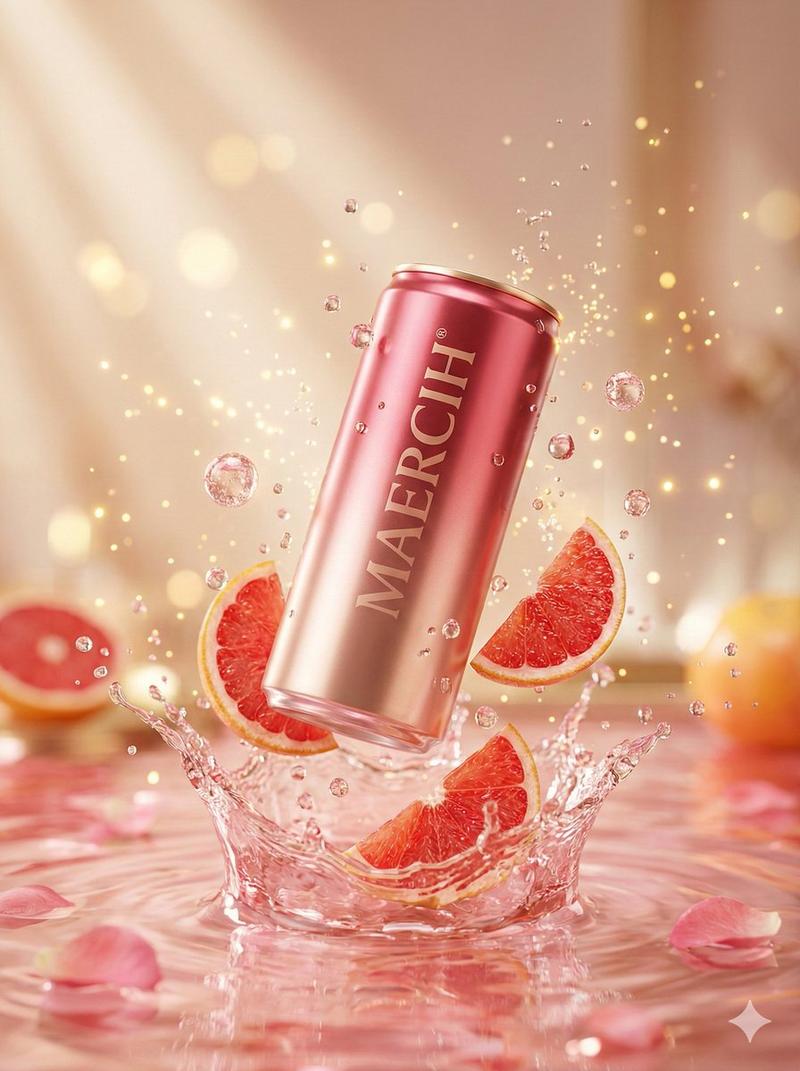
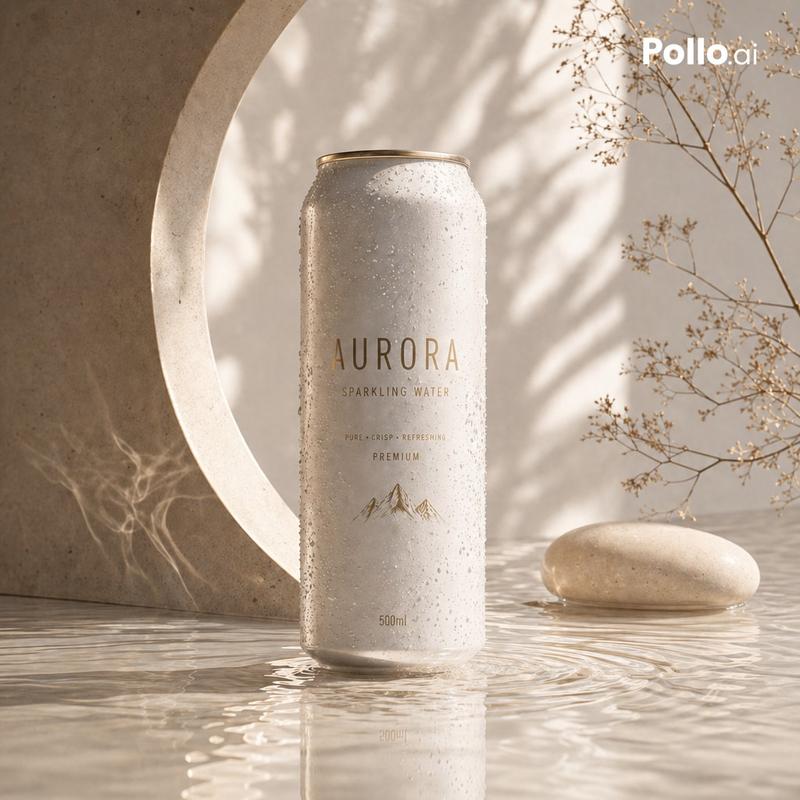
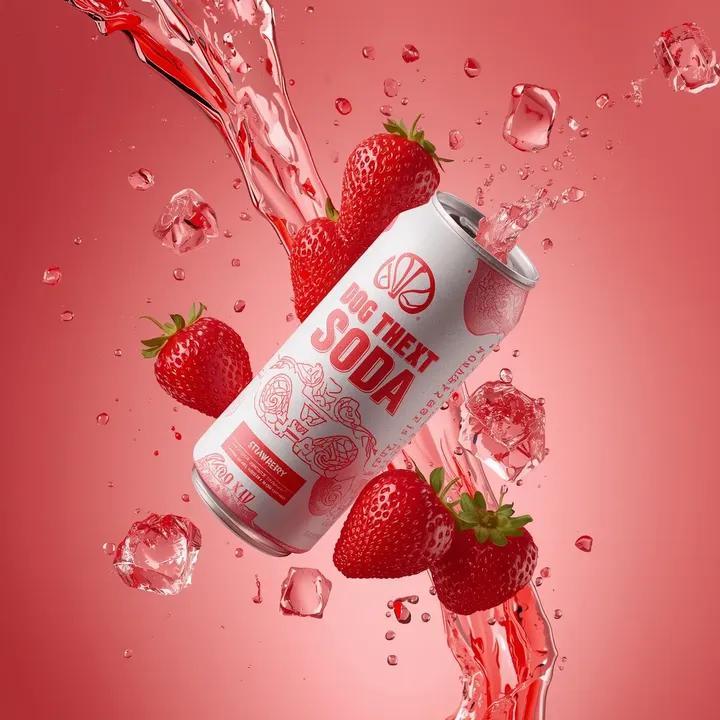
A photorealistic, highly detailed commercial product photograph of a standard aluminum [Type of Soda Can] centered against a minimal, textured [Background Color] paper background, with subtle fibers visible. A single, continuous horizontal paper-tear strip runs across the entire width of the frame, seamless from the far-right edge to the far-left edge. The torn channel cuts through the metal body of the can and continues across the background on both sides with a barely perceptible and minimal diagonal slope towards the upper-left. The tear channel is significantly broader, revealing a dense, glistening, and vibrant layer of [Description of Fruit Segments/Sacs/Berries] tightly packed inside. Near the extreme far-left end of this tear, the paper is neatly rolled into a tight, realistic coil that occupies almost the entire left margin. The can features a newly designed, minimalist branding: the upper portion has a stylized, abstract line-art illustration of [Fruit Branch/Plant] in a contrasting [Ink Color], set against a subtle matte geometric [Pattern Type] pattern on the can surface. Below this, the brand name "[Brand Name]" is printed in an elegant, modern dark typography, with smaller technical text "330ml - NATURAL EXTRACT" and a small "Recyclable" logo. A small, detailed graphic of the fruit is located below the torn path. The lighting is soft and cinematic, casting delicate drop shadows beneath the torn paper edges and the large left coil. 8k resolution, macro details on fibrous paper and glossy fruit texture.
Category
Products & E-commerce
Model
GPT Image 2
Views0
Source ID
2027470188644626803
Published
Feb 27, 2026

Guide

About "Torn paper soda can shot: GPT Image 2 prompt"

What is this prompt for?

"Torn paper soda can shot: GPT Image 2 prompt" AI image prompt for GPT Image 2 (Products & E-commerce). A photorealistic, highly detailed commercial product ph…

The full copyable prompt and example visuals above are ready for AI image generation or one-click recreate in Picva.

How to use this prompt

  1. Step 1

    Open the prompt detail

    Review the example visuals, category, and full prompt text for "Torn paper soda can shot: GPT Image 2 prompt".

  2. Step 2

    Copy the prompt

    Copy the prompt body from this page, or load it directly in Studio.

  3. Step 3

    Pick a model (GPT Image 2)

    Prefer GPT Image 2. If you switch models, keep subject and composition and tweak style terms.

  4. Step 4

    Generate and export

    Recreate the look in Picva, or export into your workflow for editing and publishing.

FAQ

What is the "Torn paper soda can shot: GPT Image 2 prompt" prompt?
It is an AI image-generation prompt for GPT Image 2 in the Products & E-commerce category. This page includes the full prompt text, example visuals, and a one-click recreate path in Picva.
How do I use this prompt to generate an image?
Copy the prompt from this page, or use Generate / Studio. Paste it into a compatible image model, or recreate the look in Picva with optional reference images.
Which model is this prompt for?
This page lists GPT Image 2. Most descriptive prompts also transfer to nearby image models such as GPT Image, Flux, or Midjourney with light style tweaks.
Can I use the result commercially?
You can usually copy the prompt for creation, but commercial use of the final image depends on the model terms, reference-image rights, and the generated content. Follow the source author and platform rules.