20

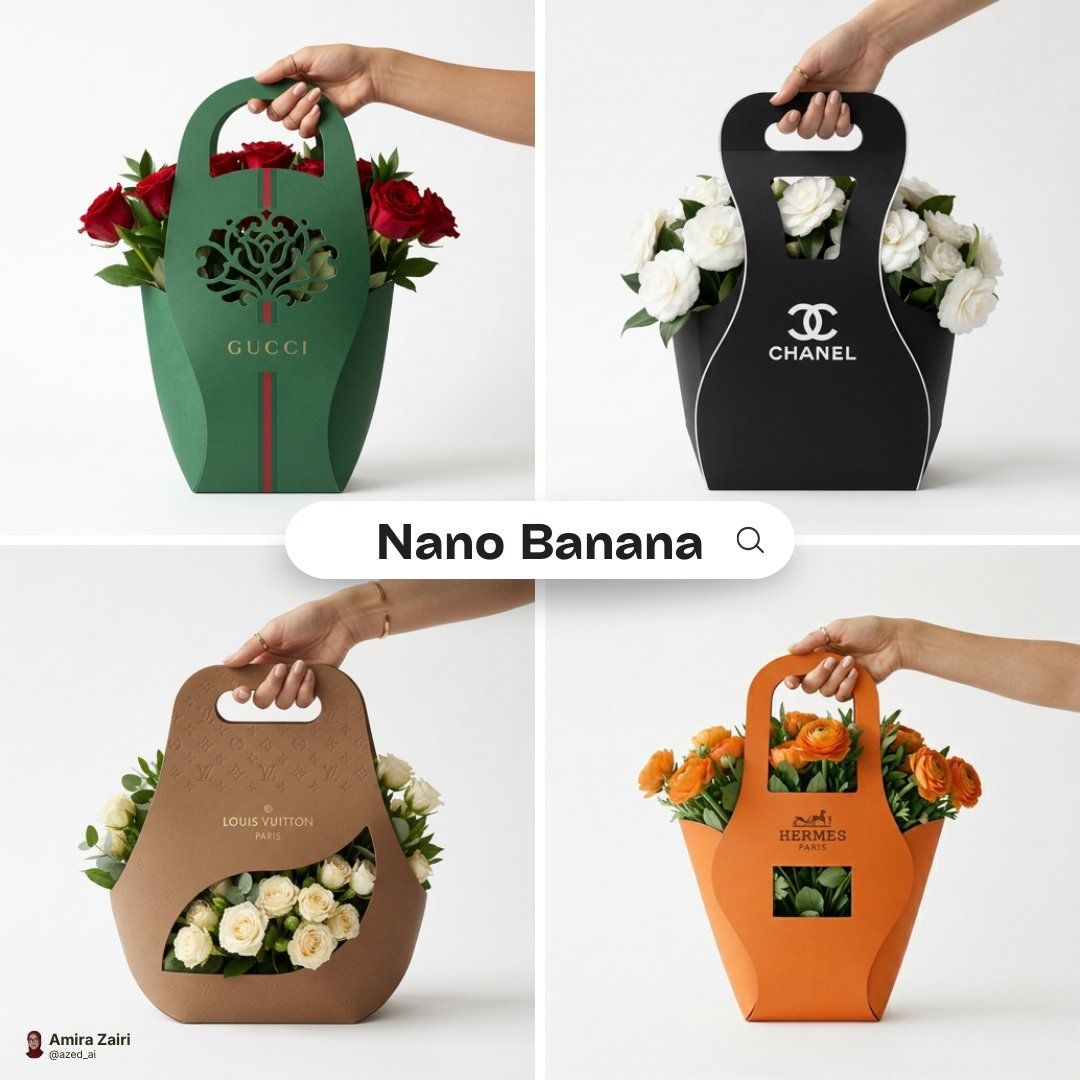
Eco flower packaging sleeve: GPT Image 2 prompt
Enlarge

Eco flower packaging sleeve: GPT Image 2 prompt

Prompt
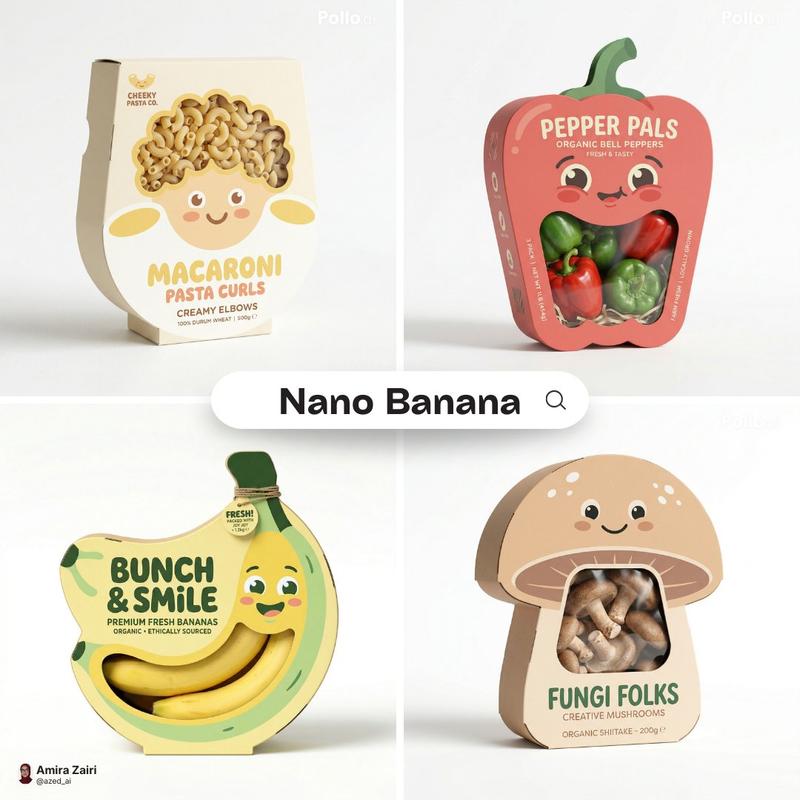
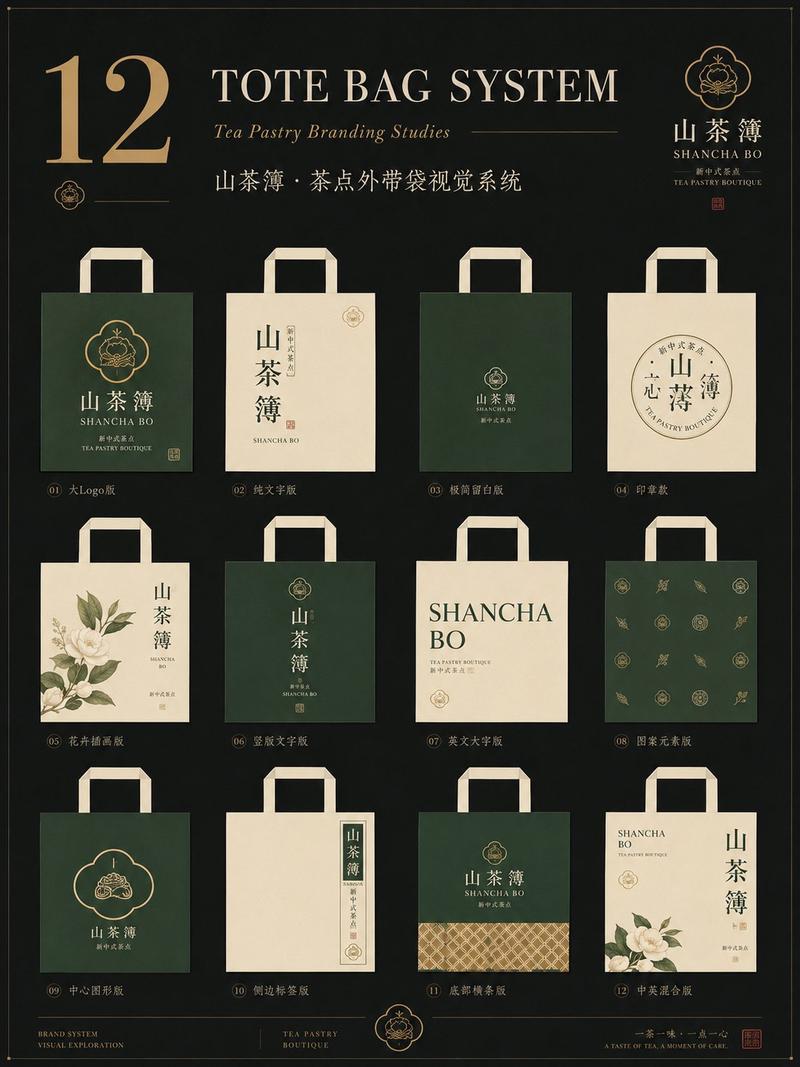
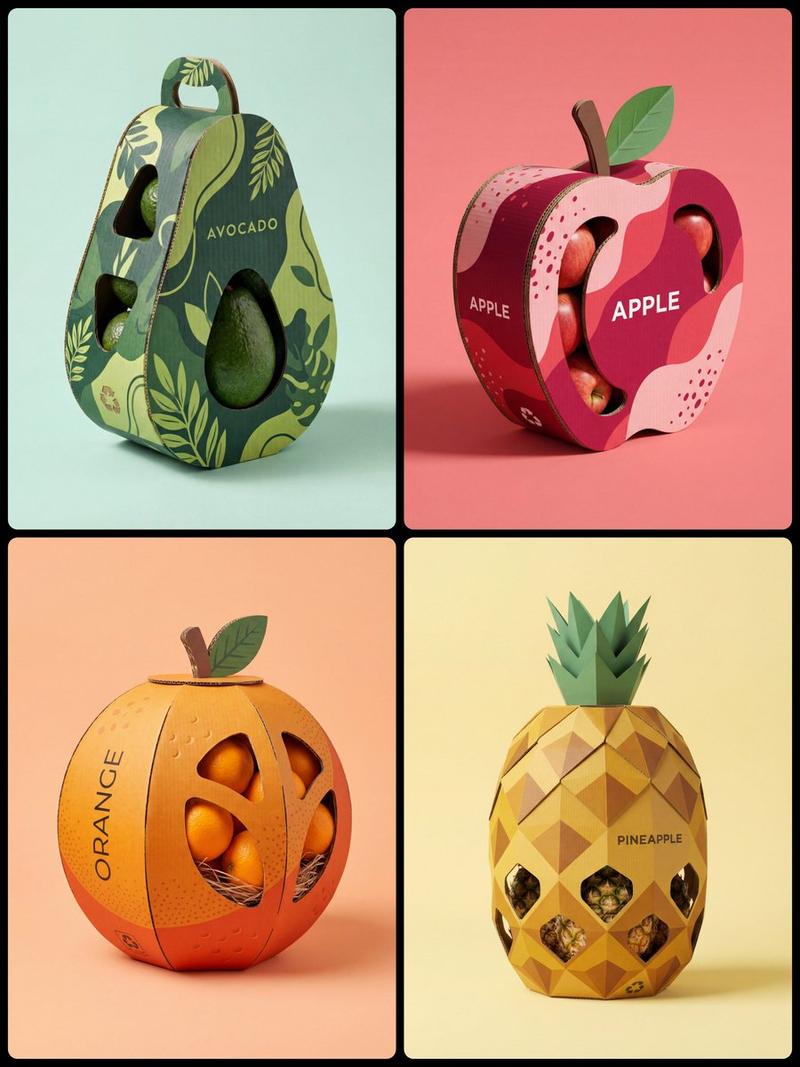
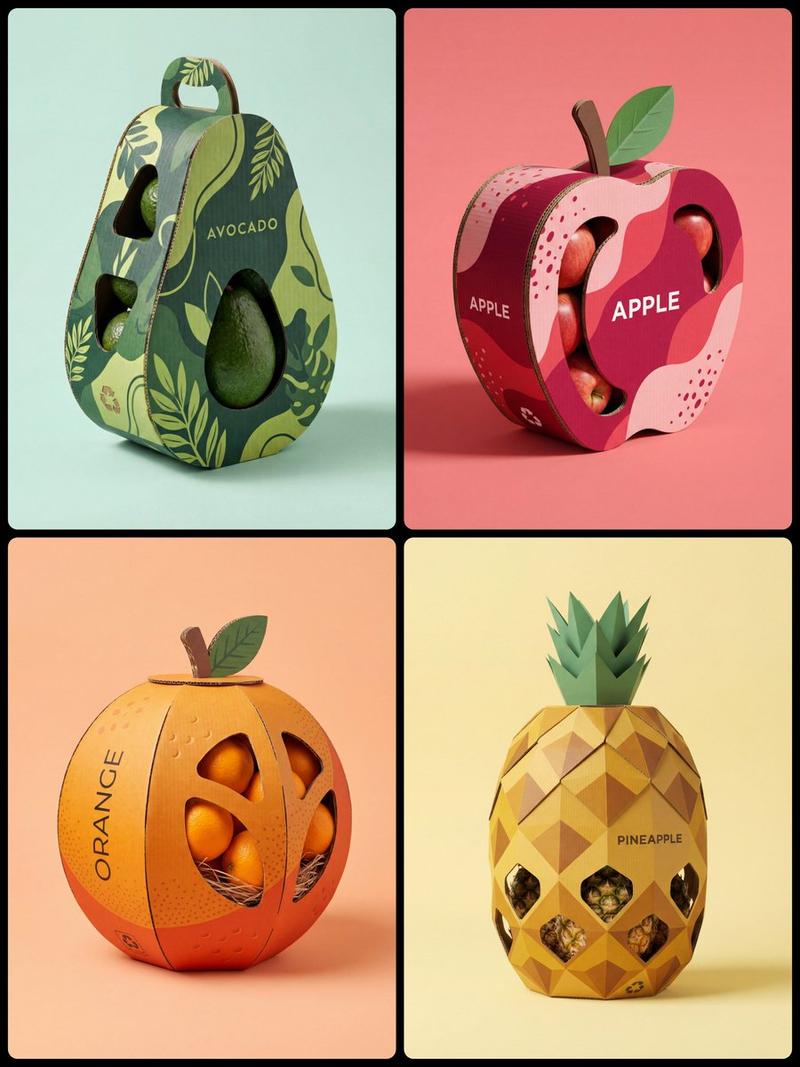
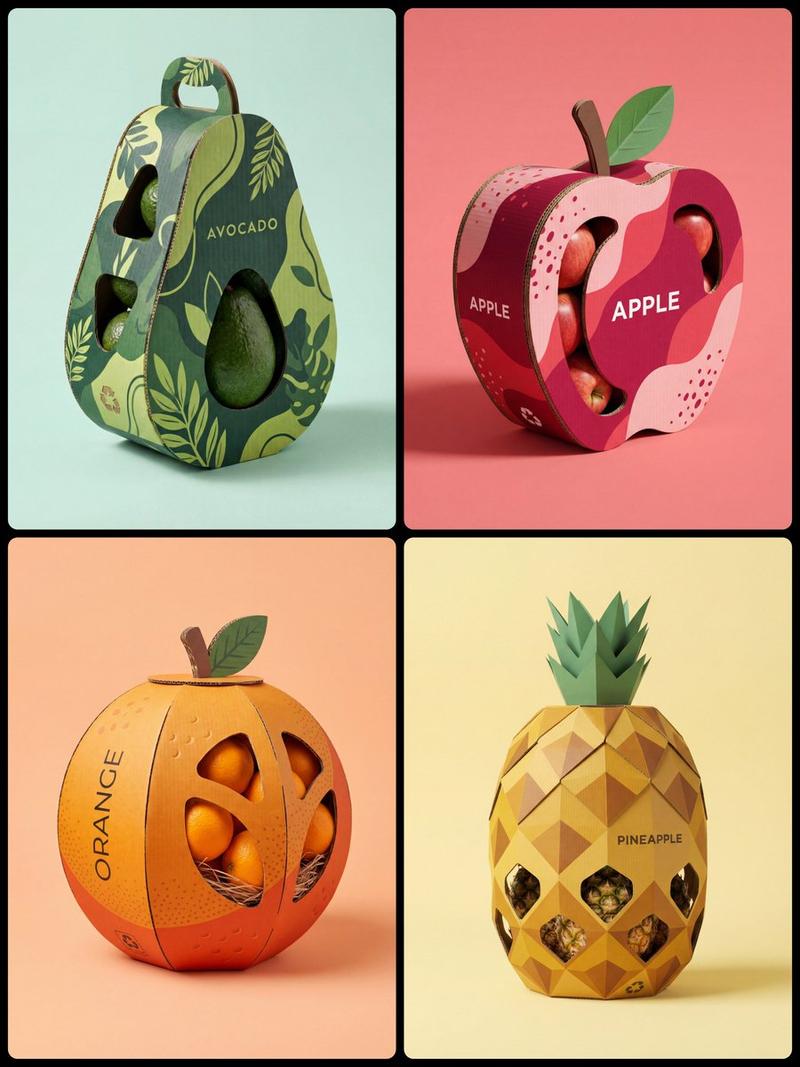
Minimalist branded flower packaging design for [brand], eco-friendly cardboard sleeve with integrated handle, sculptural curved silhouette wrapping naturally around a fresh bouquet, packaging fully designed using the official brand color palette, matte surface with the brand logo cleanly centered on the front panel, precision die-cut window integrated into the design allowing flowers to subtly emerge, cohesive color blocking aligned with brand identity, modern premium branding aesthetic, smooth paper texture, refined structural details, hand holding the package naturally, studio product photography, centered composition, pure white background, soft realistic contact shadow beneath, high-end packaging mockup, ultra-detailed, 1:1 aspect ratio.
Category
Products & E-commerce
Model
GPT Image 2
Views0
Source ID
2030282080945647687
Published
Mar 7, 2026

Guide

About "Eco flower packaging sleeve: GPT Image 2 prompt"

What is this prompt for?

"Eco flower packaging sleeve: GPT Image 2 prompt" AI image prompt for GPT Image 2 (Products & E-commerce). Minimalist branded flower packaging design for [bran…

The full copyable prompt and example visuals above are ready for AI image generation or one-click recreate in Picva.

How to use this prompt

  1. Step 1

    Open the prompt detail

    Review the example visuals, category, and full prompt text for "Eco flower packaging sleeve: GPT Image 2 prompt".

  2. Step 2

    Copy the prompt

    Copy the prompt body from this page, or load it directly in Studio.

  3. Step 3

    Pick a model (GPT Image 2)

    Prefer GPT Image 2. If you switch models, keep subject and composition and tweak style terms.

  4. Step 4

    Generate and export

    Recreate the look in Picva, or export into your workflow for editing and publishing.

FAQ

What is the "Eco flower packaging sleeve: GPT Image 2 prompt" prompt?
It is an AI image-generation prompt for GPT Image 2 in the Products & E-commerce category. This page includes the full prompt text, example visuals, and a one-click recreate path in Picva.
How do I use this prompt to generate an image?
Copy the prompt from this page, or use Generate / Studio. Paste it into a compatible image model, or recreate the look in Picva with optional reference images.
Which model is this prompt for?
This page lists GPT Image 2. Most descriptive prompts also transfer to nearby image models such as GPT Image, Flux, or Midjourney with light style tweaks.
Can I use the result commercially?
You can usually copy the prompt for creation, but commercial use of the final image depends on the model terms, reference-image rights, and the generated content. Follow the source author and platform rules.