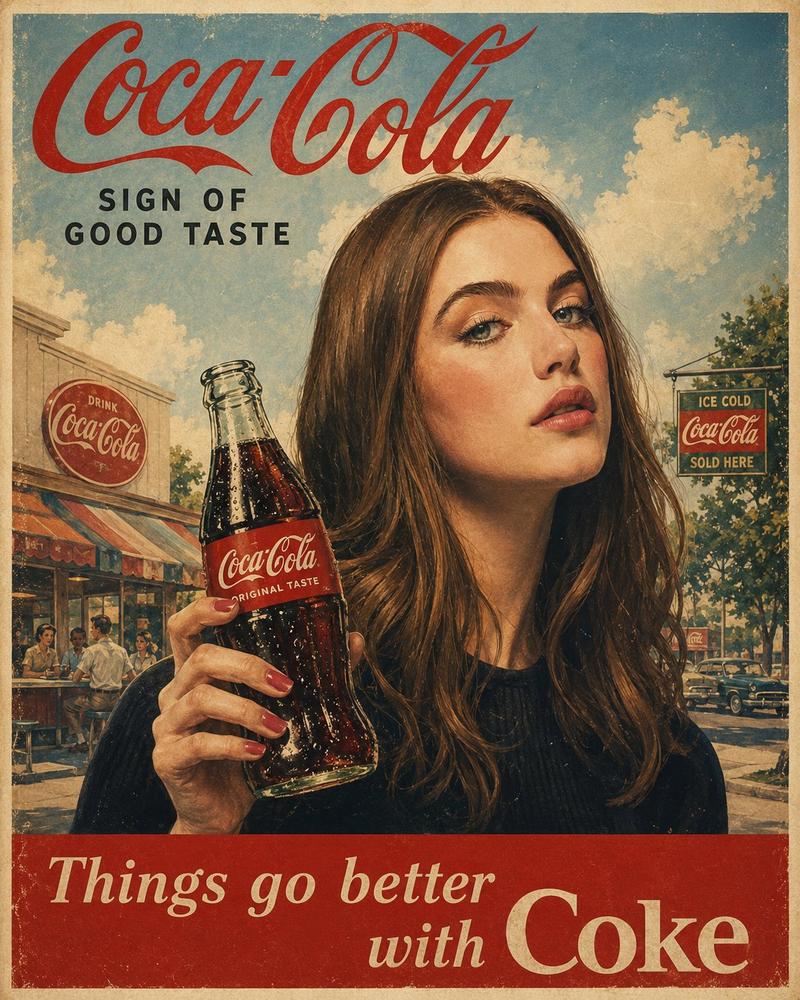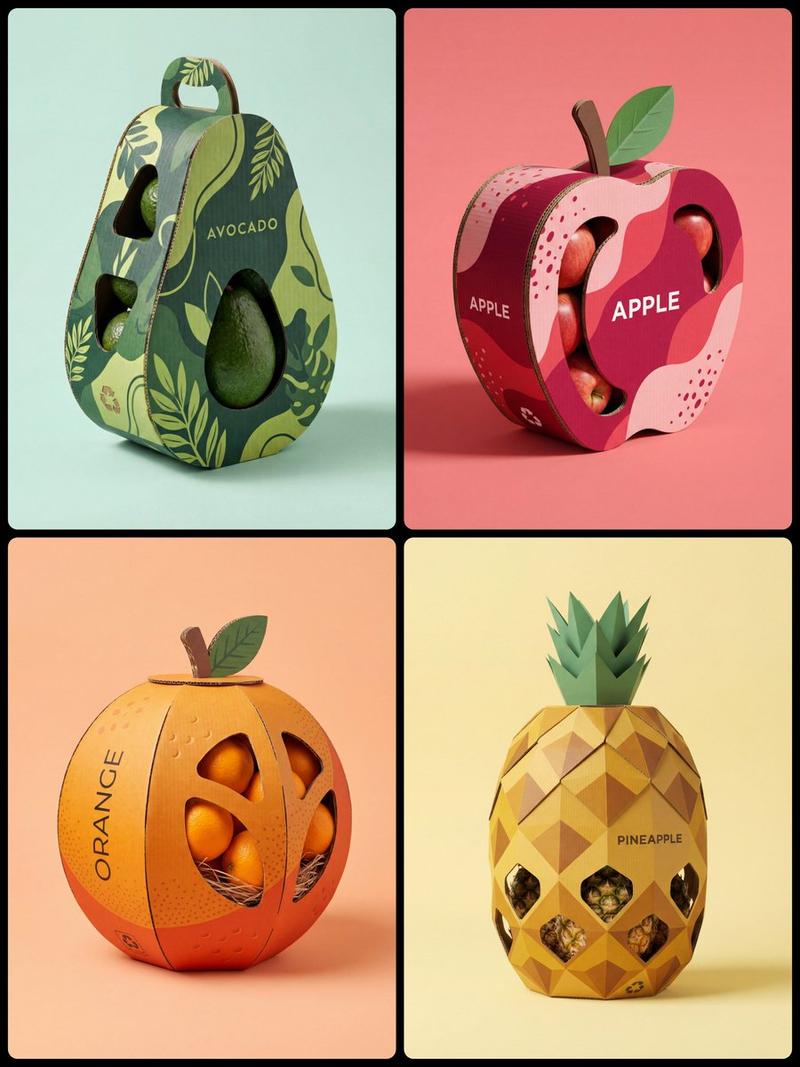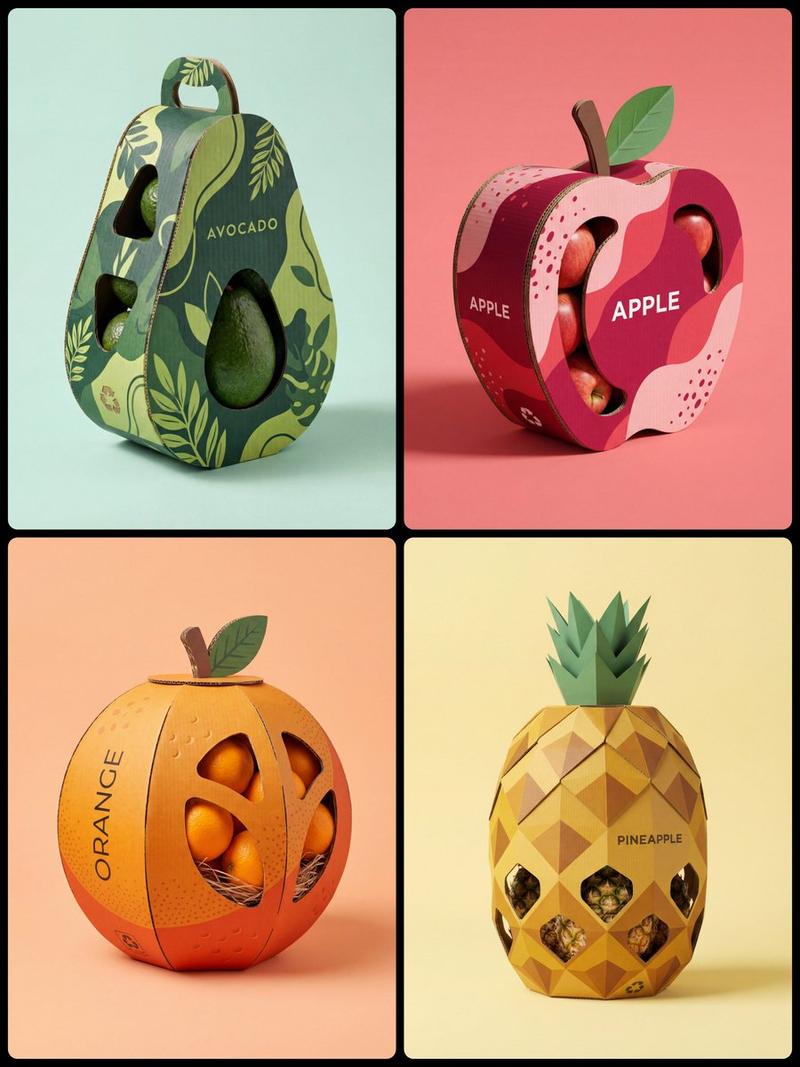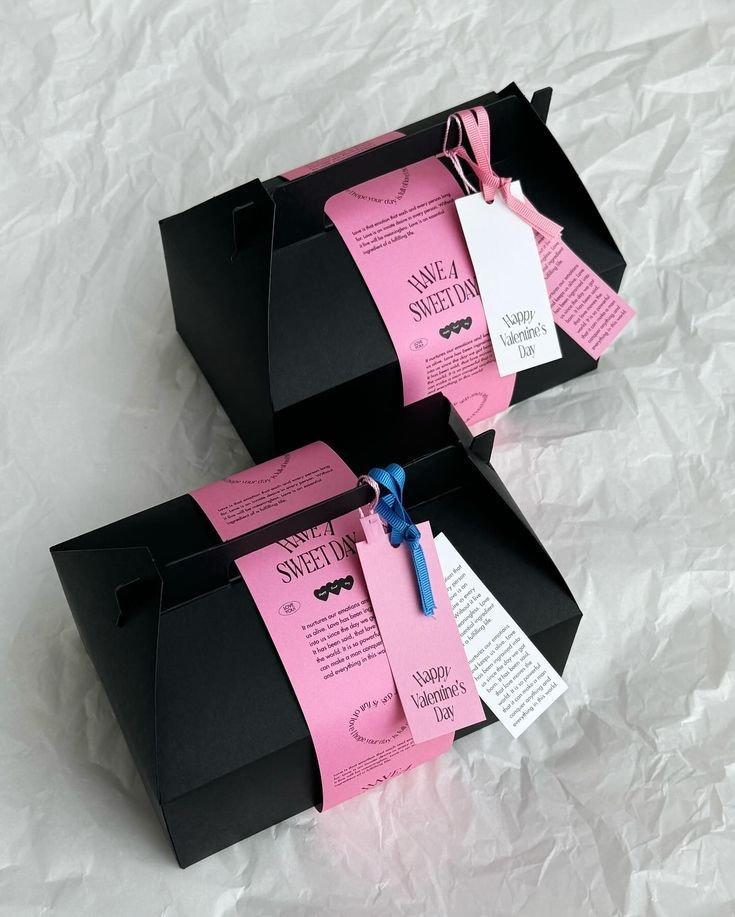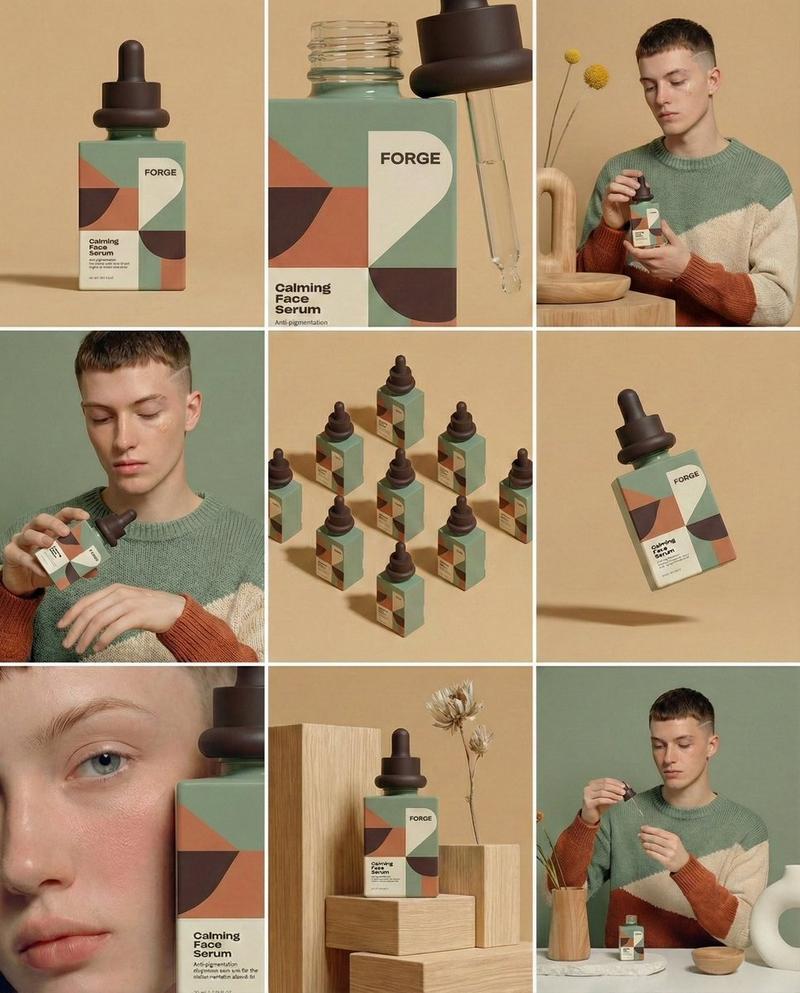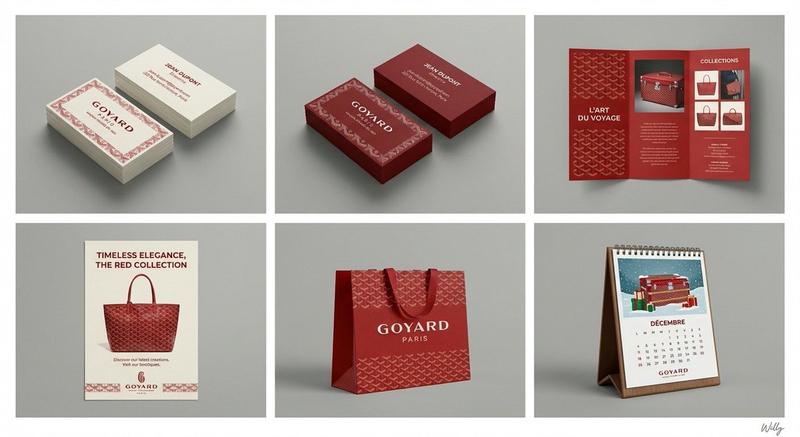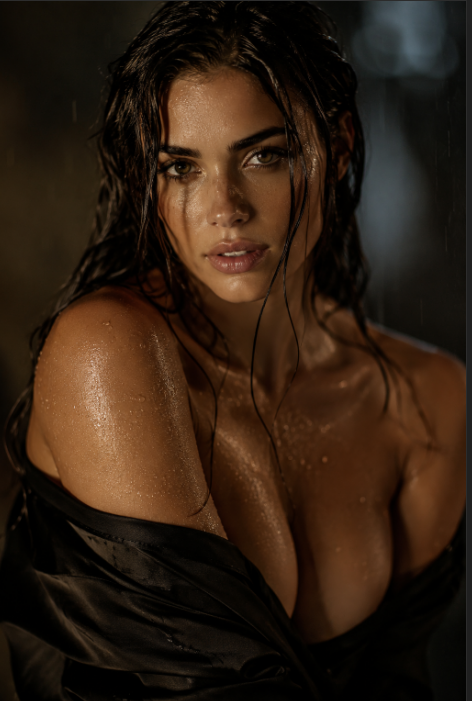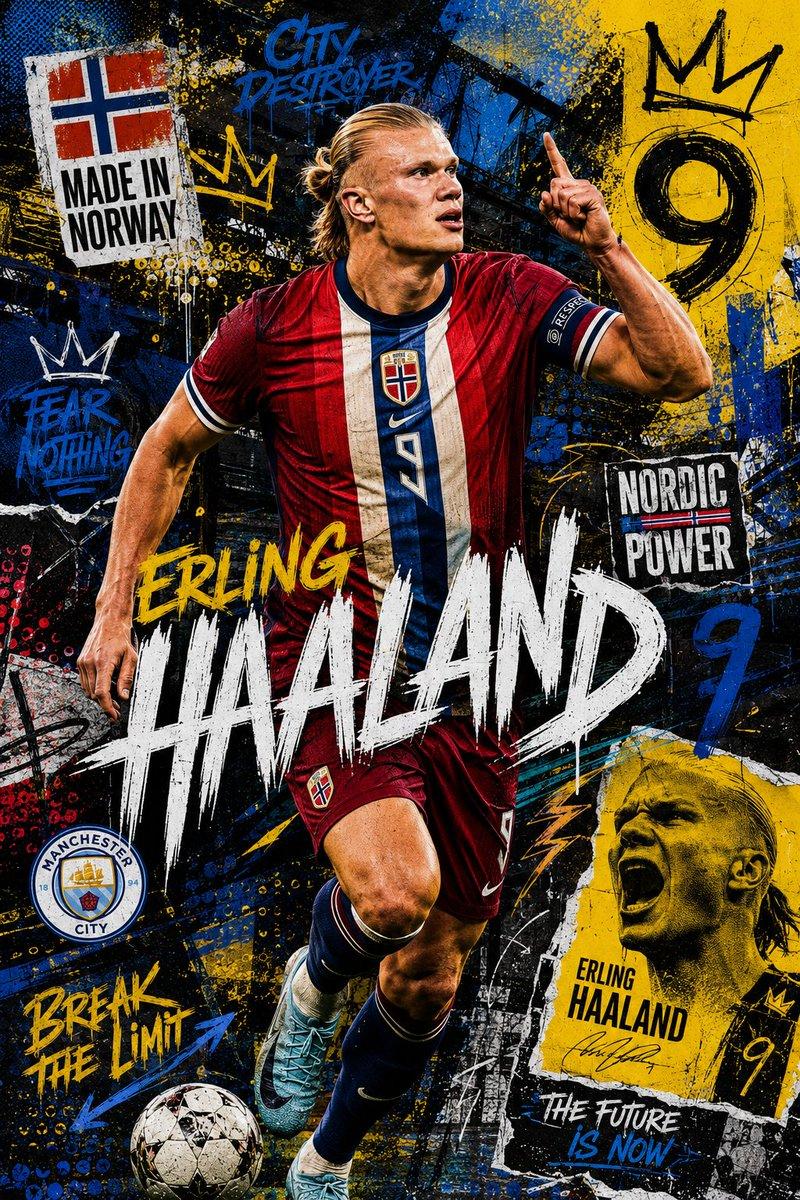
20

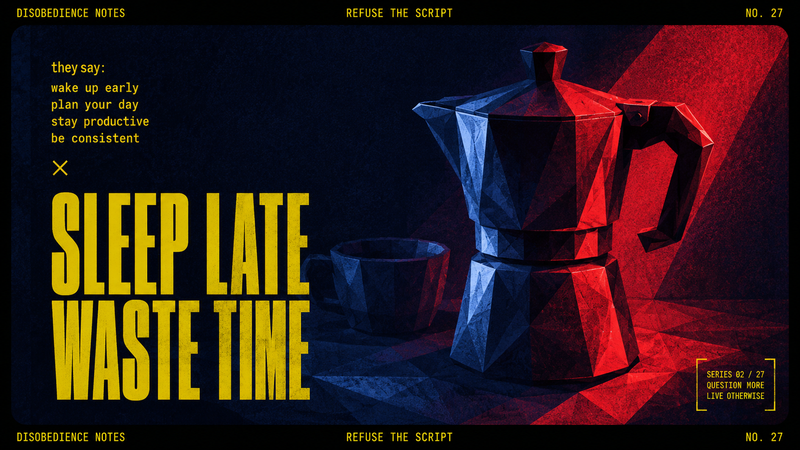
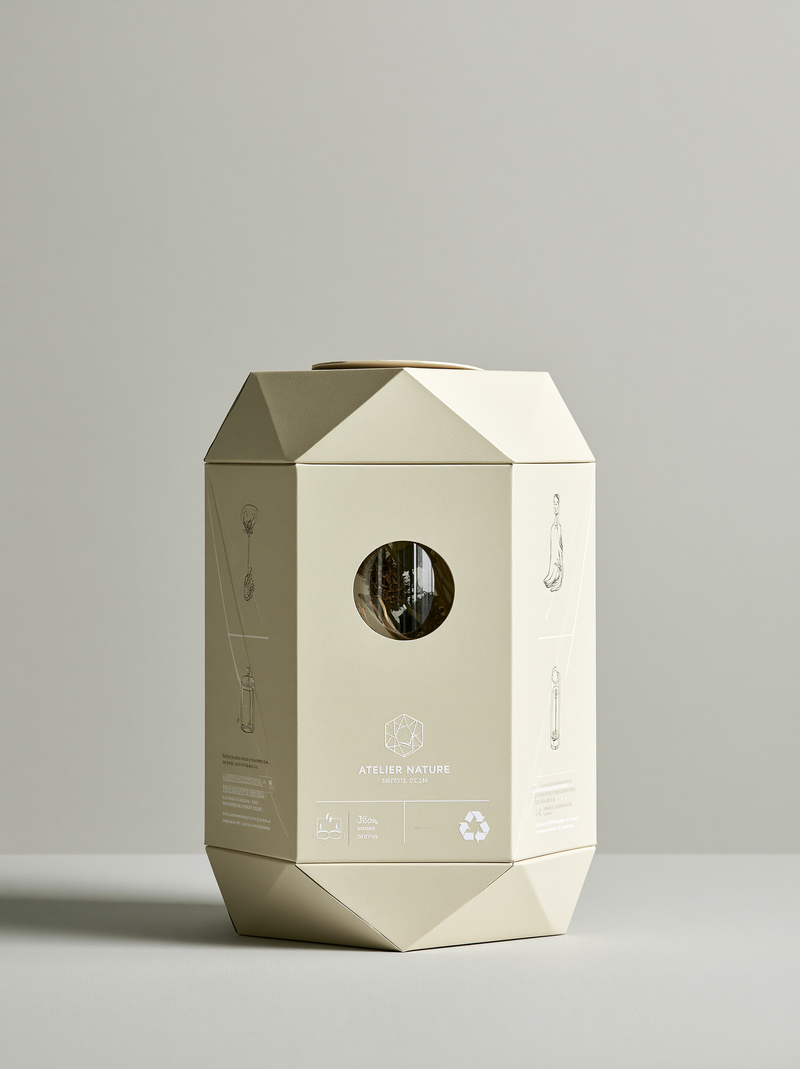
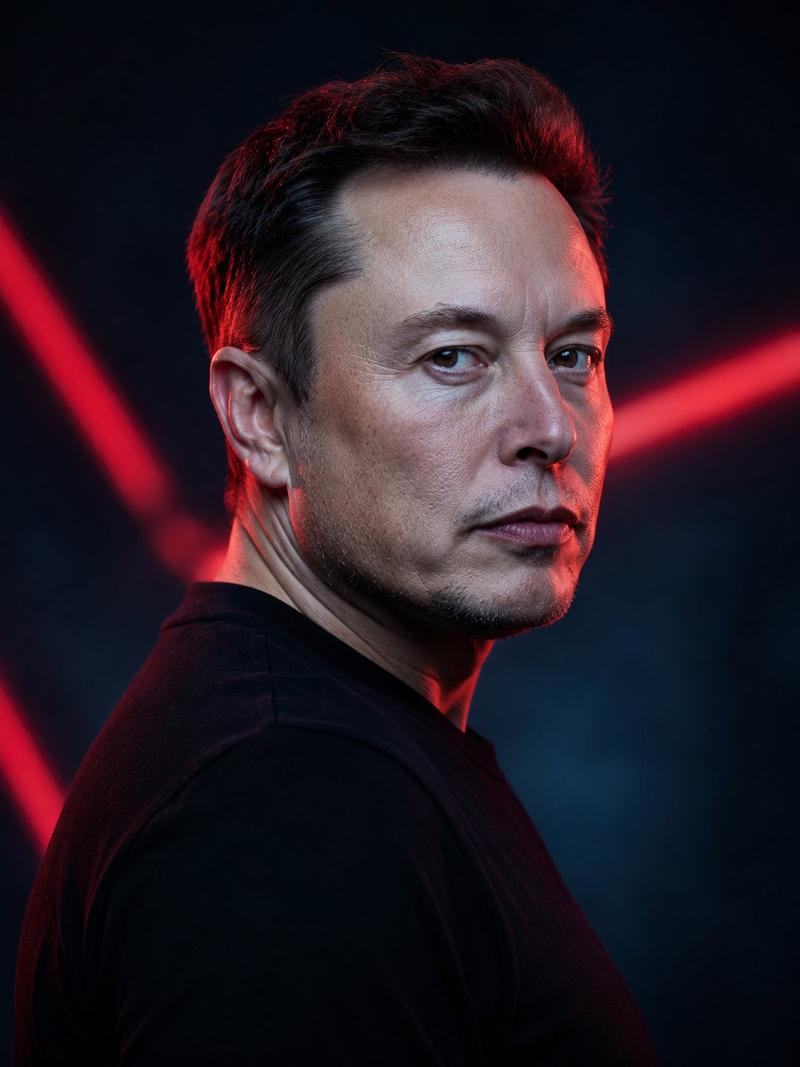
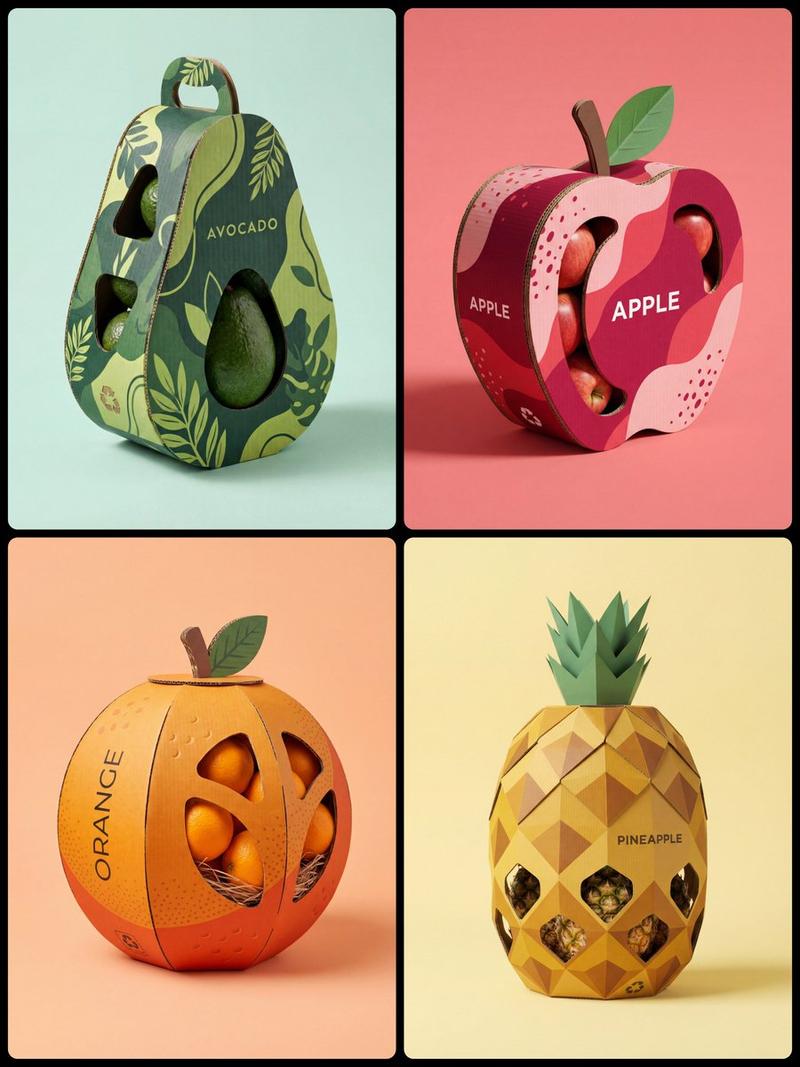
Origami industrial concept: GPT Image 2 prompt
Enlarge

Origami industrial concept: GPT Image 2 prompt

Prompt
[BRAND NAME]: The core identity.

[CATEGORY]: Clothing / Food / Automotive / Lifestyle.

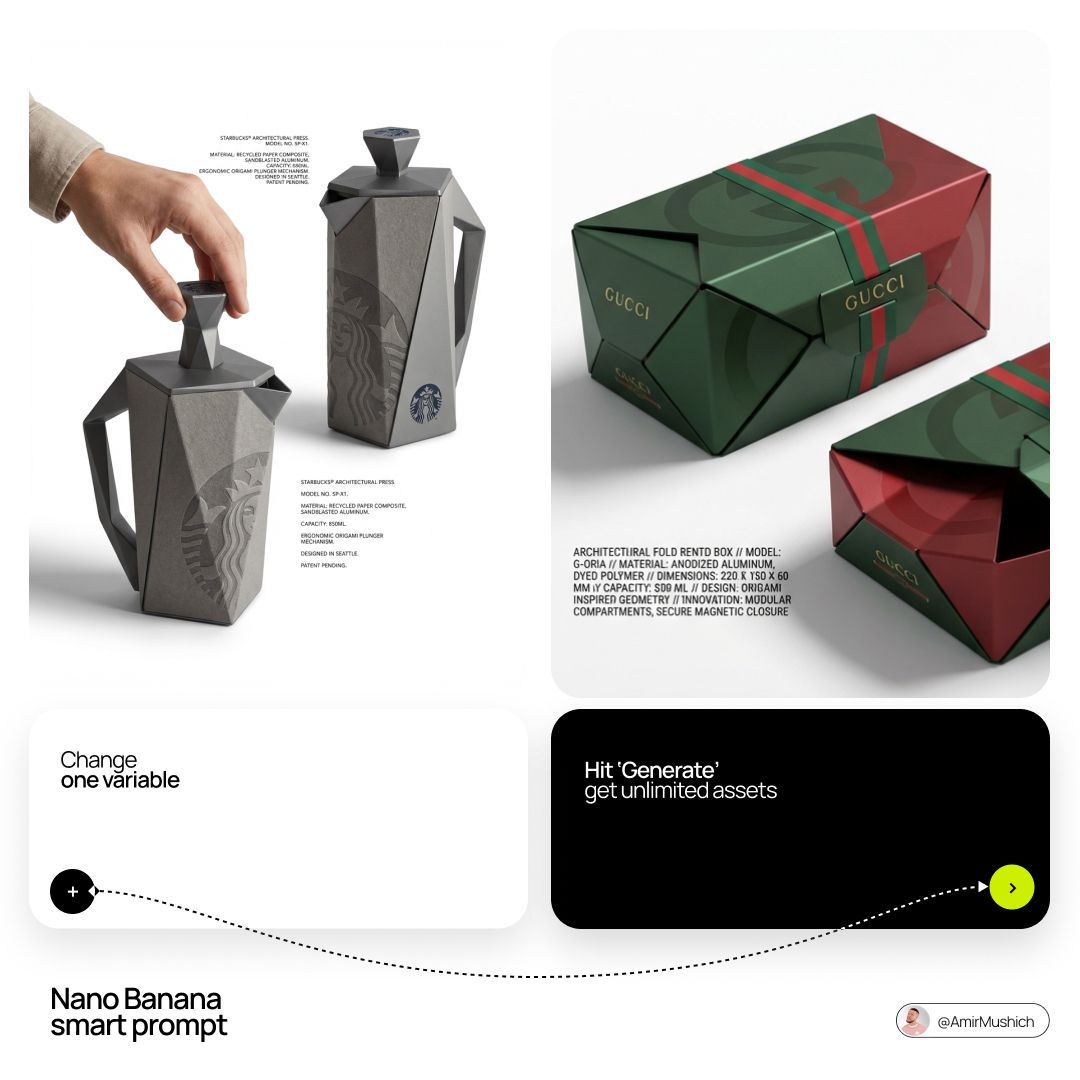
Goal: Generate a premium industrial design concept on a PURE WHITE background. 

1. INNOVATION & OBJECT

- Select one mundane functional object from [CATEGORY].

- Redesign it using unconventional, architectural, or origami-inspired geometry.

- The object must look like a high-end designer invention, not a standard product.

2. UNIFIED COMPOSITION

- Environment: A seamless, pure white studio background with a flat white floor.

- Interaction: A human hand (natural texture) is shown using the object in the foreground, demonstrating its unique ergonomics.

- Static Display: Right next to the hand, the same object is placed in a static, perfect pose to show its full silhouette and branding.

- Shadows: Soft, realistic grey drop shadows on the white floor to provide depth and ground the objects.

3. BRANDING & TEXT

- Identity: Apply the "[BRAND NAME]" logo in a high-contrast dark color (Black or Navy) directly onto the object's surface.

- Technical Detail: Add small, elegant blocks of justified "specification text" in the white negative space around the objects for an editorial look.

- Pattern: Use a subtle, oversized abstract fragment of the brand's logo as a texture on the object's material.

4. MATERIALS & FINISH

- High-quality matte materials only: heavy-duty recycled paper, sandblasted metal, or soft-touch polymer.

- Sharp architectural lines and clean, premium craftsmanship.
Category
Posters & Typography
Model
GPT Image 2
Views0
Source ID
2032532246641406264
Published
Mar 13, 2026

Guide

About "Origami industrial concept: GPT Image 2 prompt"

What is this prompt for?

"Origami industrial concept: GPT Image 2 prompt" AI image prompt for GPT Image 2 (Posters & Typography). [BRAND NAME]: The core identity. [CATEGORY]: Clothing…

The full copyable prompt and example visuals above are ready for AI image generation or one-click recreate in Picva.

How to use this prompt

  1. Step 1

    Open the prompt detail

    Review the example visuals, category, and full prompt text for "Origami industrial concept: GPT Image 2 prompt".

  2. Step 2

    Copy the prompt

    Copy the prompt body from this page, or load it directly in Studio.

  3. Step 3

    Pick a model (GPT Image 2)

    Prefer GPT Image 2. If you switch models, keep subject and composition and tweak style terms.

  4. Step 4

    Generate and export

    Recreate the look in Picva, or export into your workflow for editing and publishing.

FAQ

What is the "Origami industrial concept: GPT Image 2 prompt" prompt?
It is an AI image-generation prompt for GPT Image 2 in the Posters & Typography category. This page includes the full prompt text, example visuals, and a one-click recreate path in Picva.
How do I use this prompt to generate an image?
Copy the prompt from this page, or use Generate / Studio. Paste it into a compatible image model, or recreate the look in Picva with optional reference images.
Which model is this prompt for?
This page lists GPT Image 2. Most descriptive prompts also transfer to nearby image models such as GPT Image, Flux, or Midjourney with light style tweaks.
Can I use the result commercially?
You can usually copy the prompt for creation, but commercial use of the final image depends on the model terms, reference-image rights, and the generated content. Follow the source author and platform rules.