Matte chronograph rock macro: GPT Image 2 prompt
Prompt
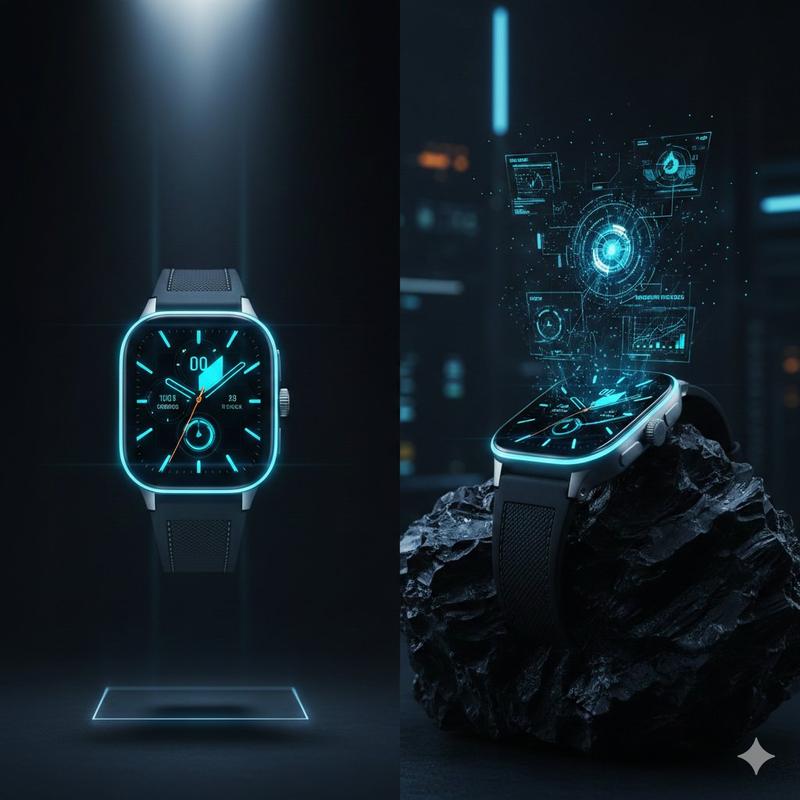
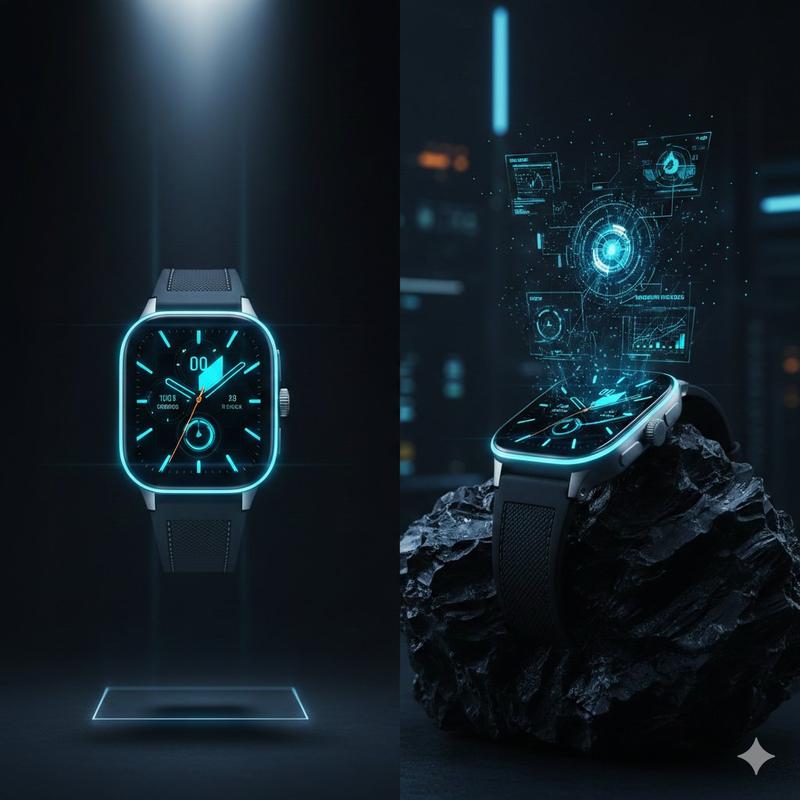
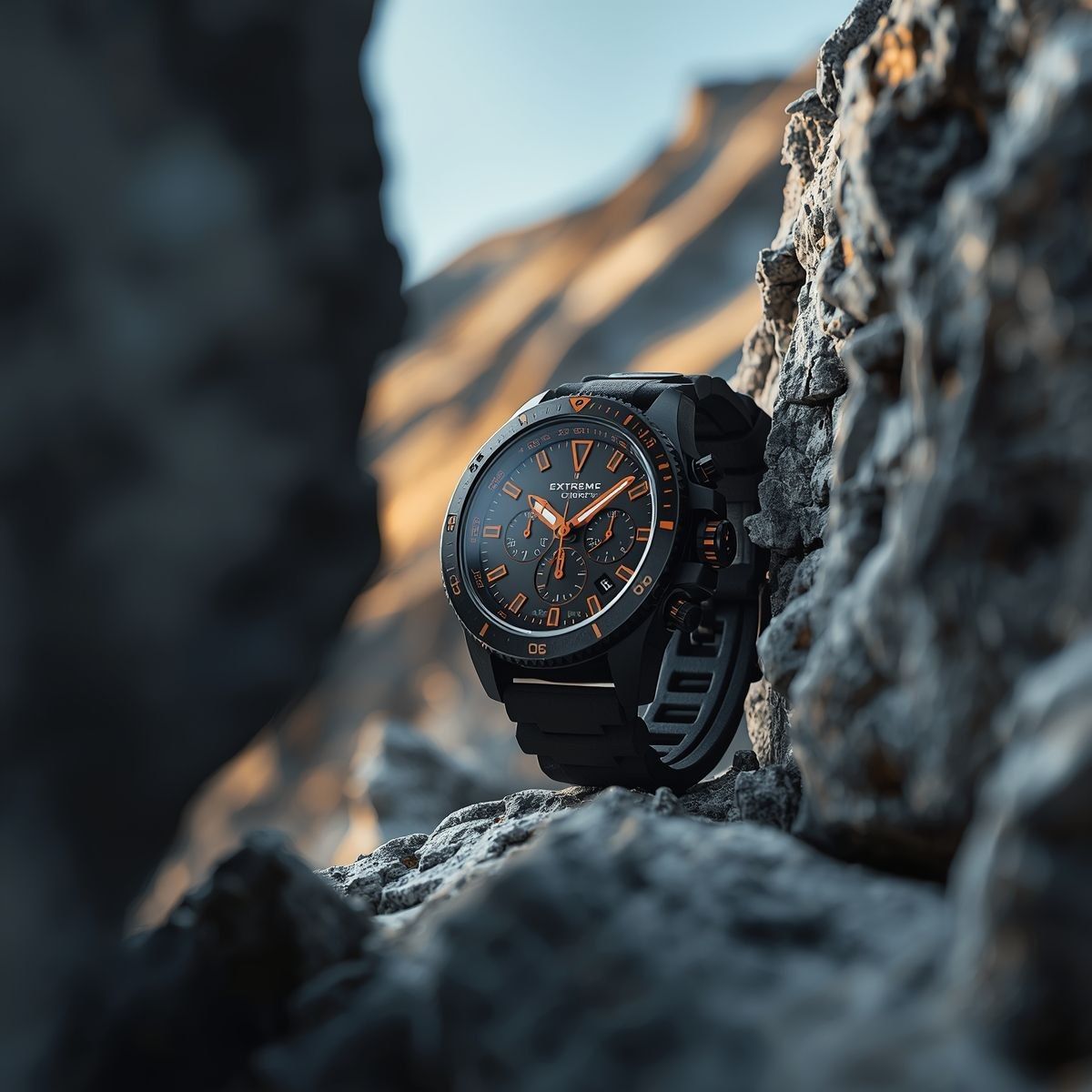
A rugged, matte-black chronograph watch with bold orange accents is tightly framed between two textured rock formations, creating a natural vignette that directs all focus toward the dial; the scene opens with an ultra-close macro perspective, the camera slowly sliding laterally through the narrow rocky gap, maintaining an intimate, compressed field of view with no zoom-out, as if discovering the watch hidden within a harsh alpine environment. Cold mountain air subtly moves fine dust particles and faint mist across the frame, catching soft, diffused daylight that spills in from above, while a warm, low-angle sunlight grazes the rocks and reflects gently onto the watch face, creating a striking contrast between cool shadows and warm highlights. The camera continues a controlled micro-orbit around the watch at close range, allowing specular highlights to travel across the brushed metal bezel, engraved screws, and slightly textured rubber strap, emphasizing durability and premium craftsmanship. The orange indices and hands glow subtly as light shifts across the sapphire crystal, revealing crisp reflections and slight curvature distortions. In the blurred background, towering mountain peaks remain softly out of focus, adding depth without distraction, while tiny vibrations in the environment cause minuscule pebble shifts near the base, reinforcing realism. As the shot progresses, a faint breeze brushes across the strap, introducing barely perceptible movement, while light intensity fluctuates naturally as if clouds are passing overhead. The sequence ends in a locked, ultra-tight hero composition, perfectly centered within the rock frame, with high contrast, razor-sharp detail on the dial, and a cinematic interplay of shadow, texture, and controlled highlights that reinforce a premium, adventure-driven identity.
- Category
- Products & E-commerce
- Model
- GPT Image 2
- Creator
- 𝐌
- Source ID
- 2038224276835471420
- Published
- Mar 29, 2026
Views0

![Prompt Studio: Sand & Wind Product Photography [PRODUCT] with fine sand particle](https://cdn.pixshop.app/prompt-library/tweet-2003960376766222356/preview-0-1768179983755-bp1e36u6.jpeg)