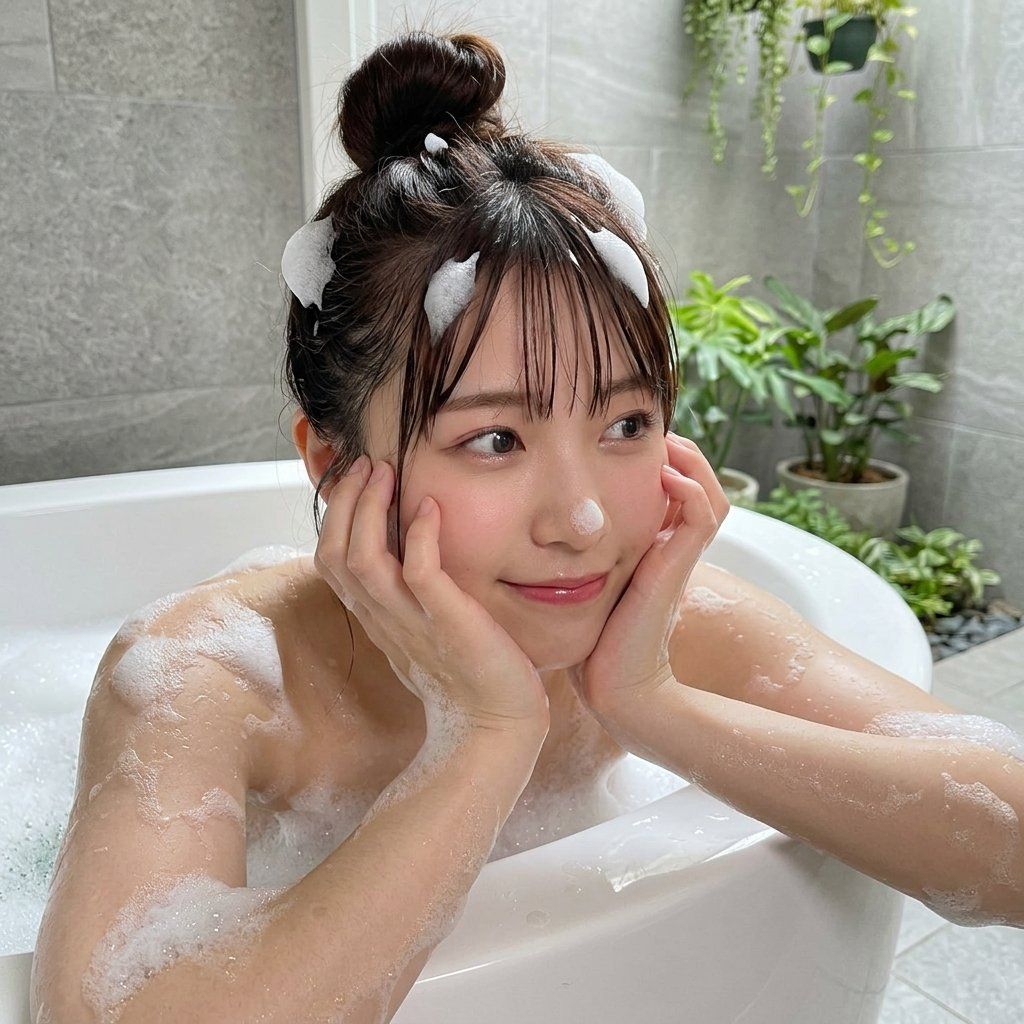
Portrait asian portrait: GPT Image 2 prompt
Prompt
{ "subject": { "description": "Young Asian woman playfully posing in a bathtub", "mirror_rules": "", "age": "early 20s", "expression": { "eyes": { "look": "playful", "energy": "bright", "direction": "off-camera right" }, "mouth": { "position": "gentle smile", "energy": "cute" }, "overall": "cheerful and relaxed" }, "face": { "preserve_original": "true", "makeup": "soft pink blush, glossy lips, Japanese idol style" } }, "hair": { "color": "dark brown", "style": "messy high top knot, wispy bangs", "effect": "wet roots, patches of white bath foam stuck to hair" }, "body": { "frame": "petite", "waist": "hidden", "chest": "heavy cleavage resting on the tub edge", "legs": "hidden", "skin": { "visible_areas": "shoulders, arms, upper chest, face", "tone": "fair, pale", "texture": "smooth, wet, soapy", "lighting_effect": "soft diffused highlights bouncing off the white tub onto the chest" } }, "pose": { "position": "leaning forward", "base": "forearms and chest supported by the bathtub rim", "overall": "hands gently framing the face, fingers touching cheeks casually" }, "clothing": { "top": { "type": "none, bare skin covered in bath foam", "color": "white", "details": "sudsy foam patches", "effect": "clinging to wet skin" }, "bottom": { "type": "hidden", "color": "", "details": "" } }, "photography": { "camera_style": "smartphone casual portrait", "angle": "high angle, slightly tilted down", "shot_type": "medium close-up", "aspect_ratio": "4:3", "texture": "slight digital noise, snapshot feel", "lighting": "bright, soft diffused ambient bathroom light", "depth_of_field": "shallow, background gently blurred" }, "background": { "setting": "modern bathroom with a small indoor garden", "wall_color": "grey stone tiles", "elements": [ "white bathtub rim", "green potted plants", "hanging vines", "frosted glass pane" ], "atmosphere": "fresh, humid", "lighting": "bright ambient daylight filtering in" }, "the_vibe": { "energy": "bubbly, flirtatious", "mood": "playful", "aesthetic": "Japanese gravure, soft girl", "authenticity": "casual everyday snap, unposed feel", "intimacy": "high, girlfriend perspective", "story": "was playing with bubbles during a bath", "caption_energy": "bath time fun" }, "constraints": { "must_keep": [ "foam on nose", "foam in hair", "chest heavily resting on tub rim", "hands touching face" ], "avoid": [ "overly polished studio look", "stiff posing", "full nudity without foam covering", "harsh shadows" ] }, "negative_prompt": [ "nsfw", "fully nude", "harsh shadows", "stiff pose", "studio lighting", "heavy makeup", "perfect symmetry", "dry skin" ] }- Category
- Photography & Realism
- Model
- GPT Image 2
- Creator
- underwood
- Source ID
- 2043565528615371229
- Published
- Apr 13, 2026
Views0












