18

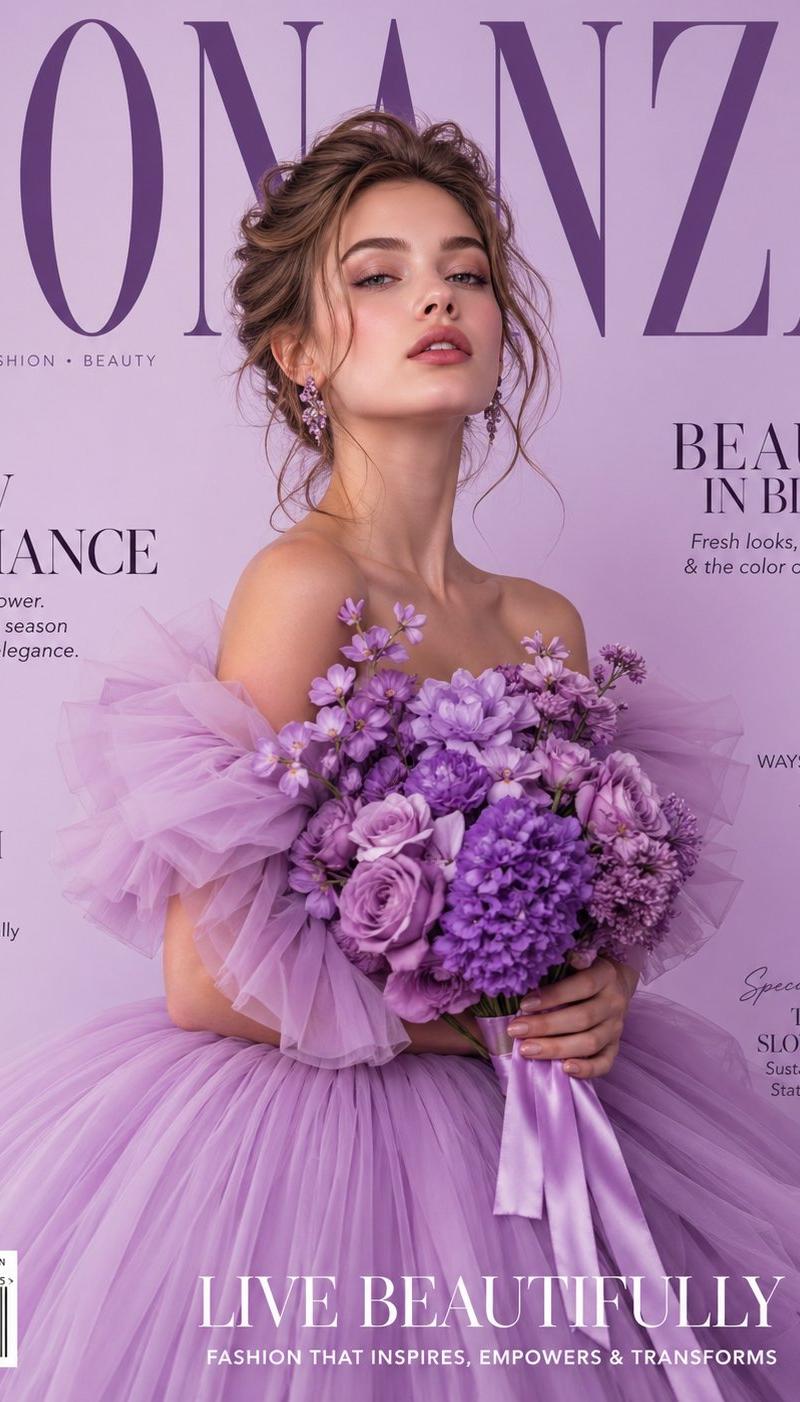
Lavender tulle couture cover: GPT Image 2 prompt
Enlarge

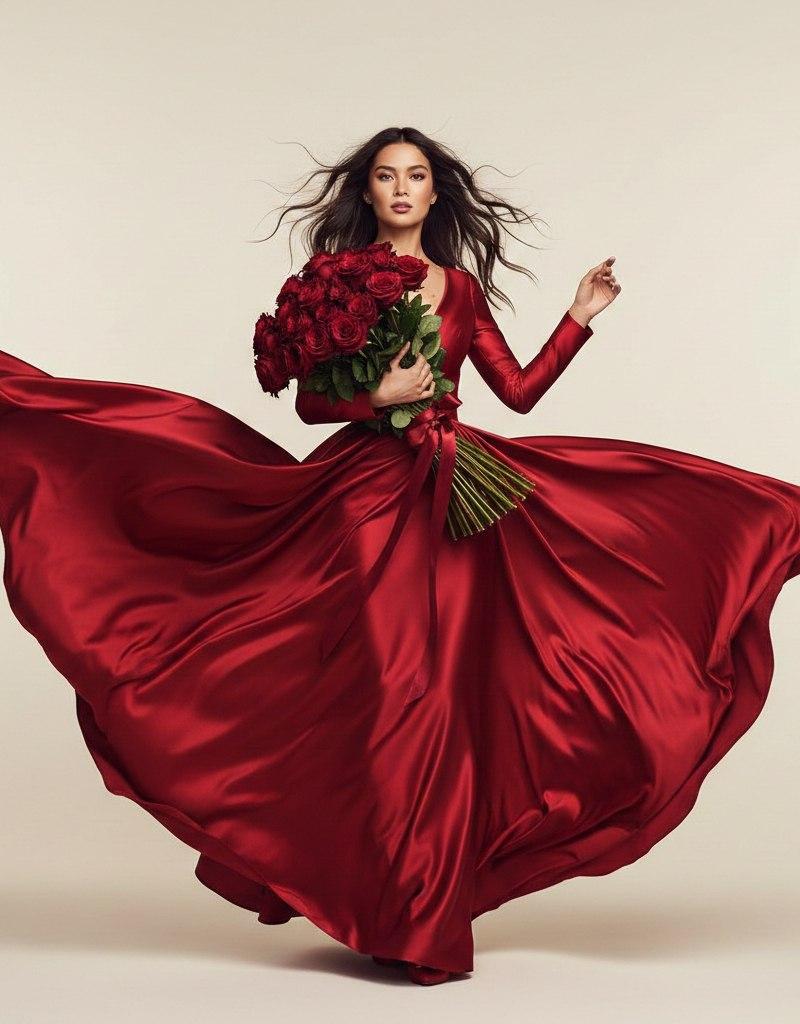
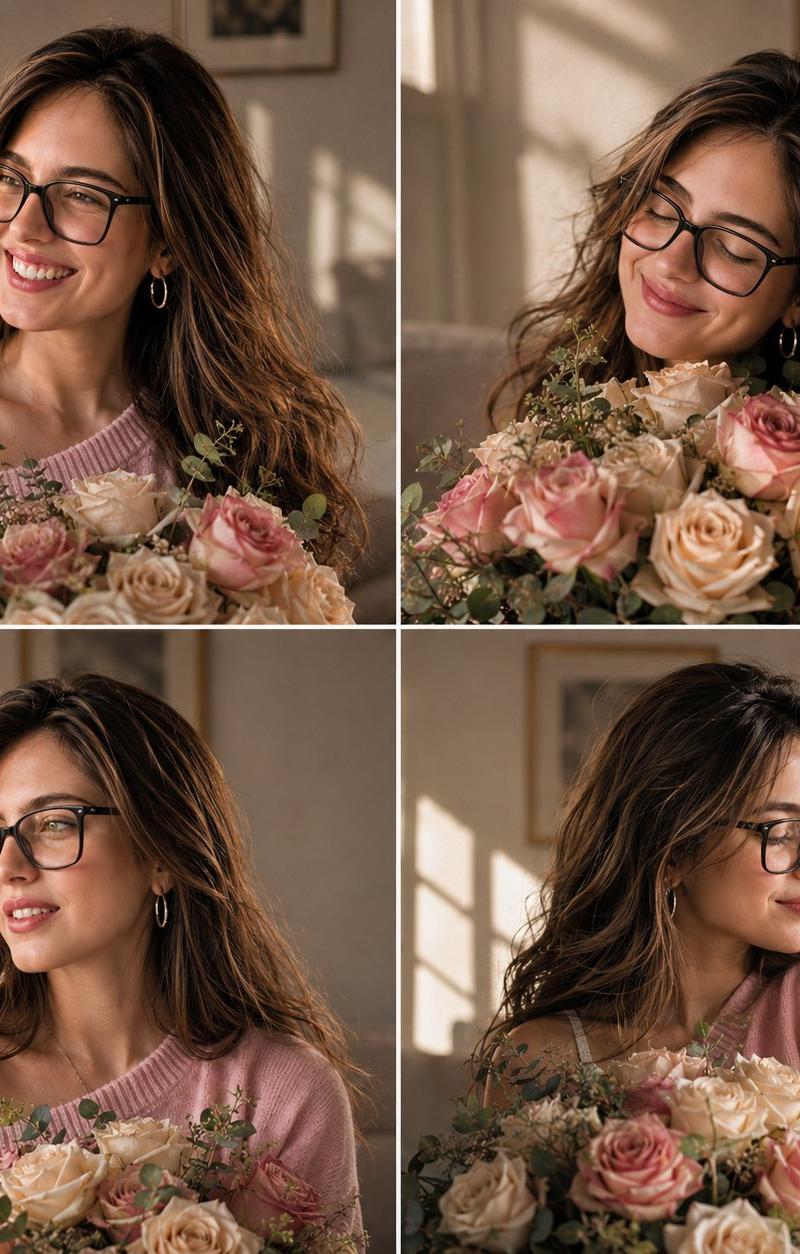
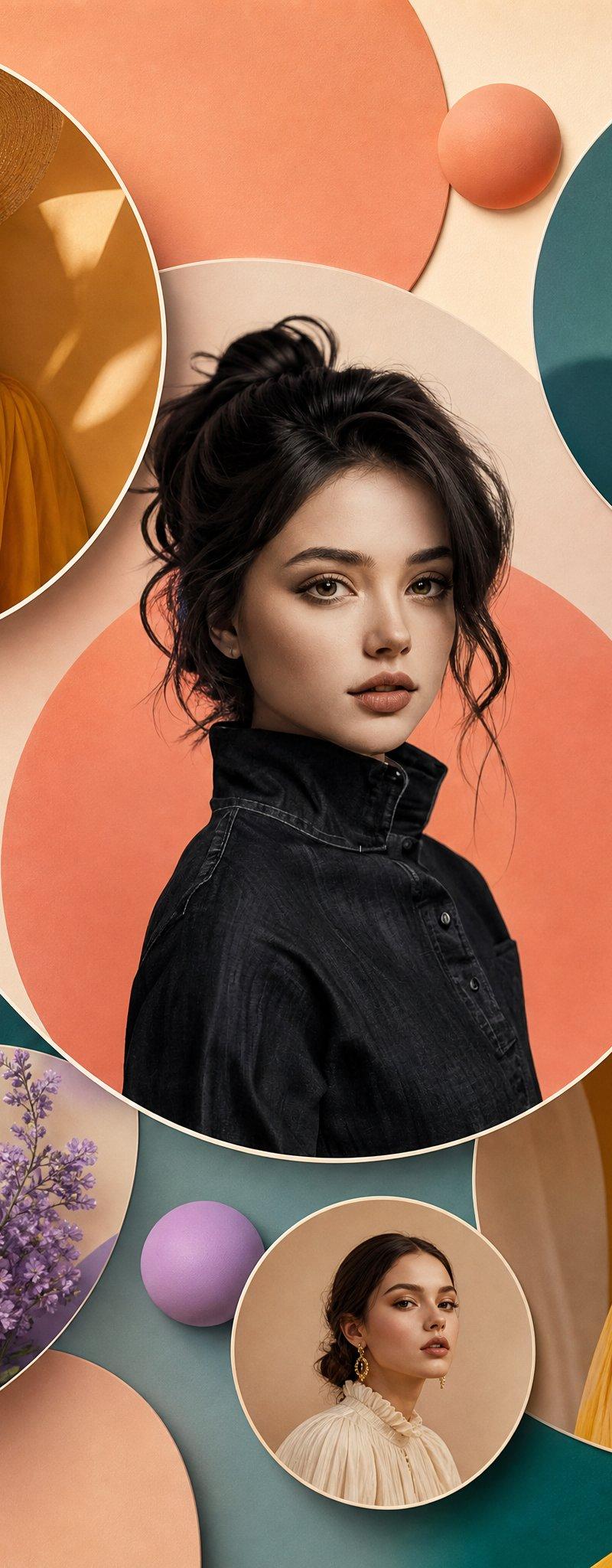
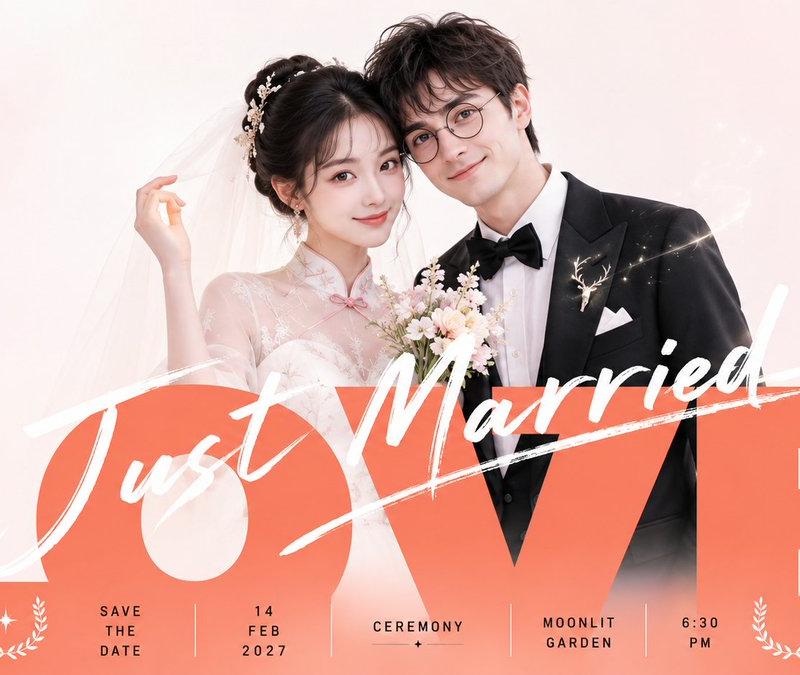
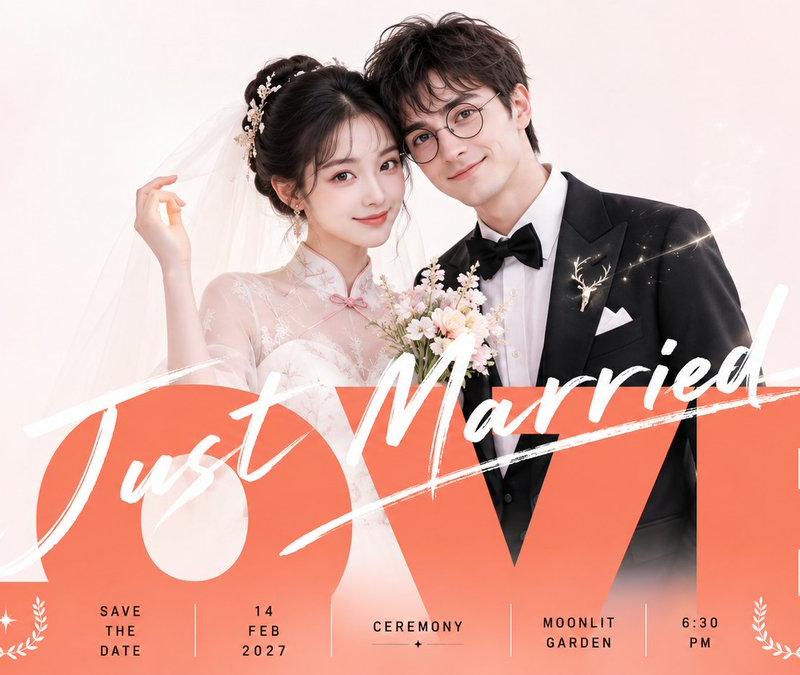
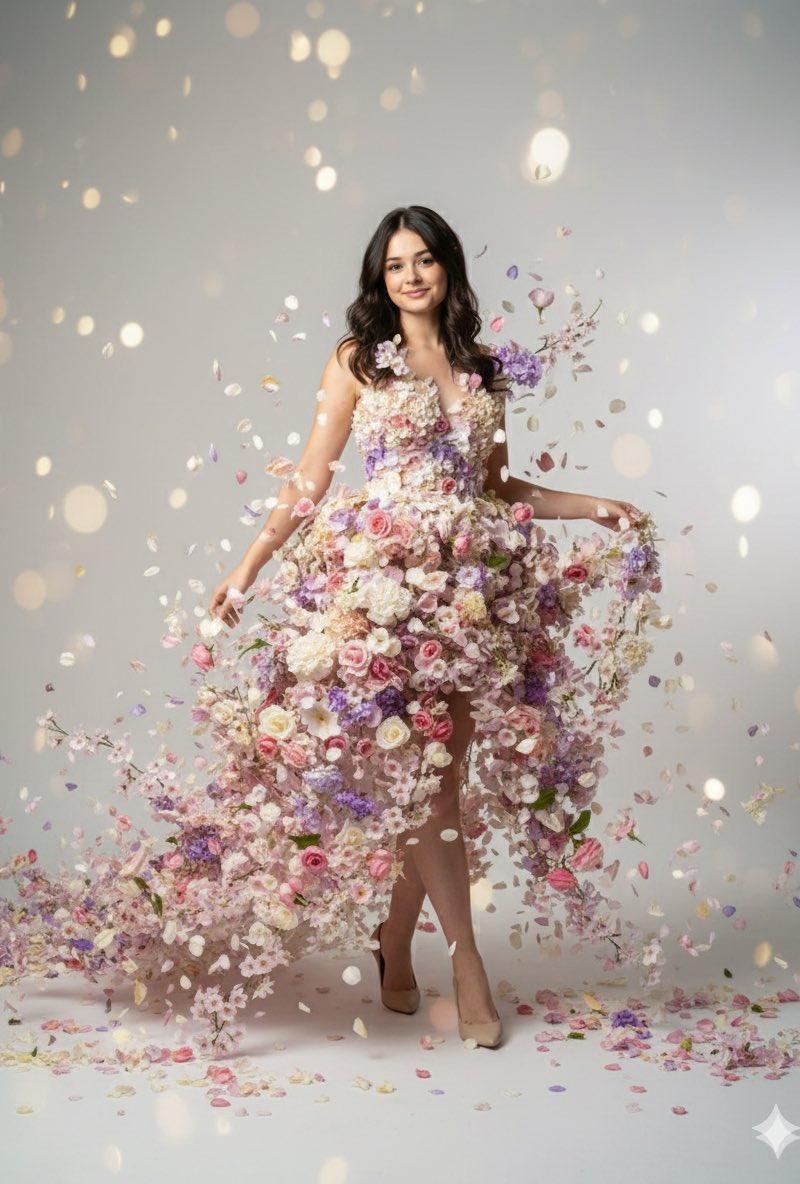
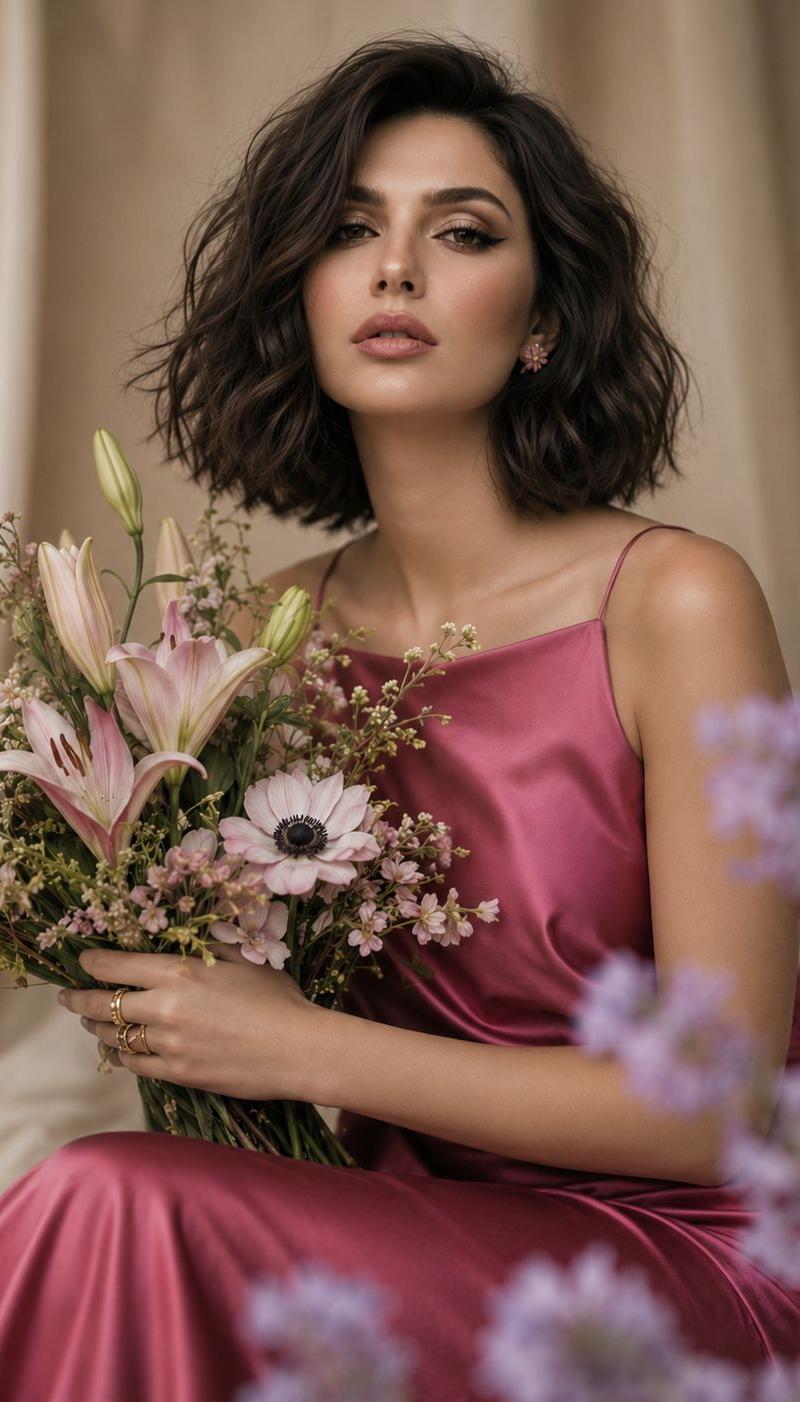
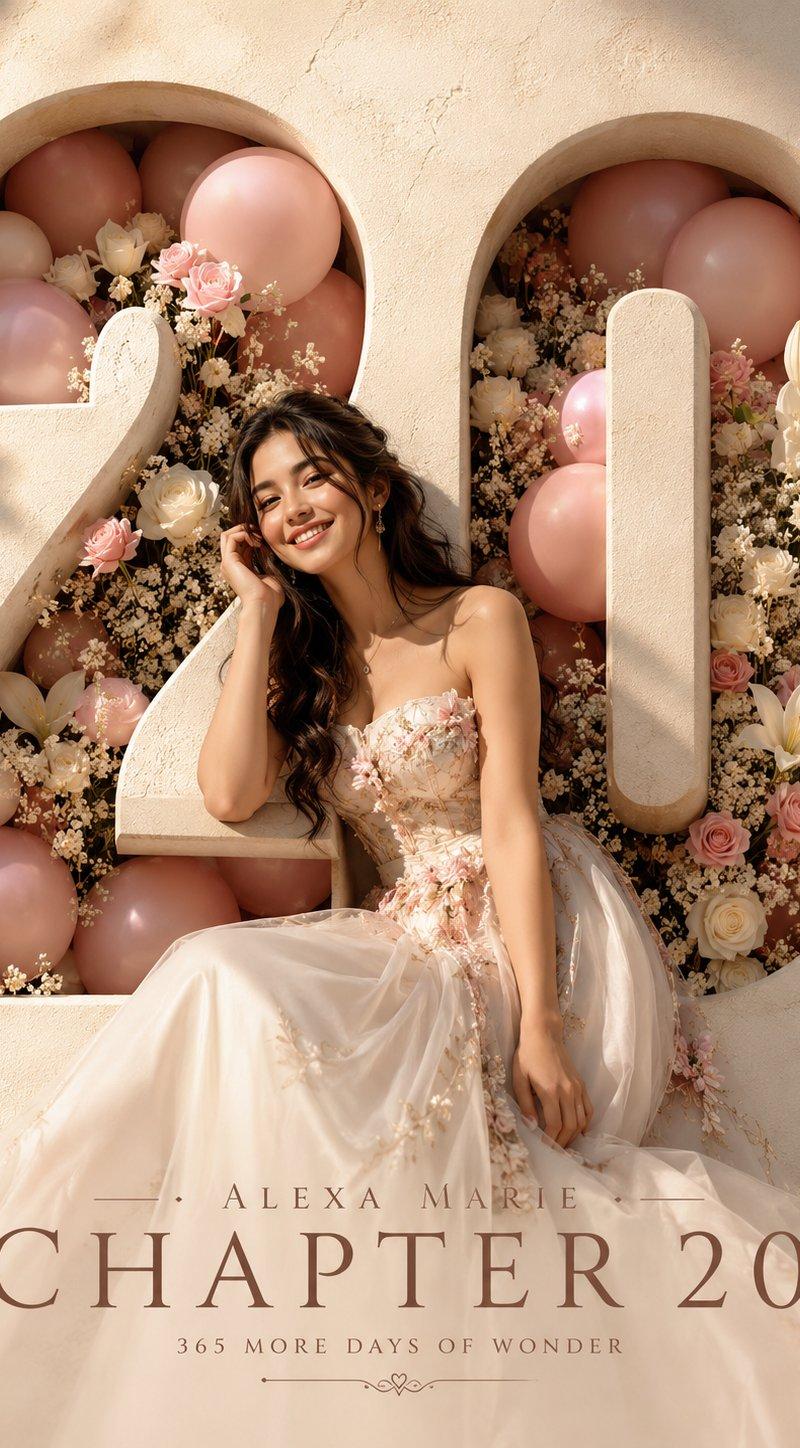
Example images

Lavender tulle couture cover: GPT Image 2 prompt

Prompt
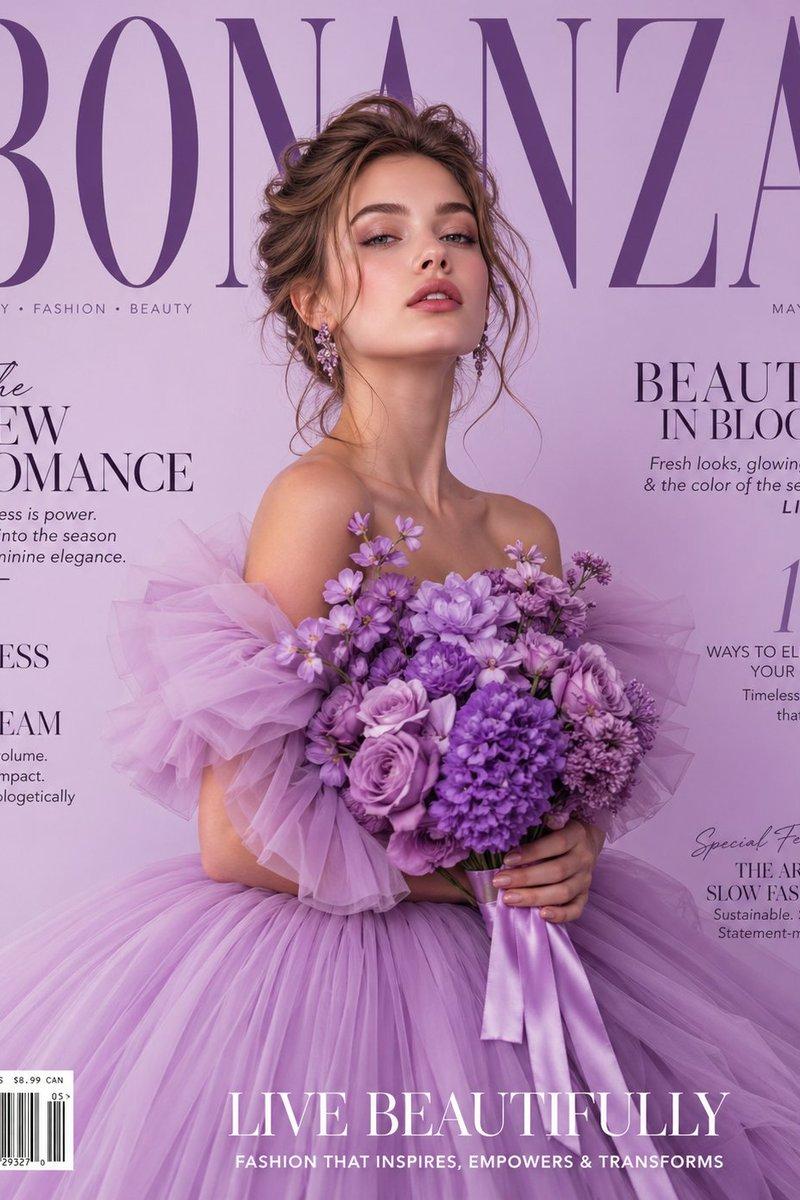
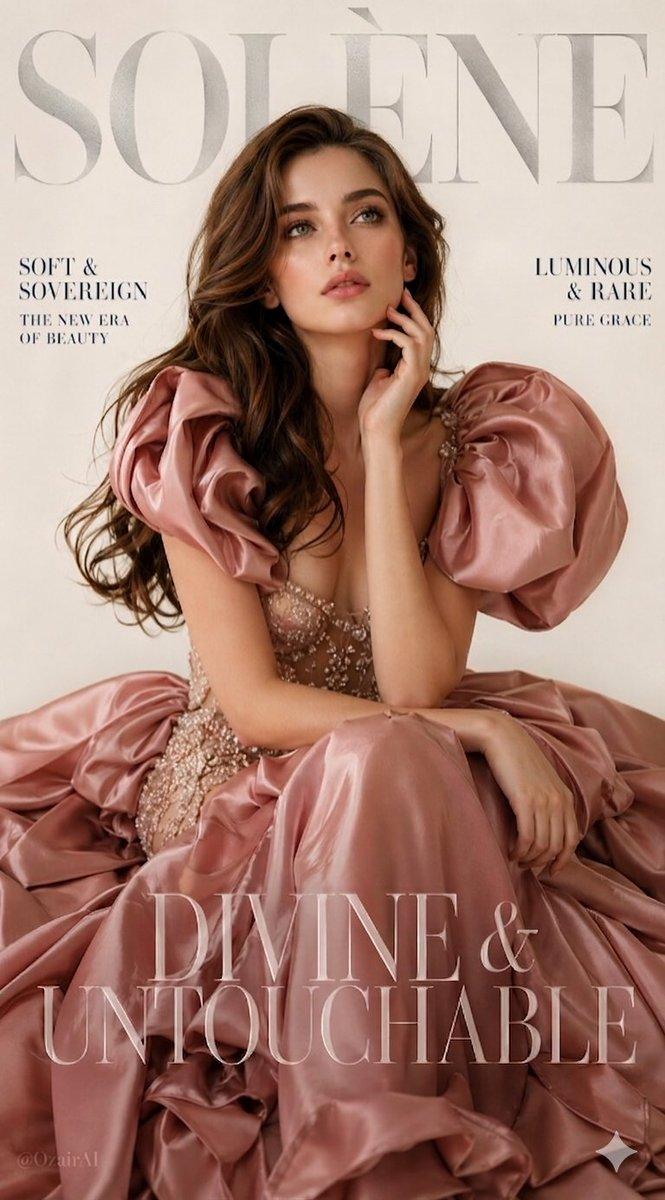
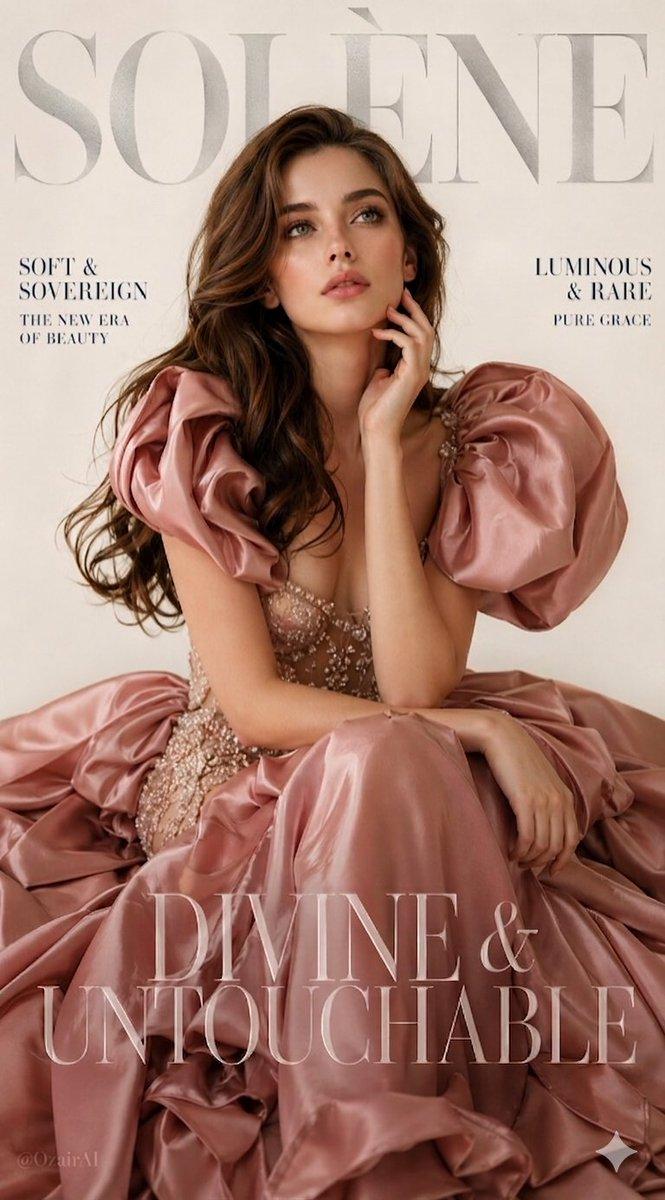
A luxury high-fashion magazine cover in a soft light purple (lavender) gradient background. A beautiful young white female model with delicate facial features, glowing skin, and a confident, elegant expression stands centered. She is wearing a dramatic, high-volume couture gown made of layered tulle in pastel purple shades, creating a dreamy, cloud-like silhouette.
The model is holding a bouquet of lush purple flowers (roses, peonies, lilacs) with soft bokeh effect. Her hair is styled in a loose, romantic updo with soft strands framing her face. Subtle glamorous makeup, glossy lips, and soft blush.
Large bold magazine title "BONANZA" in thick, elegant serif font placed behind the model's head, partially obscured. Clean editorial layout with realistic magazine typography.
Add side cover text in refined fashion magazine style:
"The New Romance"
"Beauty in Bloom"
"Dress to Dream"
"10 Ways to Elevate Your Style"
"Special Feature: The Art of Slow Fashion"
Include barcode, date (May issue), and tagline at bottom: "Live Beautifully – Fashion that inspires, empowers & transforms."
Lighting: soft studio lighting, diffused glow, high-end Vogue-style editorial, ultra-realistic, cinematic, shallow depth of field, luxury aesthetic, 8K detail.
Category
Photography & Realism
Model
GPT Image 2
Creator
Ozair AI
Source language
en
Views0
Source ID
2049890997409374295
Published
Apr 30, 2026
Studio

Guide

About "Lavender tulle couture cover: GPT Image 2 prompt"

What is this prompt for?

"Lavender tulle couture cover: GPT Image 2 prompt" AI image prompt for GPT Image 2 (Photography & Realism). A luxury high-fashion magazine cover in a soft ligh…

The full copyable prompt and example visuals above are ready for AI image generation or one-click recreate in Picva.

How to use this prompt

  1. Step 1

    Open the prompt detail

    Review the example visuals, category, and full prompt text for "Lavender tulle couture cover: GPT Image 2 prompt".

  2. Step 2

    Copy the prompt

    Copy the prompt body from this page, or load it directly in Studio.

  3. Step 3

    Pick a model (GPT Image 2)

    Prefer GPT Image 2. If you switch models, keep subject and composition and tweak style terms.

  4. Step 4

    Generate and export

    Recreate the look in Picva, or export into your workflow for editing and publishing.

FAQ

What is the "Lavender tulle couture cover: GPT Image 2 prompt" prompt?
It is an AI image-generation prompt for GPT Image 2 in the Photography & Realism category. This page includes the full prompt text, example visuals, and a one-click recreate path in Picva.
How do I use this prompt to generate an image?
Copy the prompt from this page, or use Generate / Studio. Paste it into a compatible image model, or recreate the look in Picva with optional reference images.
Which model is this prompt for?
This page lists GPT Image 2. Most descriptive prompts also transfer to nearby image models such as GPT Image, Flux, or Midjourney with light style tweaks.
Can I use the result commercially?
You can usually copy the prompt for creation, but commercial use of the final image depends on the model terms, reference-image rights, and the generated content. Follow the source author and platform rules.