20

Kawaii dessert cafe doodle overlay: GPT Image 2 prompt
Enlarge

Example images

Kawaii dessert cafe doodle overlay: GPT Image 2 prompt

Prompt
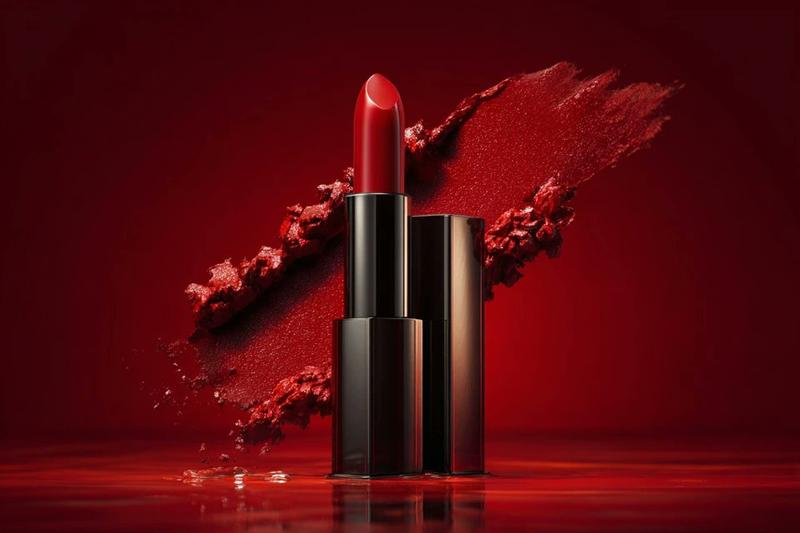
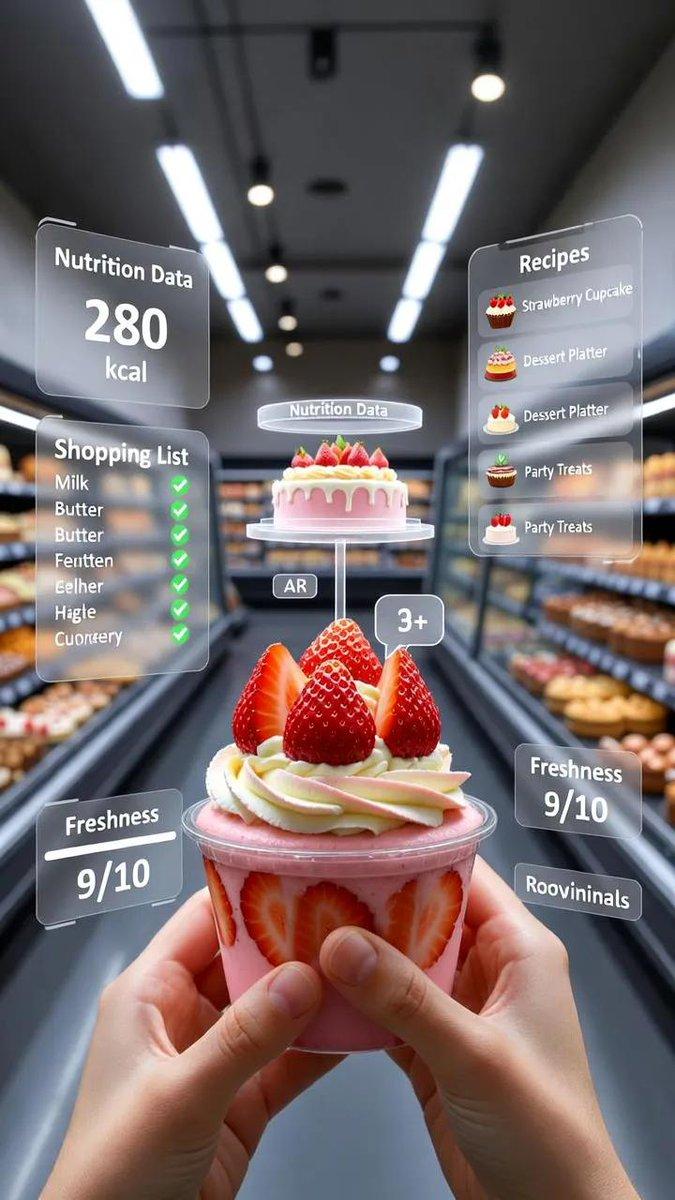
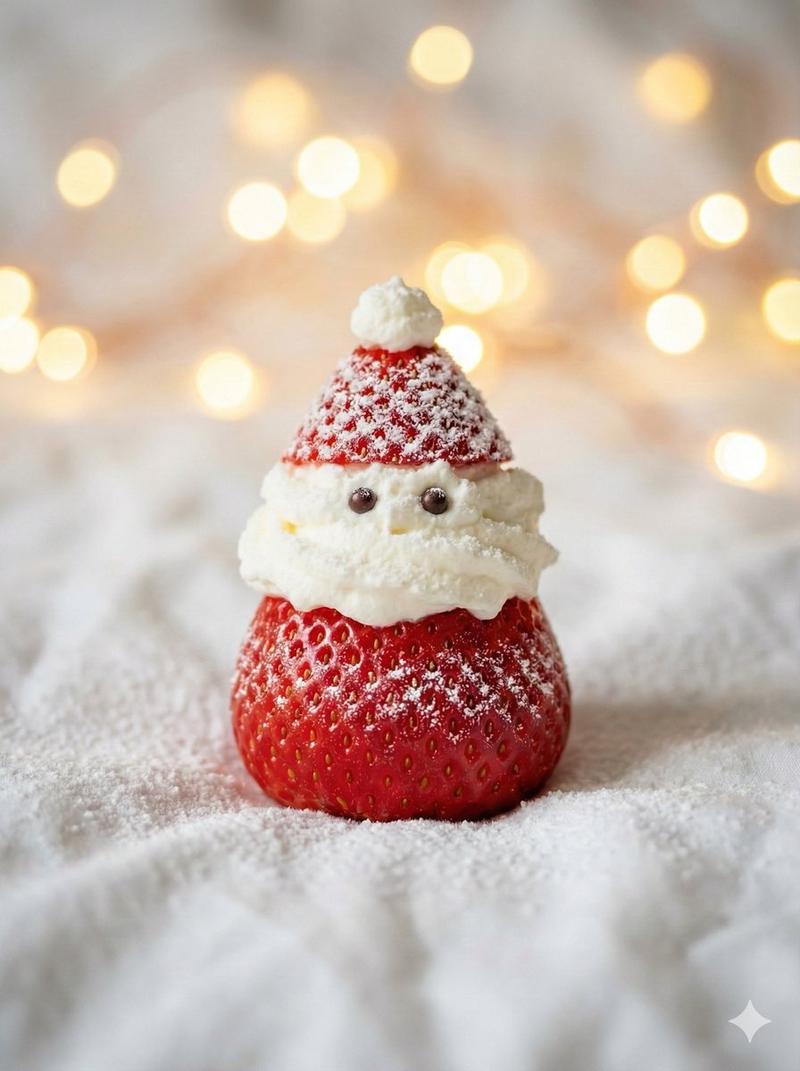
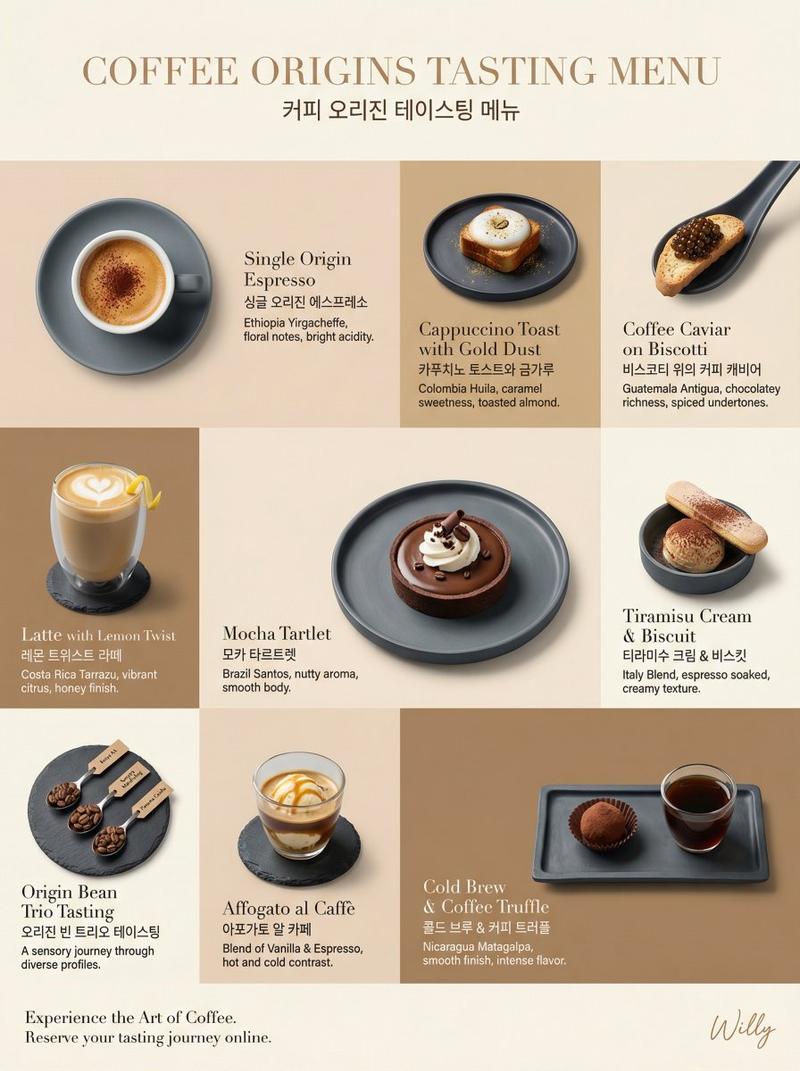
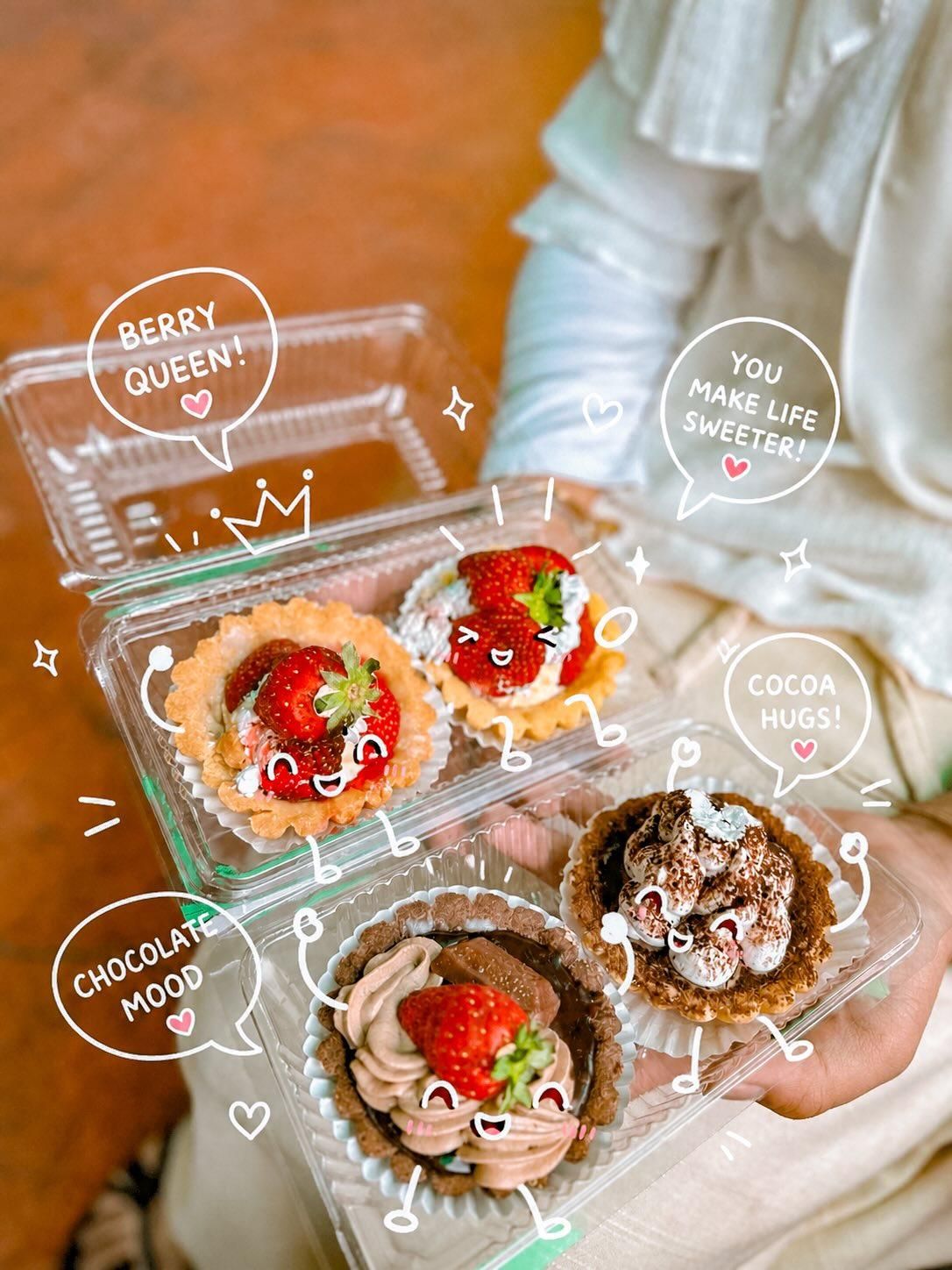
Cute kawaii-style dessert food photography, close-up of colorful pastries, strawberry tartlets, chocolate cream desserts, tiramisu cups, toasted marshmallow cube dessert, and chocolate-covered popsicle being held by hands in a cozy dessert café, warm ambient lighting, soft creamy bokeh background, shallow depth of field, dreamy pastel aesthetic, ultra realistic dessert textures, glossy strawberries, whipped cream details, melted chocolate drizzle, cinematic food styling, Instagram cafe photography vibe, vibrant yet soft tones.
Add adorable white doodle-style cartoon overlays directly on the desserts: kawaii faces, blush cheeks, tiny arms and legs, hearts, sparkles, crowns, peace signs, playful speech bubbles with cute phrases like “Berry Queen!”, “Chocolate Mood”, “Sweet Squad Goals!”, “Choco makes everything better!”, hand-drawn sketch effect, whimsical stickers, floating hearts and doodles, cozy cheerful atmosphere, aesthetic Japanese-inspired cute art style blended with realistic food photography, highly detailed, soft glow, polished social media content style.
Category
Products & E-commerce
Model
GPT Image 2
Creator
Taaruk
Views1
Source ID
2055136953348046922
Published
May 15, 2026

Guide

About "Kawaii dessert cafe doodle overlay: GPT Image 2 prompt"

What is this prompt for?

"Kawaii dessert cafe doodle overlay: GPT Image 2 prompt" AI image prompt for GPT Image 2 (Products & E-commerce). Cute kawaii-style dessert food photography, c…

The full copyable prompt and example visuals above are ready for AI image generation or one-click recreate in Picva.

How to use this prompt

  1. Step 1

    Open the prompt detail

    Review the example visuals, category, and full prompt text for "Kawaii dessert cafe doodle overlay: GPT Image 2 prompt".

  2. Step 2

    Copy the prompt

    Copy the prompt body from this page, or load it directly in Studio.

  3. Step 3

    Pick a model (GPT Image 2)

    Prefer GPT Image 2. If you switch models, keep subject and composition and tweak style terms.

  4. Step 4

    Generate and export

    Recreate the look in Picva, or export into your workflow for editing and publishing.

FAQ

What is the "Kawaii dessert cafe doodle overlay: GPT Image 2 prompt" prompt?
It is an AI image-generation prompt for GPT Image 2 in the Products & E-commerce category. This page includes the full prompt text, example visuals, and a one-click recreate path in Picva.
How do I use this prompt to generate an image?
Copy the prompt from this page, or use Generate / Studio. Paste it into a compatible image model, or recreate the look in Picva with optional reference images.
Which model is this prompt for?
This page lists GPT Image 2. Most descriptive prompts also transfer to nearby image models such as GPT Image, Flux, or Midjourney with light style tweaks.
Can I use the result commercially?
You can usually copy the prompt for creation, but commercial use of the final image depends on the model terms, reference-image rights, and the generated content. Follow the source author and platform rules.