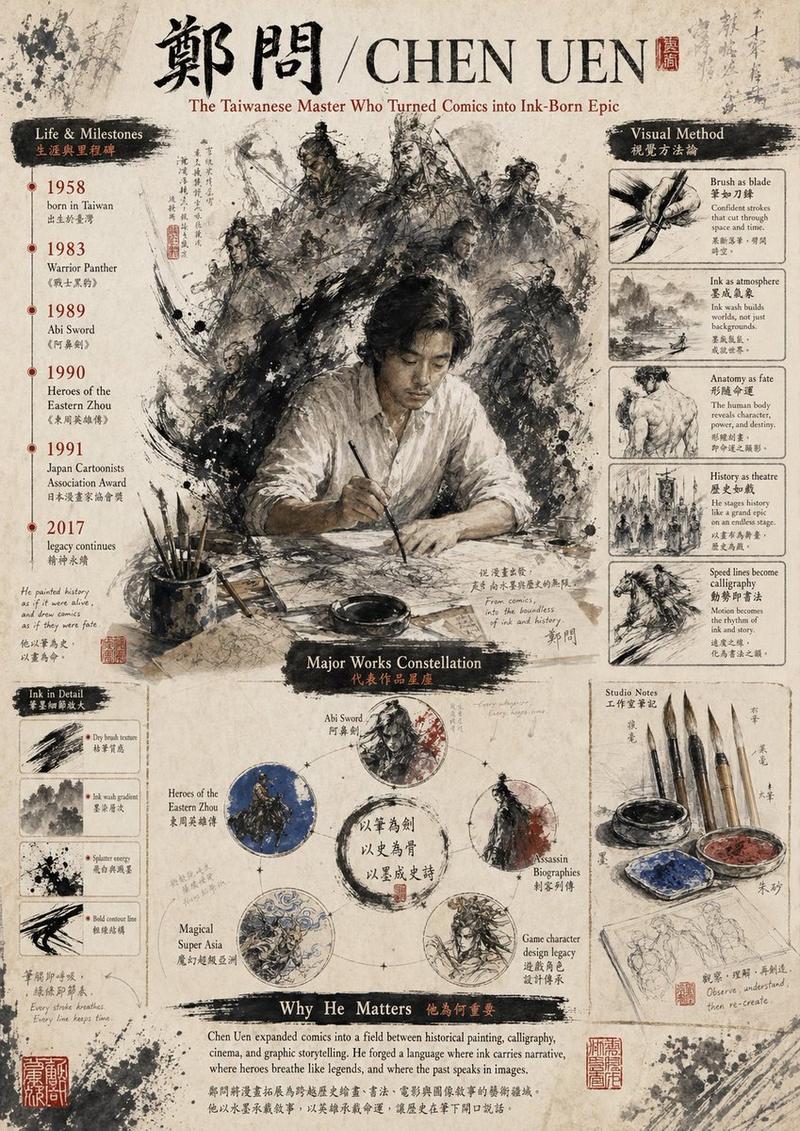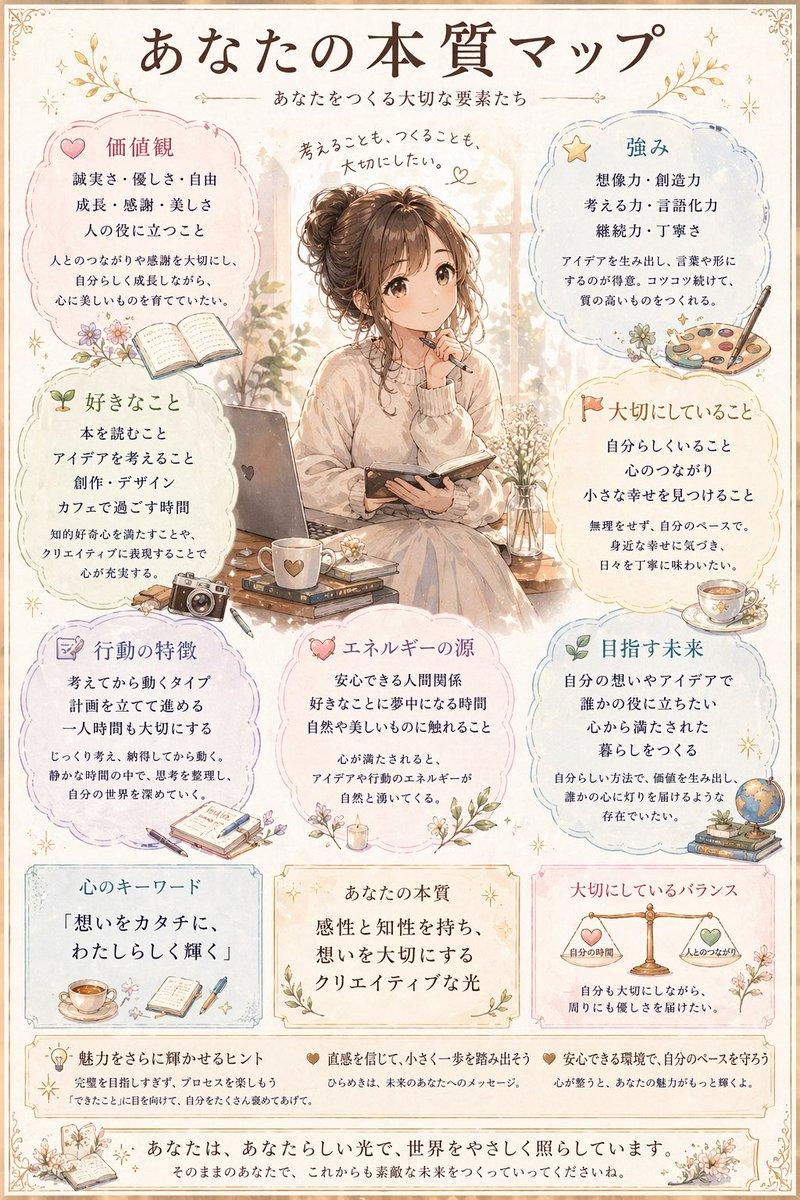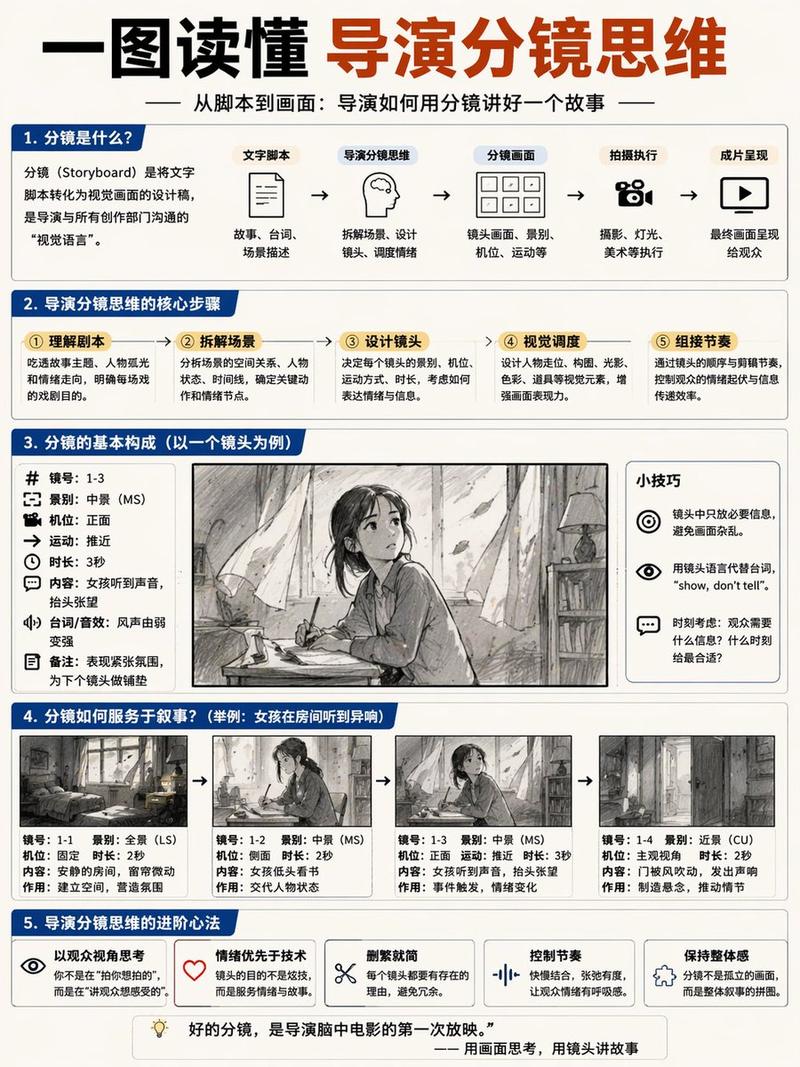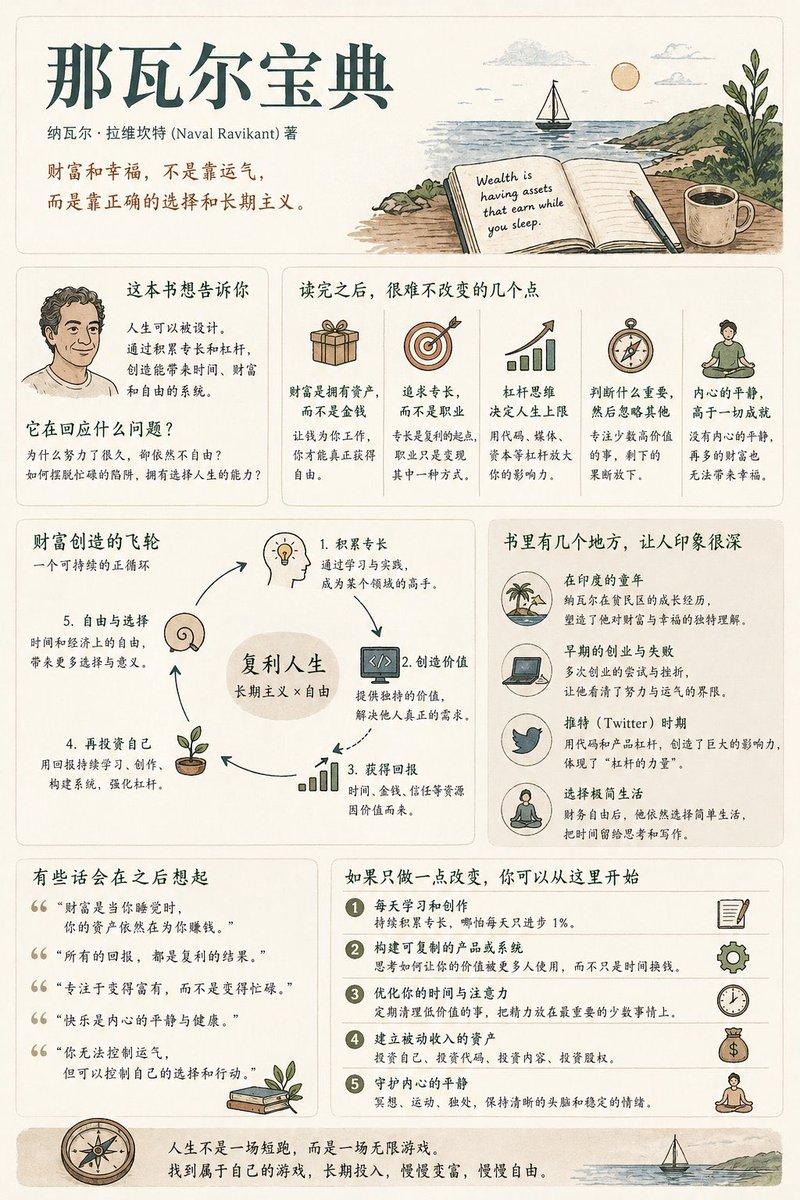
Chen Uen tribute editorial poster: GPT Image 2 prompt
Prompt
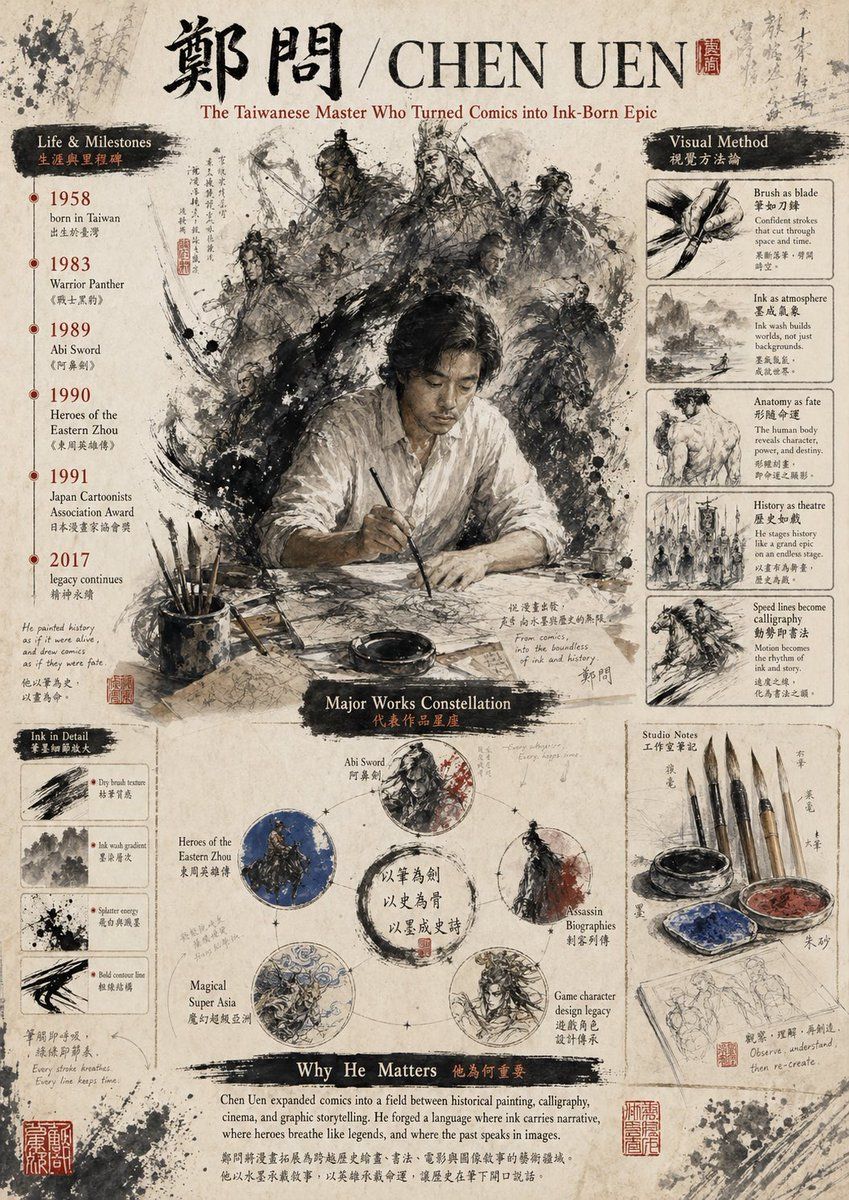
Create a vintage editorial poster on aged rice paper celebrating {argument name="artist name" default="CHEN UEN"}, designed like a museum infographic mixed with Chinese ink wash illustration and calligraphy. The format is a single vertically oriented poster with a weathered parchment background, ink splatters, faded handwritten annotations, red seal stamps, and a scholarly, archival atmosphere. At the very top, place large black Chinese calligraphy for the name 'Cheng Wen,' followed by a slash and the romanized name {argument name="romanized name" default="CHEN UEN"} in large serif capitals, with a small red seal beside it. Under the title, add the subtitle {argument name="subtitle text" default="The Taiwanese Master Who Turned Comics into Ink-Born Epic"} in elegant reddish-brown serif text. In the center, feature a dramatic painterly scene of 1 seated male artist in a loose white shirt at a desk, holding a brush over paper, his face intentionally obscured by a soft rectangular blur. Behind him, surround him with a swirling halo-like storm of monochrome ink-brush warriors and historical figures: exact count 9 visible character figures, including armored generals, swordsmen, and mounted riders, emerging from explosive black brushwork and smoke-like ink textures. On the left side, create a vertical section titled 'Life & Milestones' with a black brushstroke header and smaller Chinese subtitle text. List exactly 6 timeline entries with red year markers and bilingual captions: 1958 born in Taiwan, 1983 Warrior Panther, 1989 Abi Sword, 1990 Heroes of the Eastern Zhou, 1991 Japan Cartoonists Association Award, 2017 legacy continues. Below that, add a small section titled 'Ink in Detail' containing exactly 4 boxed brush studies labeled with short English captions: Dry brush texture, Ink wash gradient, Splatter energy, Bold contour line. On the right side, create a vertical section titled 'Visual Method' with a black brushstroke header and smaller Chinese subtitle text. Include exactly 5 stacked boxed studies with image-and-caption layout: Brush as blade, Ink as atmosphere, Anatomy as fate, History as theatre, Speed lines become calligraphy. In the lower center, create a section titled 'Major Works Constellation' with a dark brushstroke heading. Arrange exactly 5 circular work nodes around a central ink ring with Chinese calligraphy inside. Label the 5 nodes: Abi Sword, Heroes of the Eastern Zhou, Assassin Biographies, Magical Super Asia, Game character design legacy. Each circle contains a distinct monochrome or muted-color ink illustration, with subtle connecting marks like a constellation diagram. At the lower right, add a section titled 'Studio Notes' containing exactly 6 visible objects: 4 hanging calligraphy brushes, 1 ink bowl, and 1 painter's palette with blue and red pigment; beneath them place a sketchbook page with light pencil figure studies. Across the bottom, add a wide section titled 'Why He Matters' with a black brushstroke header and smaller Chinese subtitle text, followed by a paragraph of serif body text in English describing his importance to comics, painting, calligraphy, cinema, and epic storytelling. Use a restrained palette of sepia, black ink, off-white paper, muted gray, with small accents of deep red and occasional blue. The whole image should feel like a refined cultural tribute poster, dense but balanced, highly detailed, painterly, and authentic to Chinese ink aesthetics.- Category
- Photography & Realism
- Model
- GPT Image 2
- Creator
- mob_17
- Source ID
- awesome-poster-122
- Published
- Apr 29, 2026
Views0