16

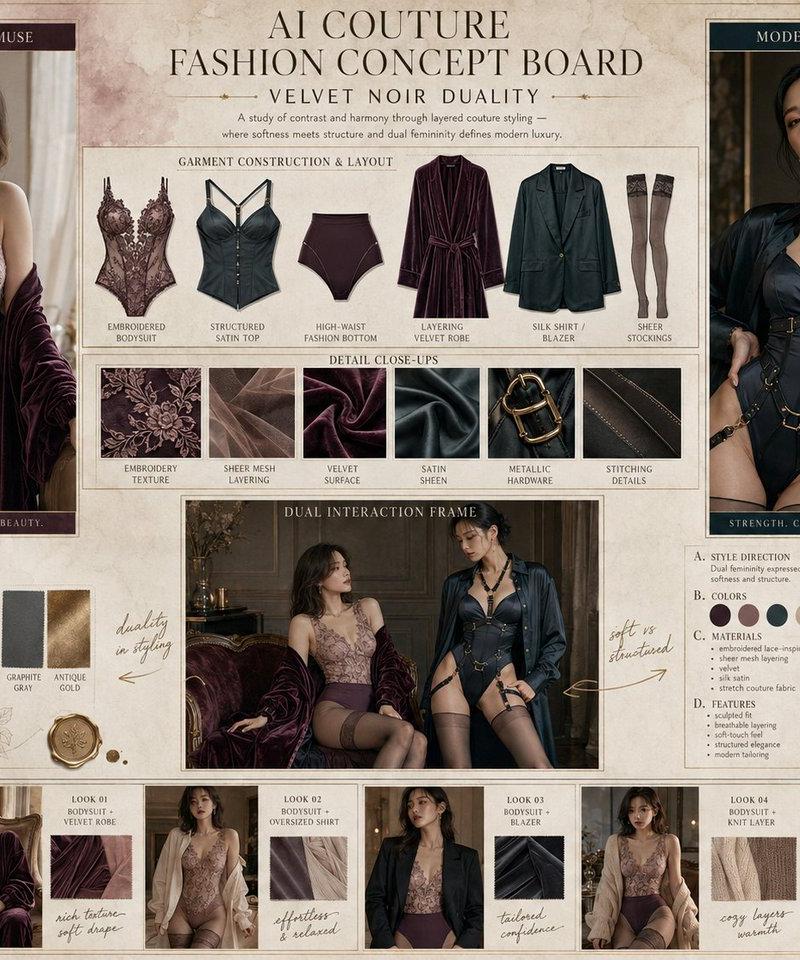
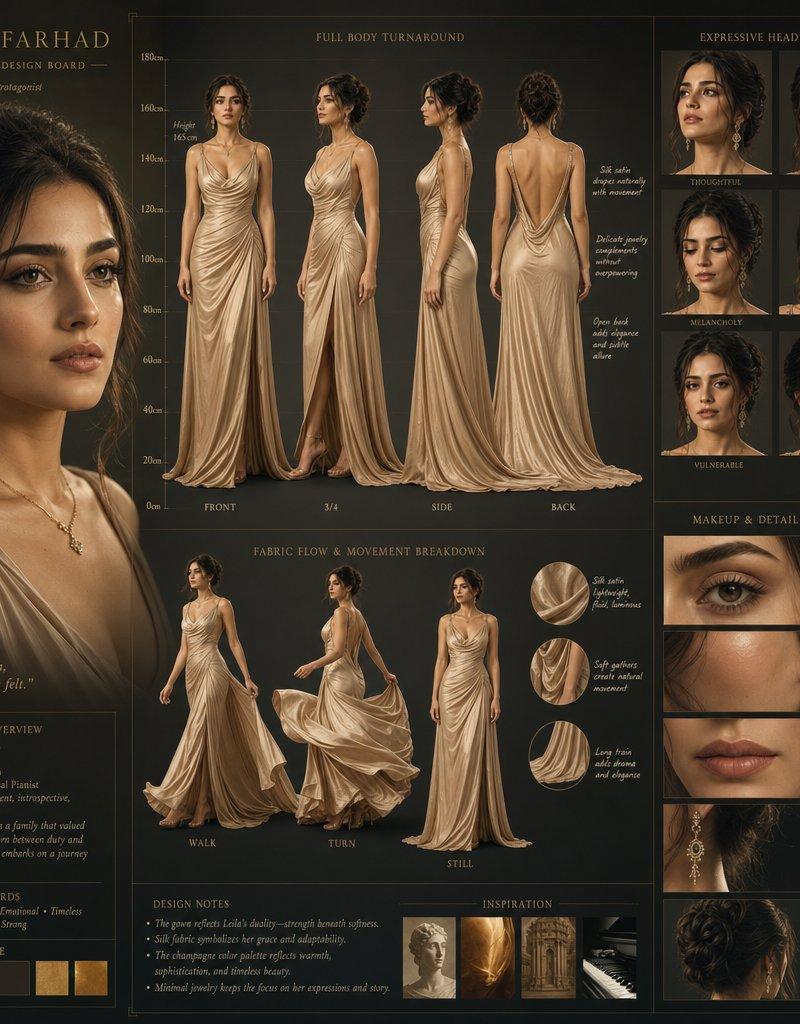
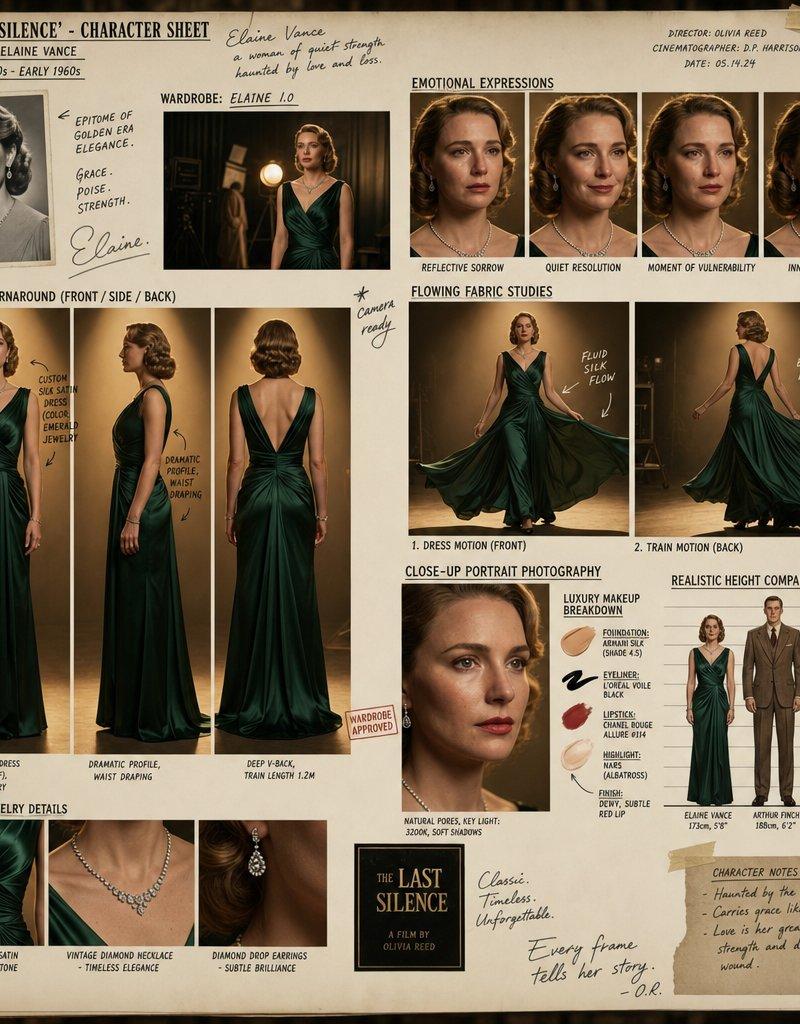
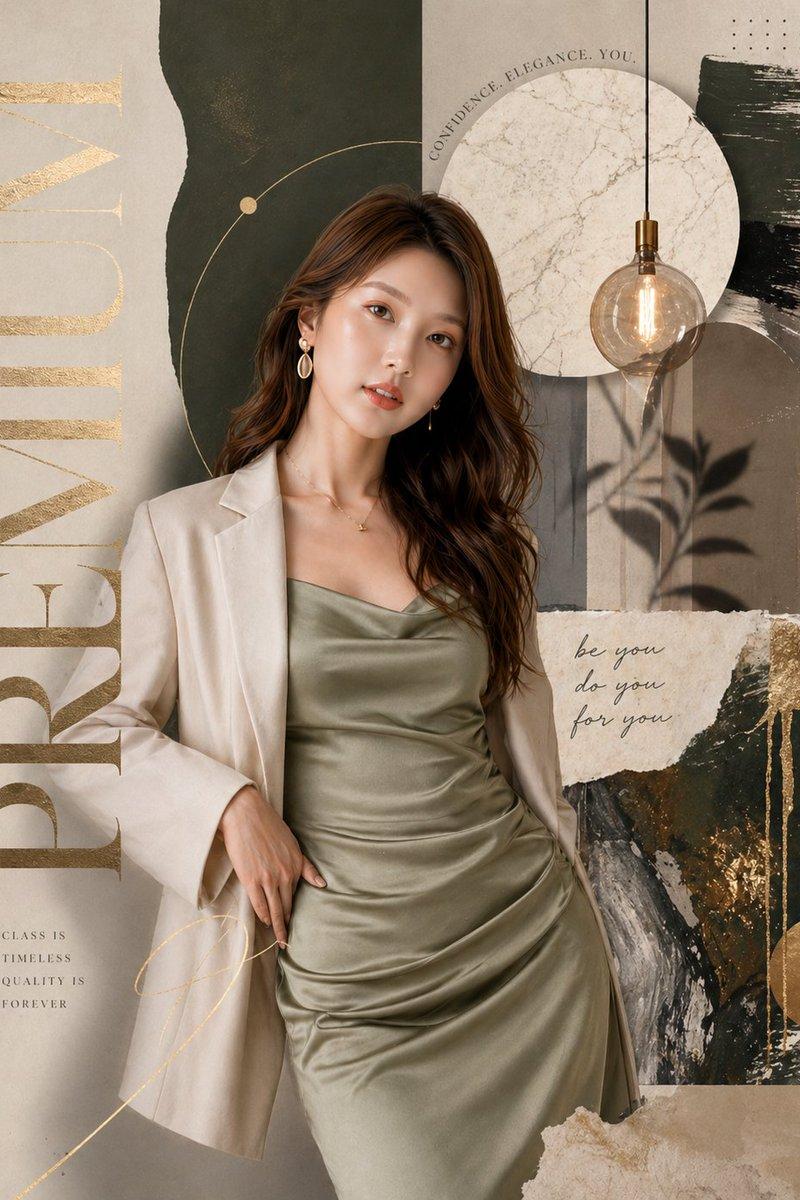
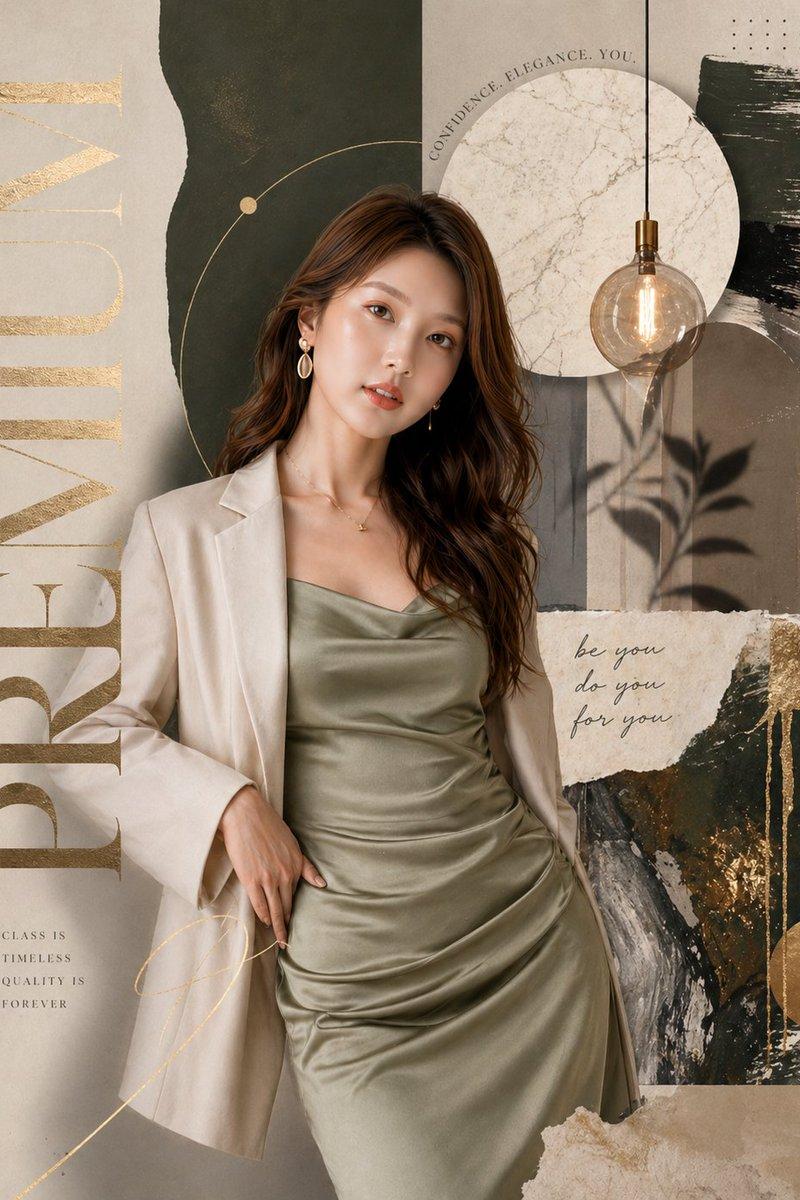
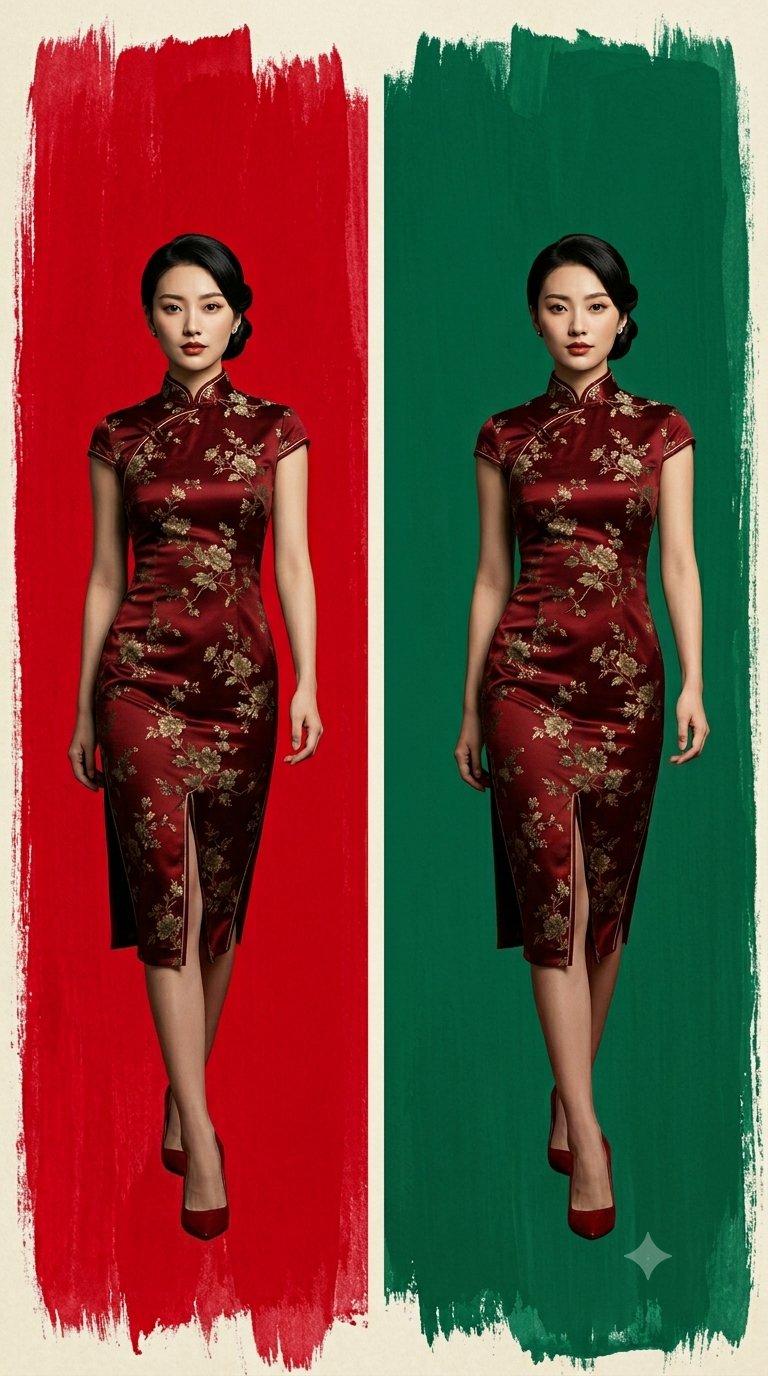
Minimalist portrait: GPT Image 2 prompt
Enlarge

Example images

Minimalist portrait: GPT Image 2 prompt

Prompt
{
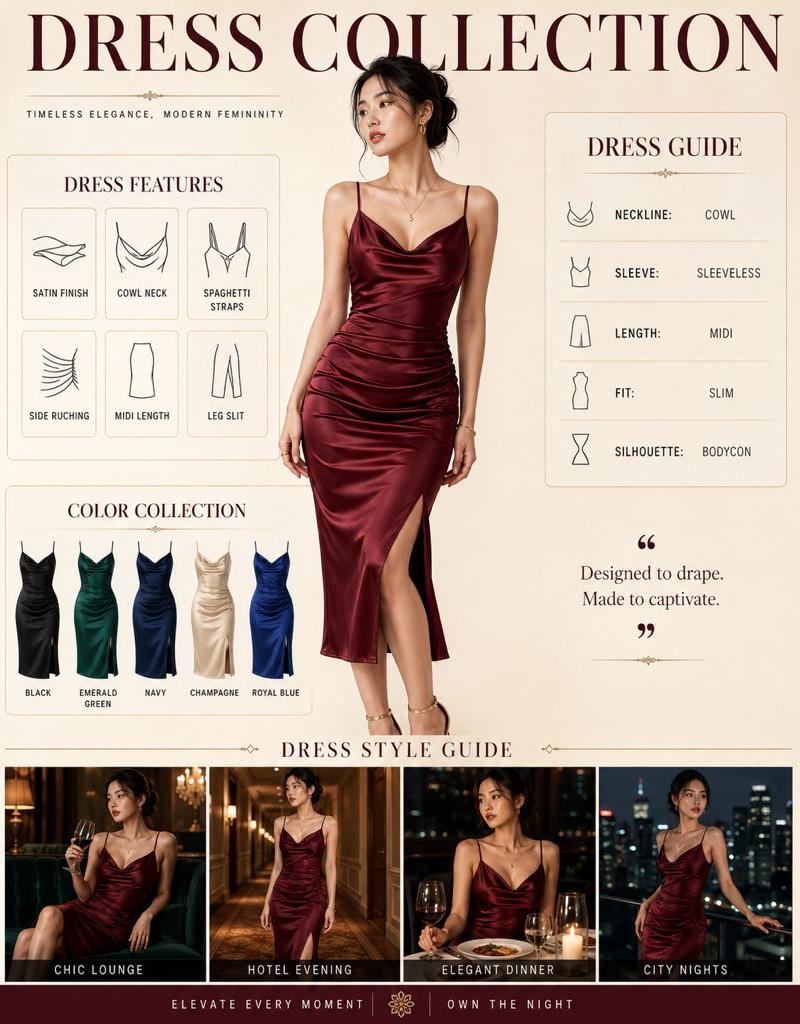
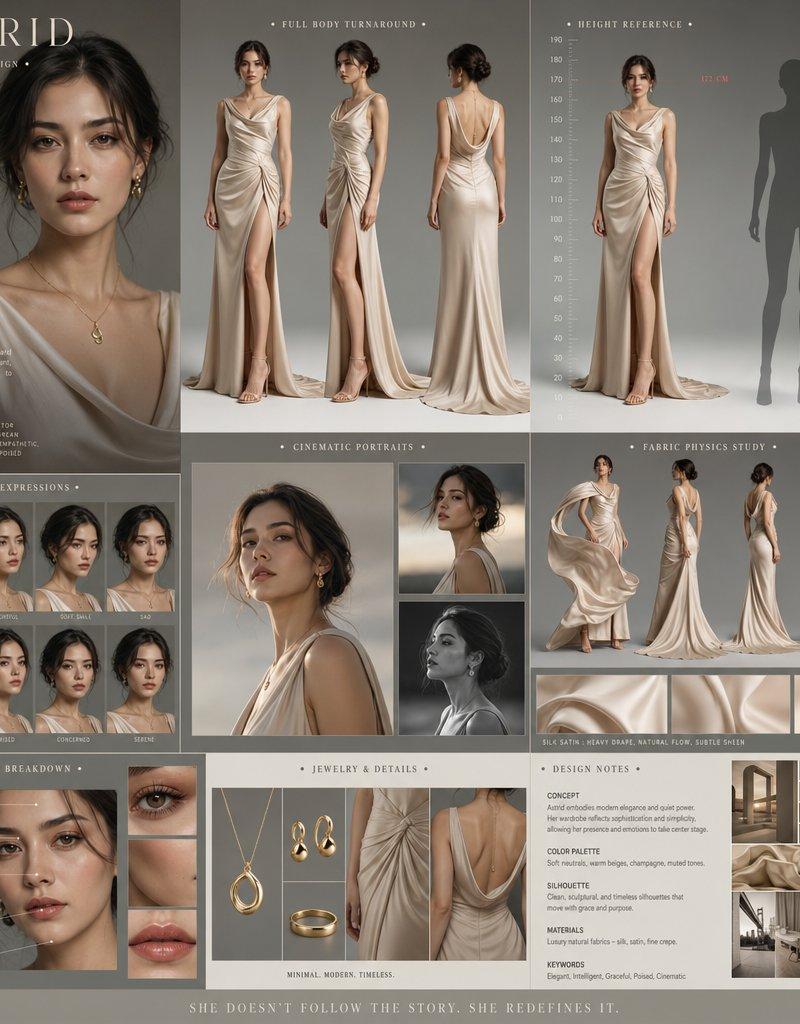
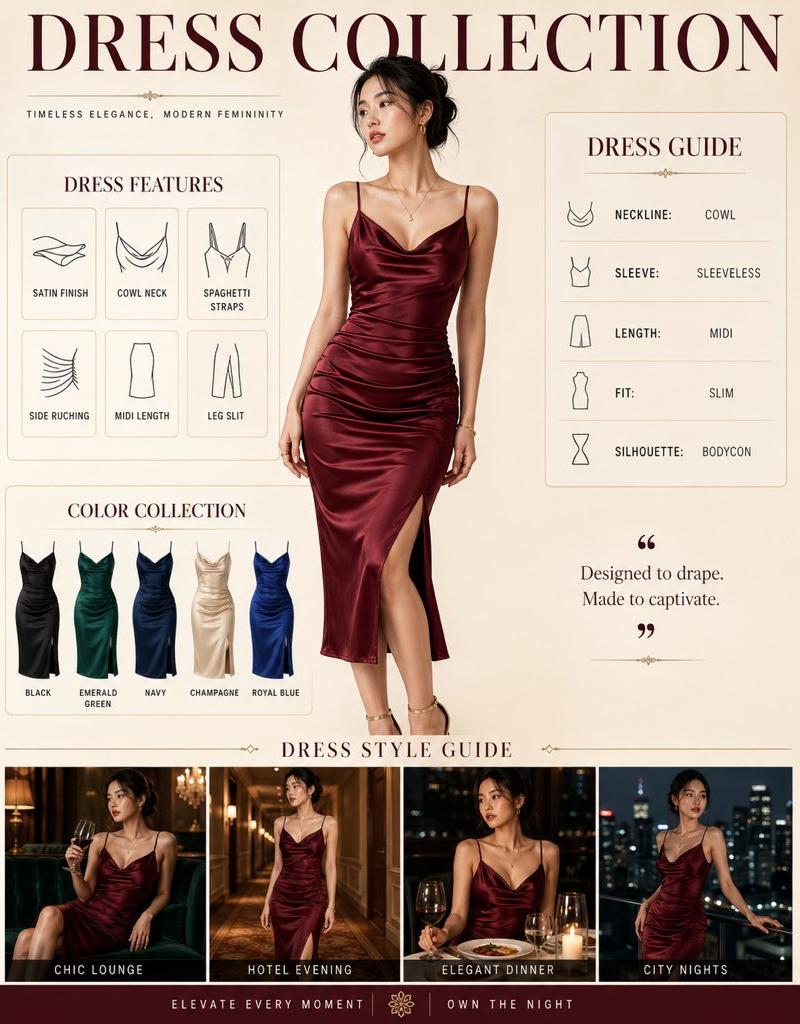
 "image_type": "Commercial Fashion Infographic",
 "subject": {
 "model": "Young Asian woman with elegant features and dark hair tied in a loose bun",
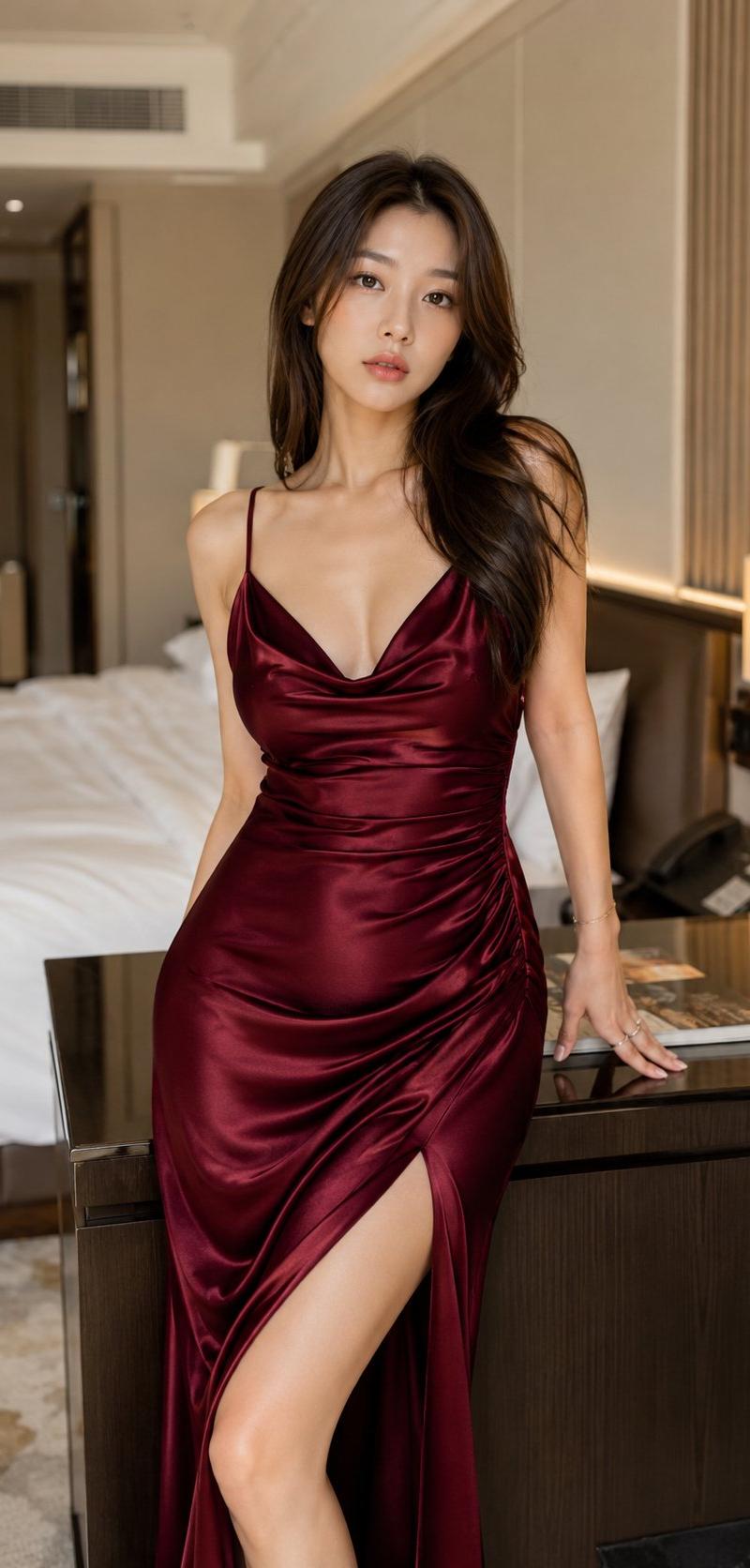
 "attire": "Satin midi dress with spaghetti straps and a draped cowl neckline",
 "fit": "Bodycon / slim fit with side ruching and a subtle leg slit"
 },
 "layout_structure": {
 "composition": "Multi-panel editorial layout",
 "header": "Bold serif typography reading 'DRESS COLLECTION'",
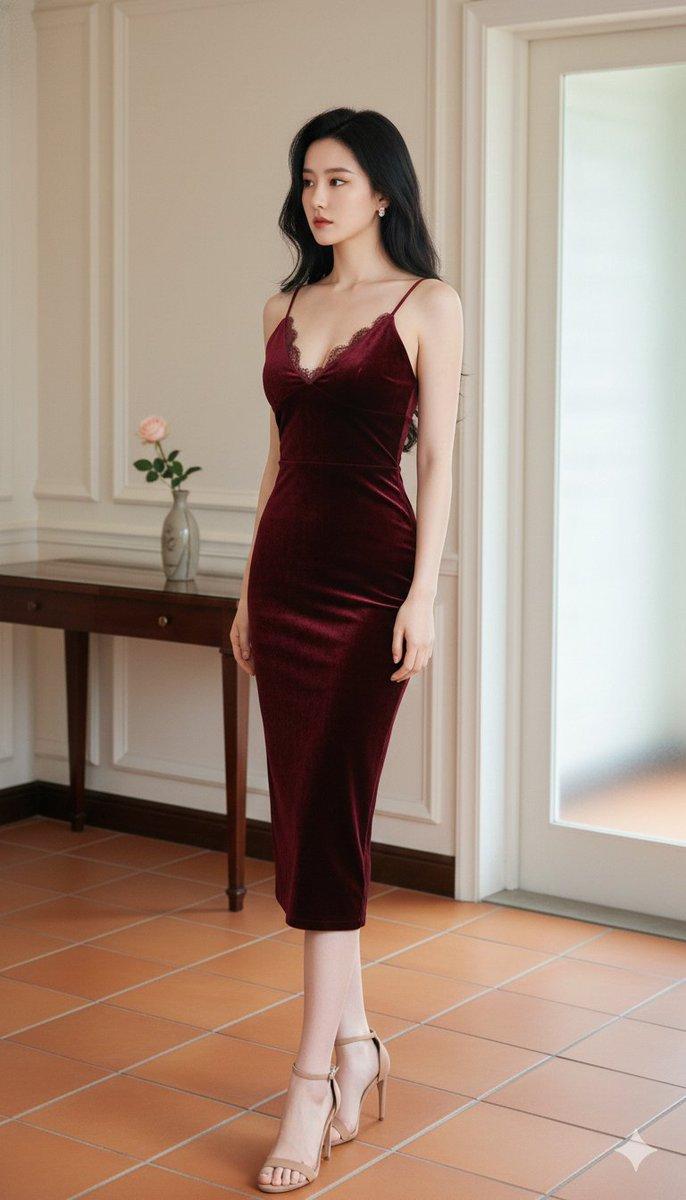
 "main_feature": "Large centered portrait of the model, a young Asian woman, wearing a wine-red satin dress",
 "secondary_panels": [
 "Dress Features grid with minimalist icons",
 "Dress Guide sidebar detailing neckline, sleeve, and length",
 "Color Collection row showing the dress in Black, Emerald Green, Navy, Champagne, and Royal Blue",
 "Dress Style Guide footer featuring the model in various atmospheric evening settings"
 ]
 },
 "aesthetic_style": {
 "color_palette": "Deep jewel tones (Wine Red, Emerald, Navy, Royal Blue) contrasted with Champagne and Black against a warm cream or beige background",
 "lighting": "Soft studio lighting with elegant highlights on the satin fabric texture",
 "vibe": "Luxurious, timeless, and sophisticated commercial advertising"
 },
 "typography": {
 "primary": "Classic Serif for titles",
 "secondary": "Clean Sans-Serif for body text and technical details"
 }
}
Category
Products & E-commerce
Model
GPT Image 2
Creator
cellinlab
Source language
en
Views0
Source ID
awesome-poster-171
Published
Apr 29, 2026
Studio

Guide

About "Minimalist portrait: GPT Image 2 prompt"

What is this prompt for?

"Minimalist portrait: GPT Image 2 prompt" AI image prompt for GPT Image 2 (Products & E-commerce). { "image_type": "Commercial Fashion Infographic", "subject":…

The full copyable prompt and example visuals above are ready for AI image generation or one-click recreate in Picva.

How to use this prompt

  1. Step 1

    Open the prompt detail

    Review the example visuals, category, and full prompt text for "Minimalist portrait: GPT Image 2 prompt".

  2. Step 2

    Copy the prompt

    Copy the prompt body from this page, or load it directly in Studio.

  3. Step 3

    Pick a model (GPT Image 2)

    Prefer GPT Image 2. If you switch models, keep subject and composition and tweak style terms.

  4. Step 4

    Generate and export

    Recreate the look in Picva, or export into your workflow for editing and publishing.

FAQ

What is the "Minimalist portrait: GPT Image 2 prompt" prompt?
It is an AI image-generation prompt for GPT Image 2 in the Products & E-commerce category. This page includes the full prompt text, example visuals, and a one-click recreate path in Picva.
How do I use this prompt to generate an image?
Copy the prompt from this page, or use Generate / Studio. Paste it into a compatible image model, or recreate the look in Picva with optional reference images.
Which model is this prompt for?
This page lists GPT Image 2. Most descriptive prompts also transfer to nearby image models such as GPT Image, Flux, or Midjourney with light style tweaks.
Can I use the result commercially?
You can usually copy the prompt for creation, but commercial use of the final image depends on the model terms, reference-image rights, and the generated content. Follow the source author and platform rules.