20

Vibrant pixel: GPT Image 2 prompt
Enlarge

Vibrant pixel: GPT Image 2 prompt

Prompt
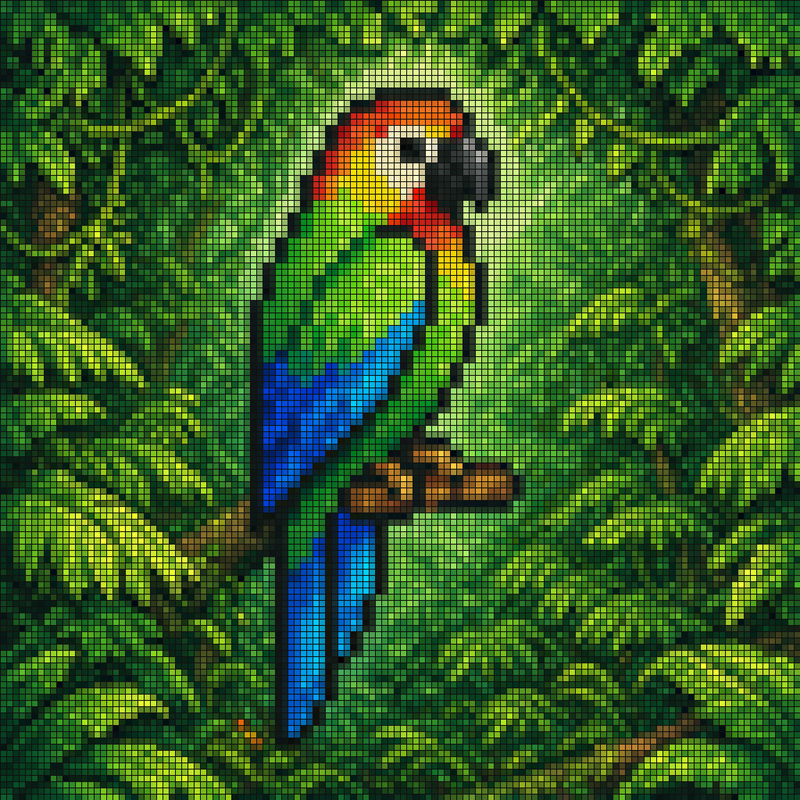
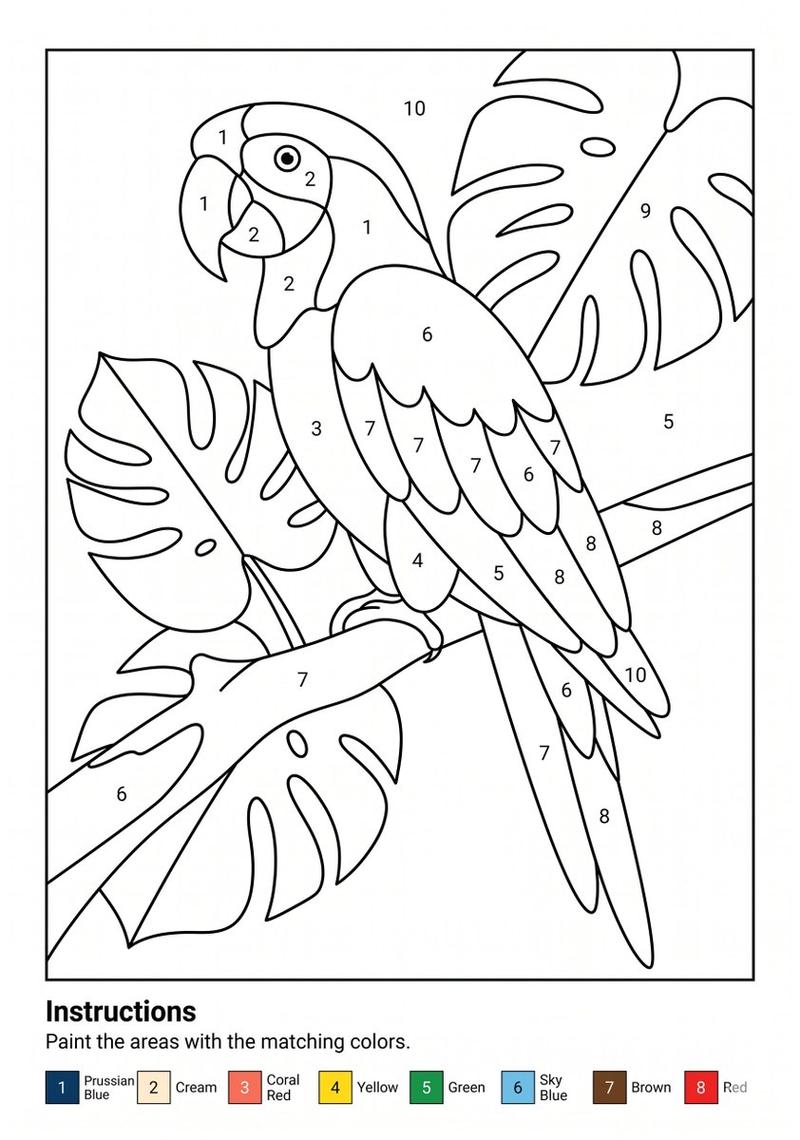
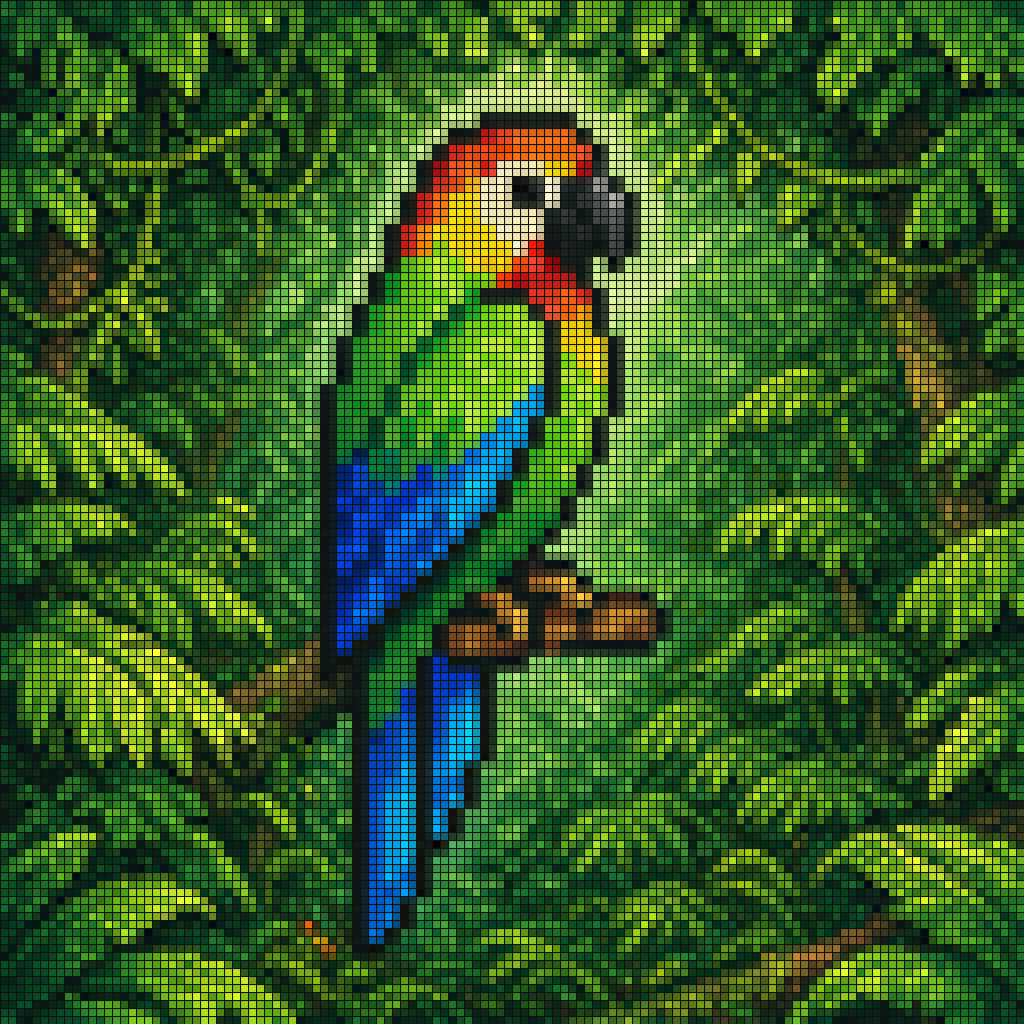
A vibrant pixel-art style mosaic of a tropical parrot perched on a small brown branch in the middle of dense rainforest foliage. The entire image is rendered as a tight grid of tiny square tiles with visible black outlines, creating a stained-glass or LED-screen effect. The bird is shown in side profile facing right, with a large curved black beak, a pale cream face, a bright red-orange forehead and throat, vivid green upper body, and long wings and tail in saturated blue and cyan. The surrounding jungle is filled edge to edge with layered green leaves in many shades, with a soft light green glow behind the parrot to separate it from the background. High color contrast, rich tropical palette, crisp tile pattern, centered composition, decorative digital mosaic aesthetic.
Category
Products & E-commerce
Model
GPT Image 2
Views0
Source ID
awesome-ui-103
Published
Apr 29, 2026

Guide

About "Vibrant pixel: GPT Image 2 prompt"

What is this prompt for?

"Vibrant pixel: GPT Image 2 prompt" AI image prompt for GPT Image 2 (Products & E-commerce). A vibrant pixel-art style mosaic of a tropical parrot perched on a…

The full copyable prompt and example visuals above are ready for AI image generation or one-click recreate in Picva.

How to use this prompt

  1. Step 1

    Open the prompt detail

    Review the example visuals, category, and full prompt text for "Vibrant pixel: GPT Image 2 prompt".

  2. Step 2

    Copy the prompt

    Copy the prompt body from this page, or load it directly in Studio.

  3. Step 3

    Pick a model (GPT Image 2)

    Prefer GPT Image 2. If you switch models, keep subject and composition and tweak style terms.

  4. Step 4

    Generate and export

    Recreate the look in Picva, or export into your workflow for editing and publishing.

FAQ

What is the "Vibrant pixel: GPT Image 2 prompt" prompt?
It is an AI image-generation prompt for GPT Image 2 in the Products & E-commerce category. This page includes the full prompt text, example visuals, and a one-click recreate path in Picva.
How do I use this prompt to generate an image?
Copy the prompt from this page, or use Generate / Studio. Paste it into a compatible image model, or recreate the look in Picva with optional reference images.
Which model is this prompt for?
This page lists GPT Image 2. Most descriptive prompts also transfer to nearby image models such as GPT Image, Flux, or Midjourney with light style tweaks.
Can I use the result commercially?
You can usually copy the prompt for creation, but commercial use of the final image depends on the model terms, reference-image rights, and the generated content. Follow the source author and platform rules.