16

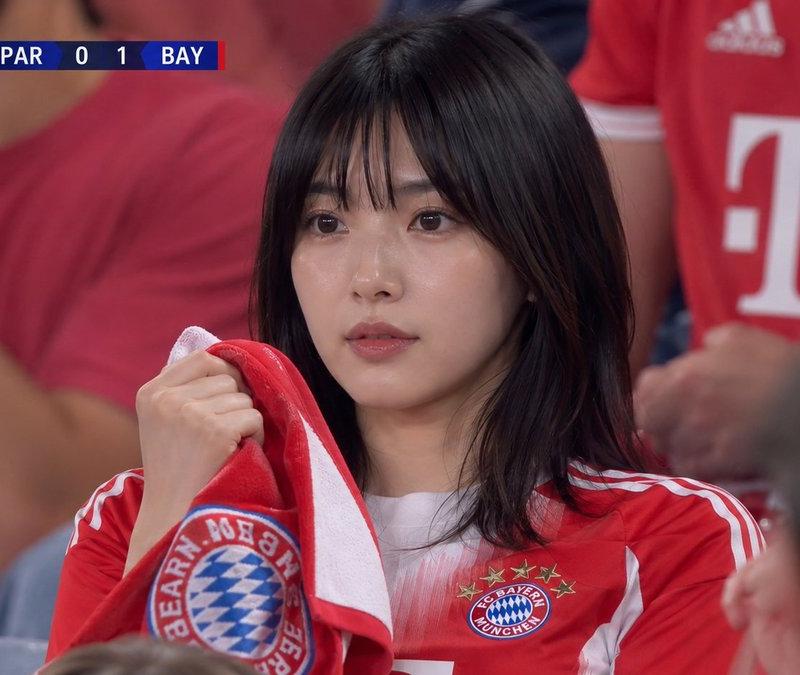
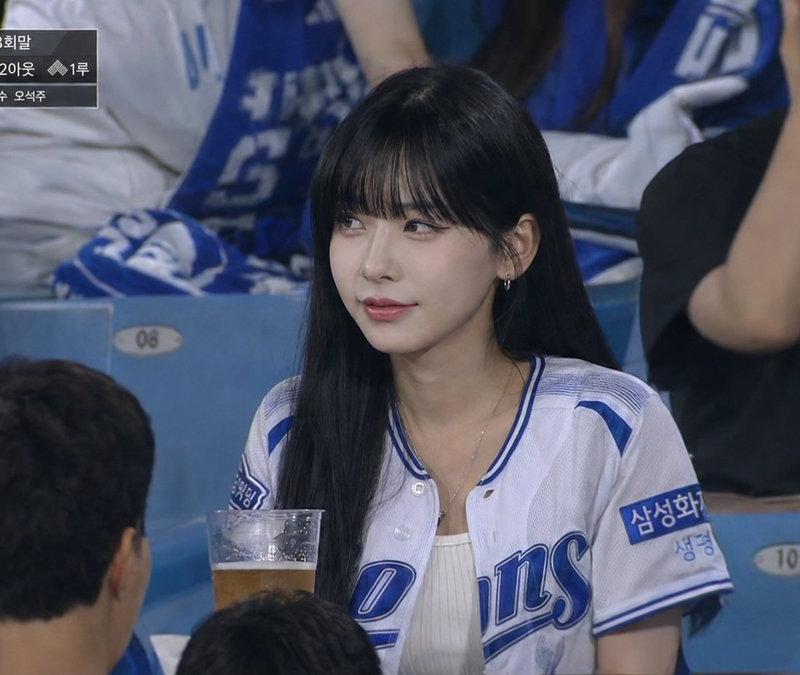
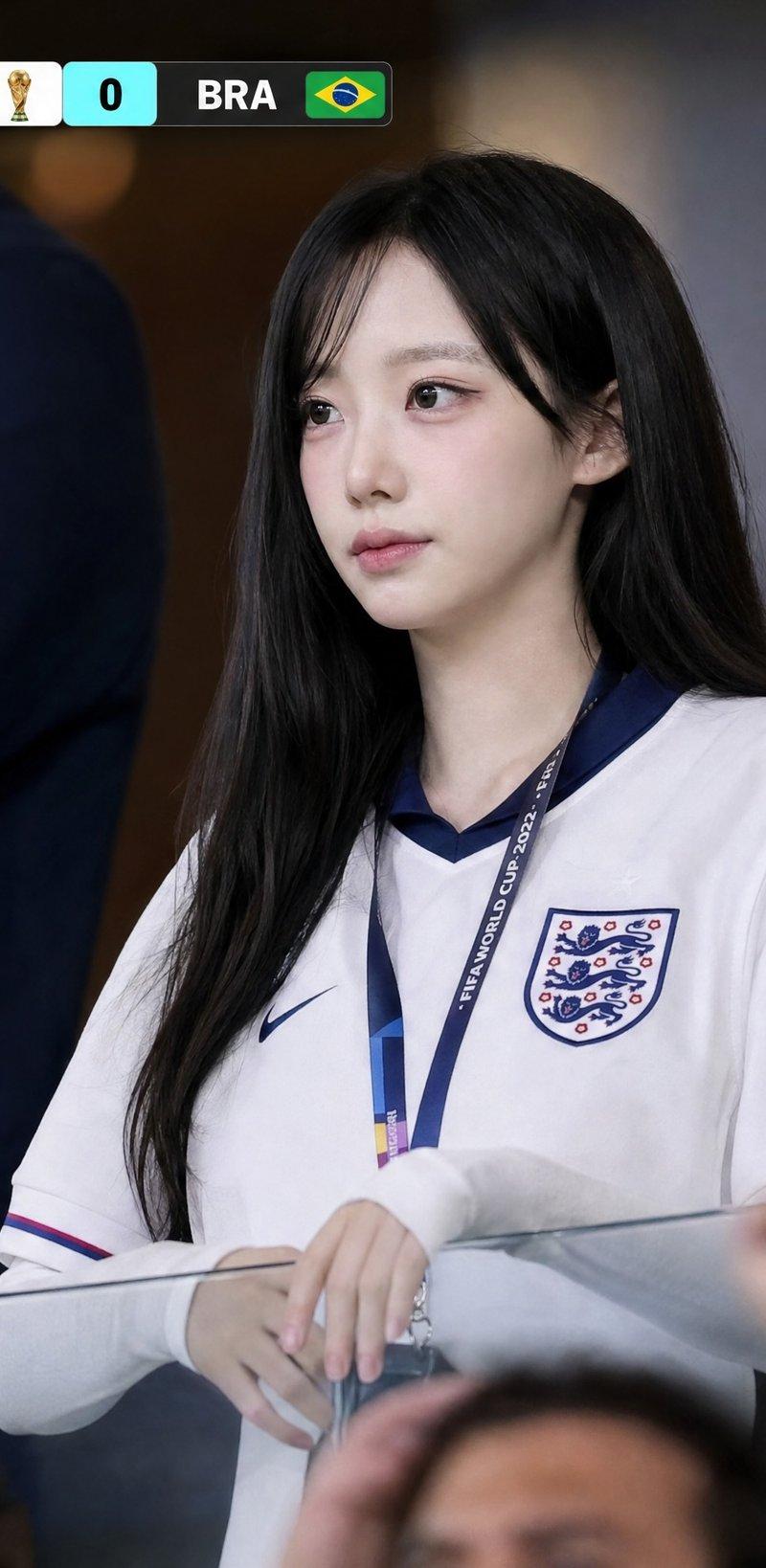
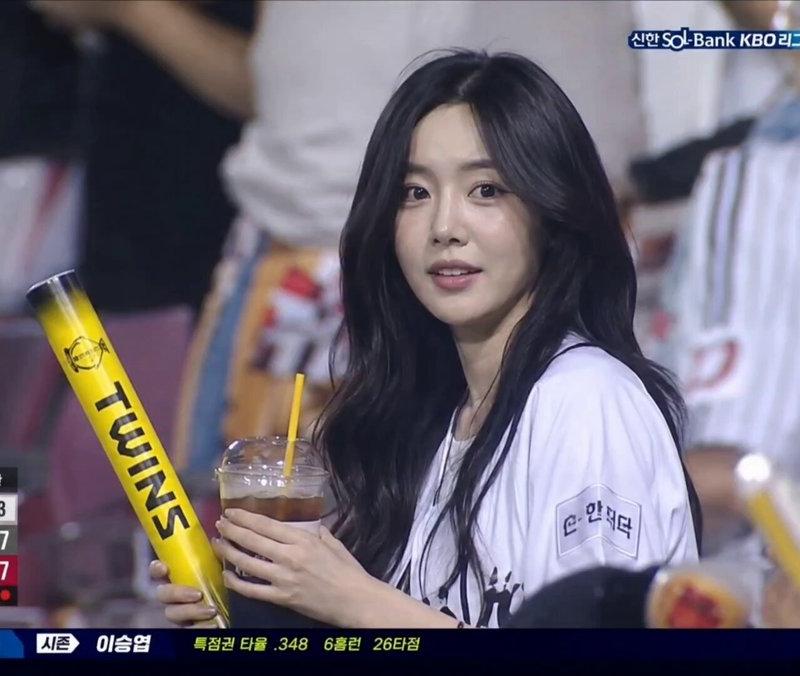
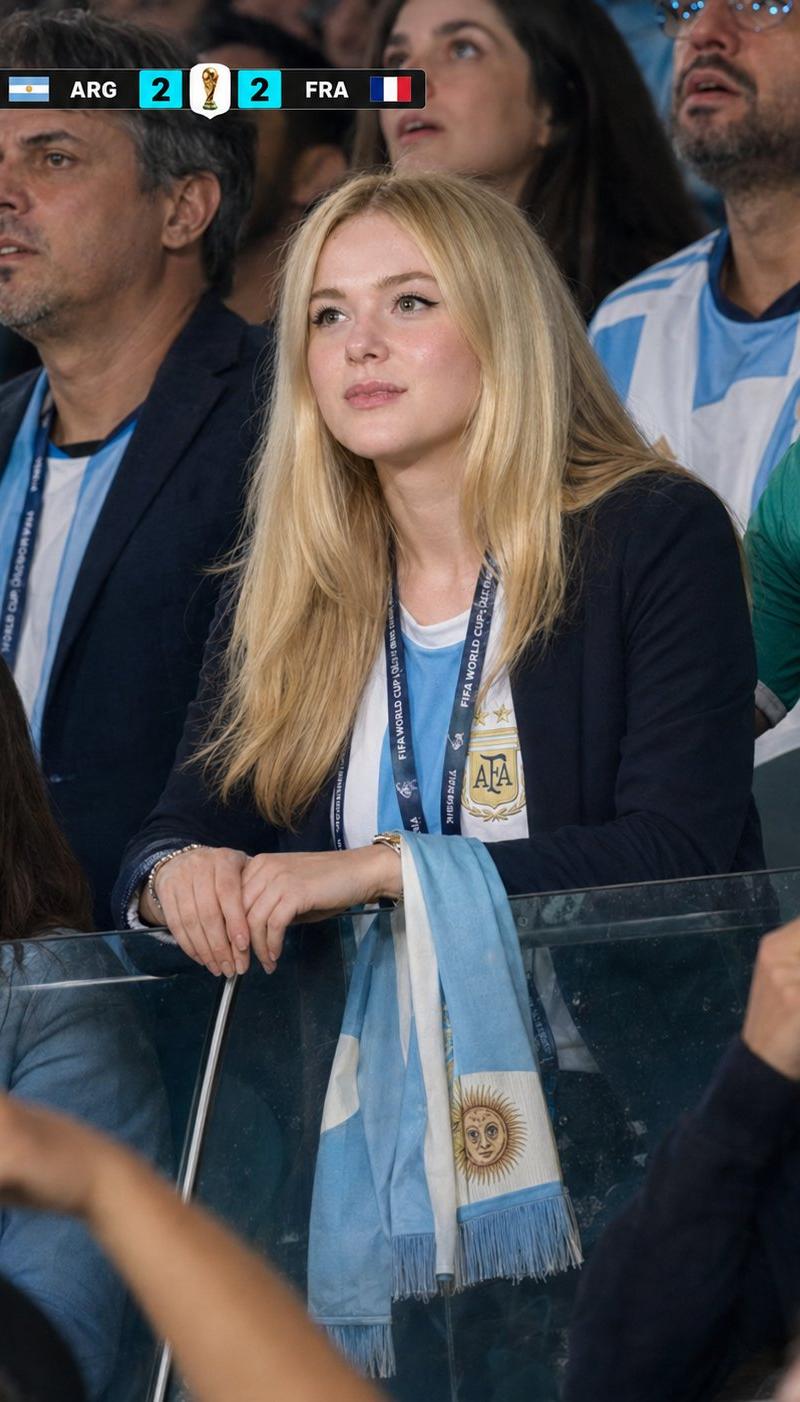
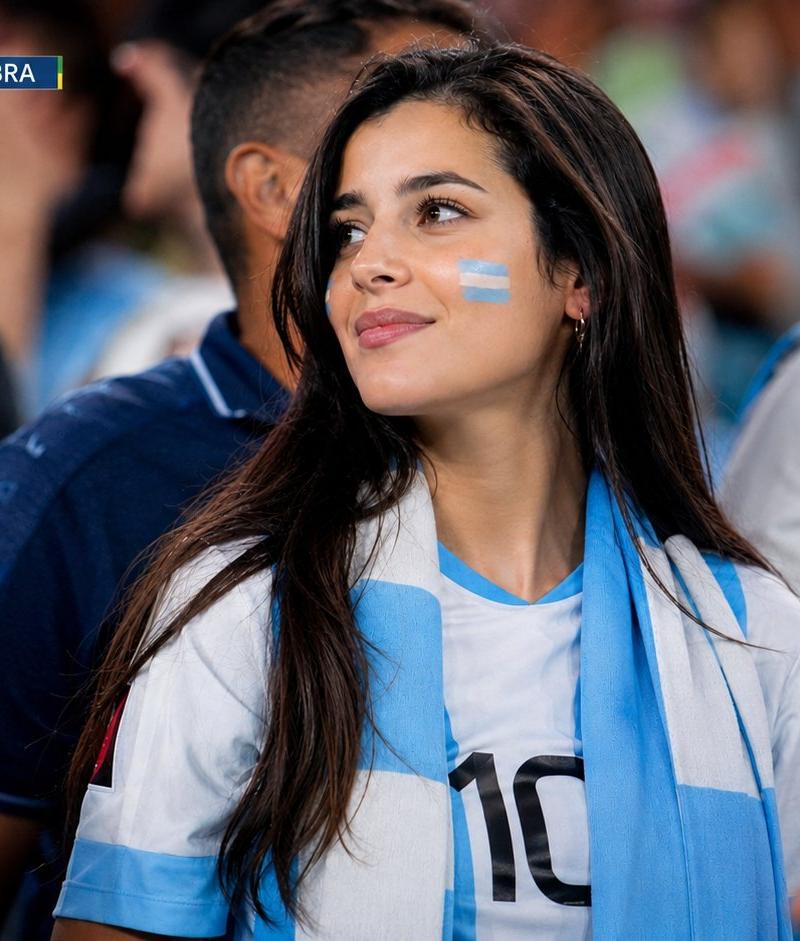
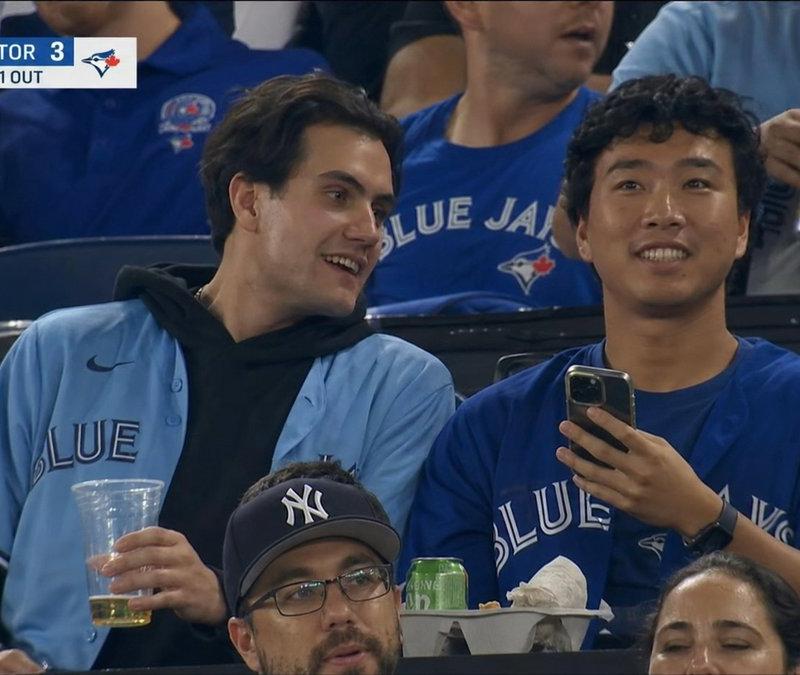
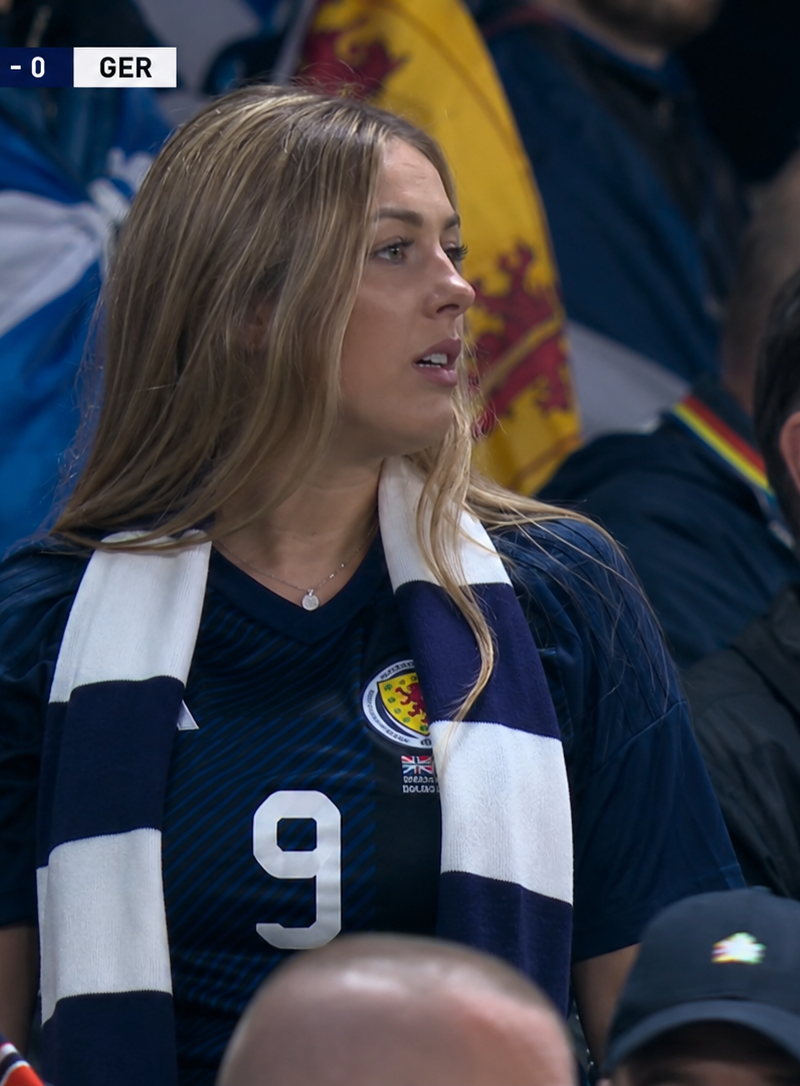
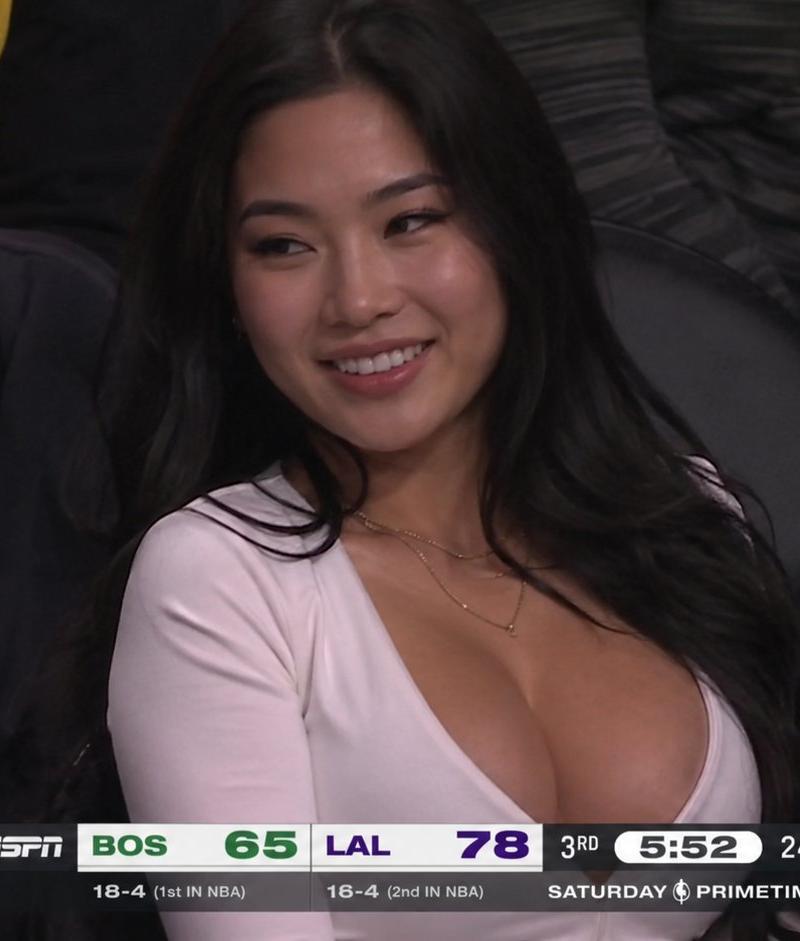
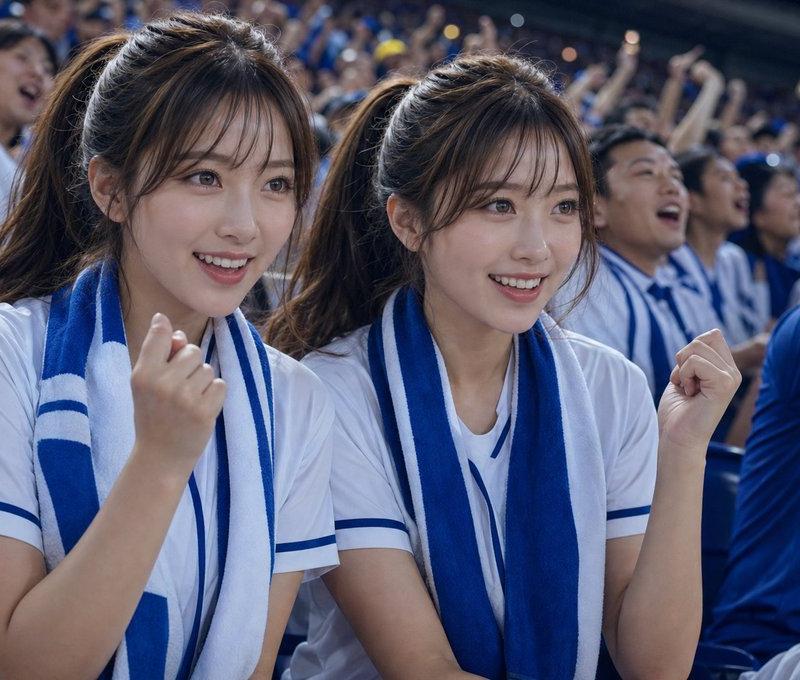
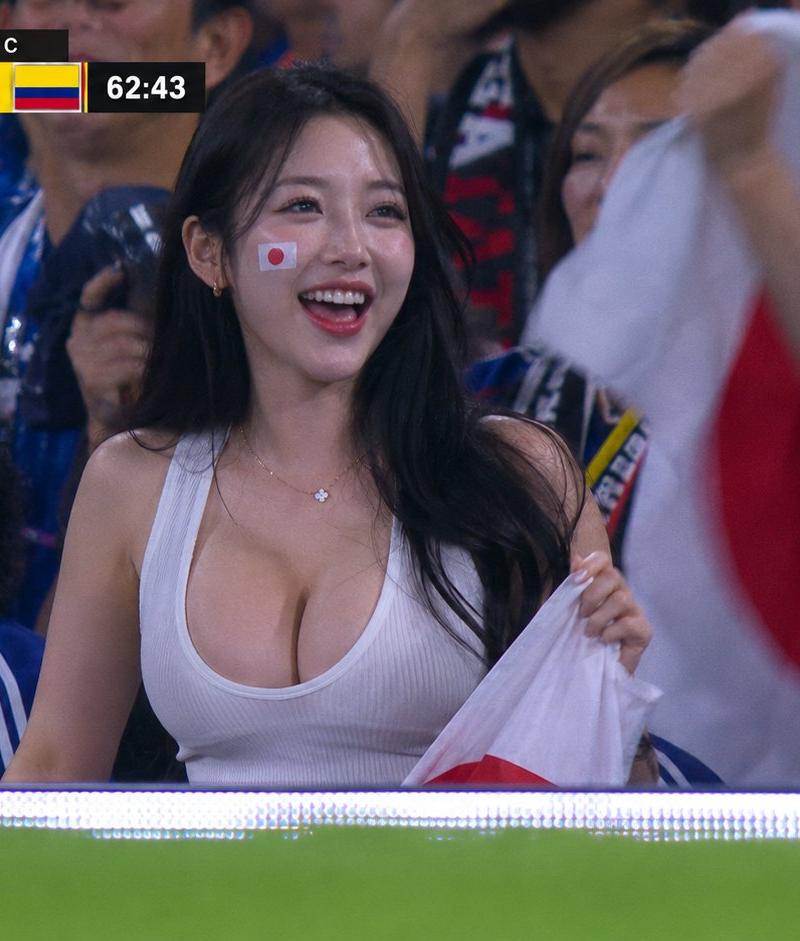
2026世界杯看台亚洲美女特写电视直播截图
Enlarge

Example images

2026世界杯看台亚洲美女特写电视直播截图

Prompt
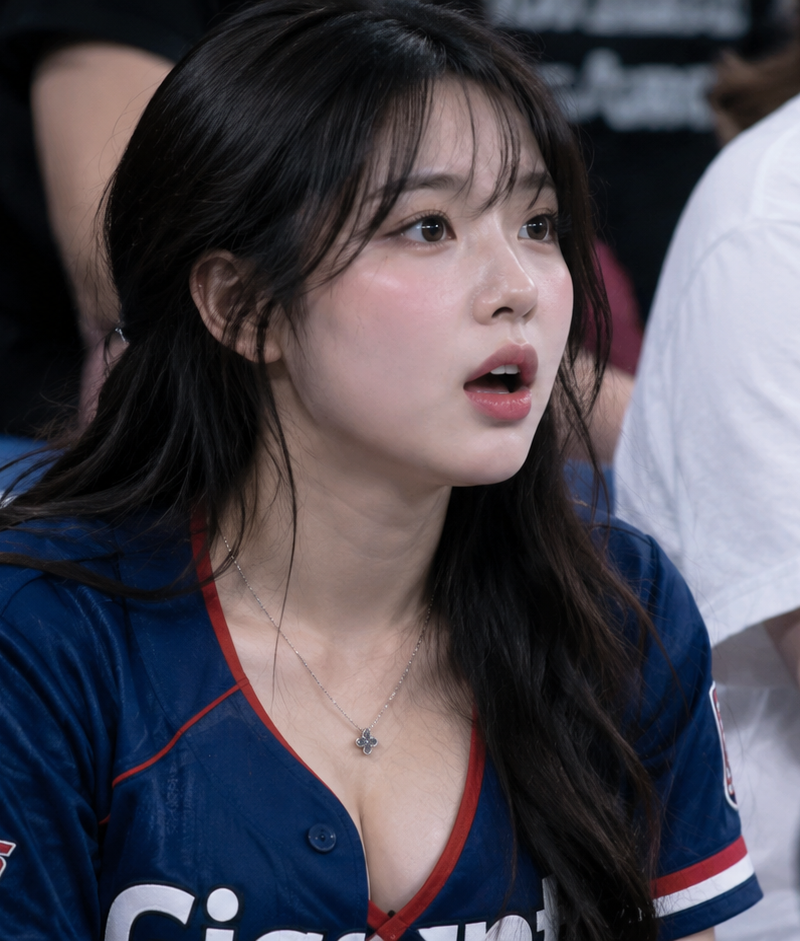
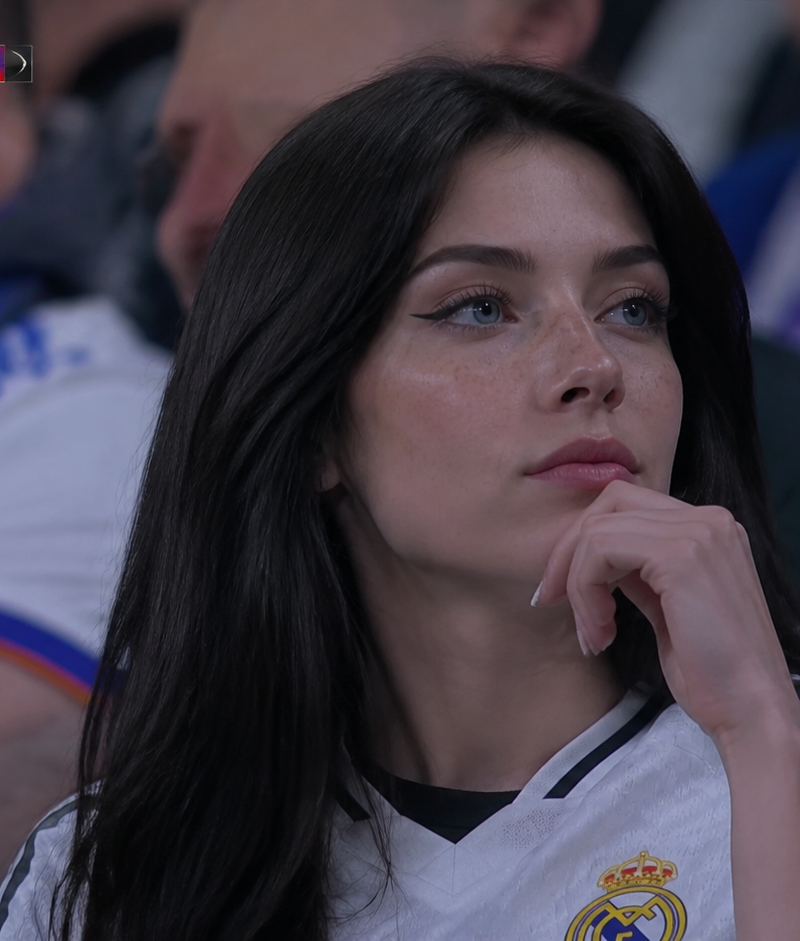
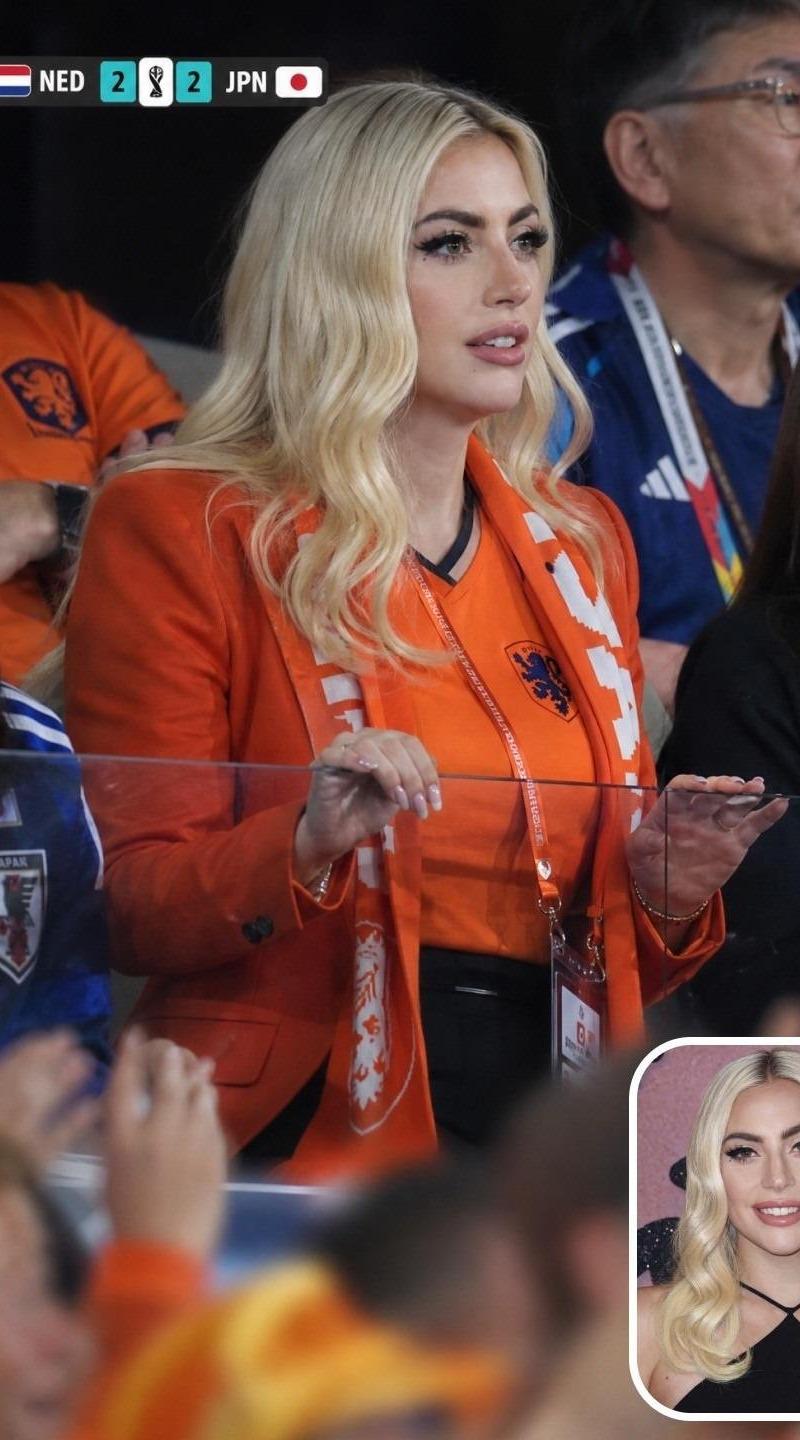
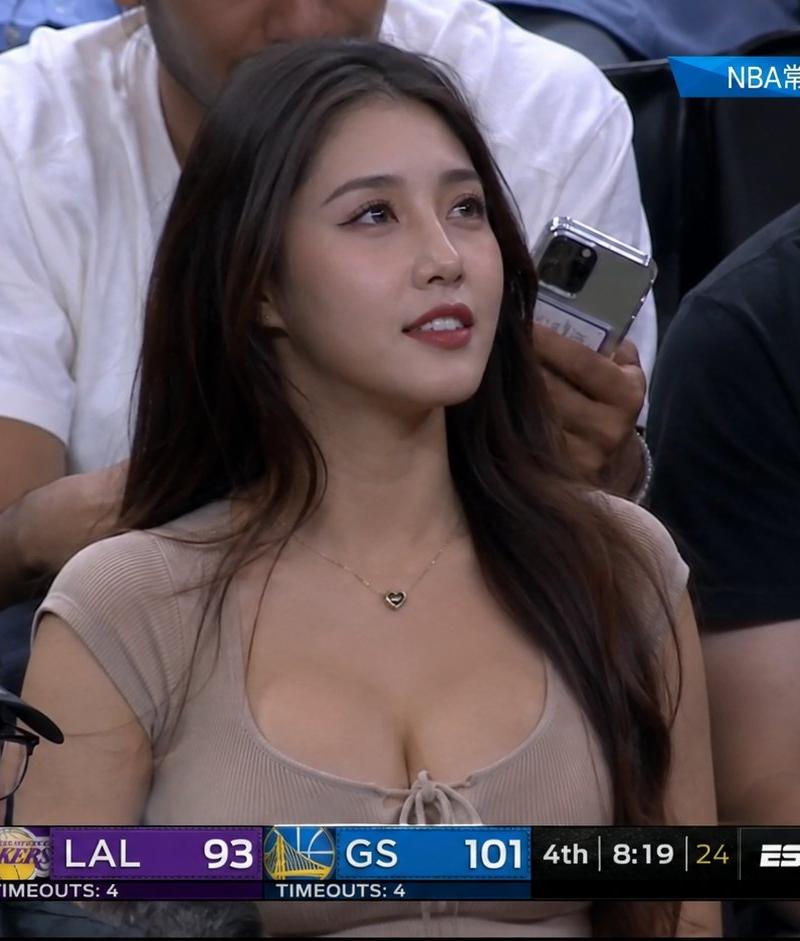
A live TV broadcast screenshot from a FIFA World Cup 2026 match on FOX Sports, crowd reaction cut. Telephoto camera from across the stadium zooms in on a spectator: a gorgeous Asian woman in her 20s, long black hair, perfect features, stunning figure in a tight low-cut top, standing in the front row of the stands. Strong telephoto compression — the bottom edge of the frame shows a soft blurred band of green pitch and LED ad boards, heat-haze shimmer from the long lens. Around her, out-of-focus fans wave national flags. She laughs and cheers, unaware she is on camera. Authentic FOX Sports World Cup broadcast graphics: scorebug top-left with team abbreviations and match clock, FIFA World Cup 26 logo, small network watermark in the corner, 16:9. Shot looks exactly like a paused 1080i TV frame — broadcast color grading, slight motion blur on waving flags, MPEG compression artifacts, faint interlacing lines.
Category
Charts & Infographics
Model
ChatGPT
Creator
@johnAGI168
Source language
zh-CN
Views44
Source ID
15880
Published
Jun 11, 2026
Studio

Guide

About "2026世界杯看台亚洲美女特写电视直播截图"

What is this prompt for?

"2026世界杯看台亚洲美女特写电视直播截图" AI image prompt for ChatGPT (Charts & Infographics). FOX Sports 频道 2026 年 FIFA 世界杯比赛的电视直播截图,观众反应切镜。体育场对面的长焦镜头放大捕捉一名观众:一位 20 多岁的华丽亚洲女性,黑…

The full copyable prompt and example visuals above are ready for AI image generation or one-click recreate in Picva.

How to use this prompt

  1. Step 1

    Open the prompt detail

    Review the example visuals, category, and full prompt text for "2026世界杯看台亚洲美女特写电视直播截图".

  2. Step 2

    Copy the prompt

    Copy the prompt body from this page, or load it directly in Studio.

  3. Step 3

    Pick a model (ChatGPT)

    Prefer ChatGPT. If you switch models, keep subject and composition and tweak style terms.

  4. Step 4

    Generate and export

    Recreate the look in Picva, or export into your workflow for editing and publishing.

FAQ

What is the "2026世界杯看台亚洲美女特写电视直播截图" prompt?
It is an AI image-generation prompt for ChatGPT in the Charts & Infographics category. This page includes the full prompt text, example visuals, and a one-click recreate path in Picva.
How do I use this prompt to generate an image?
Copy the prompt from this page, or use Generate / Studio. Paste it into a compatible image model, or recreate the look in Picva with optional reference images.
Which model is this prompt for?
This page lists ChatGPT. Most descriptive prompts also transfer to nearby image models such as GPT Image, Flux, or Midjourney with light style tweaks.
Can I use the result commercially?
You can usually copy the prompt for creation, but commercial use of the final image depends on the model terms, reference-image rights, and the generated content. Follow the source author and platform rules.