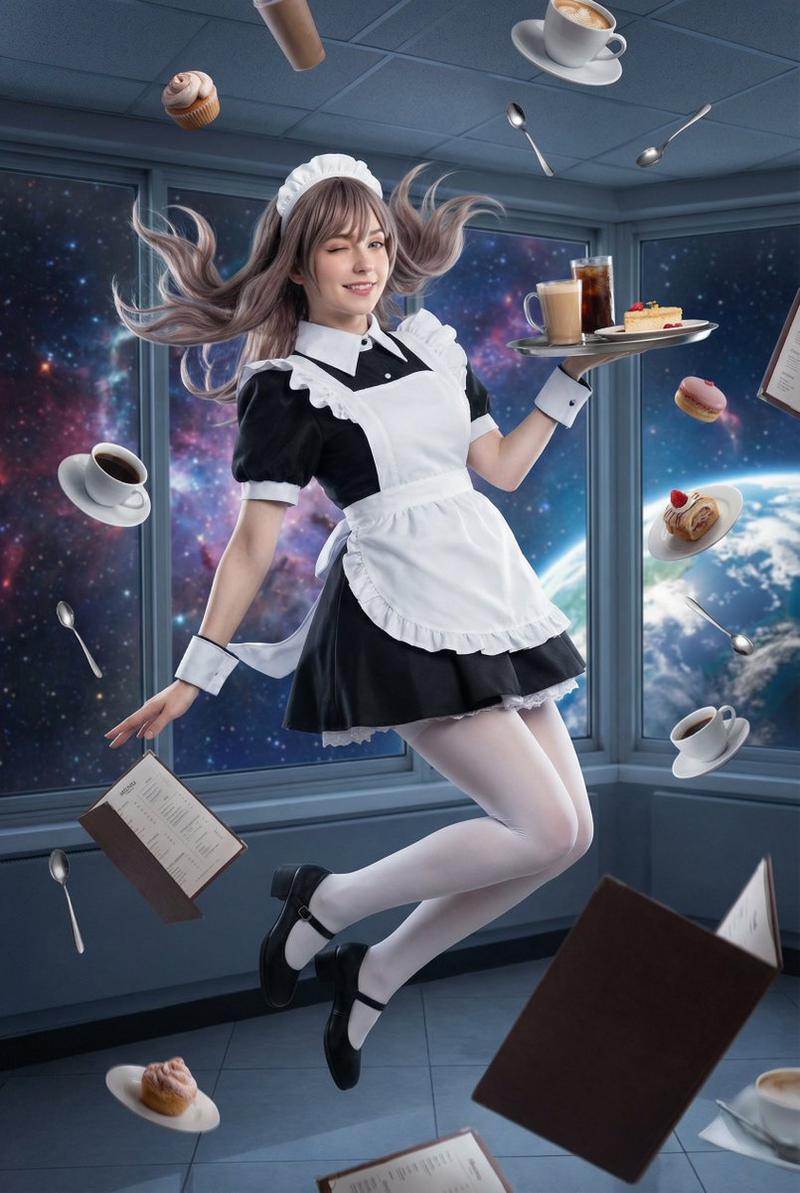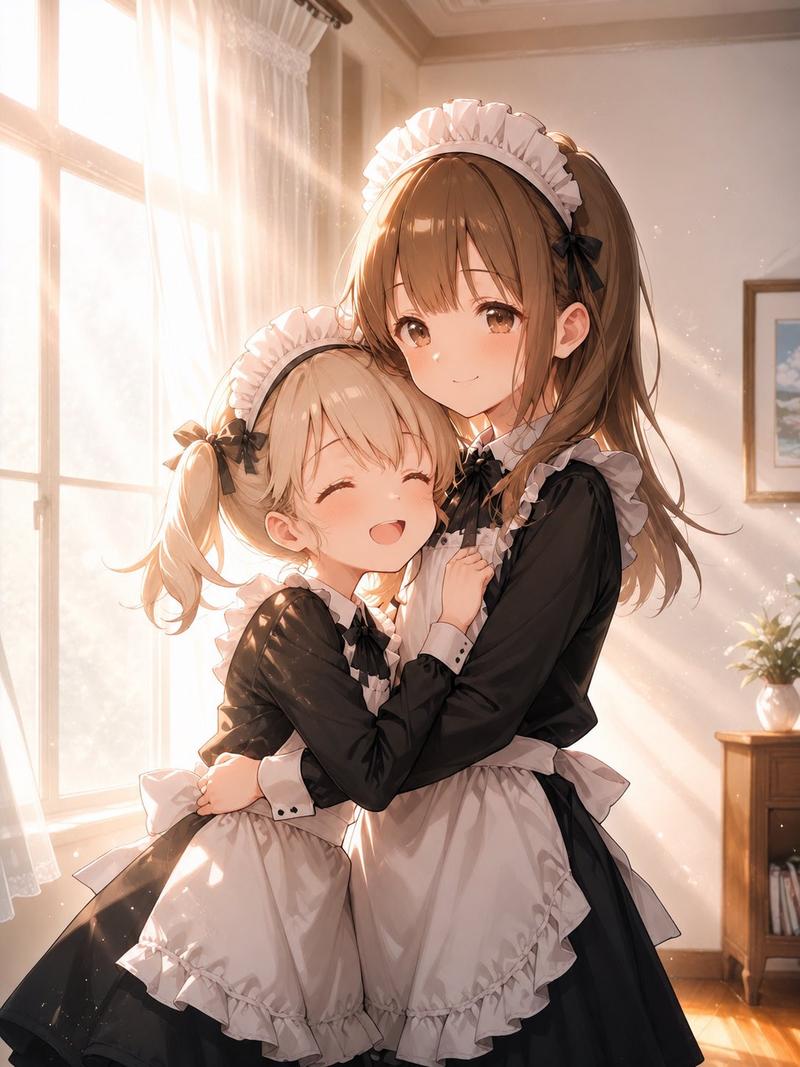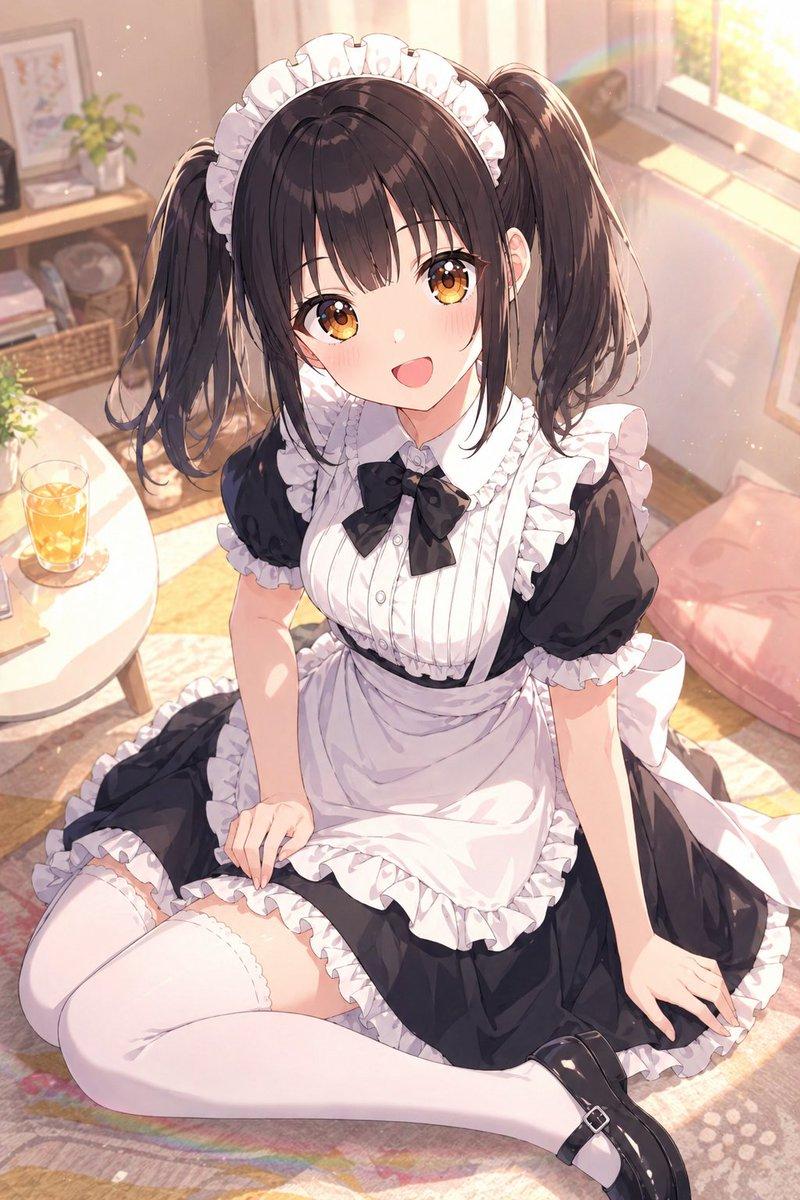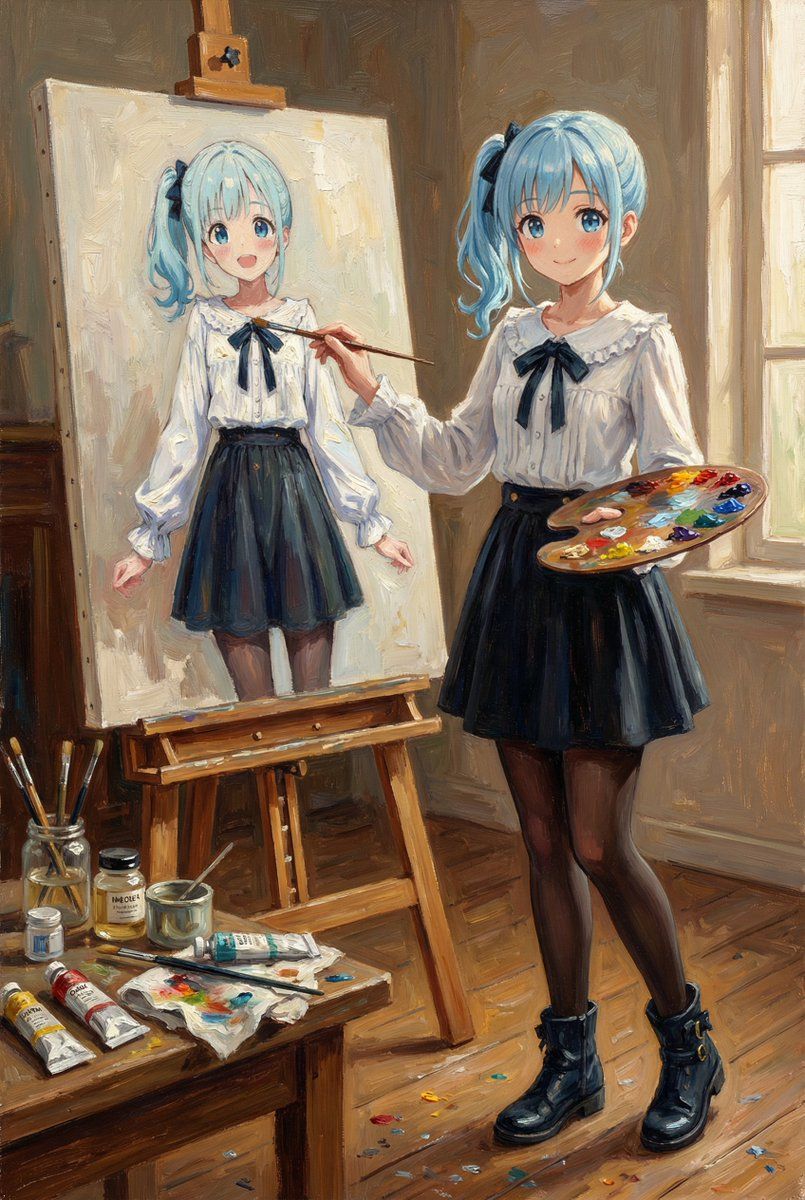
午后画室绘制自画像的经典油画少女
Prompt
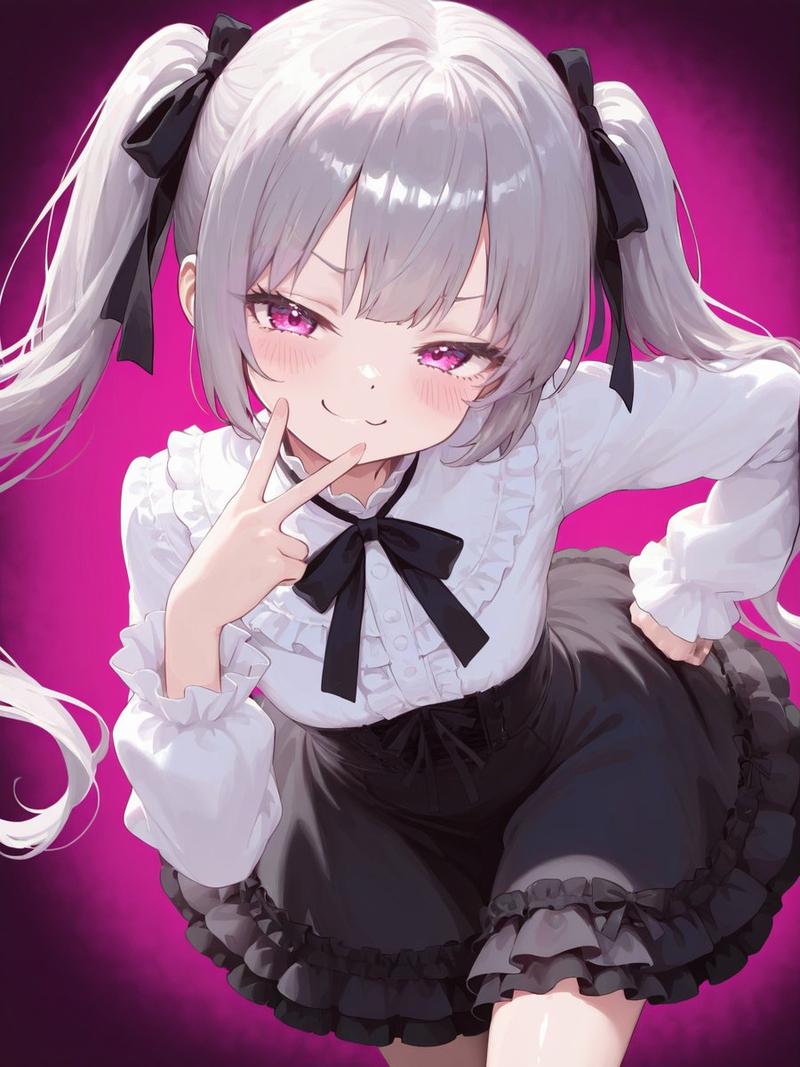
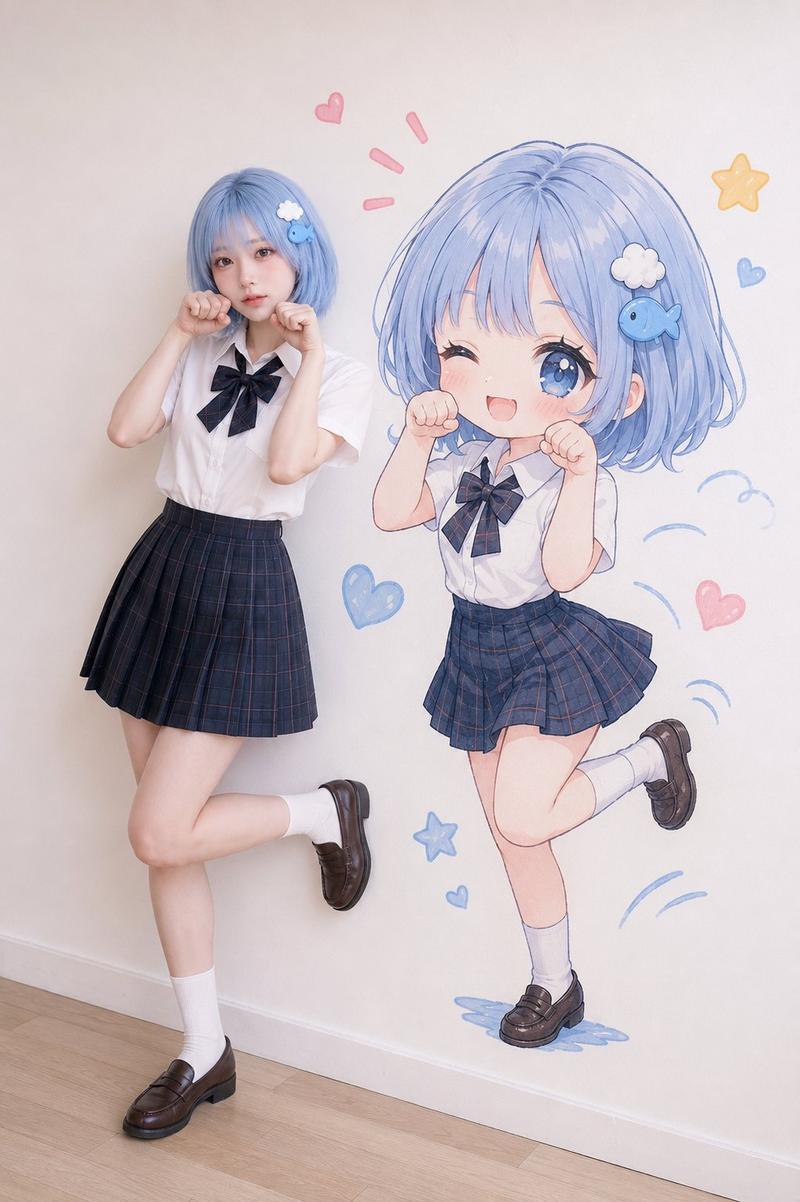
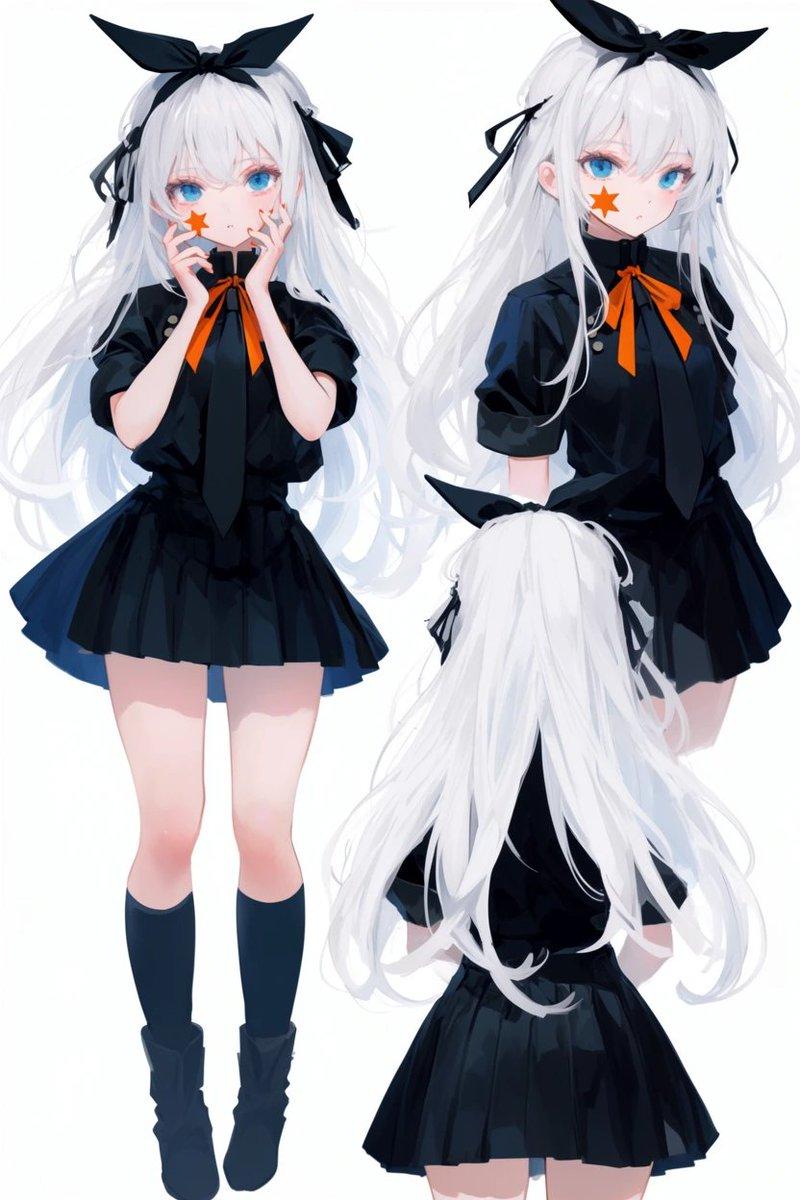
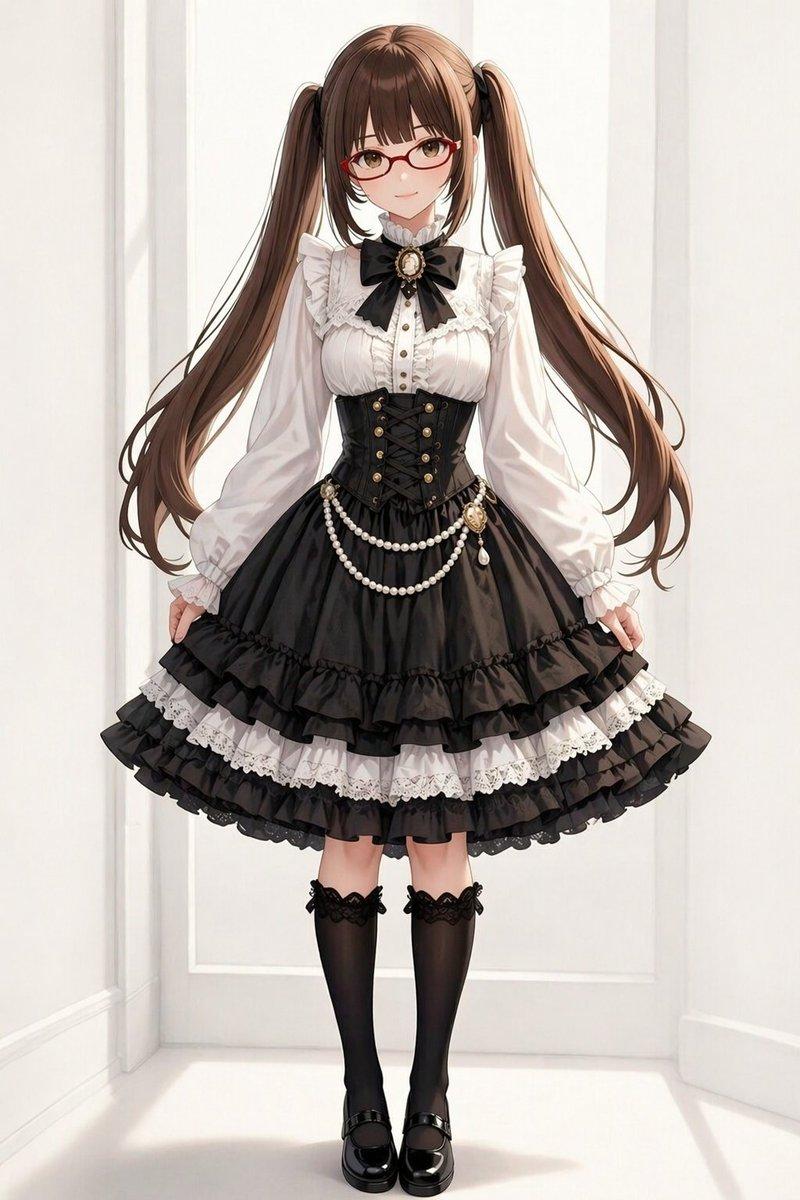
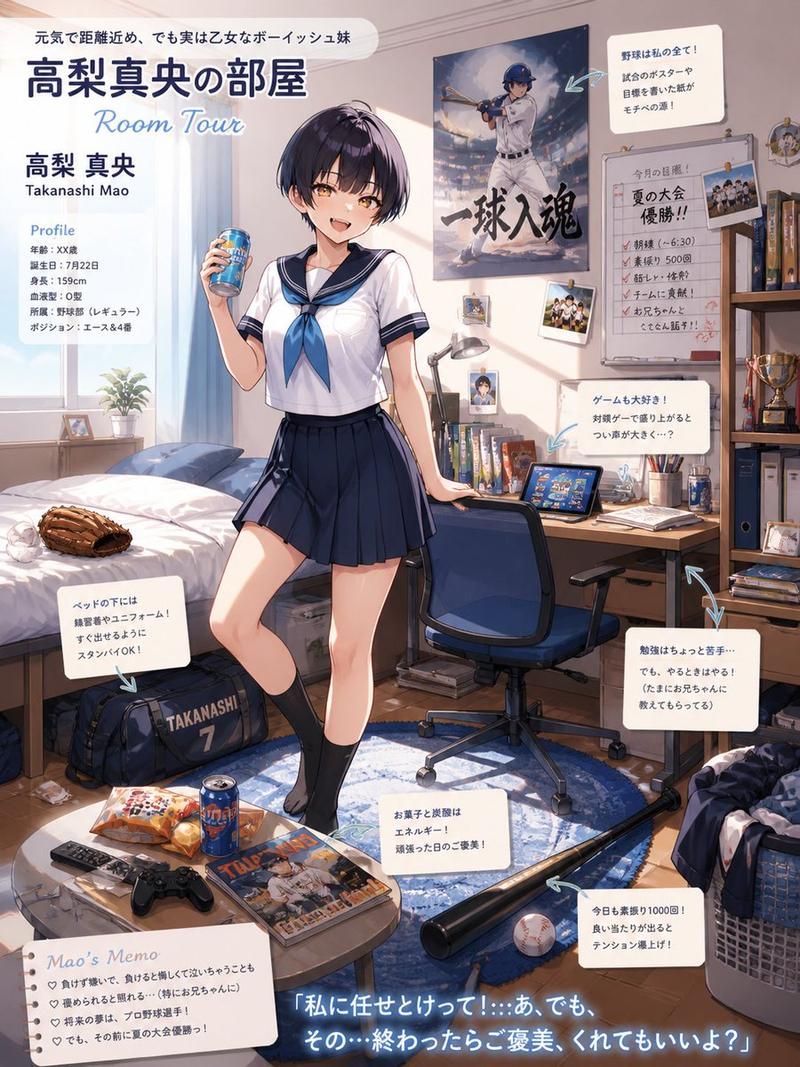
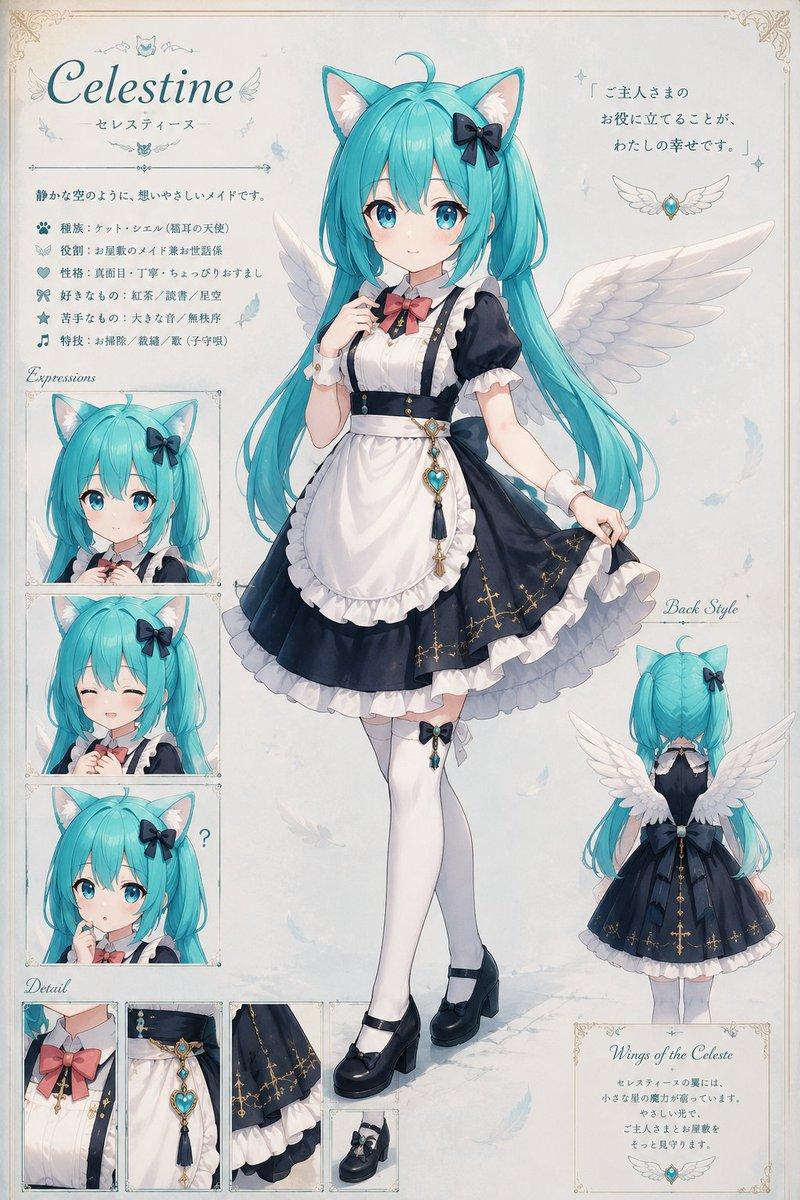
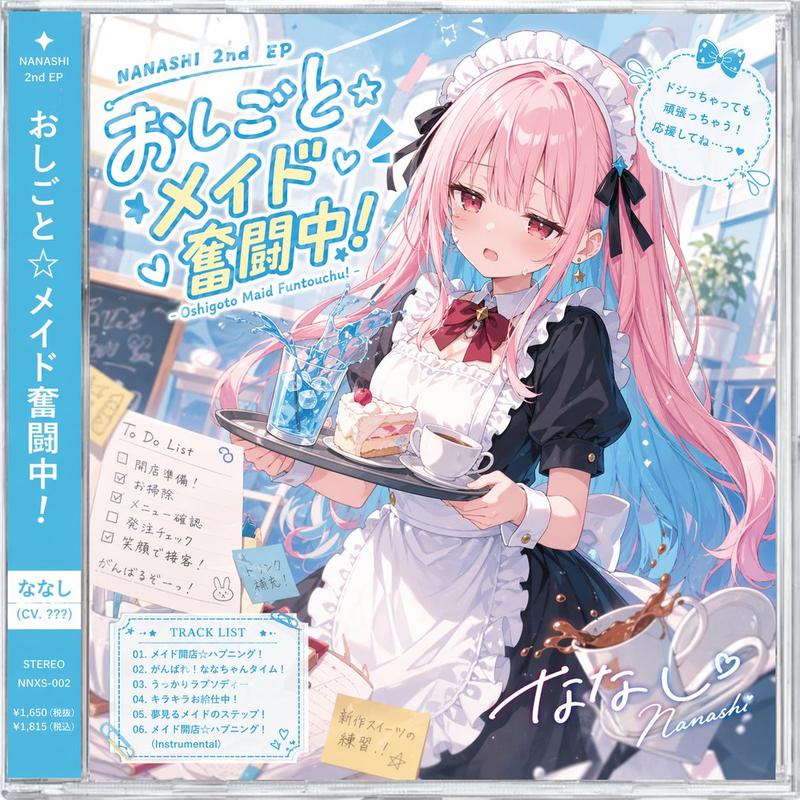
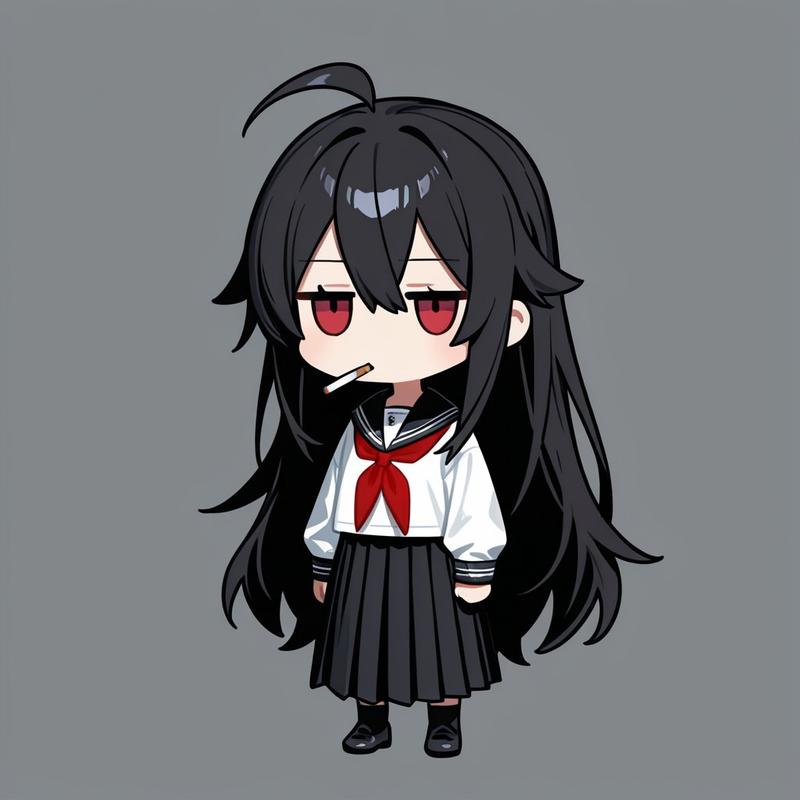
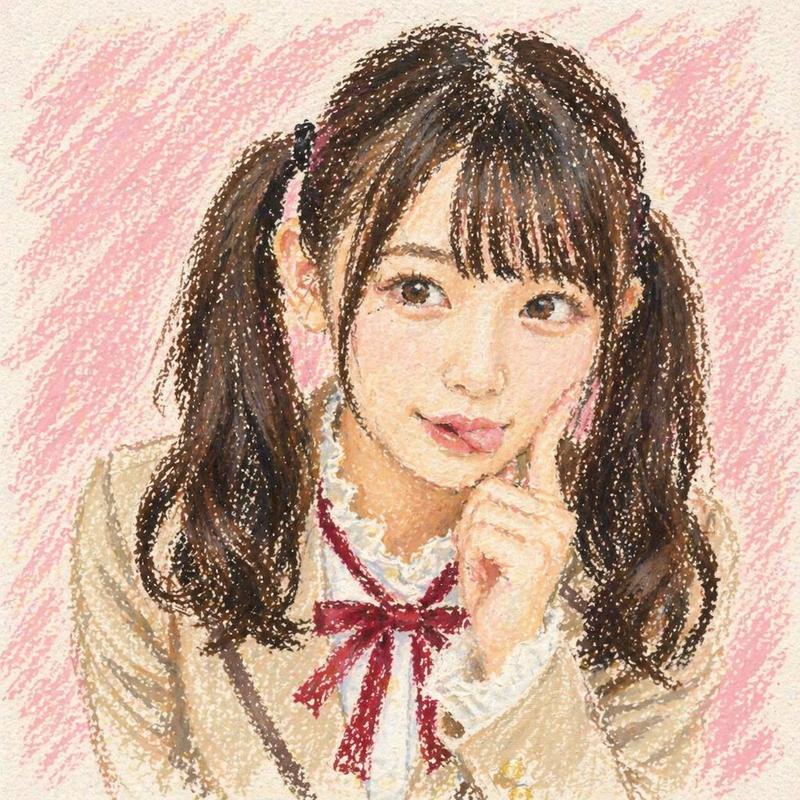
【Input Image】 Image 1: Reference Character (Do not change the appearance of this character under any circumstances) 【Top Priority Rule: Identity Lock】 - Match 100% of the reference image character's "face," "hairstyle," "hair color," "eye shape/color," "skin color," "body proportion," "clothing," "accessories," "patterns," and "color scheme." - Maintain the expression exactly as in Image 1 (even if a change is necessary, make it "very slight"). - Do not arbitrarily add new small items, clothes, or decorations. Prohibit modifications such as lengthening/shortening hair. Do not change age, gender, physique, or sense of race. - Changes are only allowed for "pose," "background (location)," "lighting," "camera angle," and "art supplies (brushes/palettes/easels, etc.)." 【Scene to Generate】 Character from Image 1 standing in a painting studio in front of an easel, painting a "self-portrait" in oil. - Brush in the right hand, palette in the other hand. - On the desk: tubes of oil paint, solvent oil, brush washing jar, cloth, dirty palette, and a few scattered paint marks on the floor. - The canvas has an "unfinished self-portrait" that is instantly recognizable as the "same character" as Image 1 (same face, same hair, same clothes, same color scheme). A slightly rough brushstroke is acceptable since it is unfinished. 【Art Style (Overall Expression)】 - Depict the entire work as a classic oil painting. Show the canvas texture, impasto brushstrokes, buildup of paint, and depth of glazing. - However, the character design (lines/shape/color/features) must absolutely not deviate from Image 1. The oil texture should be applied as an "overlay." 【Composition/Camera】 - 3/4 angle medium wide shot (upper body to knees). Character + easel + canvas visible simultaneously. - Warm afternoon oblique light enters from the window, hitting the face and canvas. The background is slightly dark to make the subject stand out. 【Output Specification】 - 1 image. Vertical 2:3 aspect ratio. - Do not include text in the image.
- Category
- Charts & Infographics
- Model
- Nano banana pro
- Creator
- @hiiragimaruru
- Source ID
- 7964
- Published
- Mar 22, 2026
Views20