20

笨拙滑稽涂鸦插画风格化
Enlarge

笨拙滑稽涂鸦插画风格化

Prompt
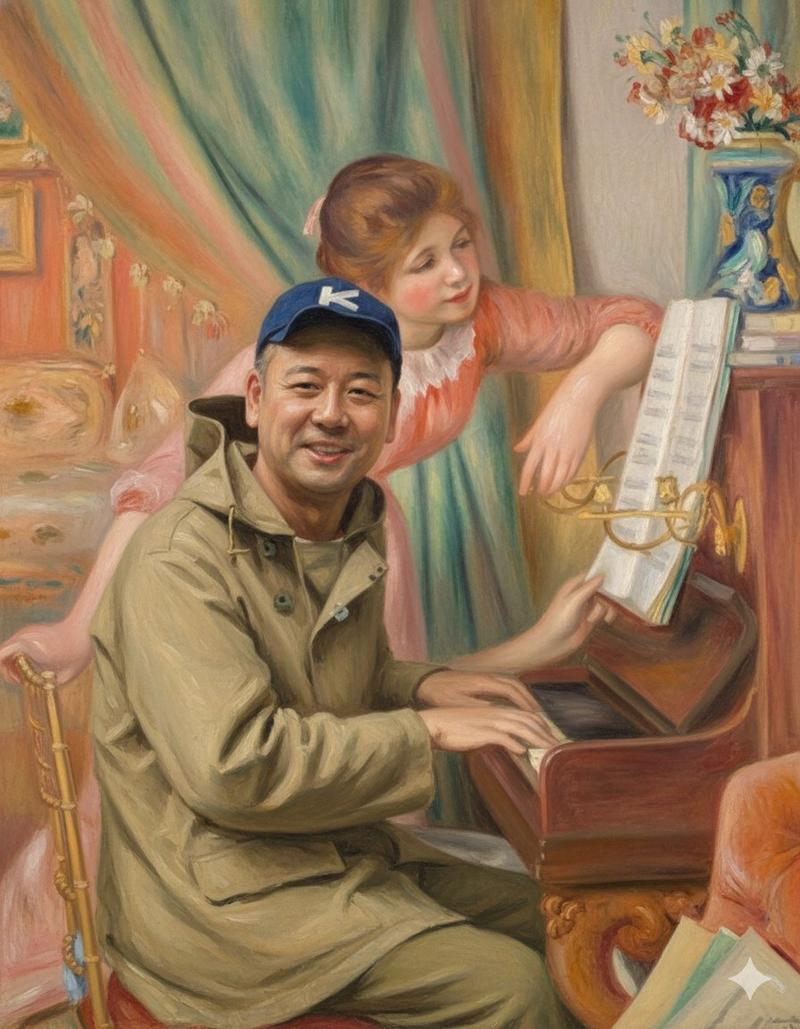
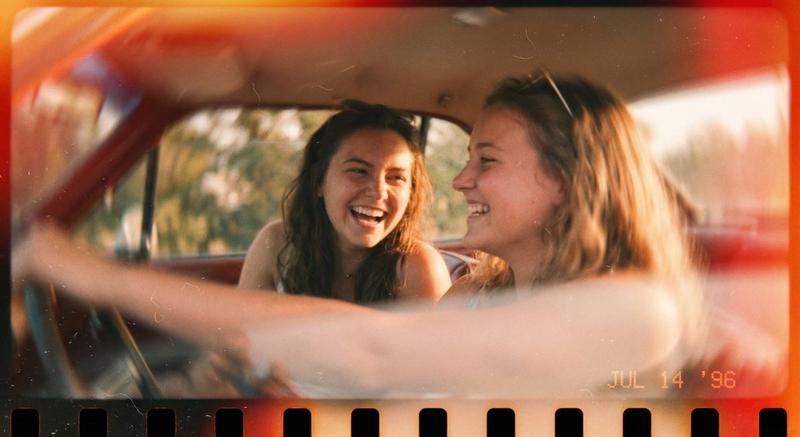
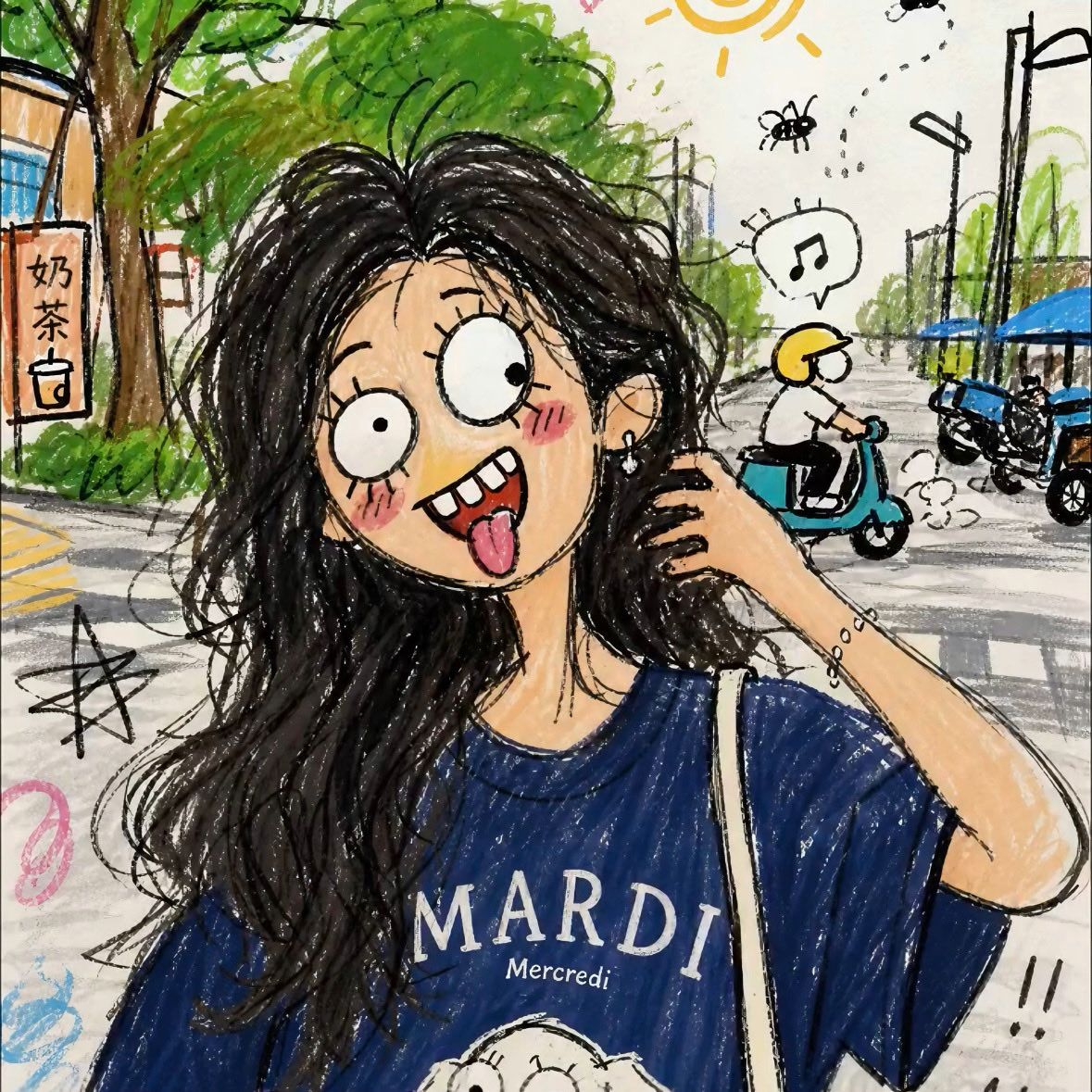
Turn this photo into a clumsy and funny doodle-style illustration. Characteristics: Create a messy sketch texture as if casually drawn with cheap markers and crayons; lines are cluttered and spontaneous, full of a childish drawing style, perspective is distorted and unbalanced, overall composition proportions are uncoordinated, facial features are slightly exaggerated to create a comical and hilarious feel. Additional added elements: Simple comic-style background (drawn based on the reference photo's context), add meaningless scribbled lines and tiny casual details, preserve uneven coloring, coloring outside the lines, and obvious brushstroke marks. Overall style: Exudes a casual vibe of being perfunctory, messy, and drawn without effort; do not draw it too exquisitely or completely; a "silly/goofy" funny meme-like art style that fits the relaxed and fun atmosphere of the internet. Prohibited requirements: Do not draw realistically, do not depict too exquisitely or delicately, do not produce professional or regular painting effects.
Category
Photography & Realism
Model
ChatGPT
Views58
Source ID
17038
Published
Jun 29, 2026

Guide

About "笨拙滑稽涂鸦插画风格化"

What is this prompt for?

"笨拙滑稽涂鸦插画风格化" AI image prompt for ChatGPT (Photography & Realism). 把这张照片改成画风笨拙又搞笑的涂鸦风插画。 特点:营造出像是用平价马克笔、蜡笔随手画出来的潦草速写质感;线条杂乱随性,充满孩子气画风,透视扭曲失衡,整体构图比例不协调,脸部五官稍作夸张…

The full copyable prompt and example visuals above are ready for AI image generation or one-click recreate in Picva.

How to use this prompt

  1. Step 1

    Open the prompt detail

    Review the example visuals, category, and full prompt text for "笨拙滑稽涂鸦插画风格化".

  2. Step 2

    Copy the prompt

    Copy the prompt body from this page, or load it directly in Studio.

  3. Step 3

    Pick a model (ChatGPT)

    Prefer ChatGPT. If you switch models, keep subject and composition and tweak style terms.

  4. Step 4

    Generate and export

    Recreate the look in Picva, or export into your workflow for editing and publishing.

FAQ

What is the "笨拙滑稽涂鸦插画风格化" prompt?
It is an AI image-generation prompt for ChatGPT in the Photography & Realism category. This page includes the full prompt text, example visuals, and a one-click recreate path in Picva.
How do I use this prompt to generate an image?
Copy the prompt from this page, or use Generate / Studio. Paste it into a compatible image model, or recreate the look in Picva with optional reference images.
Which model is this prompt for?
This page lists ChatGPT. Most descriptive prompts also transfer to nearby image models such as GPT Image, Flux, or Midjourney with light style tweaks.
Can I use the result commercially?
You can usually copy the prompt for creation, but commercial use of the final image depends on the model terms, reference-image rights, and the generated content. Follow the source author and platform rules.