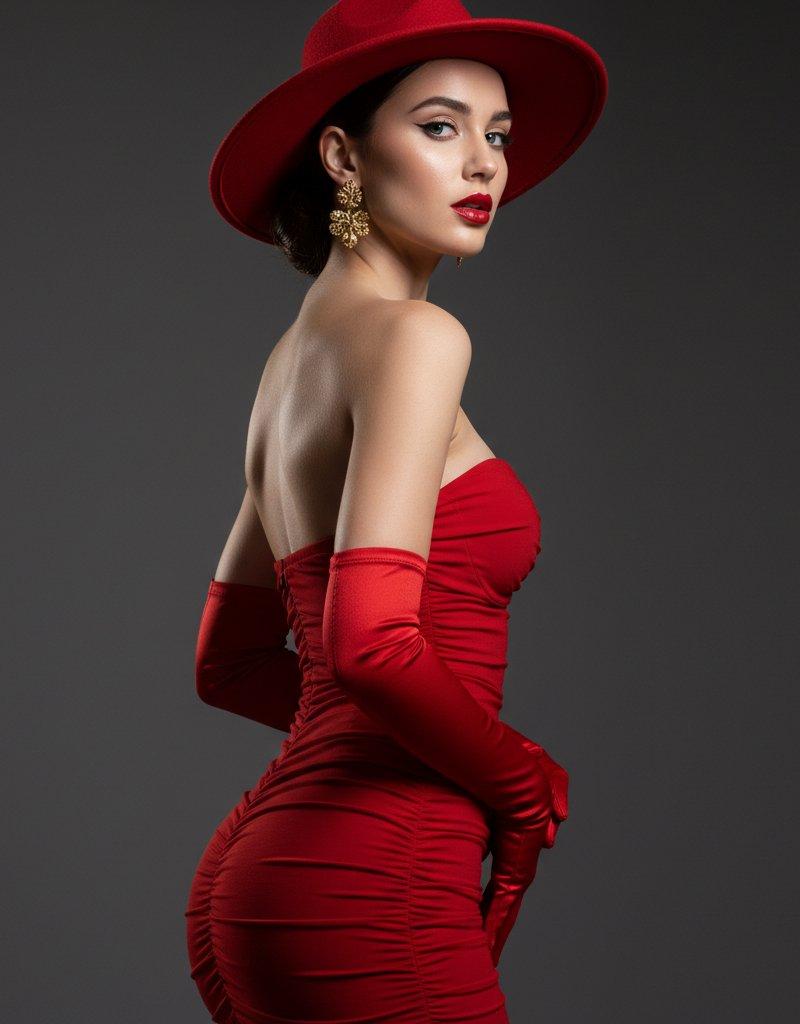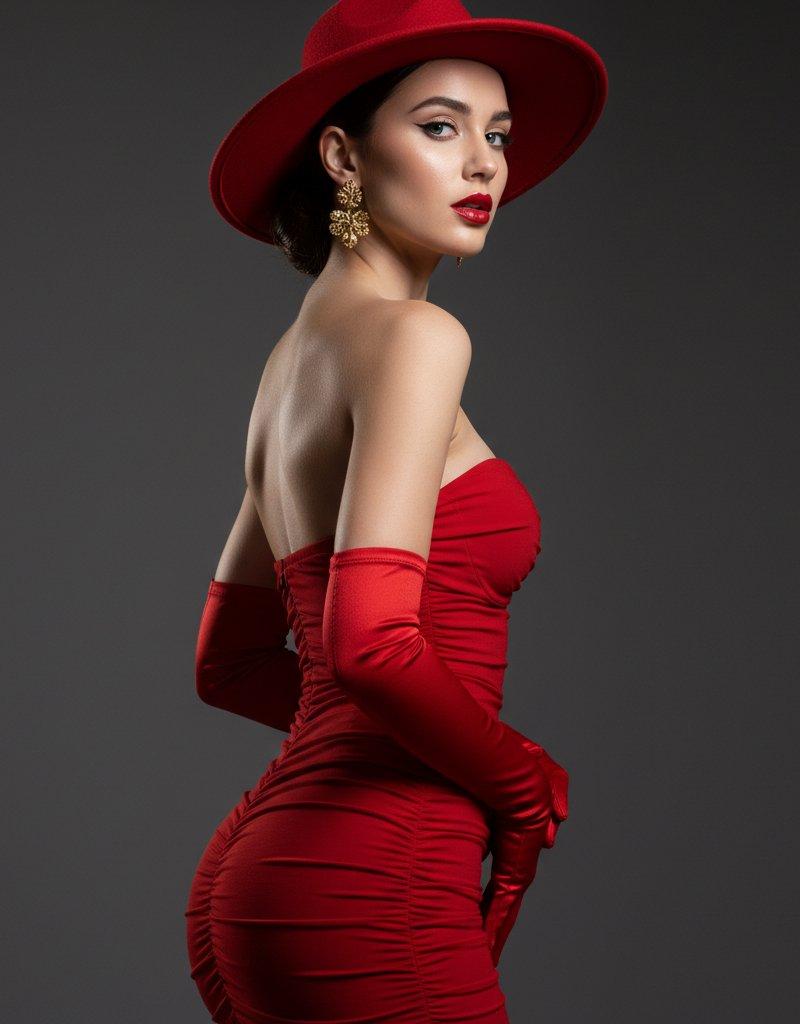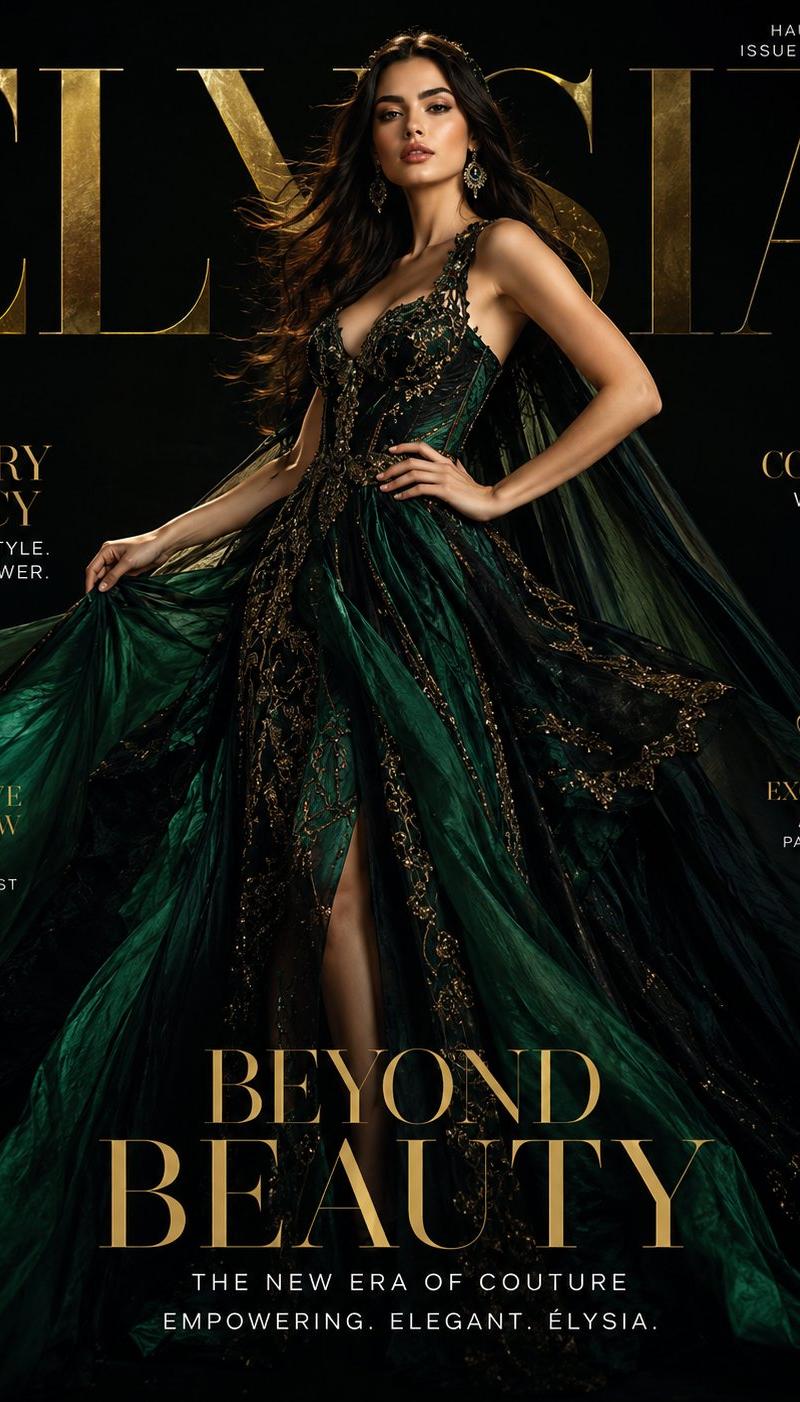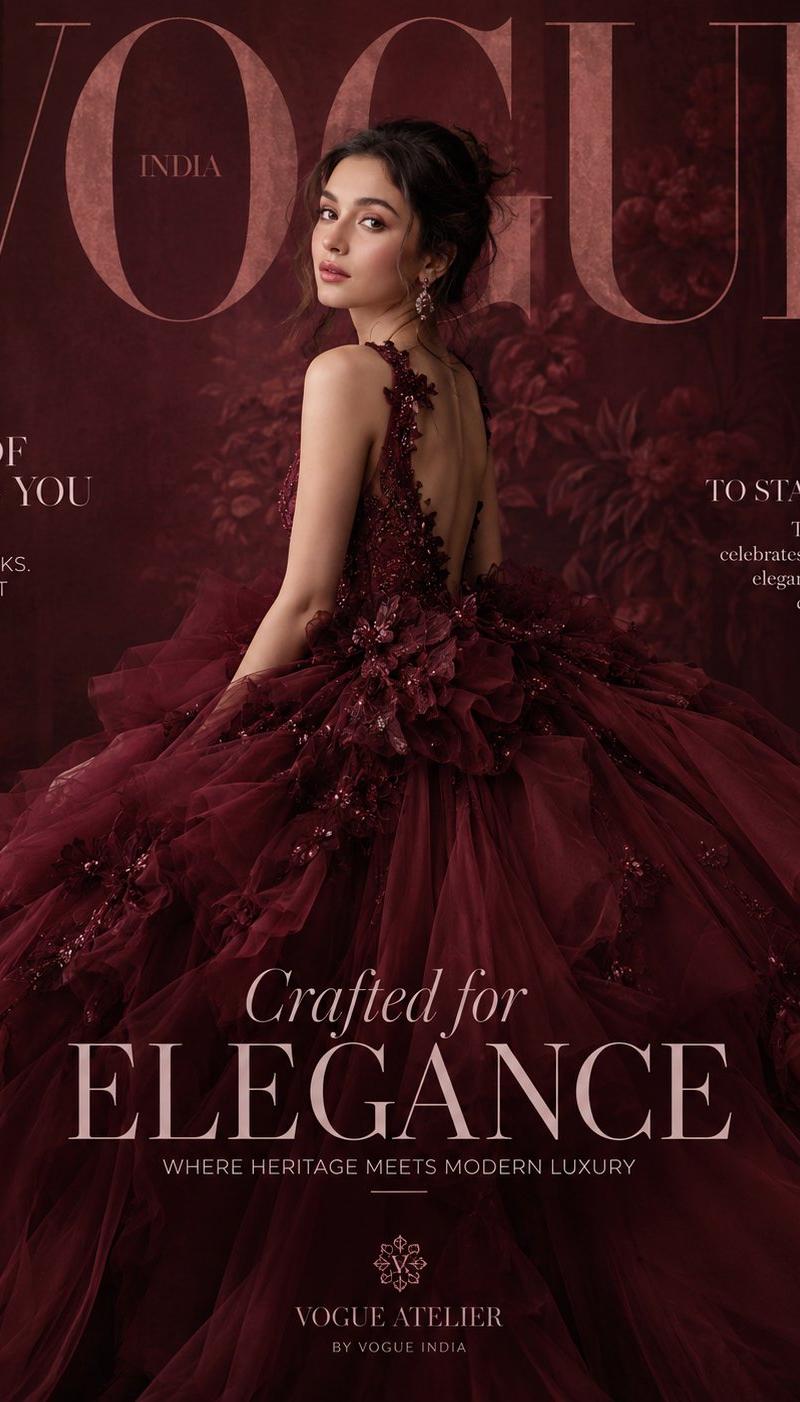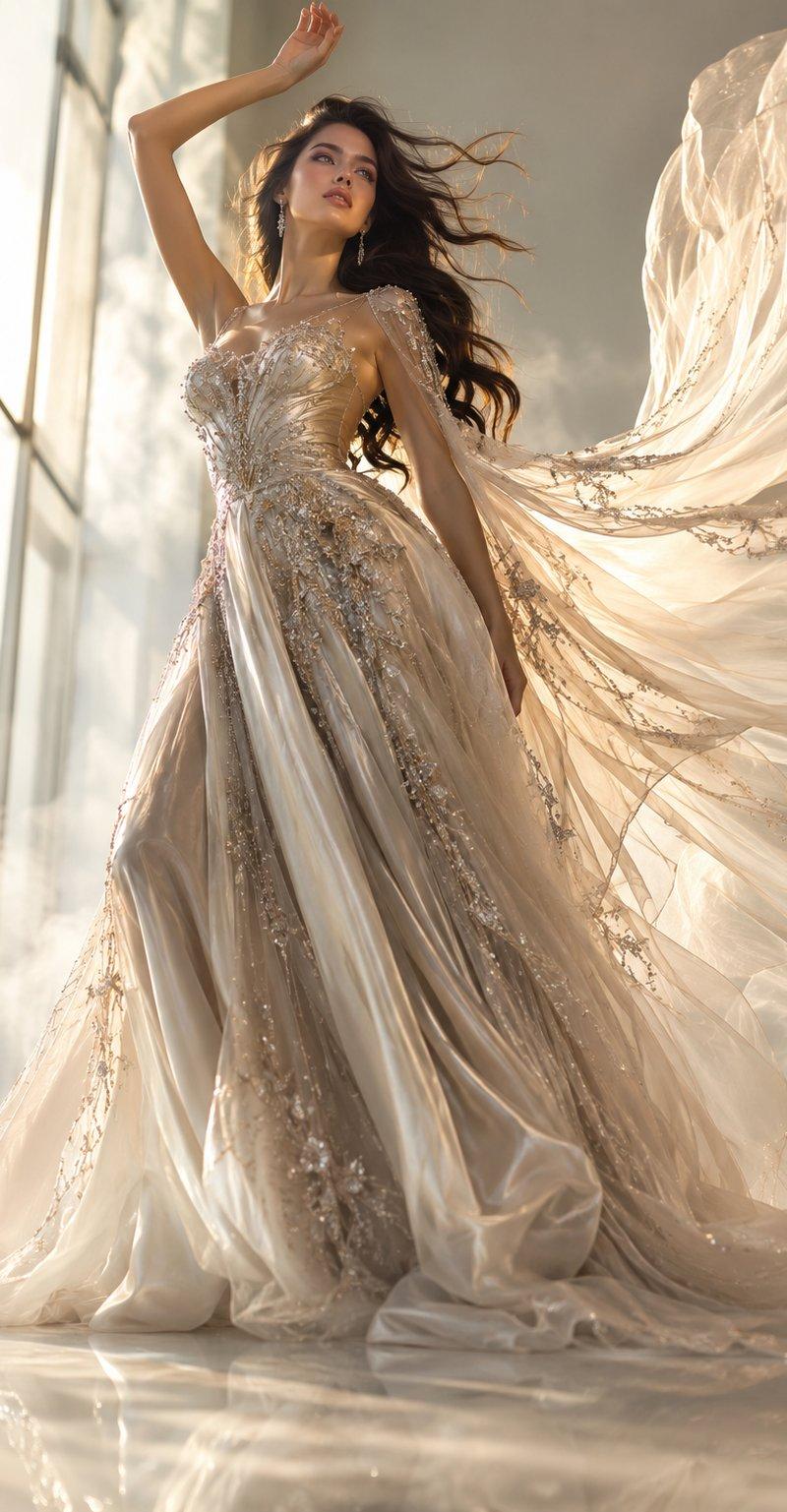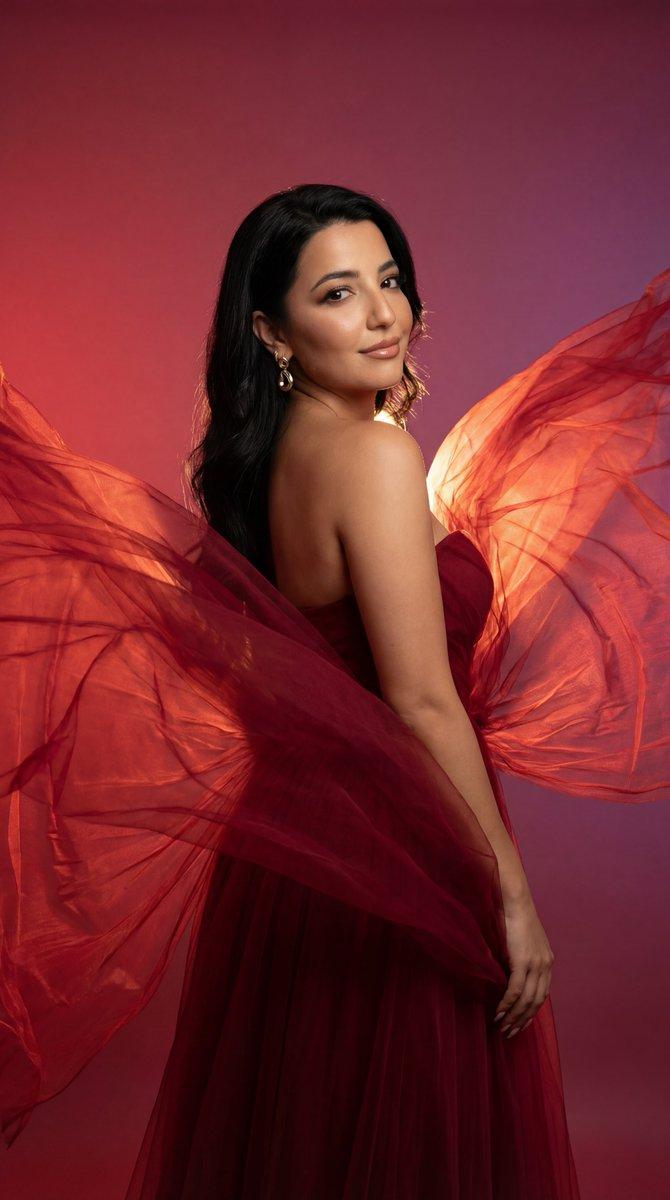
绯红之翼:深红高定礼服的绝美回眸
Prompt
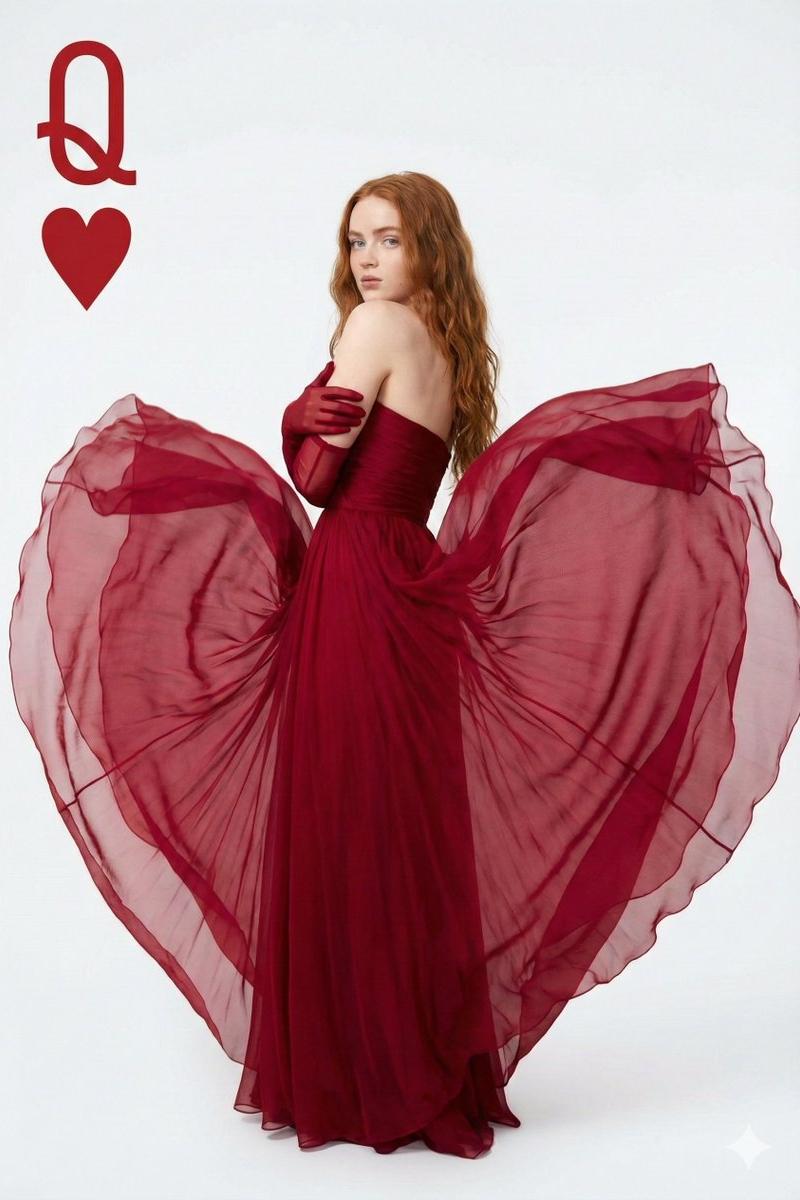
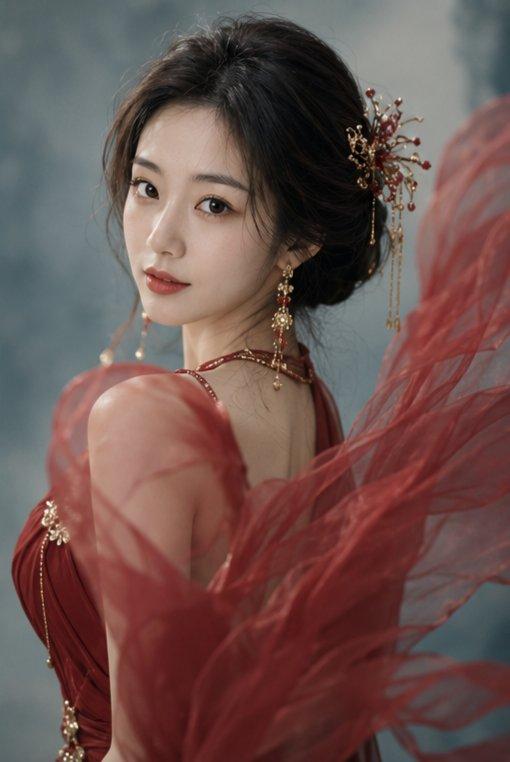
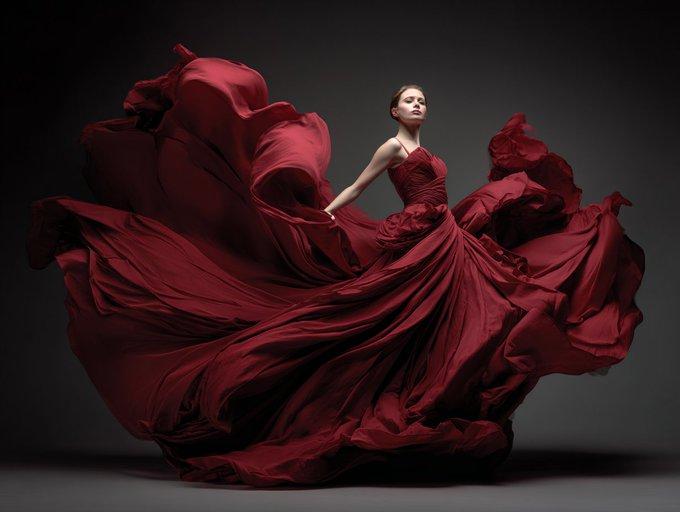
{ "request_metadata": { "tool": "Nano Banana Pro", "task_type": "photoreal_fashion_editorial_cinematic_portrait", "quality_preset": "ultra", "aspect_ratio": "9:16" }, "references": { "female_reference_image": { "slot": 1, "purpose": "MAIN_SUBJECT_IDENTITY_LOCK", "strict_identity_lock": true } }, "hard_constraints": [ "Exactly 1 person only (female).", "Face must match the uploaded reference with maximum similarity.", "Preserve natural facial structure, skin texture, and age.", "No beautify filters, no face morphing." ], "camera": { "style": "high-end fashion editorial photo", "lens": "85mm portrait lens", "aperture": "f/2.0", "focus": "sharp on face and upper body, soft falloff on fabric edges", "white_balance": "warm cinematic red-neutral balance" }, "lighting": { "type": "studio cinematic lighting", "sources": [ "soft key light from front-left shaping the face", "backlight creating a glowing rim through the red fabric", "subtle fill to preserve skin texture without flattening" ], "shadow_style": "soft dramatic shadows with depth" }, "prompt": { "scene_summary": "A cinematic fashion editorial portrait of a woman wearing a flowing deep-red couture dress with layered sheer fabric. She stands in a graceful three-quarter pose, body turned away while her head looks back over her shoulder toward the camera. Long translucent red fabric billows dramatically around her like wings, suspended in motion, creating an elegant and powerful silhouette. The background is a smooth red-to-purple gradient studio backdrop. Lighting passes through the fabric, creating glowing highlights and soft shadows. The mood is sensual, elegant, and high-fashion, with a refined cinematic atmosphere. Skin texture remains natural and realistic, makeup is elegant and minimal, and jewelry is subtle but refined.", "composition": { "framing": "full body vertical portrait, subject centered slightly right", "camera_angle": "eye-level, slight diagonal body orientation", "motion": "fabric captured mid-air with realistic flow and softness" }, "styling_notes": [ "strapless or open-back red couture gown", "sheer red fabric flowing outward like wings", "elegant earrings, no excessive accessories", "clean studio floor with minimal visual noise" ] }, "negative_prompt": [ "extra people", "extra limbs", "deformed hands", "extra fingers", "blurred face", "identity drift", "face swap artifacts", "plastic skin", "over-smoothing", "cartoon", "anime", "cgi look", "text", "logo", "watermark" ] }- Category
- Charts & Infographics
- Model
- Nano banana pro
- Creator
- @astronomerozge1
- Source language
- zh-CN
- Source ID
- 7804
- Published
- Mar 21, 2026
Views0