16

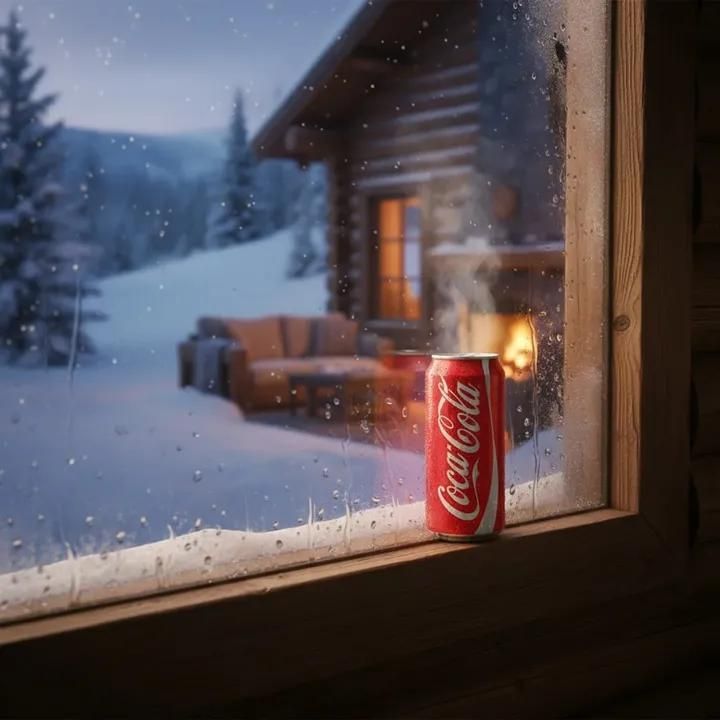
霜花窗前冰镇可乐与温馨雪夜小屋
Enlarge

霜花窗前冰镇可乐与温馨雪夜小屋

Prompt
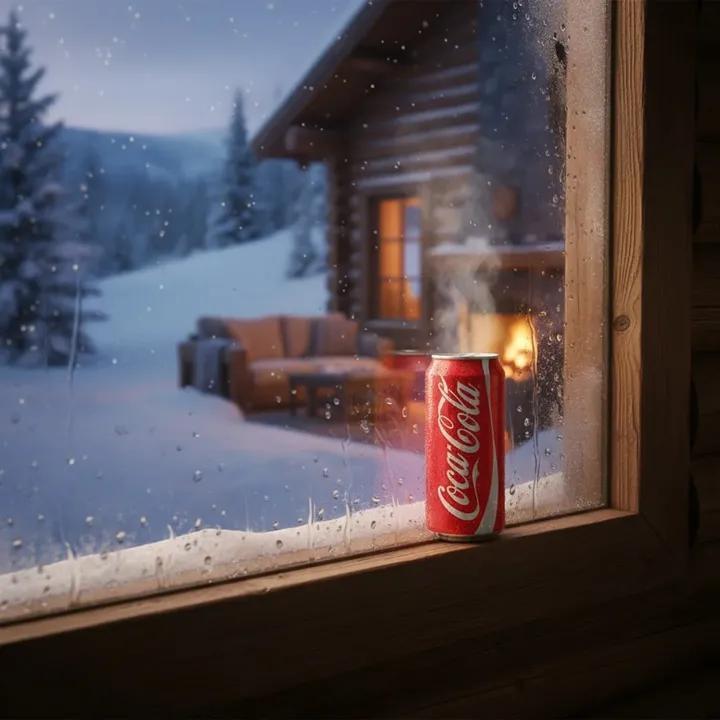
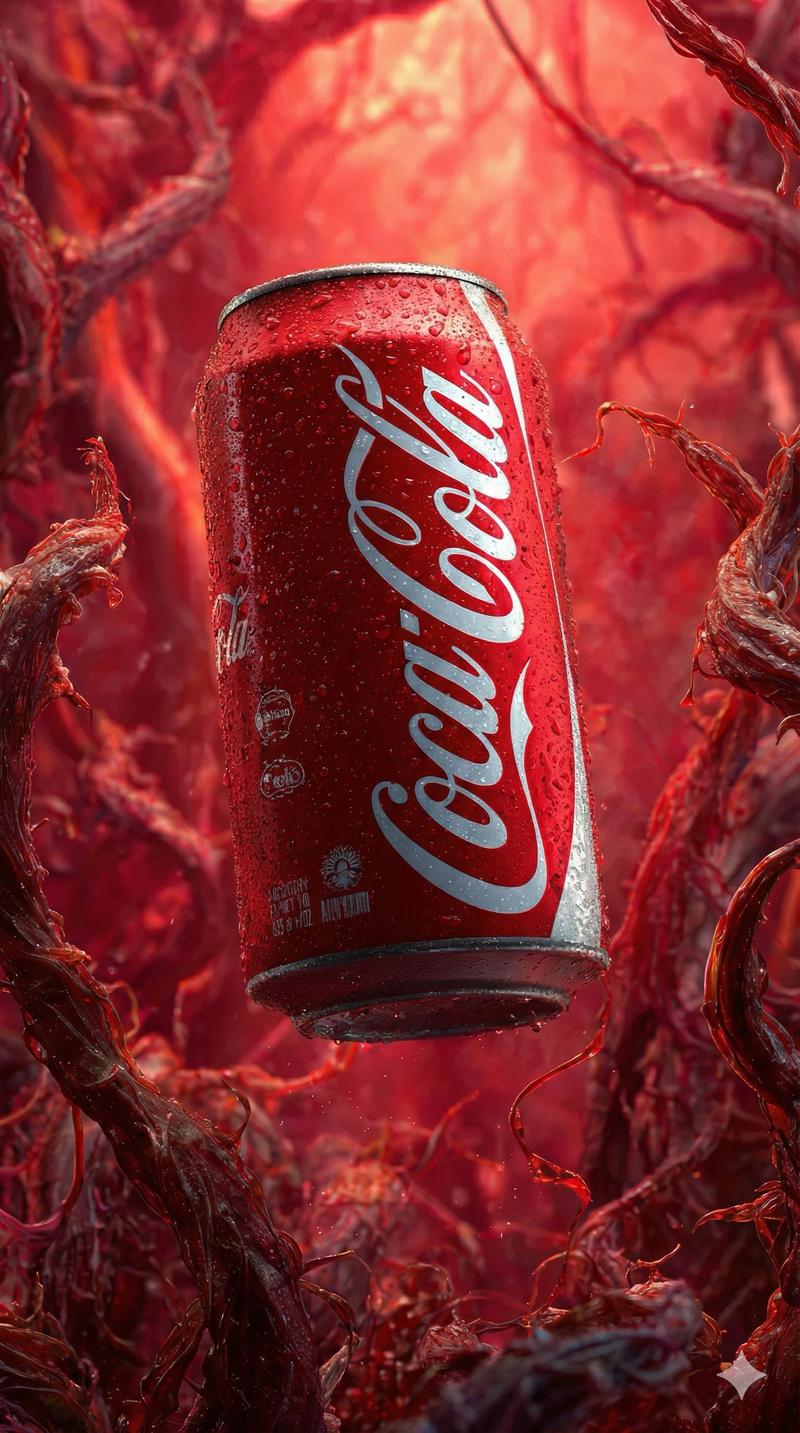
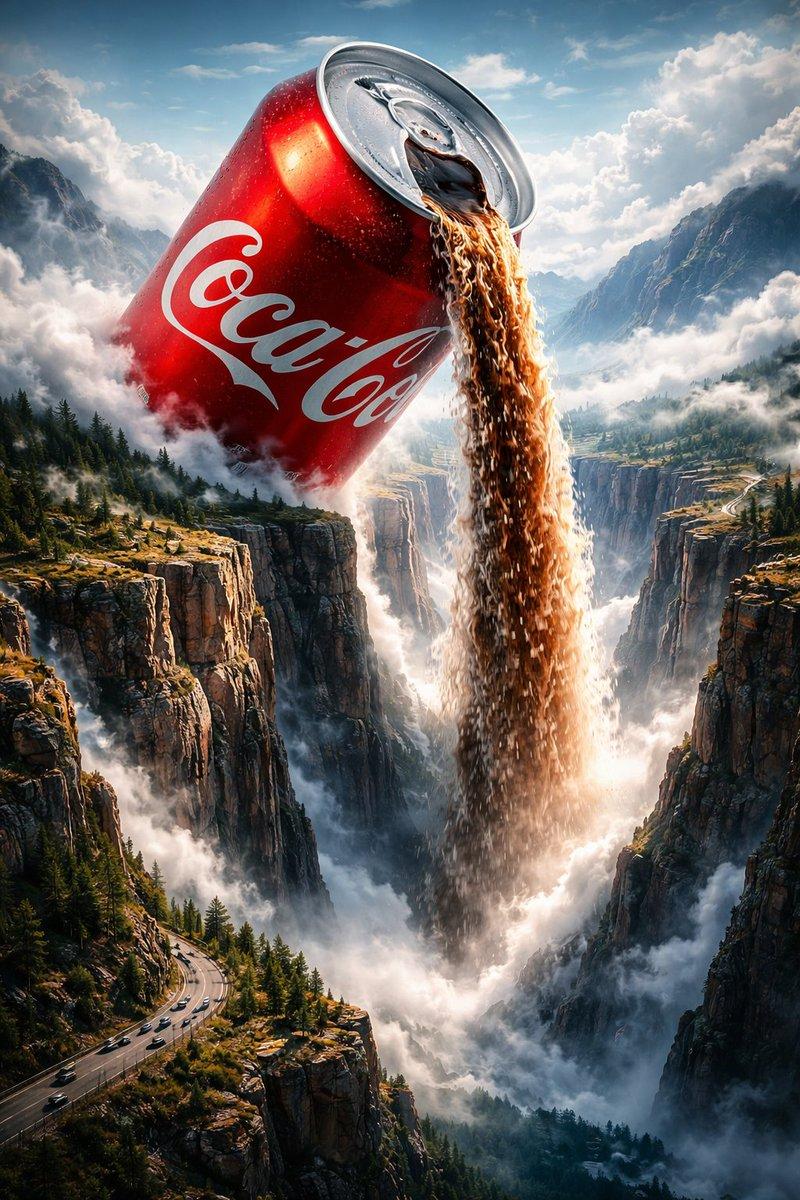
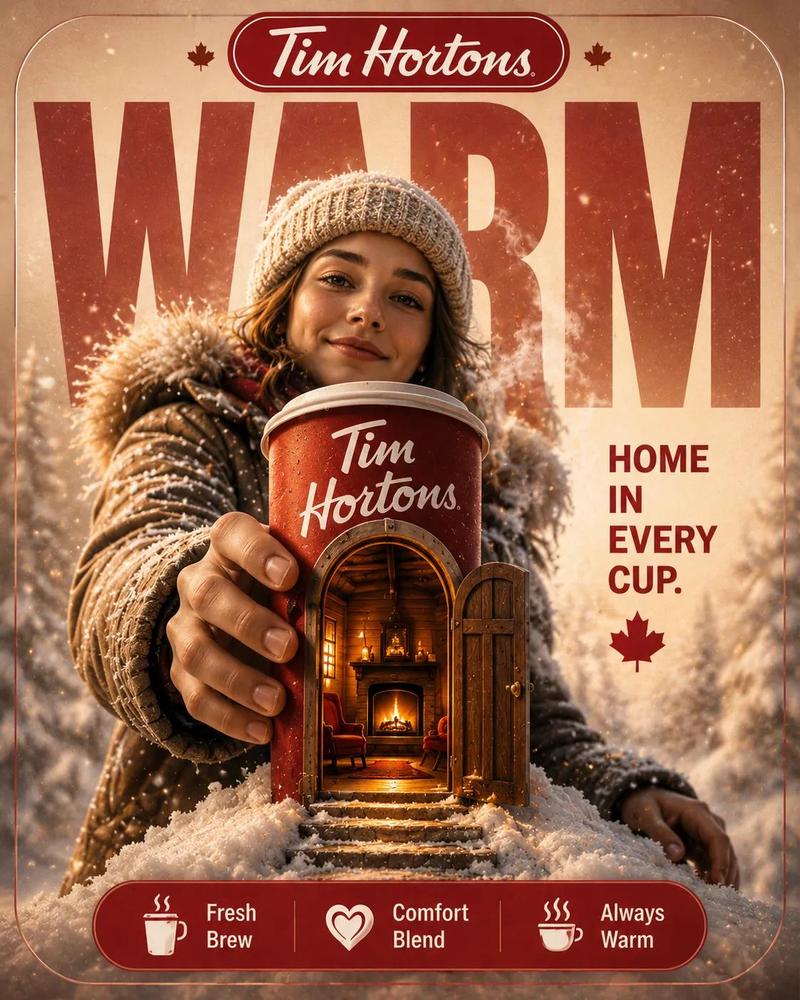
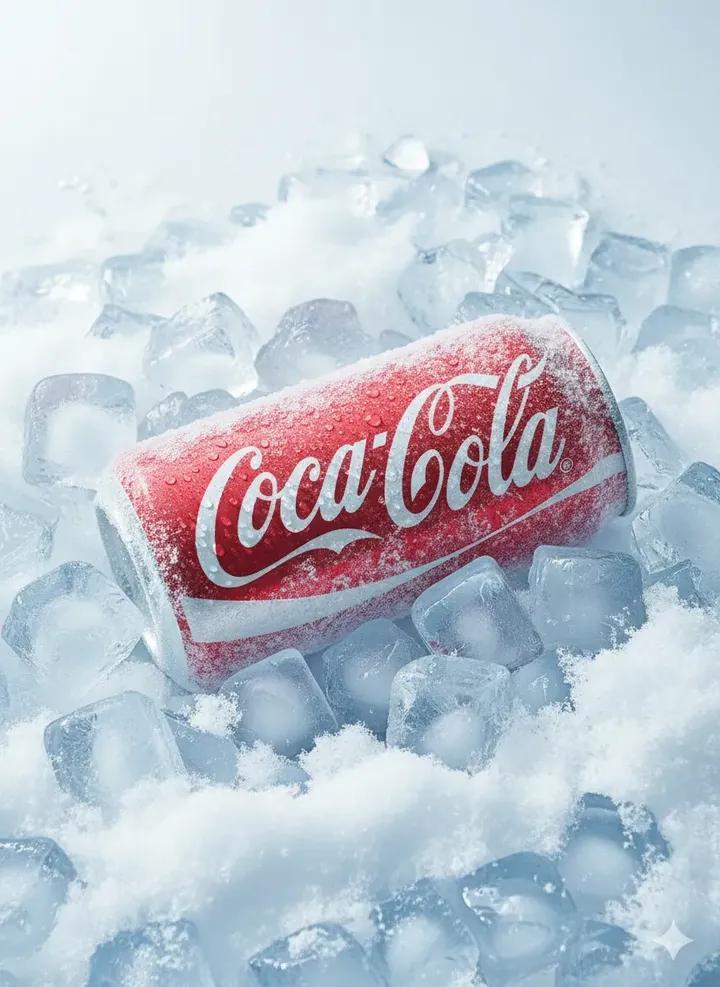
Ultra-realistic winter cabin scene viewed from indoors through a frosted window. A cold Coca-Cola can placed on the wooden window sill, condensation and frost crystals visible on the glass. Outside, heavy snowfall, snow-covered pine trees, and a cozy wooden log cabin with warm orange lights glowing from the window. Soft firelight flickering near the cabin, cinematic depth of field, shallow focus on the Coca-Cola can, background slightly blurred. Moody winter atmosphere, contrast between warm interior tones and cold blue snowy exterior. Photorealistic lighting, soft bokeh snow particles, premium commercial photography style, ultra-detailed textures, 8K resolution. Negative Prompt (optional): cartoon, illustration, low quality, blurry, overexposed, distorted logo, extra text, watermark, unrealistic proportions
Category
Charts & Infographics
Model
Nano banana pro
Views17
Source ID
8163
Published
Mar 22, 2026

Guide

About "霜花窗前冰镇可乐与温馨雪夜小屋"

What is this prompt for?

"霜花窗前冰镇可乐与温馨雪夜小屋" AI image prompt for Nano banana pro (Charts & Infographics). 从室内透过结霜的窗户看到的超逼真冬季小屋场景。一罐冰冷的 Coca-Cola 放在木制窗台上,玻璃上可见冷凝水和冰晶。窗外,大雪纷飞,松树被白雪覆盖,一座舒适的…

The full copyable prompt and example visuals above are ready for AI image generation or one-click recreate in Picva.

How to use this prompt

  1. Step 1

    Open the prompt detail

    Review the example visuals, category, and full prompt text for "霜花窗前冰镇可乐与温馨雪夜小屋".

  2. Step 2

    Copy the prompt

    Copy the prompt body from this page, or load it directly in Studio.

  3. Step 3

    Pick a model (Nano banana pro)

    Prefer Nano banana pro. If you switch models, keep subject and composition and tweak style terms.

  4. Step 4

    Generate and export

    Recreate the look in Picva, or export into your workflow for editing and publishing.

FAQ

What is the "霜花窗前冰镇可乐与温馨雪夜小屋" prompt?
It is an AI image-generation prompt for Nano banana pro in the Charts & Infographics category. This page includes the full prompt text, example visuals, and a one-click recreate path in Picva.
How do I use this prompt to generate an image?
Copy the prompt from this page, or use Generate / Studio. Paste it into a compatible image model, or recreate the look in Picva with optional reference images.
Which model is this prompt for?
This page lists Nano banana pro. Most descriptive prompts also transfer to nearby image models such as GPT Image, Flux, or Midjourney with light style tweaks.
Can I use the result commercially?
You can usually copy the prompt for creation, but commercial use of the final image depends on the model terms, reference-image rights, and the generated content. Follow the source author and platform rules.