20

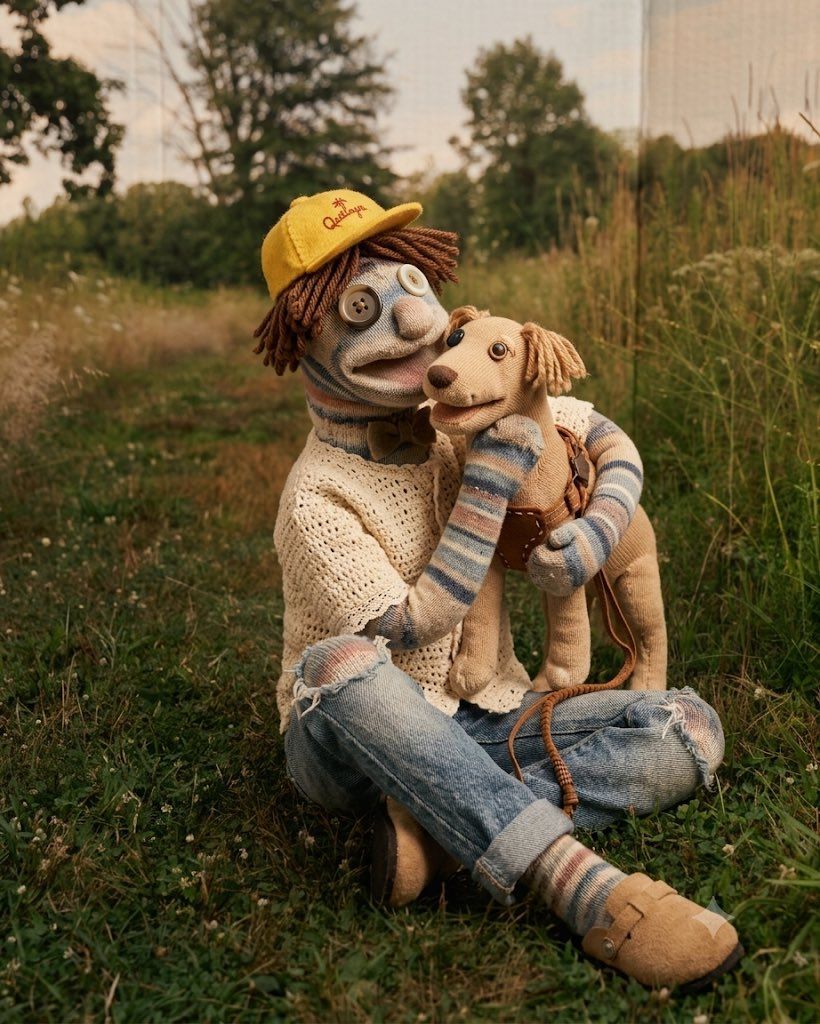
纯手工袜子偶风格照片重绘
Enlarge

纯手工袜子偶风格照片重绘

Prompt
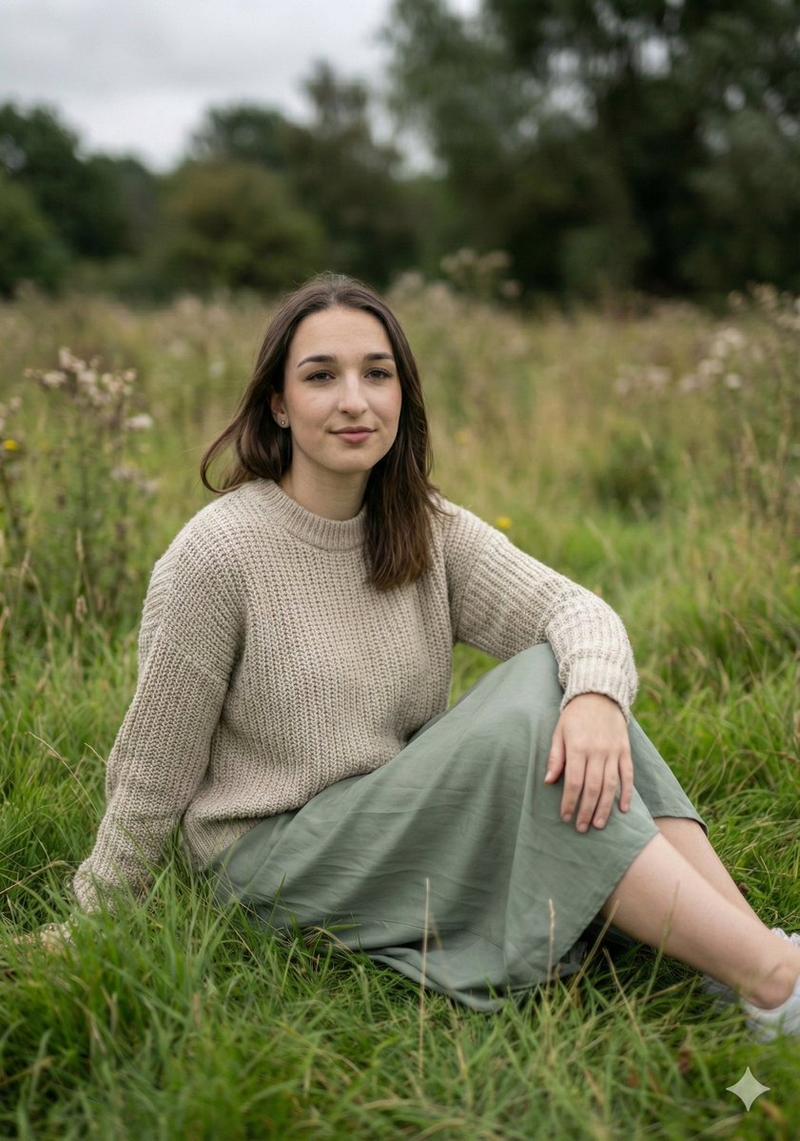
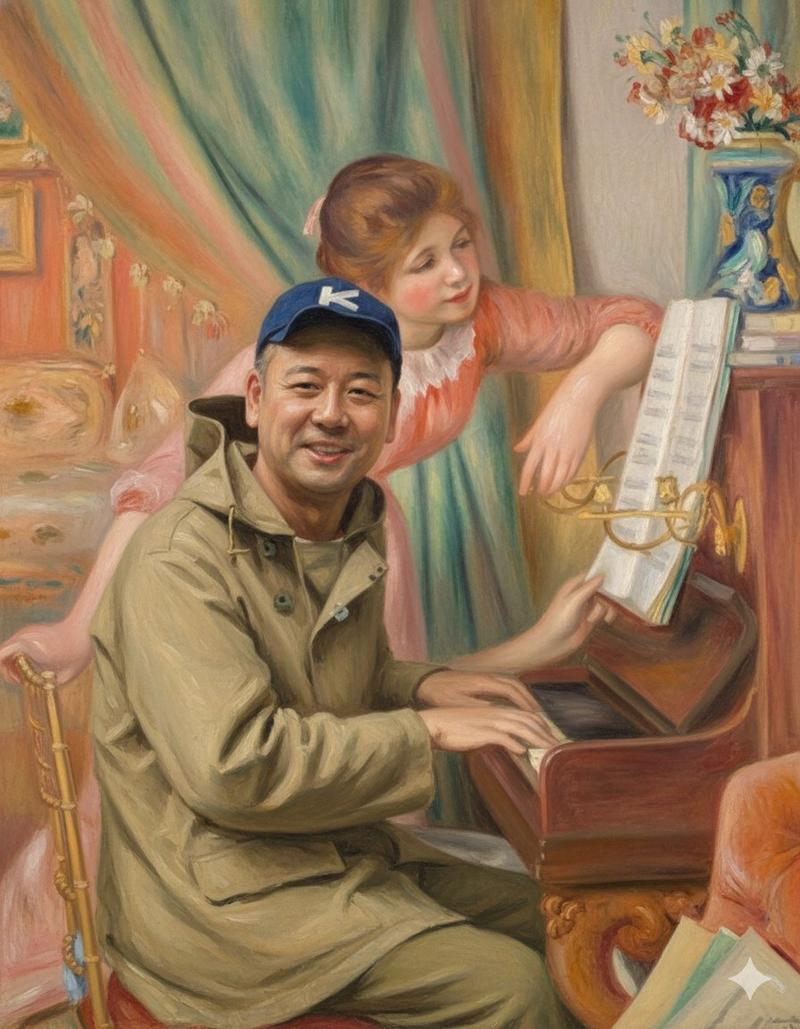
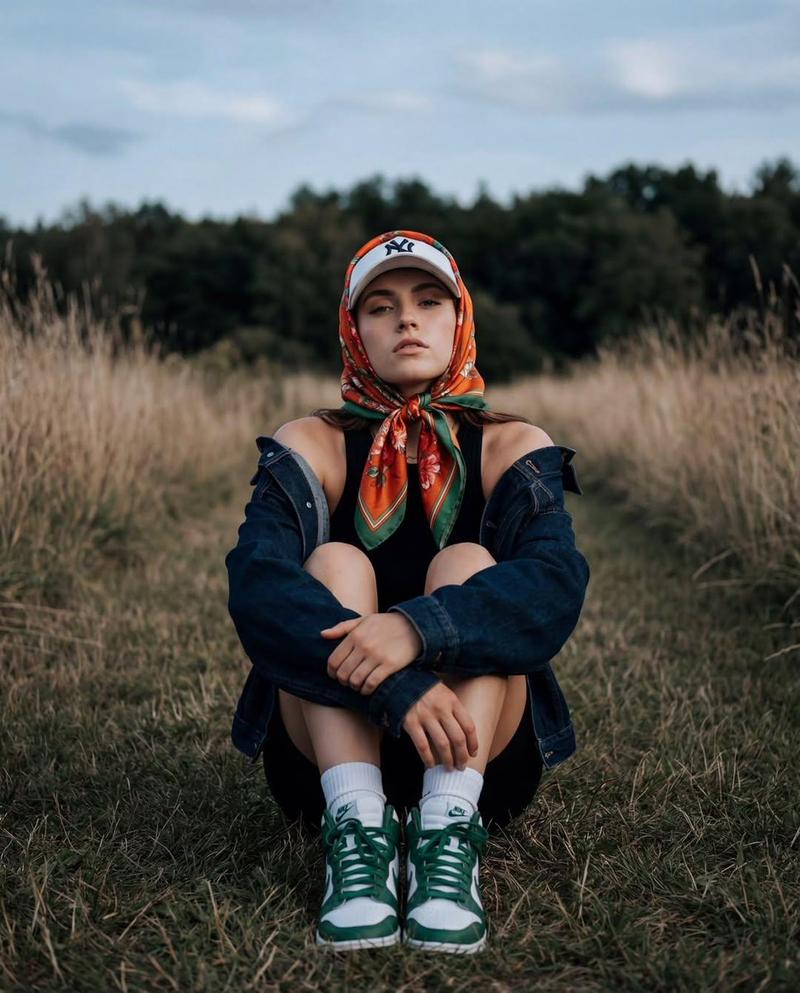
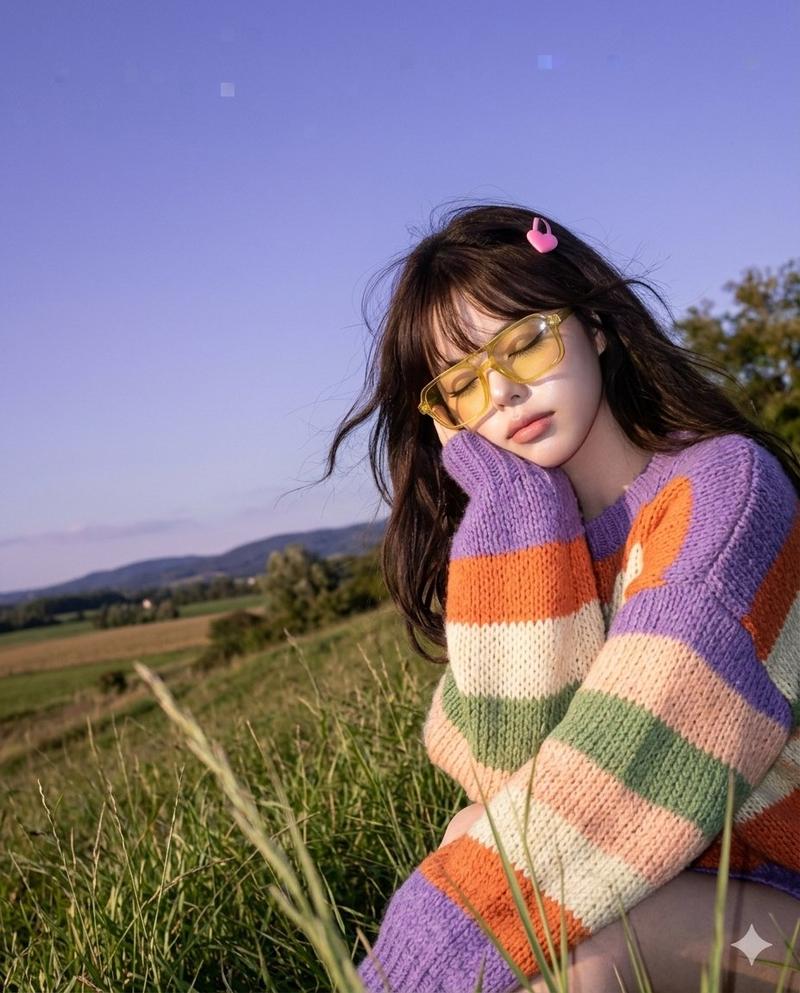
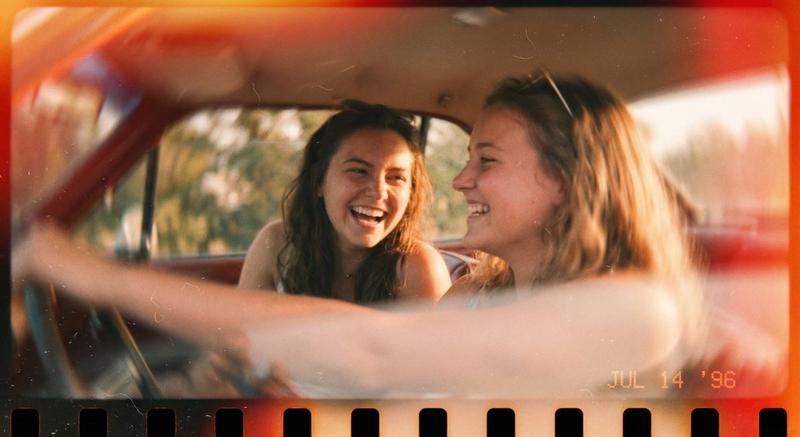
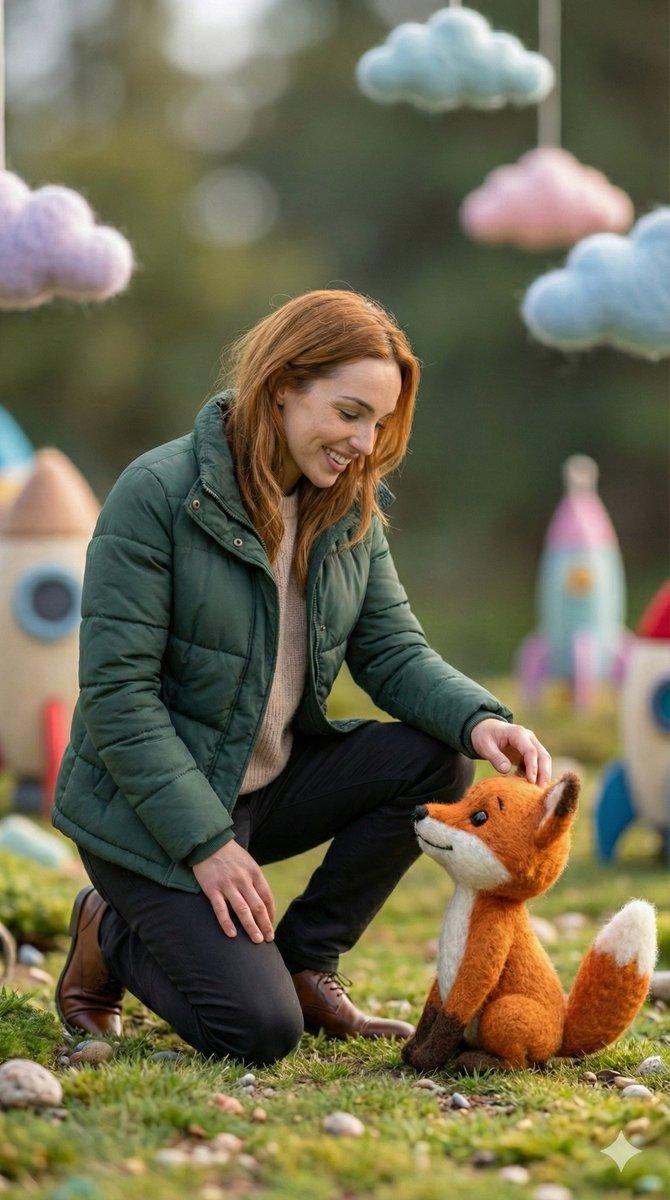
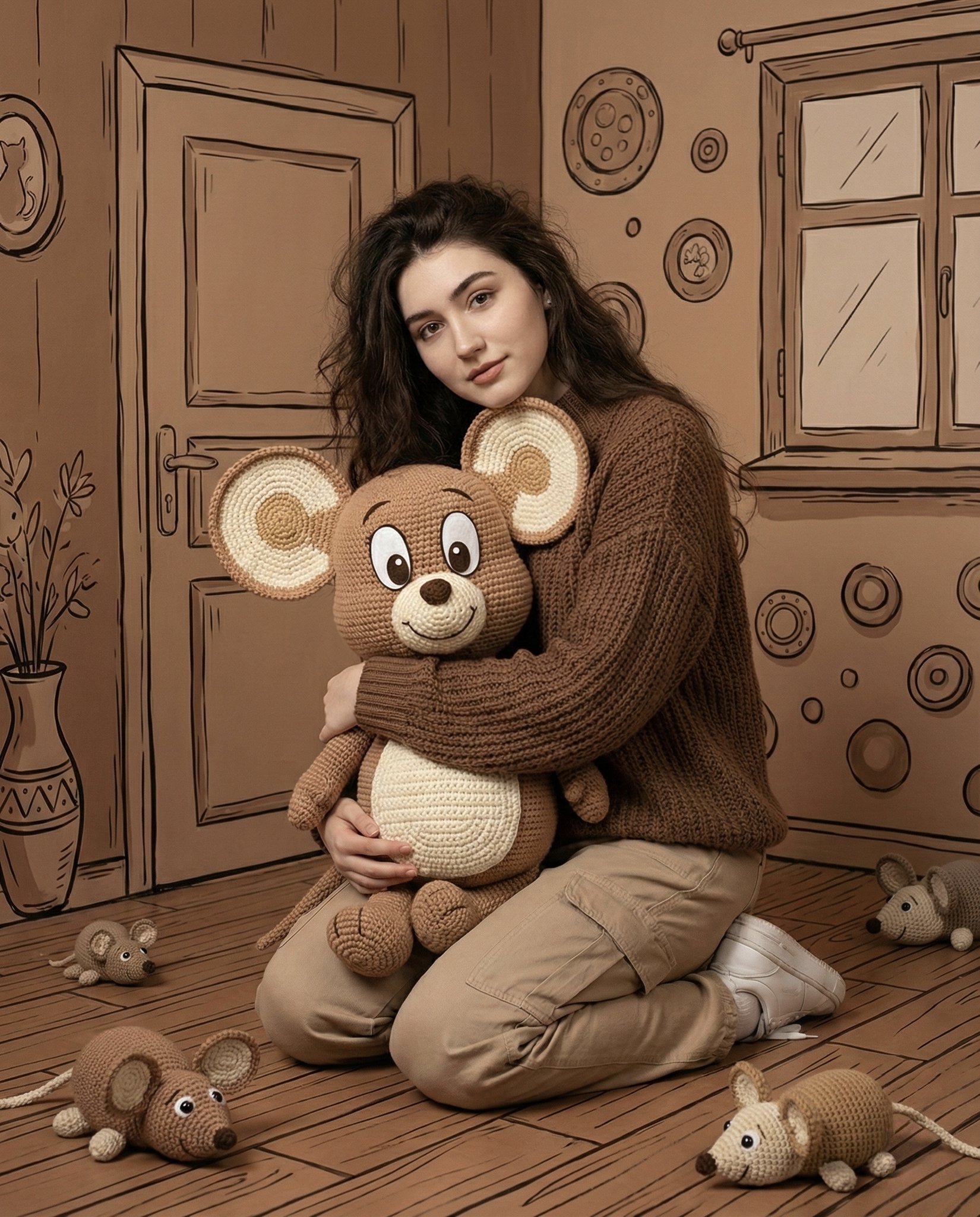
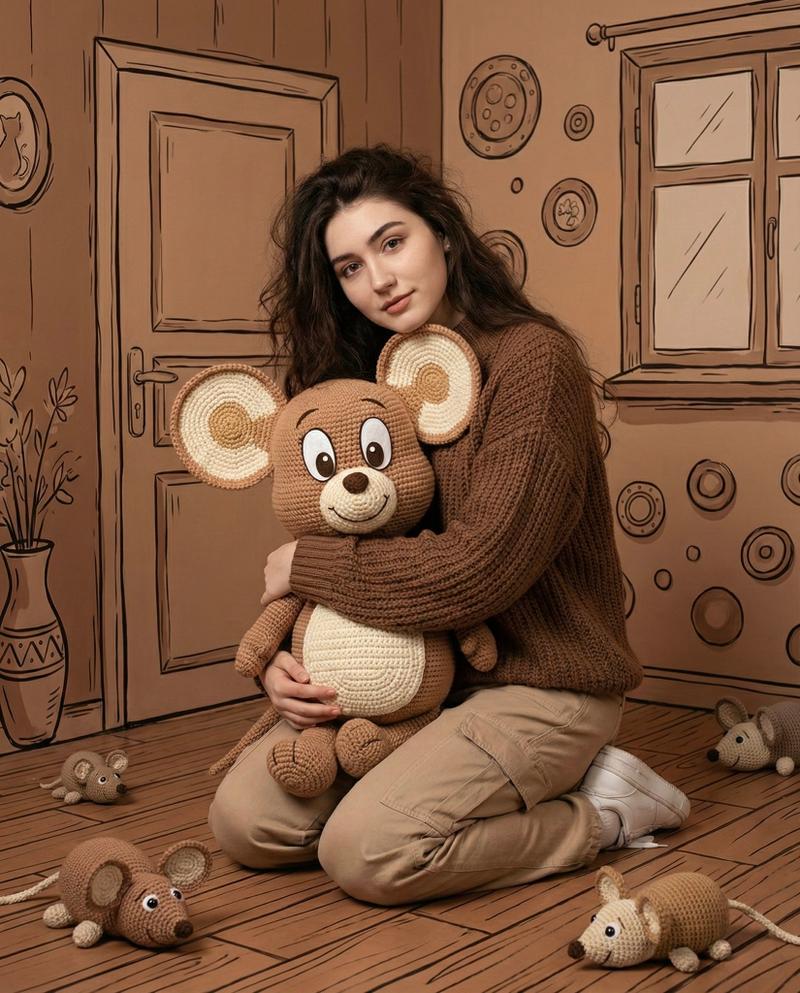
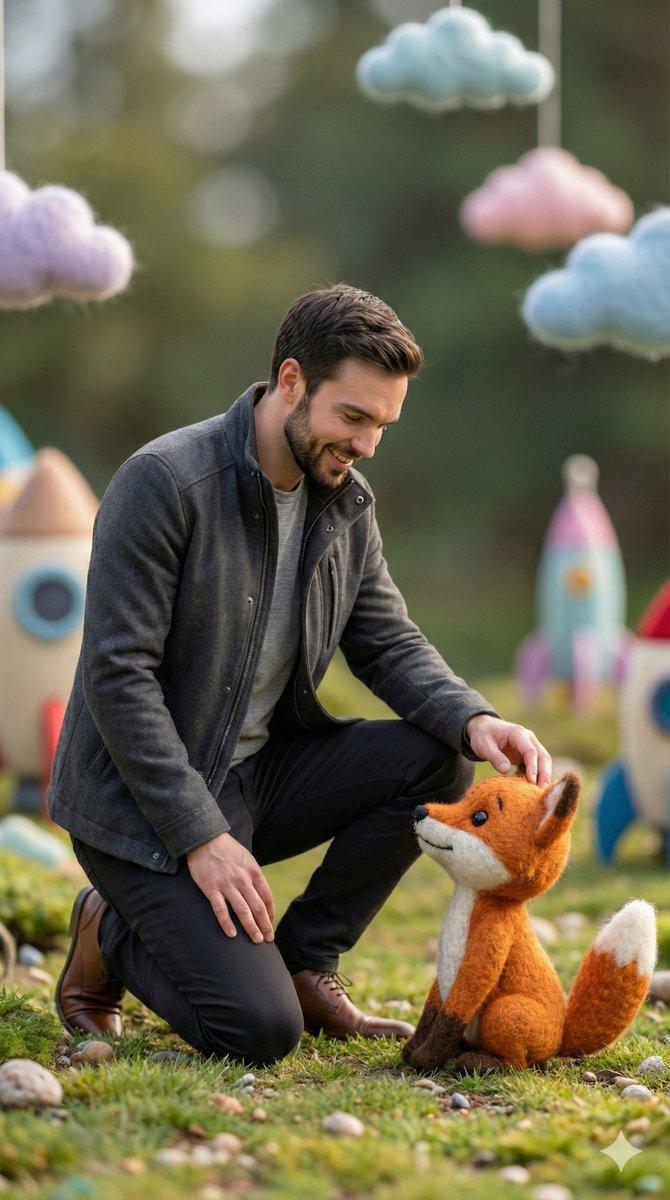
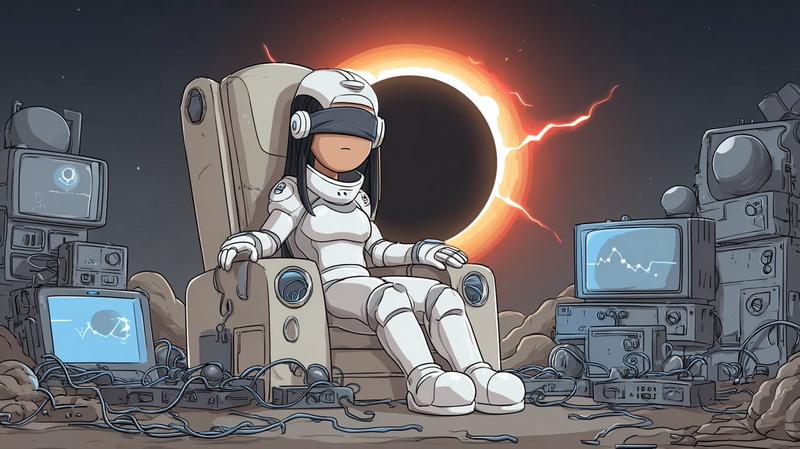
Recreate the uploaded photo with a scene with handmade sock dolls. Keep the exact composition, angle, framing, poses, and location of all the elements — only the visual environment changes. Each person is a sock doll: a cotton or wool sock on an invisible hand, the heel forms a mouth, and the nose forms the tip of a sock. Large button eyes of different sizes (plastic or felt), glued or sewn on. There is yarn-hair on top of the head. Simple felt accessories: glasses, cap, bow tie, ribbon. Large curved stitches with contrasting thread. The material is slightly worn, faded, soft, sometimes striped or patterned. The hand is not visible inside. The pose repeats the original, but with the natural plasticity of the hand — a little awkward, charming. The lighting is warm and soft, like in a home puppet theater. The background is a simple painted cardboard or fabric curtain, imitating the original surroundings. The overall aesthetic is a children's craft made with love.
Category
Photography & Realism
Model
Nano Banana 2
Views28
Source ID
16632
Published
Jun 23, 2026

Guide

About "纯手工袜子偶风格照片重绘"

What is this prompt for?

"纯手工袜子偶风格照片重绘" AI image prompt for Nano Banana 2 (Photography & Realism). 用手工袜子偶场景重新创作上传的照片。保持所有元素的精确构图、角度、取景、姿势和位置——仅视觉环境发生变化。每个人都是一个袜子偶:套在看不见的手上的棉袜或羊毛袜,脚后跟形成…

The full copyable prompt and example visuals above are ready for AI image generation or one-click recreate in Picva.

How to use this prompt

  1. Step 1

    Open the prompt detail

    Review the example visuals, category, and full prompt text for "纯手工袜子偶风格照片重绘".

  2. Step 2

    Copy the prompt

    Copy the prompt body from this page, or load it directly in Studio.

  3. Step 3

    Pick a model (Nano Banana 2)

    Prefer Nano Banana 2. If you switch models, keep subject and composition and tweak style terms.

  4. Step 4

    Generate and export

    Recreate the look in Picva, or export into your workflow for editing and publishing.

FAQ

What is the "纯手工袜子偶风格照片重绘" prompt?
It is an AI image-generation prompt for Nano Banana 2 in the Photography & Realism category. This page includes the full prompt text, example visuals, and a one-click recreate path in Picva.
How do I use this prompt to generate an image?
Copy the prompt from this page, or use Generate / Studio. Paste it into a compatible image model, or recreate the look in Picva with optional reference images.
Which model is this prompt for?
This page lists Nano Banana 2. Most descriptive prompts also transfer to nearby image models such as GPT Image, Flux, or Midjourney with light style tweaks.
Can I use the result commercially?
You can usually copy the prompt for creation, but commercial use of the final image depends on the model terms, reference-image rights, and the generated content. Follow the source author and platform rules.