15

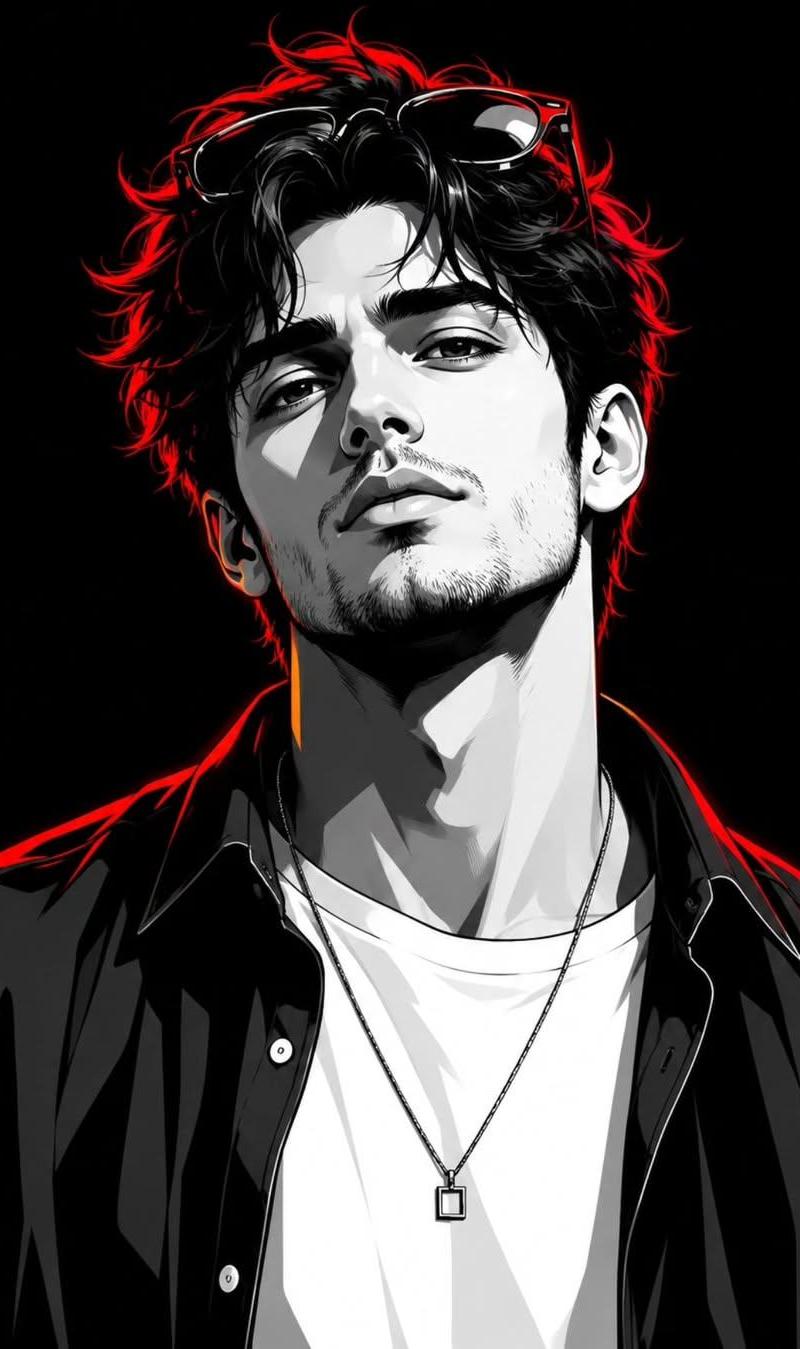
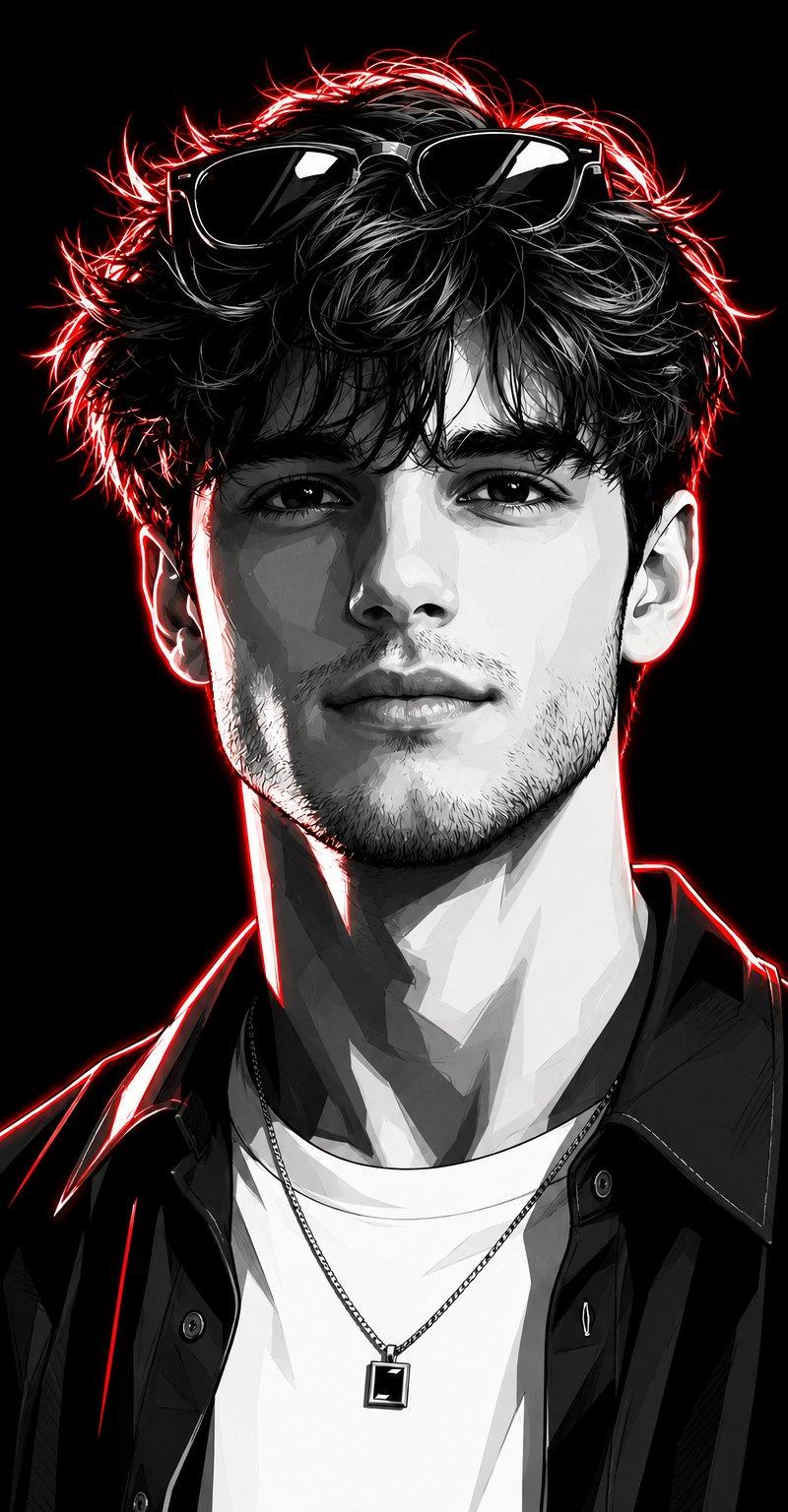
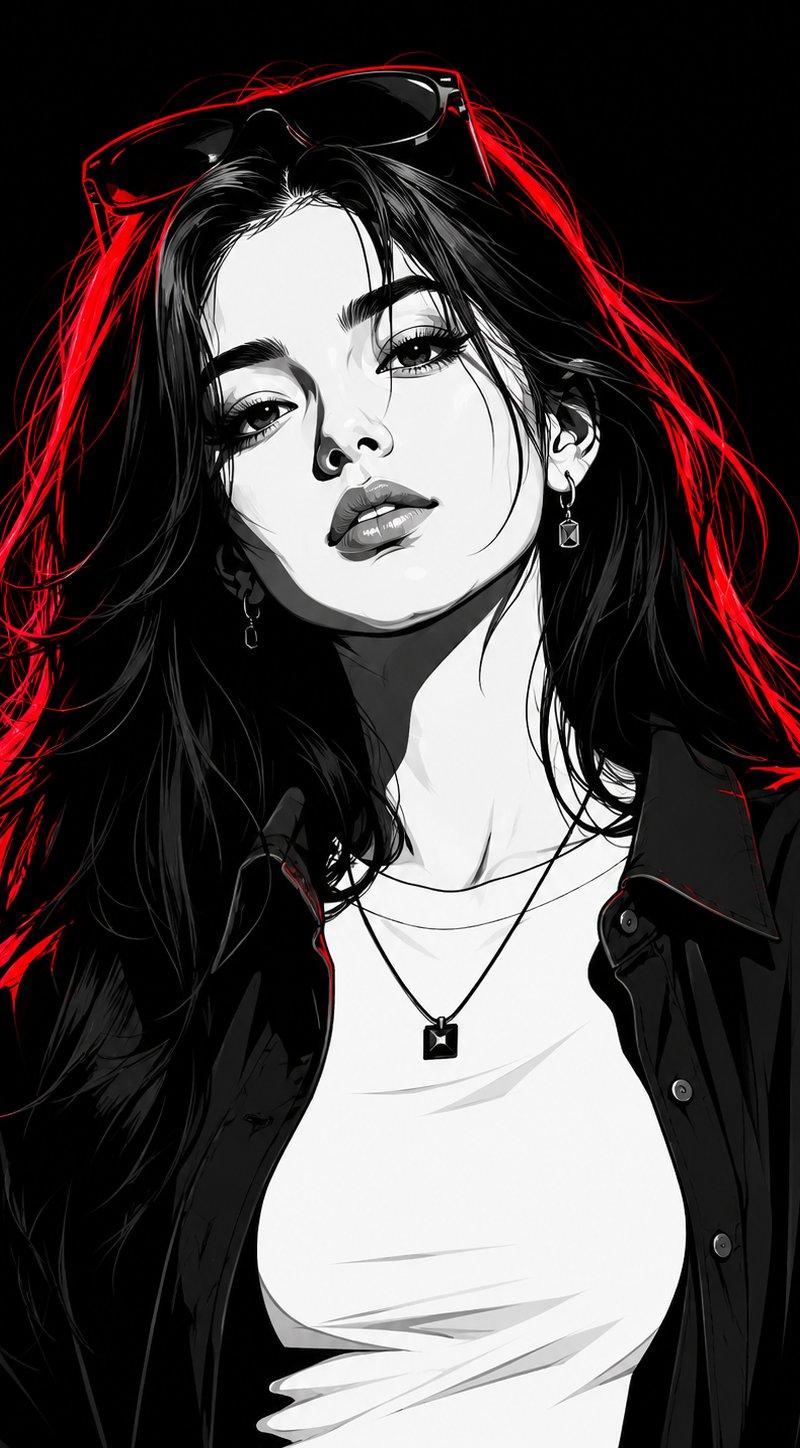
高对比度红霓虹边缘光黑白矢量人像
Enlarge

Example images

高对比度红霓虹边缘光黑白矢量人像

Prompt
Transform the subject into a striking high-contrast monochrome vector portrait, rendered in a premium black-and-white comic book illustration style with crisp cel-shading, bold geometric shapes, and ultra-clean vector linework. Preserve the subject's facial features, hairstyle, expression, and overall likeness with high accuracy.

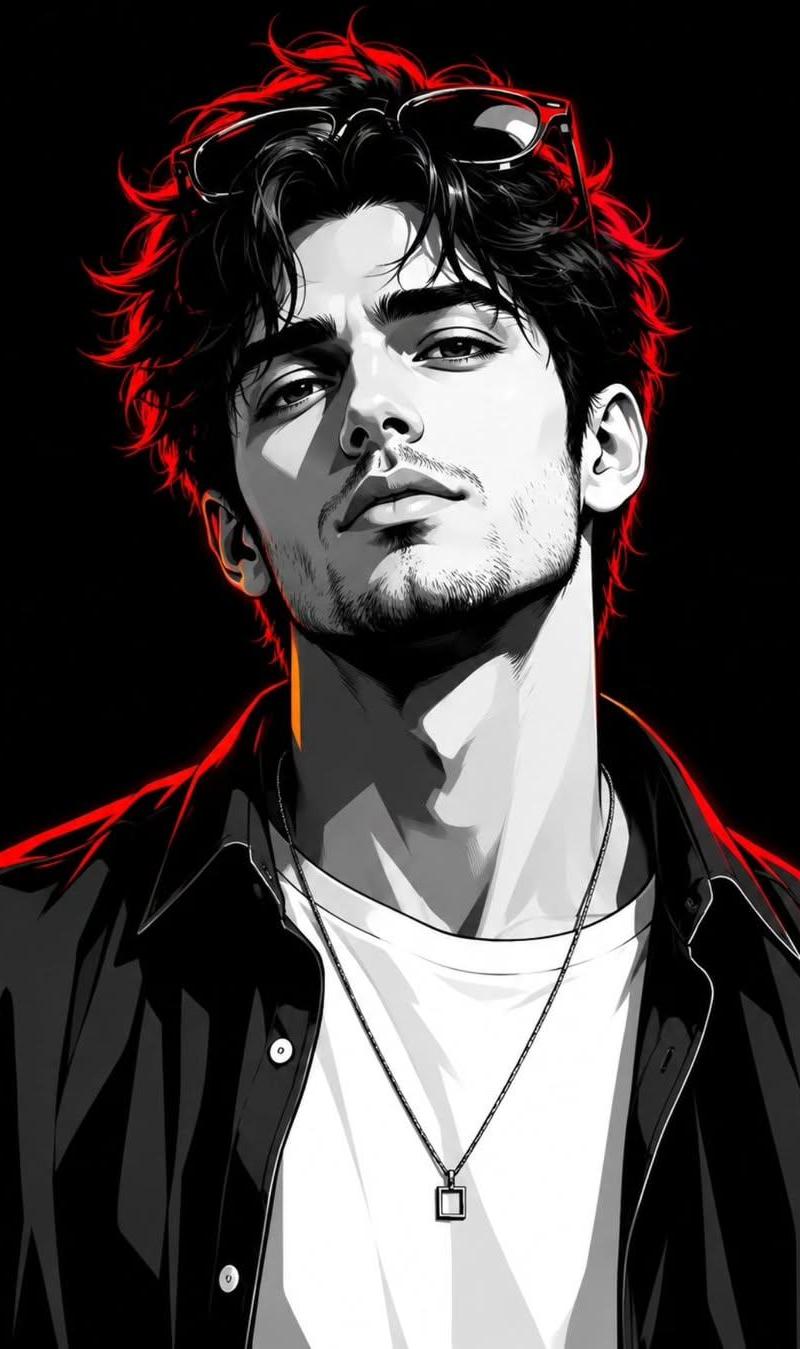
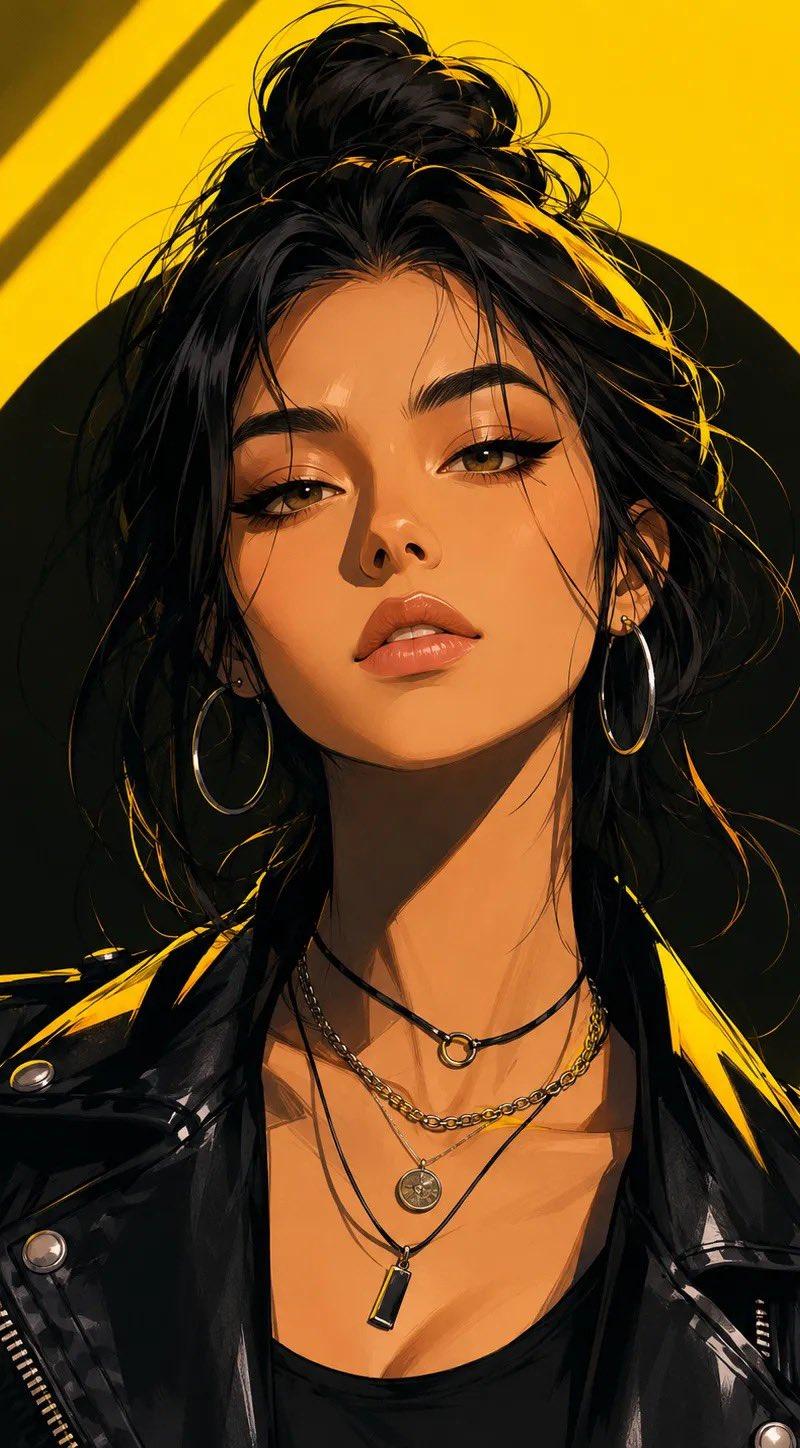
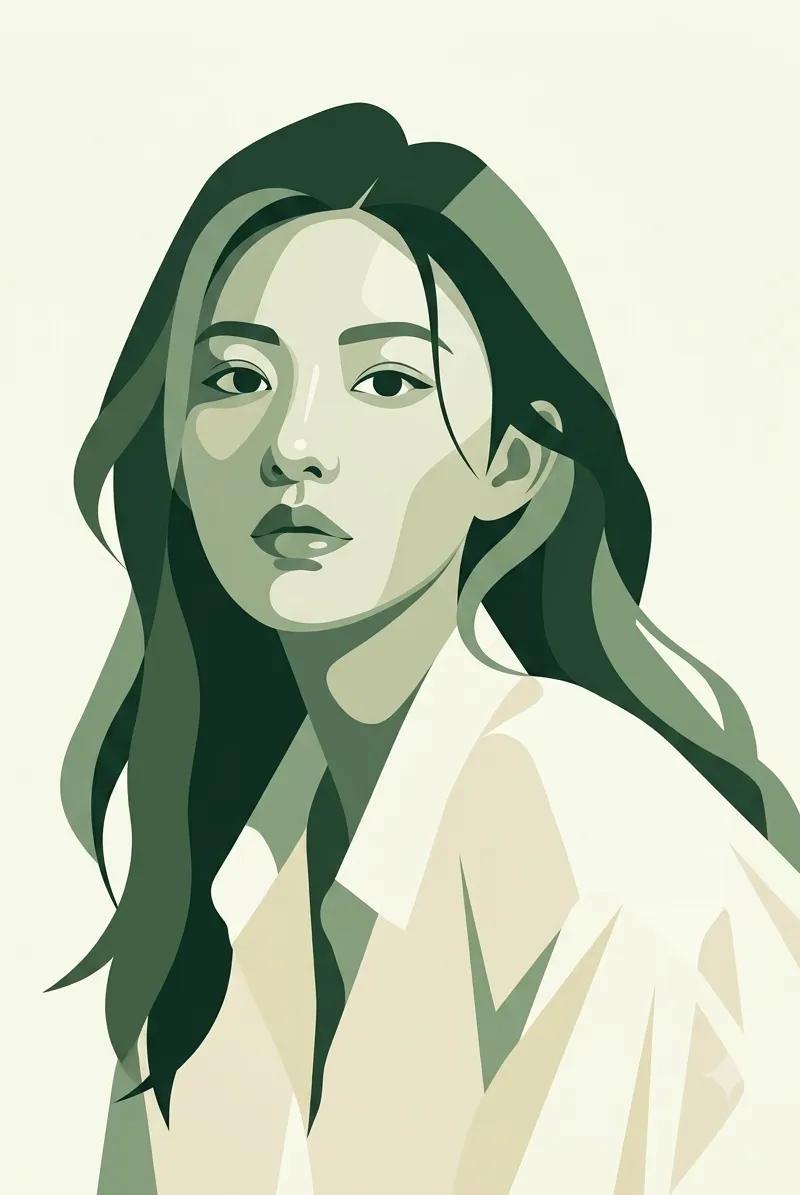
The subject is a stylish young woman with long flowing hair, wearing an open dark oversized shirt layered over a fitted white crew-neck T-shirt. She accessorizes with a minimalist square pendant necklace, elegant earrings, and a pair of fashionable sunglasses resting naturally on top of her head, seamlessly integrated into her hairstyle.

Illuminate the portrait with intense red neon rim lighting that traces the contours of her hair, face, shoulders, and clothing, creating a dramatic glow against the monochrome artwork. The red highlights should add depth, separation, and a futuristic cinematic atmosphere without overpowering the black-and-white design.

Set against a pure black background, emphasizing strong contrast and visual impact. Style the artwork with sharp vector edges, bold shadows, clean negative space, graphic-novel aesthetics, modern streetwear fashion energy, and premium poster-quality composition. Ultra-detailed yet minimalist, edgy, contemporary, visually powerful, and magazine-cover worthy. Strong confident female presence, cinematic attitude, luxury editorial feel, and flawless vector illustration quality.
Category
Charts & Infographics
Model
ChatGPT
Creator
@noorlewisx
Source language
zh-CN
Views78
Source ID
15770
Published
Jun 10, 2026
Studio

Guide

About "高对比度红霓虹边缘光黑白矢量人像"

What is this prompt for?

"高对比度红霓虹边缘光黑白矢量人像" AI image prompt for ChatGPT (Charts & Infographics). 将主体转变为引人注目的高对比度单色矢量肖像,以优质的黑白漫画插画风格呈现,具有脆爽的赛璐璐阴影、大胆的几何形状和超洁净的矢量线条。以高度的准确性保留主体的面部特征、发型、表情…

The full copyable prompt and example visuals above are ready for AI image generation or one-click recreate in Picva.

How to use this prompt

  1. Step 1

    Open the prompt detail

    Review the example visuals, category, and full prompt text for "高对比度红霓虹边缘光黑白矢量人像".

  2. Step 2

    Copy the prompt

    Copy the prompt body from this page, or load it directly in Studio.

  3. Step 3

    Pick a model (ChatGPT)

    Prefer ChatGPT. If you switch models, keep subject and composition and tweak style terms.

  4. Step 4

    Generate and export

    Recreate the look in Picva, or export into your workflow for editing and publishing.

FAQ

What is the "高对比度红霓虹边缘光黑白矢量人像" prompt?
It is an AI image-generation prompt for ChatGPT in the Charts & Infographics category. This page includes the full prompt text, example visuals, and a one-click recreate path in Picva.
How do I use this prompt to generate an image?
Copy the prompt from this page, or use Generate / Studio. Paste it into a compatible image model, or recreate the look in Picva with optional reference images.
Which model is this prompt for?
This page lists ChatGPT. Most descriptive prompts also transfer to nearby image models such as GPT Image, Flux, or Midjourney with light style tweaks.
Can I use the result commercially?
You can usually copy the prompt for creation, but commercial use of the final image depends on the model terms, reference-image rights, and the generated content. Follow the source author and platform rules.