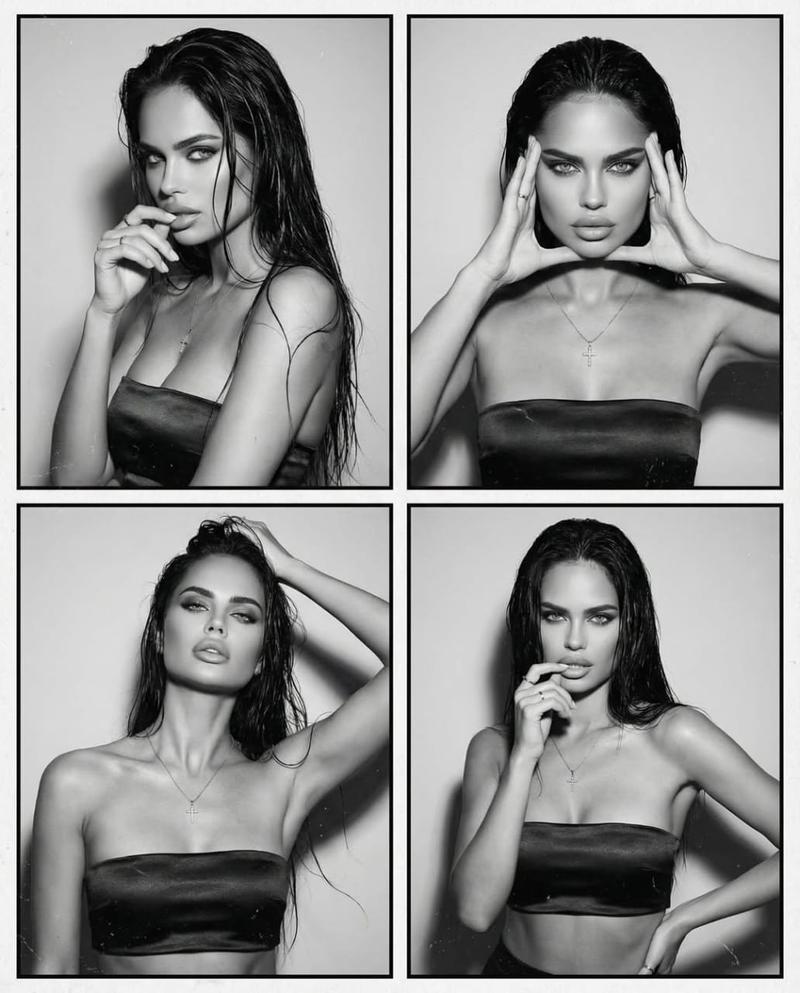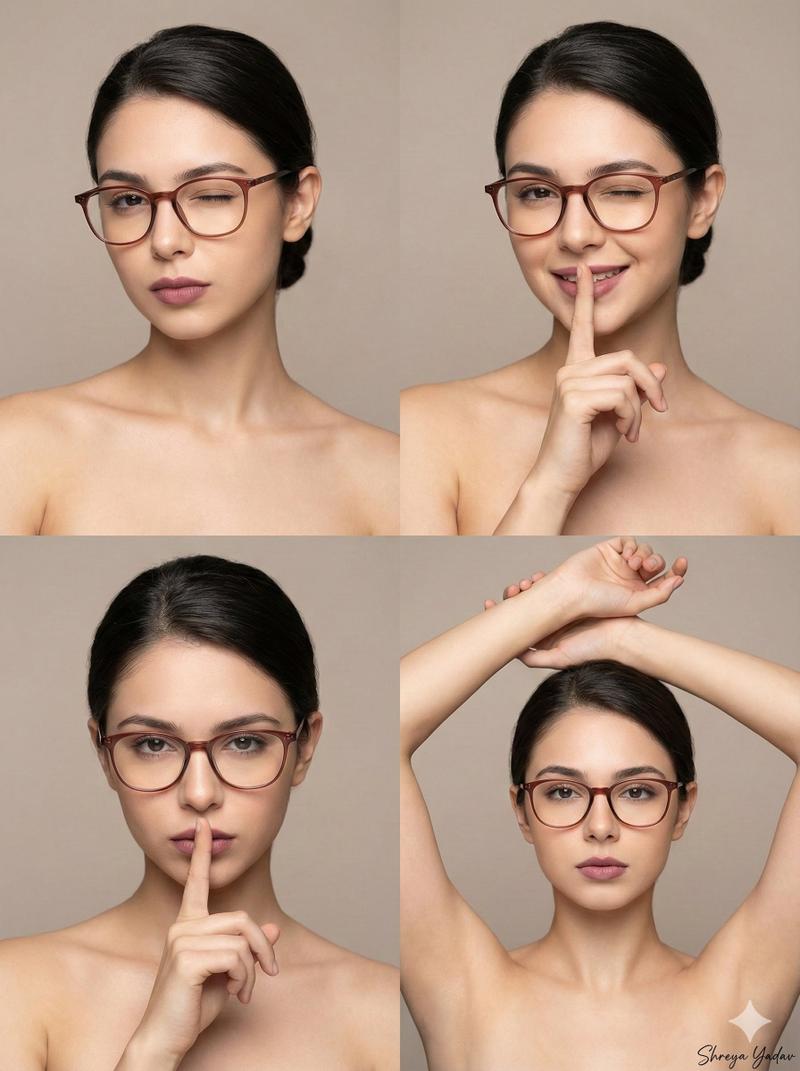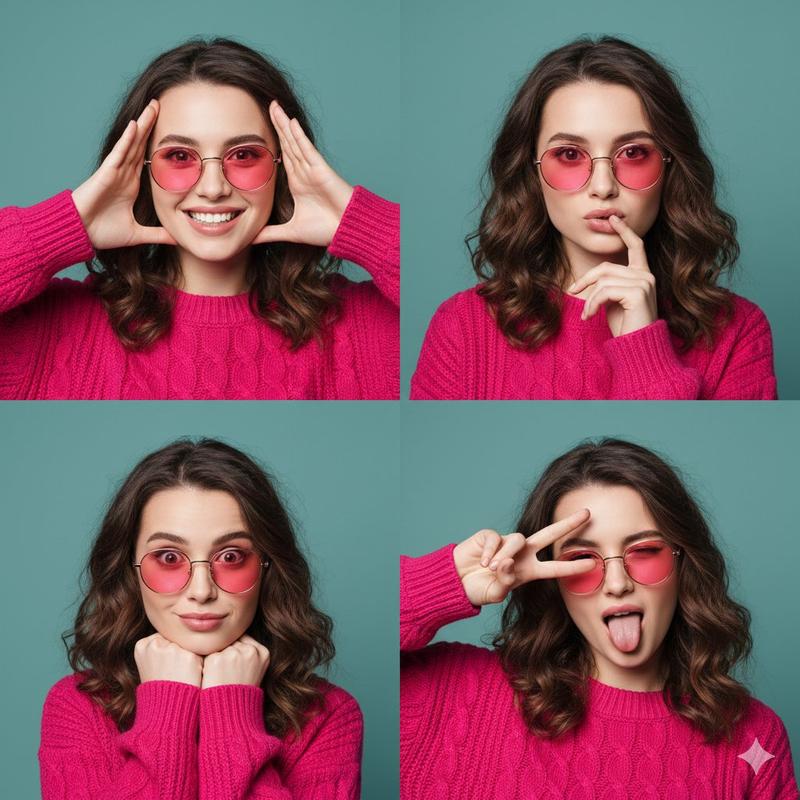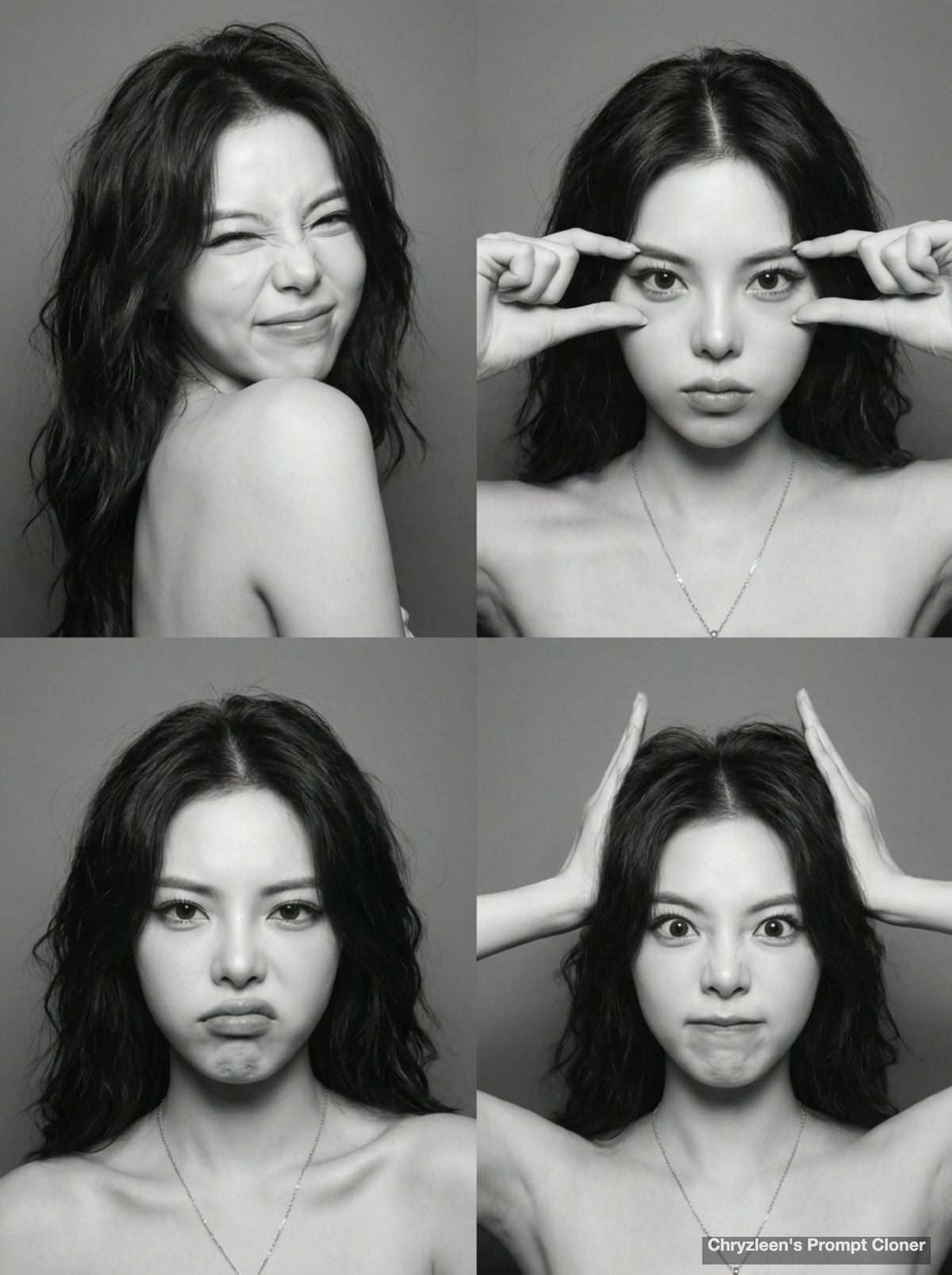
高保真面部还原黑白四格连拍提示词
Prompt
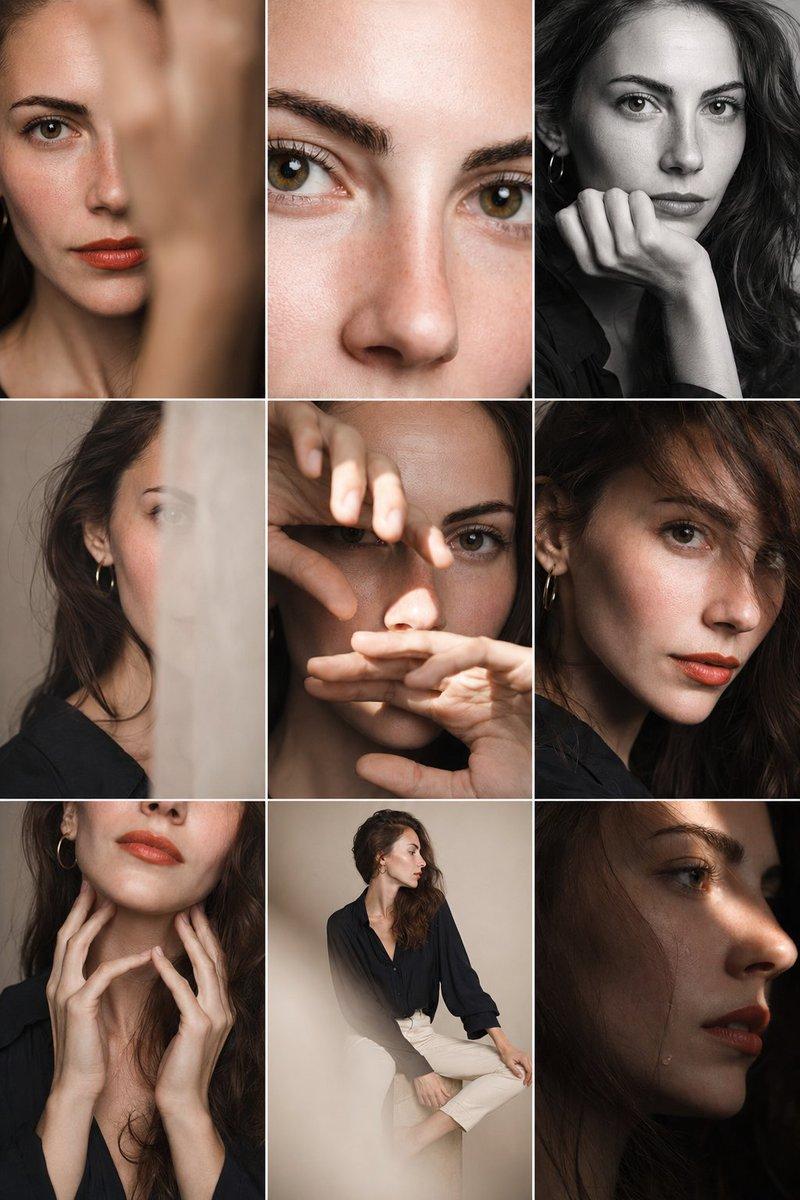
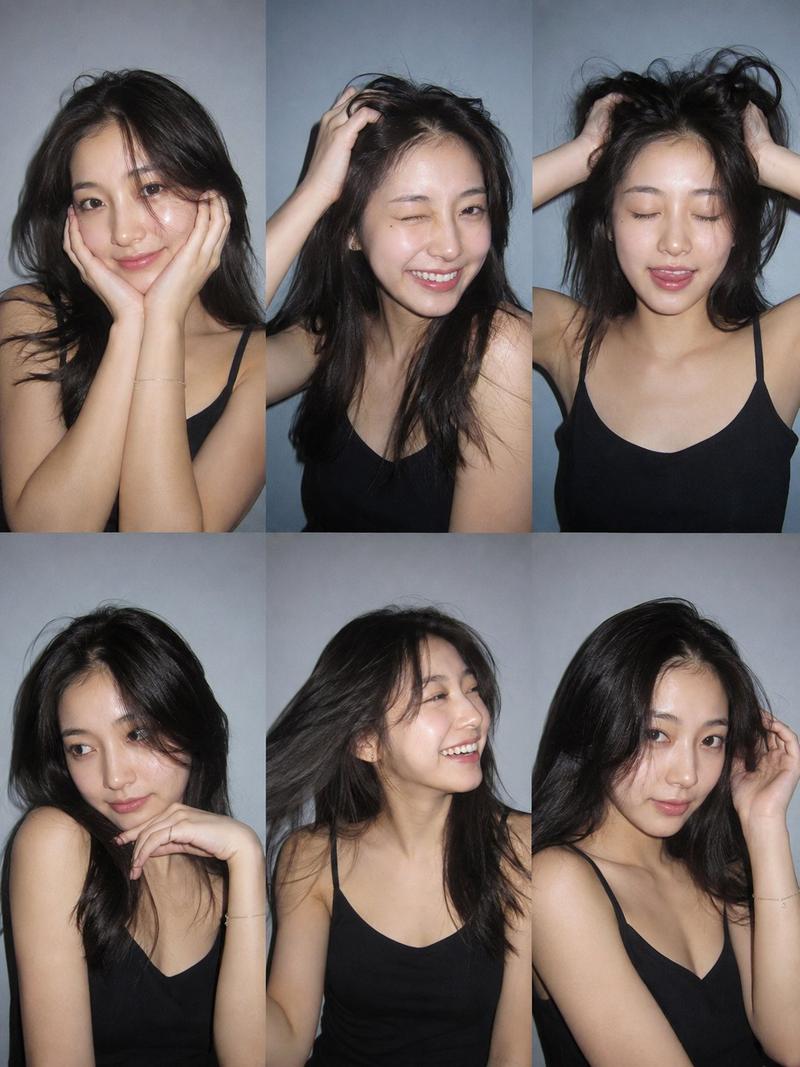
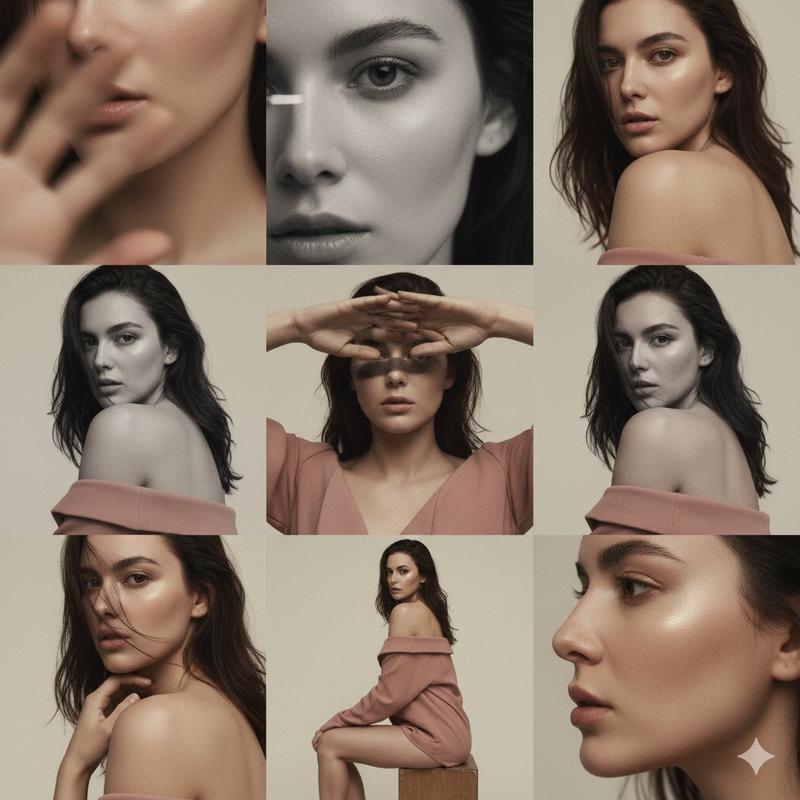
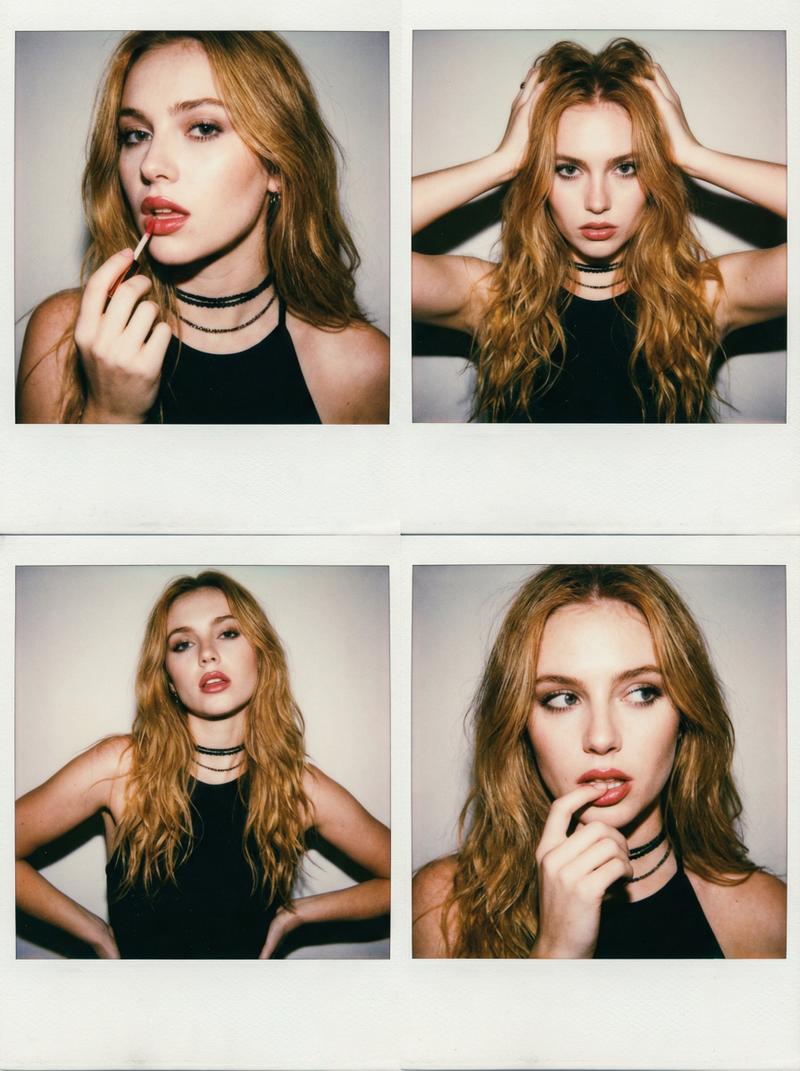
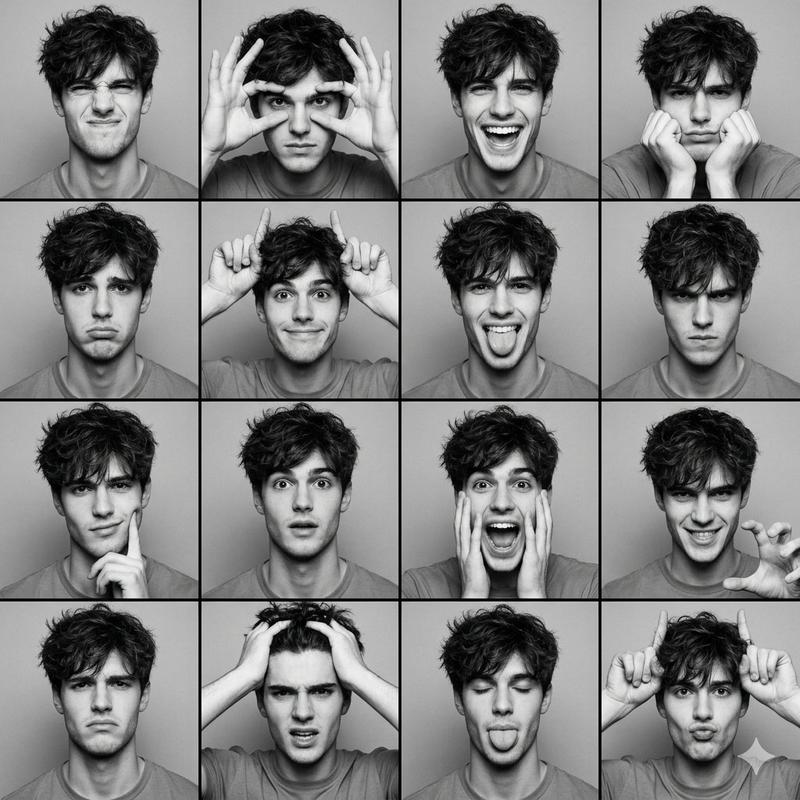
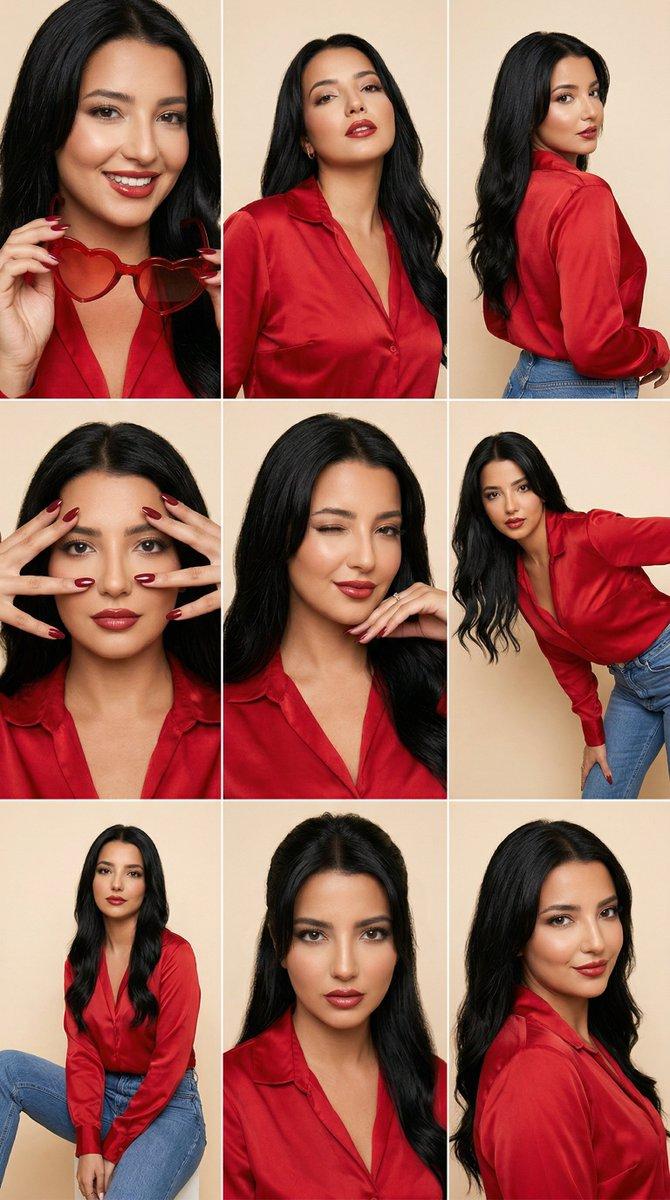
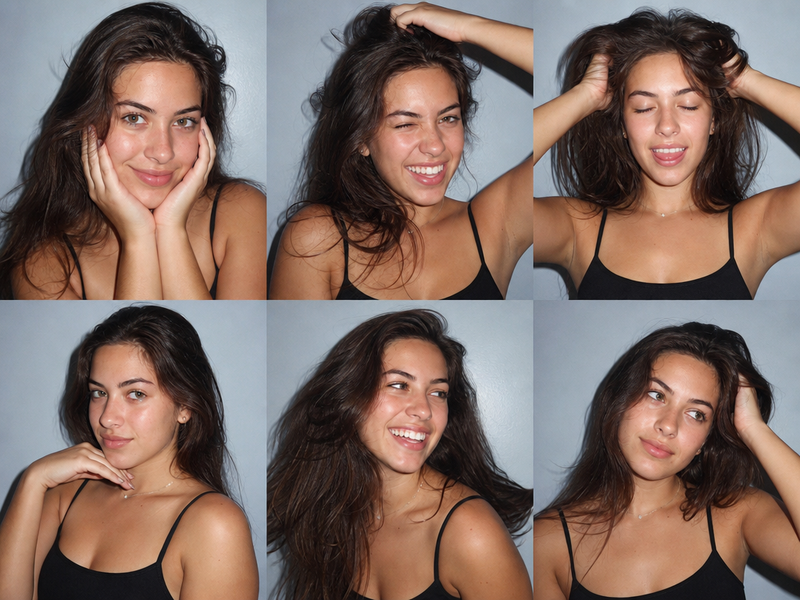
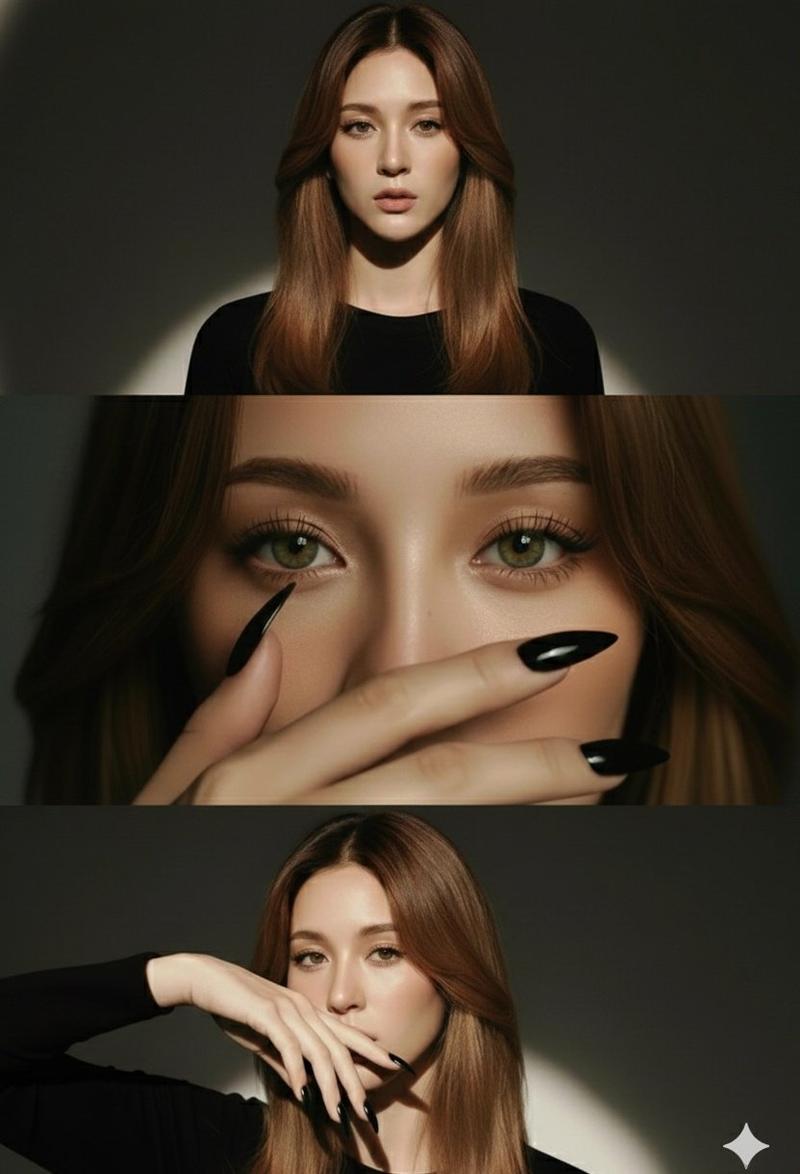
High-fidelity, true-to-source facial replication. Maintain 100% of the original person's facial likeness and identity from the provided user image. The user's original photo is for identity reference ONLY. You MUST replace the original pose, clothing, and background with the new style described below. Apply the following style: A four-panel photo grid collage arranged in a 2x2 layout, resembling a candid black and white photo booth sequence. The overall composition should be tailored for a 3:4 portrait aspect ratio. The photography style is high-contrast black and white studio photography. Crucially, the final image must be a clean, sharp, high-resolution rendering with minimal to no digital noise or film grain. The background in all four panels is a seamless, solid, medium-grey studio backdrop. The lighting across all panels is a harsh, direct, on-camera frontal flash. This creates bright, stark highlights on the facial features and hair, while casting sharp, distinct, opaque black shadows immediately behind the subject onto the grey backdrop. Apply a slender body build with well-defined collarbones to the subject. The hair is dark, medium-length, wavy, heavily tousled, and messy with significant volume. The skin tone appears high-key and fair due to the grayscale and flash. The makeup features structured, dark eyebrows, heavily mascaraed eyelashes, and a dark, matte lip color. In all panels, the subject is wearing a strapless garment that leaves the shoulders, collarbones, and upper chest entirely exposed to the camera frame. A delicate, thin metallic chain necklace is worn around the base of the neck. You must place the person from the user's photo into each of these four panels, changing their pose and expression as follows: Top-left panel: A close-up shot where the subject is angled slightly away, looking back over their left shoulder toward the camera with a heavily scrunched, playful smile and eyes squeezed tightly shut; hair falls heavily to the left, exposing the right neck and shoulder, and the necklace is not visible. Top-right panel: A straight-on close-up portrait; the subject stares intensely directly at the lens while bringing both hands to their face, using the index and middle fingers to pull horizontally outward from the outer corners of both eyes; hair is parted in the middle, and the necklace is visible. Bottom-left panel: A straight-on close-up portrait; the subject looks directly at the camera with an exaggerated, asymmetrical frowning pout, lower lip pushed out, and shoulders relaxed down; the necklace is visible. Bottom-right panel: A straight-on close-up portrait; the subject has both arms raised with hands behind the back of the head, index fingers pointing straight up to mimic horns; the expression is a quirky, wide-eyed grimace with the mouth pulled sharply to one side; inner arms are visible due to the raised posture, and the necklace is visible. The overall mood is spontaneous, expressive, playful, and slightly rebellious.
- Category
- Charts & Infographics
- Model
- ChatGPT
- Creator
- @Chryzleenprompt
- Source ID
- 15611
- Published
- Jun 7, 2026
Views112