19

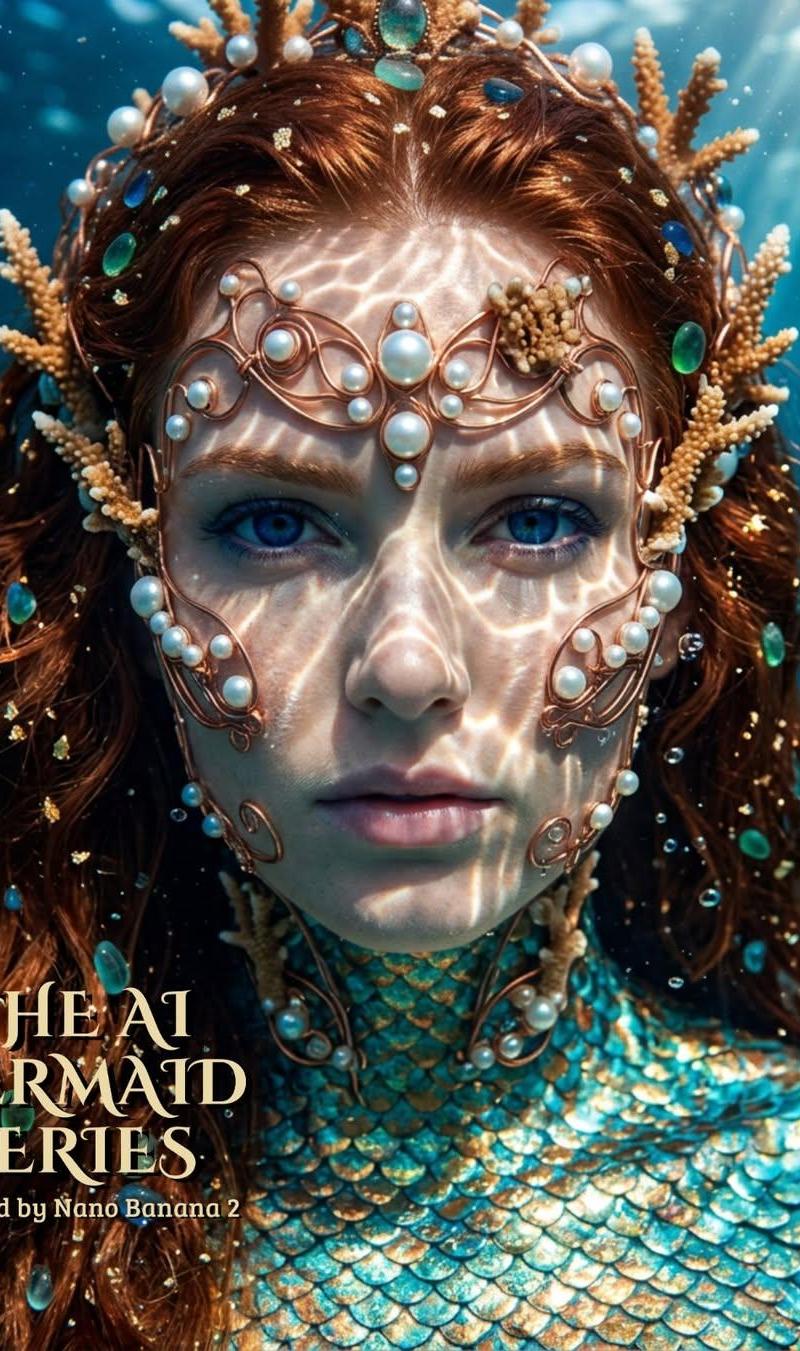
超写实电影感人鱼女王特写
Enlarge

Example images

超写实电影感人鱼女王特写

Prompt
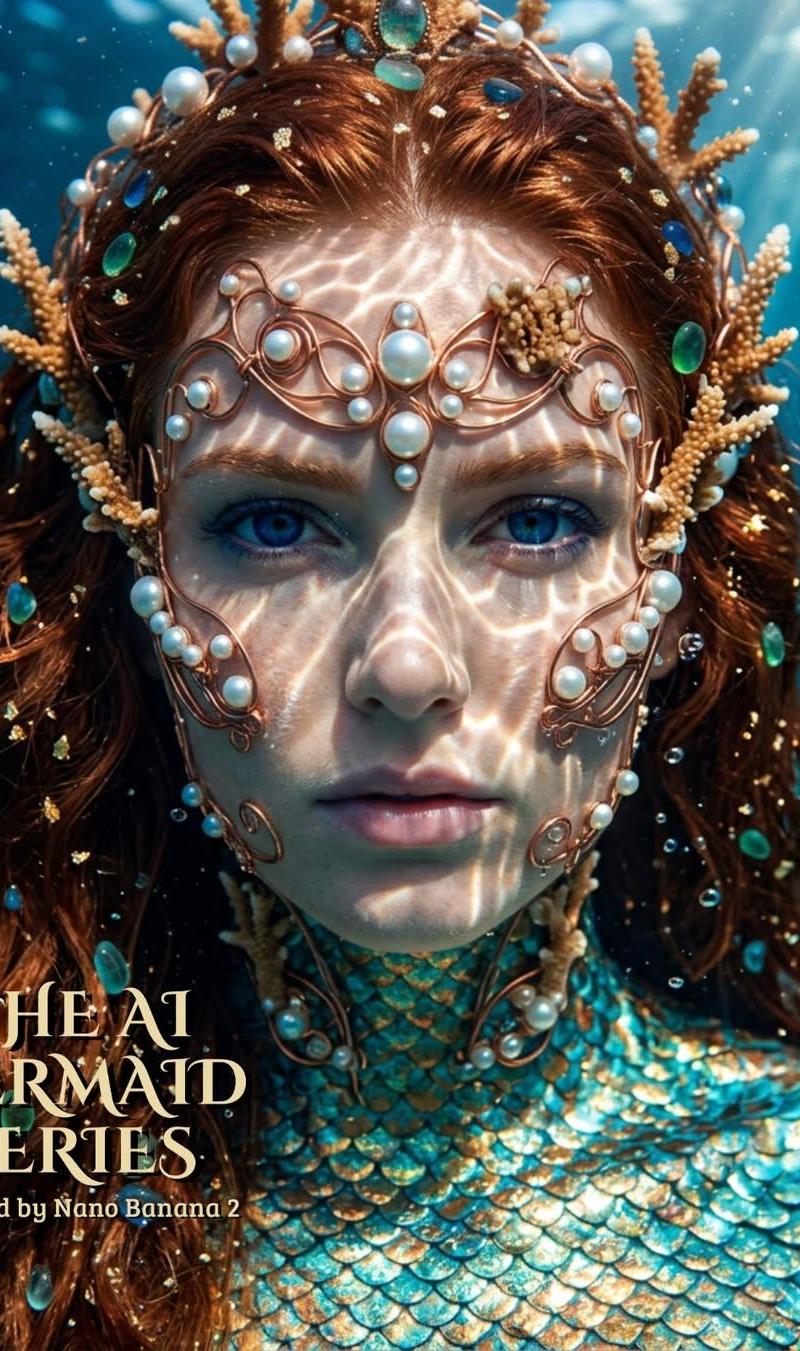
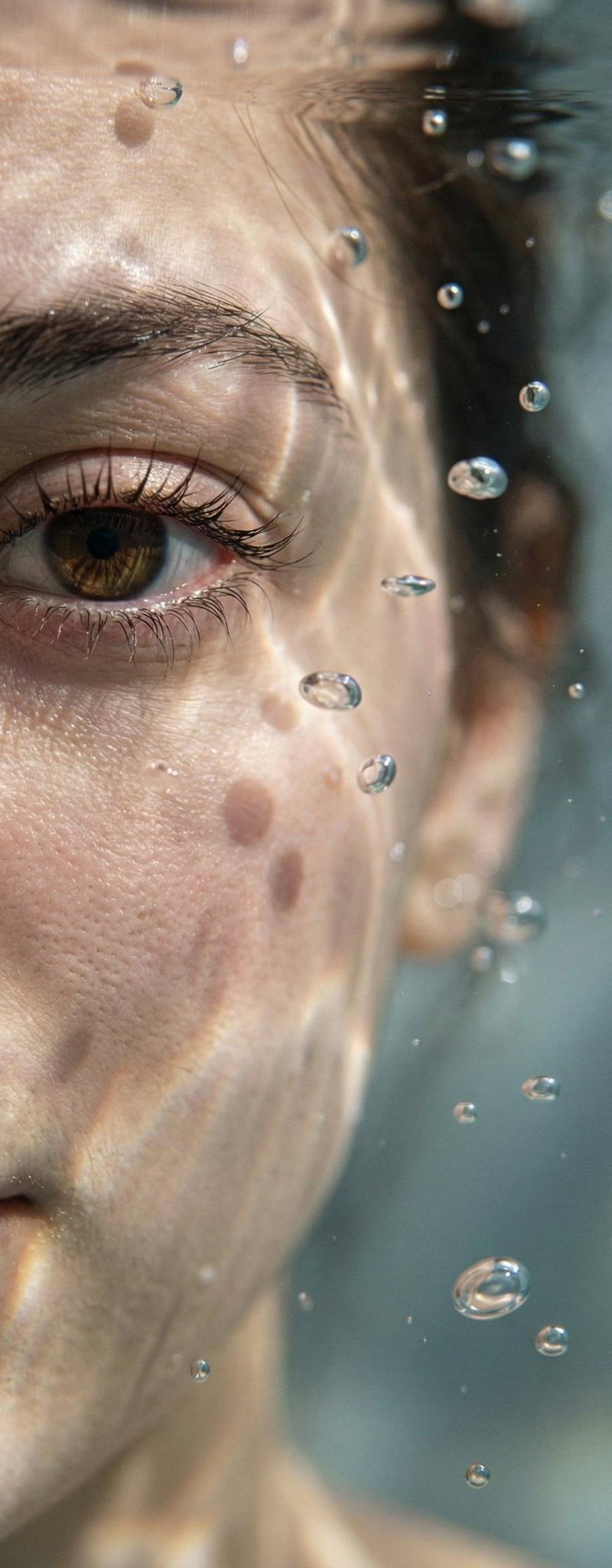
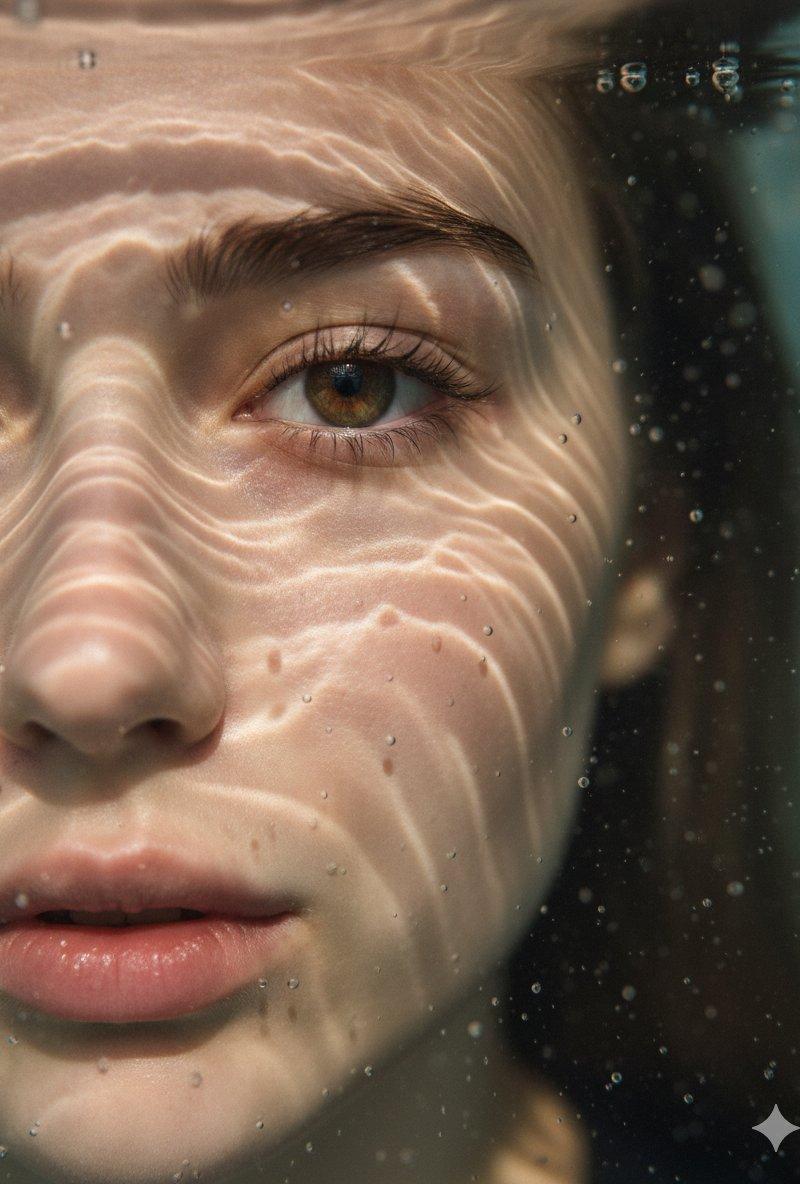
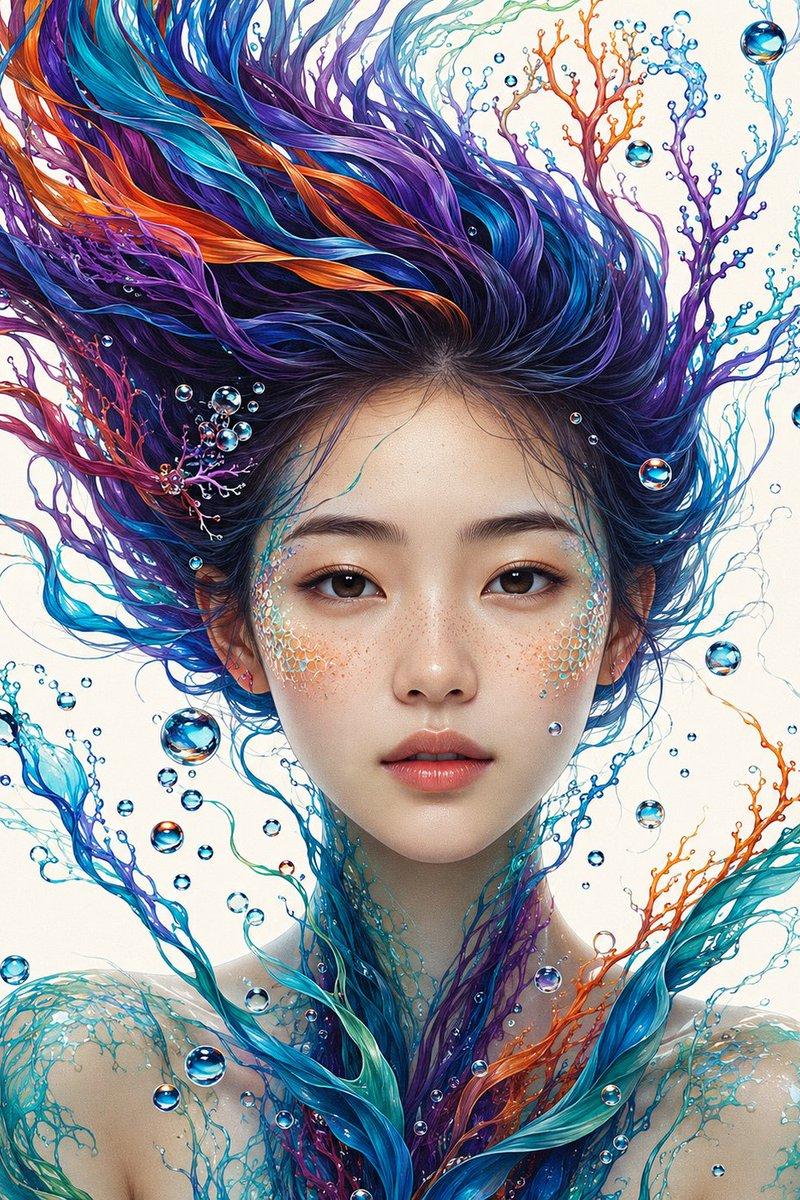
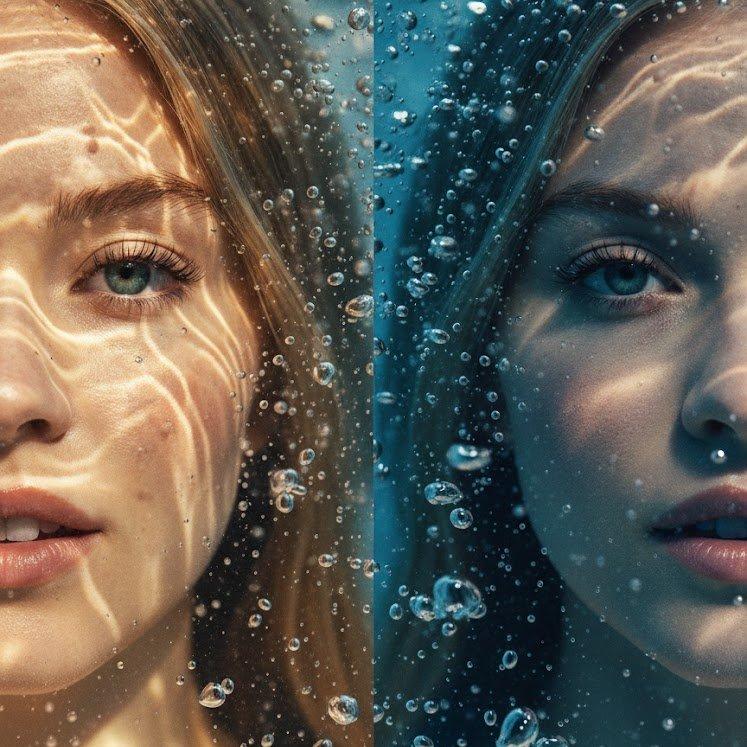
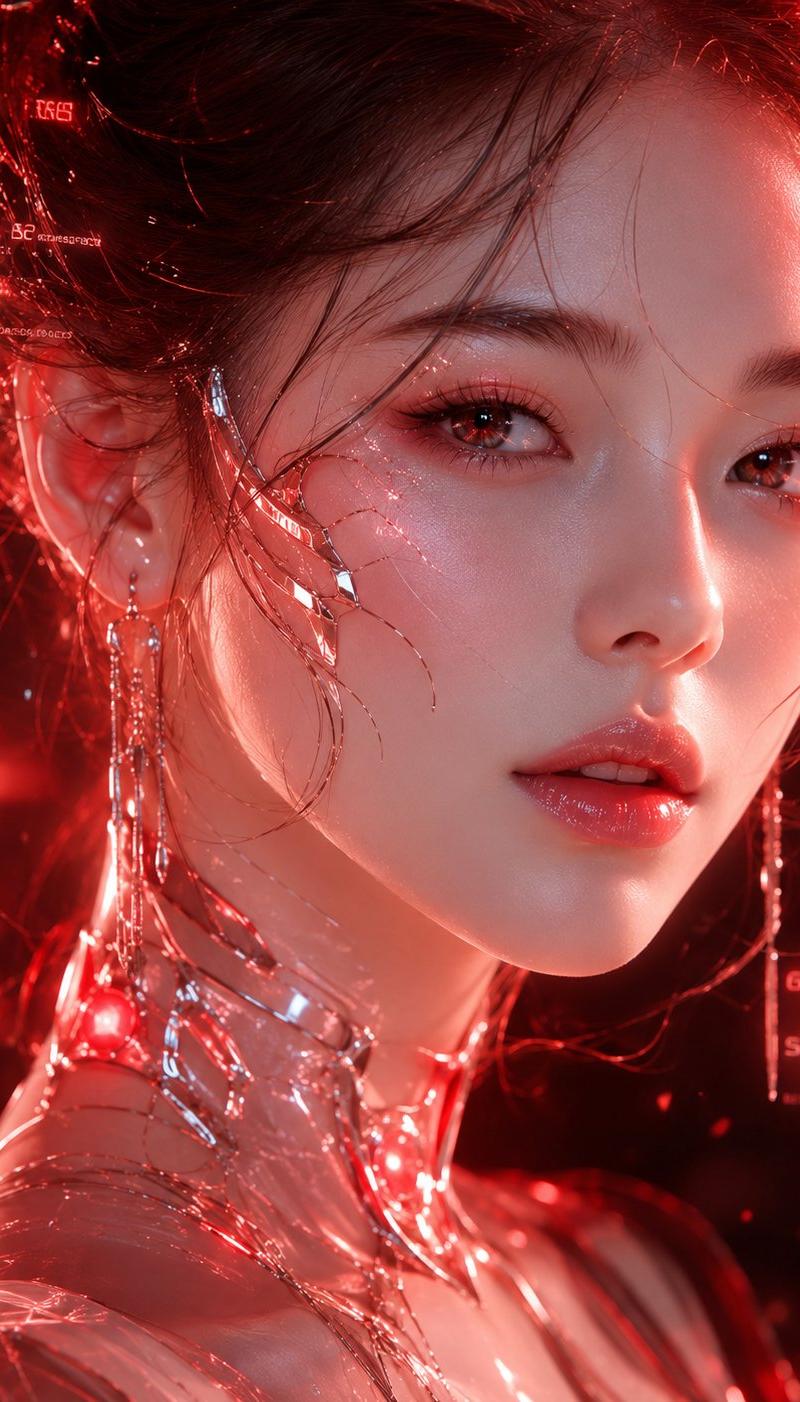
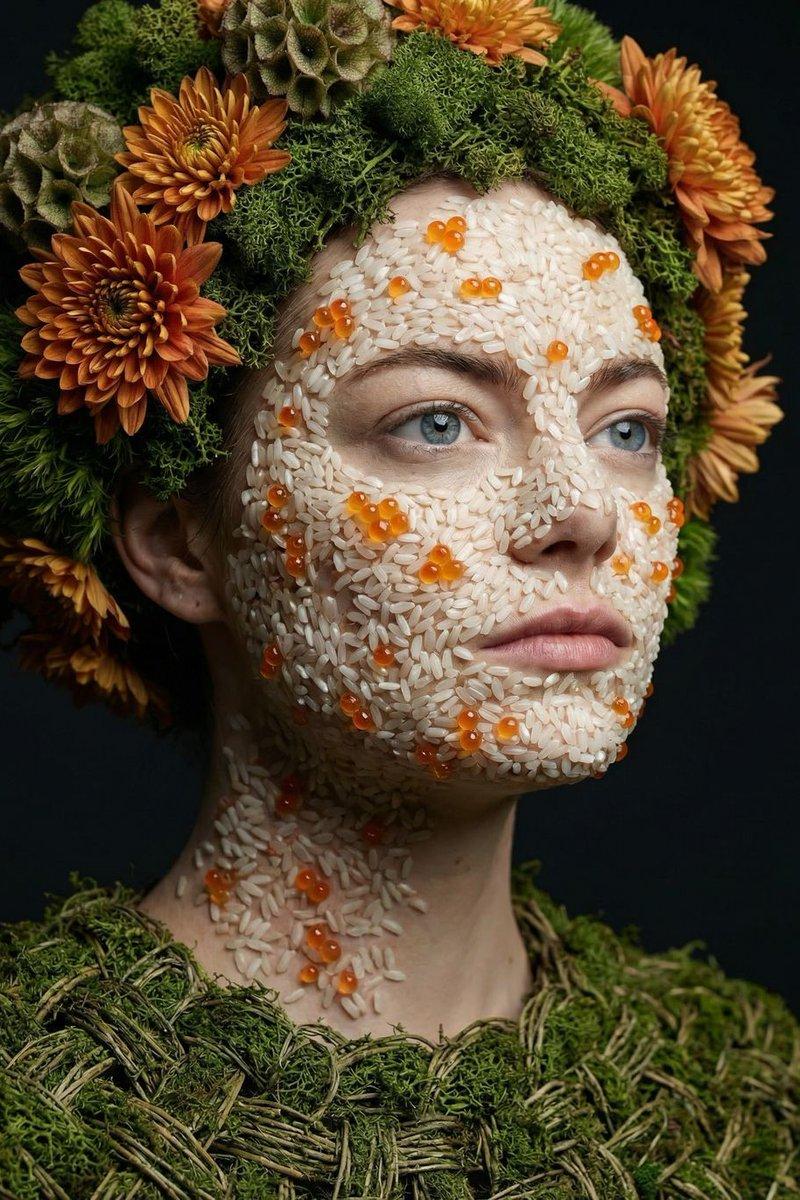
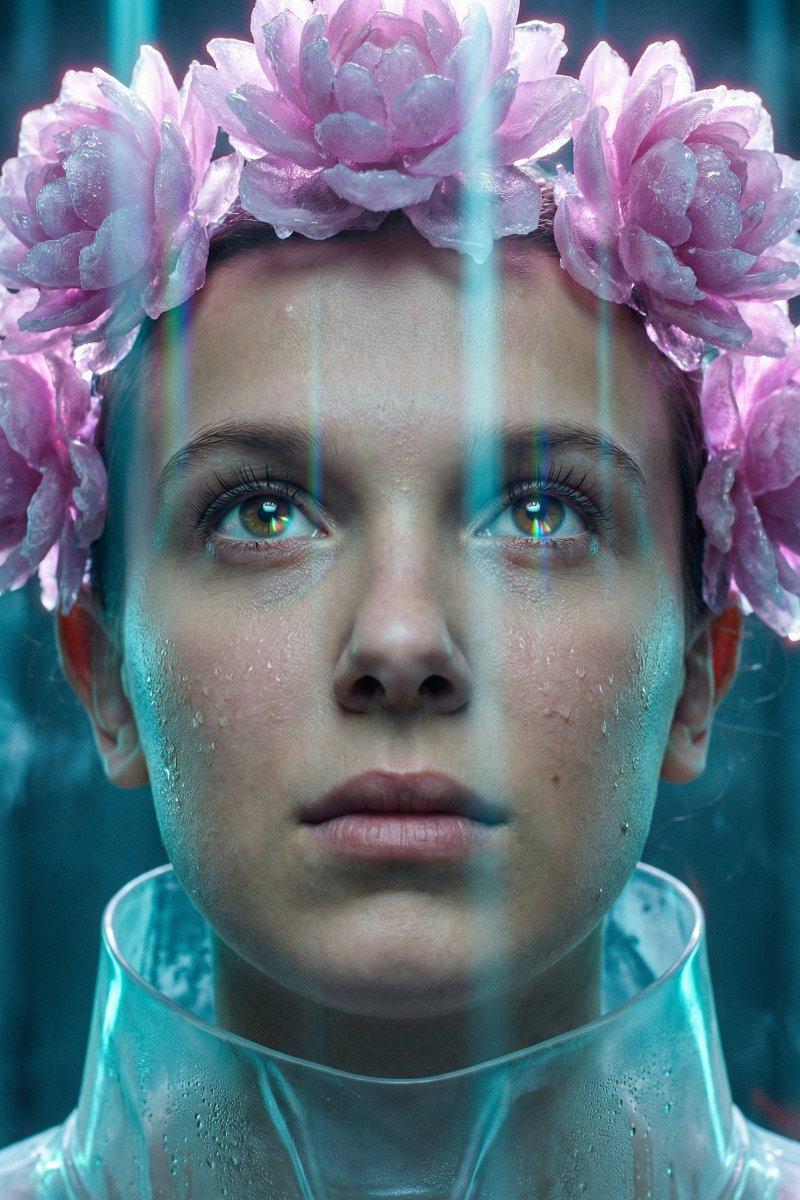
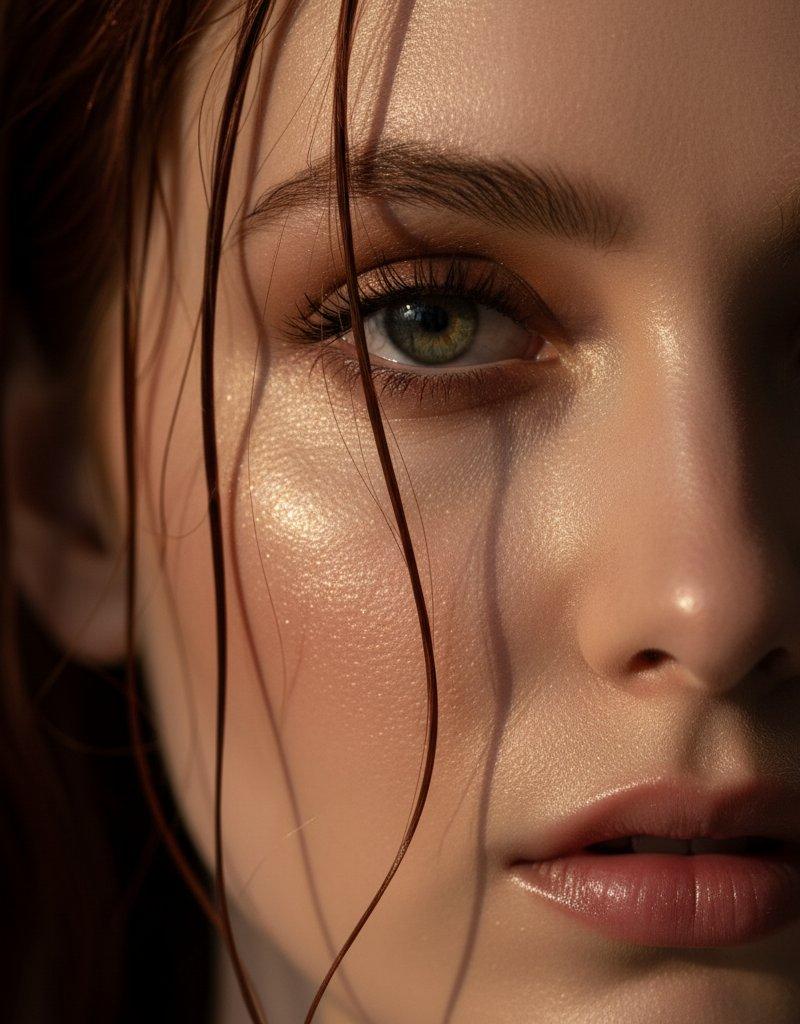
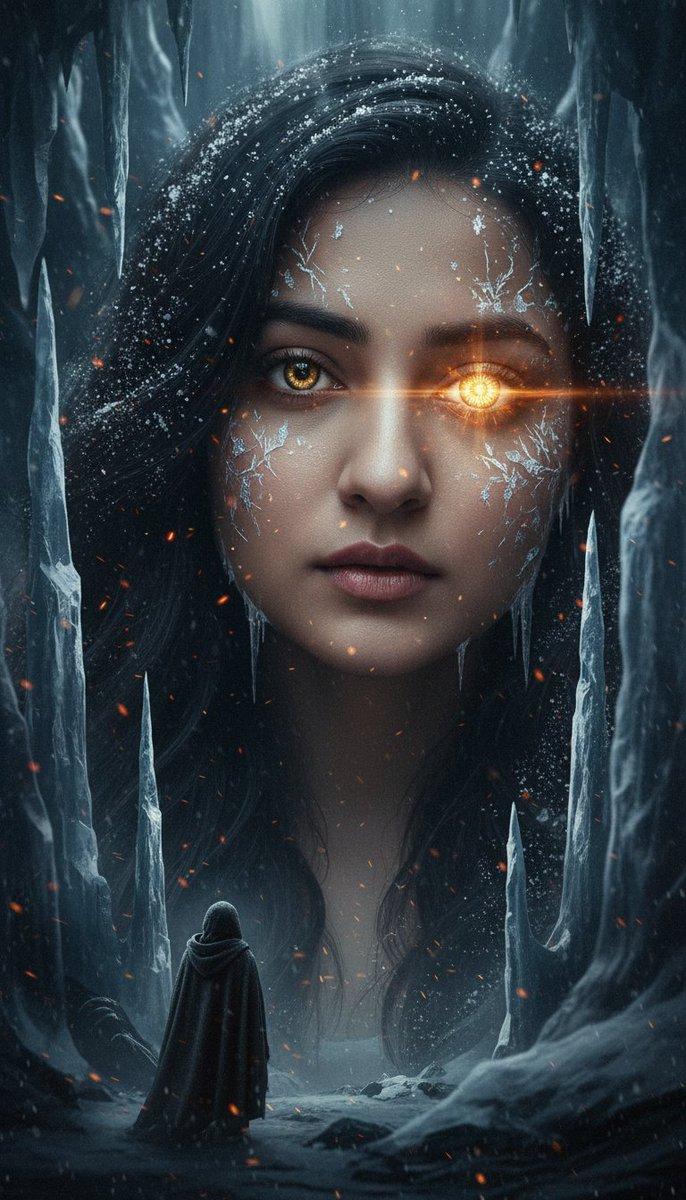
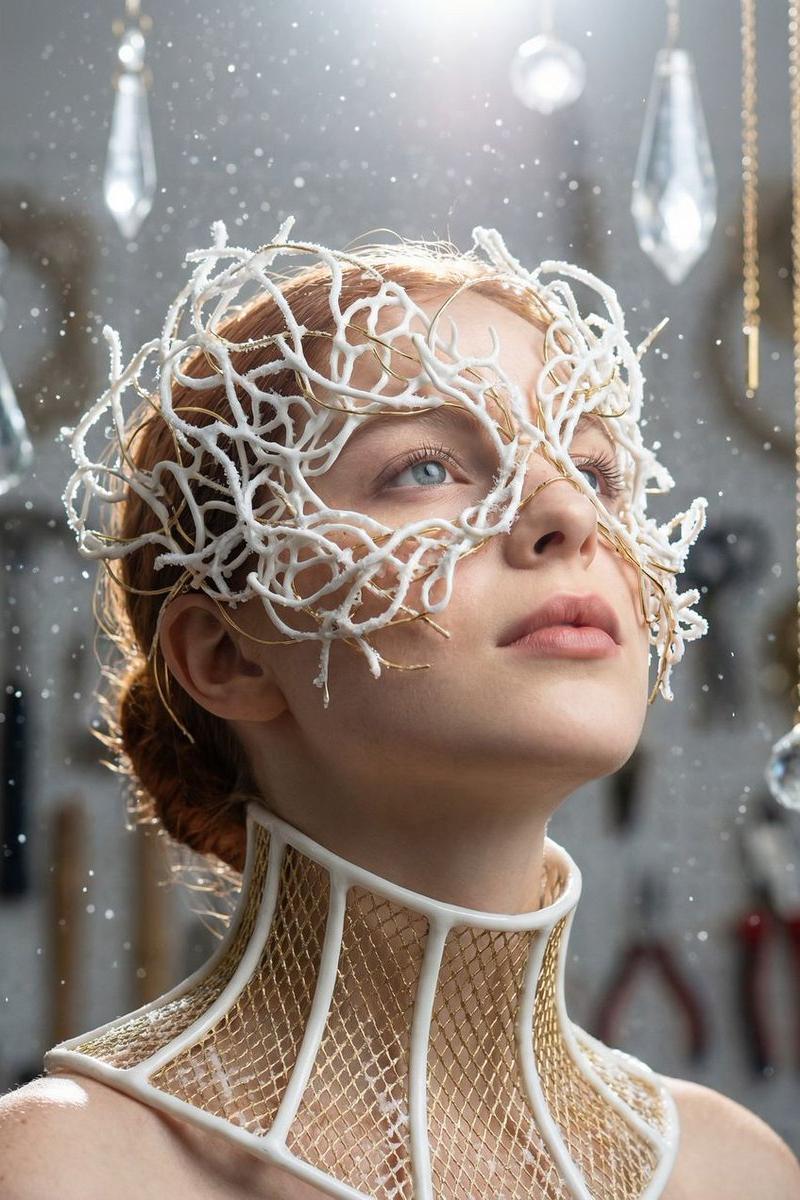
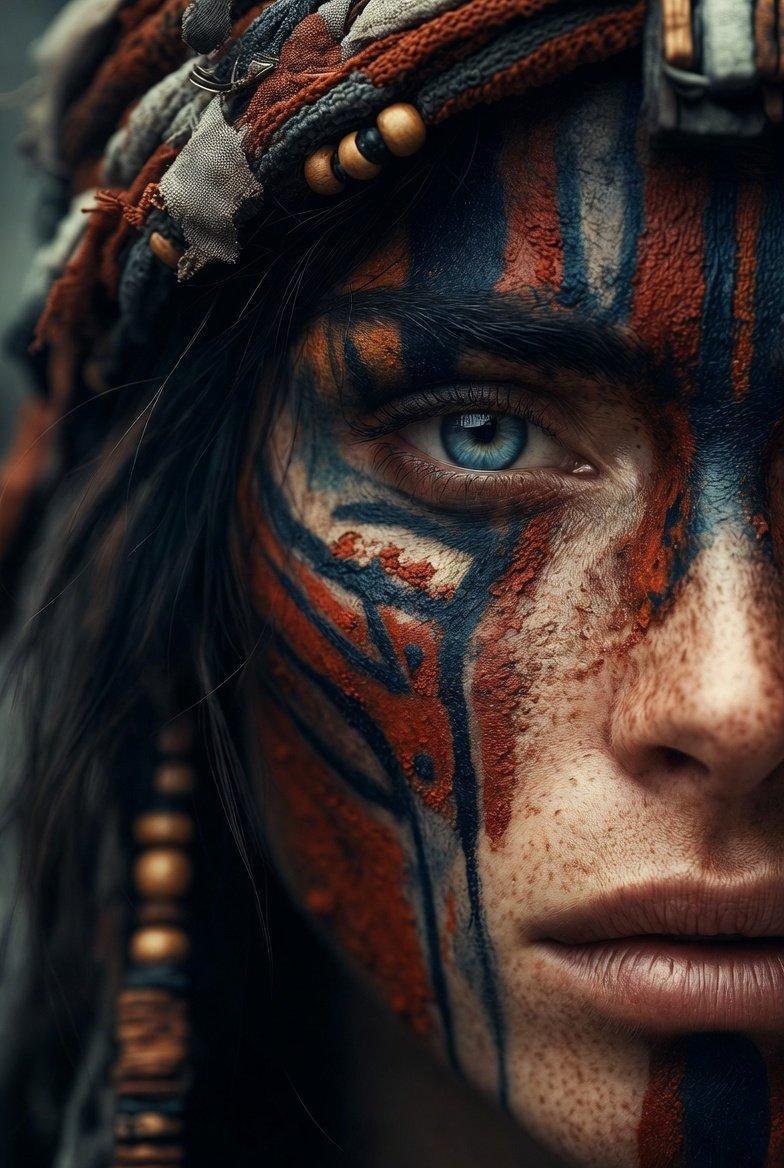
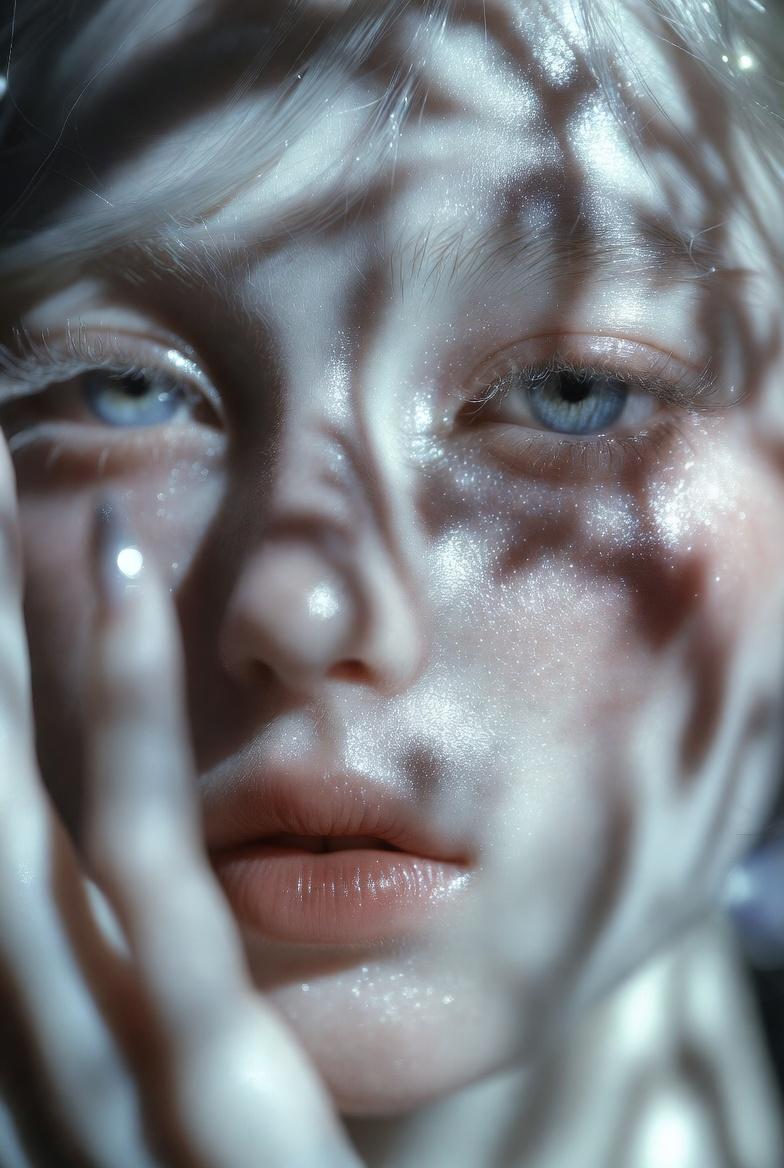
A hyper-realistic cinematic portrait close-up of a flawless mermaid Sovereign. Her eyes are a striking direct gaze, ga: deep cobalt blue. Her skin is translucent with perfect subsurface scattering, adorned with complex, intricate filigree of polished copper wire, flawless multi-sized pearls, and segments of real dried staghorn coral. Her hair is a rich auburn-red, flowing in wet-pressed waves, integrated with tiny gold flakes and small sea-glass pebbles. Intense sunlight filters through the water creating sharp dancing caustic patterns across her face. Highly detailed scales with turquoise and gold iridescent foil textures covering her neck and shoulders. Deep cobalt and aquamarine water background with high-end macro photography depth of field, f/1.8, 8k resolution. Masterwork by Nano Banana 2.
Category
Charts & Infographics
Model
ChatGPT
Creator
@Kashberg_0
Source language
zh-CN
Views120
Source ID
15625
Published
Jun 7, 2026
Studio

Guide

About "超写实电影感人鱼女王特写"

What is this prompt for?

"超写实电影感人鱼女王特写" AI image prompt for ChatGPT (Charts & Infographics). 一个超写实、电影感的人像特写,展现了一位完美的无暇人鱼统治者。她的眼睛有着摄人心魄的直视目光,颜色为:深钴蓝色。她的皮肤呈半透明状,具有完美的次表面散射效果,装饰着由抛光铜线、无瑕的…

The full copyable prompt and example visuals above are ready for AI image generation or one-click recreate in Picva.

How to use this prompt

  1. Step 1

    Open the prompt detail

    Review the example visuals, category, and full prompt text for "超写实电影感人鱼女王特写".

  2. Step 2

    Copy the prompt

    Copy the prompt body from this page, or load it directly in Studio.

  3. Step 3

    Pick a model (ChatGPT)

    Prefer ChatGPT. If you switch models, keep subject and composition and tweak style terms.

  4. Step 4

    Generate and export

    Recreate the look in Picva, or export into your workflow for editing and publishing.

FAQ

What is the "超写实电影感人鱼女王特写" prompt?
It is an AI image-generation prompt for ChatGPT in the Charts & Infographics category. This page includes the full prompt text, example visuals, and a one-click recreate path in Picva.
How do I use this prompt to generate an image?
Copy the prompt from this page, or use Generate / Studio. Paste it into a compatible image model, or recreate the look in Picva with optional reference images.
Which model is this prompt for?
This page lists ChatGPT. Most descriptive prompts also transfer to nearby image models such as GPT Image, Flux, or Midjourney with light style tweaks.
Can I use the result commercially?
You can usually copy the prompt for creation, but commercial use of the final image depends on the model terms, reference-image rights, and the generated content. Follow the source author and platform rules.