19

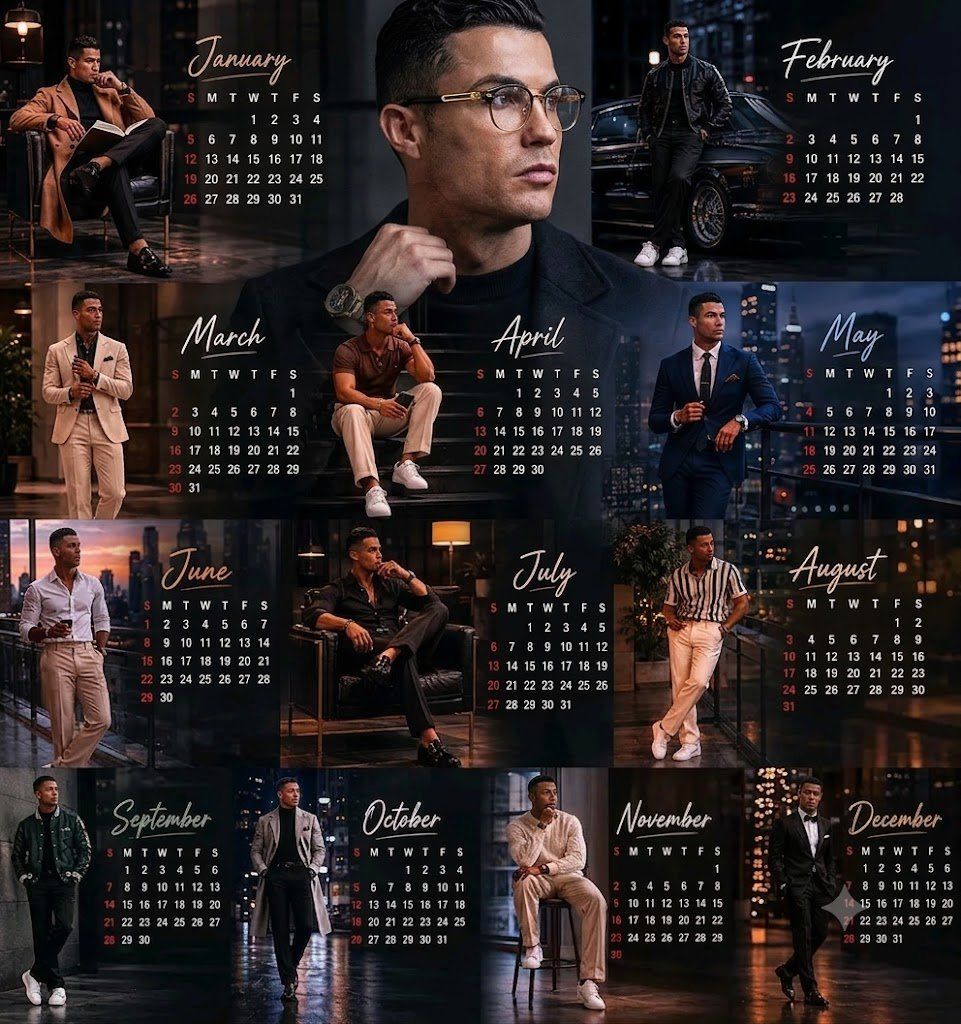
高端都市男装时尚挂历海报设计
Enlarge

Example images

高端都市男装时尚挂历海报设计

Prompt
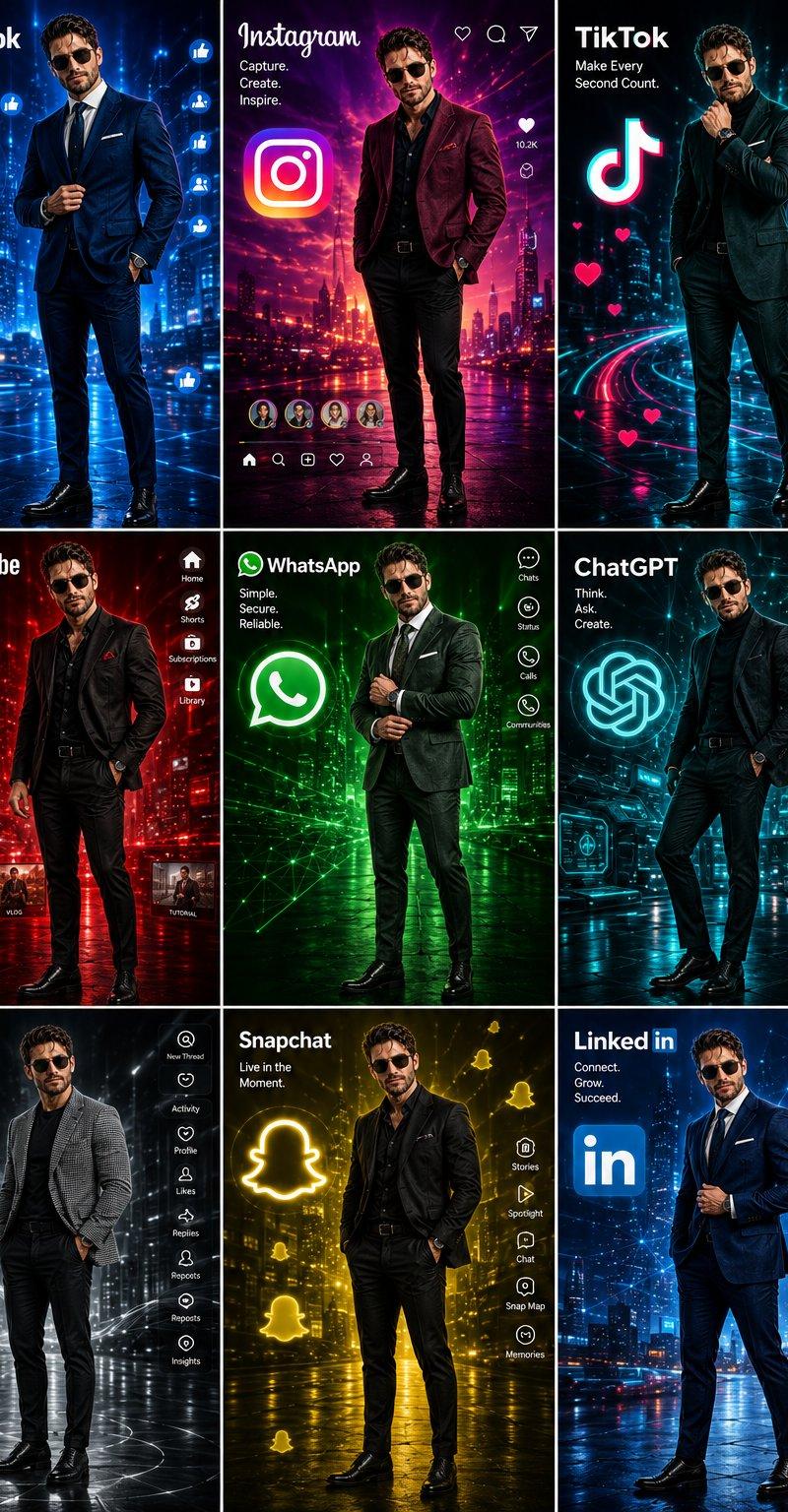
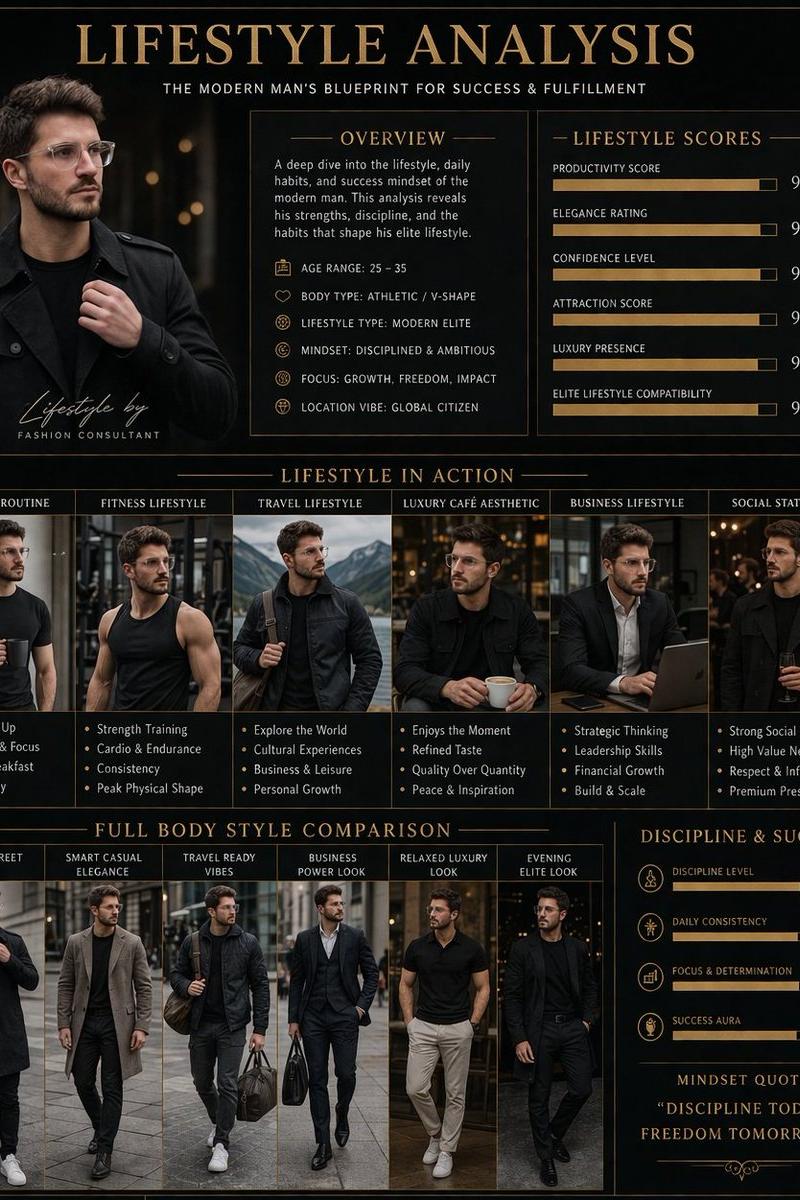
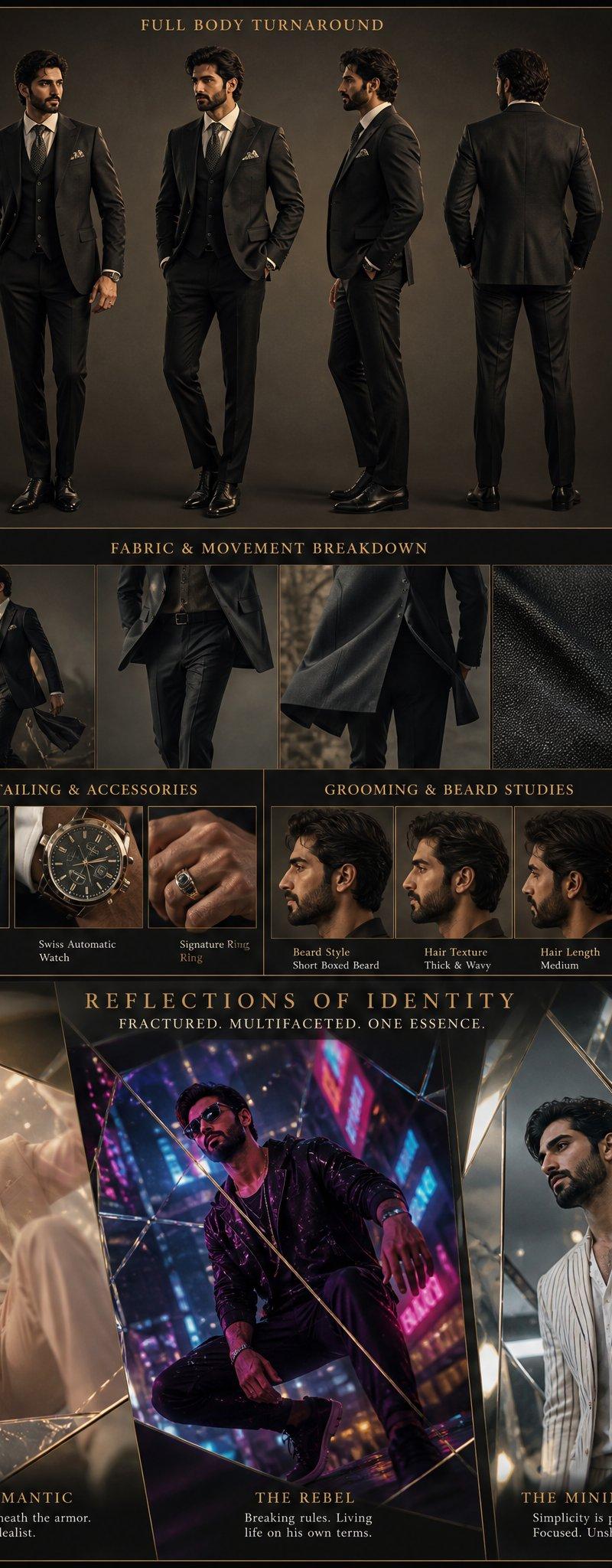
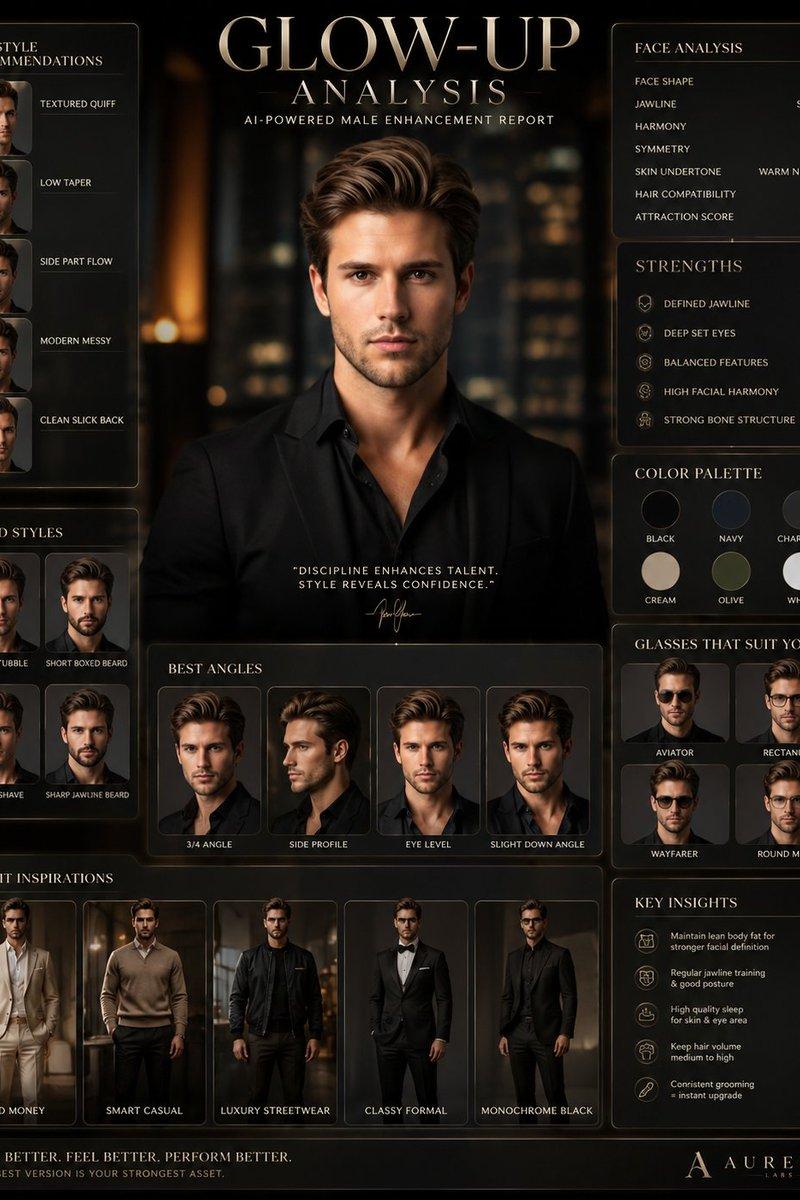
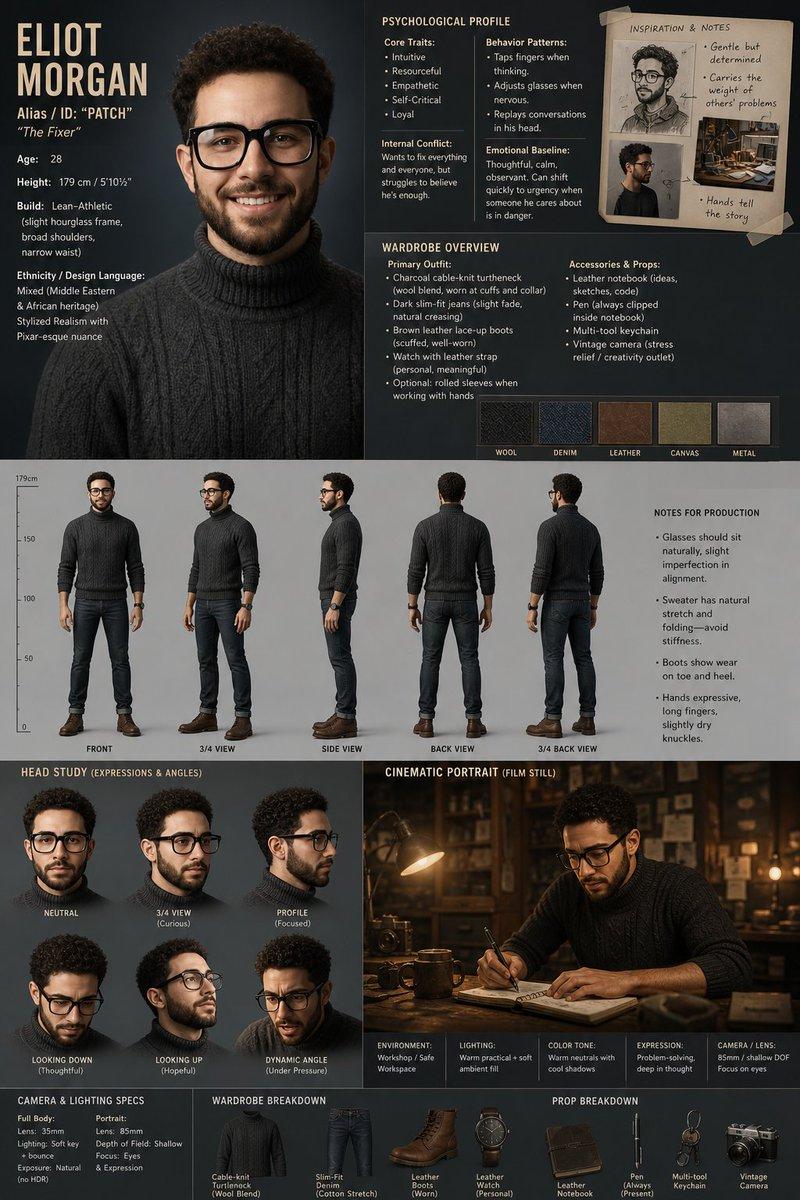
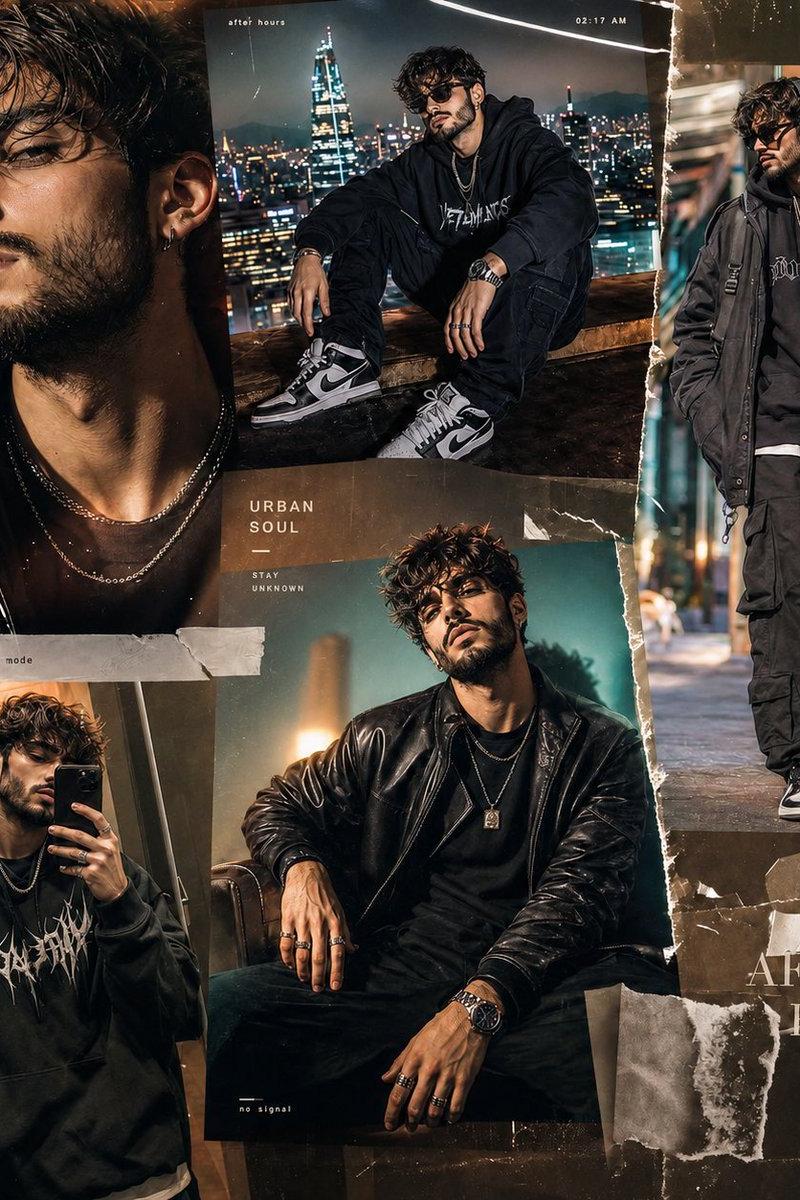
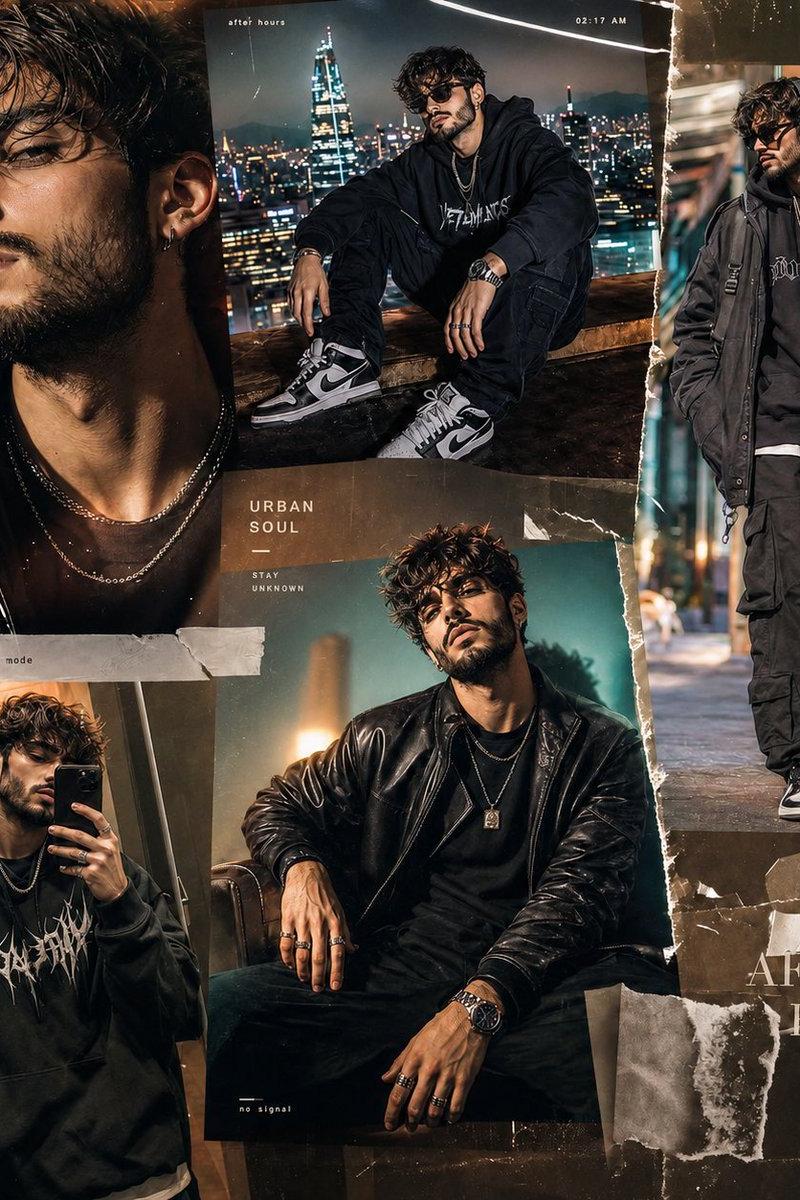
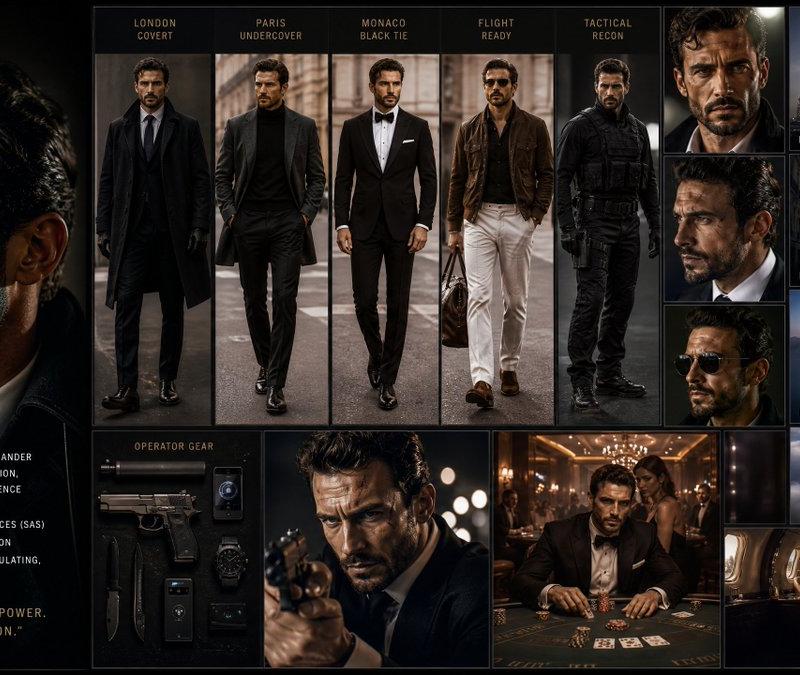
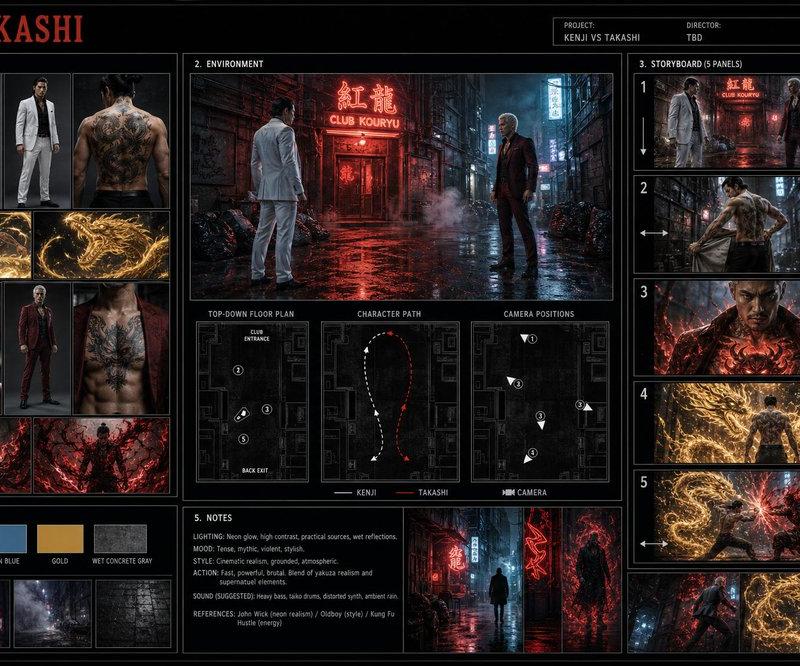
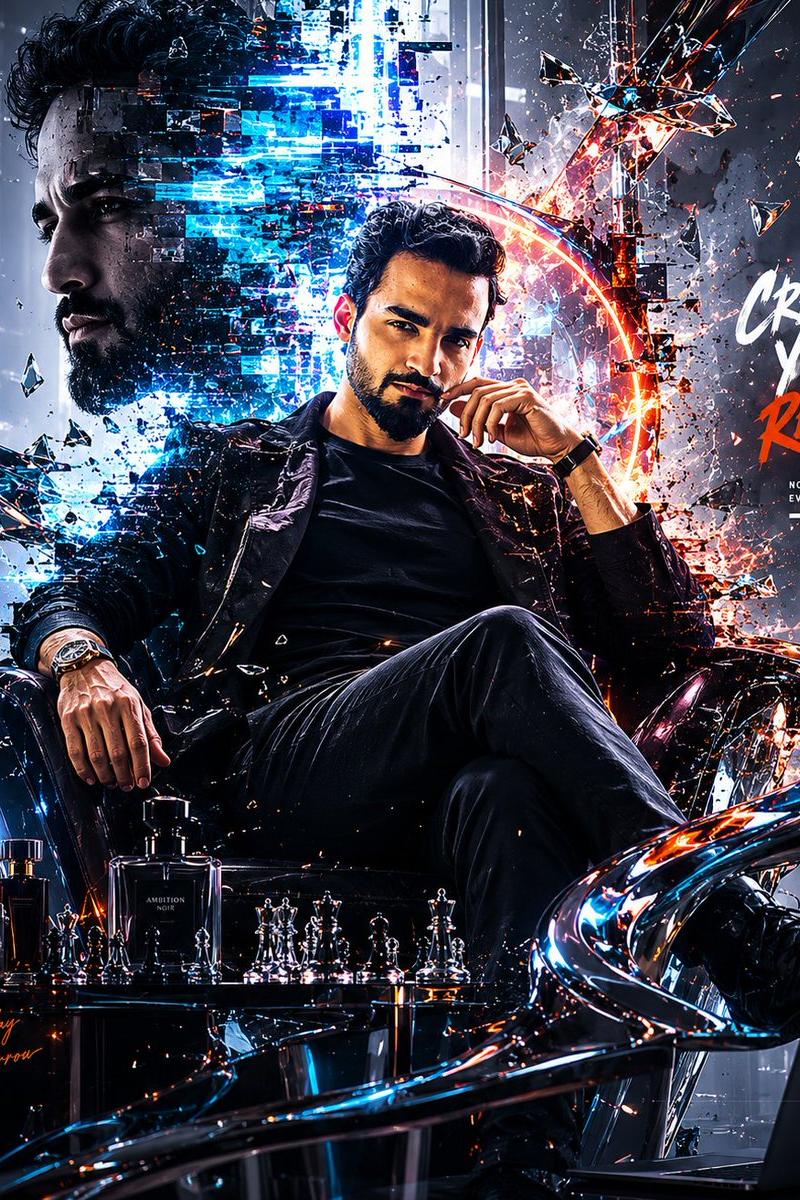
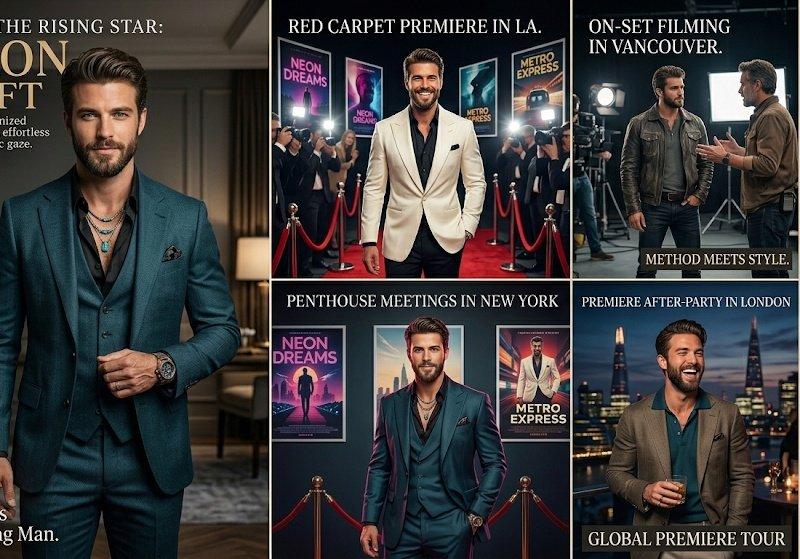
Create a luxury 12-month calendar poster in a 4×3 grid featuring a stylish male model in different urban lifestyle scenes. Include a large black-and-white close-up portrait with clear-framed glasses as the central background element. Use a cinematic color palette of blacks, charcoal grays, midnight blues, and warm amber lighting.

Month names in elegant golden-bronze cursive, calendar dates in clean sans-serif typography, Sundays highlighted in dark red.

Each month showcases a different high-fashion look: luxury interiors, city streets, sports cars, balconies, offices, terraces, waterfront sunsets, and formal event spaces. Outfits include tailored suits, overcoats, leather jackets, turtlenecks, casual-smartwear, and a tuxedo for December.

Ultra-realistic, editorial fashion photography, premium magazine aesthetic, cinematic lighting, luxury lifestyle theme, photorealistic, highly detailed, professional calendar design, 8K quality.
Category
Charts & Infographics
Model
ChatGPT
Creator
@luciaverseai
Source language
zh-CN
Views67
Source ID
15729
Published
Jun 10, 2026
Studio

Guide

About "高端都市男装时尚挂历海报设计"

What is this prompt for?

"高端都市男装时尚挂历海报设计" AI image prompt for ChatGPT (Charts & Infographics). 创建一个豪华的 12 个月日历海报,采用 4×3 网格,展示一名身处不同都市生活场景的时尚男模特。包含一张大尺寸的黑白特写肖像,戴着透明框眼镜,作为中心背景元素。使用由黑色、木炭…

The full copyable prompt and example visuals above are ready for AI image generation or one-click recreate in Picva.

How to use this prompt

  1. Step 1

    Open the prompt detail

    Review the example visuals, category, and full prompt text for "高端都市男装时尚挂历海报设计".

  2. Step 2

    Copy the prompt

    Copy the prompt body from this page, or load it directly in Studio.

  3. Step 3

    Pick a model (ChatGPT)

    Prefer ChatGPT. If you switch models, keep subject and composition and tweak style terms.

  4. Step 4

    Generate and export

    Recreate the look in Picva, or export into your workflow for editing and publishing.

FAQ

What is the "高端都市男装时尚挂历海报设计" prompt?
It is an AI image-generation prompt for ChatGPT in the Charts & Infographics category. This page includes the full prompt text, example visuals, and a one-click recreate path in Picva.
How do I use this prompt to generate an image?
Copy the prompt from this page, or use Generate / Studio. Paste it into a compatible image model, or recreate the look in Picva with optional reference images.
Which model is this prompt for?
This page lists ChatGPT. Most descriptive prompts also transfer to nearby image models such as GPT Image, Flux, or Midjourney with light style tweaks.
Can I use the result commercially?
You can usually copy the prompt for creation, but commercial use of the final image depends on the model terms, reference-image rights, and the generated content. Follow the source author and platform rules.