19

极致微距肌肤纹理的奢华魅力女性
Enlarge

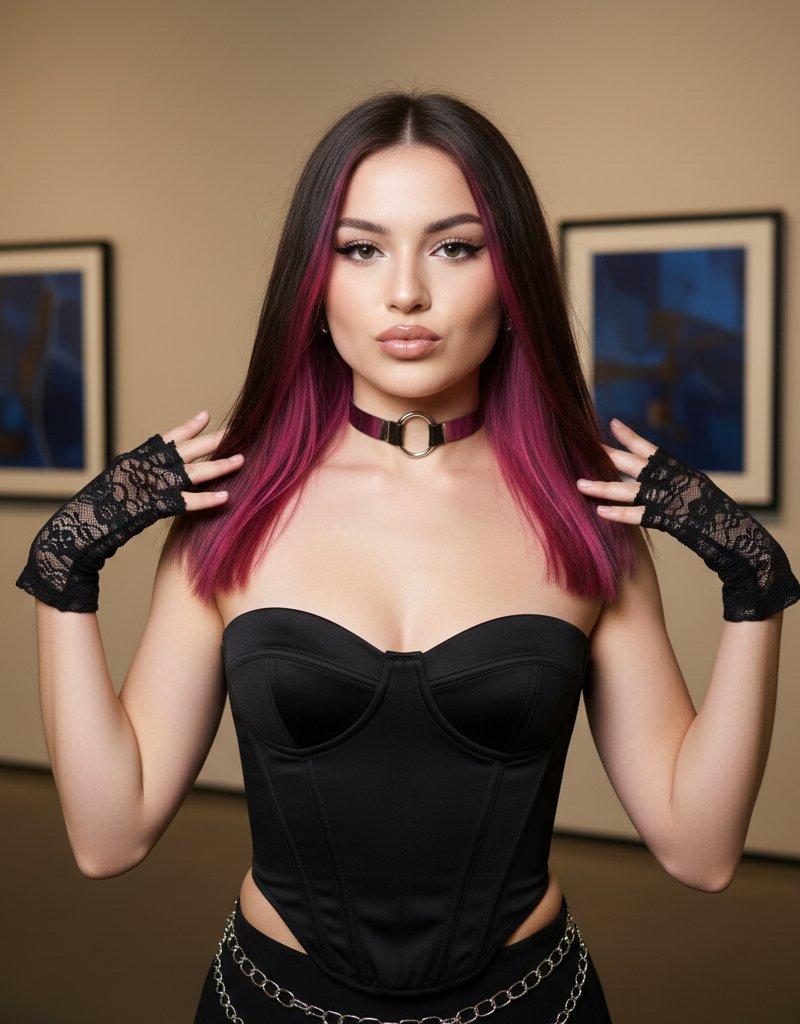
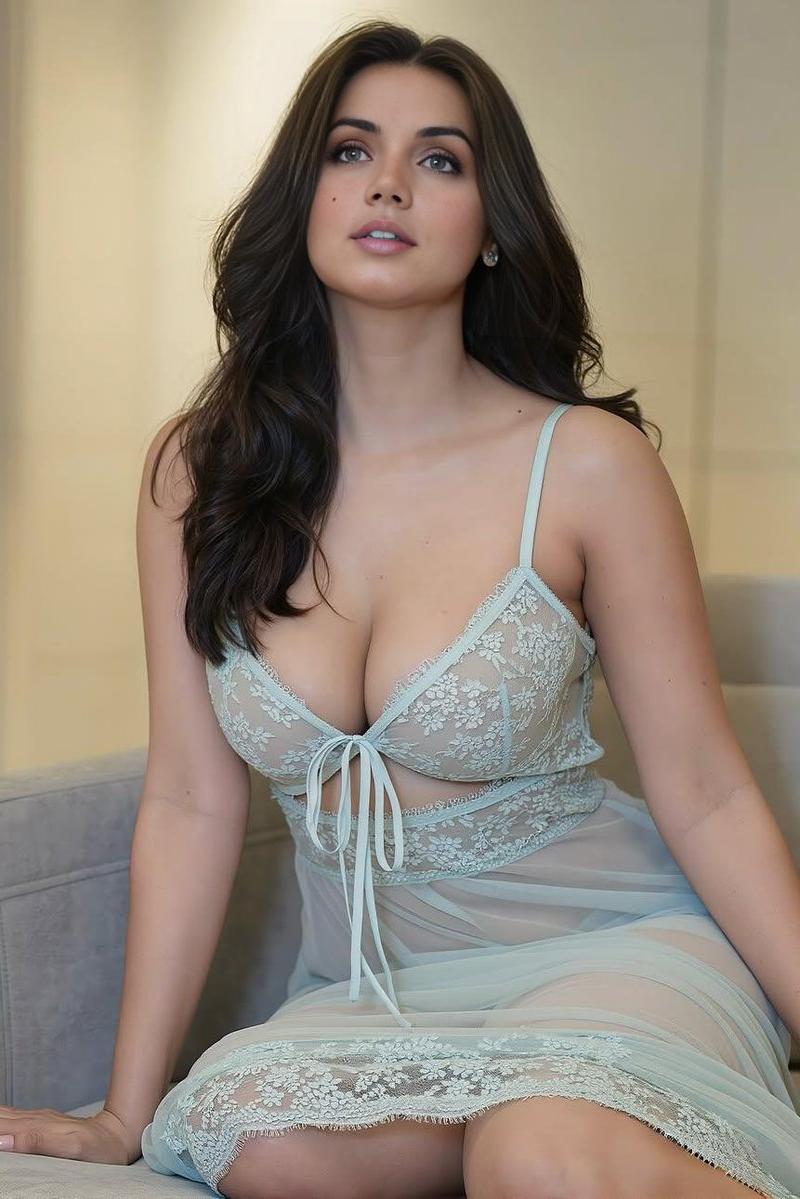
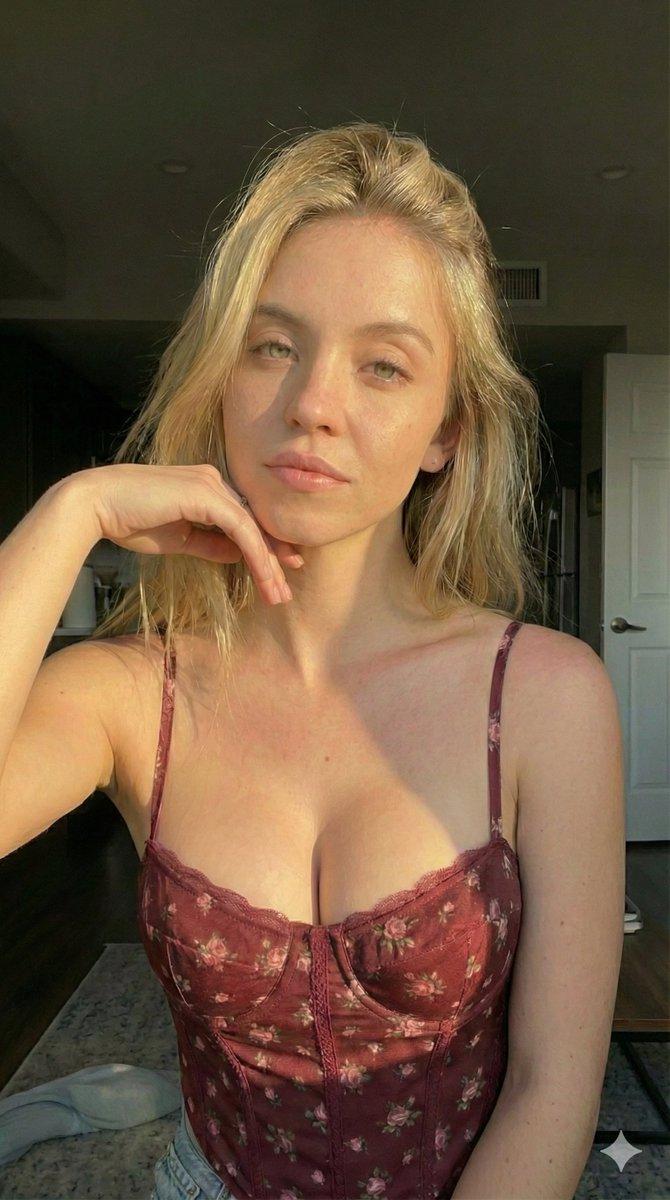
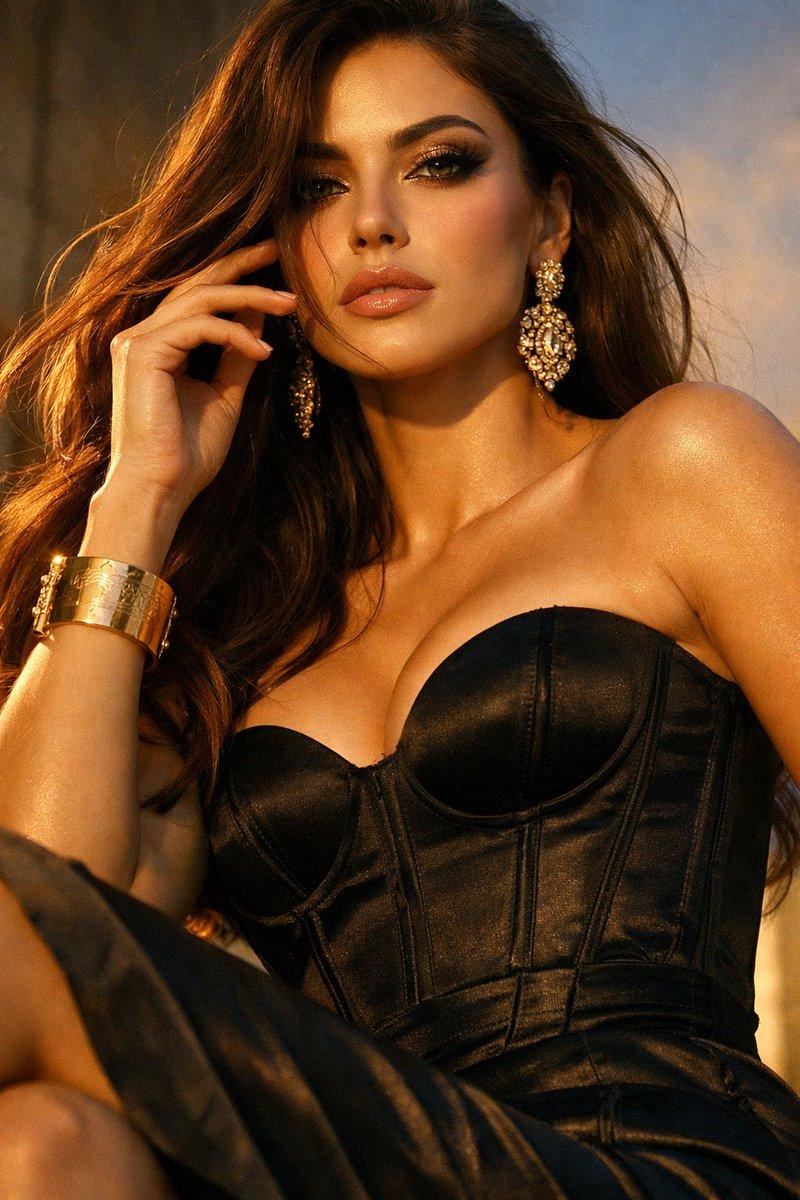
Example images

极致微距肌肤纹理的奢华魅力女性

Prompt
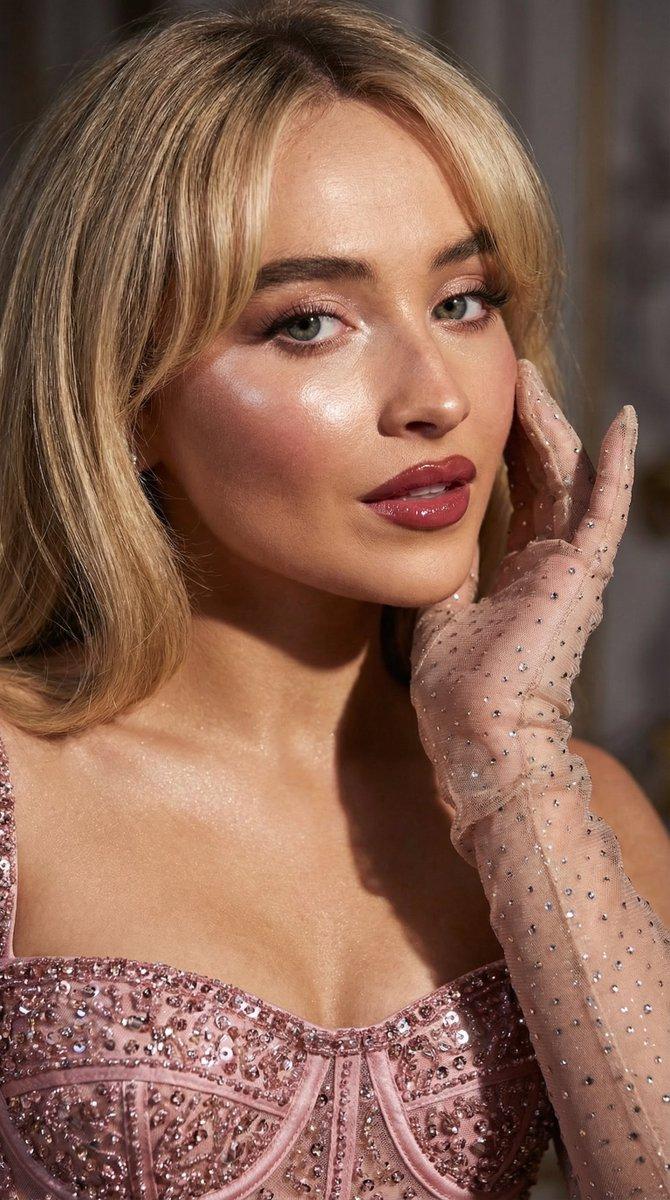
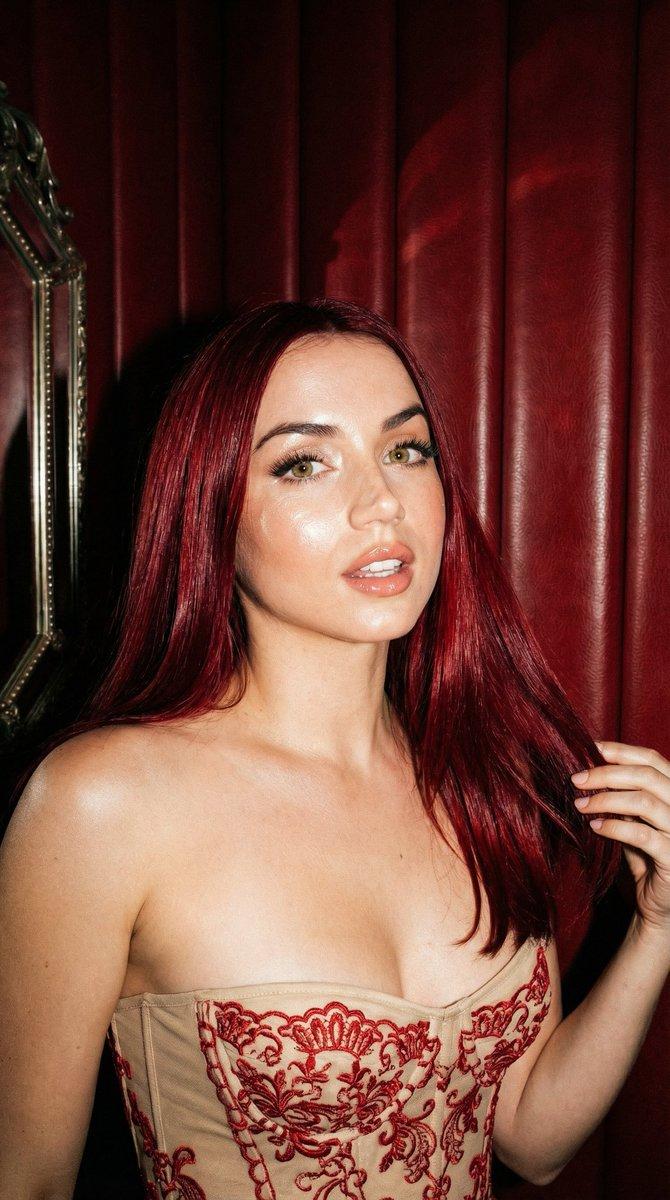
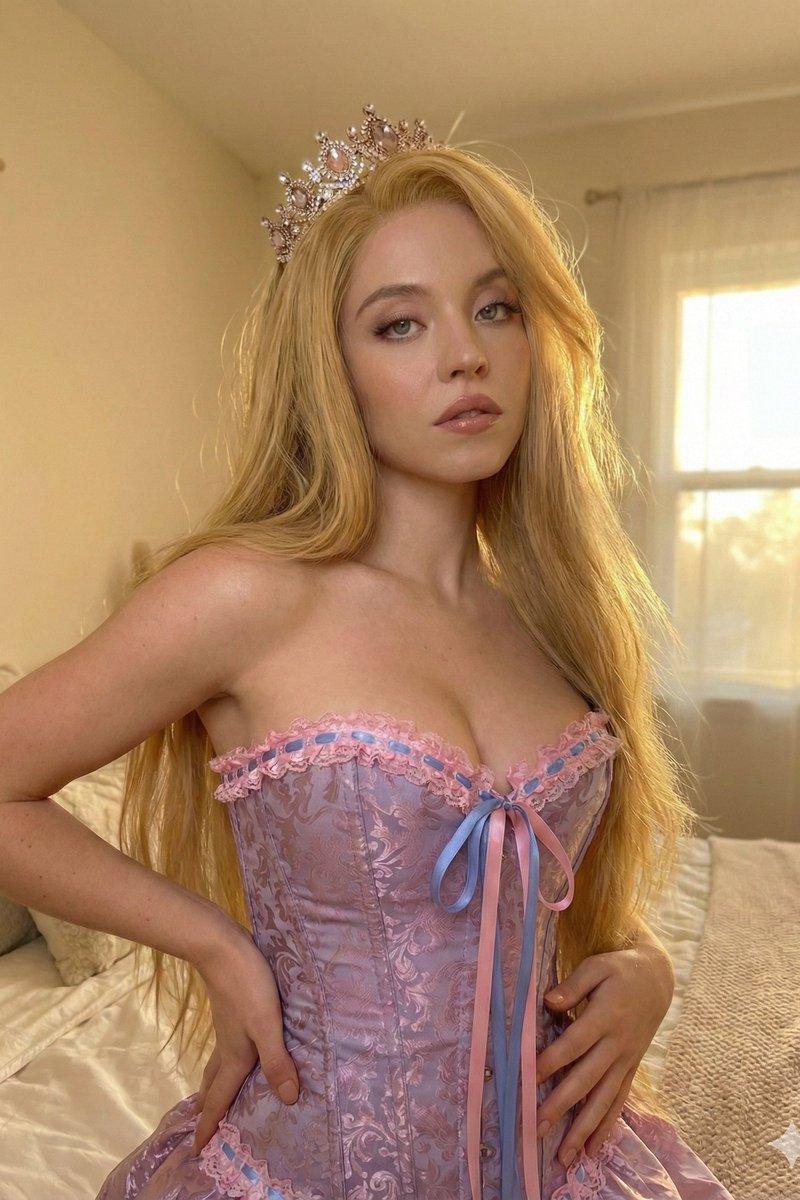
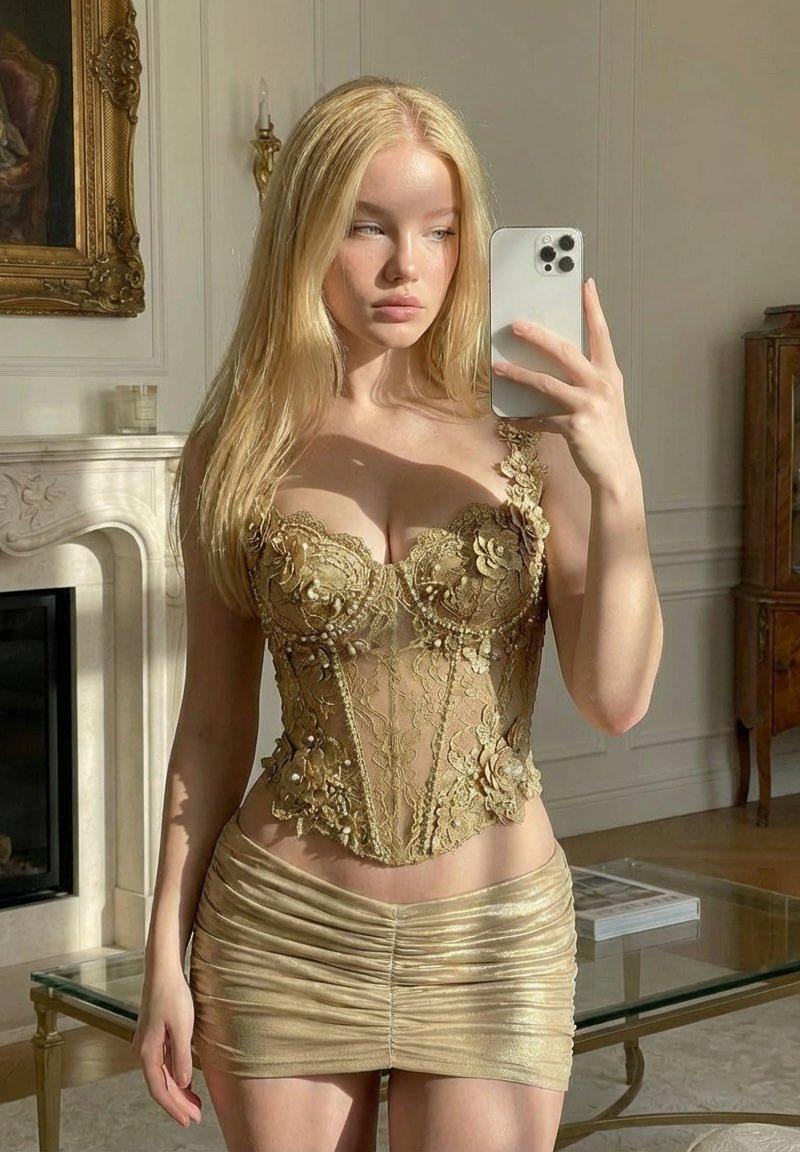
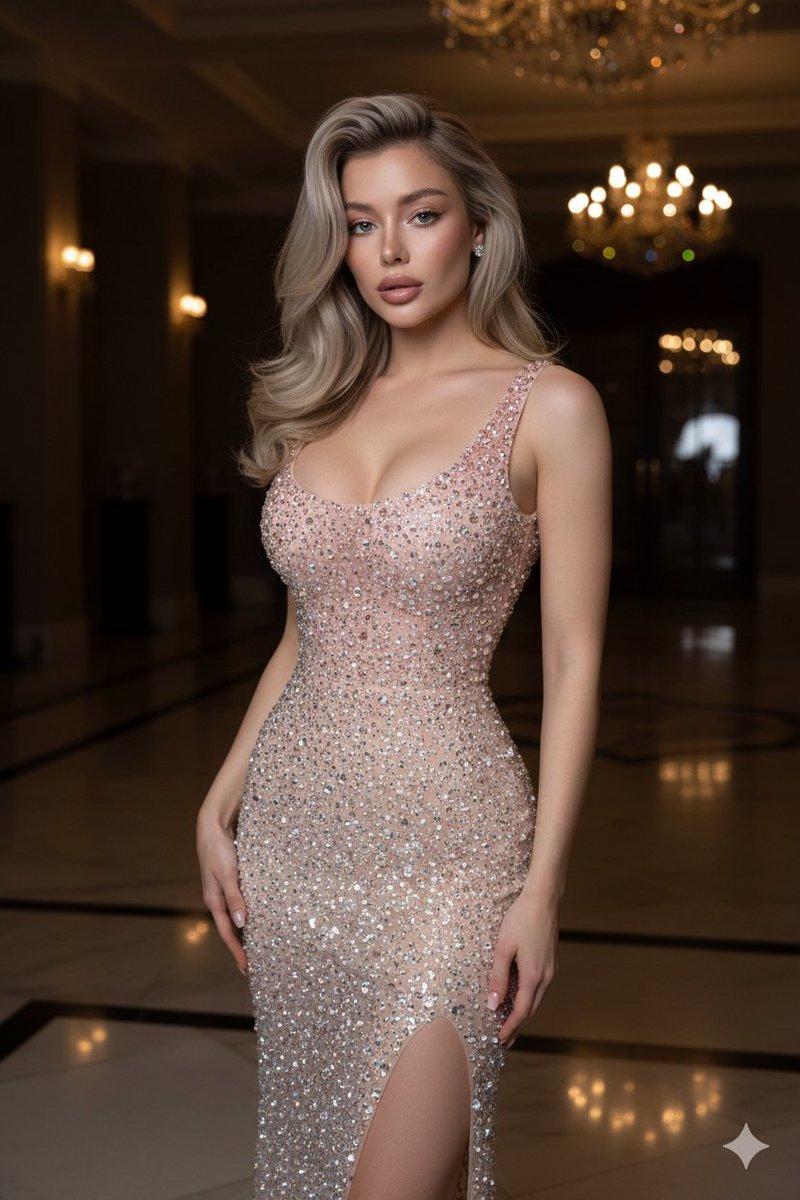
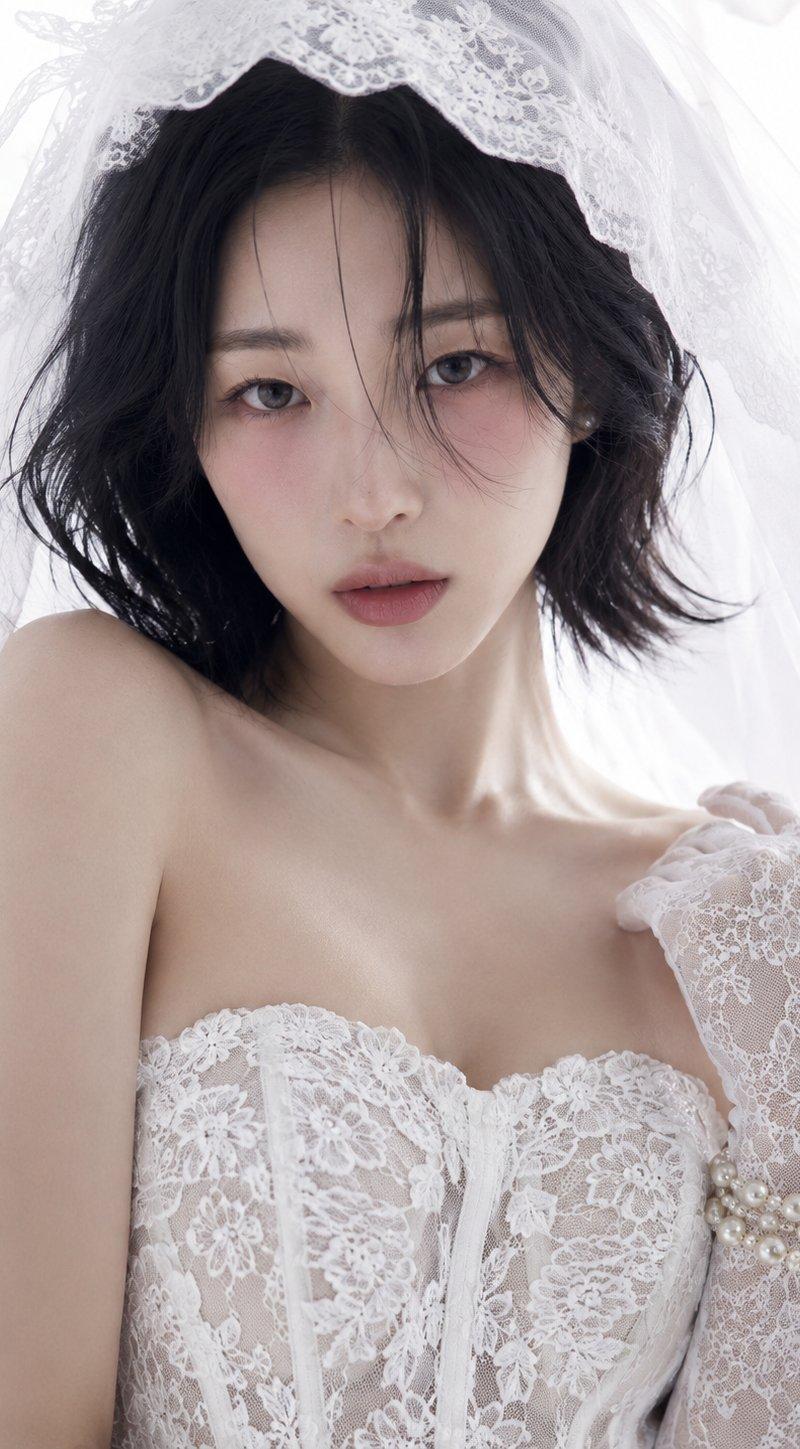
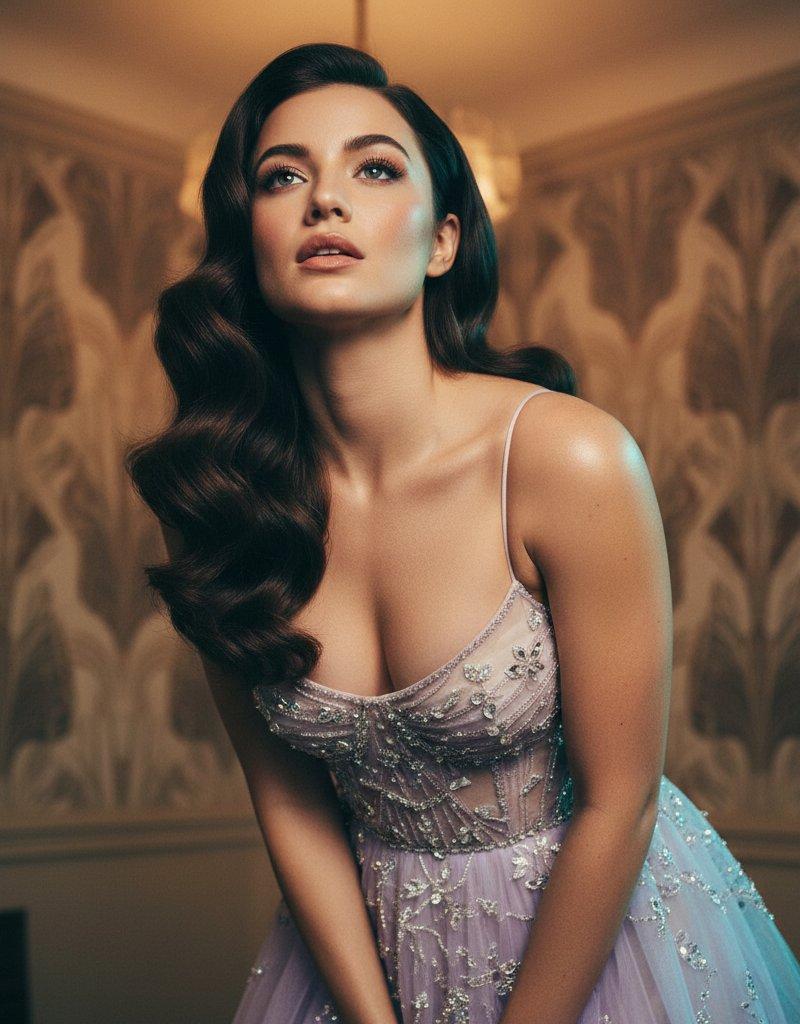
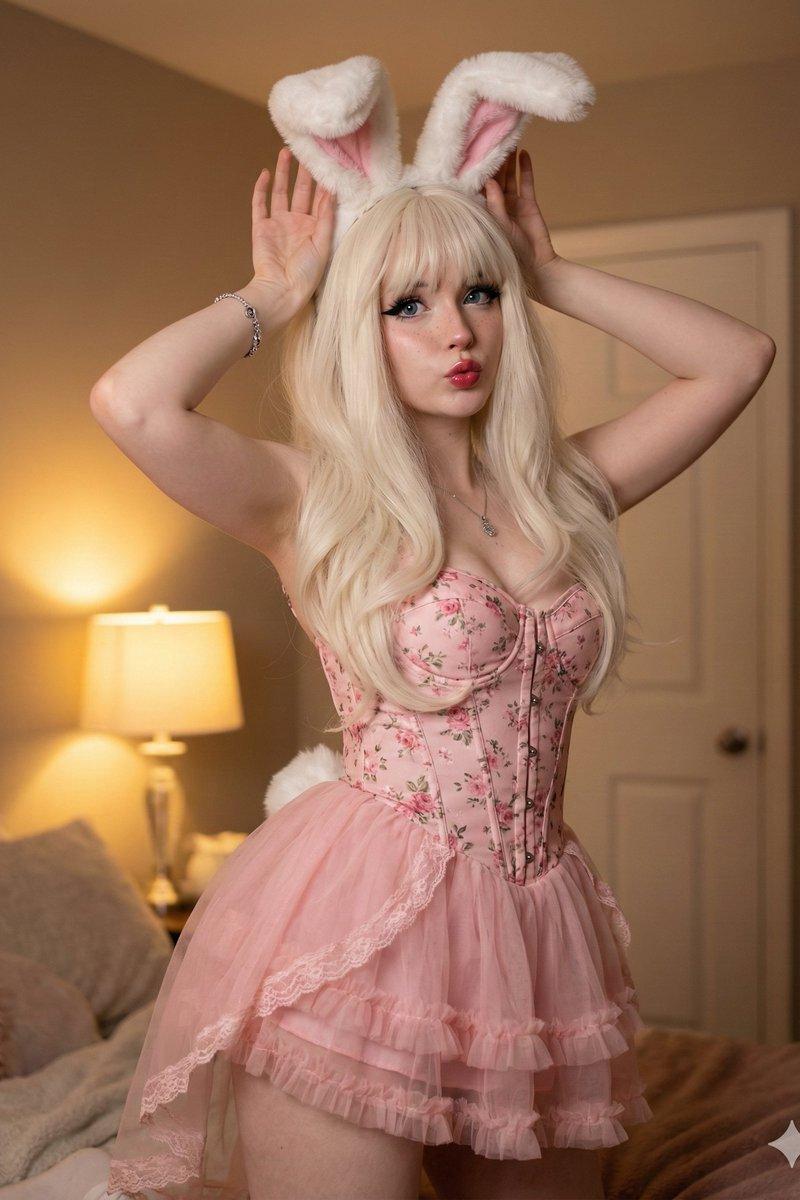
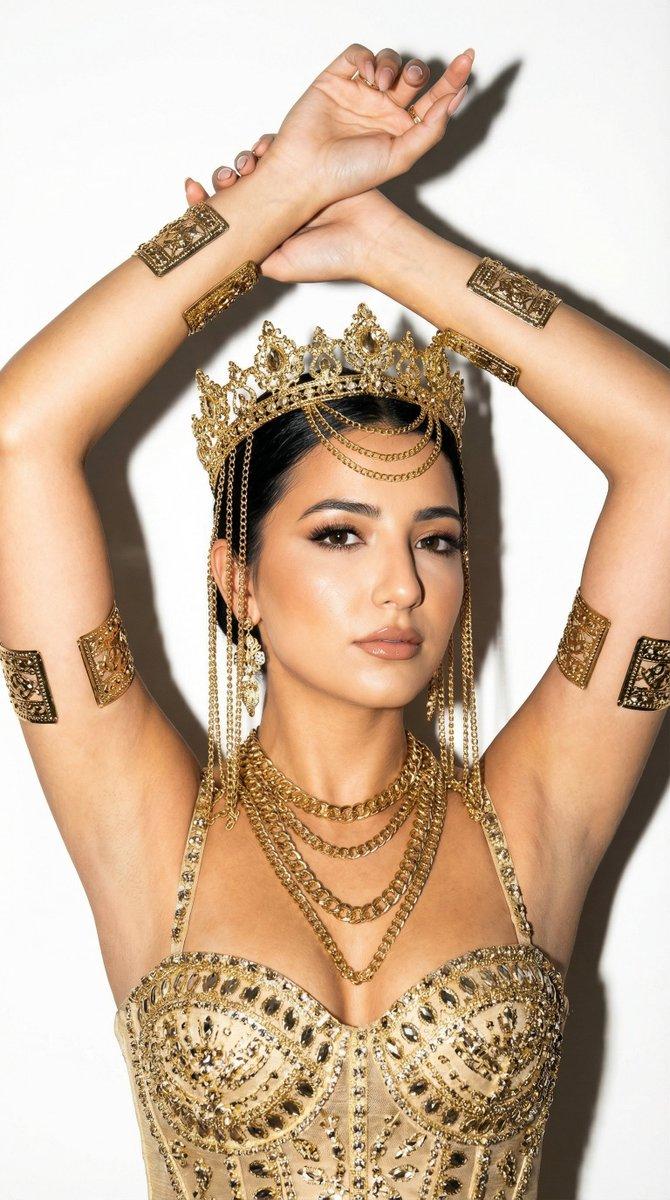
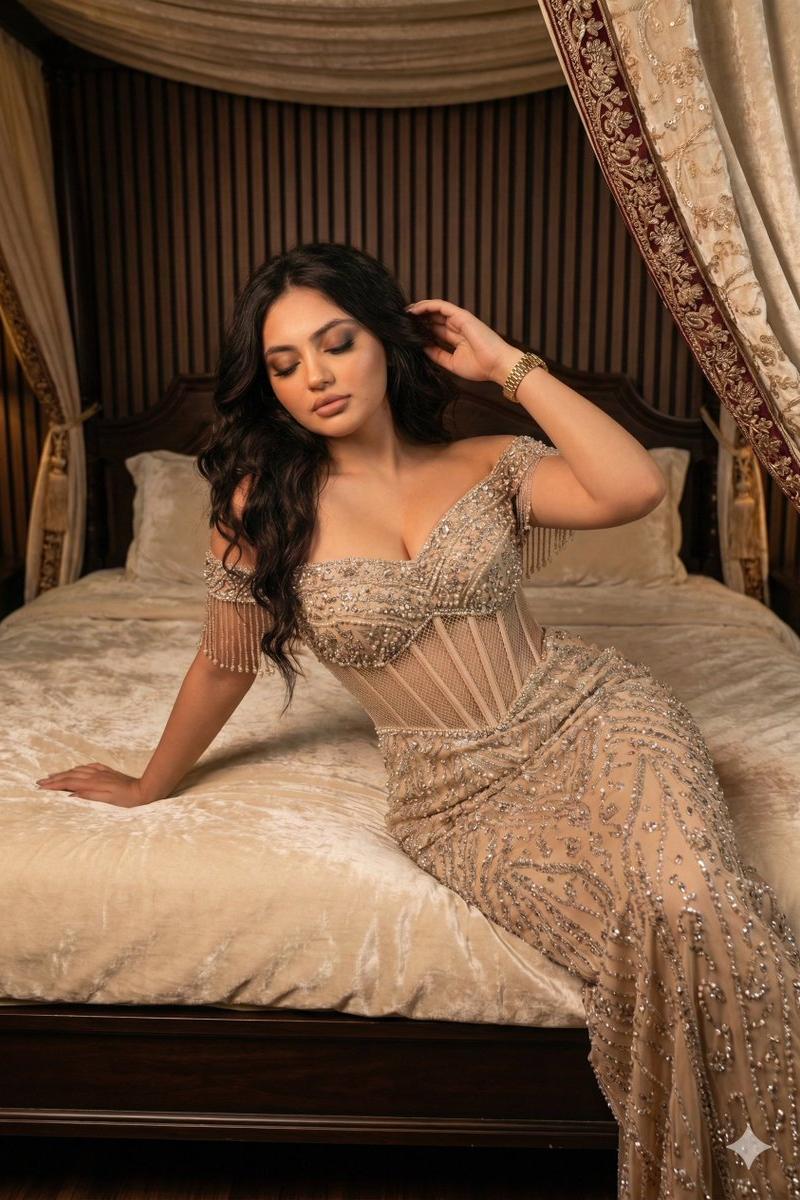
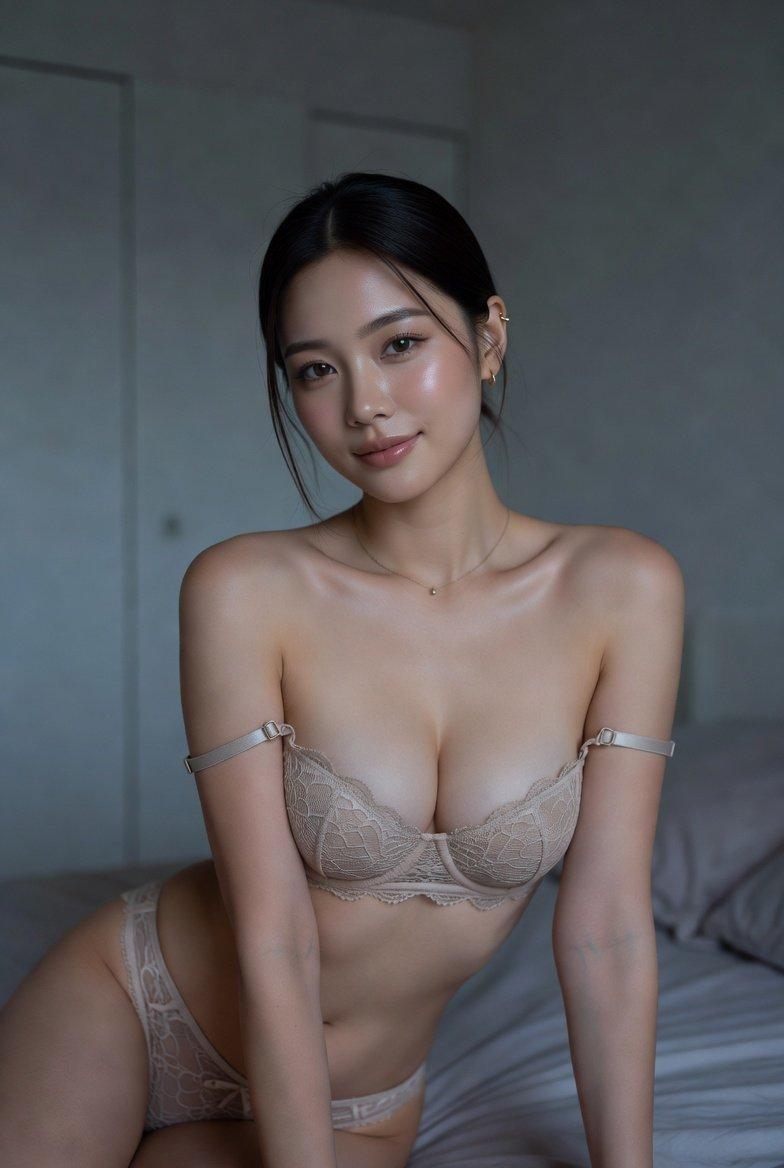
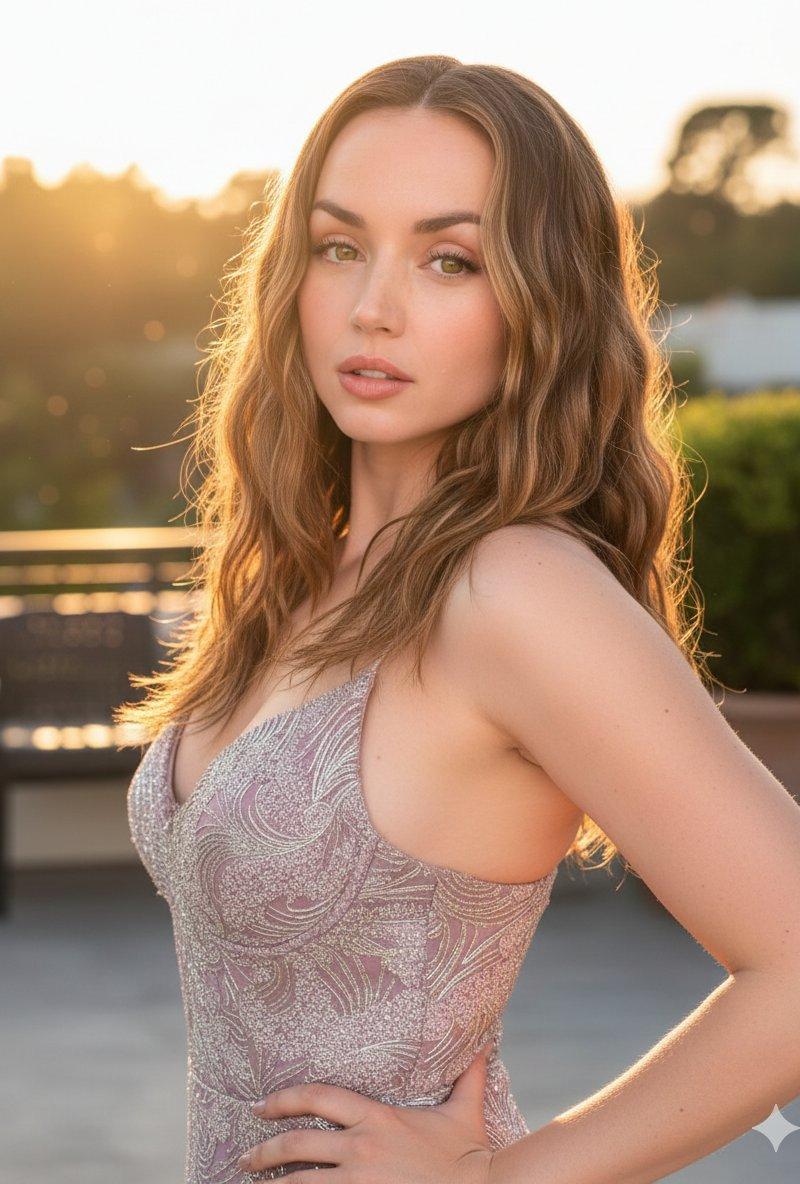
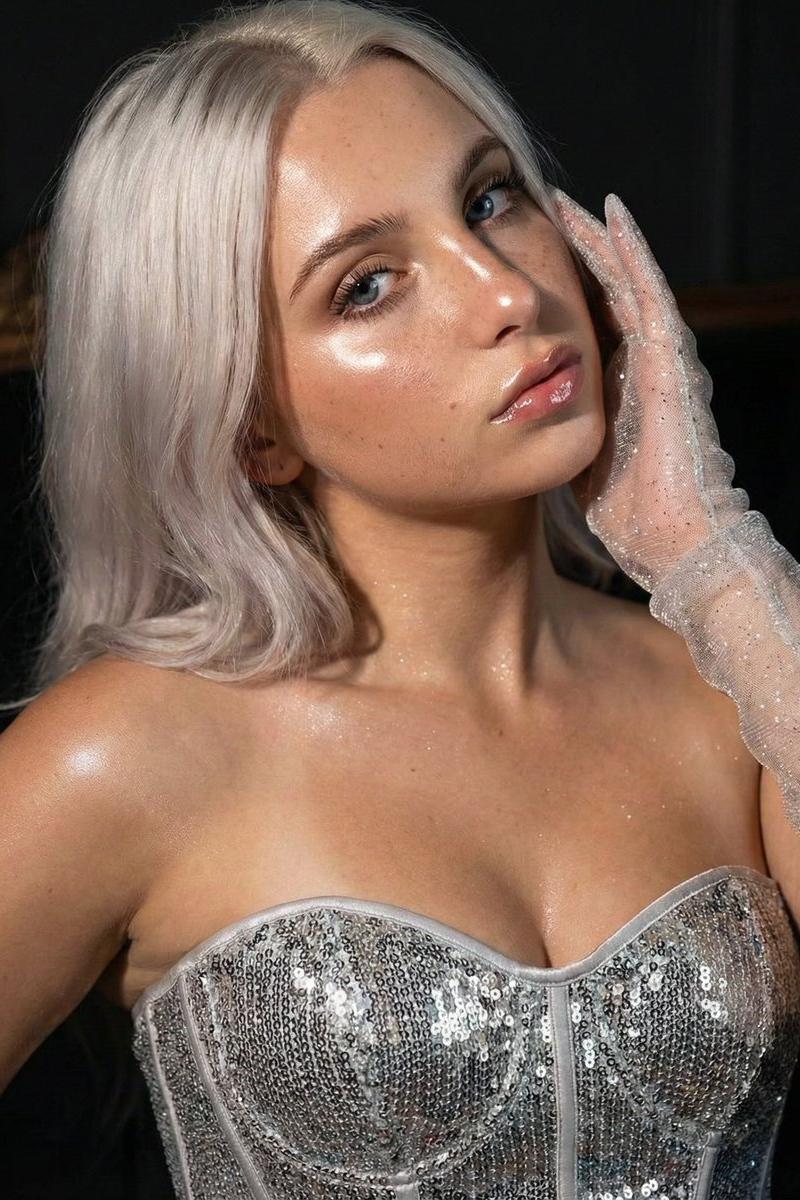
{ "meta": { "type": "Ultra-realistic glamour portrait", "aspect_ratio": "5:6", "constraints": "Strict identity preservation" }, "subject": { "demographic": "adult woman", "pose": [ "close-up", "head slightly tilted", "hand near face" ], "outfit": [ "sparkling corset", "sheer glitter gloves" ], "makeup": [ "glowing skin", "glossy lips", "luminous highlighter", "defined eyes" ] }, "technical_details": { "lighting": [ "directional cinematic light", "dramatic highlights", "fashion magazine quality" ], "texture_quality": [ "Delicate skin texture", "Subsurface scattering", "oily sheen", "natural skin highlights", "soft facial wrinkles", "T-zone shine", "Micropores and microhairs", "High-quality epidermal details", "Extremely detailed skin surface with micro-reflections" ] }, "atmosphere": { "mood": [ "luxury", "confidence", "high-end sensuality" ] } }
Category
Charts & Infographics
Model
Nano banana pro
Creator
@NameIsSudee
Source language
zh-CN
Views9
Source ID
8014
Published
Mar 22, 2026
Studio

Guide

About "极致微距肌肤纹理的奢华魅力女性"

What is this prompt for?

"极致微距肌肤纹理的奢华魅力女性" AI image prompt for Nano banana pro (Charts & Infographics). { "meta": { "type": "超写实魅力肖像", "aspect_ratio": "5:6", "constraints": "严格保持身份一致性"…

The full copyable prompt and example visuals above are ready for AI image generation or one-click recreate in Picva.

How to use this prompt

  1. Step 1

    Open the prompt detail

    Review the example visuals, category, and full prompt text for "极致微距肌肤纹理的奢华魅力女性".

  2. Step 2

    Copy the prompt

    Copy the prompt body from this page, or load it directly in Studio.

  3. Step 3

    Pick a model (Nano banana pro)

    Prefer Nano banana pro. If you switch models, keep subject and composition and tweak style terms.

  4. Step 4

    Generate and export

    Recreate the look in Picva, or export into your workflow for editing and publishing.

FAQ

What is the "极致微距肌肤纹理的奢华魅力女性" prompt?
It is an AI image-generation prompt for Nano banana pro in the Charts & Infographics category. This page includes the full prompt text, example visuals, and a one-click recreate path in Picva.
How do I use this prompt to generate an image?
Copy the prompt from this page, or use Generate / Studio. Paste it into a compatible image model, or recreate the look in Picva with optional reference images.
Which model is this prompt for?
This page lists Nano banana pro. Most descriptive prompts also transfer to nearby image models such as GPT Image, Flux, or Midjourney with light style tweaks.
Can I use the result commercially?
You can usually copy the prompt for creation, but commercial use of the final image depends on the model terms, reference-image rights, and the generated content. Follow the source author and platform rules.