17

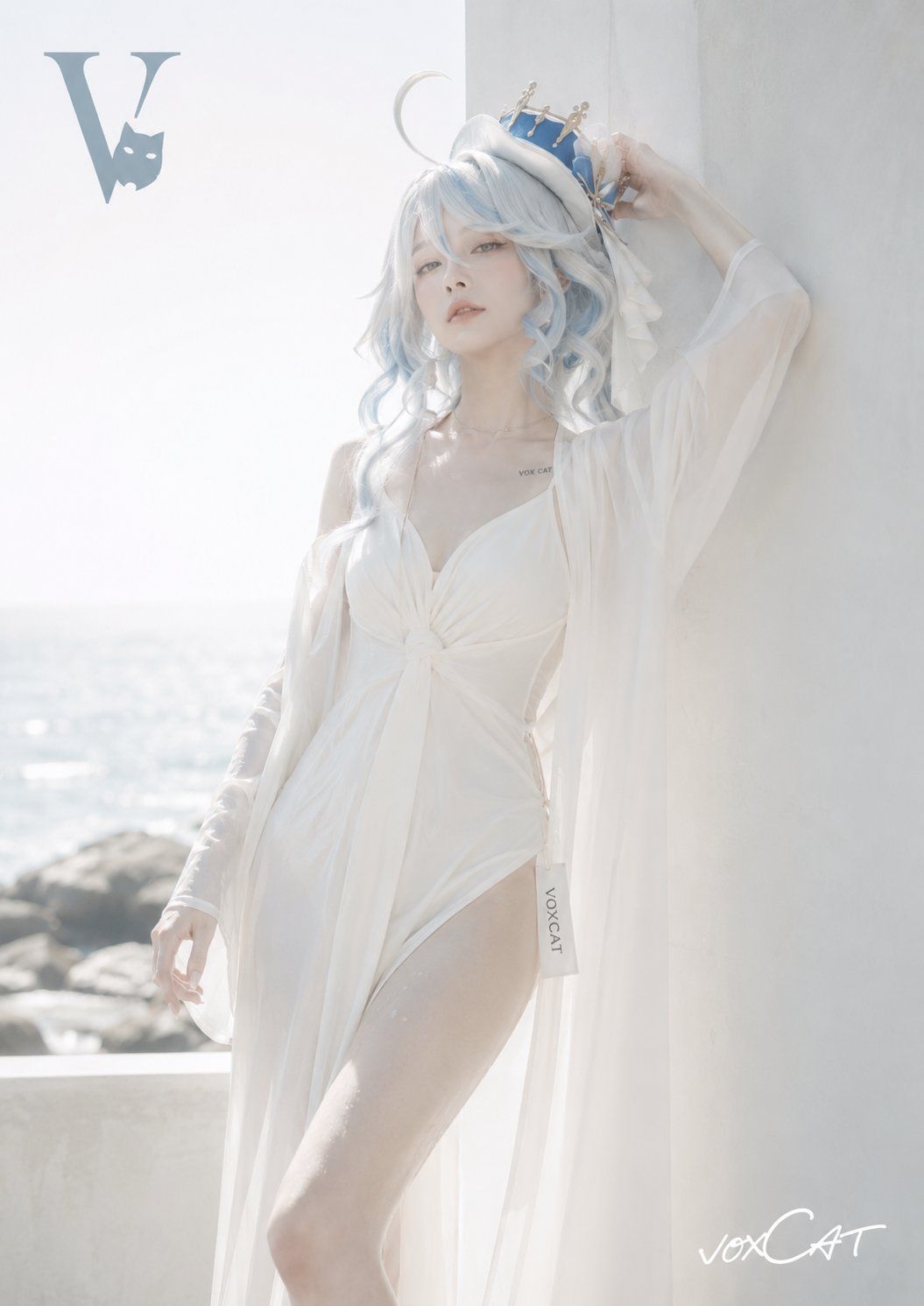
极简时尚封面美学社论肖像
Enlarge

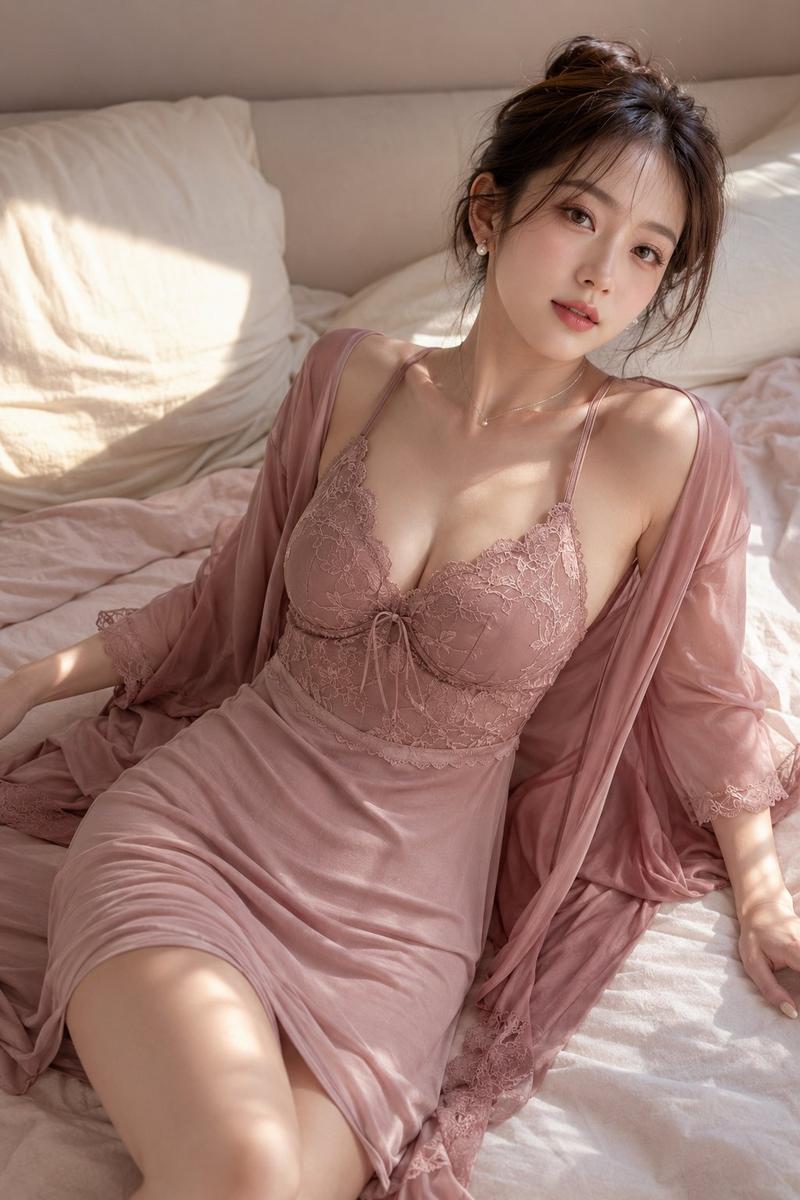
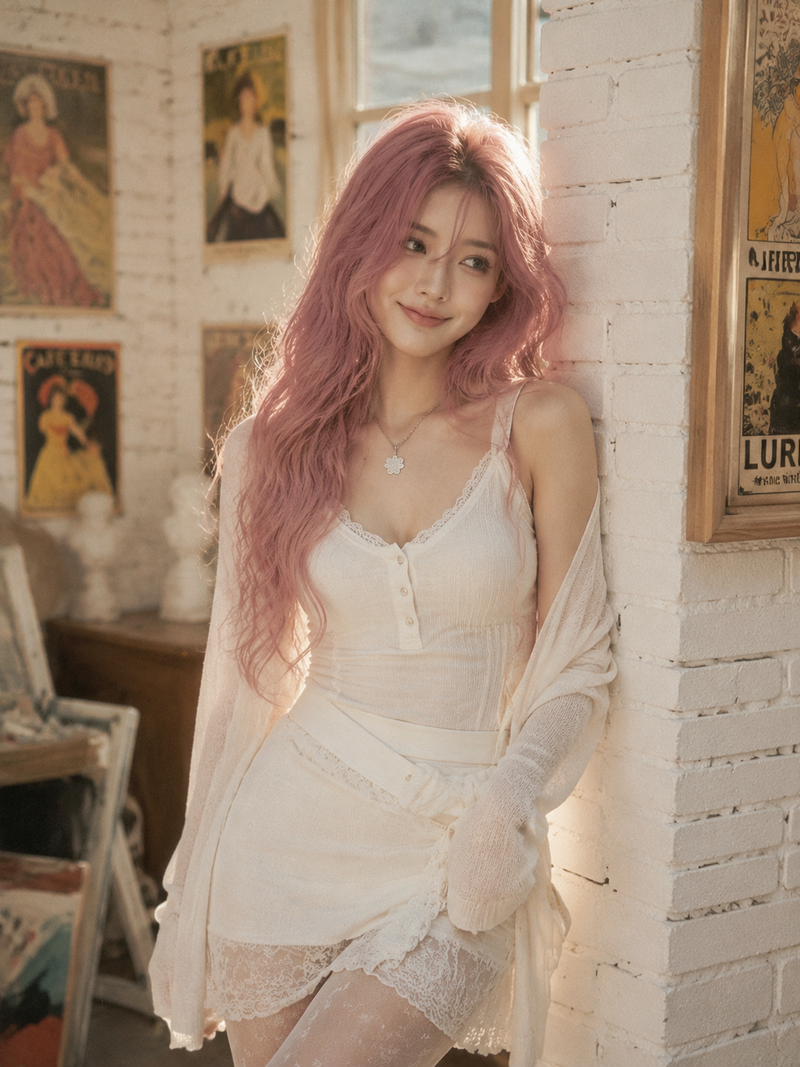
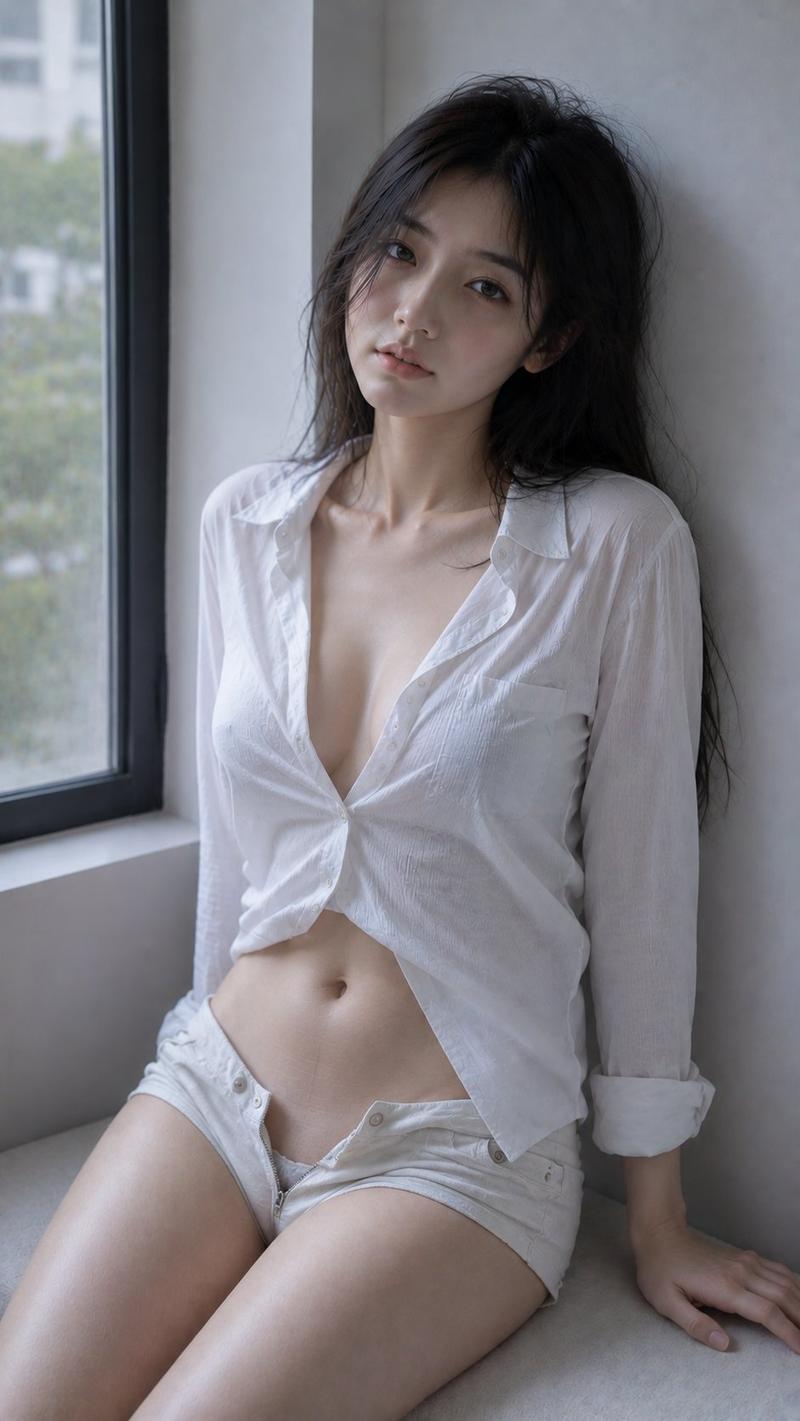
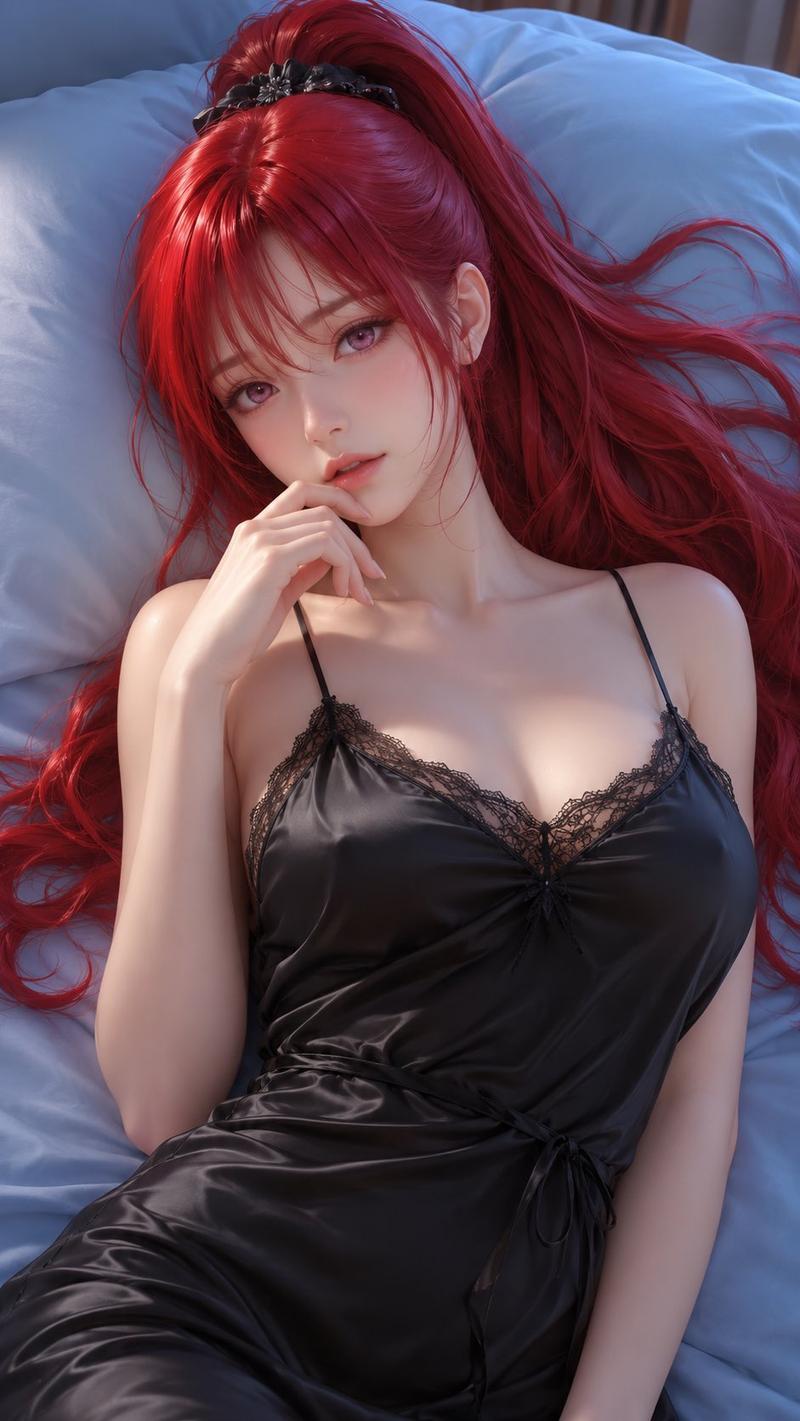
Example images

极简时尚封面美学社论肖像

Prompt
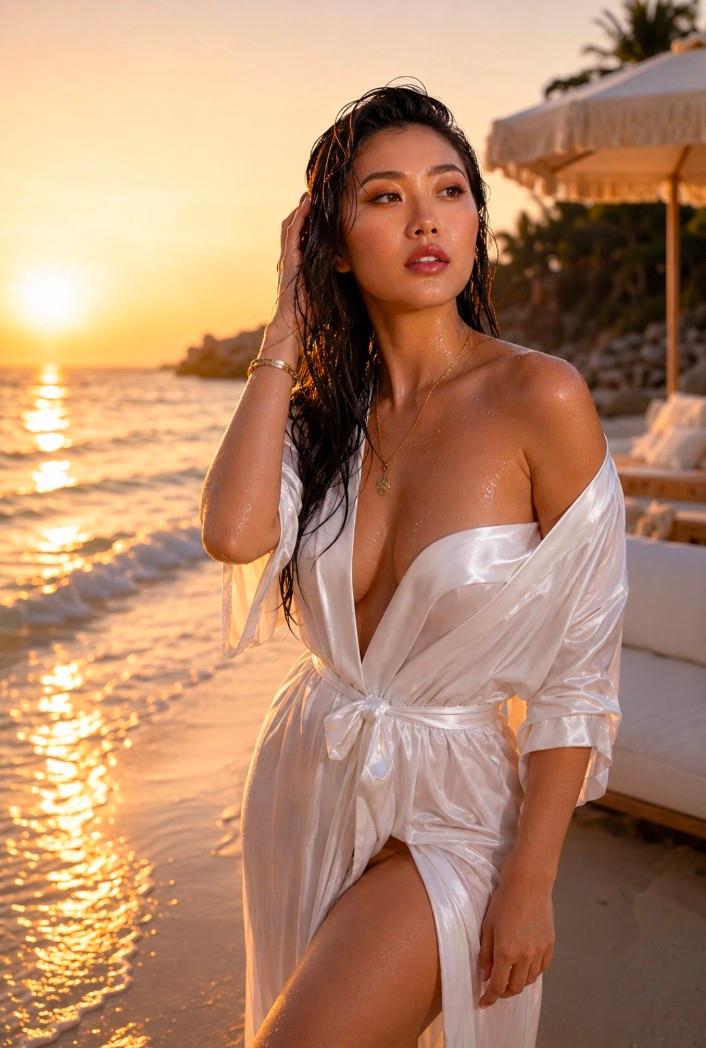
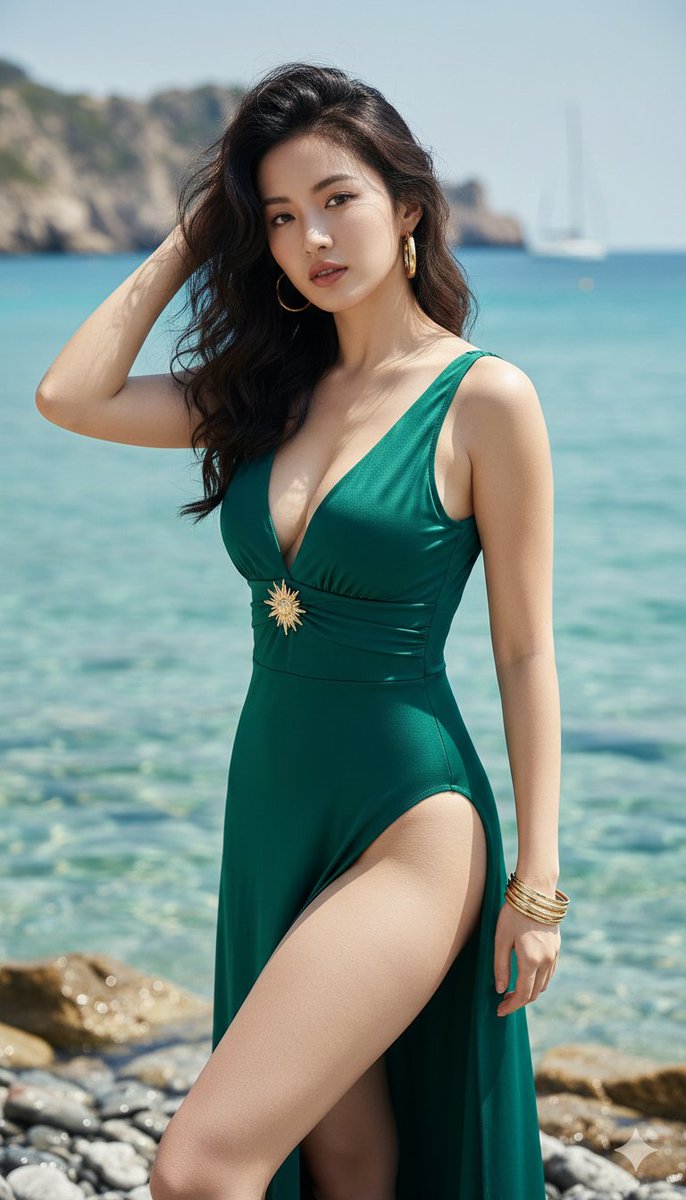
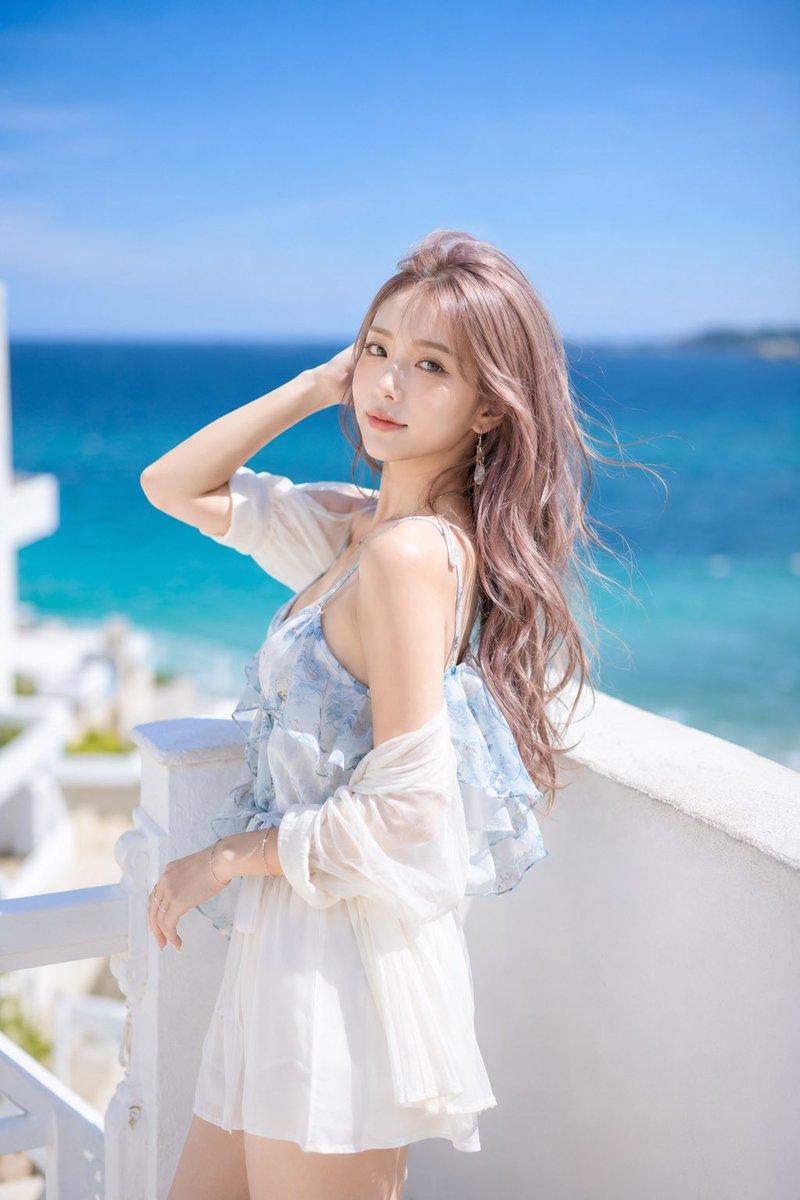
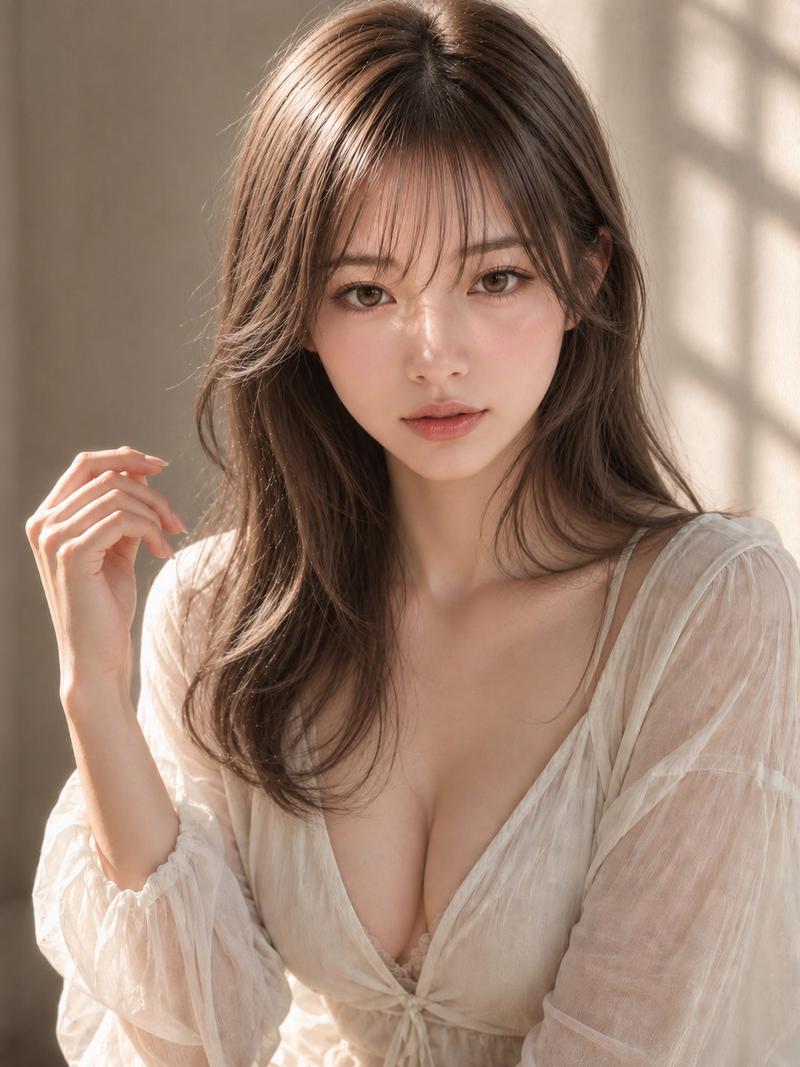
Minimal fashion cover aesthetic, editorial portrait, independent art project key visual. A model wearing an ivory-white minimalist one-piece resort coverall, restrained shoulder strap design, clean neckline, elongated tailoring without being overly tight, paired with a lightweight matching long sun-protection cardigan. Natural relaxed body lines, sculptural standing pose, summer seaside white wall background, strong backlight with glowing rim light, dewy skin highlights while keeping the overall look fresh and refined. Soft haze, gentle focus, low contrast, slight overexposure, spacious negative-space composition. Add a stylized “V” and cat graphic logo in the upper-left corner, signature “voxCAT” in the lower-right corner, clothing tag reads “VOXCAT”. Clean and clear image, restrained particles, natural accurate hands, correct finger count, normal proportions, clear joints, reasonable pose, stable overall details.
Category
Charts & Infographics
Model
ChatGPT
Creator
@VoxcatAI
Views201
Source ID
15877
Published
Jun 11, 2026

Guide

About "极简时尚封面美学社论肖像"

What is this prompt for?

"极简时尚封面美学社论肖像" AI image prompt for ChatGPT (Charts & Infographics). 极简时尚封面美学,社论肖像,独立艺术项目视觉。一位模特穿着象牙白色极简主义连体度假工作服,克制的肩带设计,干净的领口,修长的剪裁且不过于紧身,搭配轻便的同色系长款防晒开衫。自然放松的…

The full copyable prompt and example visuals above are ready for AI image generation or one-click recreate in Picva.

How to use this prompt

  1. Step 1

    Open the prompt detail

    Review the example visuals, category, and full prompt text for "极简时尚封面美学社论肖像".

  2. Step 2

    Copy the prompt

    Copy the prompt body from this page, or load it directly in Studio.

  3. Step 3

    Pick a model (ChatGPT)

    Prefer ChatGPT. If you switch models, keep subject and composition and tweak style terms.

  4. Step 4

    Generate and export

    Recreate the look in Picva, or export into your workflow for editing and publishing.

FAQ

What is the "极简时尚封面美学社论肖像" prompt?
It is an AI image-generation prompt for ChatGPT in the Charts & Infographics category. This page includes the full prompt text, example visuals, and a one-click recreate path in Picva.
How do I use this prompt to generate an image?
Copy the prompt from this page, or use Generate / Studio. Paste it into a compatible image model, or recreate the look in Picva with optional reference images.
Which model is this prompt for?
This page lists ChatGPT. Most descriptive prompts also transfer to nearby image models such as GPT Image, Flux, or Midjourney with light style tweaks.
Can I use the result commercially?
You can usually copy the prompt for creation, but commercial use of the final image depends on the model terms, reference-image rights, and the generated content. Follow the source author and platform rules.