18

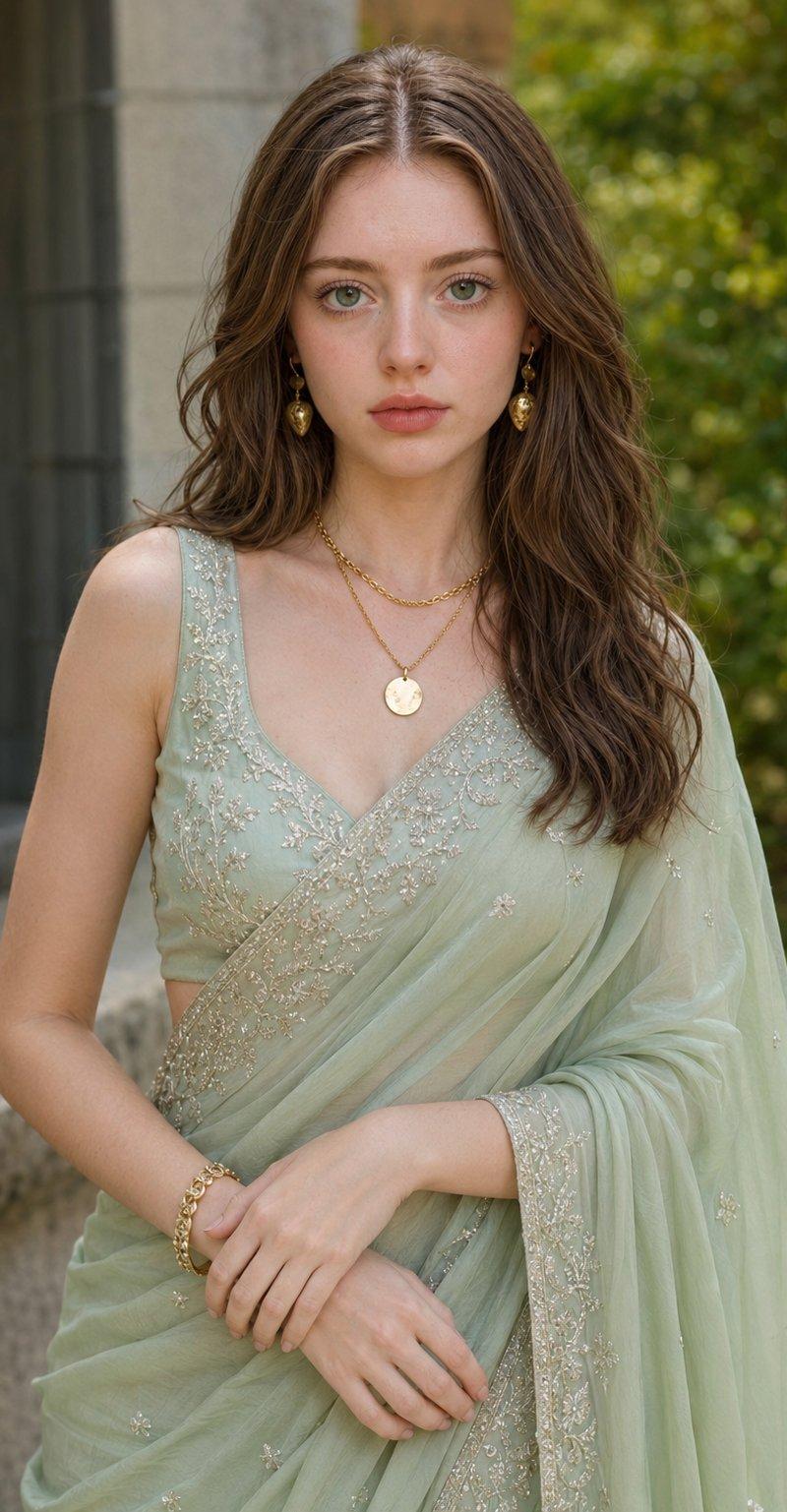
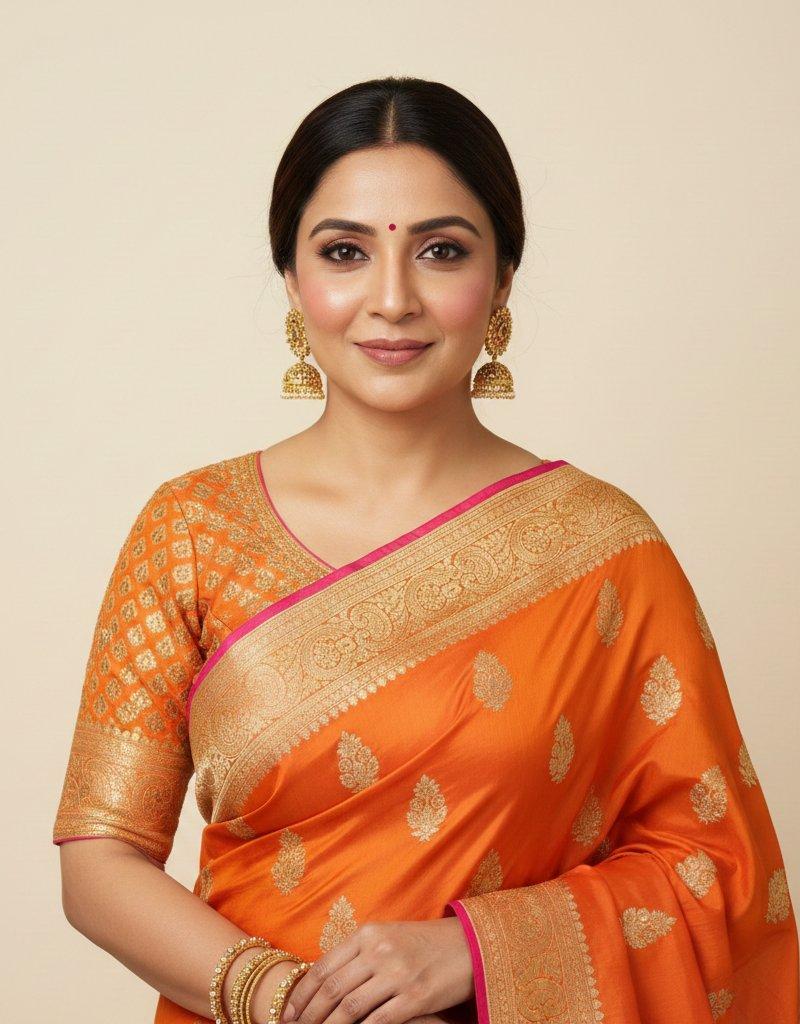
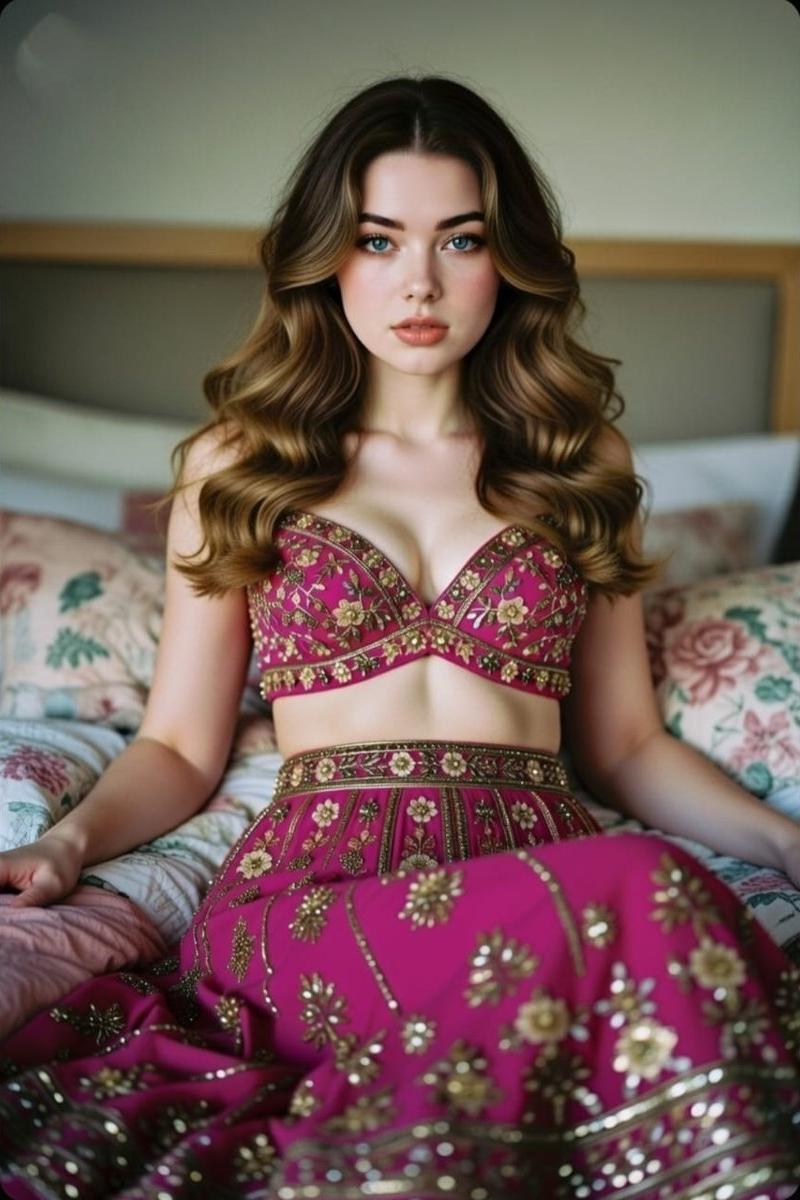
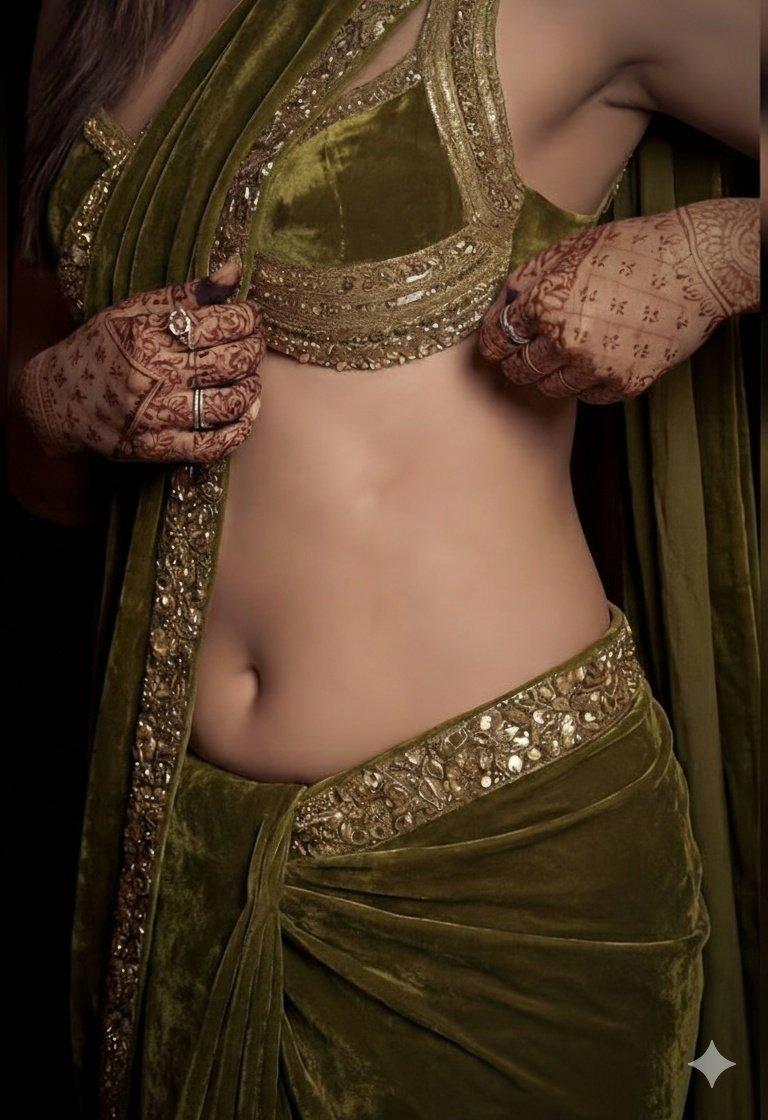
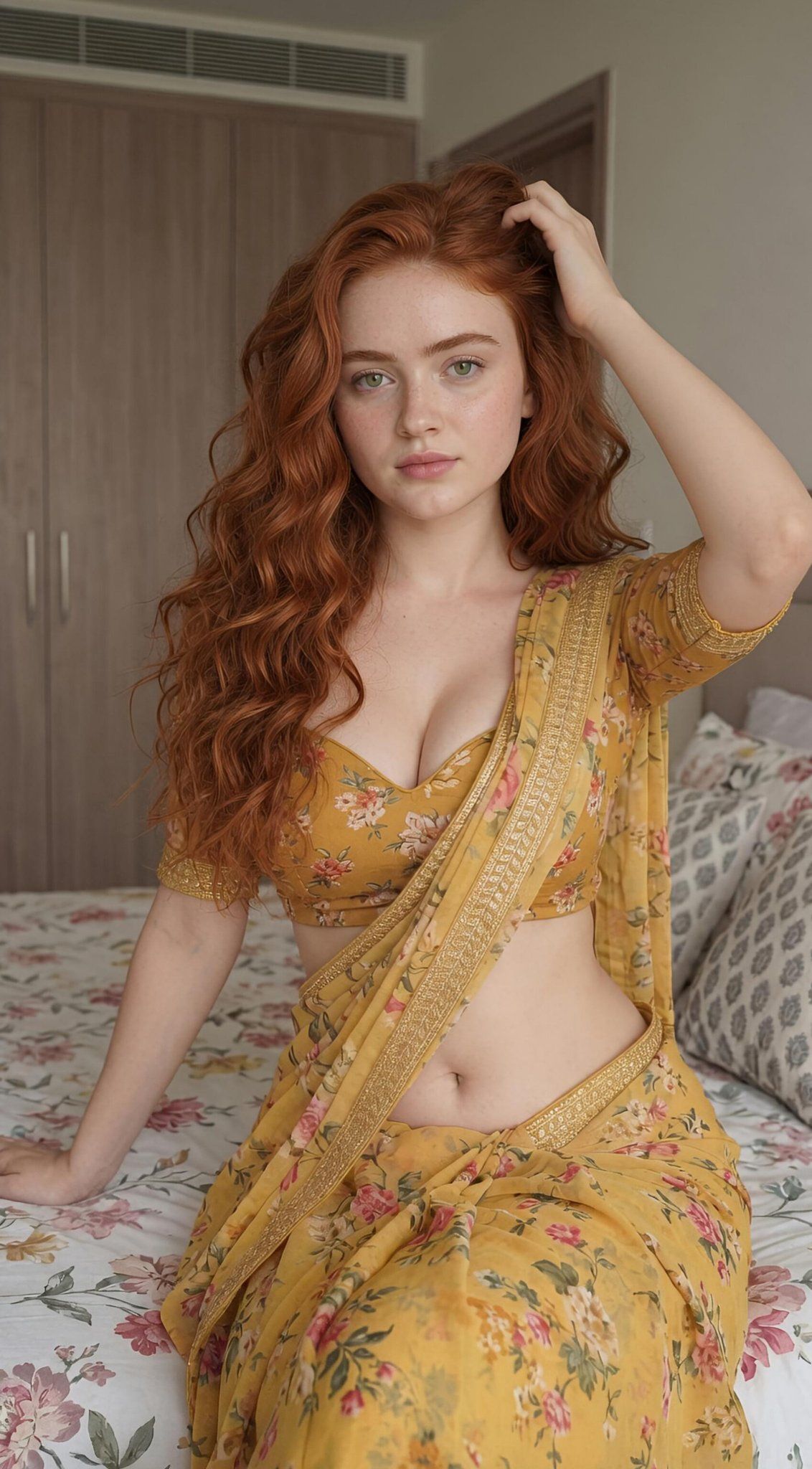
红发美女现代卧室穿黄色碎花纱丽人像
Enlarge

Example images

红发美女现代卧室穿黄色碎花纱丽人像

Prompt
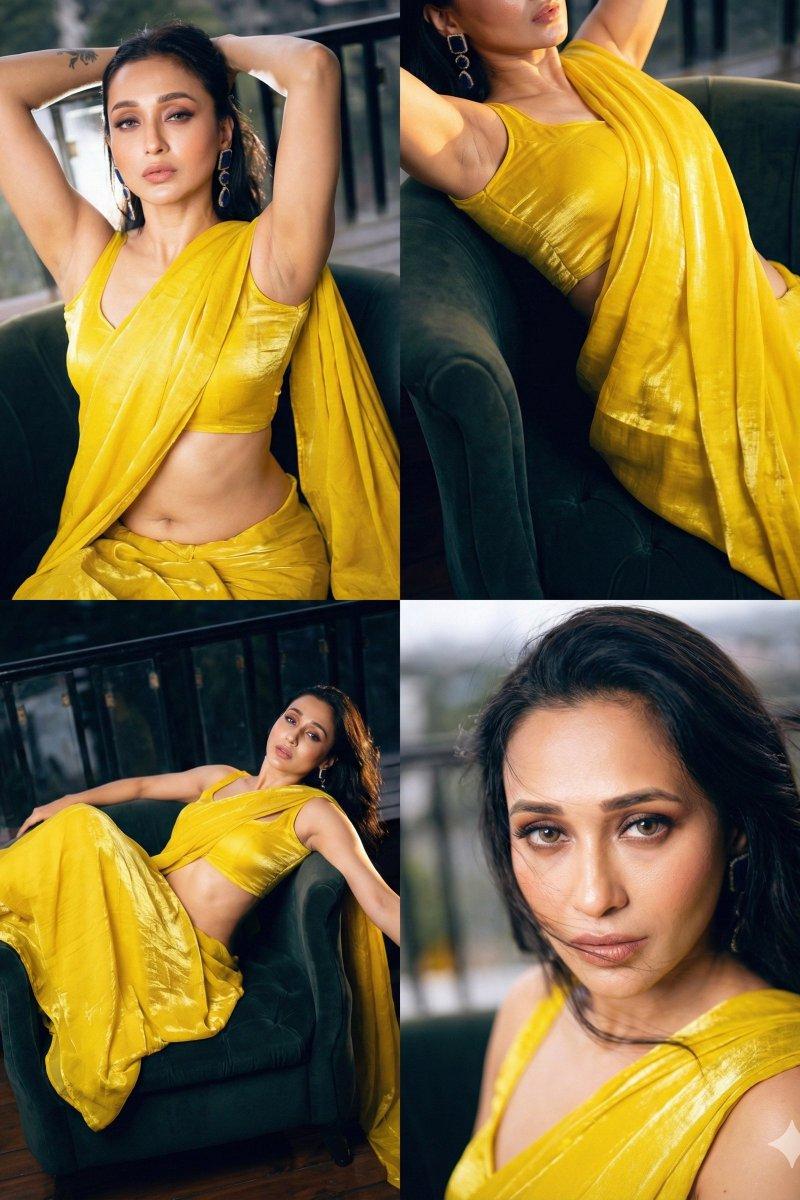
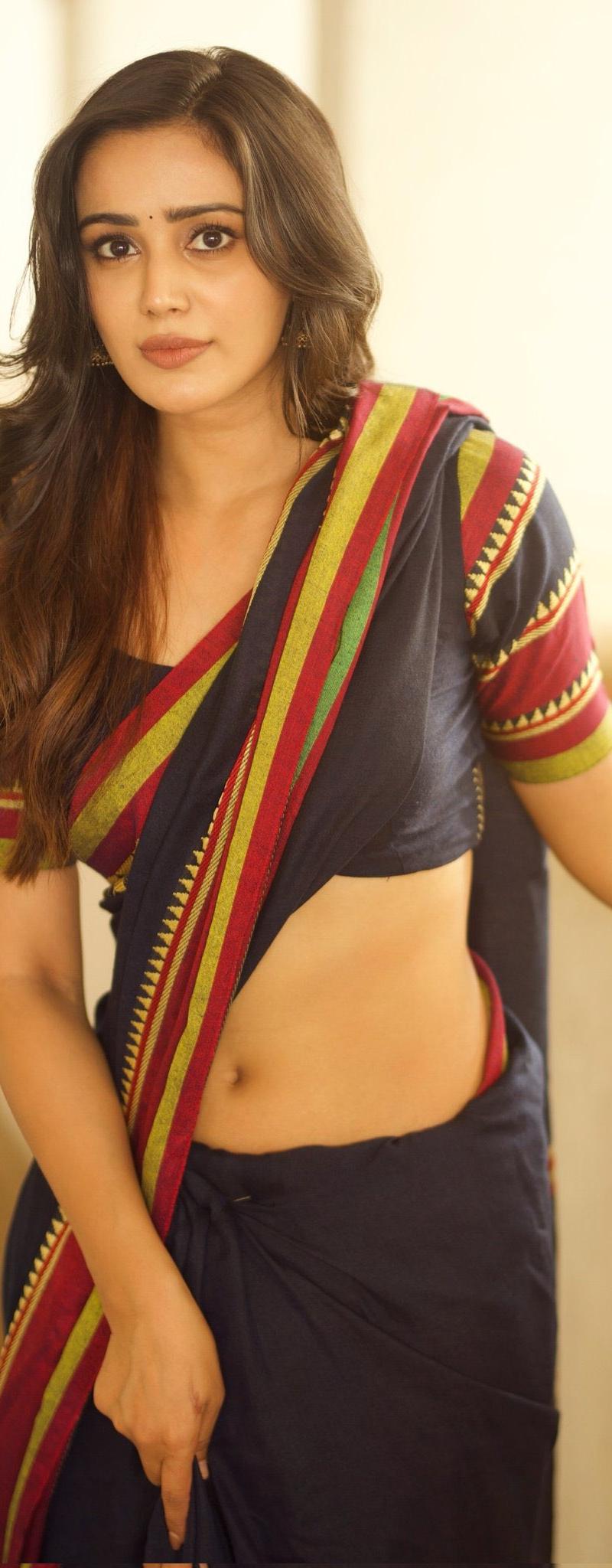
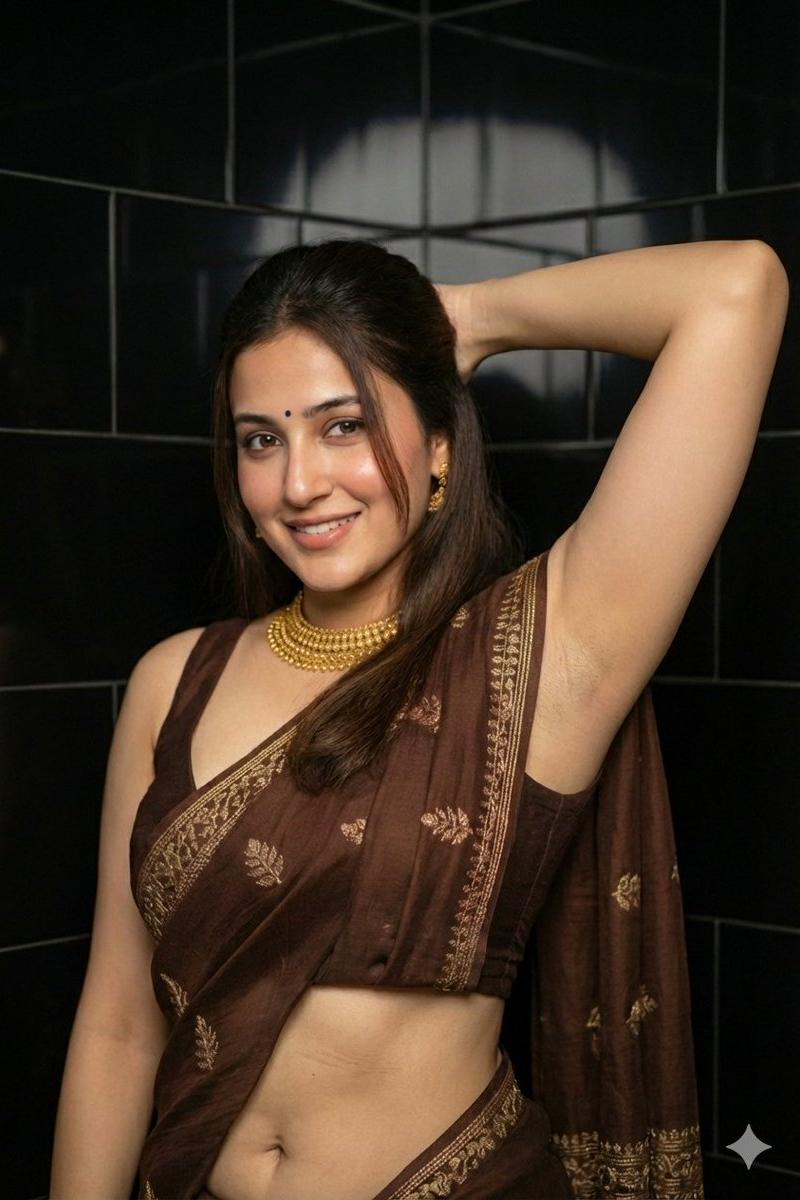
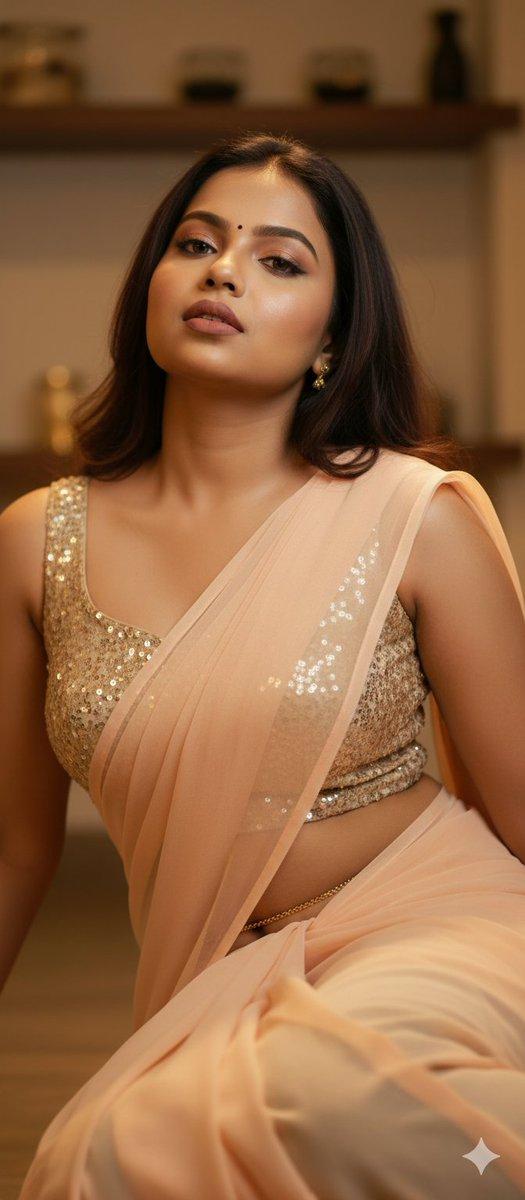
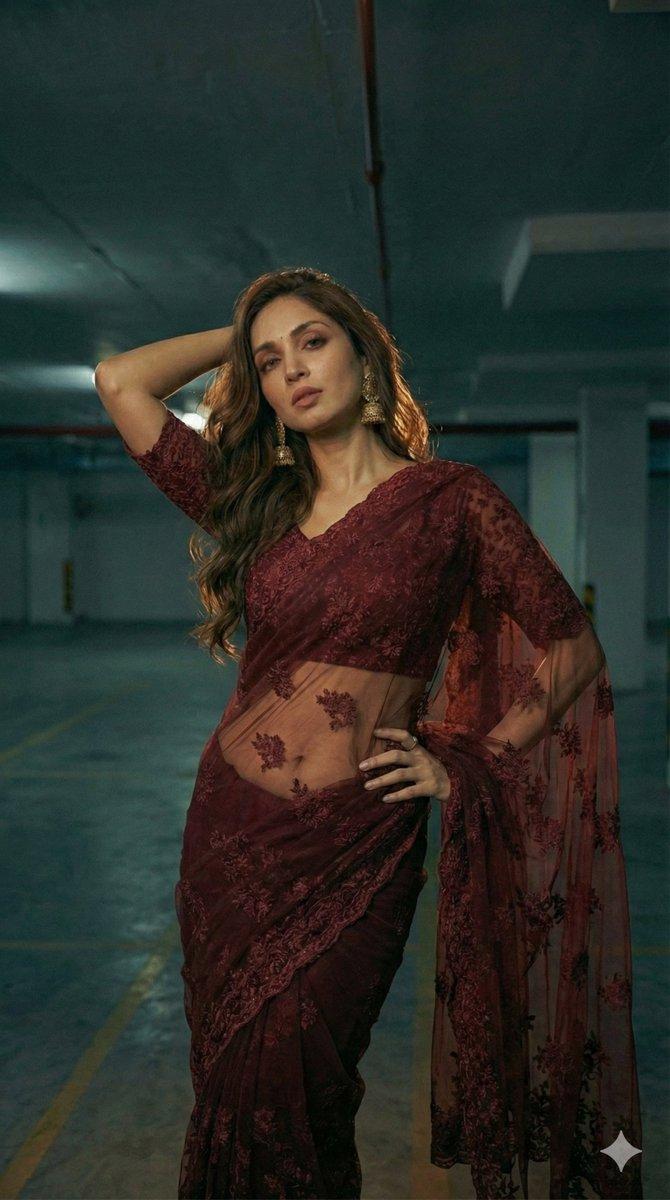
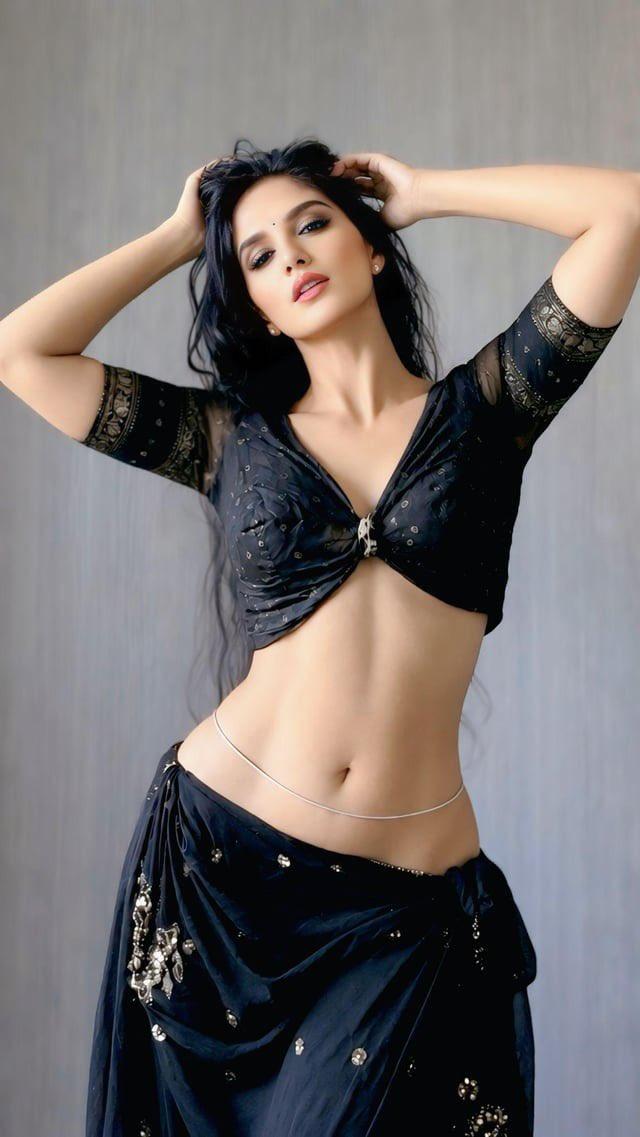
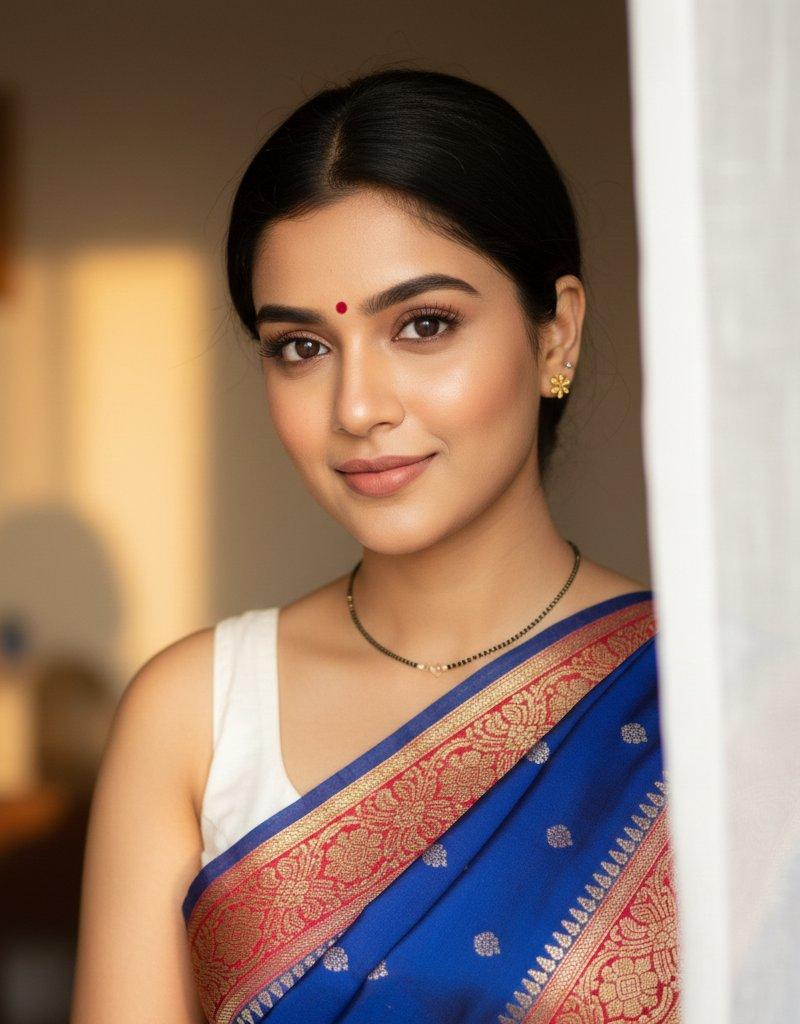
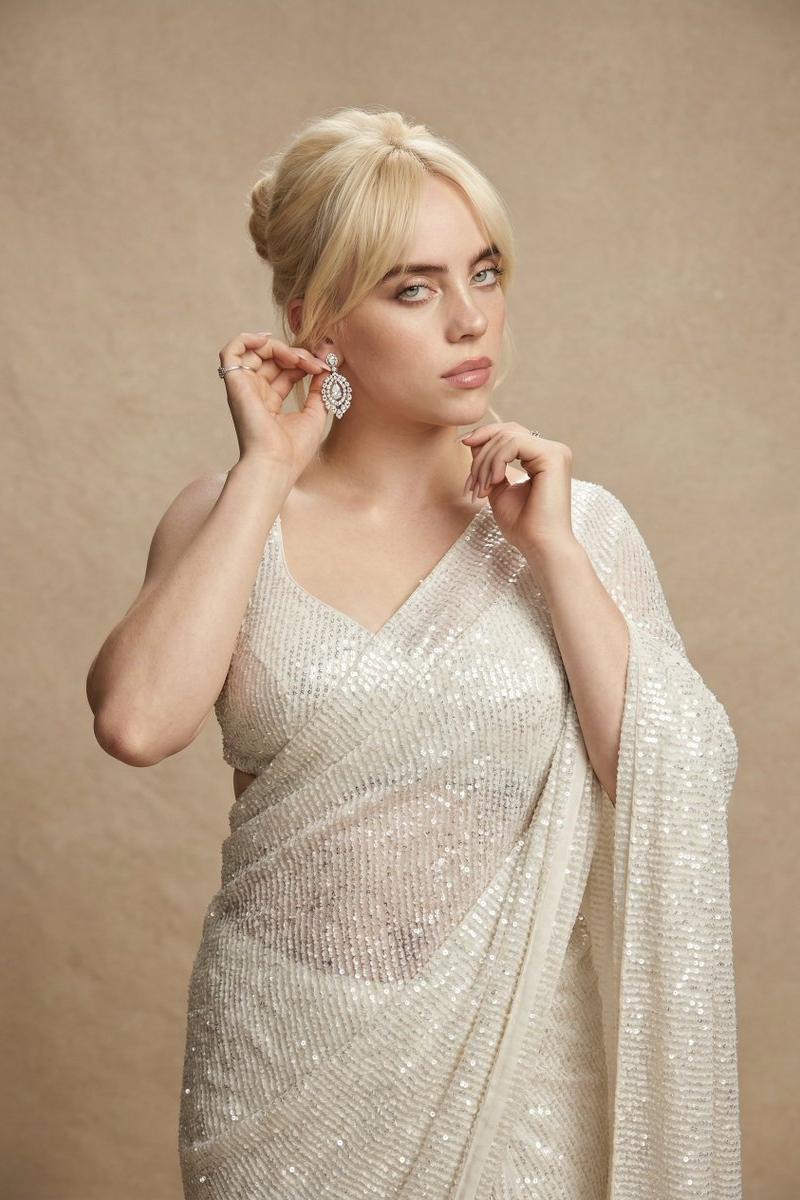
A highly detailed photorealistic portrait of a beautiful young woman with long, flowing vibrant red hair cascading over her shoulders, fair smooth skin, striking green eyes, well-defined eyebrows, and a gentle expression, sitting gracefully on a bed in a modern bedroom. She is wearing an elegant traditional yellow floral saree-style outfit with intricate gold embroidery and borders, featuring a matching cropped blouse and draped skirt with pink and white flower patterns, her midriff subtly visible. Her pose shows one hand gently touching her hair while the other rests on the bed, body slightly turned toward the viewer. The background includes a wooden wardrobe, patterned floral bedsheets with matching pillowcases, soft indoor lighting creating a warm and natural atmosphere, high resolution, sharp focus, realistic textures and details.
Category
Charts & Infographics
Model
Grok
Creator
@Jodie_Noraa
Source language
zh-CN
Views96
Source ID
15671
Published
Jun 9, 2026
Studio

Guide

About "红发美女现代卧室穿黄色碎花纱丽人像"

What is this prompt for?

"红发美女现代卧室穿黄色碎花纱丽人像" AI image prompt for Grok (Charts & Infographics). 一张高度详细的写实人像,描绘了一位美丽的年轻女性,她有着长而飘逸的活力红发,如瀑布般披落在肩膀上,皮肤白皙光滑,双眼呈现迷人的绿色,眉毛轮廓分明,表情温柔,优雅地坐在现代卧室的床…

The full copyable prompt and example visuals above are ready for AI image generation or one-click recreate in Picva.

How to use this prompt

  1. Step 1

    Open the prompt detail

    Review the example visuals, category, and full prompt text for "红发美女现代卧室穿黄色碎花纱丽人像".

  2. Step 2

    Copy the prompt

    Copy the prompt body from this page, or load it directly in Studio.

  3. Step 3

    Pick a model (Grok)

    Prefer Grok. If you switch models, keep subject and composition and tweak style terms.

  4. Step 4

    Generate and export

    Recreate the look in Picva, or export into your workflow for editing and publishing.

FAQ

What is the "红发美女现代卧室穿黄色碎花纱丽人像" prompt?
It is an AI image-generation prompt for Grok in the Charts & Infographics category. This page includes the full prompt text, example visuals, and a one-click recreate path in Picva.
How do I use this prompt to generate an image?
Copy the prompt from this page, or use Generate / Studio. Paste it into a compatible image model, or recreate the look in Picva with optional reference images.
Which model is this prompt for?
This page lists Grok. Most descriptive prompts also transfer to nearby image models such as GPT Image, Flux, or Midjourney with light style tweaks.
Can I use the result commercially?
You can usually copy the prompt for creation, but commercial use of the final image depends on the model terms, reference-image rights, and the generated content. Follow the source author and platform rules.