20

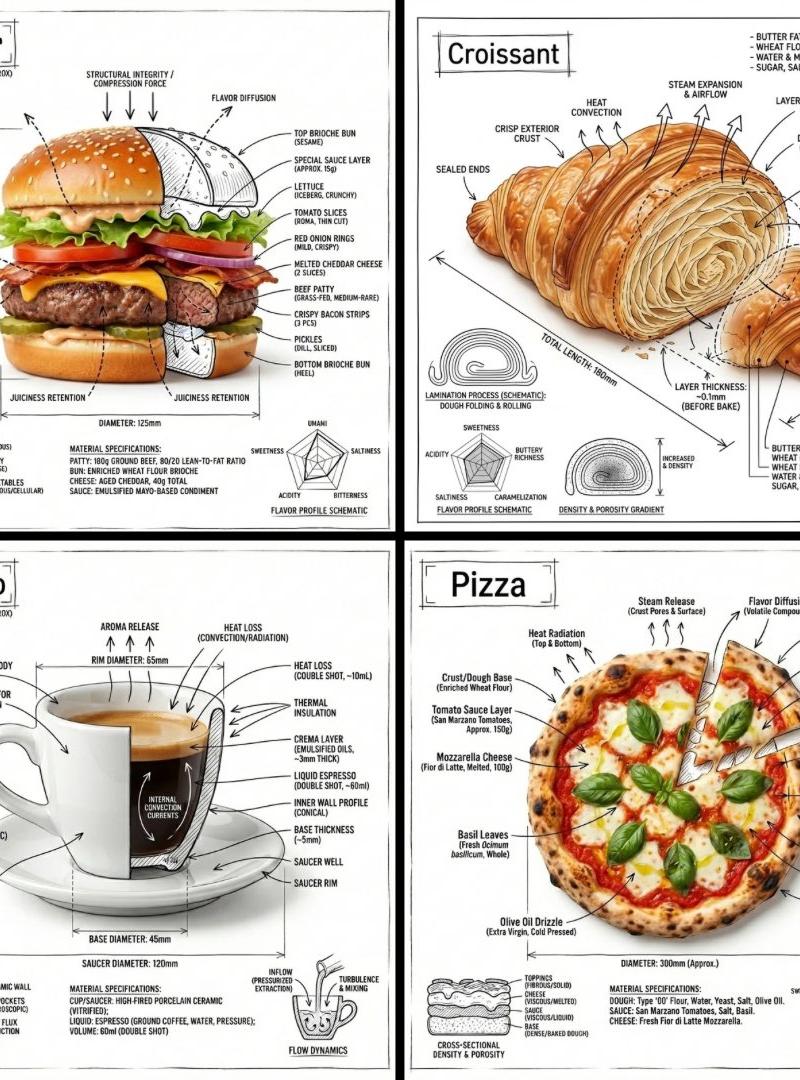
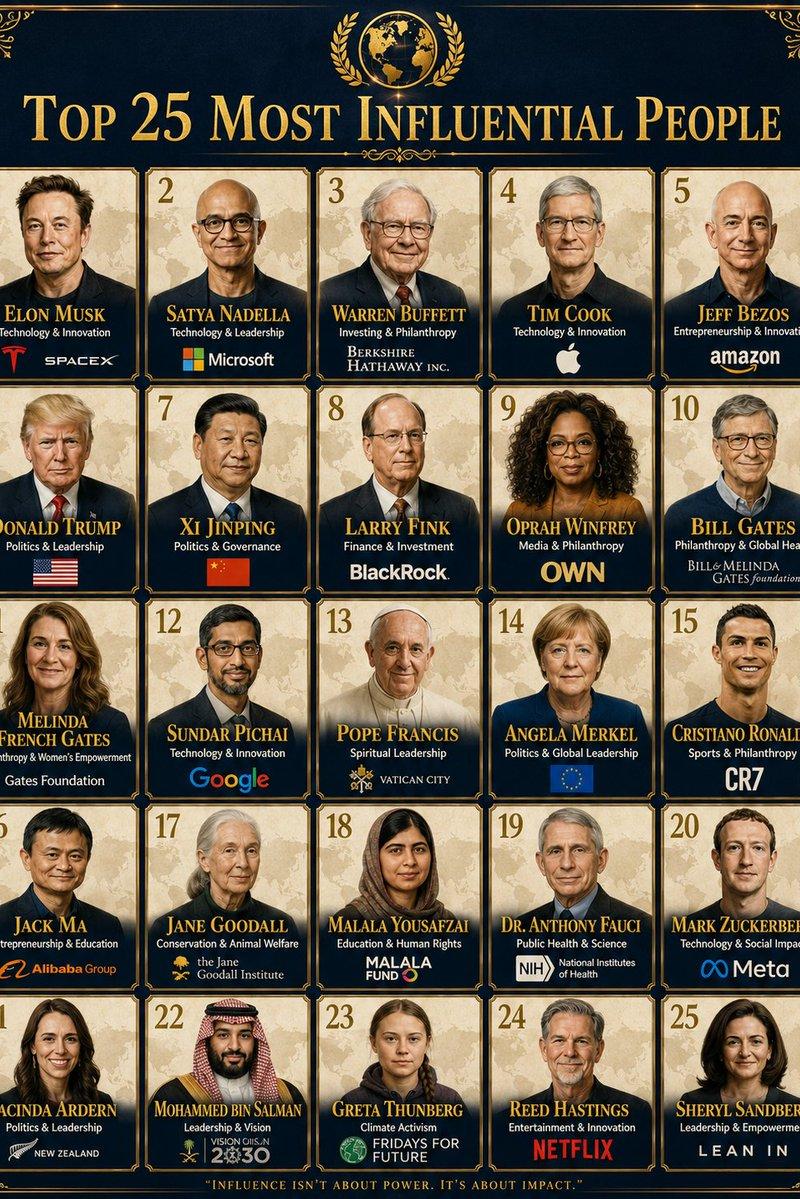
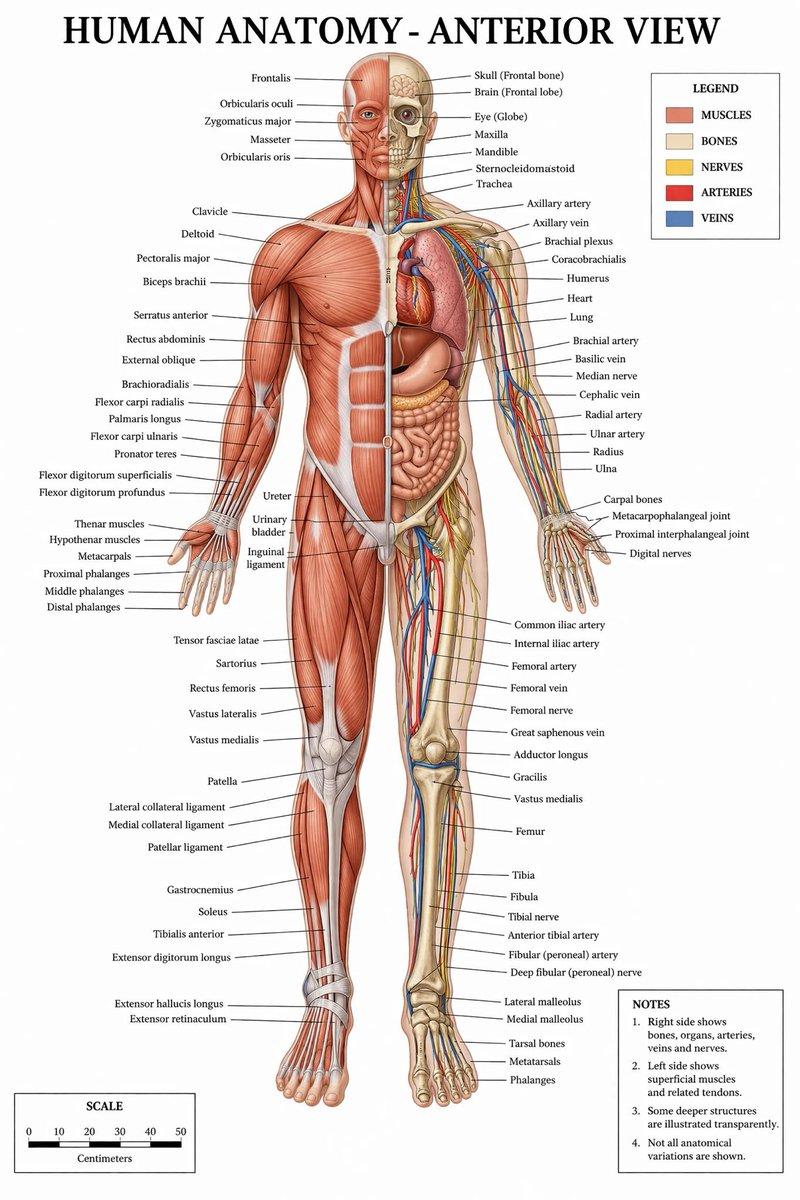
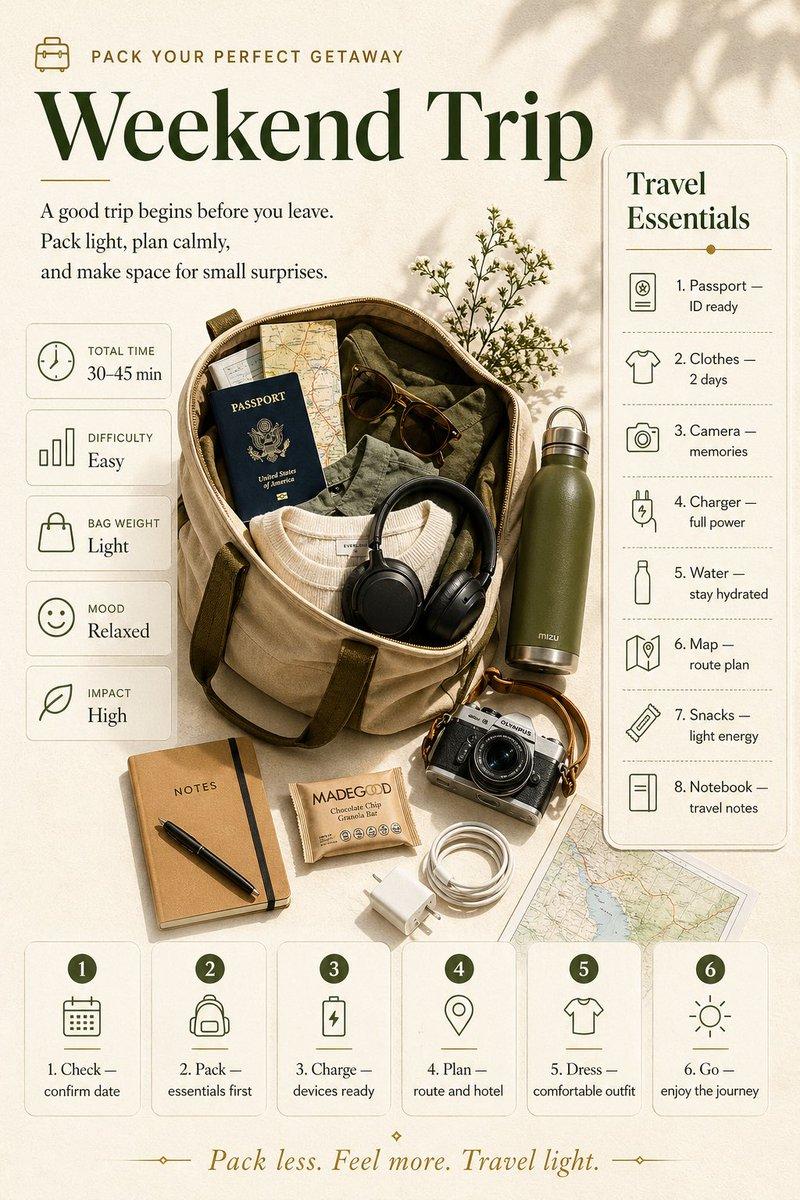
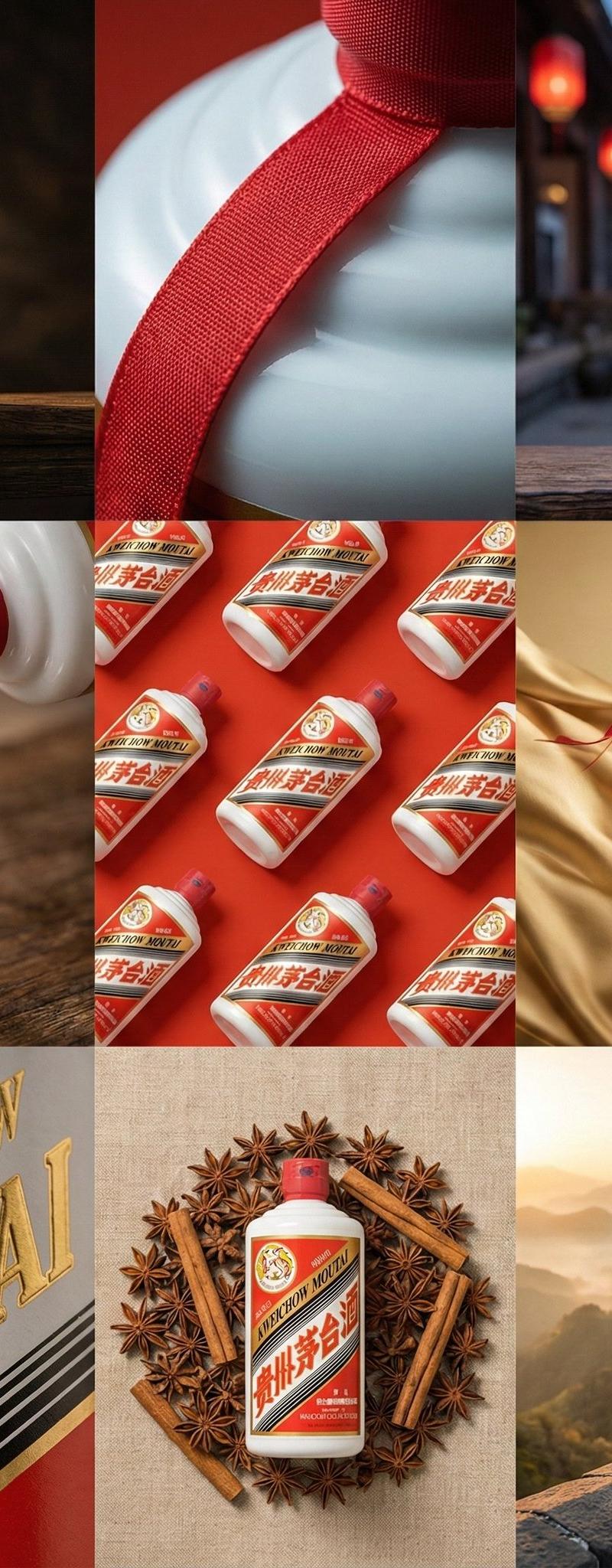
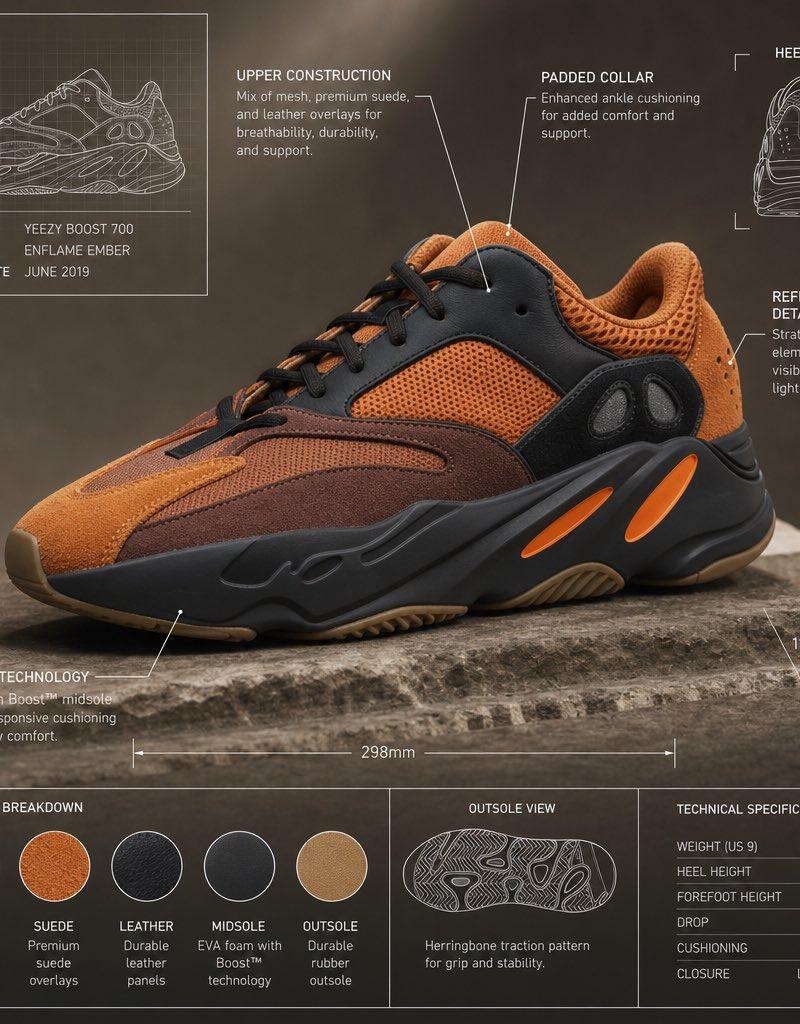
高级技术规格信息图表效果
Enlarge

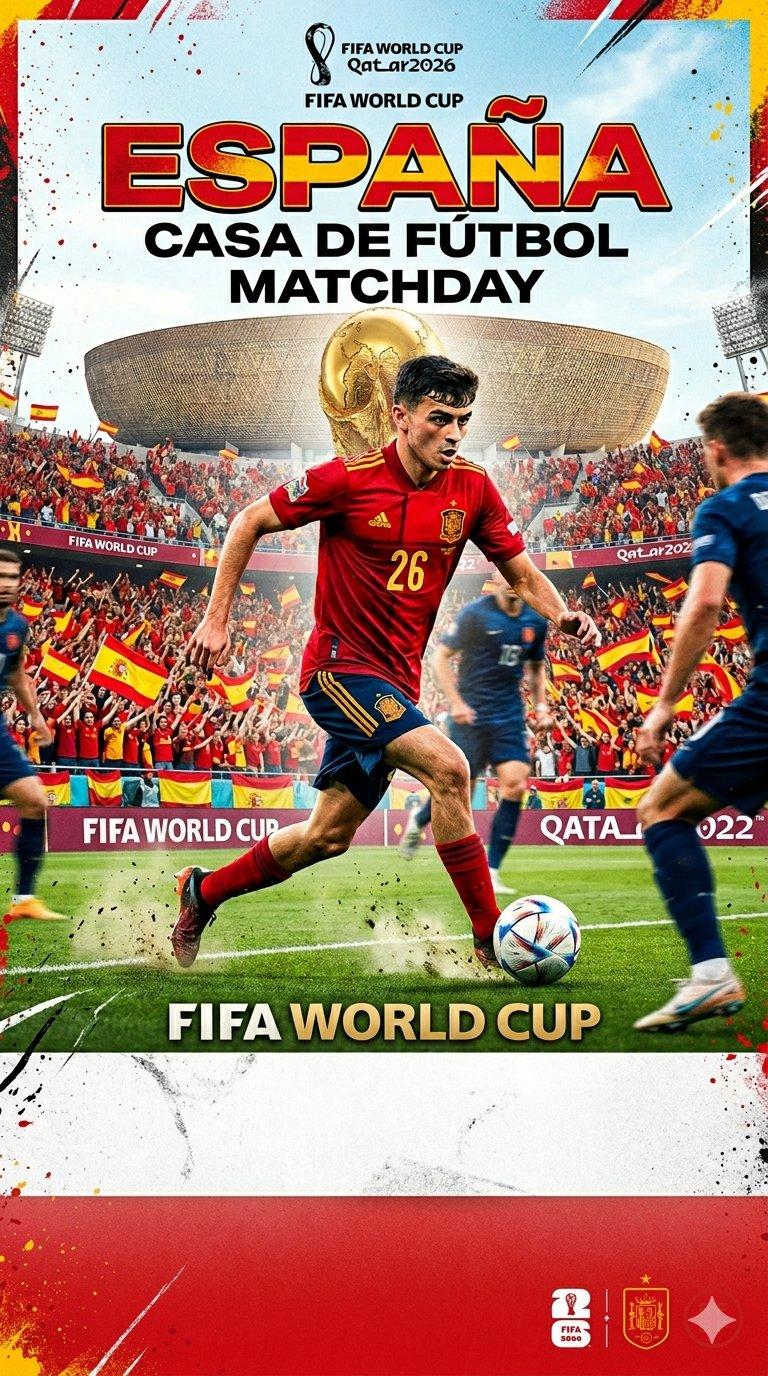
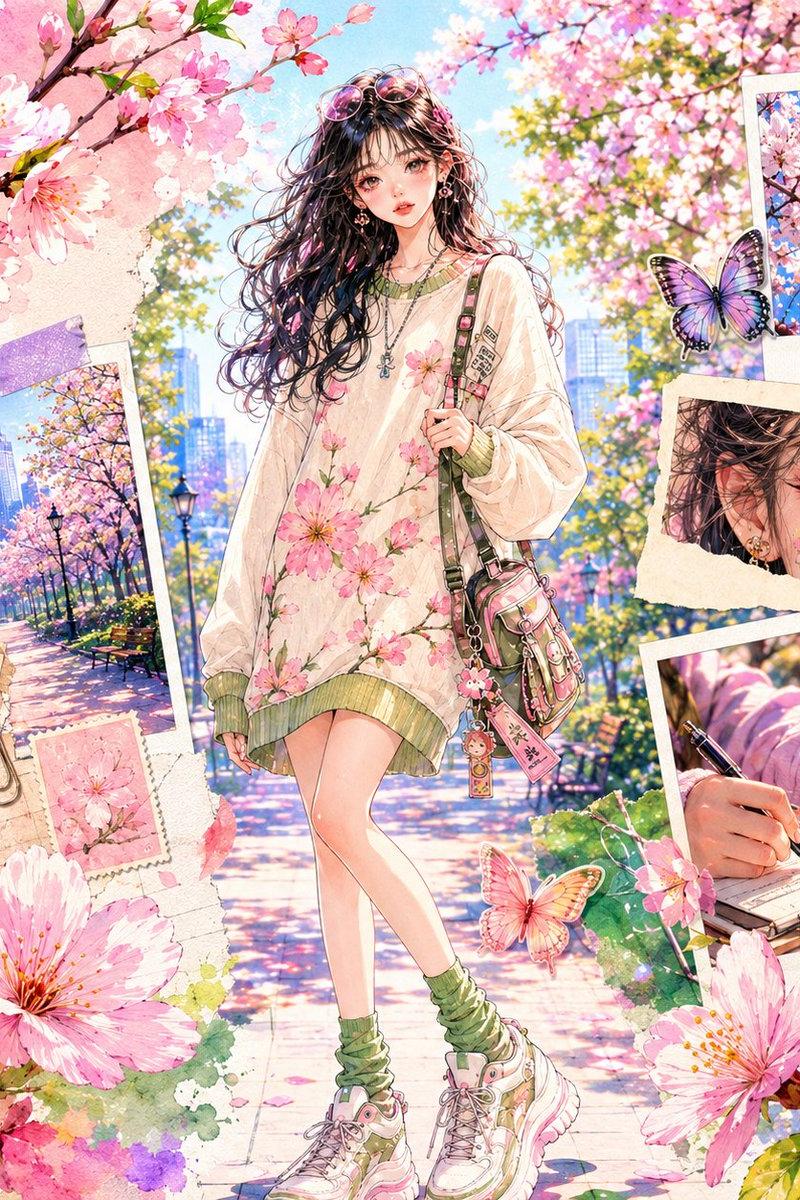
Example images

高级技术规格信息图表效果

Prompt
Premium technical infographic of [OBJECT].
Use the reference image only to understand the shape and structure of the object, without copying the same photo, angle, composition, or background. Reinterpret the subject in a new professional and realistic photograph, clean and well-lit, with a suitable and more aesthetic background. Keep the object as a real photo, not an
illustration. Add a technical blueprint-style overlay with white lines, arrows, dimensions, labels, and small diagrams of parts, materials, measurements, and functionality.
Clear, elegant, and informative composition.
Include a sketch box in the upper left corner with the title "OBJECT".
Category
Charts & Infographics
Model
ChatGPT
Creator
@im_shahid7
Source language
zh-CN
Views51
Source ID
15765
Published
Jun 10, 2026
Studio

Guide

About "高级技术规格信息图表效果"

What is this prompt for?

"高级技术规格信息图表效果" AI image prompt for ChatGPT (Charts & Infographics). [OBJECT]的高级技术信息图表。仅使用参考图像来理解物体的形状和结构,而不复制相同的照片、角度、构图或背景。在一张全新、专业且真实的照片中重新诠释主体,干净且光线充足,并配有合适…

The full copyable prompt and example visuals above are ready for AI image generation or one-click recreate in Picva.

How to use this prompt

  1. Step 1

    Open the prompt detail

    Review the example visuals, category, and full prompt text for "高级技术规格信息图表效果".

  2. Step 2

    Copy the prompt

    Copy the prompt body from this page, or load it directly in Studio.

  3. Step 3

    Pick a model (ChatGPT)

    Prefer ChatGPT. If you switch models, keep subject and composition and tweak style terms.

  4. Step 4

    Generate and export

    Recreate the look in Picva, or export into your workflow for editing and publishing.

FAQ

What is the "高级技术规格信息图表效果" prompt?
It is an AI image-generation prompt for ChatGPT in the Charts & Infographics category. This page includes the full prompt text, example visuals, and a one-click recreate path in Picva.
How do I use this prompt to generate an image?
Copy the prompt from this page, or use Generate / Studio. Paste it into a compatible image model, or recreate the look in Picva with optional reference images.
Which model is this prompt for?
This page lists ChatGPT. Most descriptive prompts also transfer to nearby image models such as GPT Image, Flux, or Midjourney with light style tweaks.
Can I use the result commercially?
You can usually copy the prompt for creation, but commercial use of the final image depends on the model terms, reference-image rights, and the generated content. Follow the source author and platform rules.