20

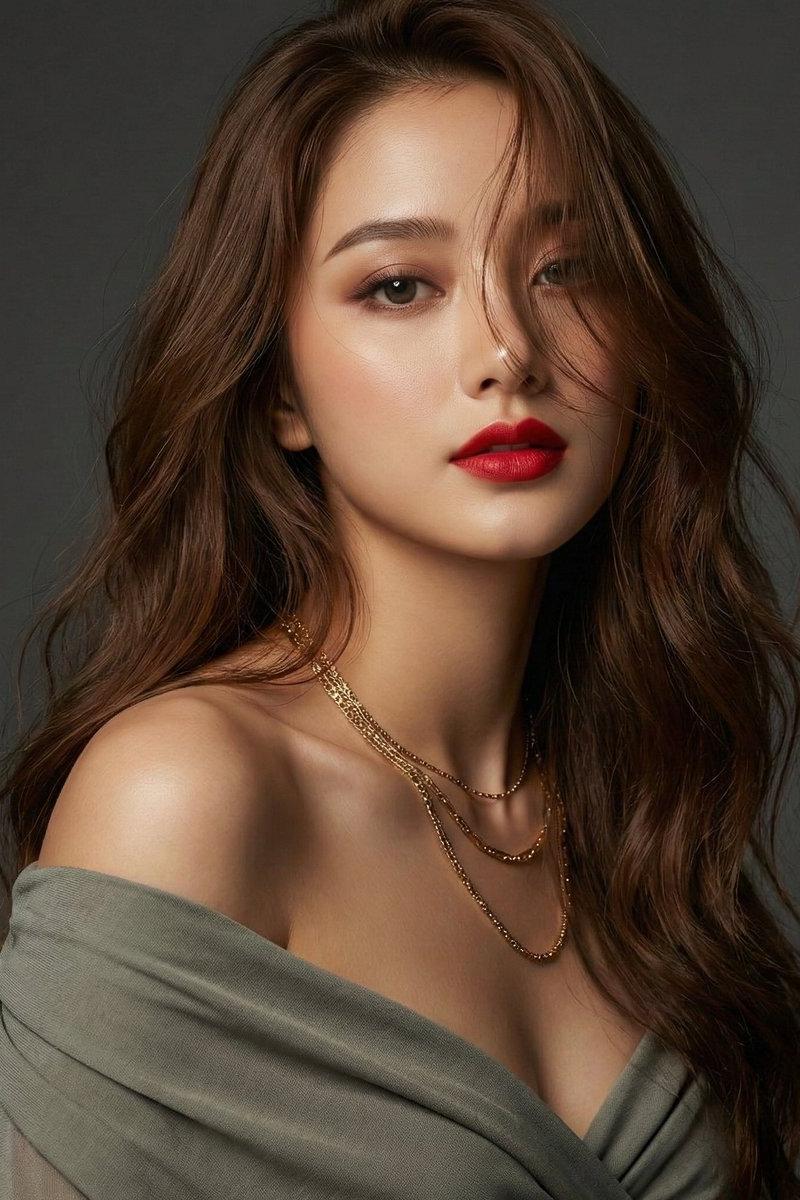
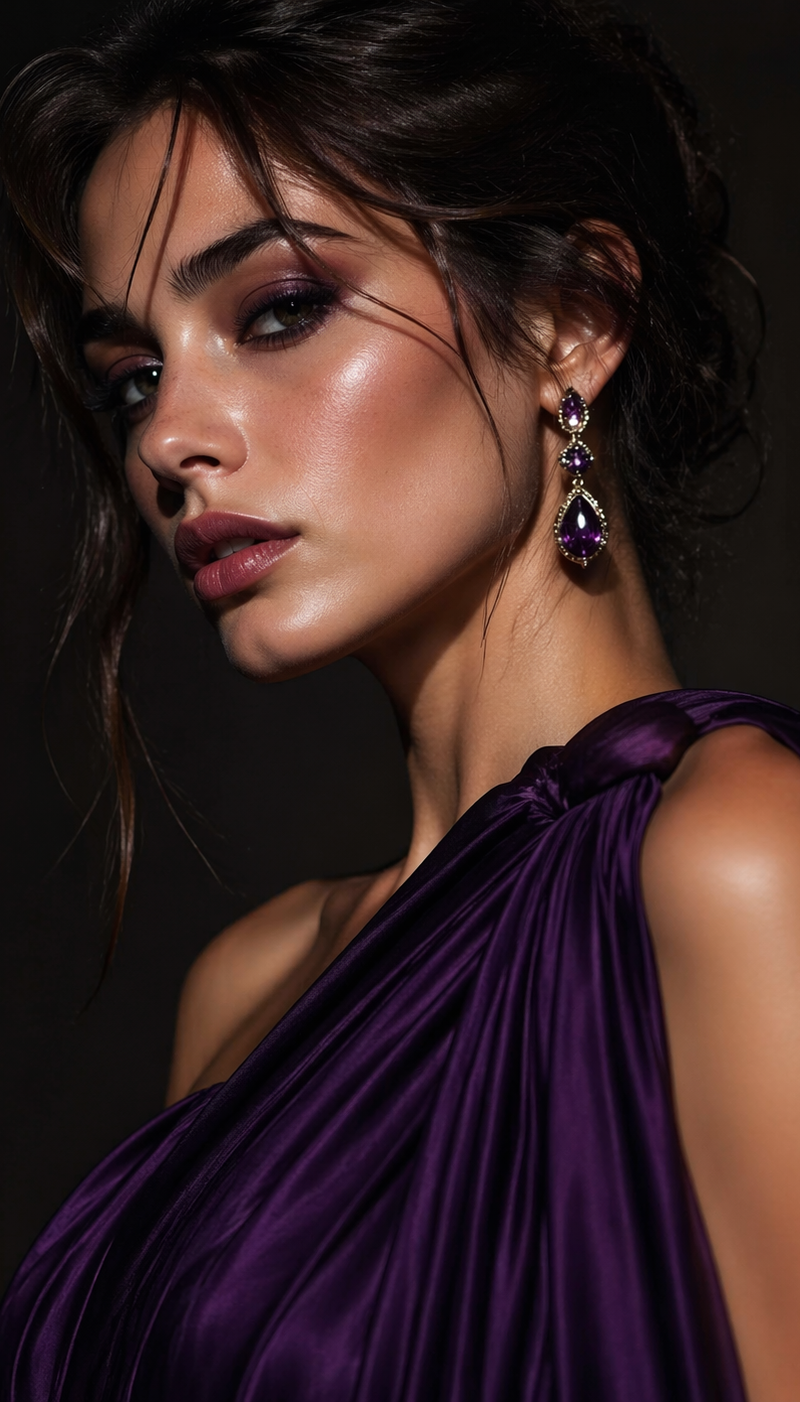
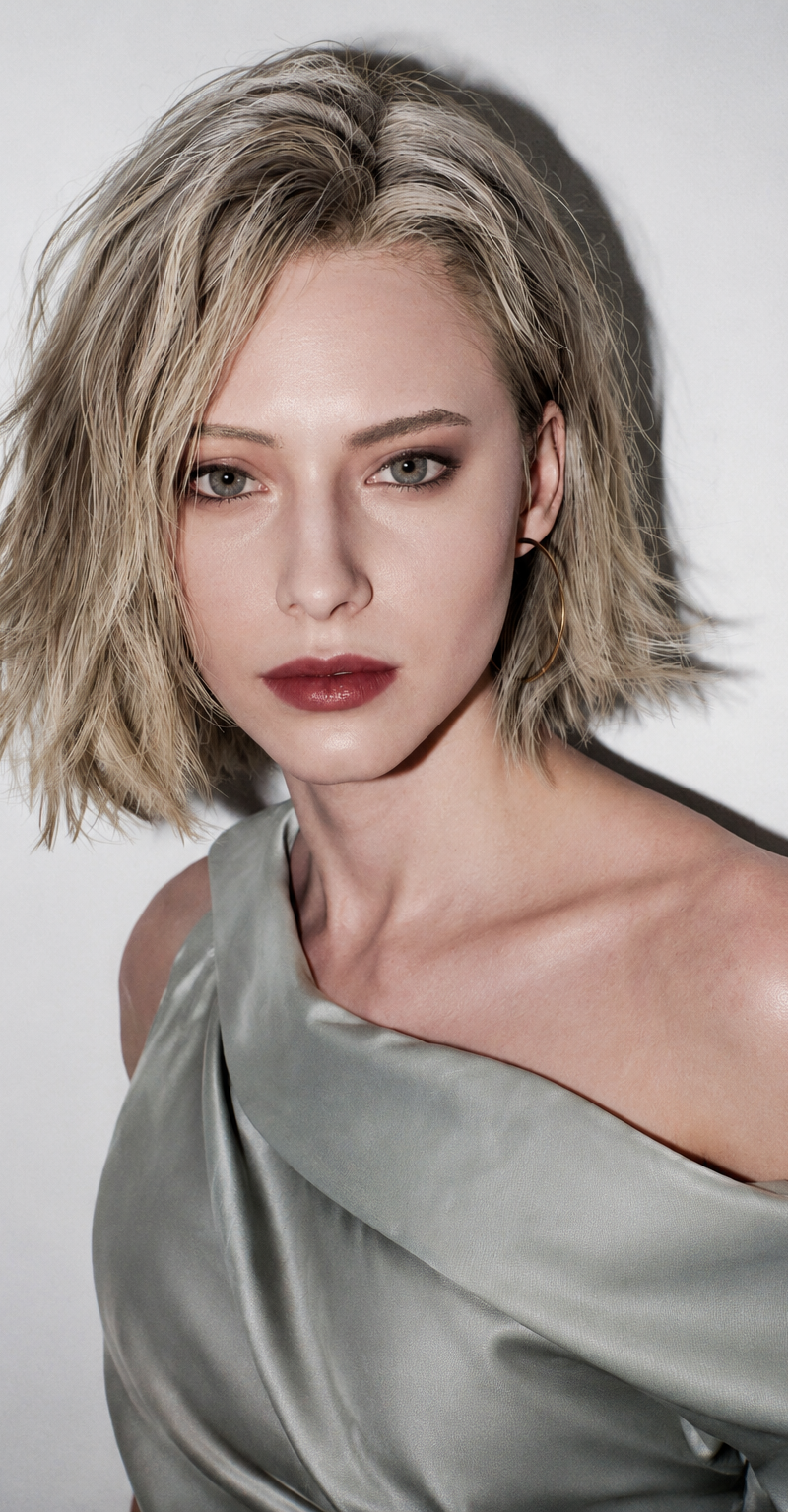
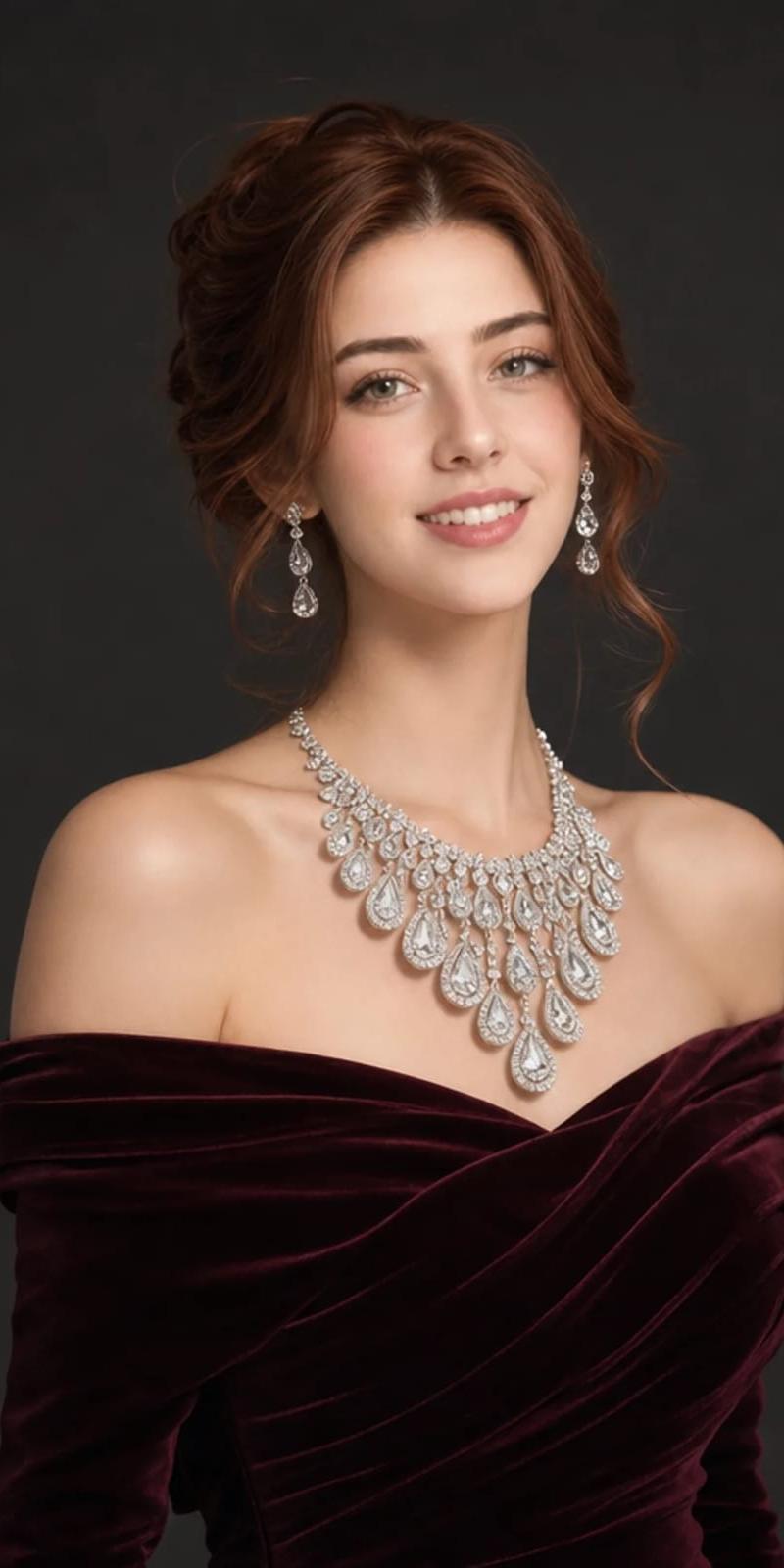
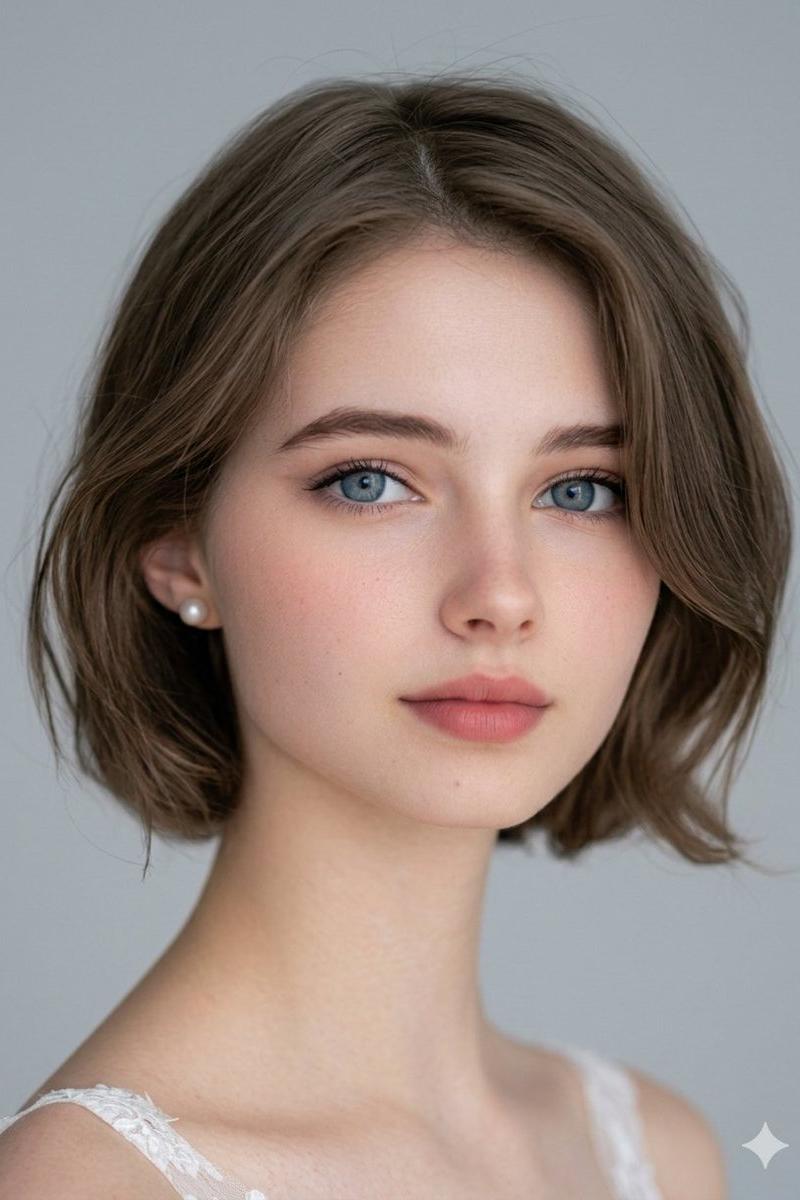
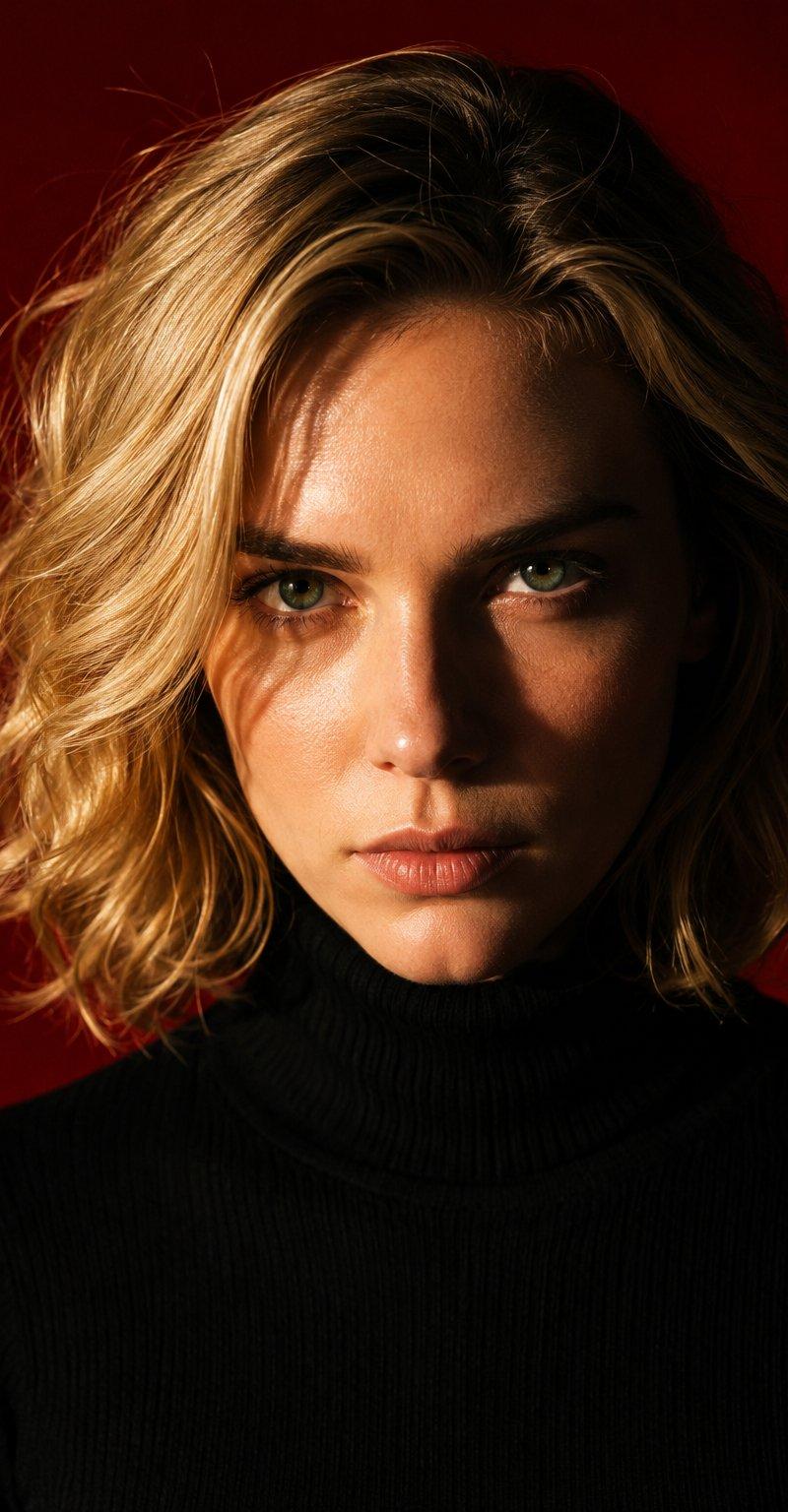
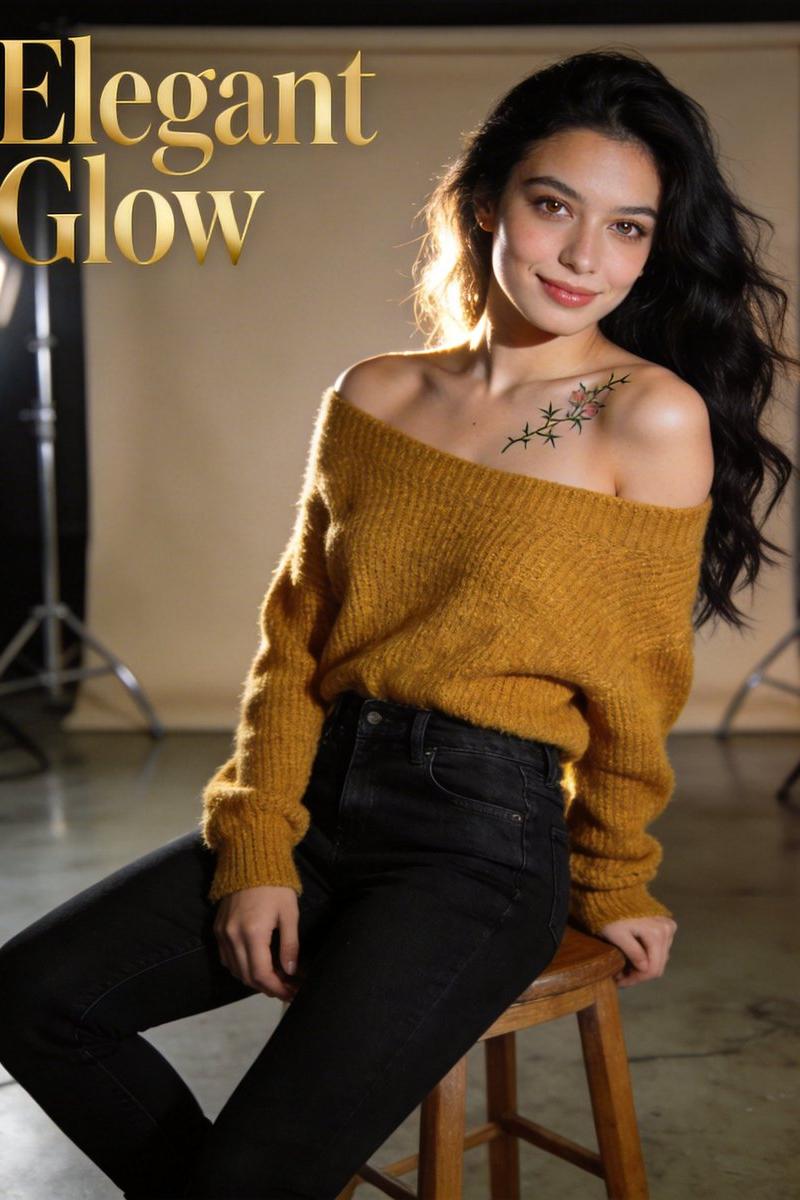
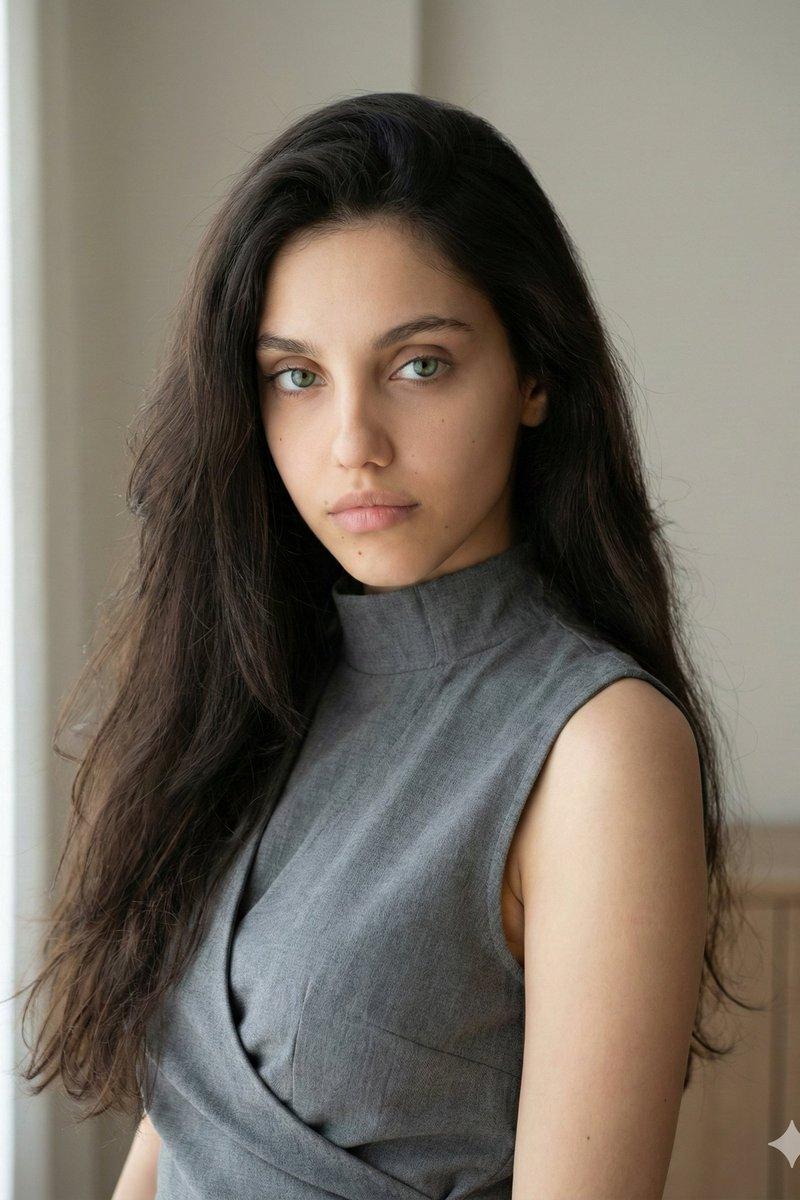
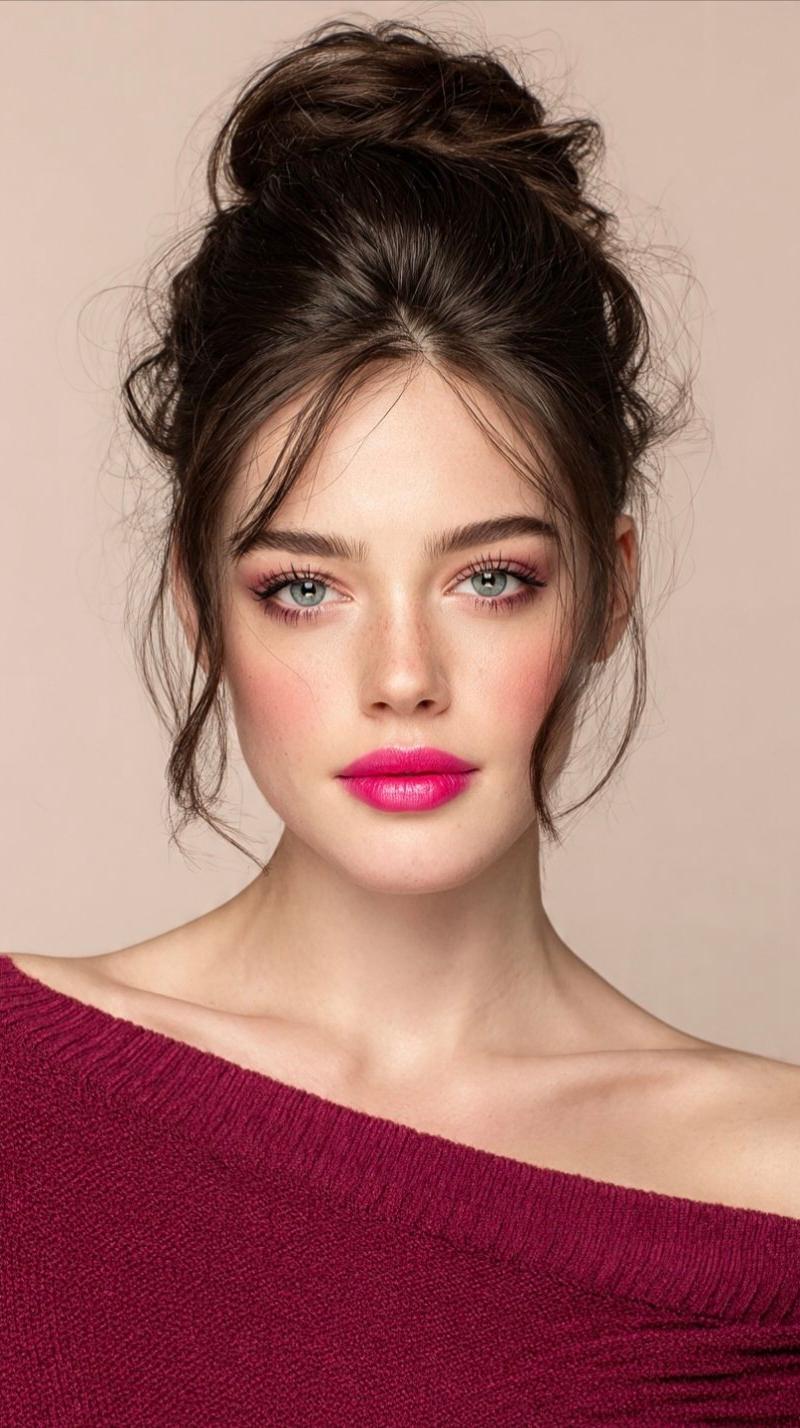
凌乱高盘发粉唇露肩针织衫轻熟美女写真
Enlarge

Example images

凌乱高盘发粉唇露肩针织衫轻熟美女写真

Prompt
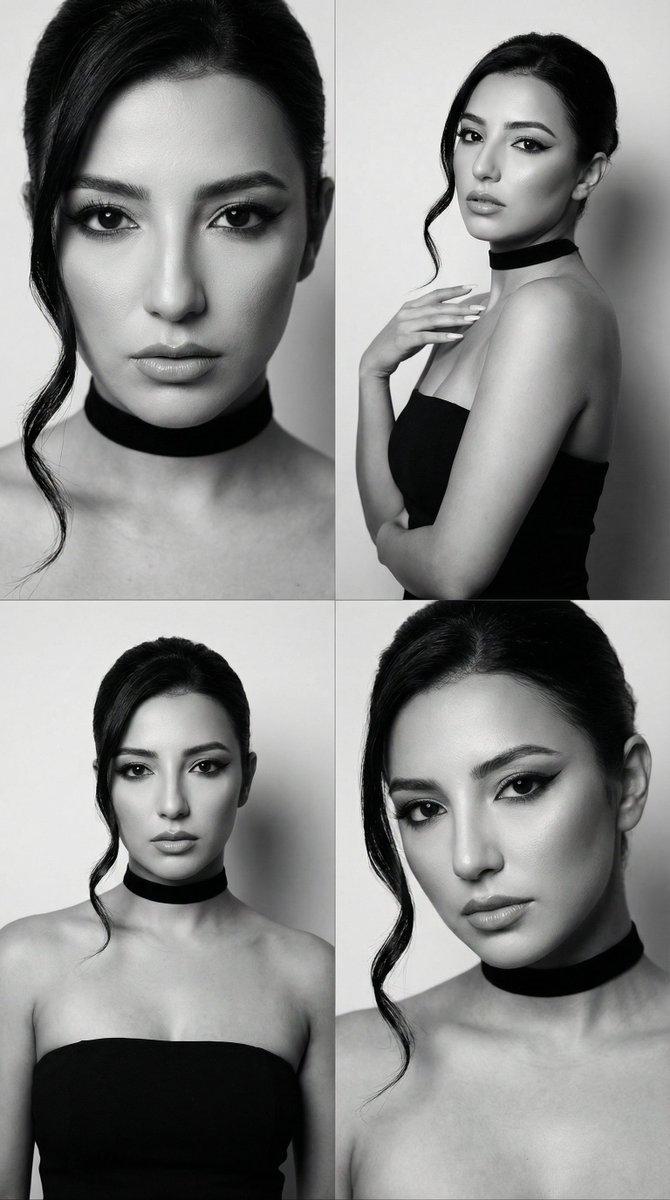
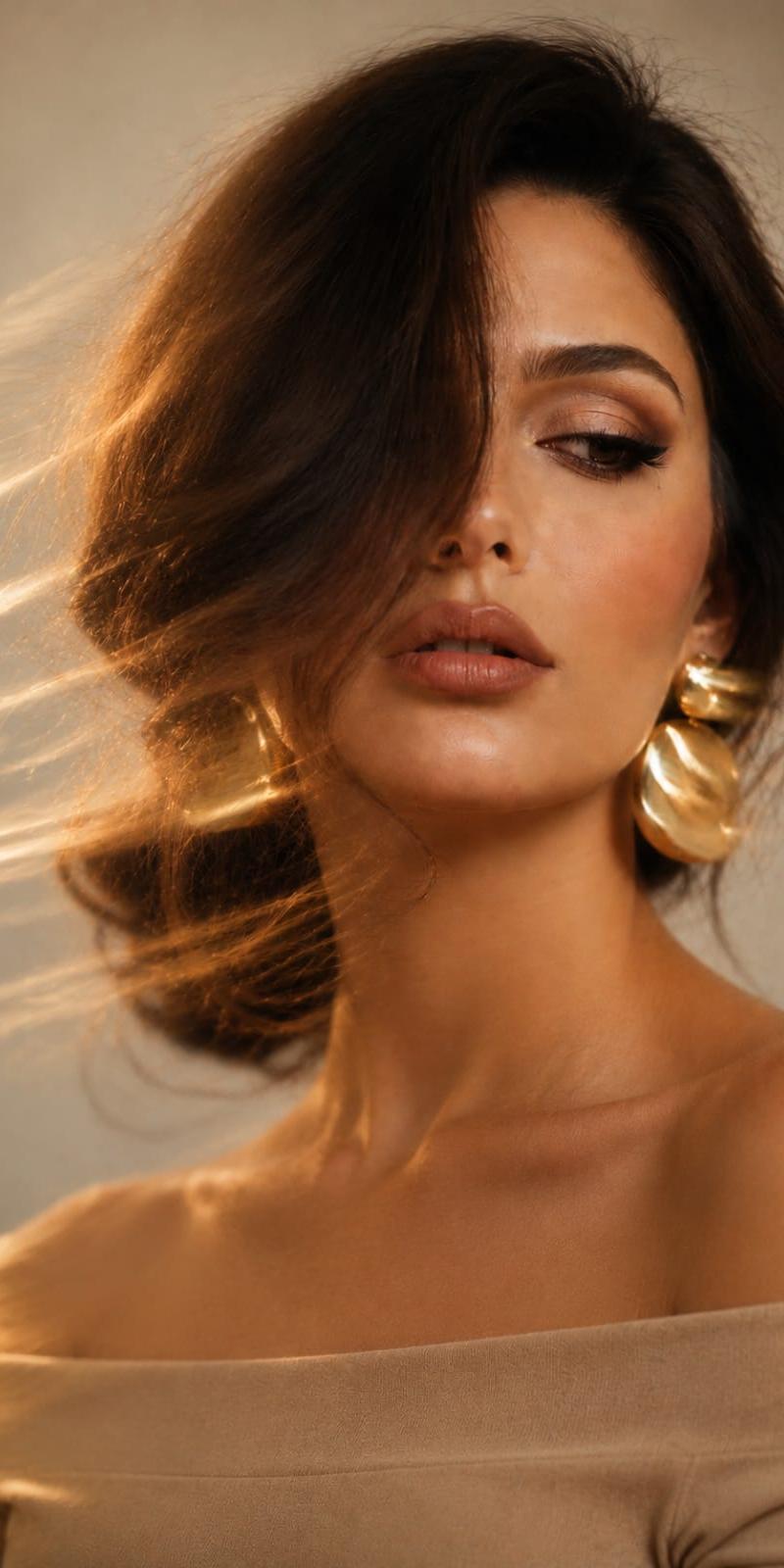
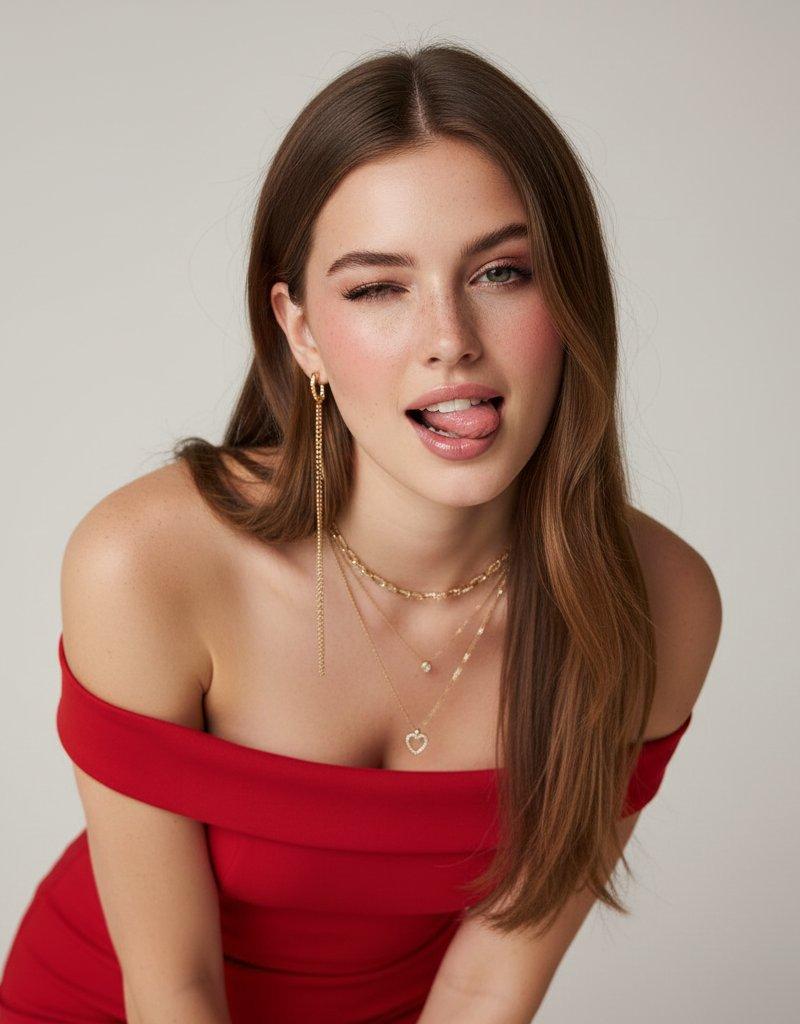
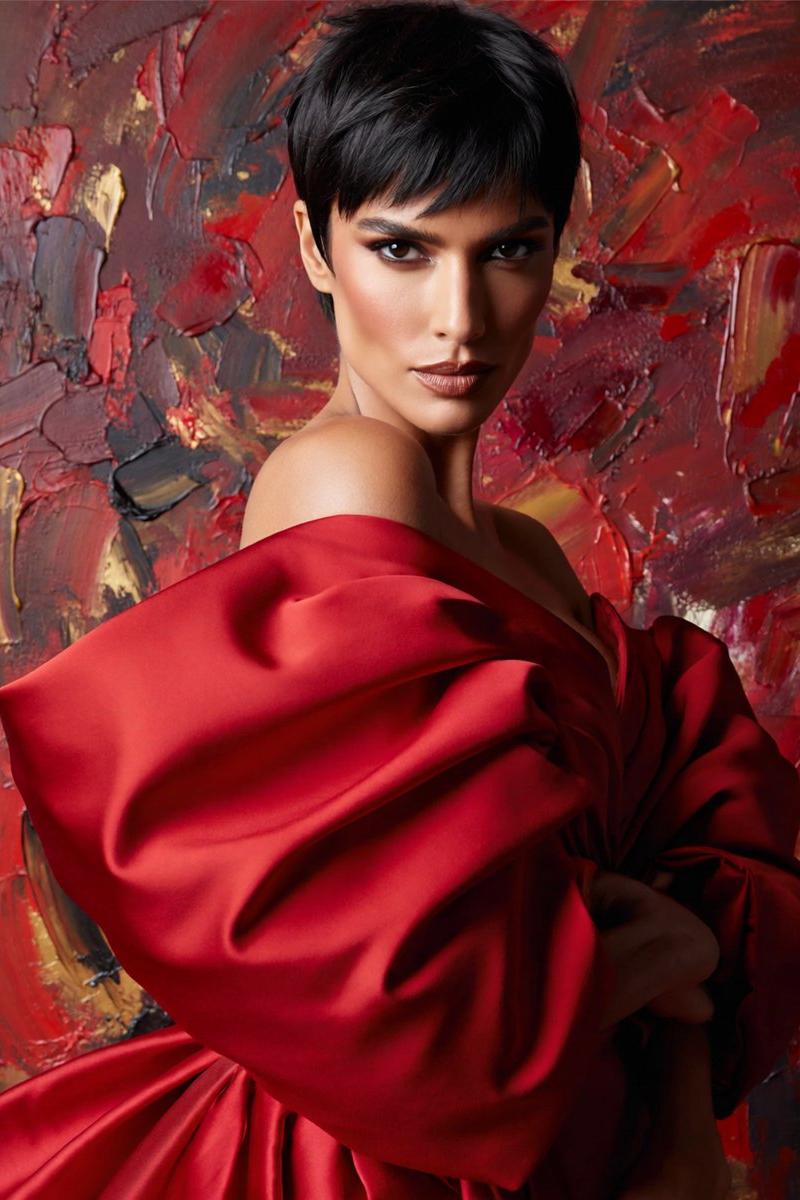
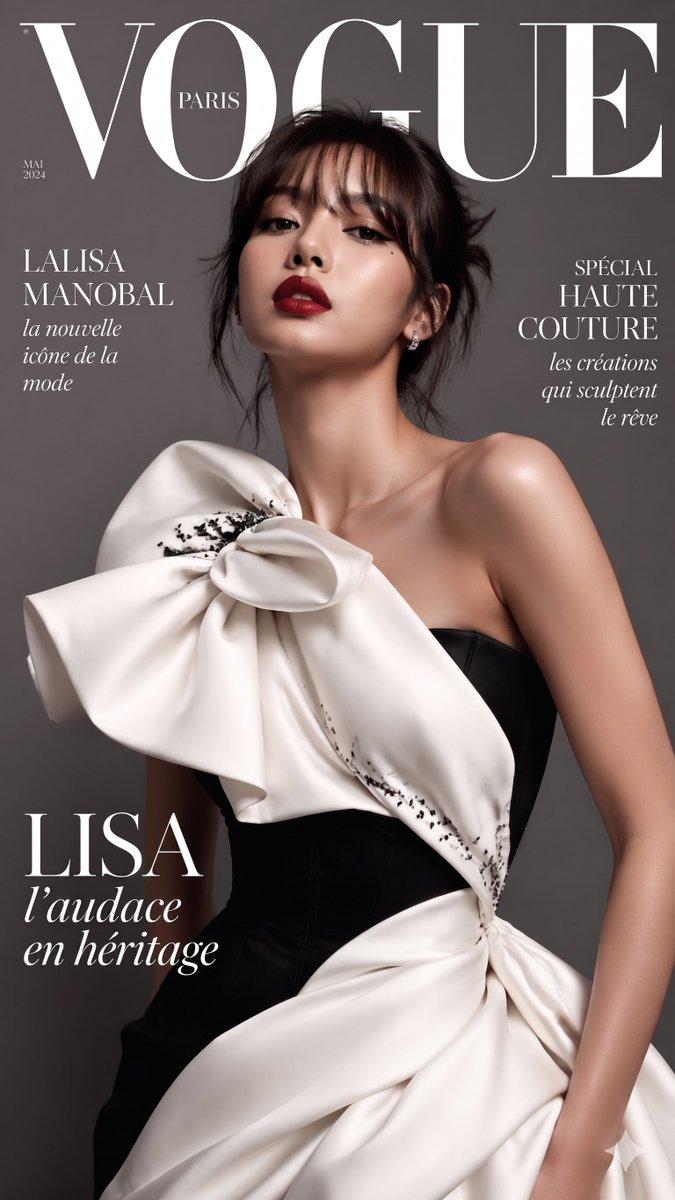
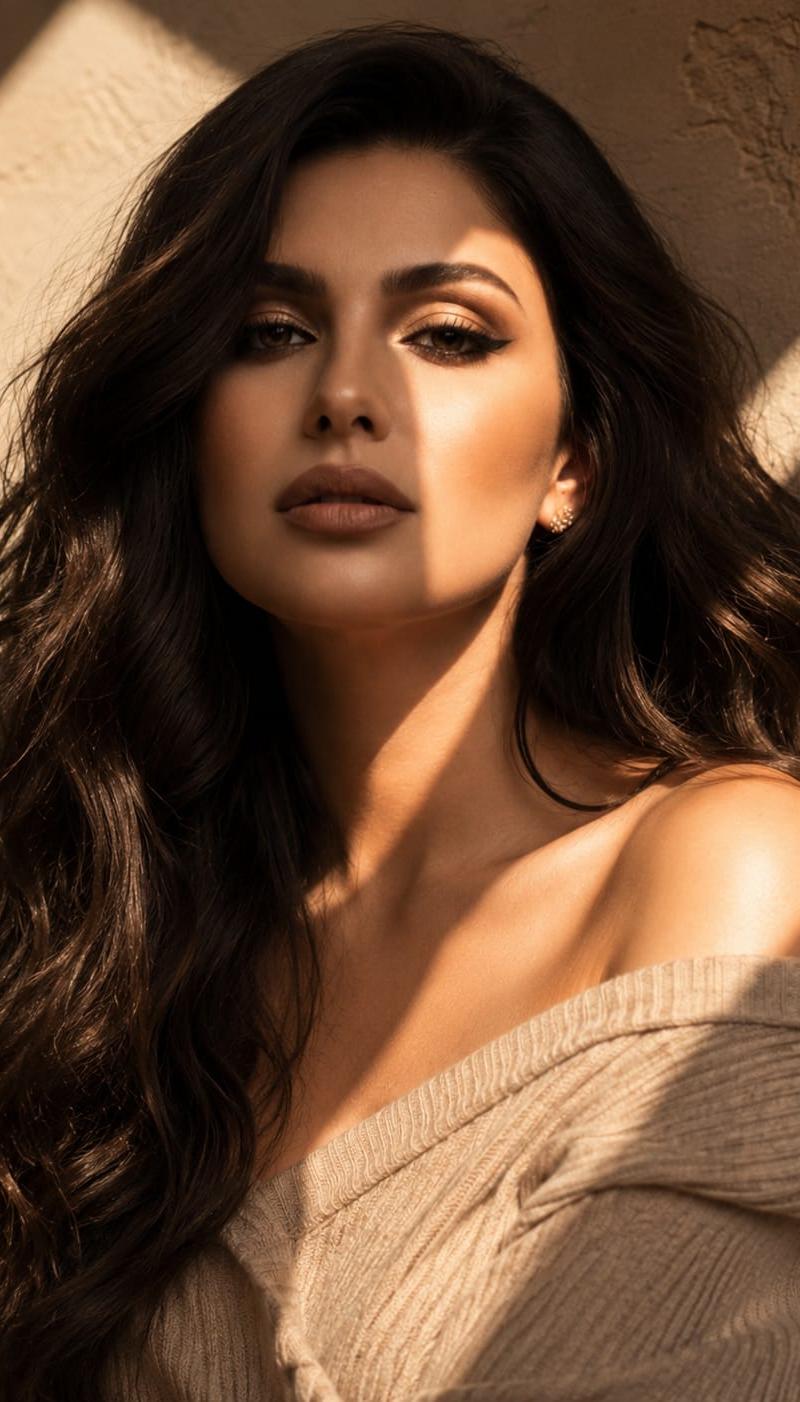
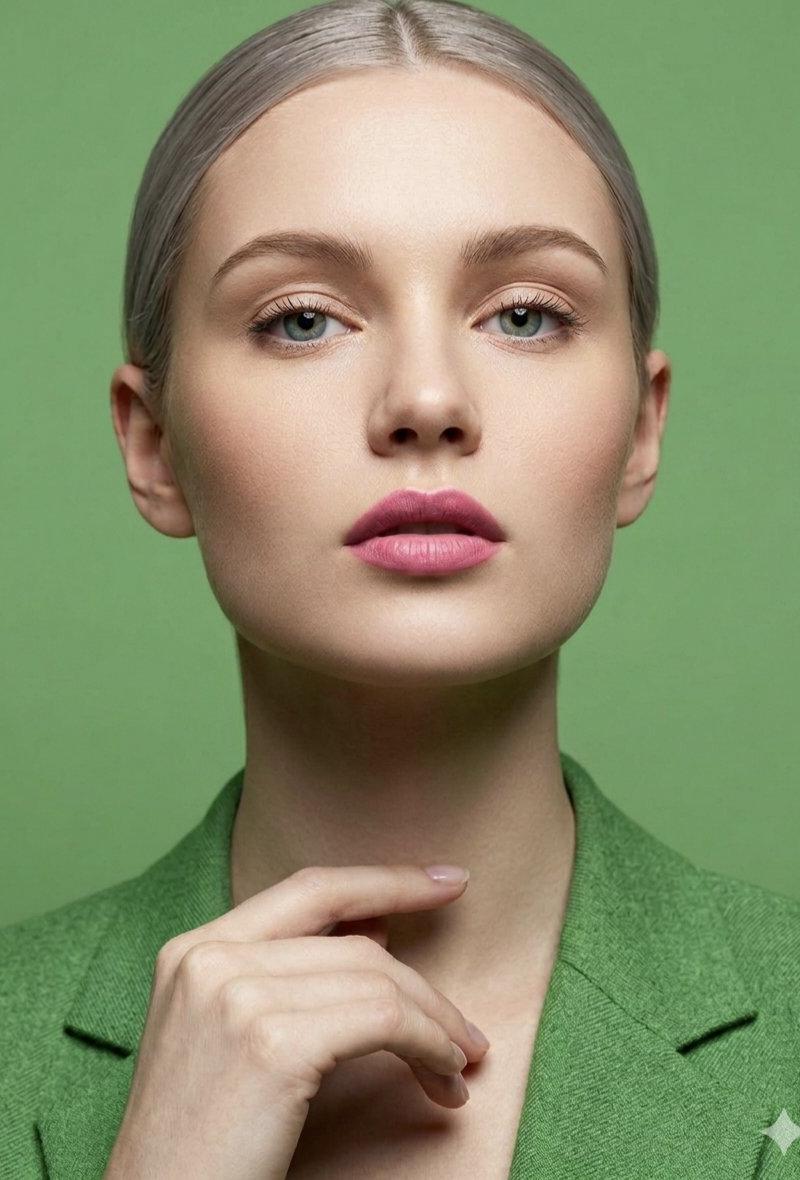
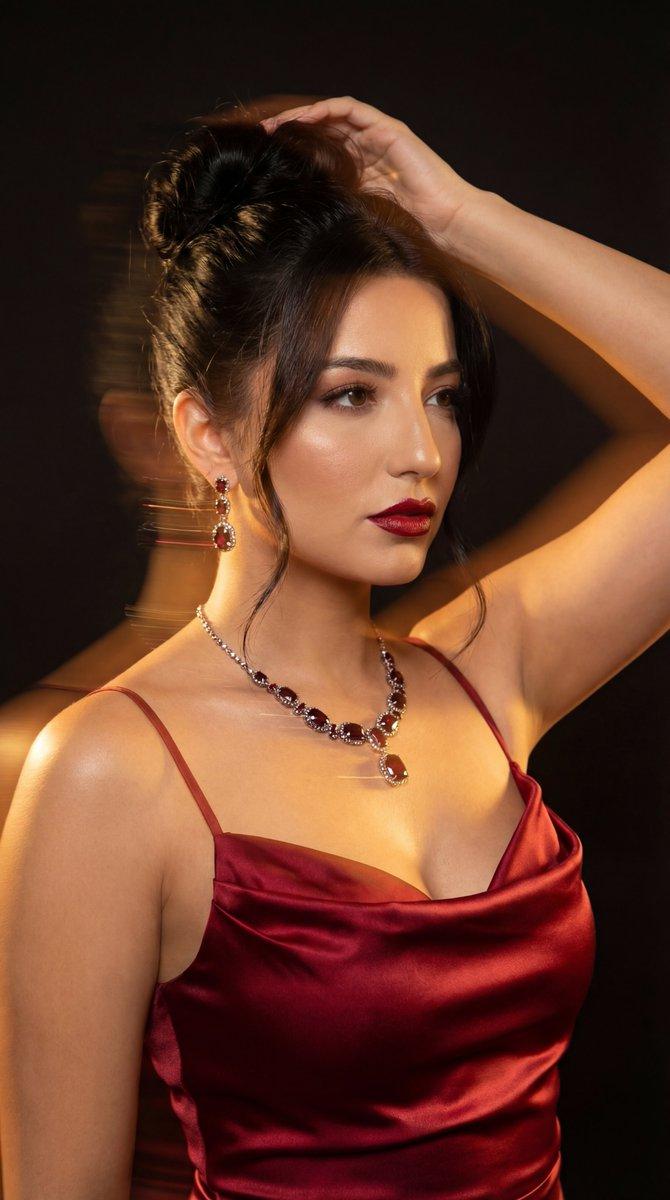
Create a high-quality, professional beauty portrait of a young woman with a natural, elegant look, featuring a messy high bun hairstyle with loose, face-framing strands. She has light-colored eyes, subtle freckles, and wears a striking, vibrant hot-pink lipstick that serves as the focal point, complemented by soft, rose-toned blush. She is dressed in an off-the-shoulder knitted top in a deep burgundy or plum shade. The background is a solid, neutral, light beige tone that keeps the focus entirely on the subject, while soft, diffused studio lighting creates gentle highlights on her skin and hair, resulting in a clean, polished, and contemporary aesthetic.
Category
Photography & Realism
Model
Grok
Creator
@Minahil42298354
Source language
zh-CN
Views43
Source ID
17160
Published
Jun 30, 2026
Studio

Guide

About "凌乱高盘发粉唇露肩针织衫轻熟美女写真"

What is this prompt for?

"凌乱高盘发粉唇露肩针织衫轻熟美女写真" AI image prompt for Grok (Photography & Realism). 创作一张高质量、专业的年轻女性美妆肖像,呈现出自然、优雅的外观,其发型为凌乱的高盘发,带有散落的修饰脸型的发丝。她有着浅色的眼睛,细微的雀斑,涂着醒目且充满活力的亮粉色口红作为…

The full copyable prompt and example visuals above are ready for AI image generation or one-click recreate in Picva.

How to use this prompt

  1. Step 1

    Open the prompt detail

    Review the example visuals, category, and full prompt text for "凌乱高盘发粉唇露肩针织衫轻熟美女写真".

  2. Step 2

    Copy the prompt

    Copy the prompt body from this page, or load it directly in Studio.

  3. Step 3

    Pick a model (Grok)

    Prefer Grok. If you switch models, keep subject and composition and tweak style terms.

  4. Step 4

    Generate and export

    Recreate the look in Picva, or export into your workflow for editing and publishing.

FAQ

What is the "凌乱高盘发粉唇露肩针织衫轻熟美女写真" prompt?
It is an AI image-generation prompt for Grok in the Photography & Realism category. This page includes the full prompt text, example visuals, and a one-click recreate path in Picva.
How do I use this prompt to generate an image?
Copy the prompt from this page, or use Generate / Studio. Paste it into a compatible image model, or recreate the look in Picva with optional reference images.
Which model is this prompt for?
This page lists Grok. Most descriptive prompts also transfer to nearby image models such as GPT Image, Flux, or Midjourney with light style tweaks.
Can I use the result commercially?
You can usually copy the prompt for creation, but commercial use of the final image depends on the model terms, reference-image rights, and the generated content. Follow the source author and platform rules.