17

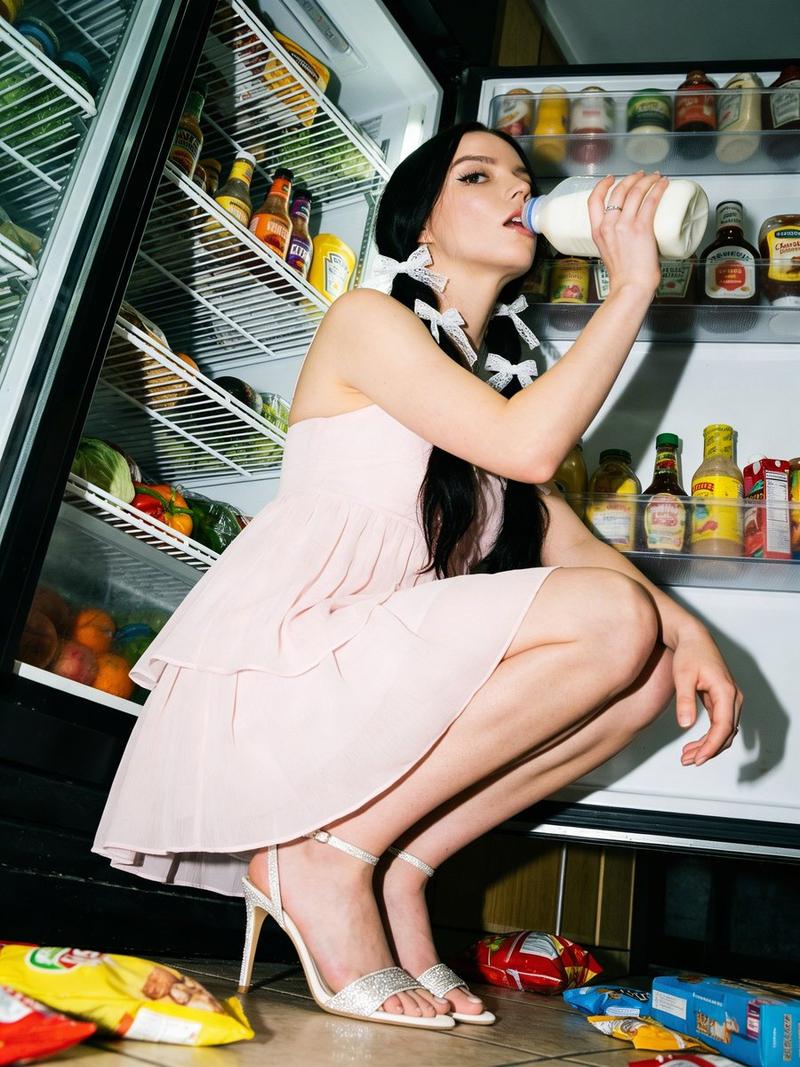
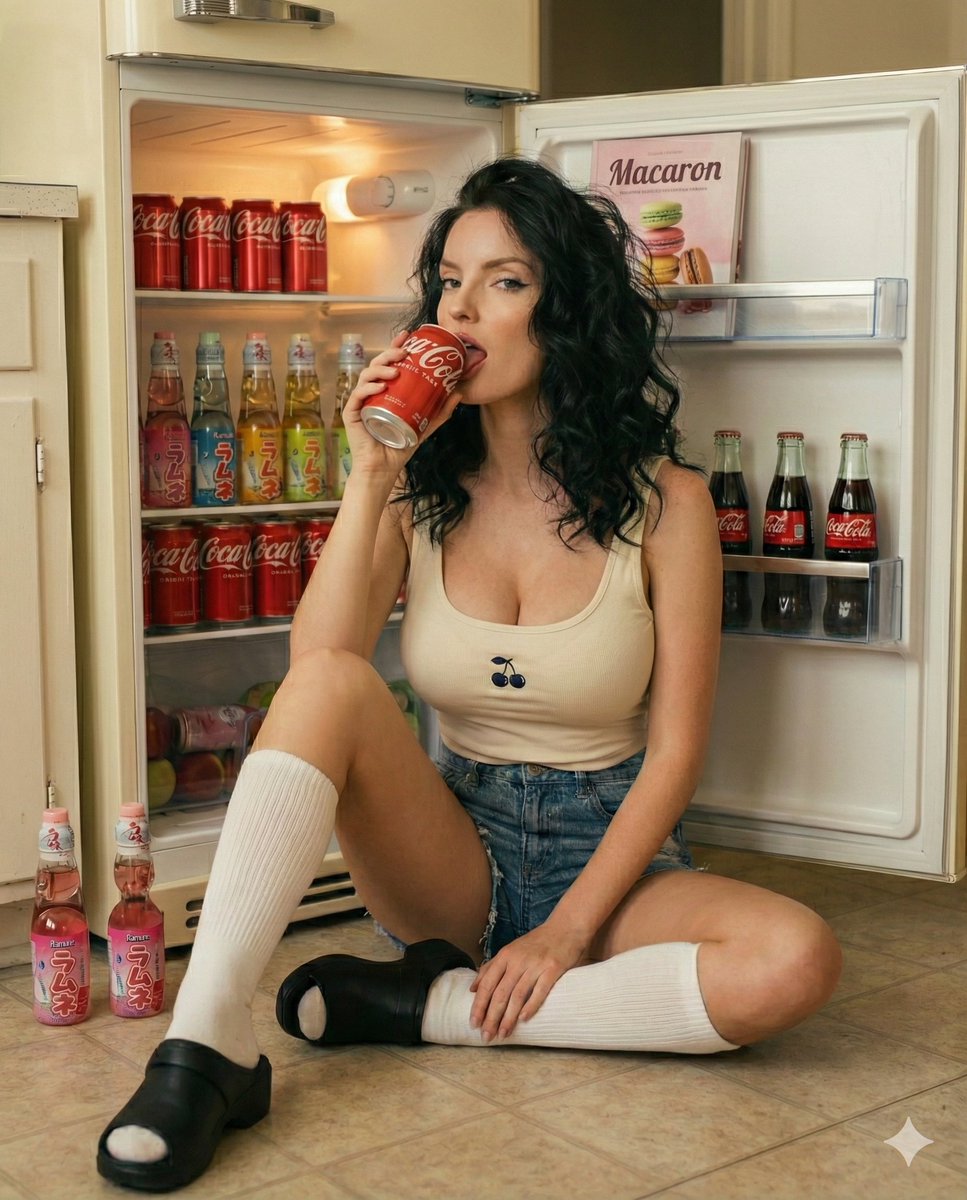
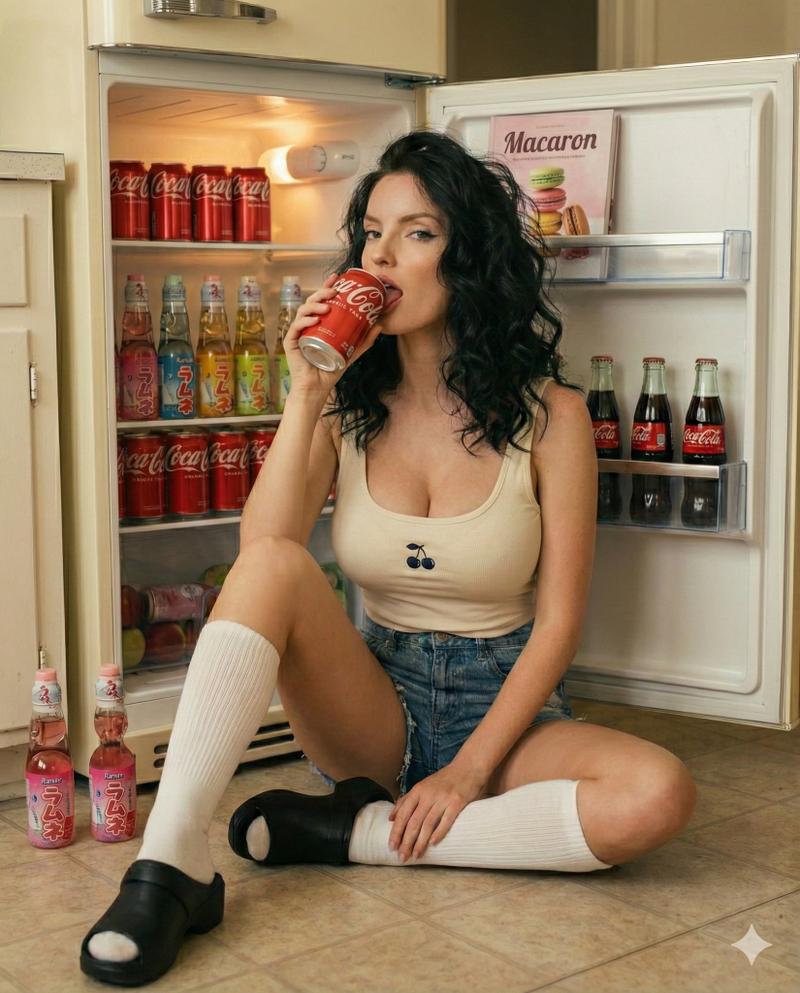
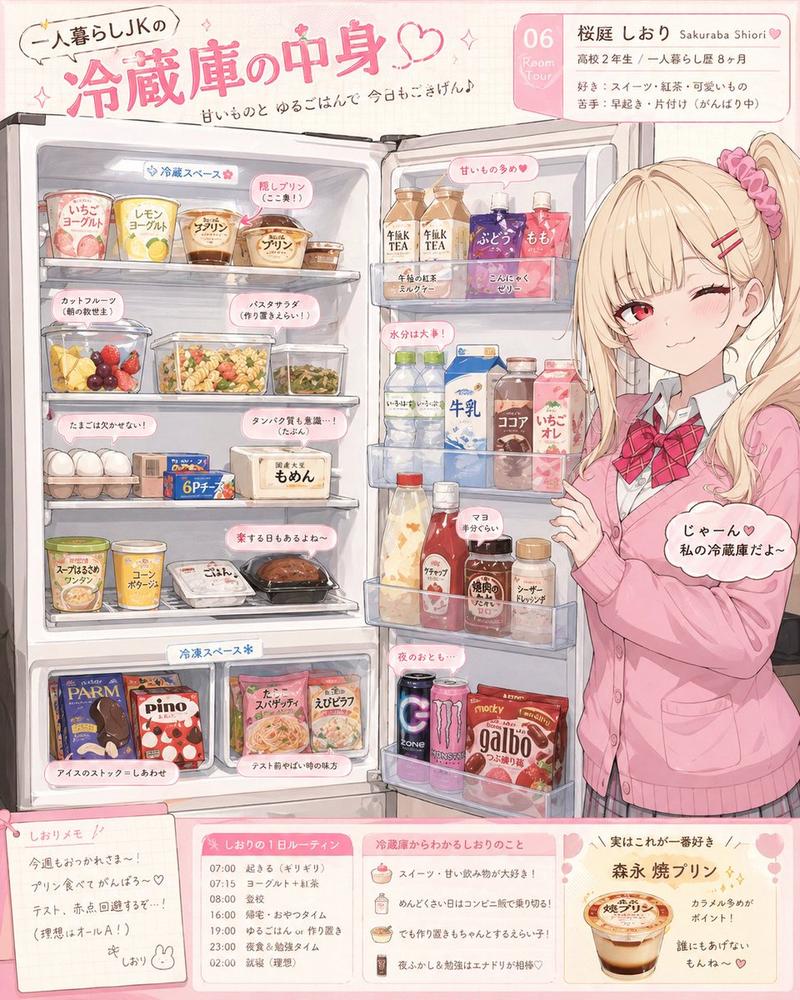
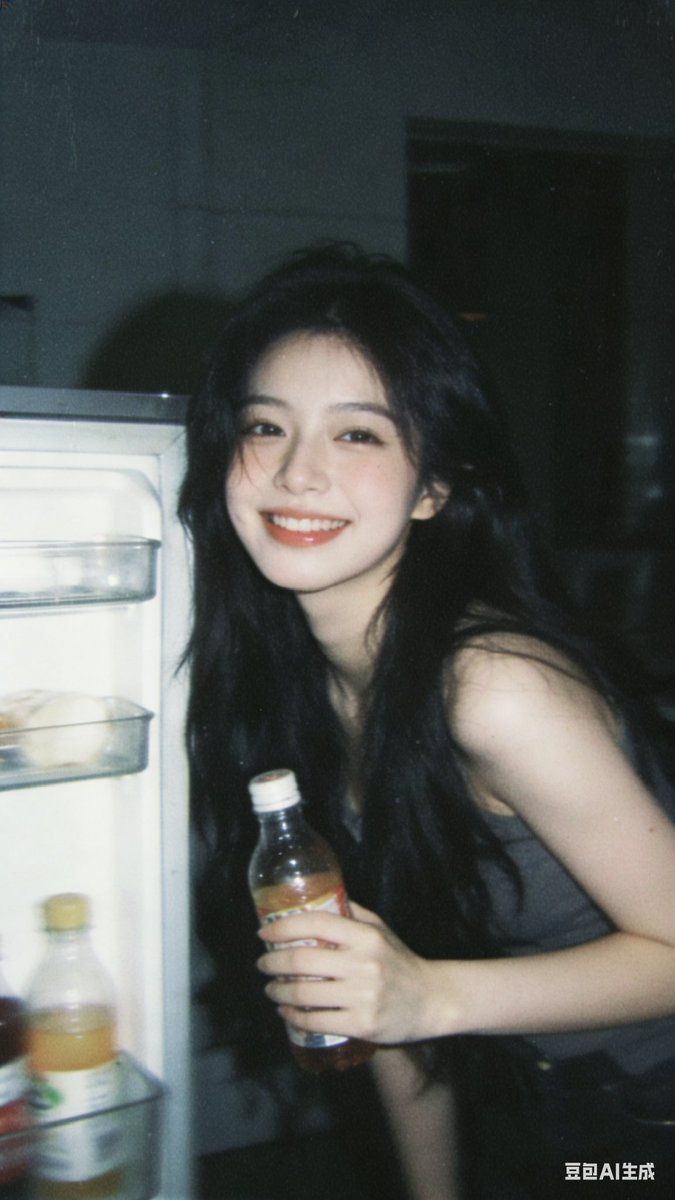
复古胶片感冰箱旁的甜美少女
Enlarge

复古胶片感冰箱旁的甜美少女

Prompt
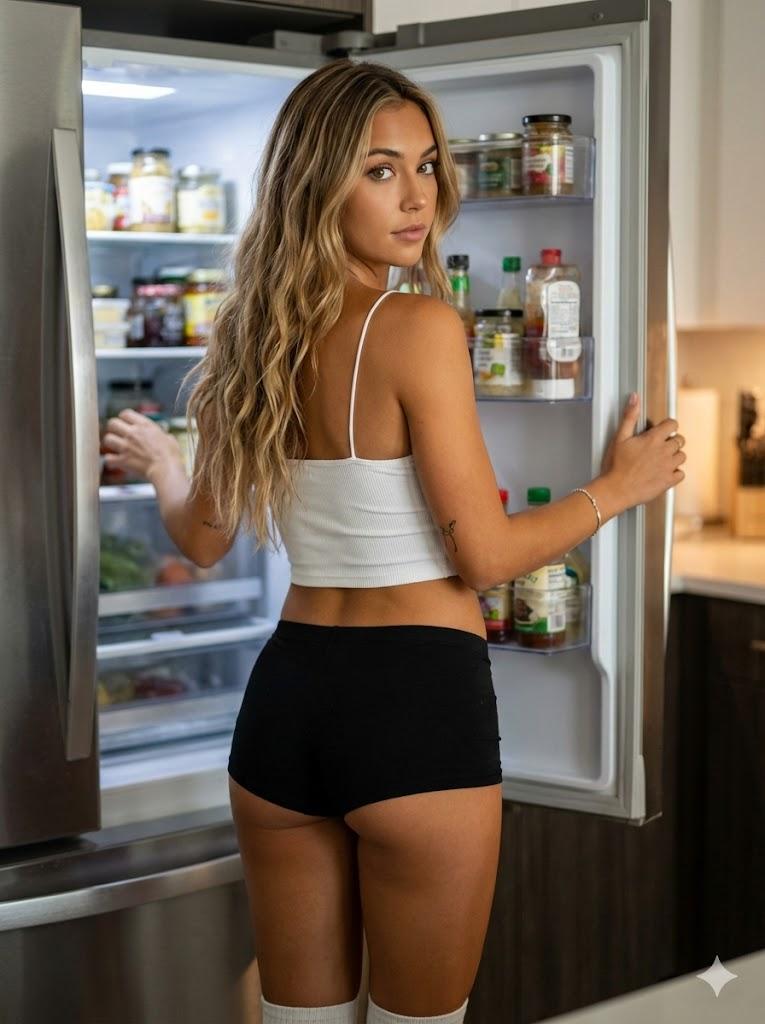
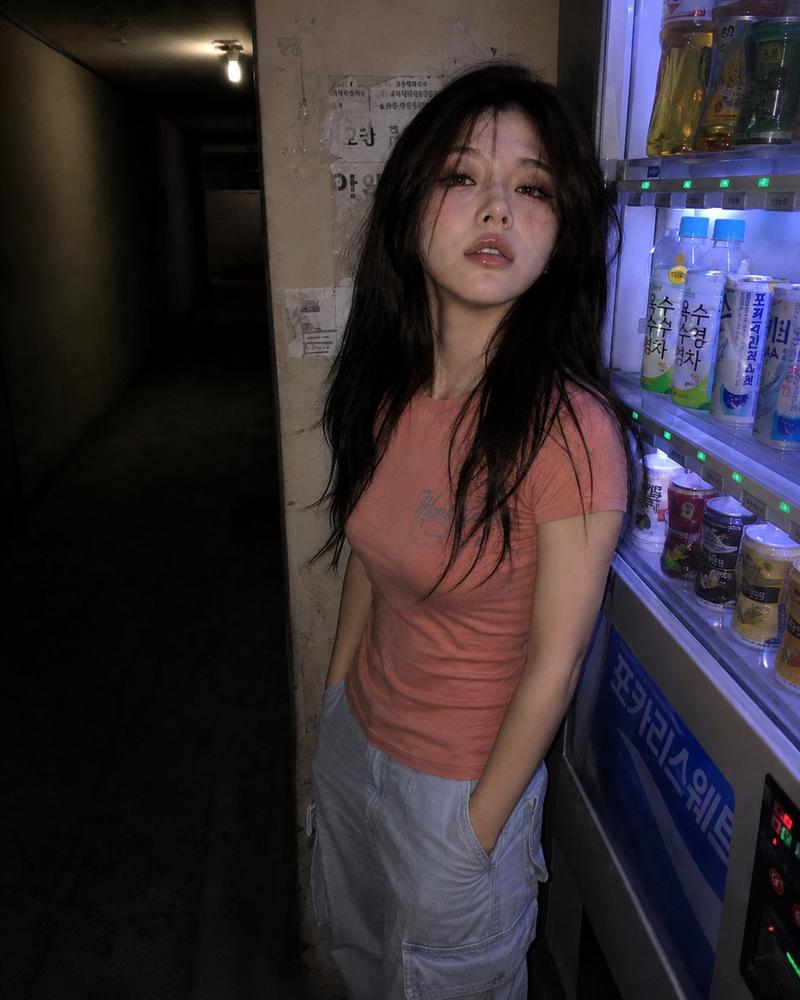
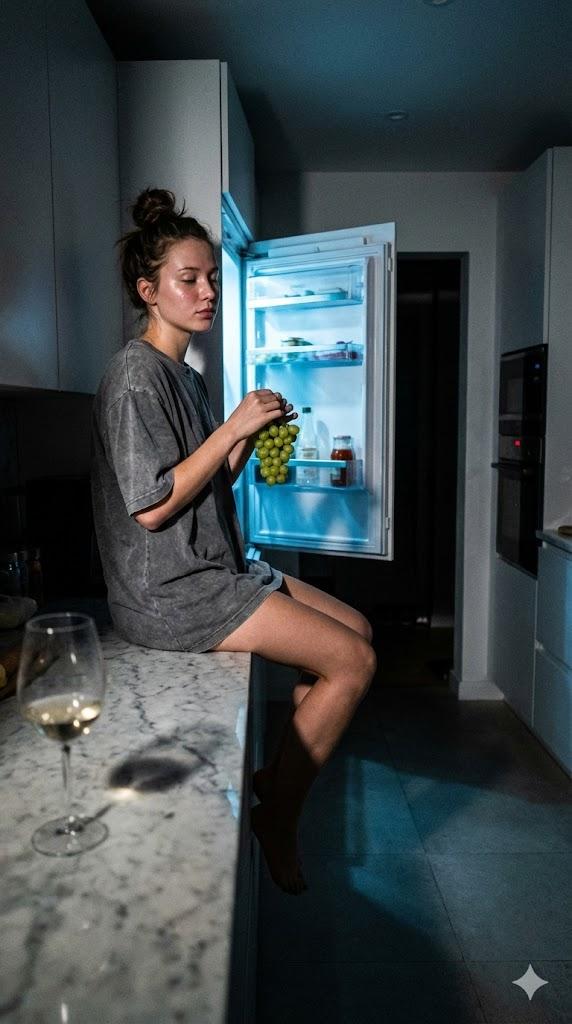
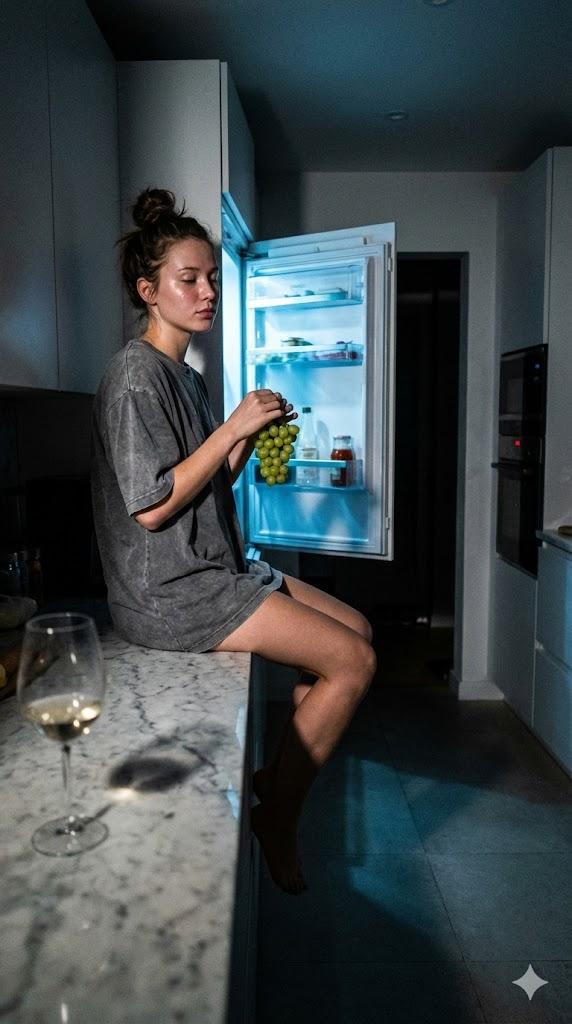
Female portrait photo with Instagram style and vintage tone. Visual characteristics include low pixel, high noise, and coarse film grain texture, incorporating dynamic aesthetics and hazy aesthetics, displaying an impressionistic avant-garde artistic sense, rich in details, a masterpiece full of premium feel. In an indoor environment, a beautiful young girl with super high appearance score has long raven hair, stands by a refrigerator, holds a bottle of beverage in her hand, with a sweet and shy expression on her face. The overall picture presents a dark-toned soft and hazy atmosphere, with exquisite light and shadow, possessing an old-school flavor and internet sense, and is somewhat blurry, just like a snapshot taken casually with a mobile phone, having an extremely ordinary and deliberately mediocre feel, the girl's makeup is natural, and the emotional atmosphere is intense.
Category
Products & E-commerce
Model
即梦
Creator
@liyue_ai
Views72
Source ID
8218
Published
Mar 22, 2026

Guide

About "复古胶片感冰箱旁的甜美少女"

What is this prompt for?

"复古胶片感冰箱旁的甜美少女" AI image prompt for 即梦 (Products & E-commerce). 具有INS风、复古格调的女性人像照片。 以低像素、高噪点、胶片粗颗粒质感为视觉特点,融入动态美学与朦胧美学,展现出写意的前卫艺术感,细节丰富,是一幅高级感满满的杰作。 室内环境里,一位超高颜…

The full copyable prompt and example visuals above are ready for AI image generation or one-click recreate in Picva.

How to use this prompt

  1. Step 1

    Open the prompt detail

    Review the example visuals, category, and full prompt text for "复古胶片感冰箱旁的甜美少女".

  2. Step 2

    Copy the prompt

    Copy the prompt body from this page, or load it directly in Studio.

  3. Step 3

    Pick a model (即梦)

    Prefer 即梦. If you switch models, keep subject and composition and tweak style terms.

  4. Step 4

    Generate and export

    Recreate the look in Picva, or export into your workflow for editing and publishing.

FAQ

What is the "复古胶片感冰箱旁的甜美少女" prompt?
It is an AI image-generation prompt for 即梦 in the Products & E-commerce category. This page includes the full prompt text, example visuals, and a one-click recreate path in Picva.
How do I use this prompt to generate an image?
Copy the prompt from this page, or use Generate / Studio. Paste it into a compatible image model, or recreate the look in Picva with optional reference images.
Which model is this prompt for?
This page lists 即梦. Most descriptive prompts also transfer to nearby image models such as GPT Image, Flux, or Midjourney with light style tweaks.
Can I use the result commercially?
You can usually copy the prompt for creation, but commercial use of the final image depends on the model terms, reference-image rights, and the generated content. Follow the source author and platform rules.