17

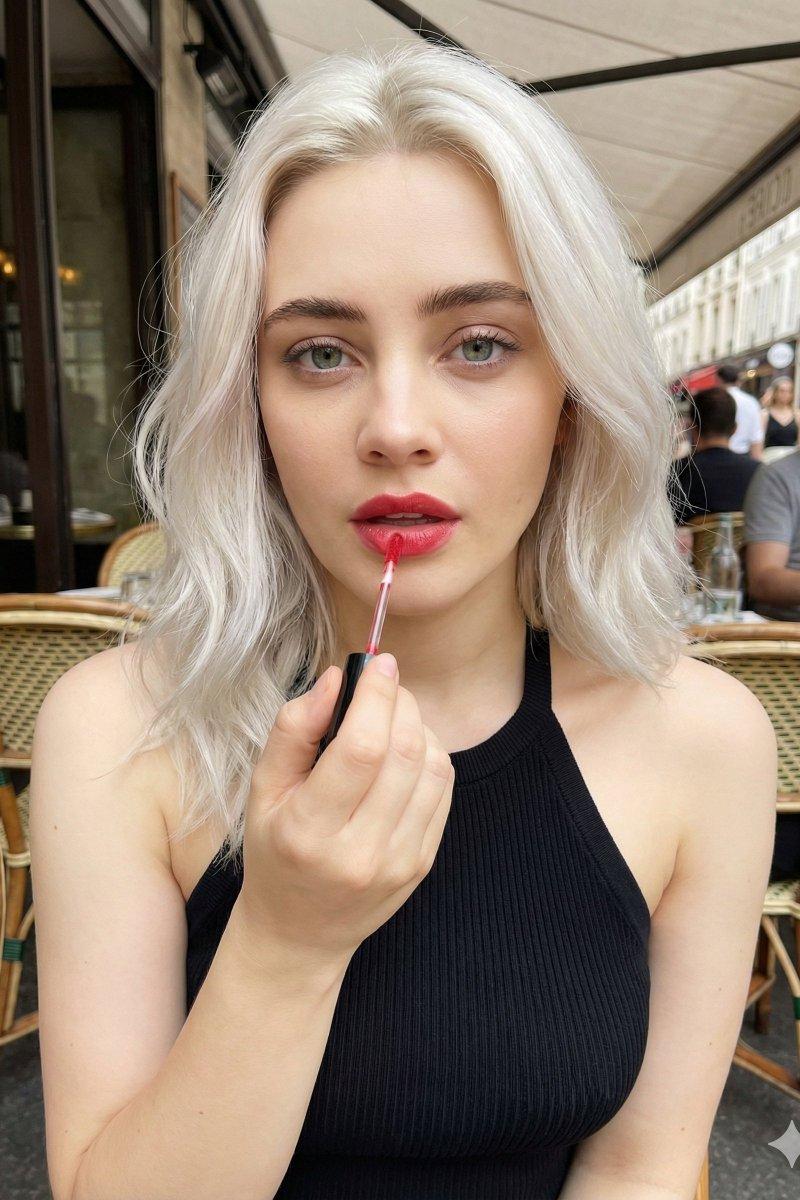
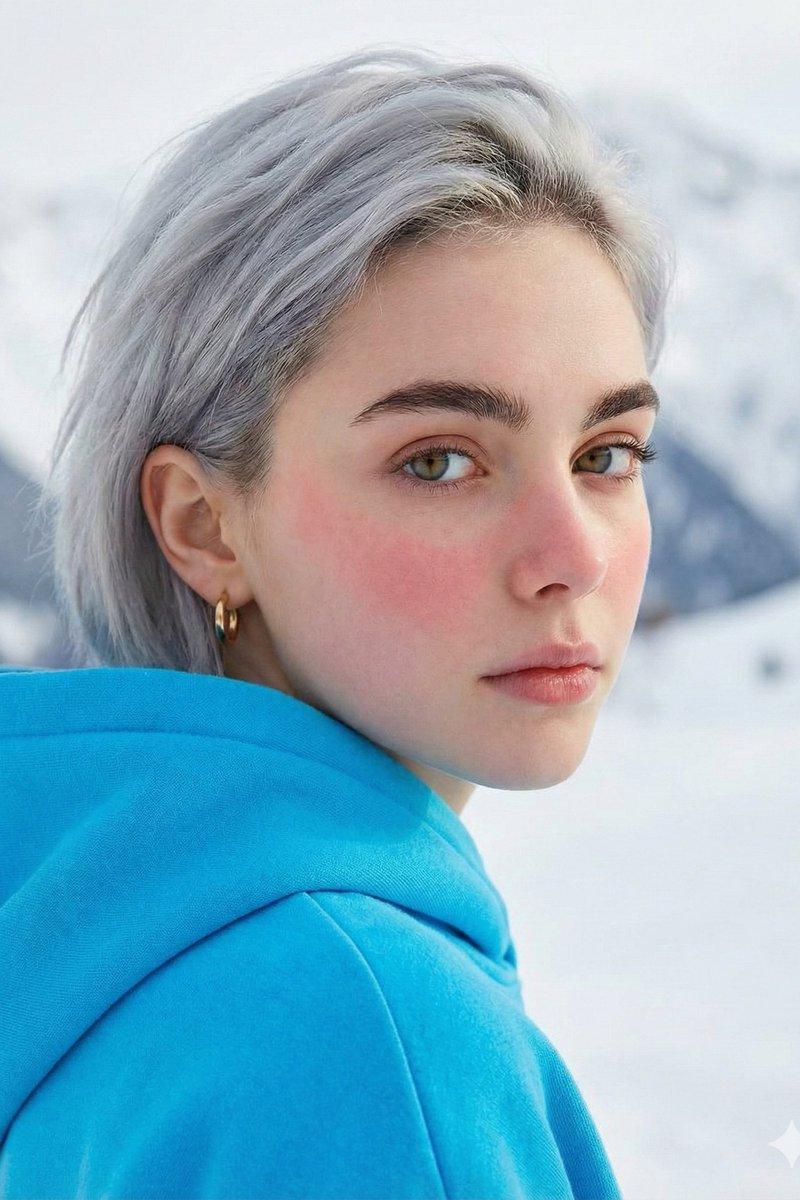
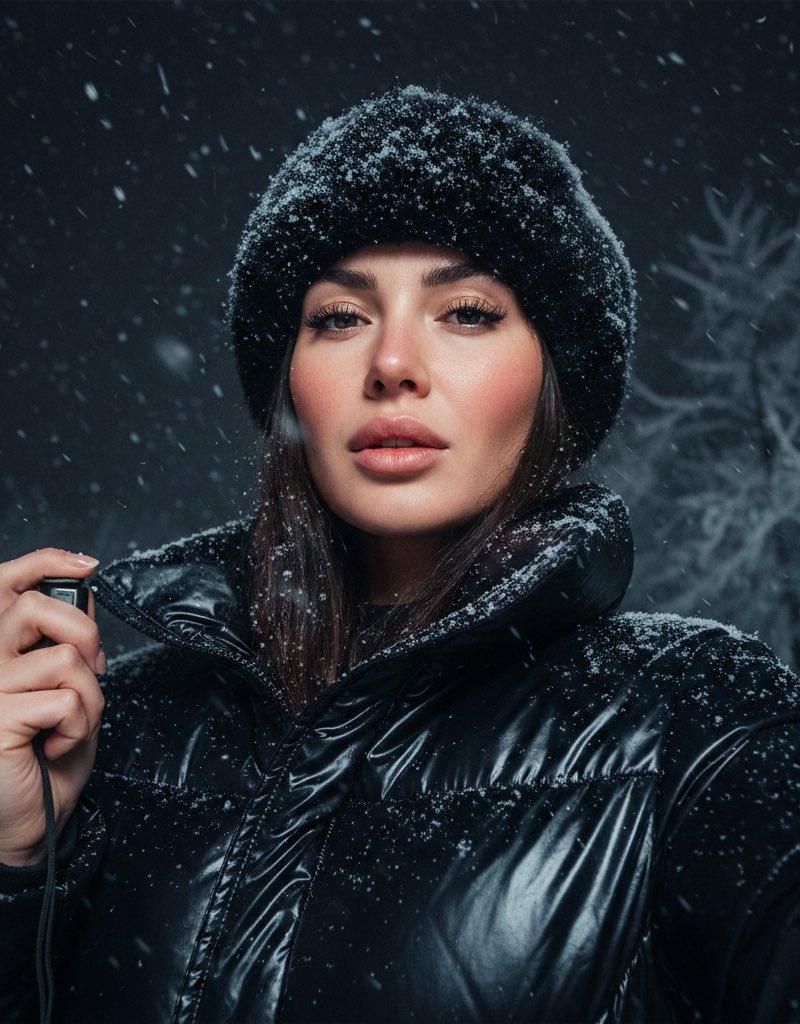
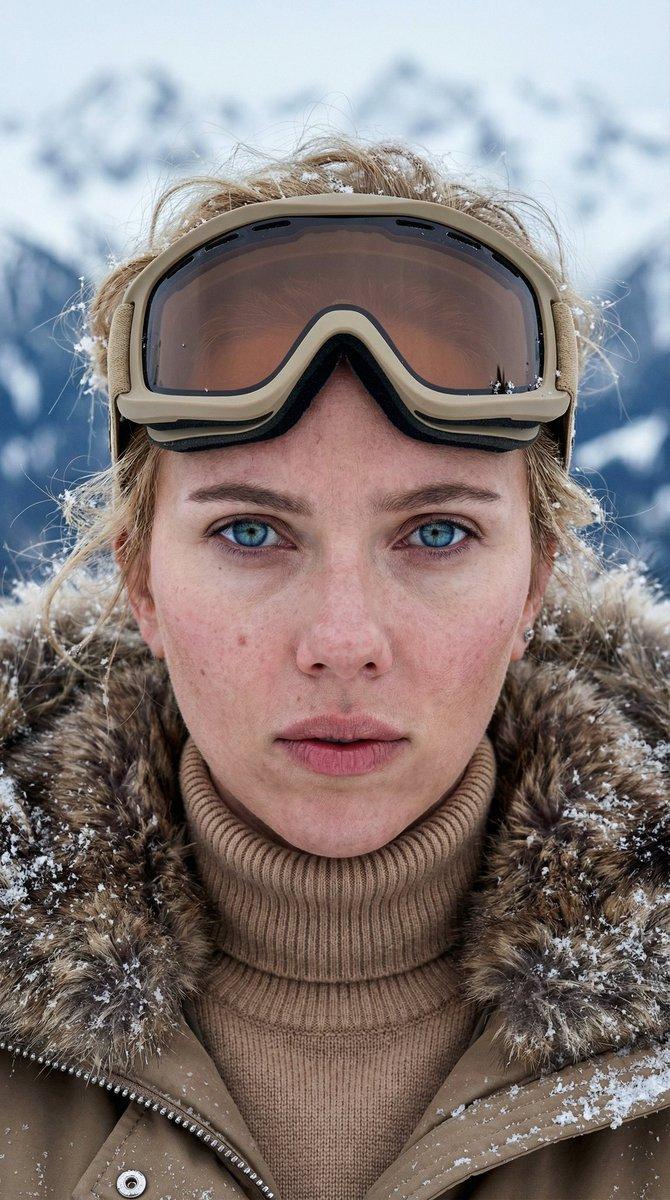
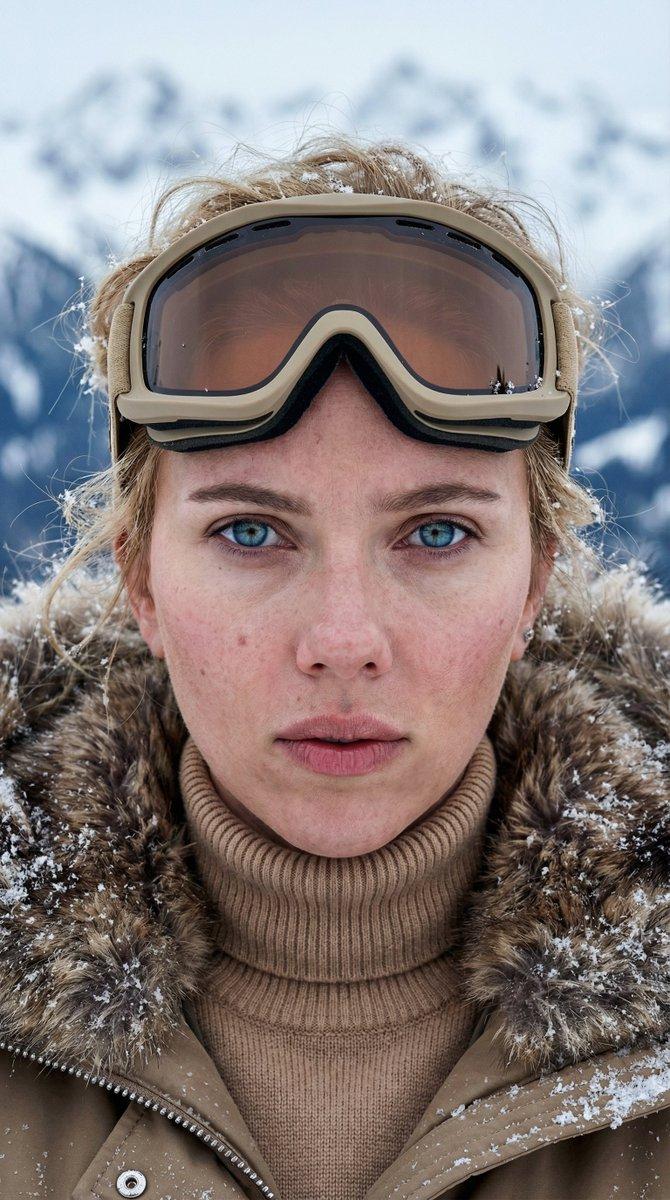
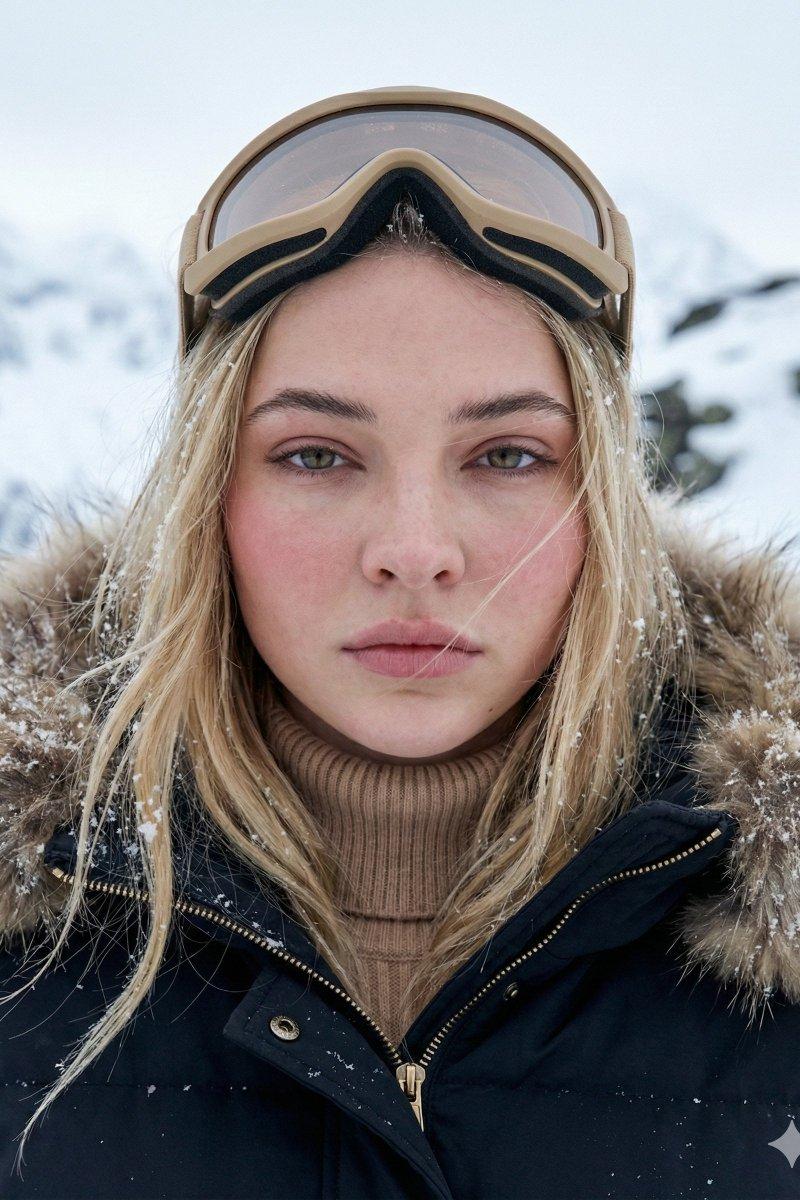
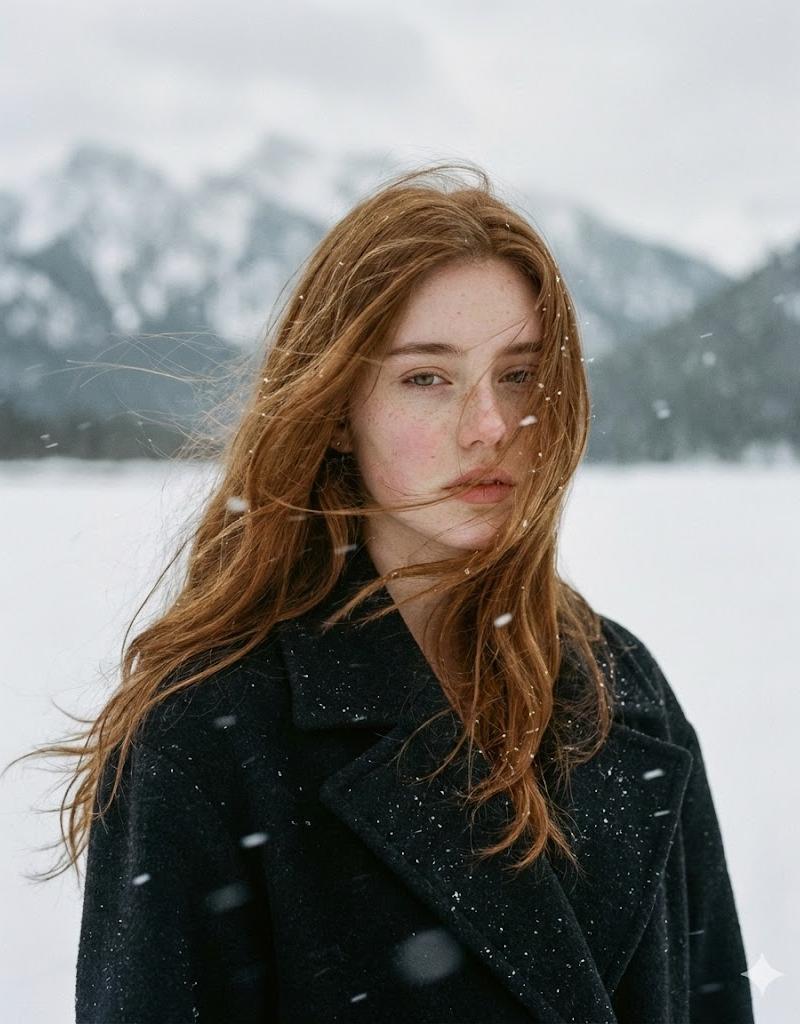
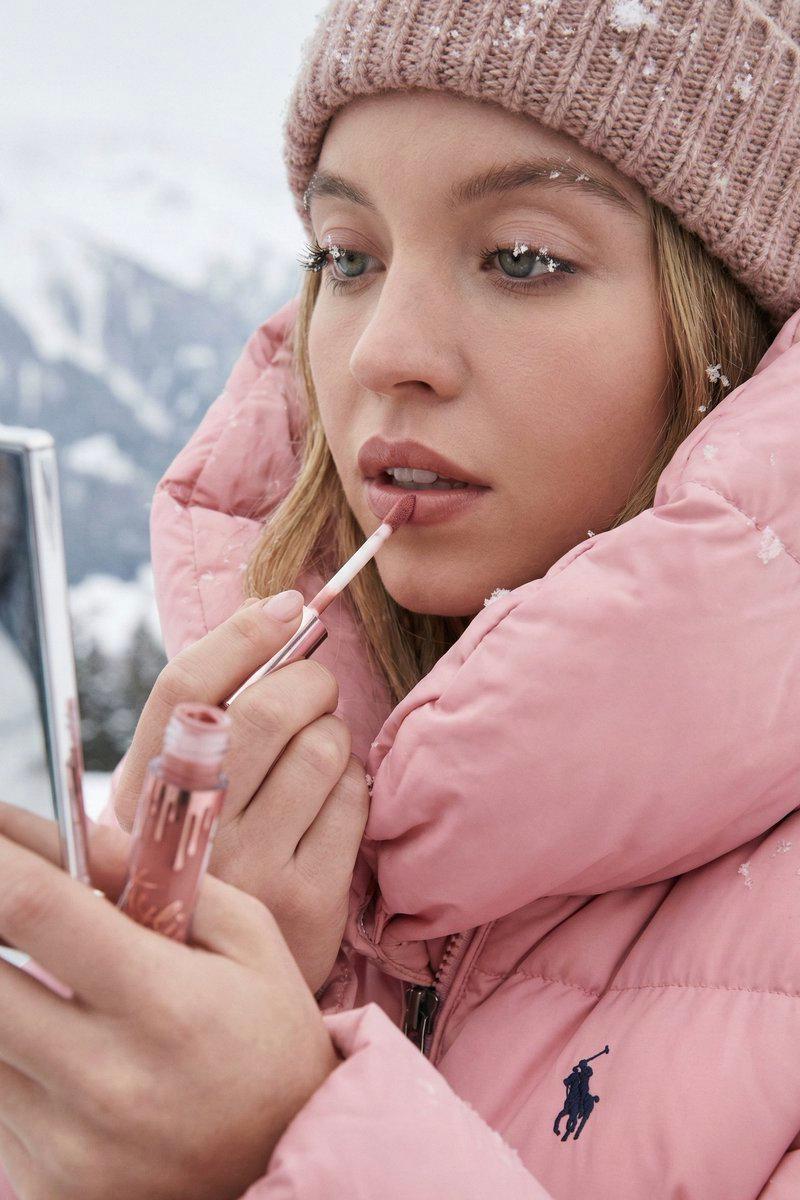
睫毛落雪与粉色冬衣的绝美妆容
Enlarge

Example images

睫毛落雪与粉色冬衣的绝美妆容

Prompt
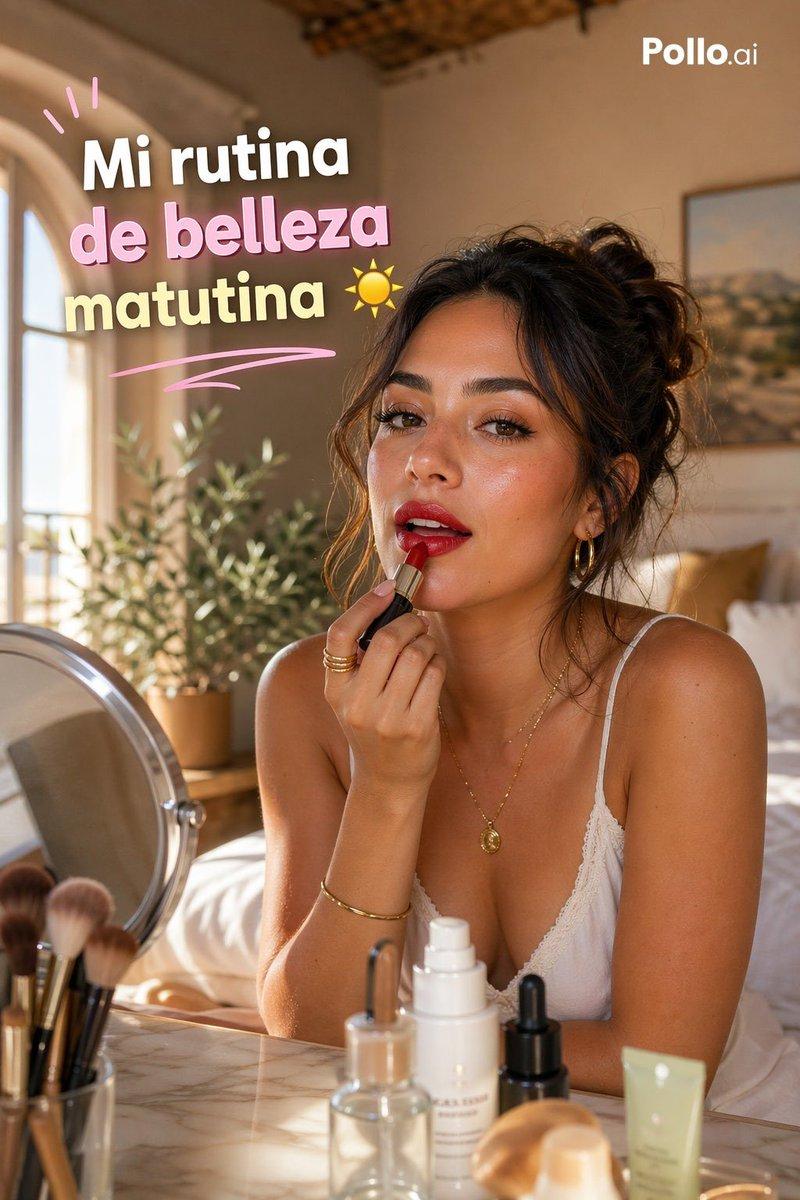
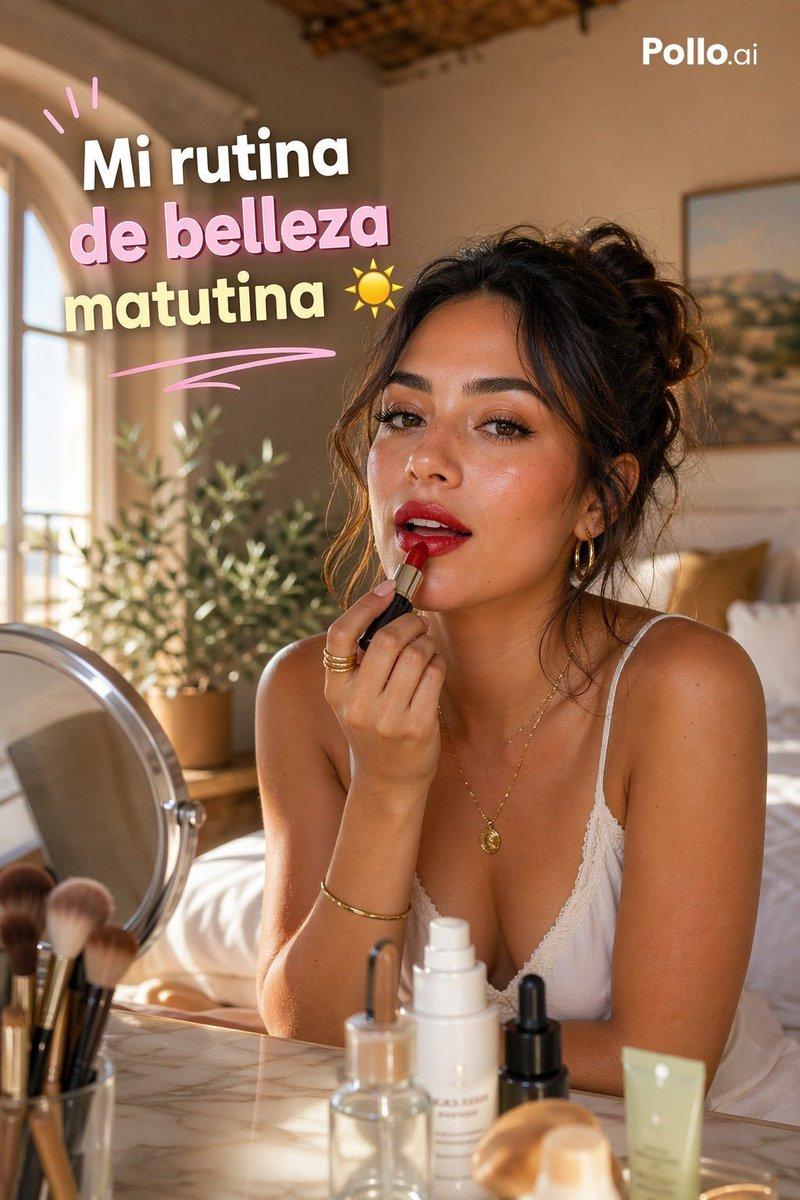
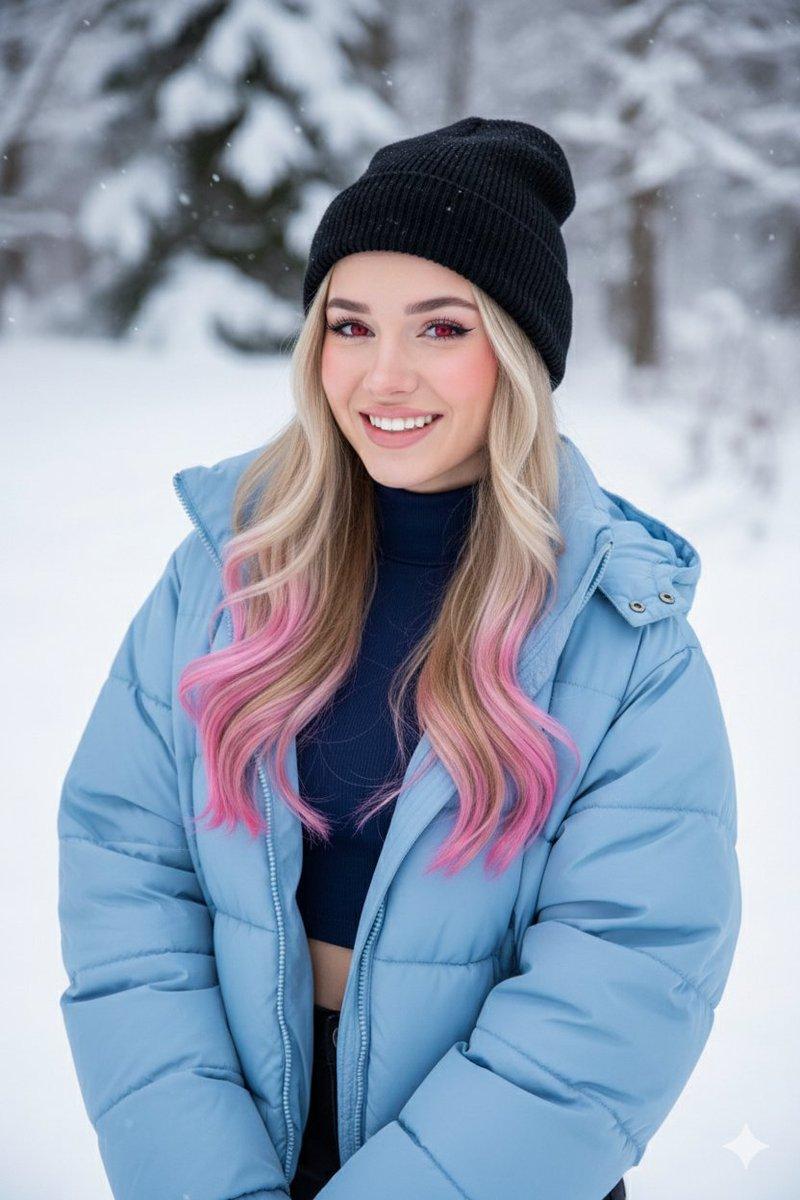
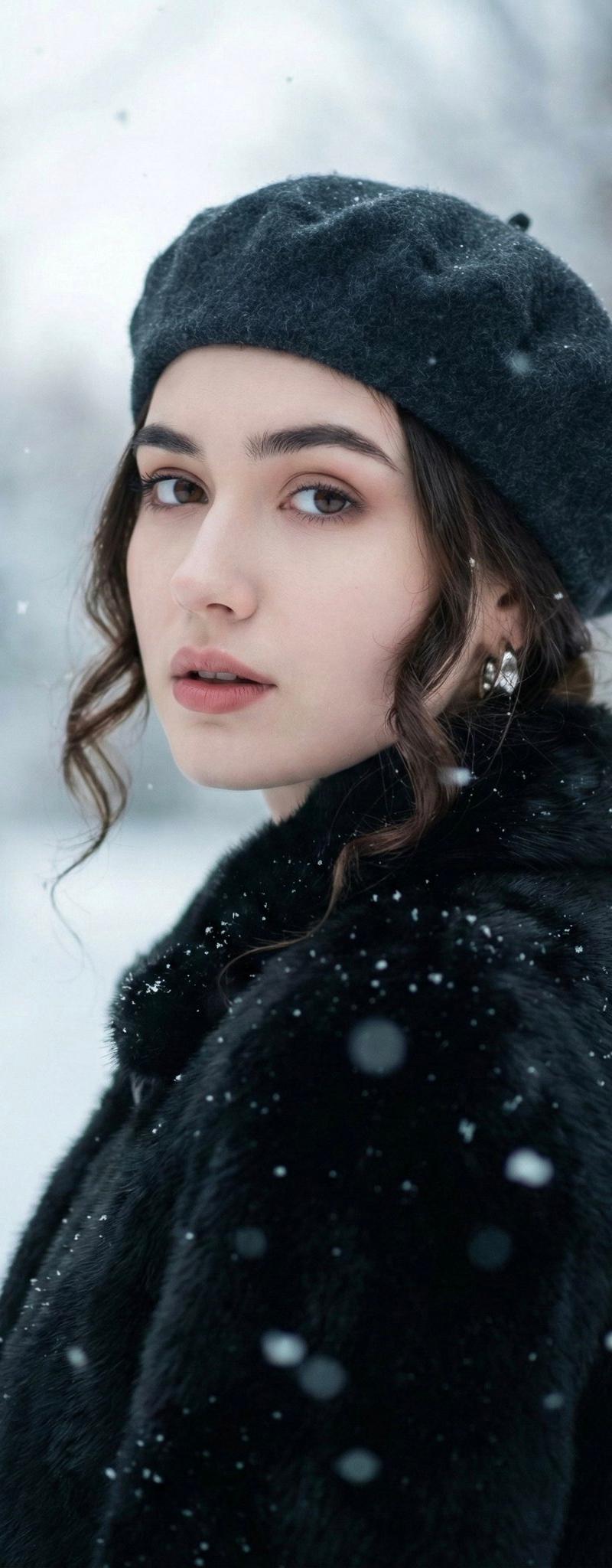
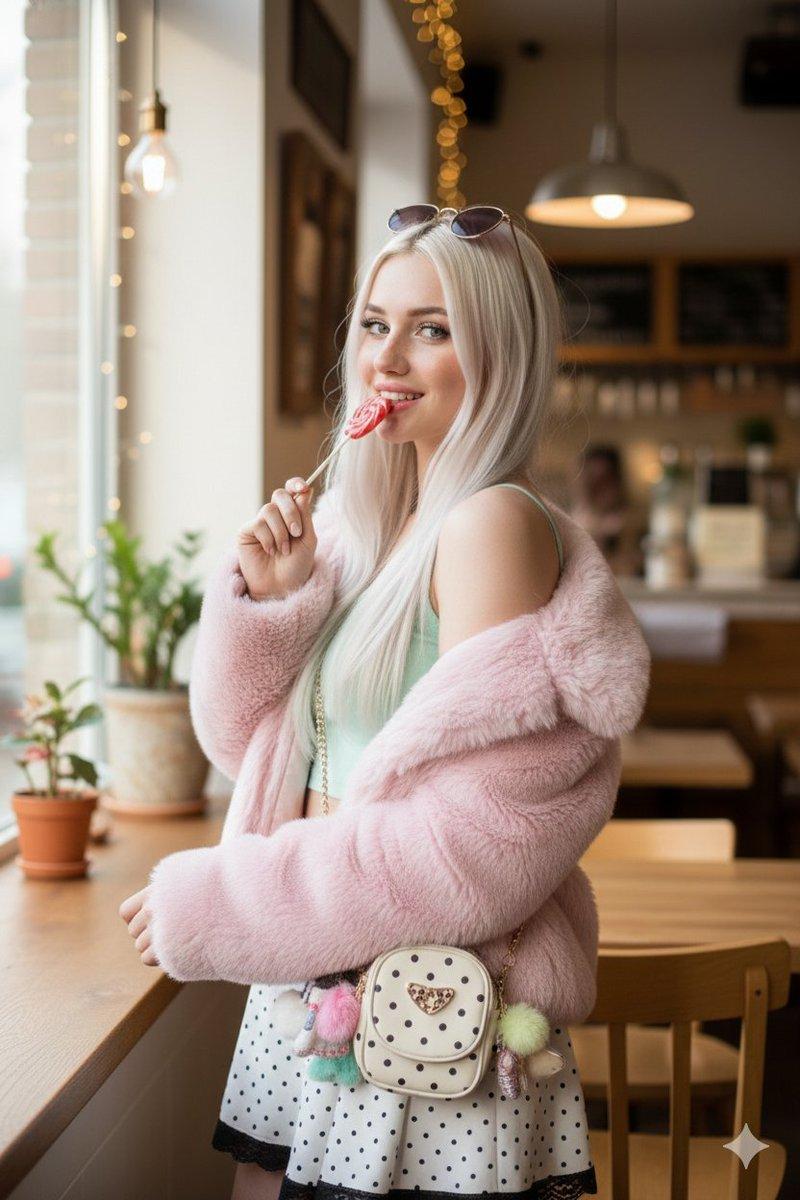
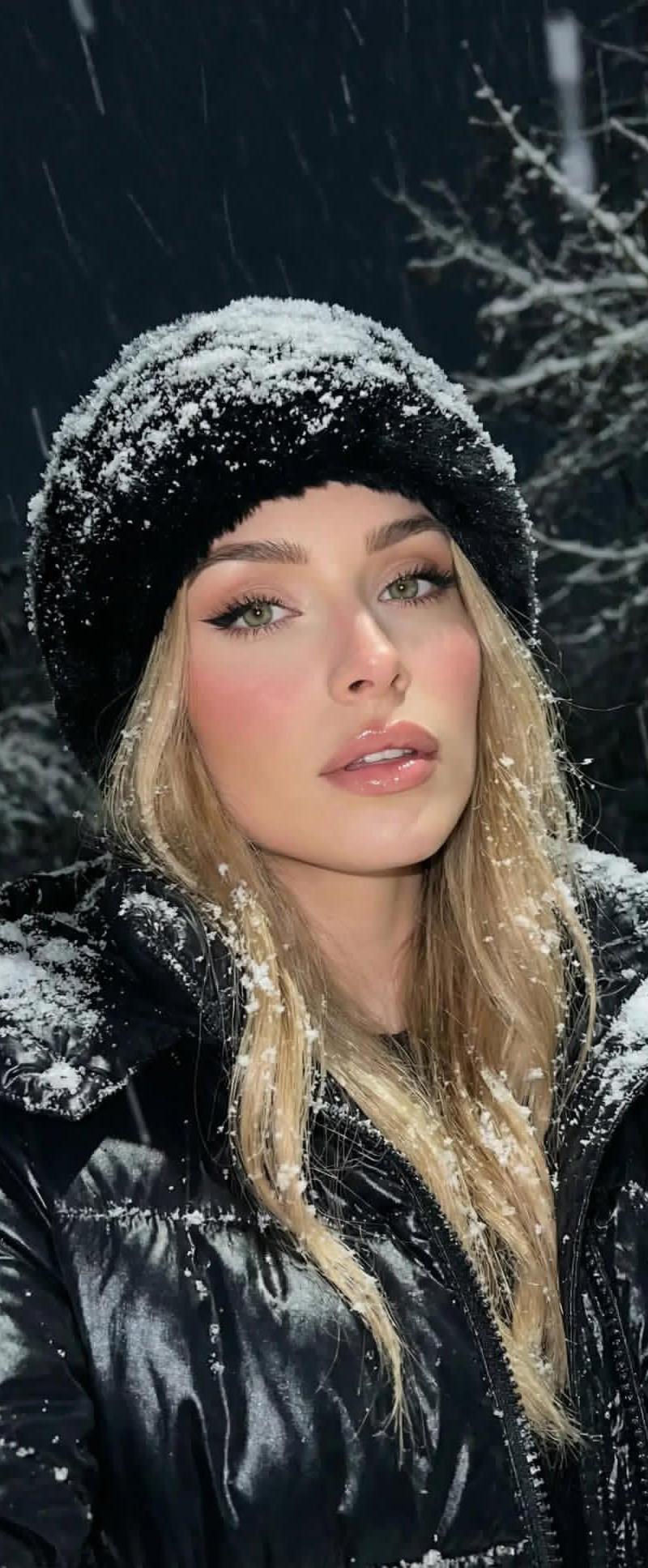
{ "image_generation_request": { "scene_description": { "subject": { "main": "A young girl", "action": "Applying the latest Kylie Cosmetics lip kit", "details": [ "Snowflakes melting on her lashes", "Soft matte lips in a rosy nude shade" ], "clothing": "Pink Ralph Lauren winter jacket collar framing her face" }, "setting": "Snowy alpine mountain" }, "technical_enhancements": { "surface_and_texture": [ "High-fidelity micro-detail", "Accurate material response", "Natural specularity", "Realistic micro-shadows", "Fine surface imperfections", "True-to-material depth", "Tactile realism" ], "rendering_rules": [ "Add skin realism", "Fix any small broken details", "Keep original color grading" ], "exclusions": [ "Plastic skin appearance" ] }, "metadata": { "aspect_ratio": "2:3" } } }
Category
Products & E-commerce
Model
Nano banana pro
Creator
@lexx_aura
Source language
zh-CN
Views0
Source ID
7688
Published
Mar 21, 2026
Studio

Guide

About "睫毛落雪与粉色冬衣的绝美妆容"

What is this prompt for?

"睫毛落雪与粉色冬衣的绝美妆容" AI image prompt for Nano banana pro (Products & E-commerce). { "image_generation_request": { "scene_description": { "subject": { "main": "一个年轻…

The full copyable prompt and example visuals above are ready for AI image generation or one-click recreate in Picva.

How to use this prompt

  1. Step 1

    Open the prompt detail

    Review the example visuals, category, and full prompt text for "睫毛落雪与粉色冬衣的绝美妆容".

  2. Step 2

    Copy the prompt

    Copy the prompt body from this page, or load it directly in Studio.

  3. Step 3

    Pick a model (Nano banana pro)

    Prefer Nano banana pro. If you switch models, keep subject and composition and tweak style terms.

  4. Step 4

    Generate and export

    Recreate the look in Picva, or export into your workflow for editing and publishing.

FAQ

What is the "睫毛落雪与粉色冬衣的绝美妆容" prompt?
It is an AI image-generation prompt for Nano banana pro in the Products & E-commerce category. This page includes the full prompt text, example visuals, and a one-click recreate path in Picva.
How do I use this prompt to generate an image?
Copy the prompt from this page, or use Generate / Studio. Paste it into a compatible image model, or recreate the look in Picva with optional reference images.
Which model is this prompt for?
This page lists Nano banana pro. Most descriptive prompts also transfer to nearby image models such as GPT Image, Flux, or Midjourney with light style tweaks.
Can I use the result commercially?
You can usually copy the prompt for creation, but commercial use of the final image depends on the model terms, reference-image rights, and the generated content. Follow the source author and platform rules.