17

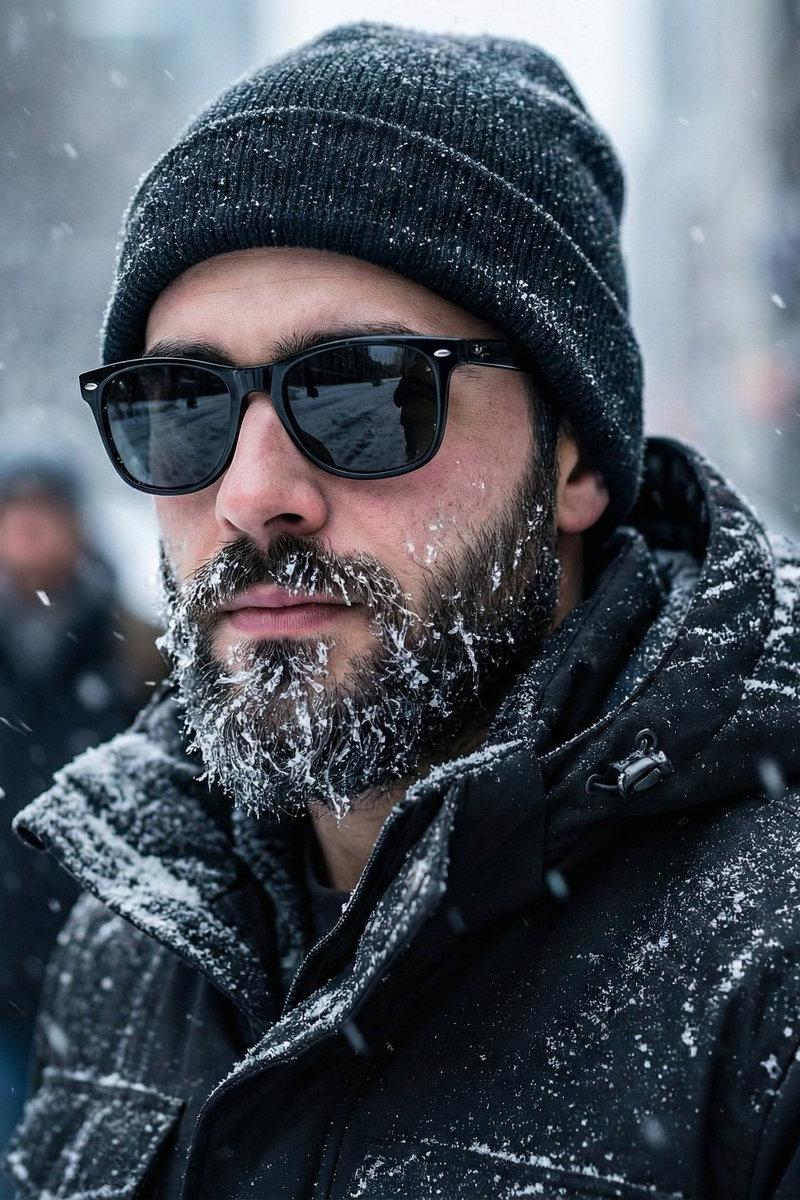
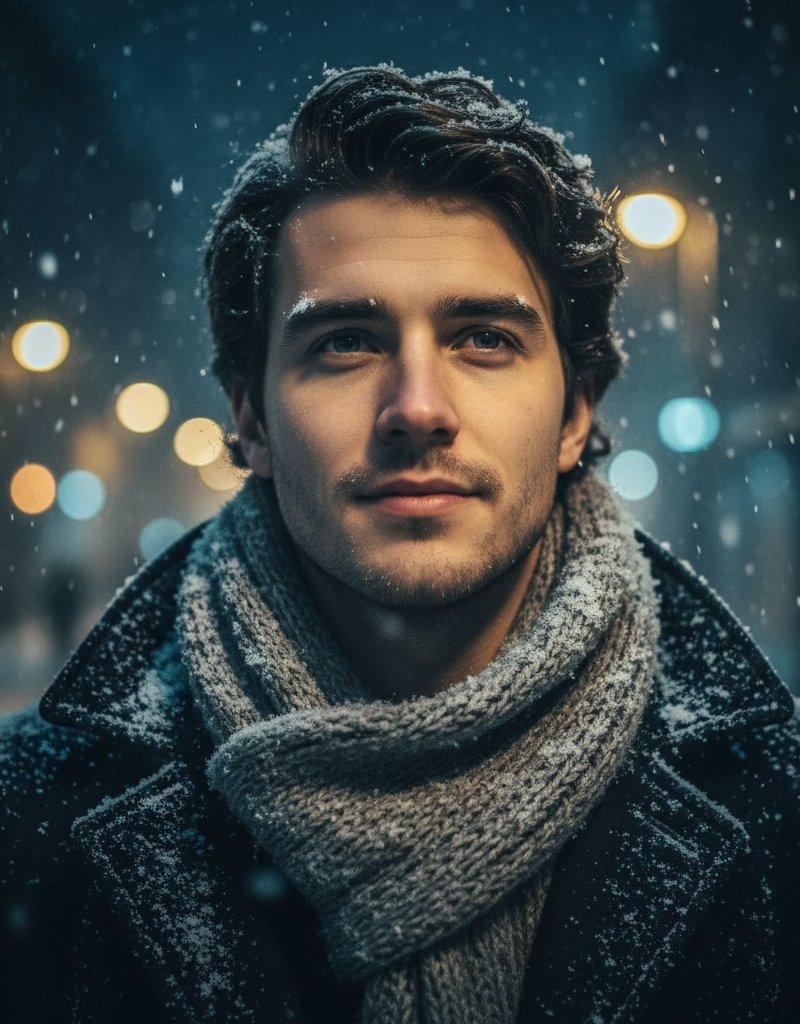
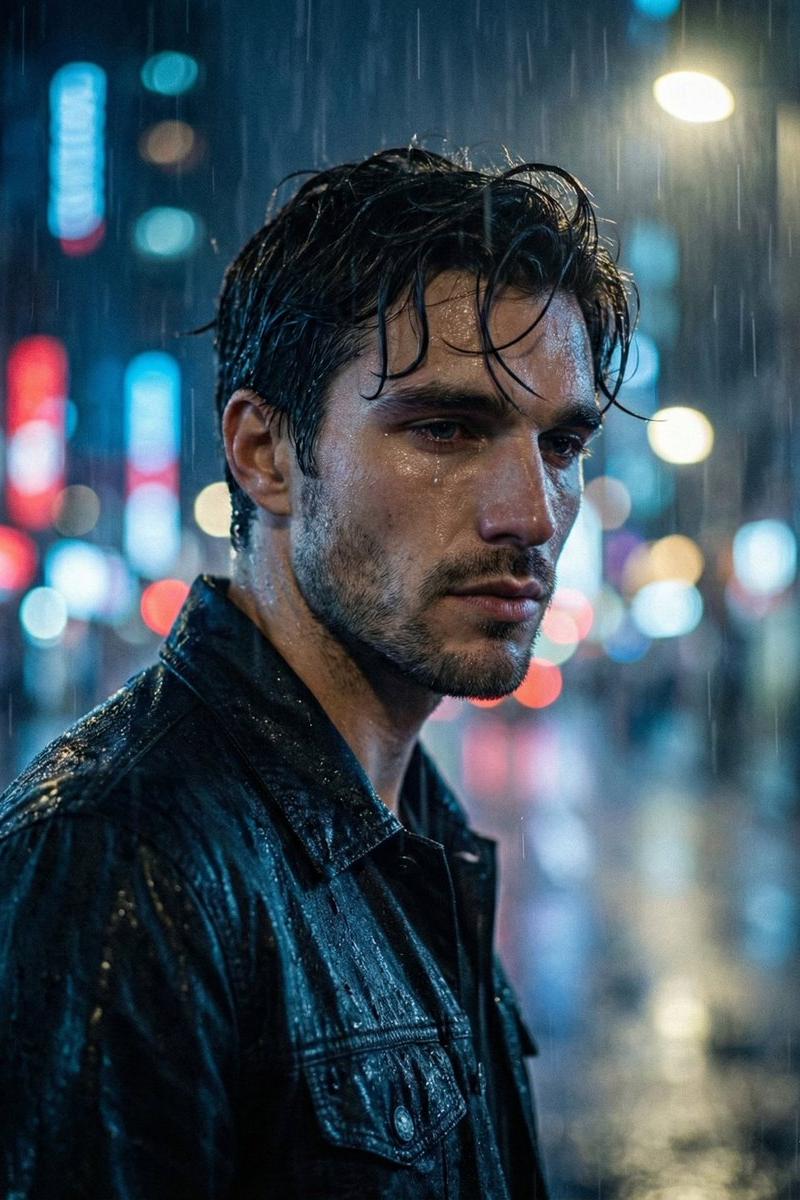
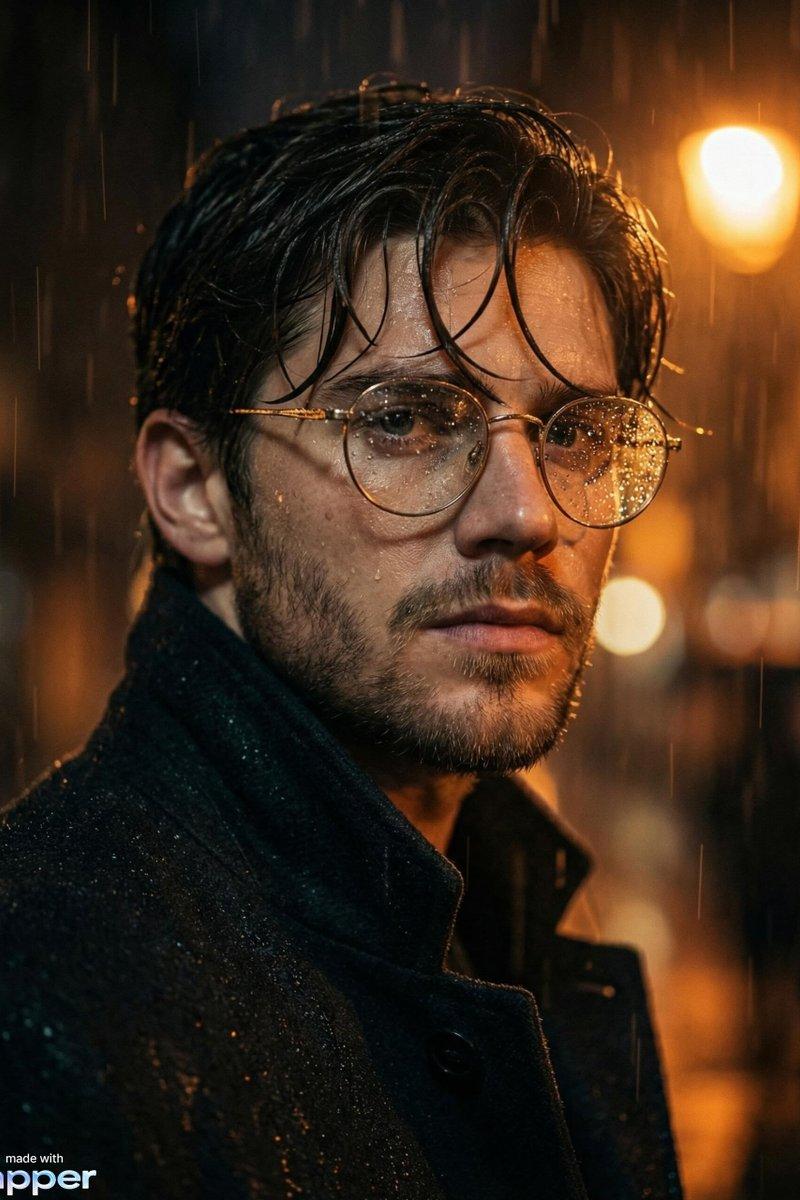
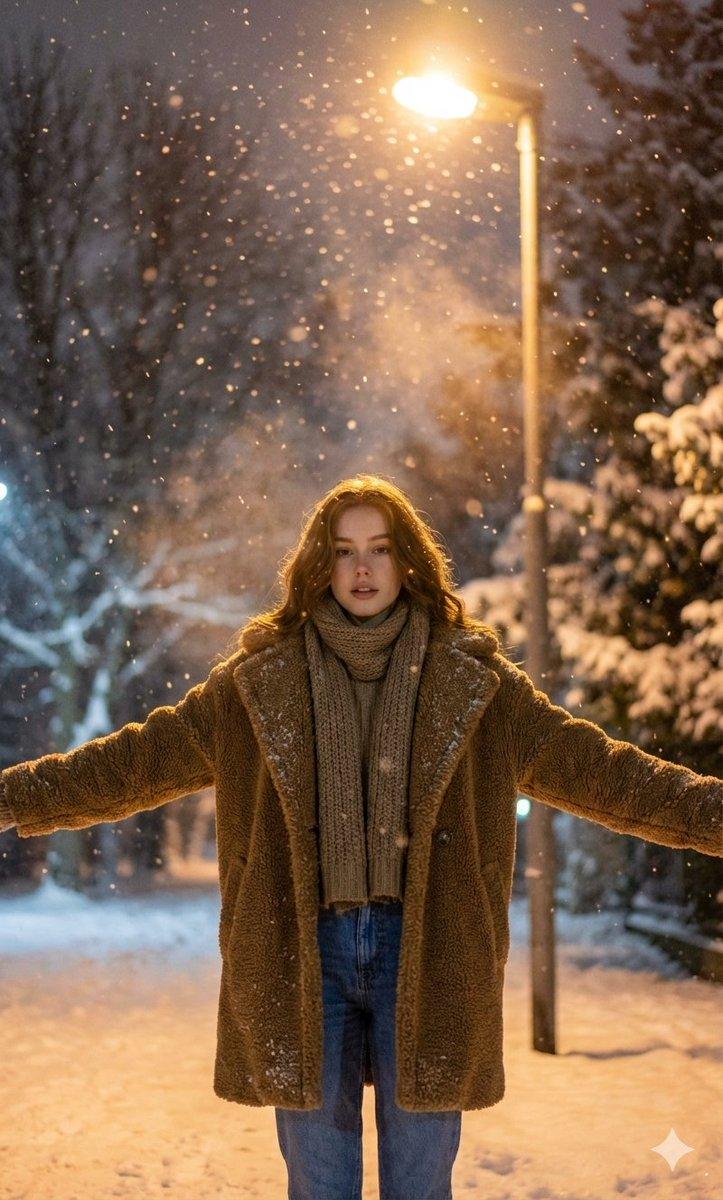
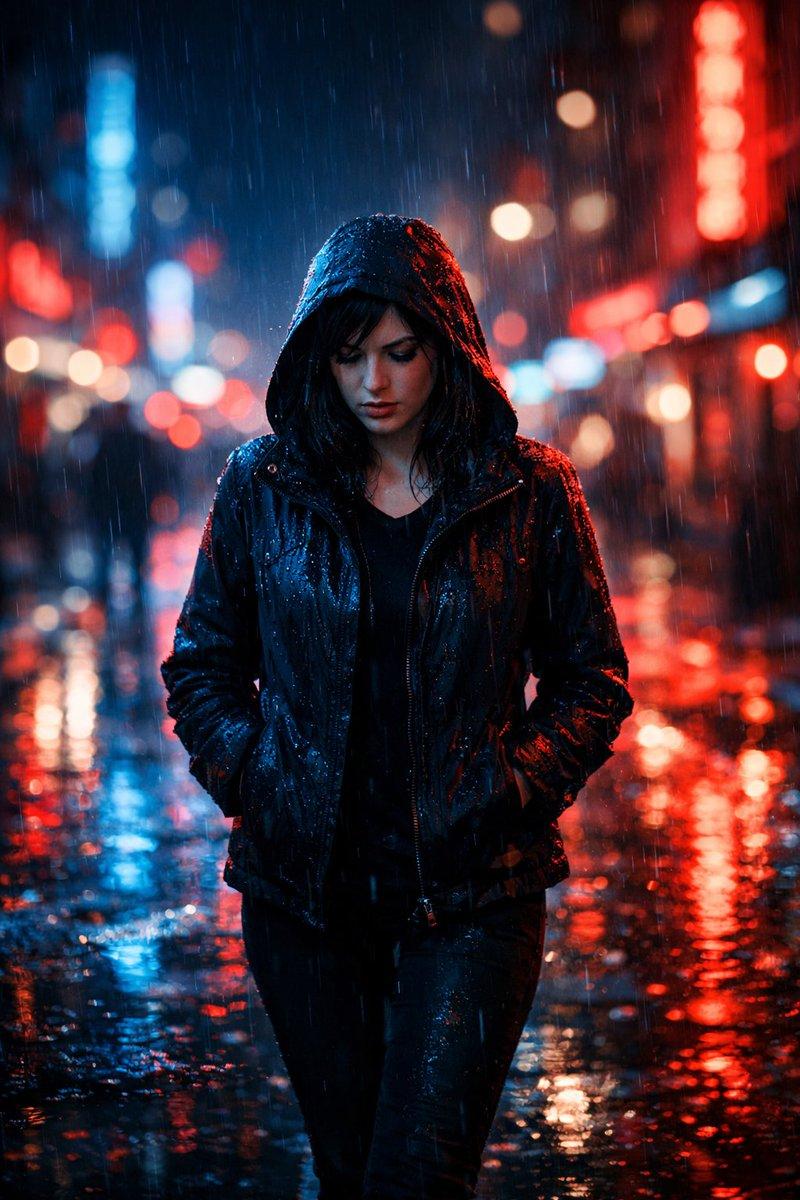
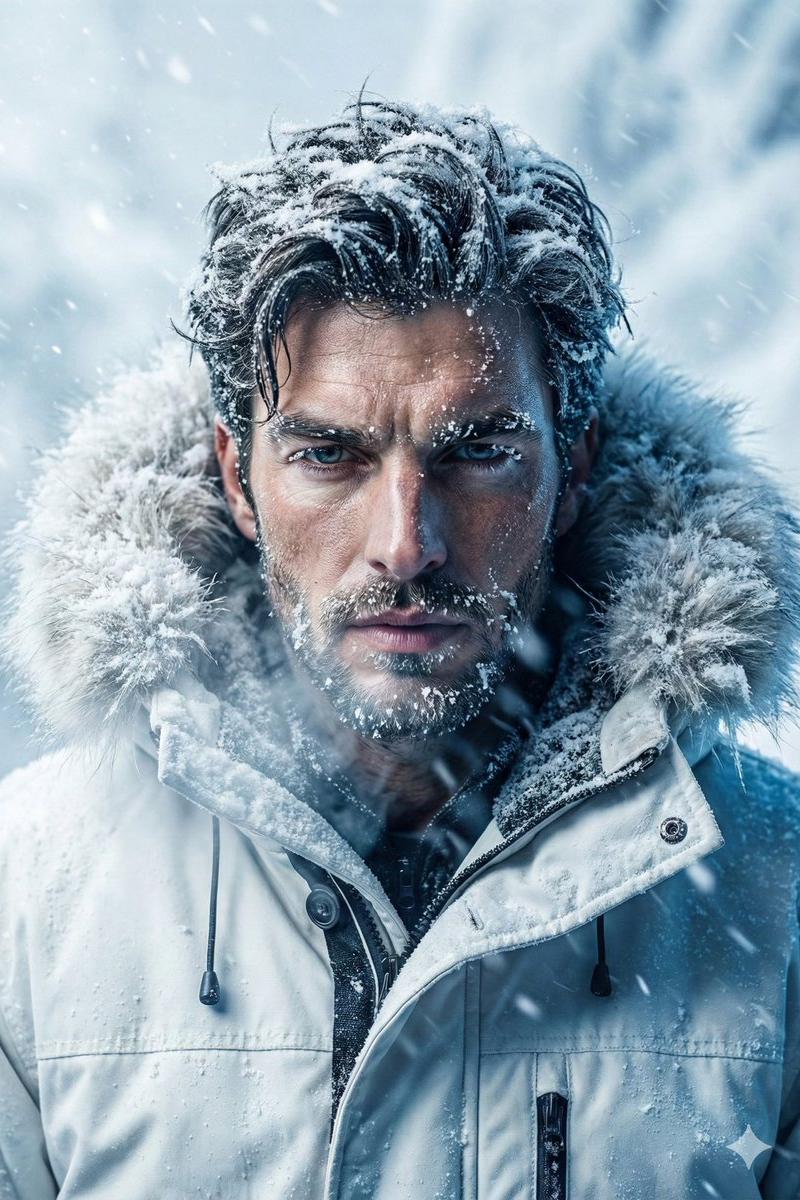
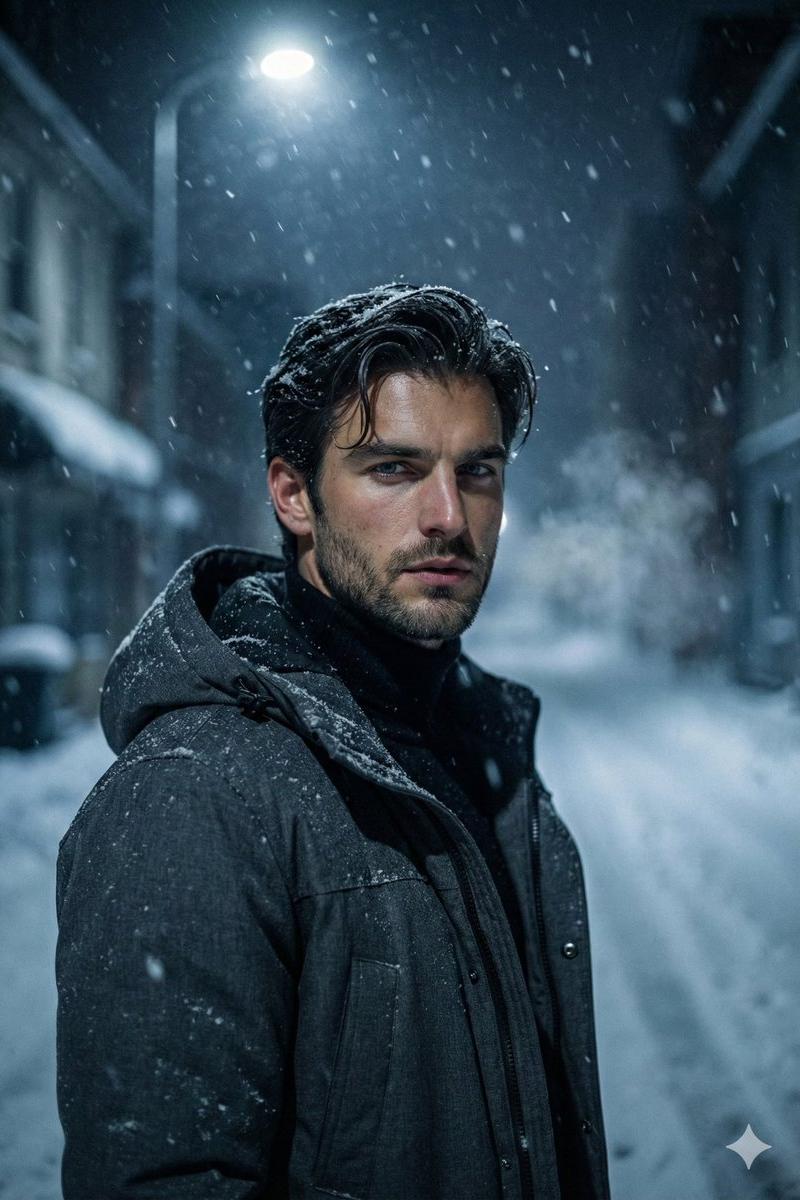
暴雪夜色下的冷峻男子电影感人像
Enlarge

Example images

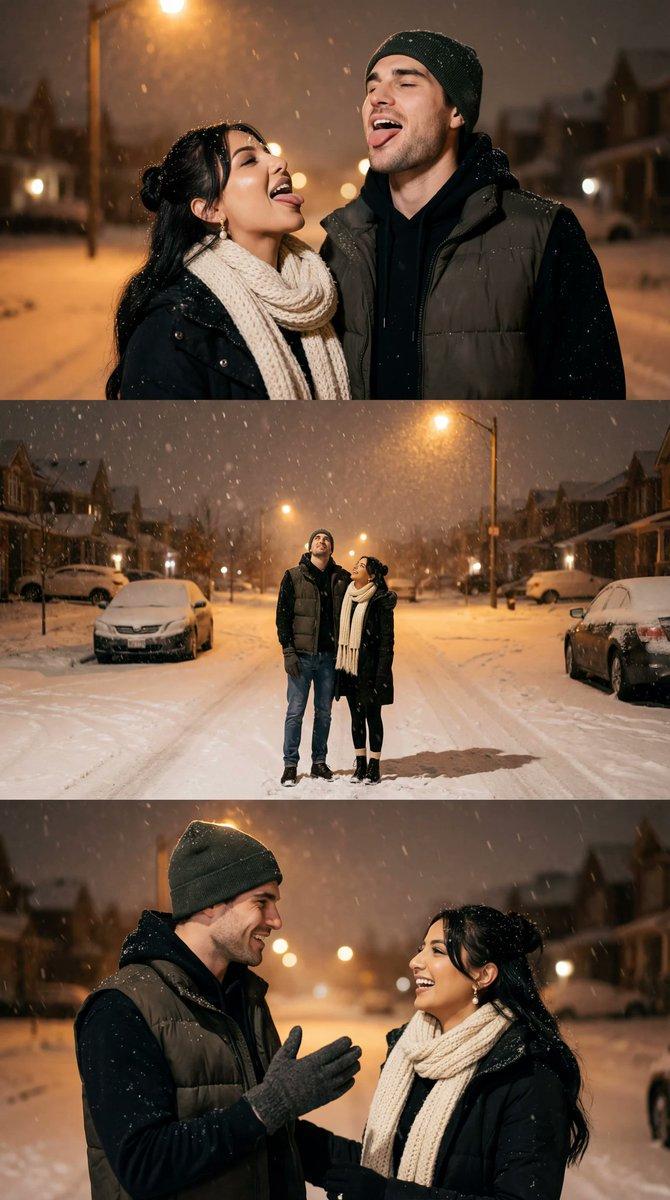
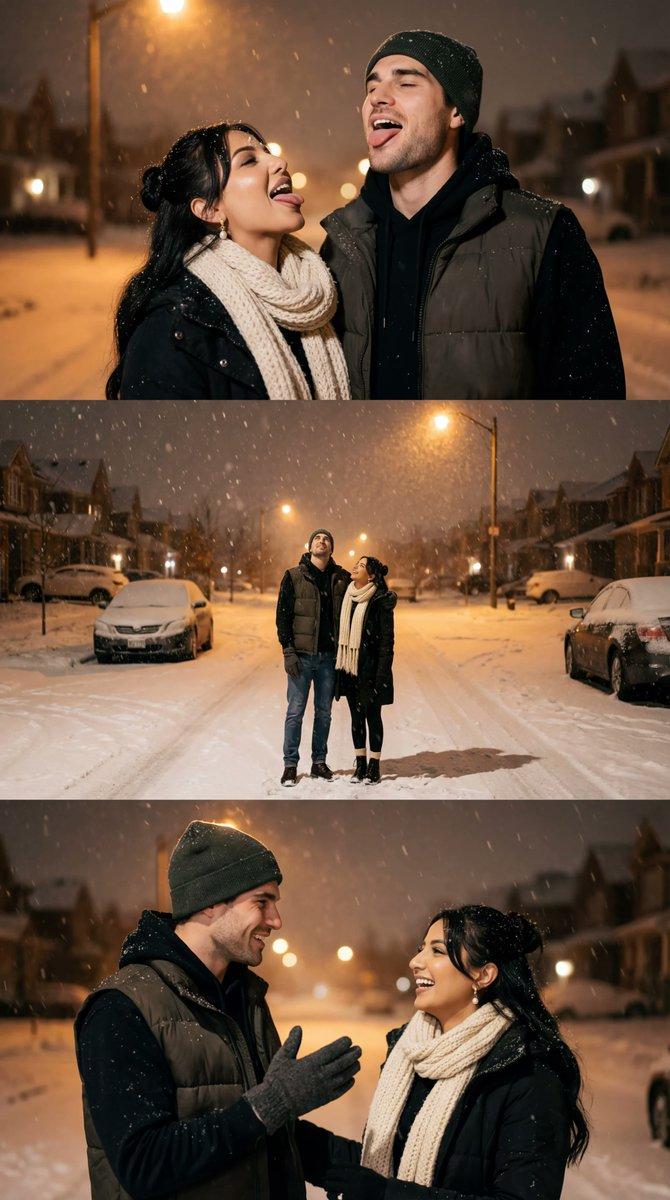
暴雪夜色下的冷峻男子电影感人像

Prompt
Ultra realistic cinematic portrait of a young man with sharp masculine features and light stubble, snow dusted hair slightly longer and pushed back, calm but intense eyes looking slightly away from the camera, wearing a charcoal hooded winter jacket layered over a black turtleneck, standing in a deserted snowy street at night, heavy snowfall swirling around him, snowflakes catching light mid air, cold breath visible, dim ambient street lighting with a single overhead lamp casting soft shadows, background filled with snow covered buildings and faint fog, low key lighting with cool blue tones, subtle rim light separating the subject from the background, medium close up framing, 50mm lens look, shallow depth of field, cinematic contrast, realistic skin texture, film grain, moody atmosphere, loneliness, quiet strength, winter noir aesthetic, professional photography realism.
Category
Charts & Infographics
Model
Nano banana pro
Creator
@iamrealsnow
Source language
zh-CN
Views44
Source ID
8508
Published
Mar 22, 2026
Studio

Guide

About "暴雪夜色下的冷峻男子电影感人像"

What is this prompt for?

"暴雪夜色下的冷峻男子电影感人像" AI image prompt for Nano banana pro (Charts & Infographics). 一个年轻男子的超写实电影感肖像,他面部线条硬朗,略带胡茬,被雪覆盖的头发稍长并向后梳理,眼神平静却又深邃,略微避开镜头。他身穿炭灰色连帽冬衣,内搭黑色高领衫,站…

The full copyable prompt and example visuals above are ready for AI image generation or one-click recreate in Picva.

How to use this prompt

  1. Step 1

    Open the prompt detail

    Review the example visuals, category, and full prompt text for "暴雪夜色下的冷峻男子电影感人像".

  2. Step 2

    Copy the prompt

    Copy the prompt body from this page, or load it directly in Studio.

  3. Step 3

    Pick a model (Nano banana pro)

    Prefer Nano banana pro. If you switch models, keep subject and composition and tweak style terms.

  4. Step 4

    Generate and export

    Recreate the look in Picva, or export into your workflow for editing and publishing.

FAQ

What is the "暴雪夜色下的冷峻男子电影感人像" prompt?
It is an AI image-generation prompt for Nano banana pro in the Charts & Infographics category. This page includes the full prompt text, example visuals, and a one-click recreate path in Picva.
How do I use this prompt to generate an image?
Copy the prompt from this page, or use Generate / Studio. Paste it into a compatible image model, or recreate the look in Picva with optional reference images.
Which model is this prompt for?
This page lists Nano banana pro. Most descriptive prompts also transfer to nearby image models such as GPT Image, Flux, or Midjourney with light style tweaks.
Can I use the result commercially?
You can usually copy the prompt for creation, but commercial use of the final image depends on the model terms, reference-image rights, and the generated content. Follow the source author and platform rules.