18

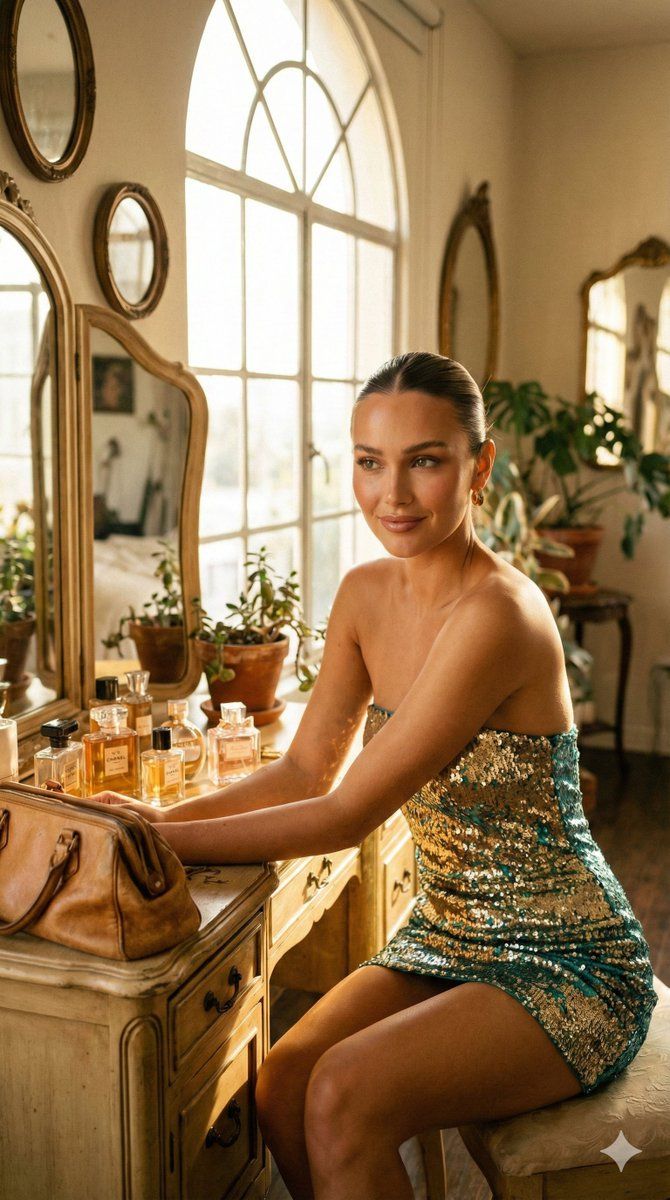
魅力时尚杂志人像摄影提示
Enlarge

魅力时尚杂志人像摄影提示

Prompt
{
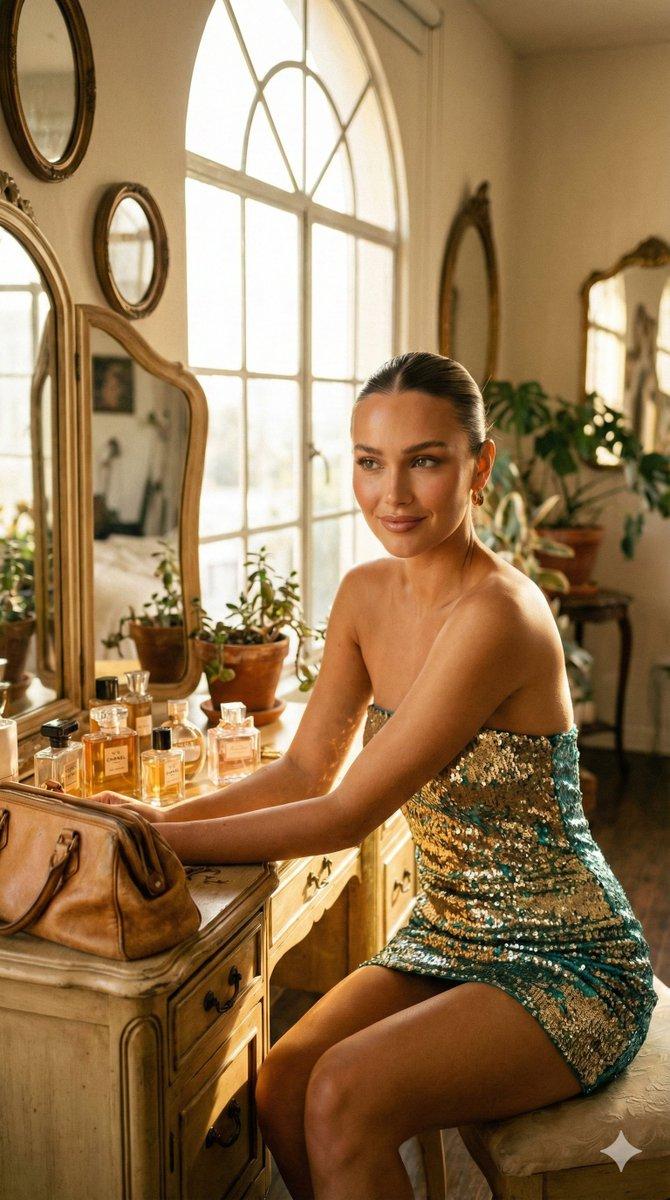
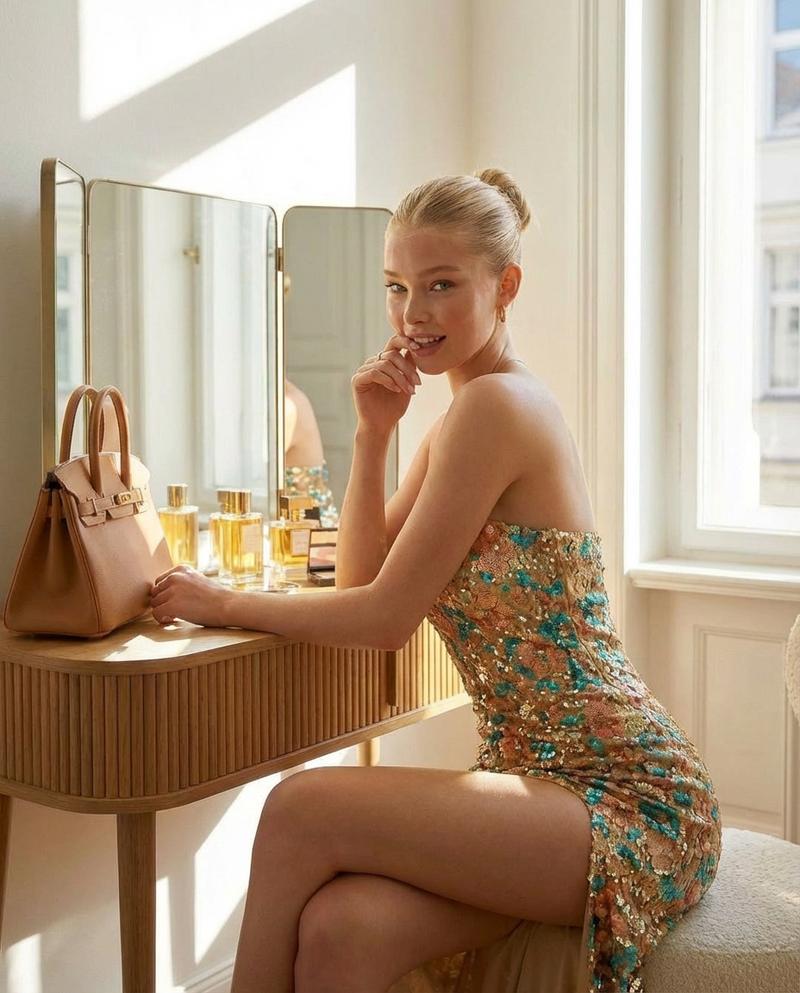
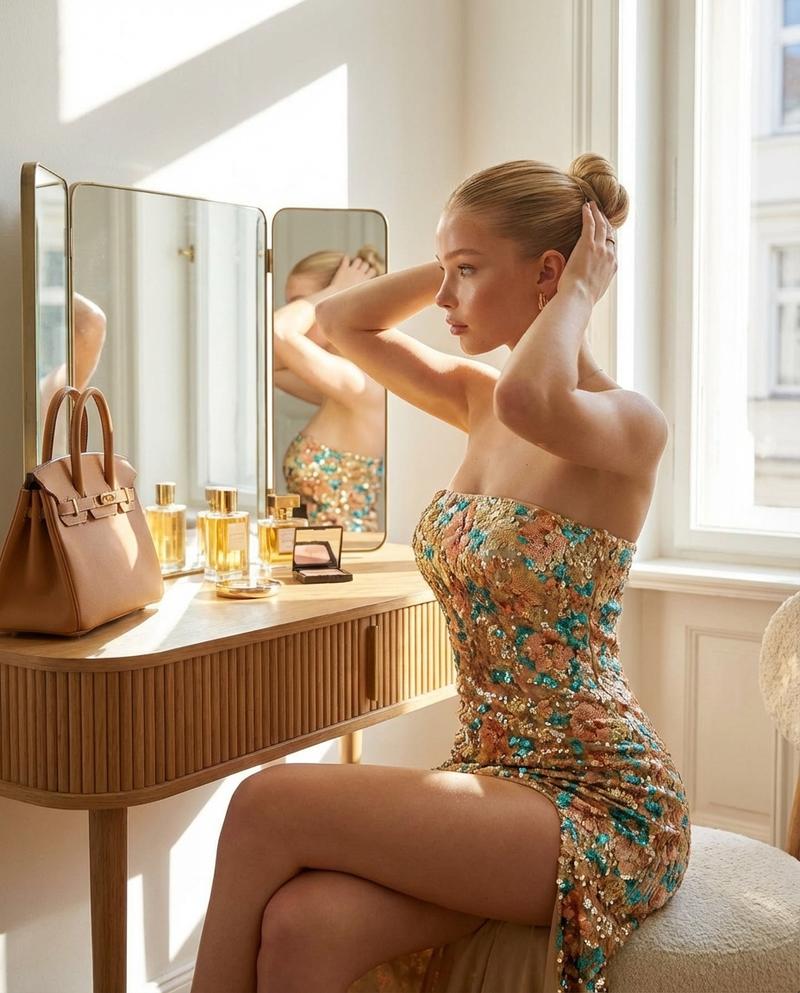
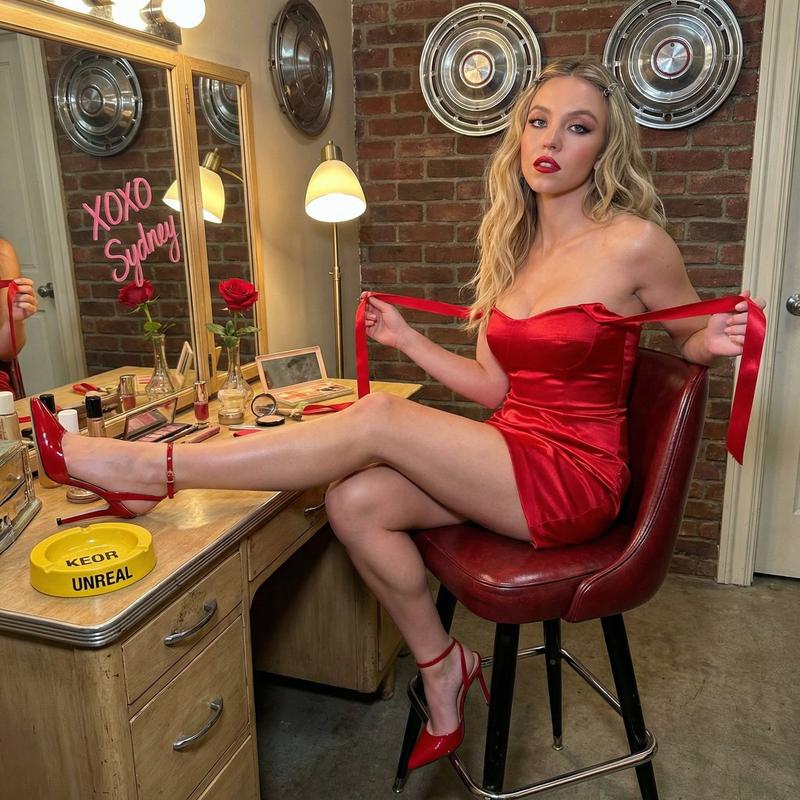
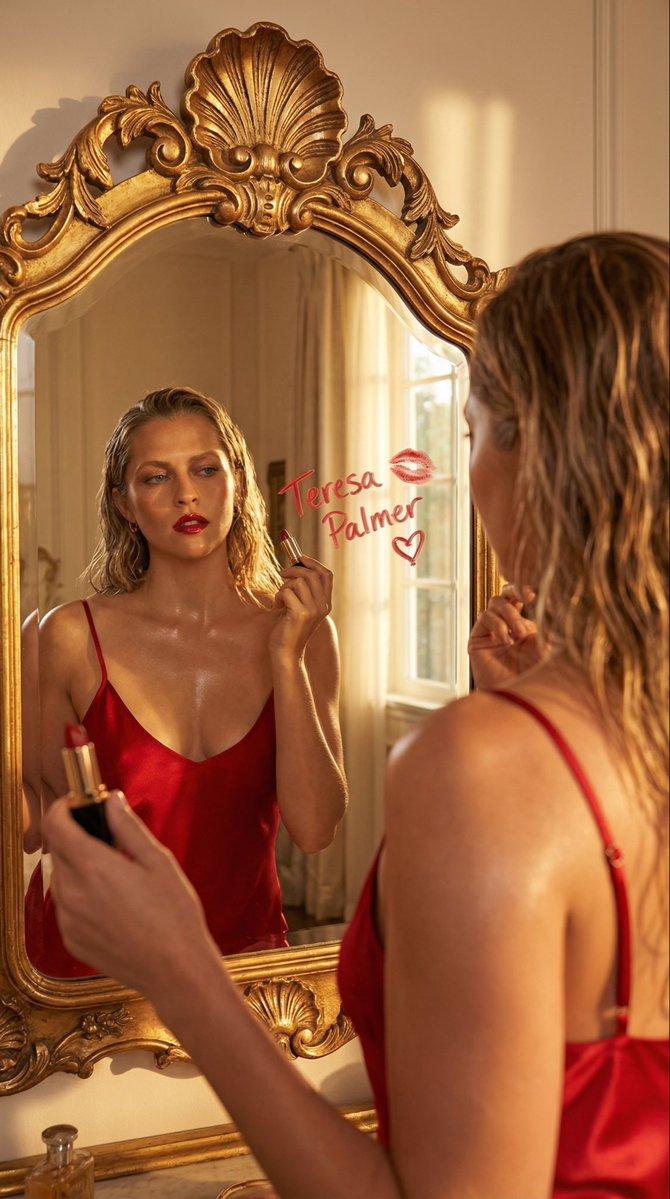
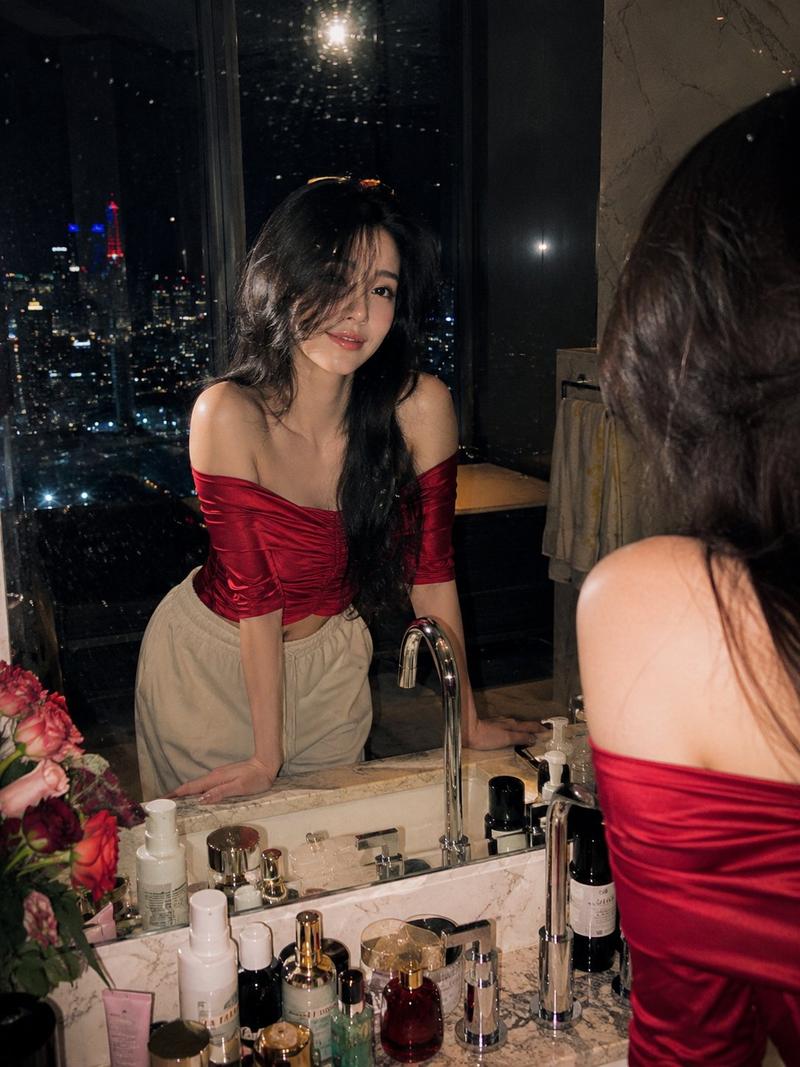
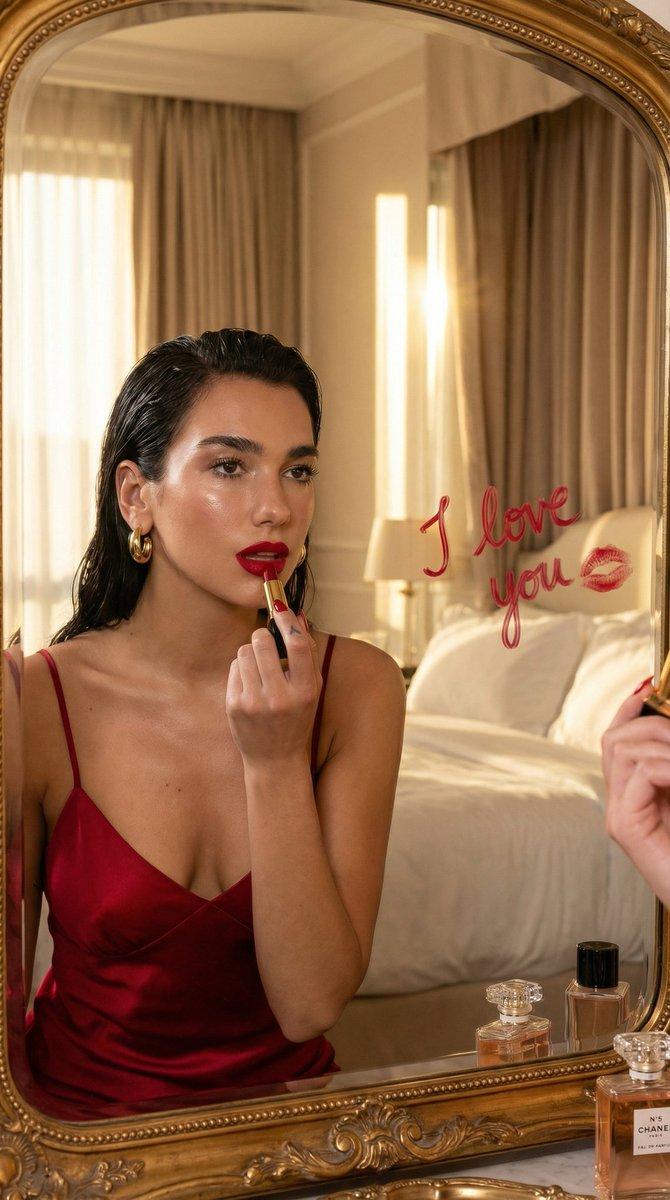
  "prompt": "A stylish young woman seated at a wooden vanity table in a sunlit room, wearing a strapless sequined mini dress with gold and teal accents. Her hair is styled in a sleek bun, and she poses elegantly with a soft, confident smile. On the vanity are luxury perfume bottles and a tan leather handbag. The scene is bathed in natural daylight from a large window, creating warm highlights and soft shadows with a refined fashion editorial aesthetic.",
  "style": "photorealistic",
  "lighting": "natural window light, warm tones",
  "composition": "three-quarter body, side profile, eye-level",
  "mood": "elegant, glamorous, intimate",
  "camera": {
    "lens": "50mm",
    "aperture": "f/2.4",
    "depth_of_field": "shallow"
  },
  "quality": "high detail, realistic textures, editorial photography",
  "aspect_ratio": "2:3"
}
Category
创意图片
Model
Nano Banana Pro
Creator
TumuAI
Views0
Source ID
75f892a1-1a62-4f7e-84be-f11fe1e43022
Published
Mar 8, 2026

Guide

About "魅力时尚杂志人像摄影提示"

What is this prompt for?

"魅力时尚杂志人像摄影提示" AI image prompt for Nano Banana Pro (创意图片). 一个写实风格的提示词,用于生成一张优雅迷人的年轻女性肖像。她身着亮片迷你连衣裙,坐在一张木制梳妆台前,沐浴在自然窗光中,营造出精致的时尚杂志美学。 --- ```json { "prompt": "一…

The full copyable prompt and example visuals above are ready for AI image generation or one-click recreate in Picva.

How to use this prompt

  1. Step 1

    Open the prompt detail

    Review the example visuals, category, and full prompt text for "魅力时尚杂志人像摄影提示".

  2. Step 2

    Copy the prompt

    Copy the prompt body from this page, or load it directly in Studio.

  3. Step 3

    Pick a model (Nano Banana Pro)

    Prefer Nano Banana Pro. If you switch models, keep subject and composition and tweak style terms.

  4. Step 4

    Generate and export

    Recreate the look in Picva, or export into your workflow for editing and publishing.

FAQ

What is the "魅力时尚杂志人像摄影提示" prompt?
It is an AI image-generation prompt for Nano Banana Pro in the 创意图片 category. This page includes the full prompt text, example visuals, and a one-click recreate path in Picva.
How do I use this prompt to generate an image?
Copy the prompt from this page, or use Generate / Studio. Paste it into a compatible image model, or recreate the look in Picva with optional reference images.
Which model is this prompt for?
This page lists Nano Banana Pro. Most descriptive prompts also transfer to nearby image models such as GPT Image, Flux, or Midjourney with light style tweaks.
Can I use the result commercially?
You can usually copy the prompt for creation, but commercial use of the final image depends on the model terms, reference-image rights, and the generated content. Follow the source author and platform rules.