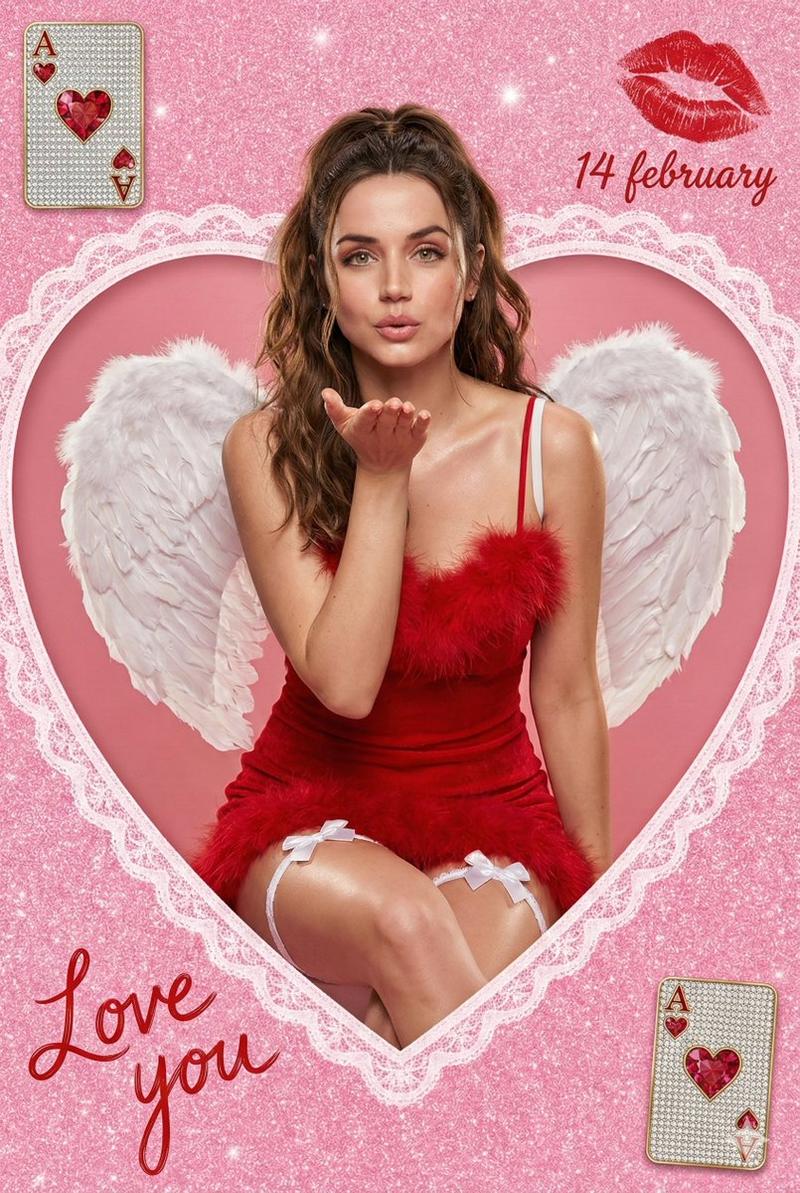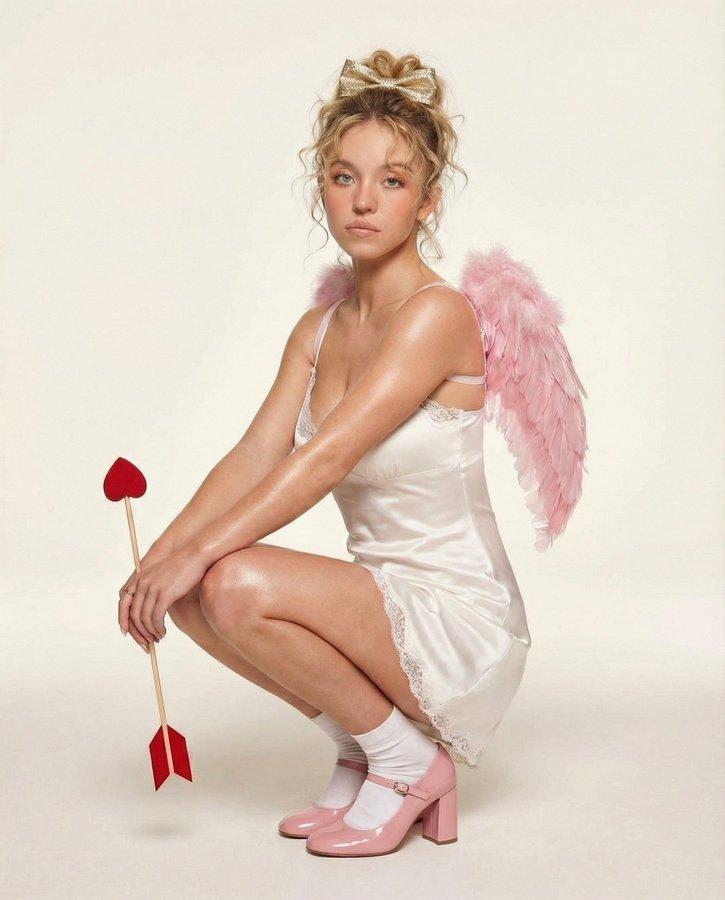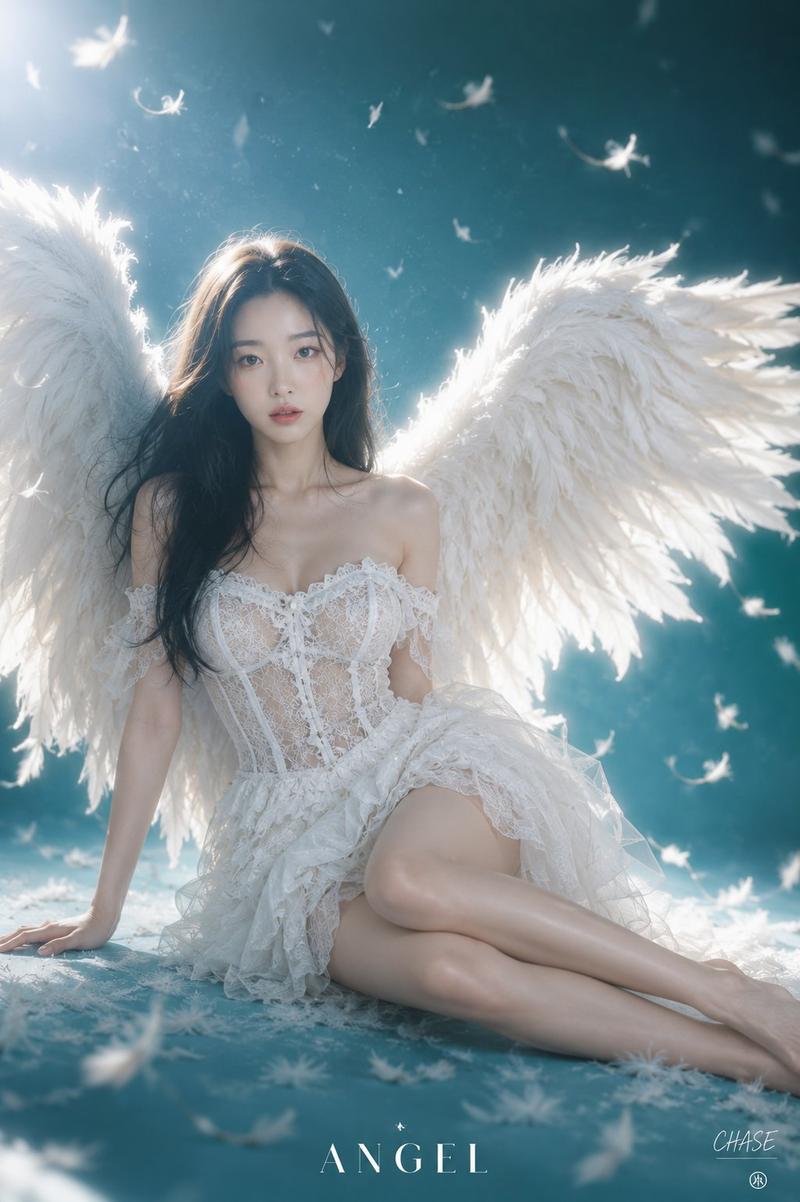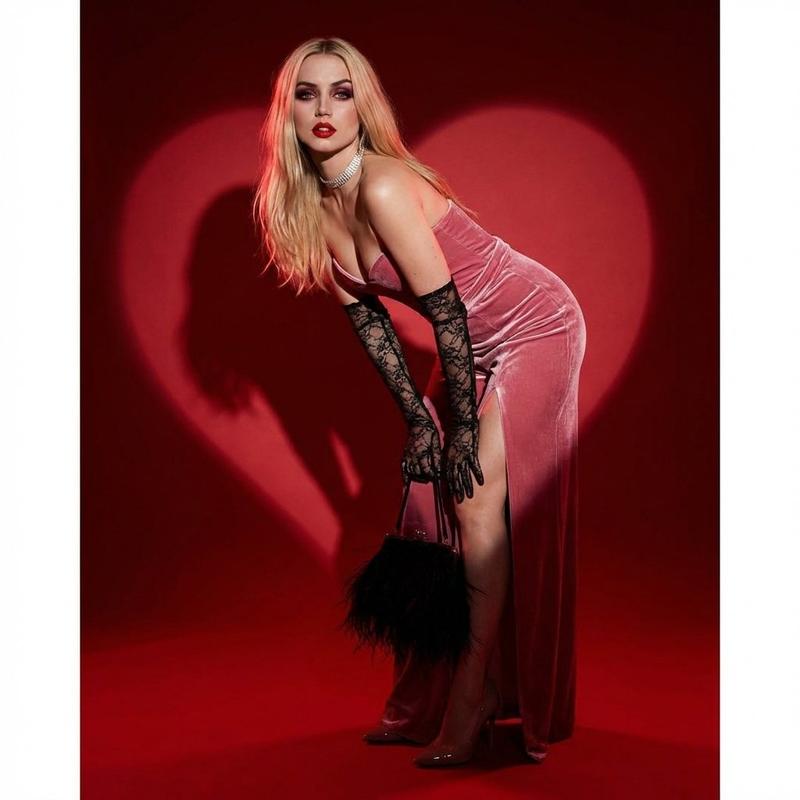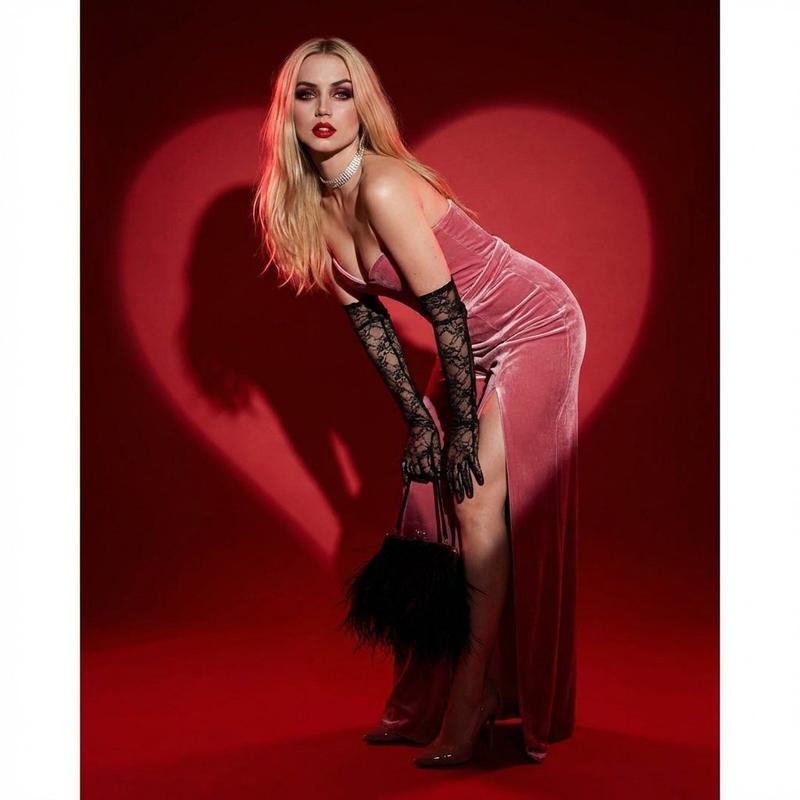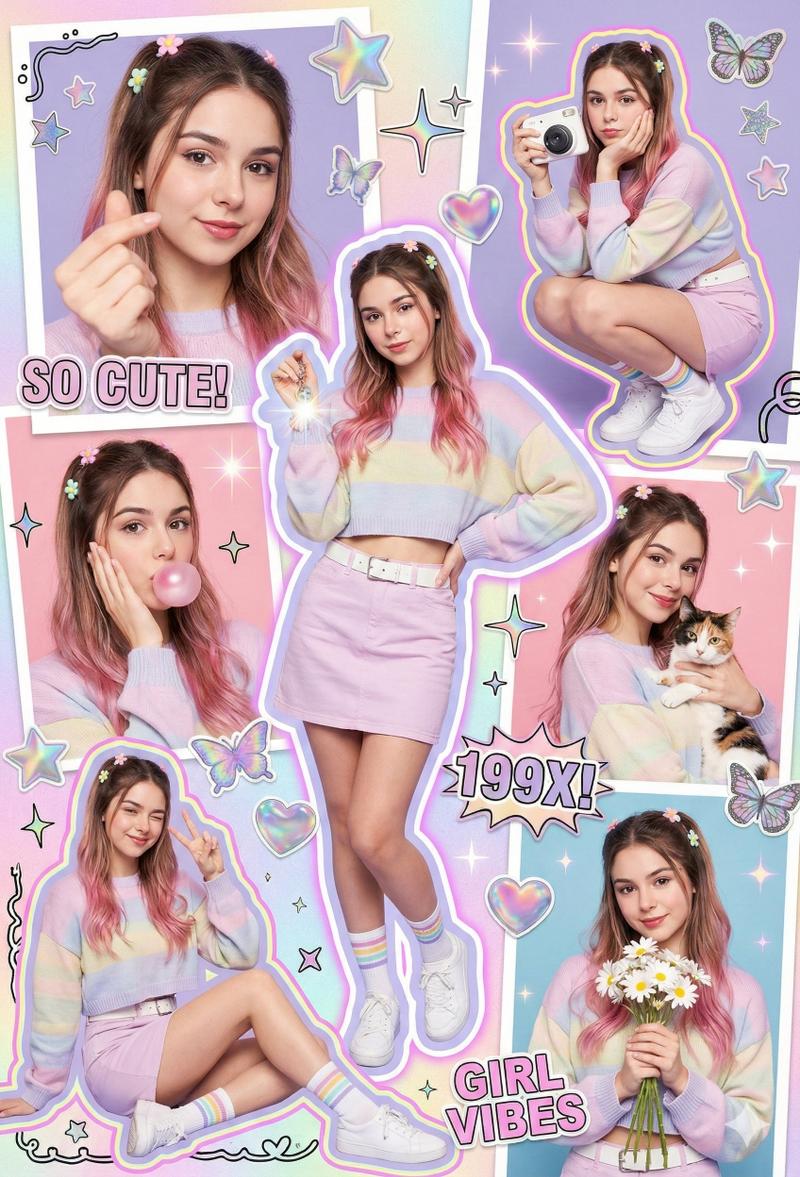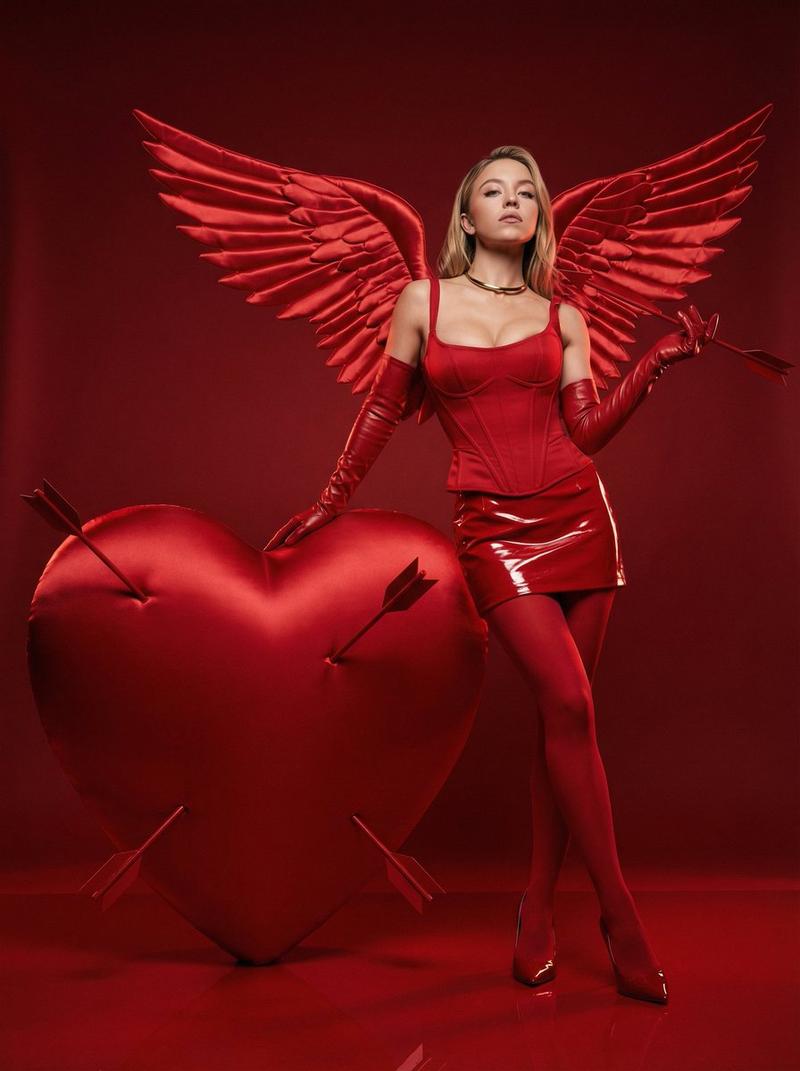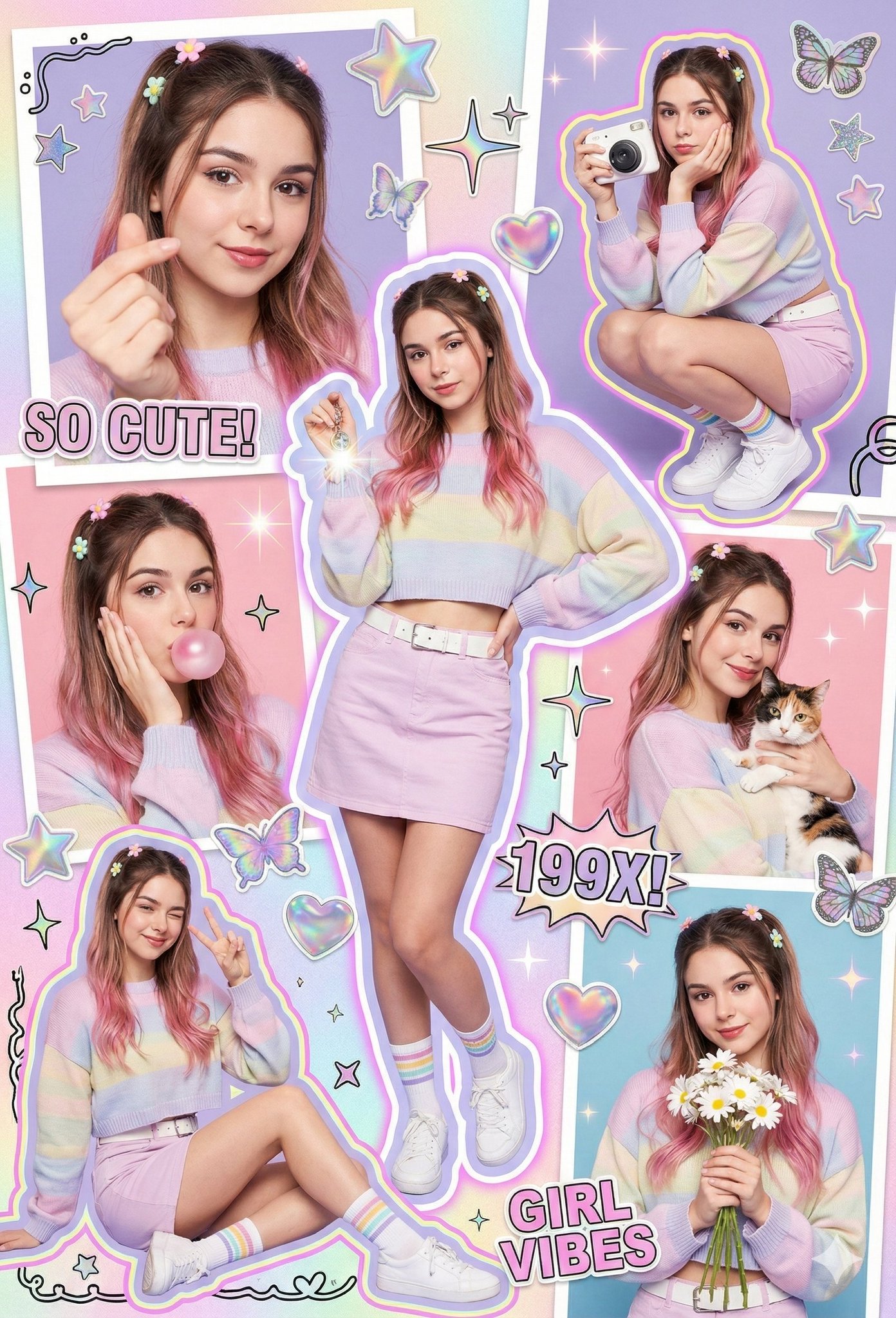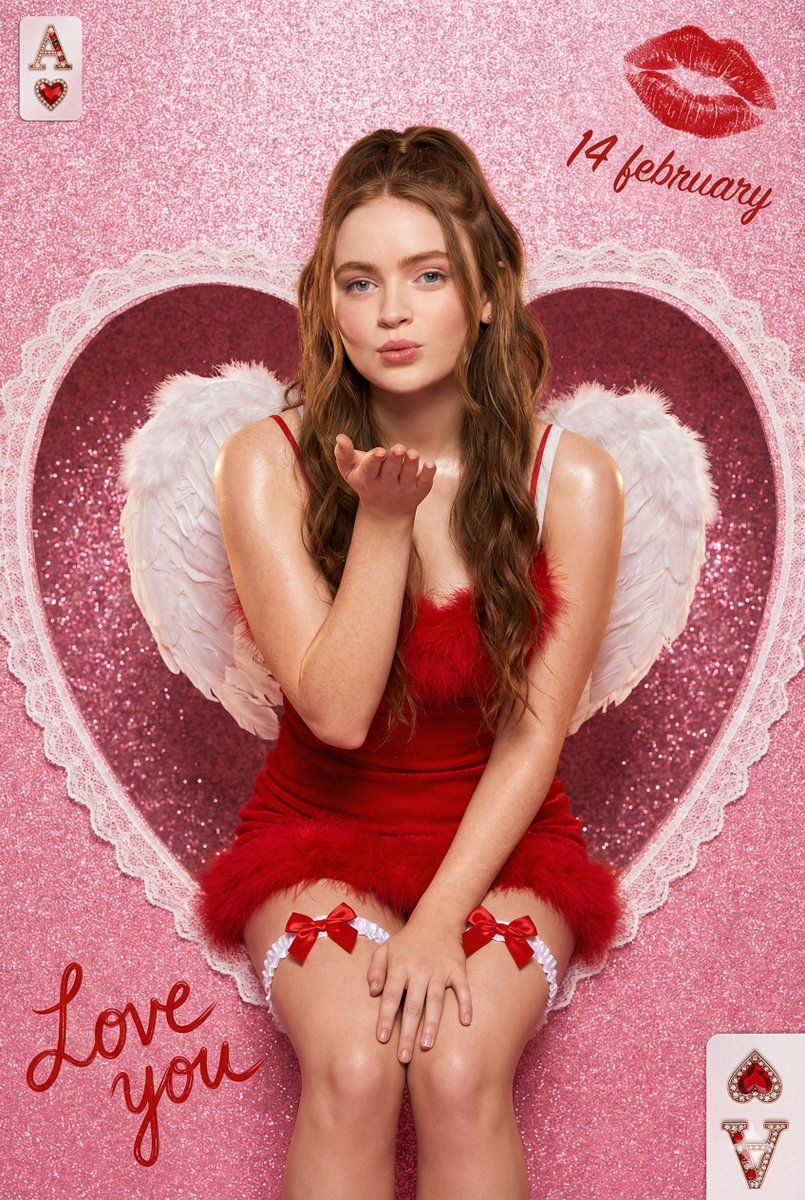
情人节天使之心魅力大片
Prompt
{
  "meta": {
    "title": "Valentine Angel Heart Portrait",
    "style": "ultra-photorealistic glamour editorial",
    "resolution": "8K high resolution",
    "aspect_ratio": "9:16 vertical portrait",
    "render_quality": "extreme detail, high texture clarity, sharp focus",
    "color_palette": "vibrant saturated pinks, romantic reds, soft whites",
    "mood": "romantic, playful, glamorous, dreamy",
    "aesthetic": "valentine fantasy meets luxury studio fashion photography"
  },

  "scene": {
    "location_type": "studio setup",
    "background": {
      "base_color": "sparkly hot pink glitter",
      "texture": "fine shimmering glitter particles with soft bokeh reflections",
      "centerpiece": "large lace-edged heart cutout window",
      "heart_details": "intricate white lace trim with delicate floral embroidery patterns, symmetrical and elegant"
    },
    "composition": {
      "framing": "centered subject seated inside heart cutout",
      "depth_of_field": "shallow depth of field with softly blurred glitter background",
      "camera_angle": "slightly above eye level for flattering perspective",
      "crop": "mid-thigh upward portrait framing",
      "clean_frame": "no extra people, no clutter, balanced decorative elements"
    }
  },

  "subject": {
    "gender": "female",
    "age_range": "20-25",
    "body_type": "slim, natural proportions",
    "pose": {
      "position": "seated gracefully inside heart cutout",
      "gesture": "gently blowing a kiss with one hand toward camera",
      "expression": "soft romantic smile, playful yet elegant eye contact",
      "posture": "upright with relaxed shoulders and subtle curve in spine"
    },
    "face_details": {
      "skin": "smooth soft skin with professional editorial retouch",
      "finish": "subtle sheen on shoulders and collarbones",
      "makeup": "soft glam makeup, rosy blush, defined lashes, glossy red lips",
      "eyes": "warm expressive gaze directed toward viewer"
    },
    "hair": {
      "color": "rich medium brown",
      "style": "long wavy hair",
      "arrangement": "half-up ponytail with soft loose waves cascading over shoulders",
      "texture": "natural shine with soft volume"
    }
  },

  "wardrobe": {
    "dress": {
      "type": "mini dress",
      "color": "deep romantic red",
      "material": "fluffy textured fabric with feather trim",
      "straps": "thin delicate spaghetti straps",
      "fit": "fitted bodice with soft voluminous feathered hem"
    },
    "legwear": {
      "style": "white thigh garters",
      "details": "small satin bows centered on each garter"
    },
    "wings": {
      "type": "angel wings",
      "color": "pure white",
      "size": "large and dramatic",
      "texture": "layered soft feathers with realistic volume",
      "positioning": "symmetrical behind her back, slightly curved outward"
    }
},- Category
- 创意图片
- Model
- Nano Banana Pro
- Creator
- Shreya♡
- Source ID
- 25f0a863-5948-4aca-9c2e-190b9bb7b1de
- Published
- Mar 8, 2026
Views0