18

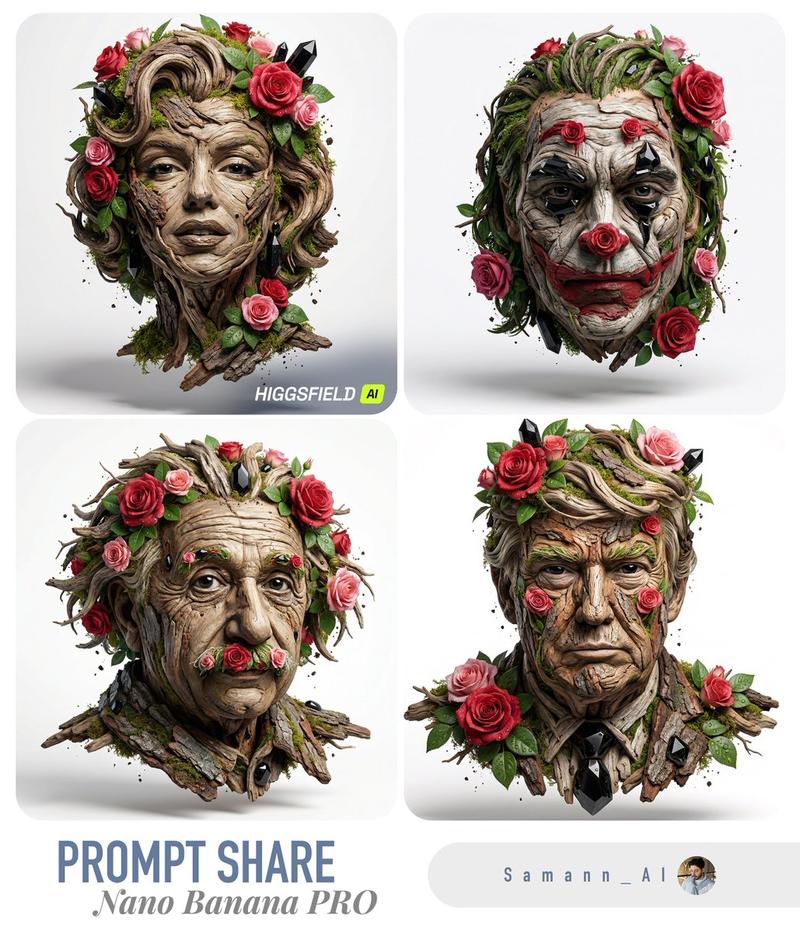
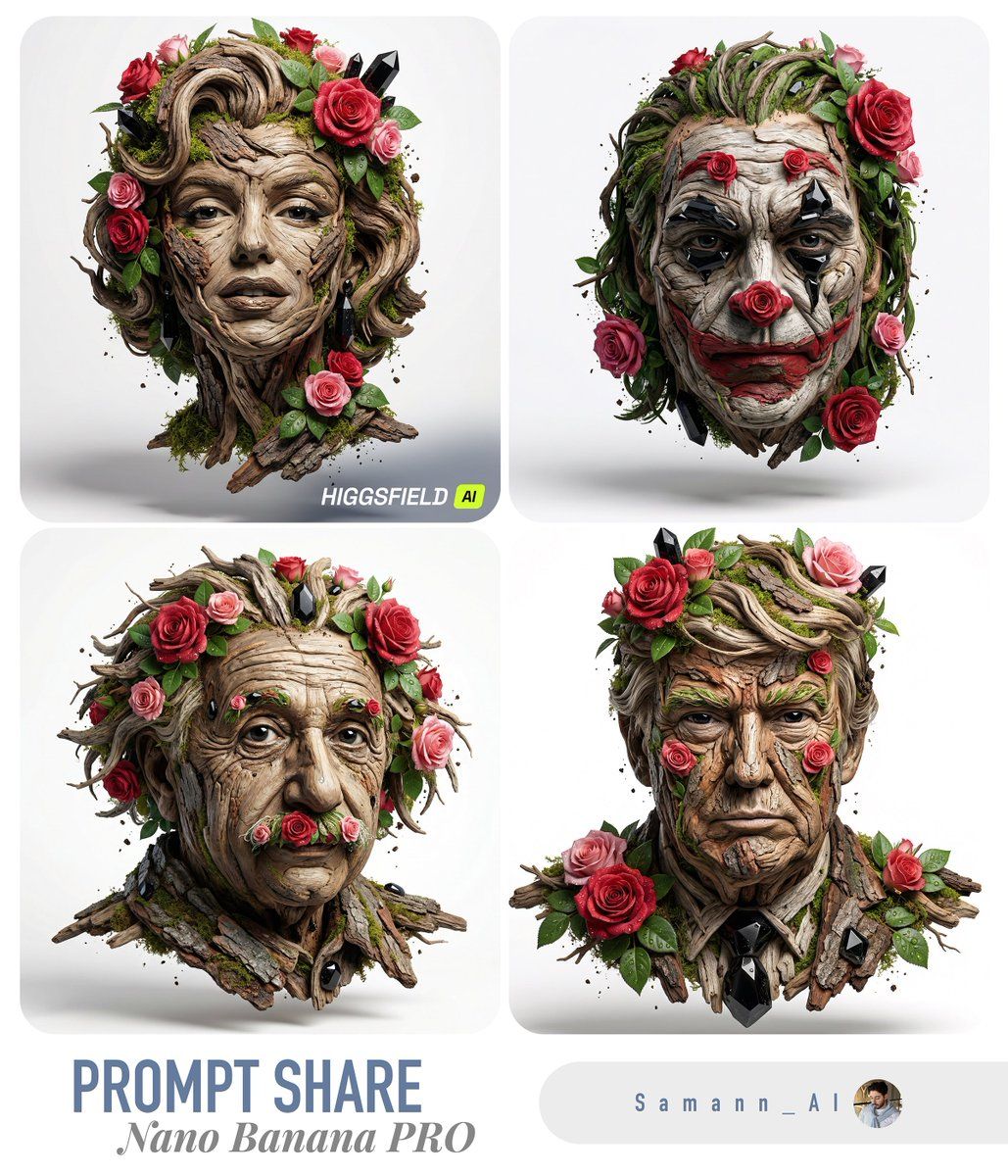
奢华自然雕塑肖像 (图像转图像)
Enlarge

奢华自然雕塑肖像 (图像转图像)

Prompt
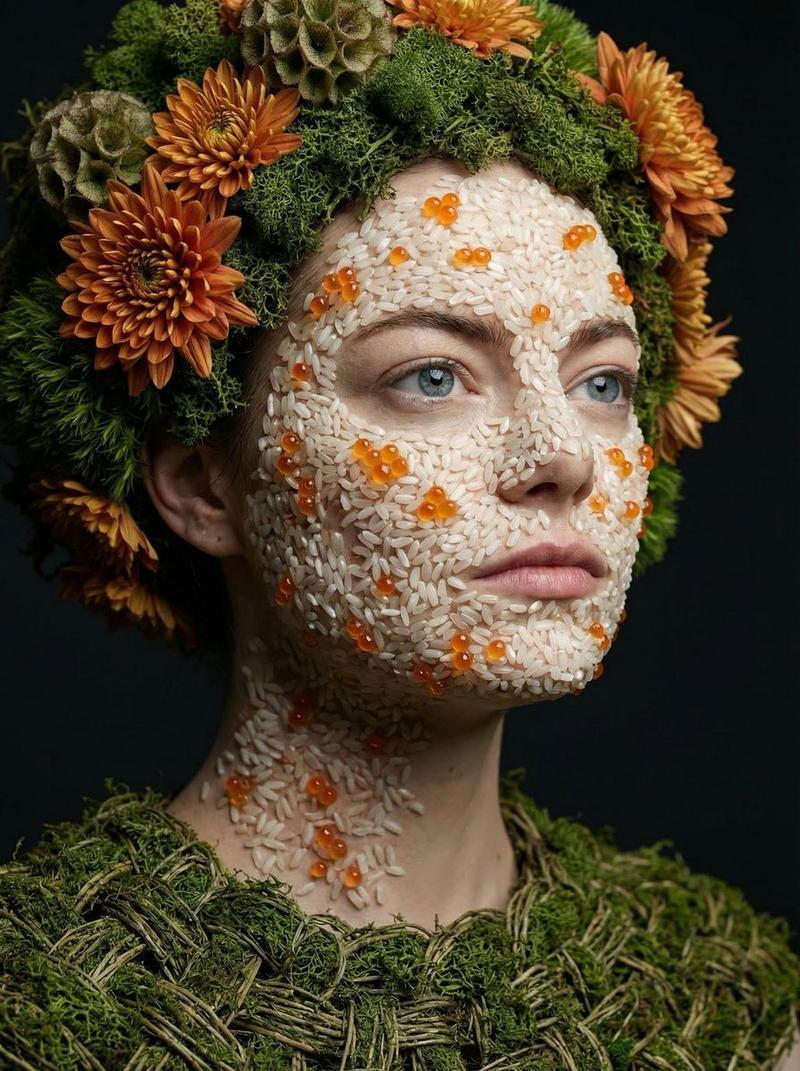
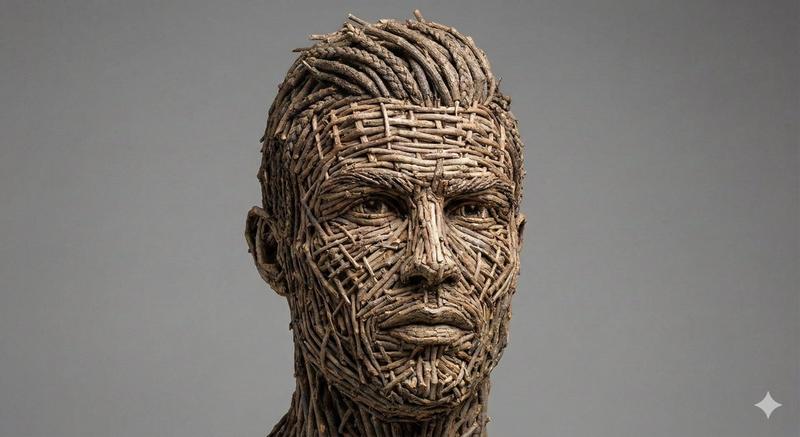
A photorealistic 3D sculptural portrait constructed from weathered wood branches, bark pieces, blooming red and pink roses, lush green leaves, moss, and polished black obsidian crystals, in the organic, high-fashion style of image_0.png. The person's face and head are intricately formed from these natural materials, with twisted wood forming the contours of the skin and hair, flowers and foliage adorning the features and forming a crown, and glossy black stones used for the eyes and other accents. Dew drops cling to the petals and crystals, and small specks of soil and bark are visible. The sculpture is floating against a clean white studio background with a soft shadow beneath, shot with dramatic, detailed lighting to emphasize texture. [user's photo reference here] as the subject base for the portrait's likeness.
Category
创意图片
Model
Nano Banana Pro
Creator
Saman | AI
Views0
Source ID
3bfc7afa-54e1-4482-9910-16423ca0e8c6
Published
Mar 8, 2026

Guide

About "奢华自然雕塑肖像 (图像转图像)"

What is this prompt for?

"奢华自然雕塑肖像 (图像转图像)" AI image prompt for Nano Banana Pro (创意图片). 一个用于生成人物面部逼真 3D 雕塑肖像的提示,该肖像完全由风化木材、树皮、红色/粉色玫瑰、苔藓和黑色黑曜石水晶等天然材料构成,并使用参考照片来捕捉人物的肖像。 --- 一个由风化木枝、树皮、…

The full copyable prompt and example visuals above are ready for AI image generation or one-click recreate in Picva.

How to use this prompt

  1. Step 1

    Open the prompt detail

    Review the example visuals, category, and full prompt text for "奢华自然雕塑肖像 (图像转图像)".

  2. Step 2

    Copy the prompt

    Copy the prompt body from this page, or load it directly in Studio.

  3. Step 3

    Pick a model (Nano Banana Pro)

    Prefer Nano Banana Pro. If you switch models, keep subject and composition and tweak style terms.

  4. Step 4

    Generate and export

    Recreate the look in Picva, or export into your workflow for editing and publishing.

FAQ

What is the "奢华自然雕塑肖像 (图像转图像)" prompt?
It is an AI image-generation prompt for Nano Banana Pro in the 创意图片 category. This page includes the full prompt text, example visuals, and a one-click recreate path in Picva.
How do I use this prompt to generate an image?
Copy the prompt from this page, or use Generate / Studio. Paste it into a compatible image model, or recreate the look in Picva with optional reference images.
Which model is this prompt for?
This page lists Nano Banana Pro. Most descriptive prompts also transfer to nearby image models such as GPT Image, Flux, or Midjourney with light style tweaks.
Can I use the result commercially?
You can usually copy the prompt for creation, but commercial use of the final image depends on the model terms, reference-image rights, and the generated content. Follow the source author and platform rules.