16

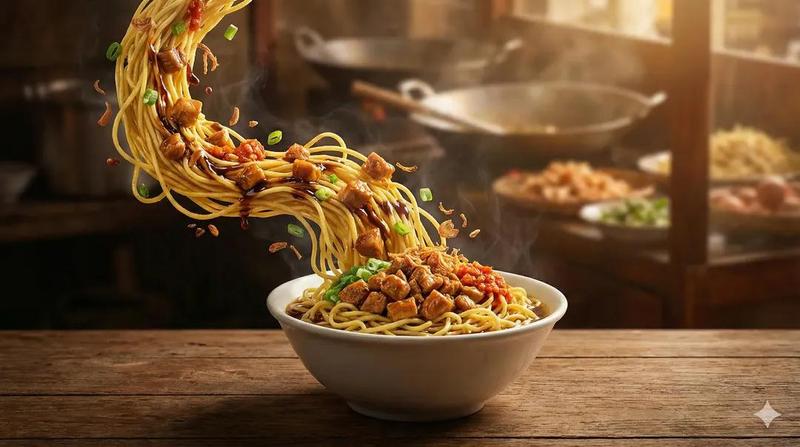
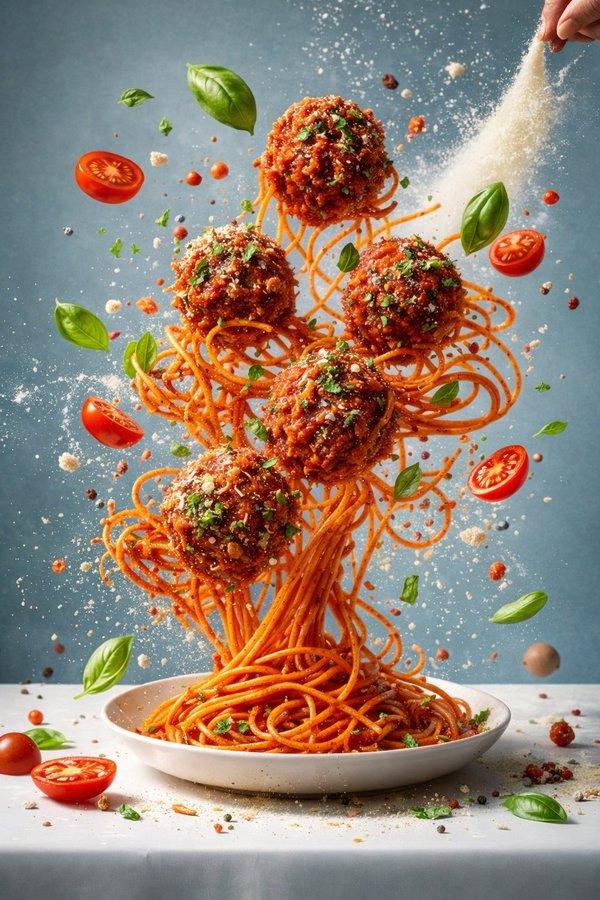
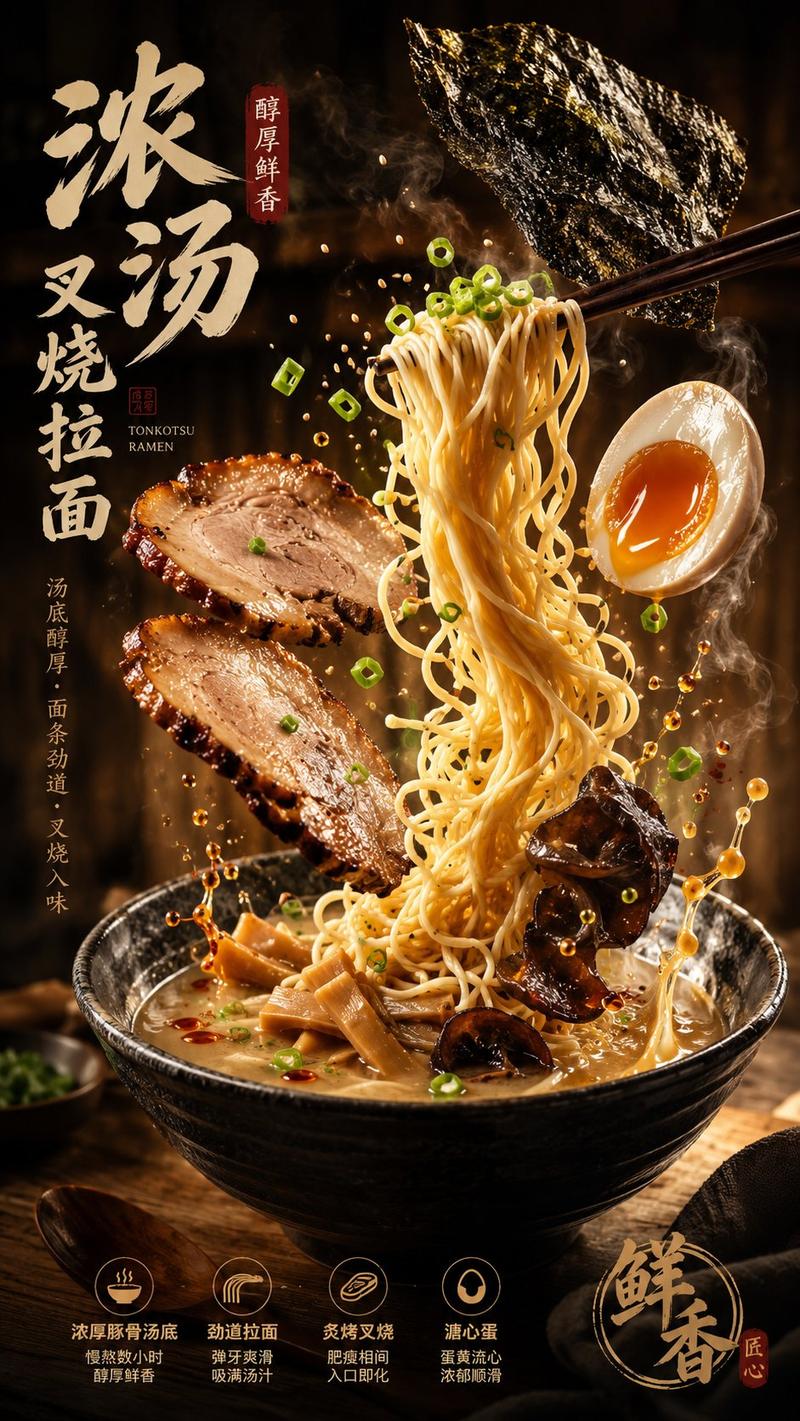
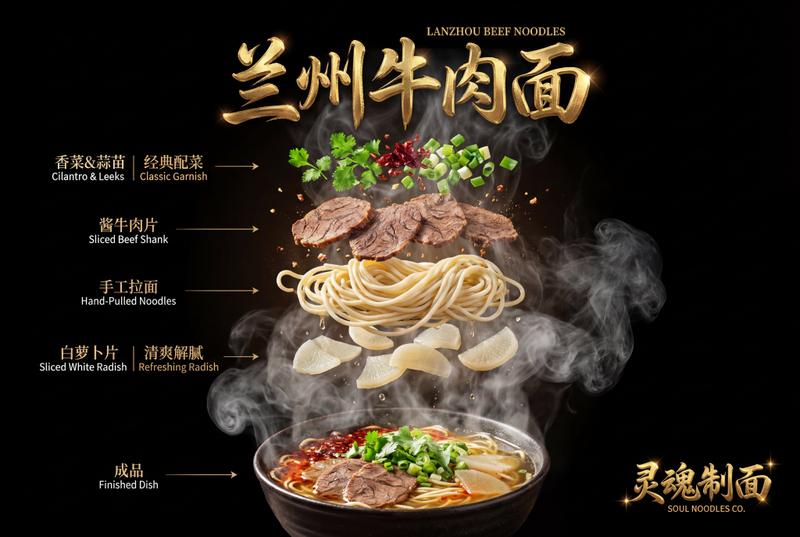
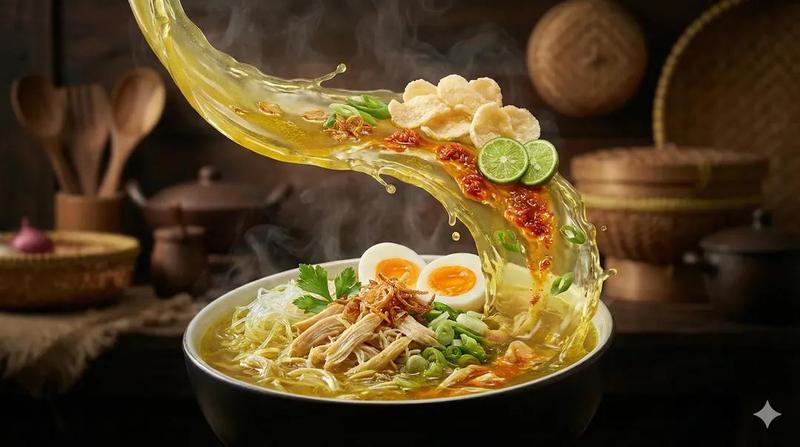
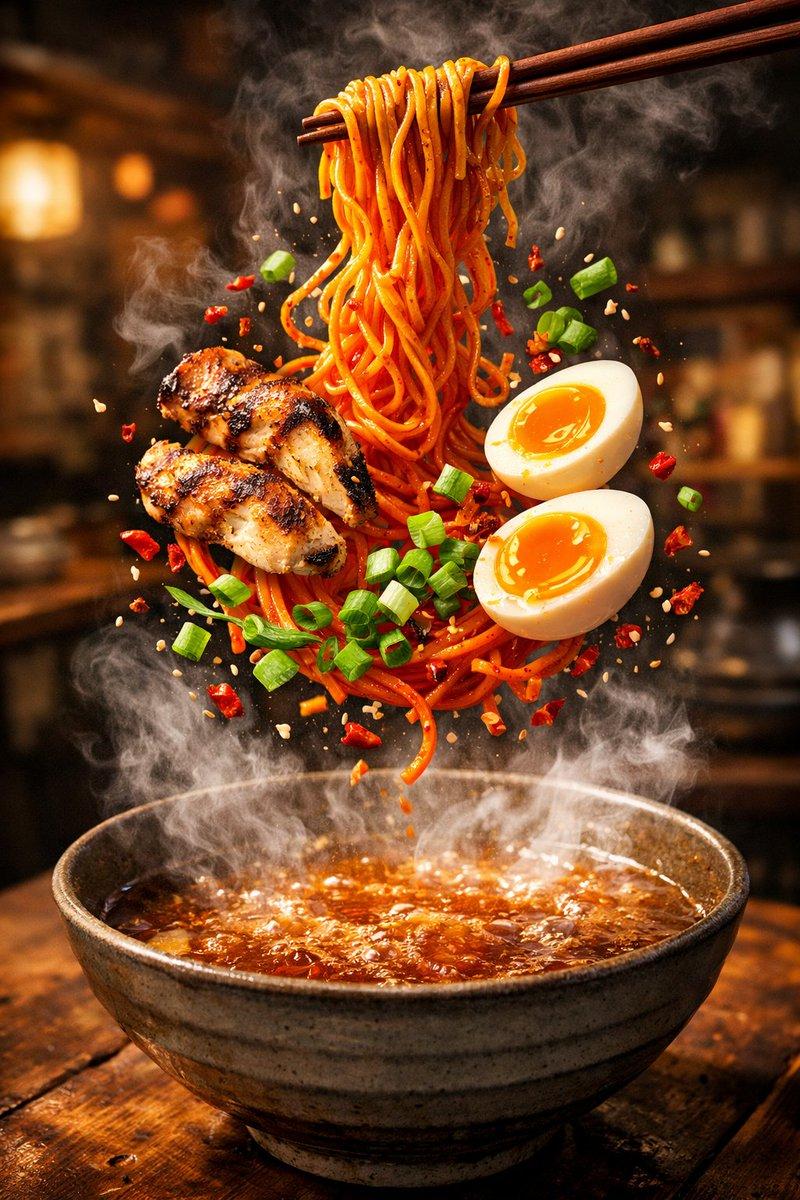
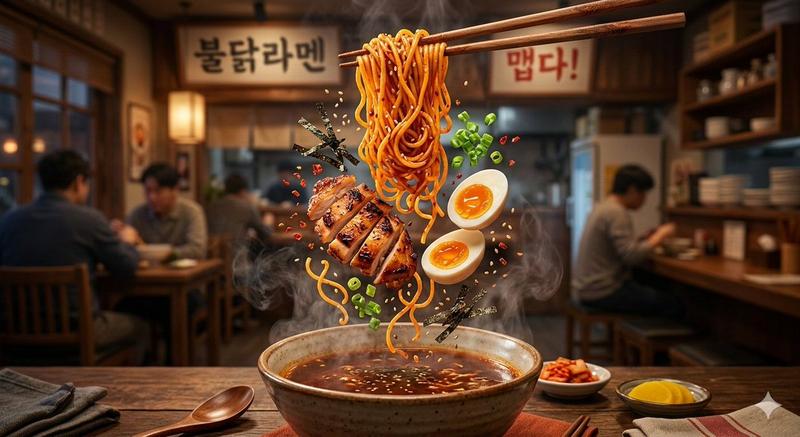
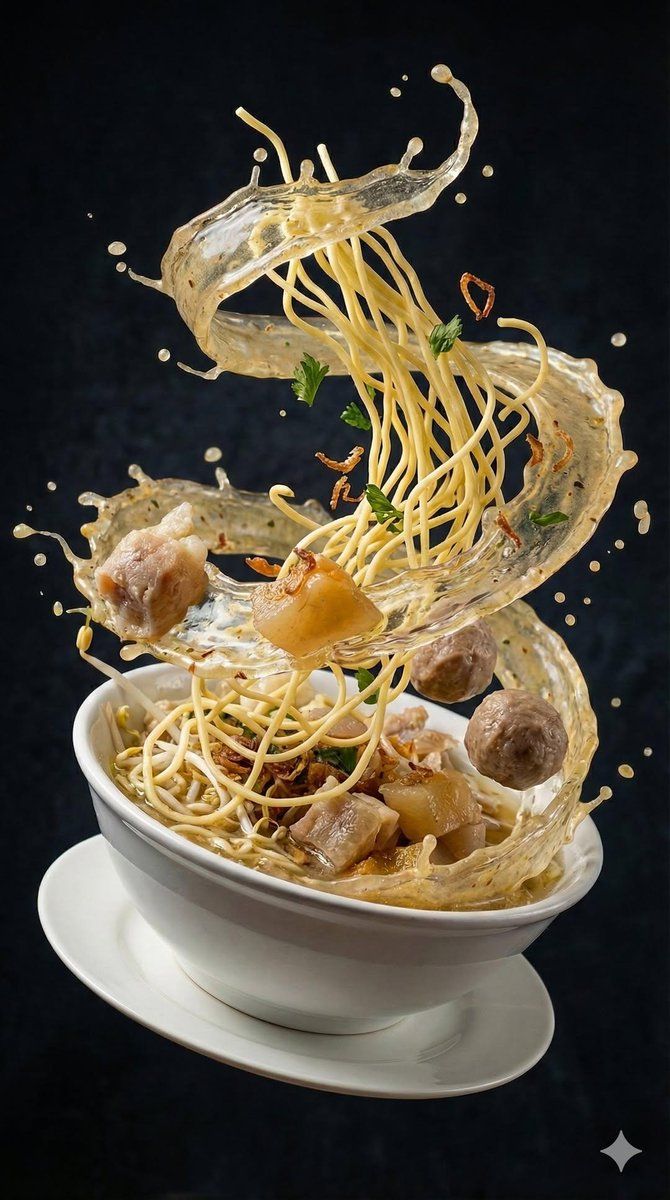
高速摄影:亚洲汤品爆裂瞬间
Enlarge

高速摄影:亚洲汤品爆裂瞬间

Prompt
{
  "image_prompt": {
    "subject": "Rich Asian soup",
    "action": "Ingredients exploding upward in mid-air, swirling spiral splash of broth forming a dynamic ribbon shape, liquid splash crown",
    "ingredients": [
      "Floating beef slices",
      "Shrimp",
      "Noodles",
      "Tofu cubes",
      "Chili",
      "Herbs",
      "Tomatoes",
      "Cabbage"
    ],
    "environment": "Dramatic dark textured background",
    "lighting": "Studio lighting, strong rim light, glossy broth reflections, cinematic contrast",
    "photography_style": "Ultra-realistic food photography, high-speed photography, frozen motion, hyper realistic",
    "camera_settings": {
      "lens": "85mm",
      "aperture": "f/4",
      "focus": "Sharp focus, macro clarity",
      "resolution": "8K"
    }
  }
}
Category
创意图片
Model
Nano Banana Pro
Creator
Taaruk
Views0
Source ID
28b3d6cc-bb23-4e78-99c3-adbfd439d3f3
Published
Mar 8, 2026

Guide

About "高速摄影:亚洲汤品爆裂瞬间"

What is this prompt for?

"高速摄影:亚洲汤品爆裂瞬间" AI image prompt for Nano Banana Pro (创意图片). 生成一张超现实、高速摄影作品的提示,内容为亚洲汤料在半空中向上爆裂,重点突出凝固的运动、液体飞溅形成的皇冠状水花、强烈的轮廓光,以及在深色背景下的电影级对比度。 --- ```json { "ima…

The full copyable prompt and example visuals above are ready for AI image generation or one-click recreate in Picva.

How to use this prompt

  1. Step 1

    Open the prompt detail

    Review the example visuals, category, and full prompt text for "高速摄影:亚洲汤品爆裂瞬间".

  2. Step 2

    Copy the prompt

    Copy the prompt body from this page, or load it directly in Studio.

  3. Step 3

    Pick a model (Nano Banana Pro)

    Prefer Nano Banana Pro. If you switch models, keep subject and composition and tweak style terms.

  4. Step 4

    Generate and export

    Recreate the look in Picva, or export into your workflow for editing and publishing.

FAQ

What is the "高速摄影:亚洲汤品爆裂瞬间" prompt?
It is an AI image-generation prompt for Nano Banana Pro in the 创意图片 category. This page includes the full prompt text, example visuals, and a one-click recreate path in Picva.
How do I use this prompt to generate an image?
Copy the prompt from this page, or use Generate / Studio. Paste it into a compatible image model, or recreate the look in Picva with optional reference images.
Which model is this prompt for?
This page lists Nano Banana Pro. Most descriptive prompts also transfer to nearby image models such as GPT Image, Flux, or Midjourney with light style tweaks.
Can I use the result commercially?
You can usually copy the prompt for creation, but commercial use of the final image depends on the model terms, reference-image rights, and the generated content. Follow the source author and platform rules.