18

3D 拟人化雪豹街头服饰
Enlarge

3D 拟人化雪豹街头服饰

Prompt
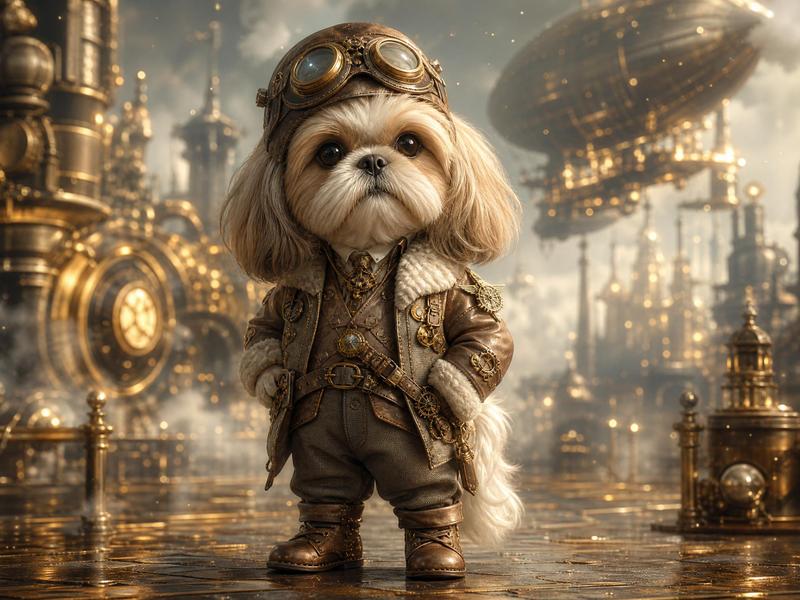
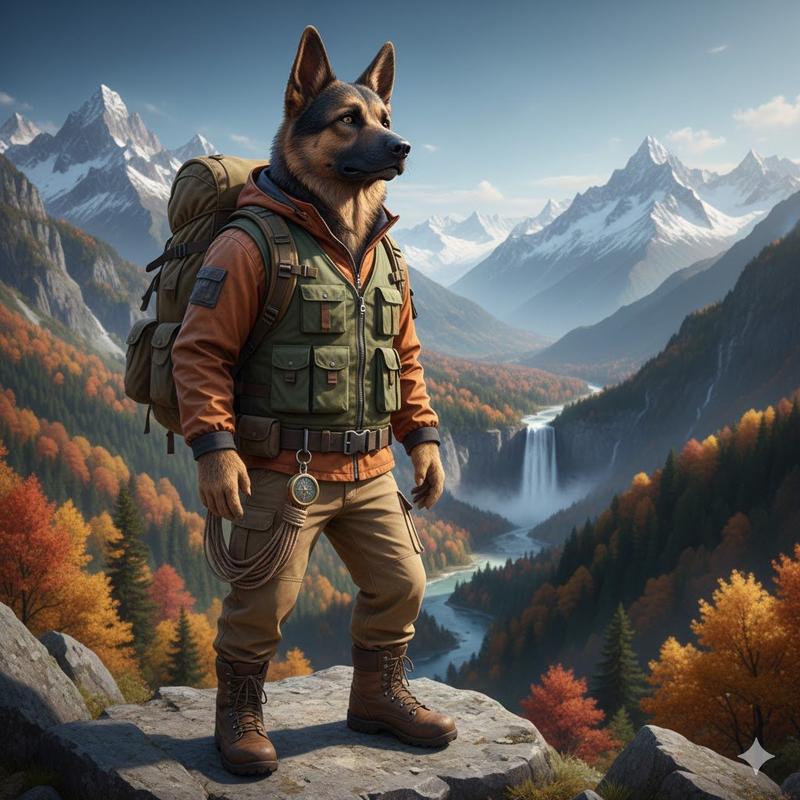
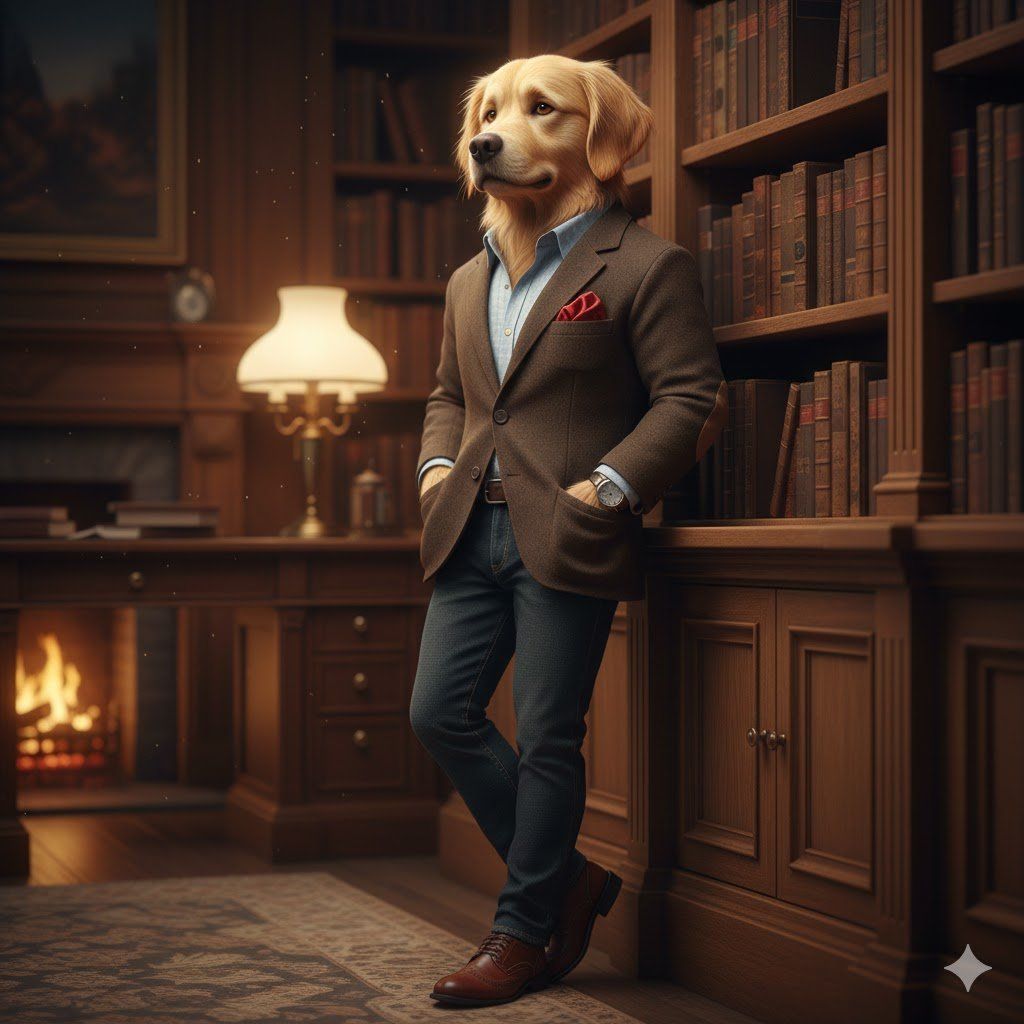
Full-body ultra-detailed 3D anthropomorphic snow leopard character with semi-realistic anatomy and lifelike fur, wearing luxury modern streetwear: oversized charcoal bomber jacket, techwear hoodie, tailored utility pants, premium high-top sneakers, and minimalist metal accessories. Confident natural fashion pose, slight motion as if mid photoshoot.
Clean modern studio with soft gradient backdrop and subtle floor reflections. Cinematic soft key light, rim light on fur, realistic fabric texture and shadows. Hyper-realistic 3D render, film-quality materials, depth-of-field, ray tracing, editorial fashion composition, ultra-high resolution. full-body, ultra-detailed 3D anthropomorphic dog character with semi-realistic anatomy and lifelike fur, wearing luxury modern streetwear
Category
创意图片
Model
Nano Banana Pro
Creator
Cherry 2.O
Views0
Source ID
d839187b-aa08-4040-a3d2-1505046eb447
Published
Mar 8, 2026

Guide

About "3D 拟人化雪豹街头服饰"

What is this prompt for?

"3D 拟人化雪豹街头服饰" AI image prompt for Nano Banana Pro (创意图片). 一个用于生成超逼真、超精细的拟人化雪豹角色 3D 渲染图的提示,该角色身着奢华现代街头服饰(飞行员夹克、机能风连帽衫、工装裤)。提示中指定了姿势、场景(现代工作室)和灯光(电影般的柔和主光、毛发上的轮…

The full copyable prompt and example visuals above are ready for AI image generation or one-click recreate in Picva.

How to use this prompt

  1. Step 1

    Open the prompt detail

    Review the example visuals, category, and full prompt text for "3D 拟人化雪豹街头服饰".

  2. Step 2

    Copy the prompt

    Copy the prompt body from this page, or load it directly in Studio.

  3. Step 3

    Pick a model (Nano Banana Pro)

    Prefer Nano Banana Pro. If you switch models, keep subject and composition and tweak style terms.

  4. Step 4

    Generate and export

    Recreate the look in Picva, or export into your workflow for editing and publishing.

FAQ

What is the "3D 拟人化雪豹街头服饰" prompt?
It is an AI image-generation prompt for Nano Banana Pro in the 创意图片 category. This page includes the full prompt text, example visuals, and a one-click recreate path in Picva.
How do I use this prompt to generate an image?
Copy the prompt from this page, or use Generate / Studio. Paste it into a compatible image model, or recreate the look in Picva with optional reference images.
Which model is this prompt for?
This page lists Nano Banana Pro. Most descriptive prompts also transfer to nearby image models such as GPT Image, Flux, or Midjourney with light style tweaks.
Can I use the result commercially?
You can usually copy the prompt for creation, but commercial use of the final image depends on the model terms, reference-image rights, and the generated content. Follow the source author and platform rules.