16

3x3 角色情感表达网格提示
Enlarge

3x3 角色情感表达网格提示

Prompt
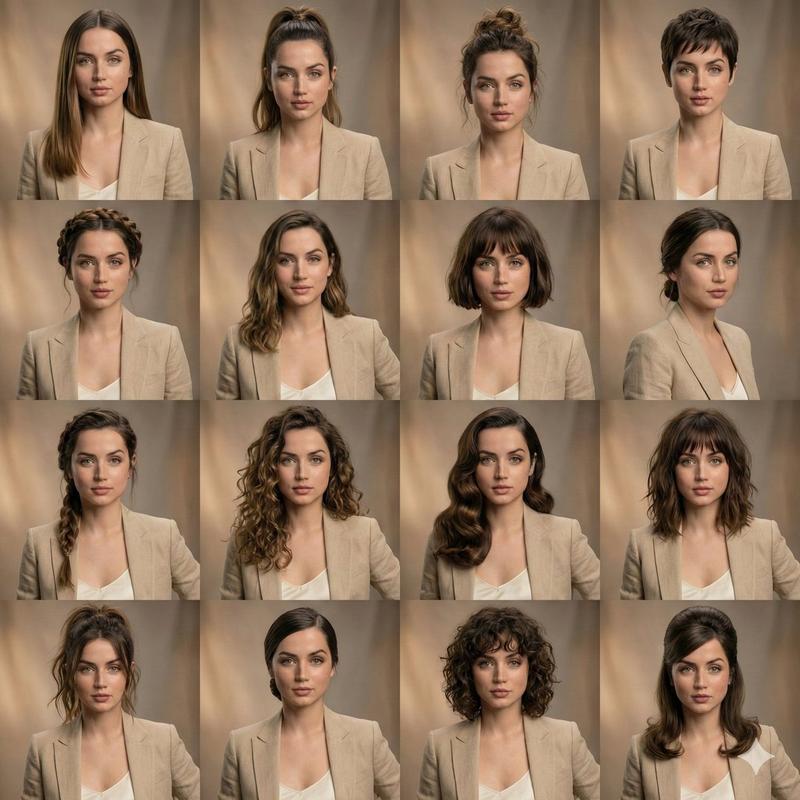
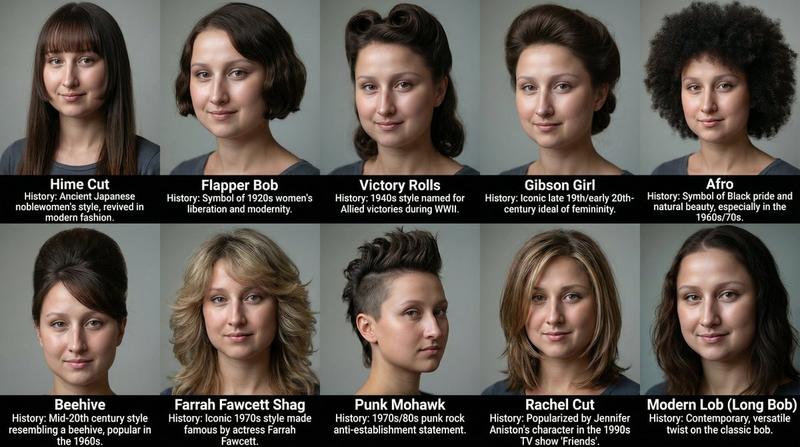
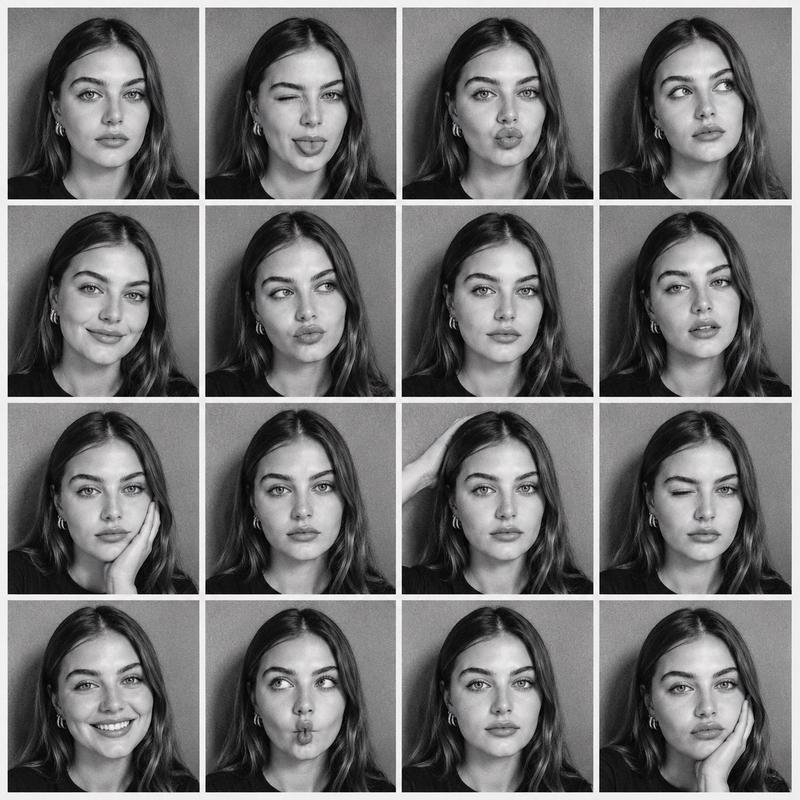
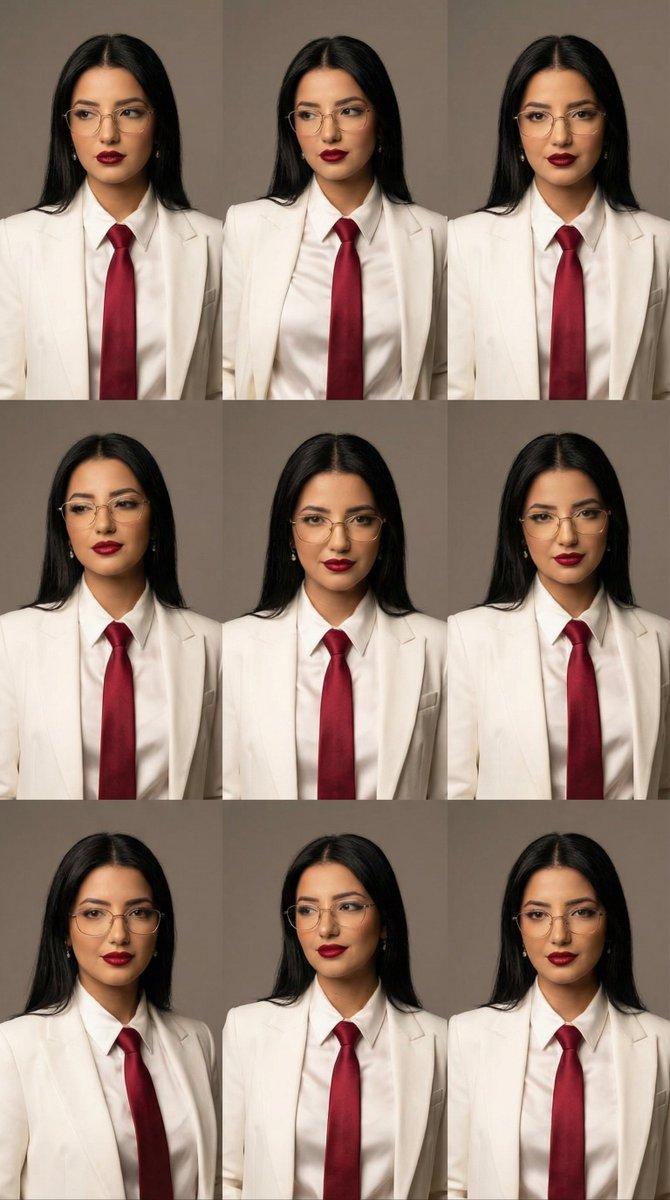
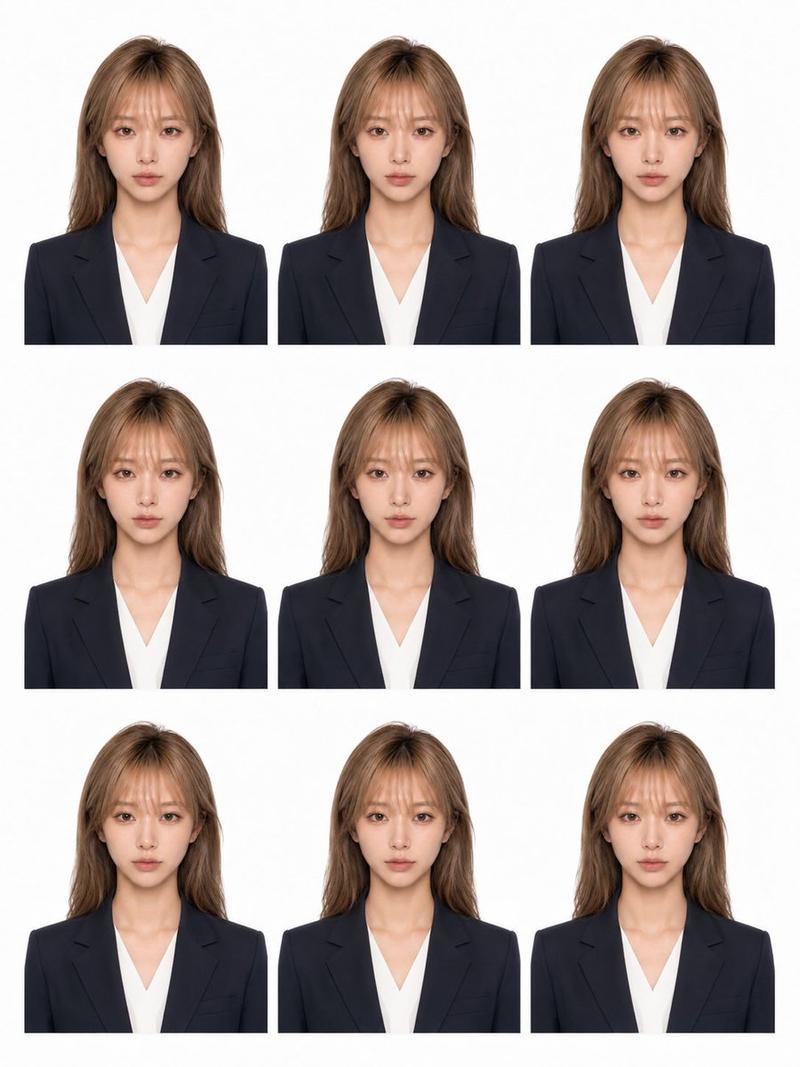
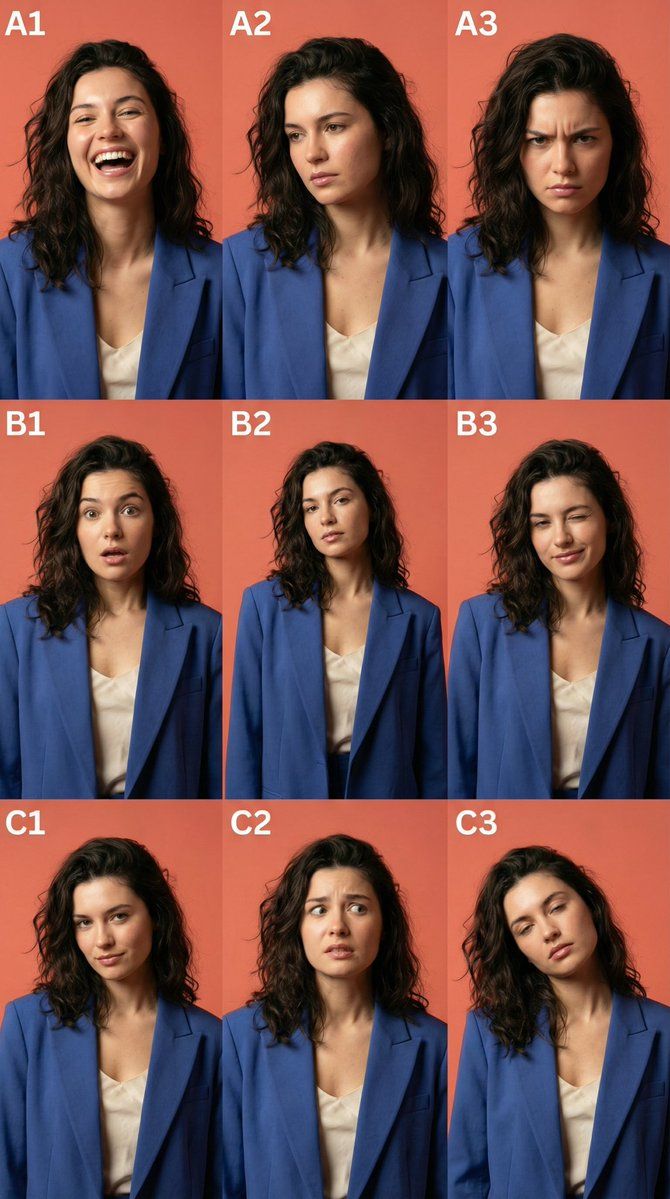
A 3x3 grid layout expression sheet of the same character based on the uploaded reference image, featuring nine distinct emotional portraits labeled A1 to C3 in the corner of each frame.
Top row: A1 ({argument name="emotion 1" default="joyful laughter"}), A2 ({argument name="emotion 2" default="contemplative sadness"}), A3 ({argument name="emotion 3" default="intense anger"}).
Middle row: B1 (surprised shock), B2 (neutral calm), B3 (playful wink).
Bottom row: C1 (arrogant smirk), C2 (fearful anxiety), C3 (exhausted boredom).
Consistent character features, high-end commercial fashion photography style, ultra-sharp focus on facial muscles and eyes. Studio lighting with soft shadows, 8k resolution, photorealistic, masterwork, Unreal Engine 5 render, Octane Render, Ray Tracing, detailed skin texture, volumetric lighting.
Category
创意图片
Model
Nano Banana Pro
Creator
Weinberg
Views0
Source ID
4343a061-8303-4352-9bfd-b62f00242e38
Published
Mar 8, 2026

Guide

About "3x3 角色情感表达网格提示"

What is this prompt for?

"3x3 角色情感表达网格提示" AI image prompt for Nano Banana Pro (创意图片). 一个提示,用于根据上传的参考图像,生成同一角色的 3x3 网格九种不同情绪肖像,采用高端商业时尚摄影风格和超清晰对焦。 --- 基于上传的参考图像,为同一角色制作一张 3x3 网格布局的表情表,其…

The full copyable prompt and example visuals above are ready for AI image generation or one-click recreate in Picva.

How to use this prompt

  1. Step 1

    Open the prompt detail

    Review the example visuals, category, and full prompt text for "3x3 角色情感表达网格提示".

  2. Step 2

    Copy the prompt

    Copy the prompt body from this page, or load it directly in Studio.

  3. Step 3

    Pick a model (Nano Banana Pro)

    Prefer Nano Banana Pro. If you switch models, keep subject and composition and tweak style terms.

  4. Step 4

    Generate and export

    Recreate the look in Picva, or export into your workflow for editing and publishing.

FAQ

What is the "3x3 角色情感表达网格提示" prompt?
It is an AI image-generation prompt for Nano Banana Pro in the 创意图片 category. This page includes the full prompt text, example visuals, and a one-click recreate path in Picva.
How do I use this prompt to generate an image?
Copy the prompt from this page, or use Generate / Studio. Paste it into a compatible image model, or recreate the look in Picva with optional reference images.
Which model is this prompt for?
This page lists Nano Banana Pro. Most descriptive prompts also transfer to nearby image models such as GPT Image, Flux, or Midjourney with light style tweaks.
Can I use the result commercially?
You can usually copy the prompt for creation, but commercial use of the final image depends on the model terms, reference-image rights, and the generated content. Follow the source author and platform rules.