9

3D 皮克斯风格动画角色网格提示词
Enlarge

3D 皮克斯风格动画角色网格提示词

Prompt
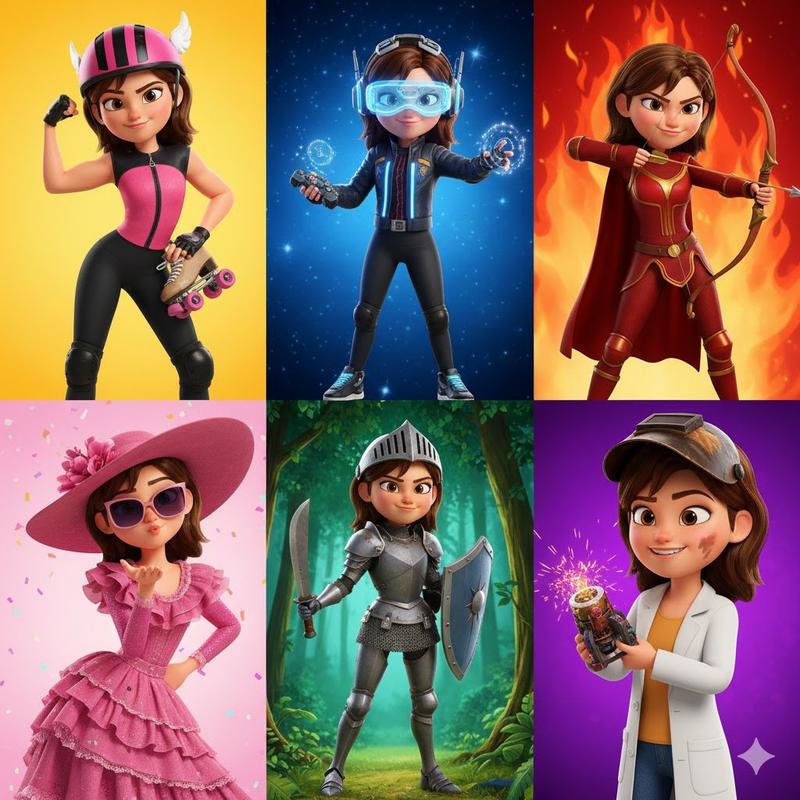
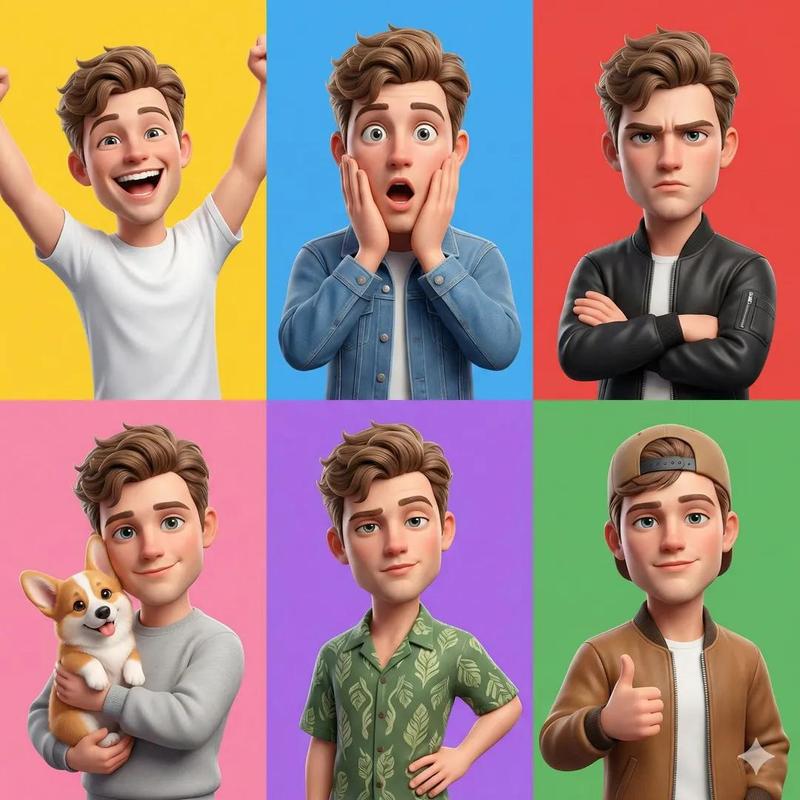
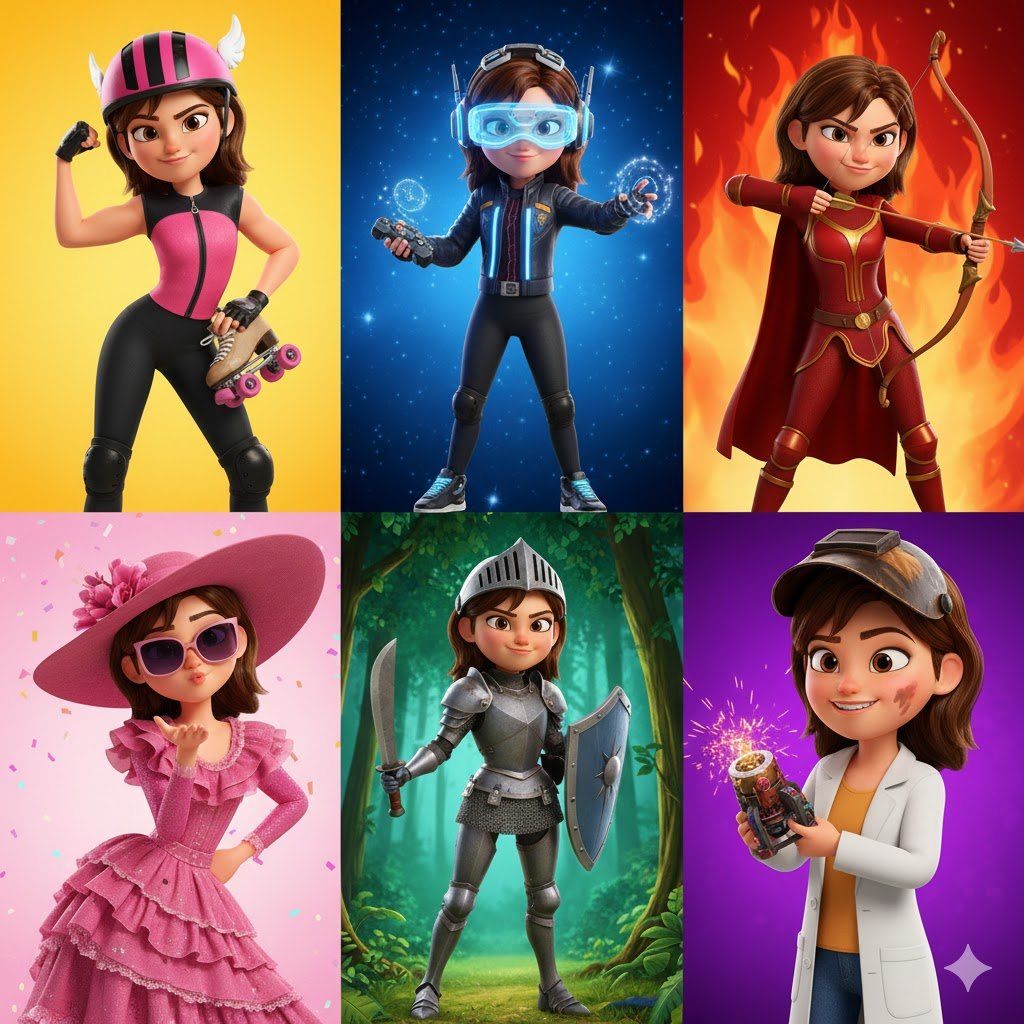
A 3D Pixar-style animated young female character in a 6-panel grid, each panel showing an extreme close-up or large full-body shot that fills almost the entire frame. Each panel features a unique expression, dynamic pose, and outfit. Bold, bright backgrounds (yellow, blue, red, pink, purple, green). She has glossy wavy hair, sparkling large eyes, smooth skin, and stylized cartoon proportions. Every panel emphasizes her playful, confident, and adventurous personality through expressive gestures, lively poses, and distinctive fashion—from sporty to magical to casual chic. Edge-to-edge framing highlights intricate details and vibrant colors.
Category
创意图片
Model
Nano Banana Pro
Creator
Cherry 2.O
Views0
Source ID
50ceb8c6-3a60-40bc-b389-bbbea379e77a
Published
Mar 8, 2026

Guide

About "3D 皮克斯风格动画角色网格提示词"

What is this prompt for?

"3D 皮克斯风格动画角色网格提示词" AI image prompt for Nano Banana Pro (创意图片). 一个用于生成 6 格 3D 皮克斯风格动画年轻女性角色的提示。它要求特写镜头、动态姿势、独特表情、大胆背景和卡通风格的比例,以突出活泼和爱冒险的个性。 --- 一个 3D 皮克斯风格的动画年…

The full copyable prompt and example visuals above are ready for AI image generation or one-click recreate in Picva.

How to use this prompt

  1. Step 1

    Open the prompt detail

    Review the example visuals, category, and full prompt text for "3D 皮克斯风格动画角色网格提示词".

  2. Step 2

    Copy the prompt

    Copy the prompt body from this page, or load it directly in Studio.

  3. Step 3

    Pick a model (Nano Banana Pro)

    Prefer Nano Banana Pro. If you switch models, keep subject and composition and tweak style terms.

  4. Step 4

    Generate and export

    Recreate the look in Picva, or export into your workflow for editing and publishing.

FAQ

What is the "3D 皮克斯风格动画角色网格提示词" prompt?
It is an AI image-generation prompt for Nano Banana Pro in the 创意图片 category. This page includes the full prompt text, example visuals, and a one-click recreate path in Picva.
How do I use this prompt to generate an image?
Copy the prompt from this page, or use Generate / Studio. Paste it into a compatible image model, or recreate the look in Picva with optional reference images.
Which model is this prompt for?
This page lists Nano Banana Pro. Most descriptive prompts also transfer to nearby image models such as GPT Image, Flux, or Midjourney with light style tweaks.
Can I use the result commercially?
You can usually copy the prompt for creation, but commercial use of the final image depends on the model terms, reference-image rights, and the generated content. Follow the source author and platform rules.