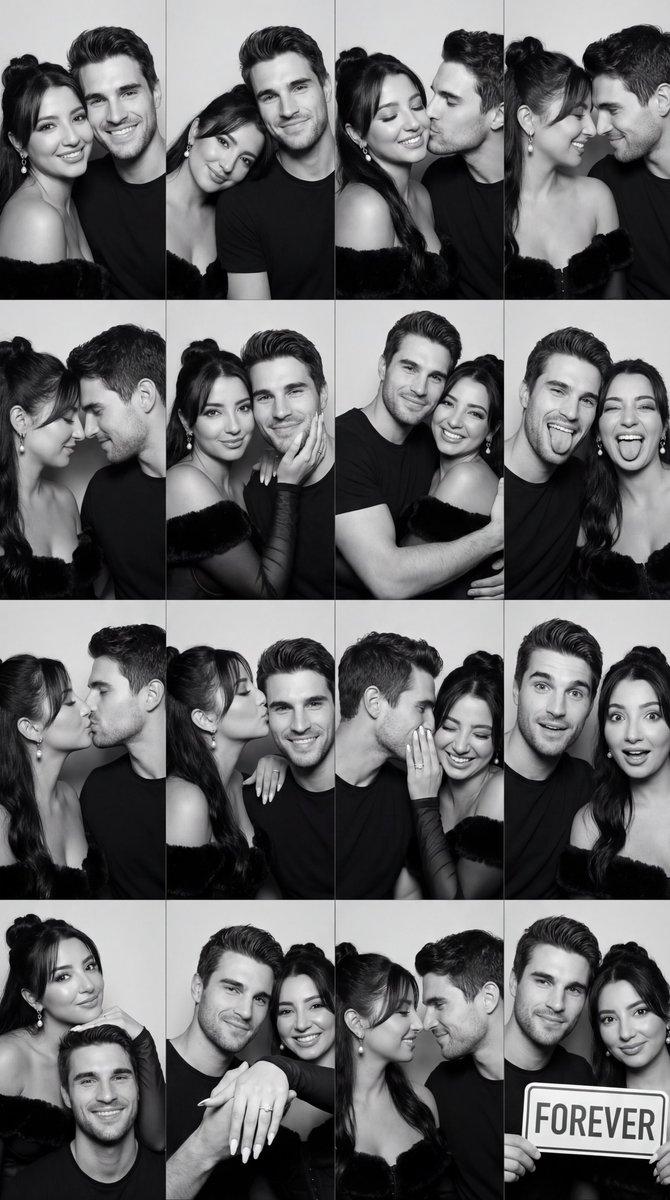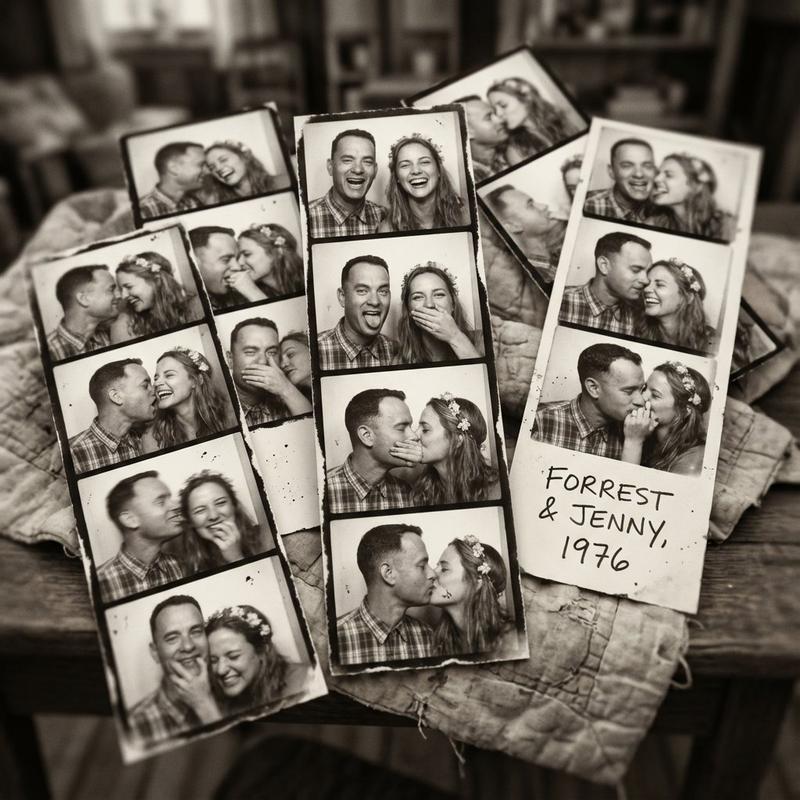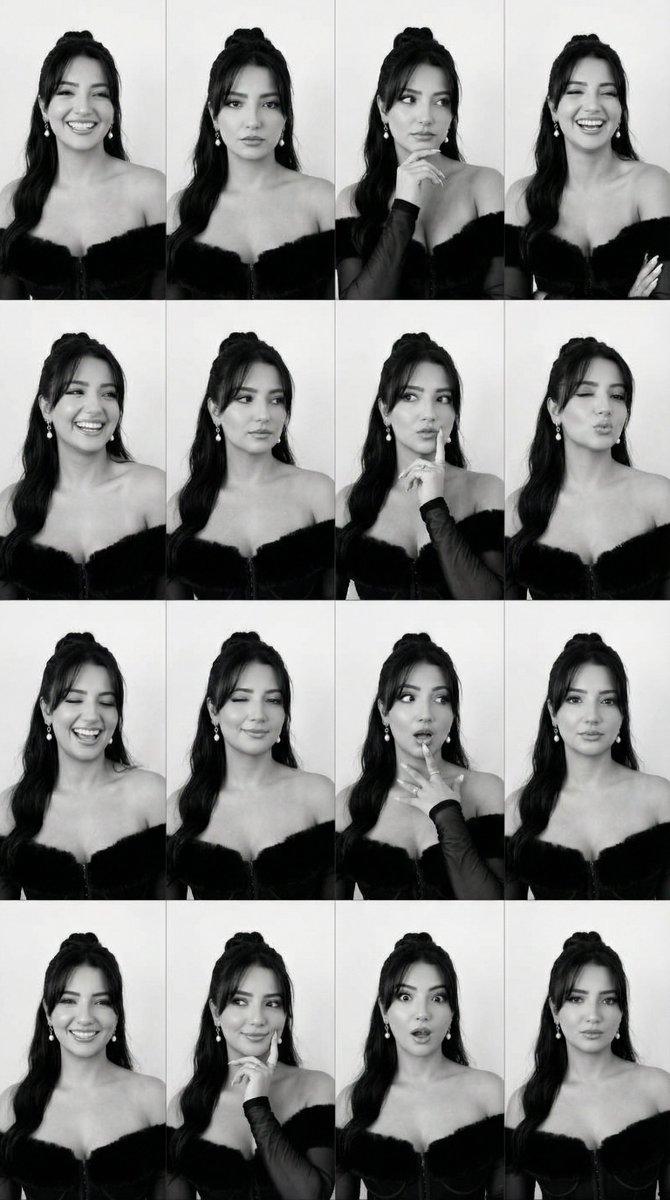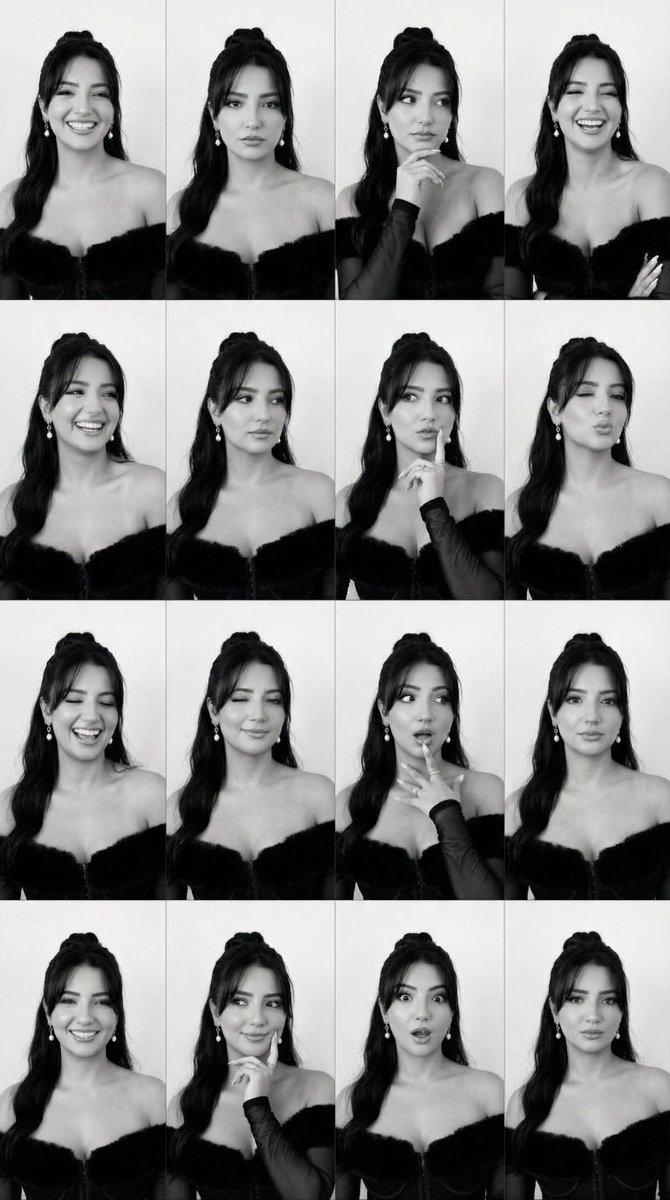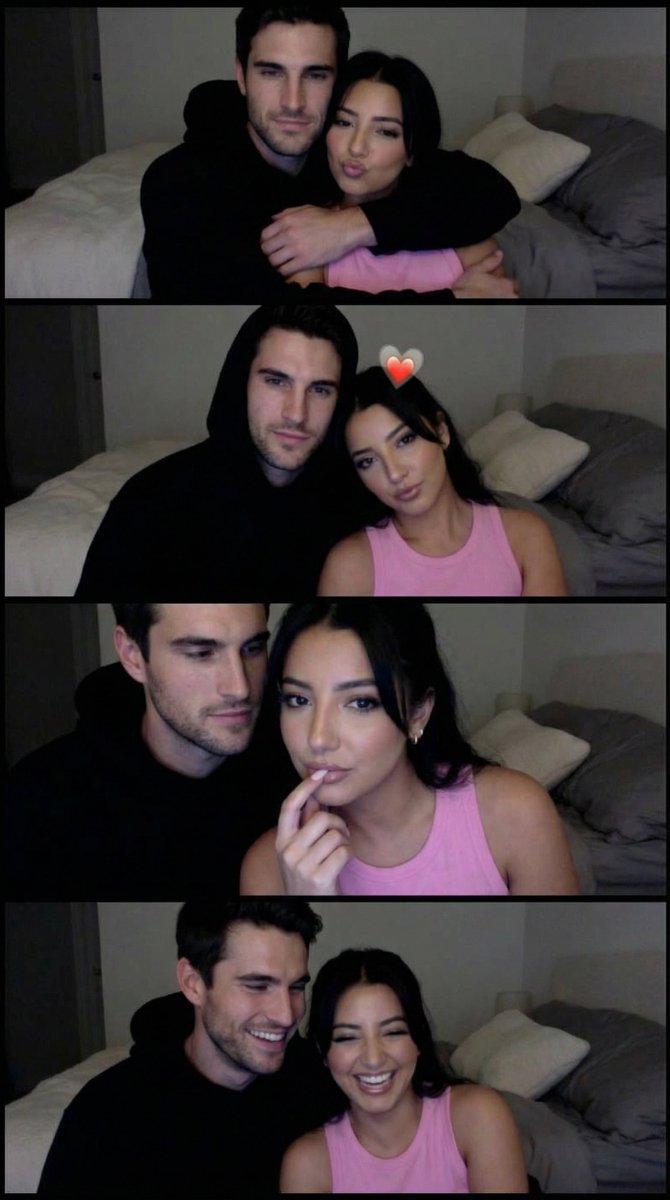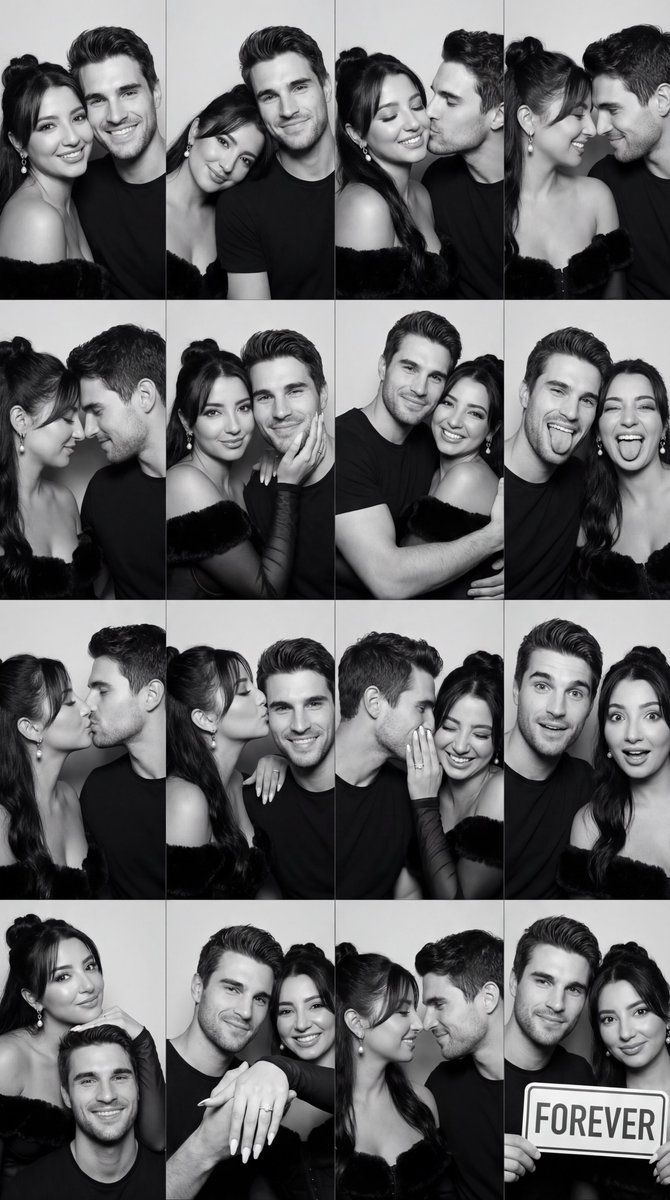
黑白照相亭情侣网格提示(16 格)
Prompt
{
  "generation_request": {
    "meta_data": {
      "task_type": "black_and_white_photobooth_couple_romantic_grid_4x4",
      "language": "en",
      "priority": "highest",
      "version": "v1.2_BW_PHOTOBOOTH_COUPLE_ROMANTIC_4X4"
    },
    "input": {
      "mode": "image_to_image",
      "reference_image_usage": "very_high",
      "preserve_identity": true,
      "preserve_facial_features": true,
      "preserve_hairstyle": true,
      "notes": "Use the uploaded reference as strict identity anchor for BOTH the adult man and adult woman. Preserve exact facial structure, bone proportions, and hairstyle in all 16 panels. Keep mood romantic, warm, intimate, soft — no sadness, no exaggerated comedy."
    },
    "output": {
      "aspect_ratio": "1:1",
      "resolution": "ultra_high",
      "num_images": 1,
      "layout": {
        "type": "grid",
        "rows": 4,
        "cols": 4,
        "gutter": "thin",
        "panel_consistency": "very_high"
      },
      "sharpness": "crisp_photobooth",
      "grain": "subtle_analog_bw"
    },
    "scene": {
      "concept": "romantic black and white photobooth contact sheet of a couple",
      "environment": "flat neutral gray backdrop",
      "lighting": {
        "style": "direct photobooth flash",
        "key_light": "front flash slightly soft but defined",
        "shadows": "minimal soft shadow behind subjects",
        "avoid": "cinematic side lighting, dramatic contrast"
      }
    },
    "camera": {
      "lens": "50mm",
      "framing": "tight head and shoulders",
      "focus": "eyes perfectly sharp in every panel"
    },
    "subject": {
      "type": "adult couple",
      "composition": "very close proximity in each frame",
      "wardrobe": "simple neutral tops, no logos",
      "makeup": "natural skin texture",
      "anatomy_rules": "accurate facial proportions, correct hands"
    },
    "expression_set": {
      "panel_01": "cheek to cheek soft smile",
      "panel_02": "forehead touch, eyes closed gentle smile",
      "panel_03": "man kissing woman's cheek softly (PG-13)",
      "panel_04": "woman kissing man's cheek softly",
      "panel_05": "noses touching, subtle smile",
      "panel_06": "eye contact, intimate calm gaze",
      "panel_07": "woman resting head on his shoulder",
      "panel_08": "man wrapping arm gently around her",
      "panel_09": "both smiling with foreheads almost touching",
      "panel_10": "soft laugh together, eyes crinkled naturally",
      "panel_11": "woman holding his face gently",
      "panel_12": "man brushing hair behind her ear",
      "panel_13": "close embrace, side profile intimacy",
      "panel_14": "subtle kiss near temple",
      "panel_15": "whisper moment near ear, soft smile",
      "panel_16": "both looking at camera, warm confident couple energy"
    },
    "style": {
      "color": "pure black and white",
      "contrast": "medium_high",
"skin_texture": "natural pores visi- Category
- 创意图片
- Model
- Nano Banana Pro
- Creator
- Özge Döner
- Source ID
- b4ac3530-bc34-4db3-a875-714b5ab2535f
- Published
- Mar 8, 2026
Views0