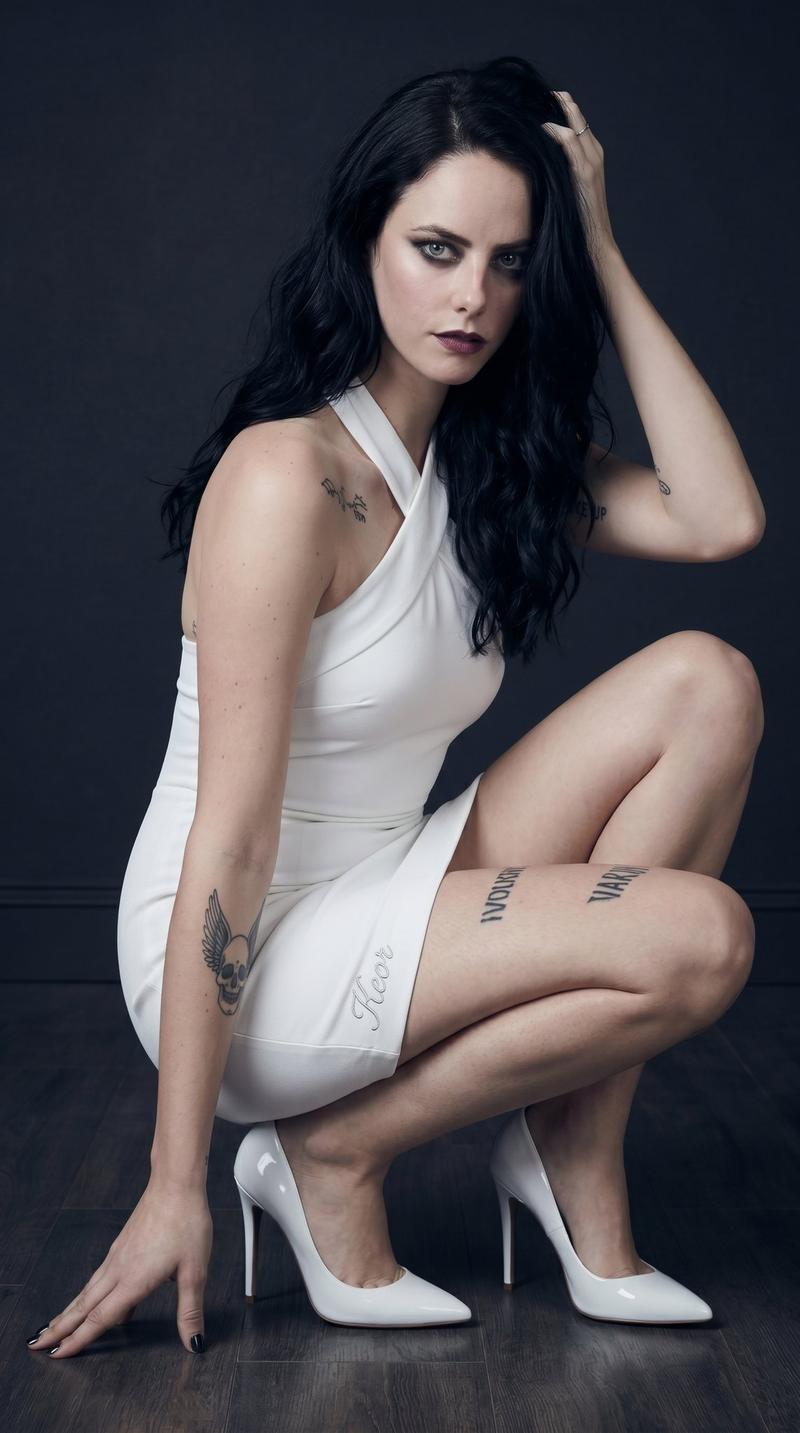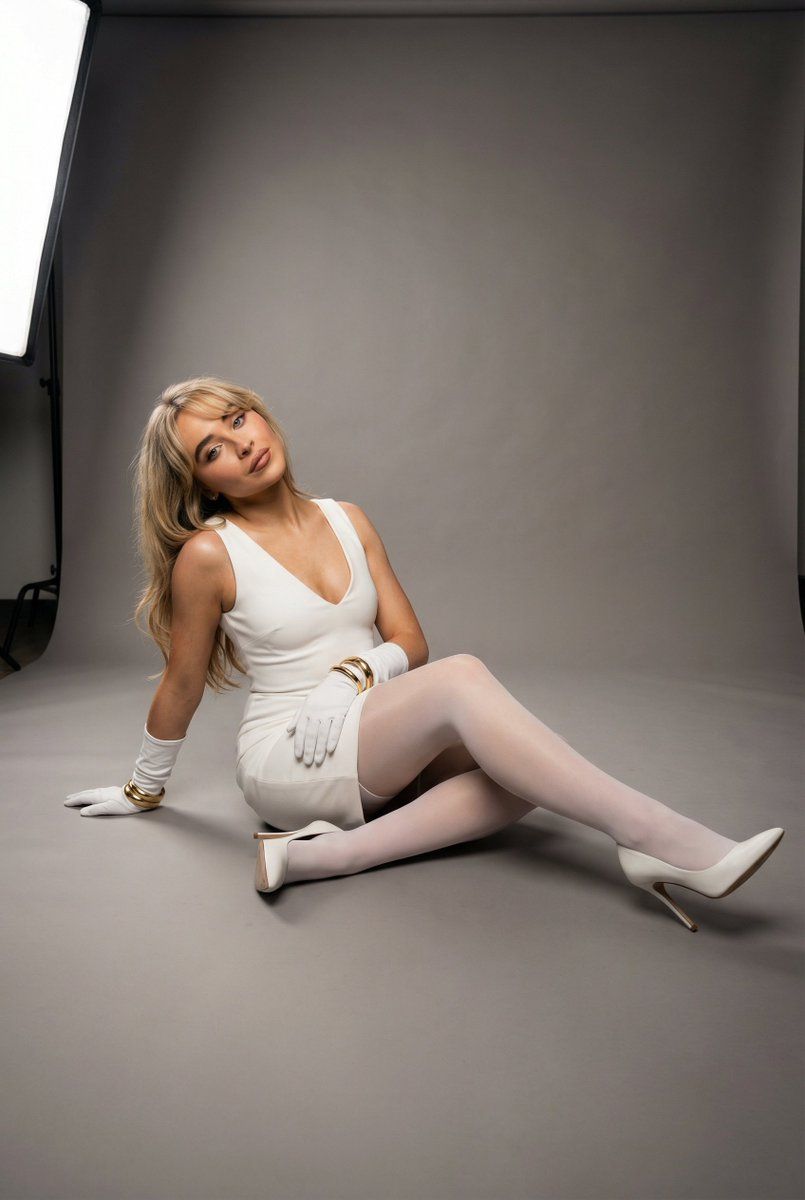
超逼真影棚魅力地板姿势提示词
Prompt
{
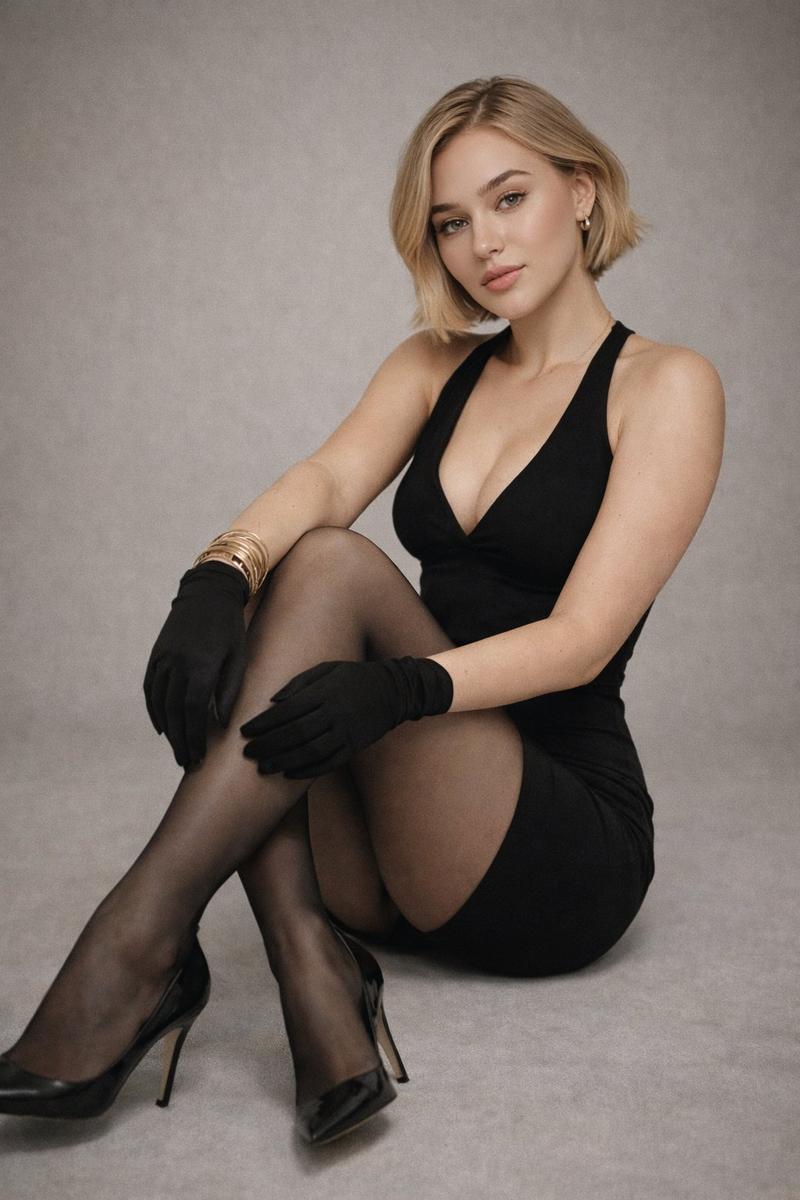
  "type": "ultra_photorealistic_studio_glamour_floor_pose_full_body_lock",

  "scene": {
    "location": "professional photography studio",
    "floor": {
      "type": "smooth matte studio floor",
      "color": "neutral gray",
      "surface_behavior": "non-reflective with soft micro-texture",
      "shadow_interaction": "soft contact shadows beneath legs and heels"
    },
    "background": {
      "type": "seamless studio backdrop",
      "color": "medium neutral gray",
      "gradient_behavior": "subtle vertical tonal falloff from top to bottom",
      "texture": "smooth, uncluttered, minimal"
    },
    "lighting": {
      "setup": "two-light studio configuration",
      "key_light": {
        "position": "front-left at approximately 35° horizontal angle and 25° elevation",
        "modifier": "large softbox",
        "effect": "soft sculpting across face and torso with gentle highlight rolloff"
      },
      "fill_light": {
        "position": "front-right low intensity",
        "ratio": "approximately 1:2 relative to key",
        "effect": "controlled shadow softness without flattening contours"
      },
      "rim_light": {
        "optional_subtle_edge": "low-intensity rear kicker defining hair and shoulder outline"
      }
    }
  },

  "subject": {
    "description": "{argument name="subject name" default="anya taylor joy"}, realistic anatomy, natural proportions",
    "skin": {
      "tone": "even natural tone",
      "texture_detail": "visible fine skin texture without artificial smoothing",
      "highlight_behavior": "soft specular highlights on cheekbones, collarbones, and knees"
    },
    "face_lock": {
      "visibility": "fully visible",
      "expression": "calm, confident, subtly glamorous",
      "gaze_direction": "toward camera lens",
      "head_alignment": "neutral vertical axis with slight tilt (~4°)"
    },
    "hair": {
      "style": "styled smooth with controlled volume",
      "behavior": "resting naturally along shoulders with slight lift from rim light"
    }
  },

  "precise_pose_geometry": {
    "base_position": "seated directly on studio floor",

    "pelvis": {
      "tilt": "slight posterior tilt (~8°)",
      "rotation": "rotated approximately 20° relative to camera plane",
      "weight_distribution": "primary load through left hip and posterior thigh"
    },

    "torso": {
      "inclination": "upright with subtle backward lean (~6°)",
      "spinal_curve": "natural lumbar curve maintained",
      "shoulder_alignment": "right shoulder slightly forward (~5°)"
    },

    "head": {
      "tilt": "subtle lateral tilt (~4°)",
      "rotation": "approximately 10–15° toward key light",
      "chin_position": "slightly lowered (~3°) for defined jawline"
    },

    "arm_position": {
      "left_arm": {
        "elbow_flexion": "approximately 100°",
        "placement": "forearm resting lightly on bent knee",
        "hand_pose": "relaxed fingers with gold bang"
      }
    }
  }
}- Category
- 创意图片
- Model
- Nano Banana Pro
- Creator
- Rowund
- Source ID
- 16e47d59-981d-446b-aa54-9ea104a7bf21
- Published
- Mar 8, 2026
Views0