16

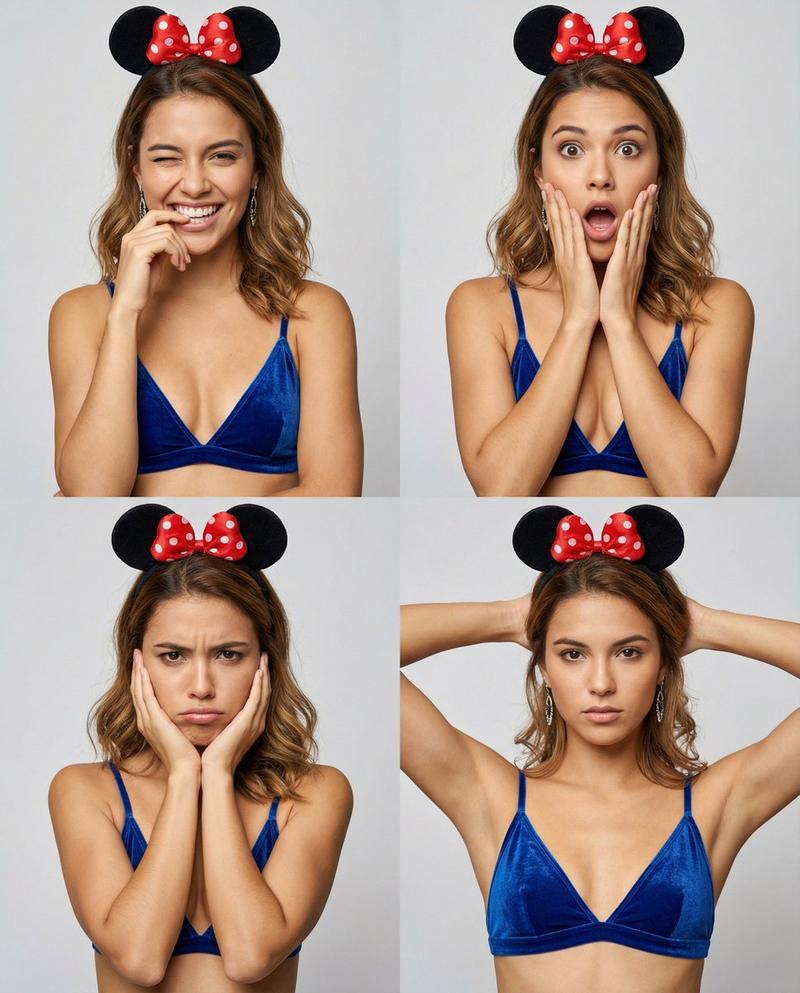
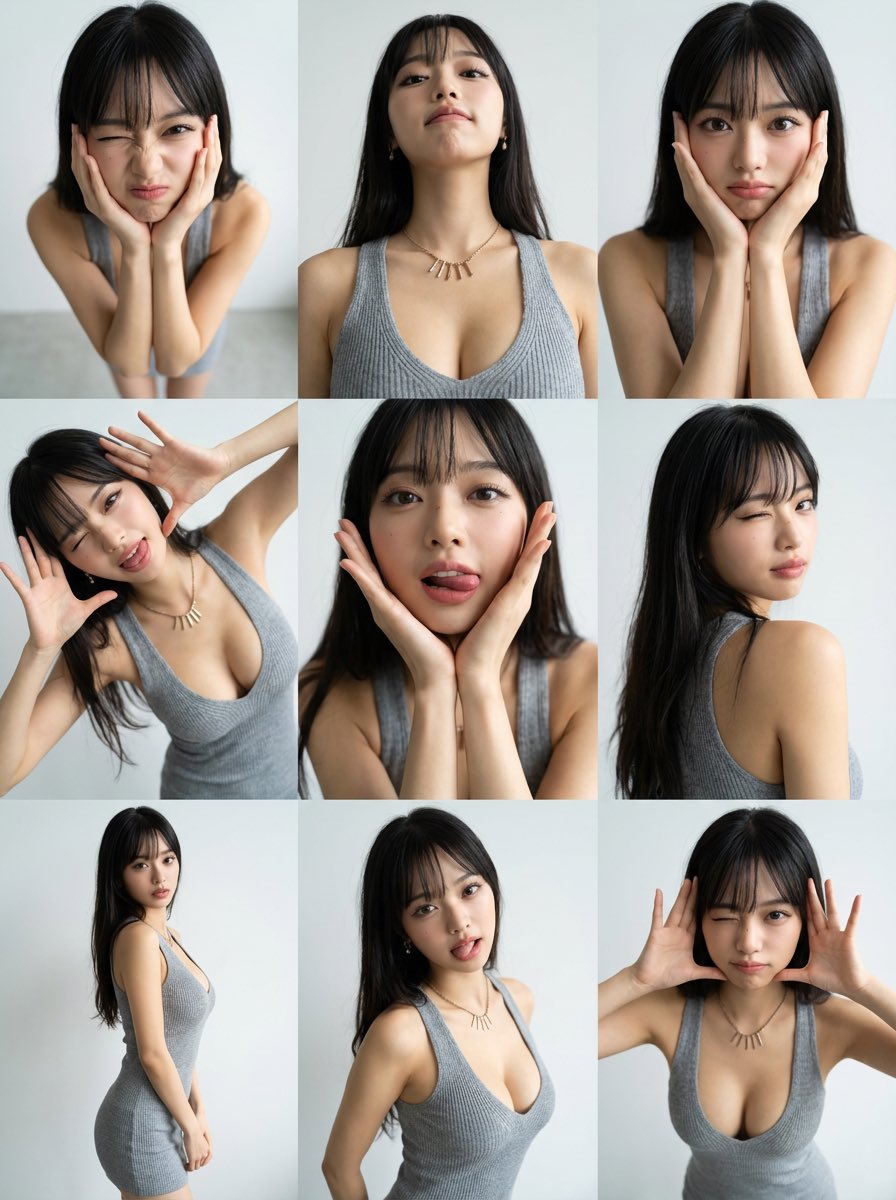
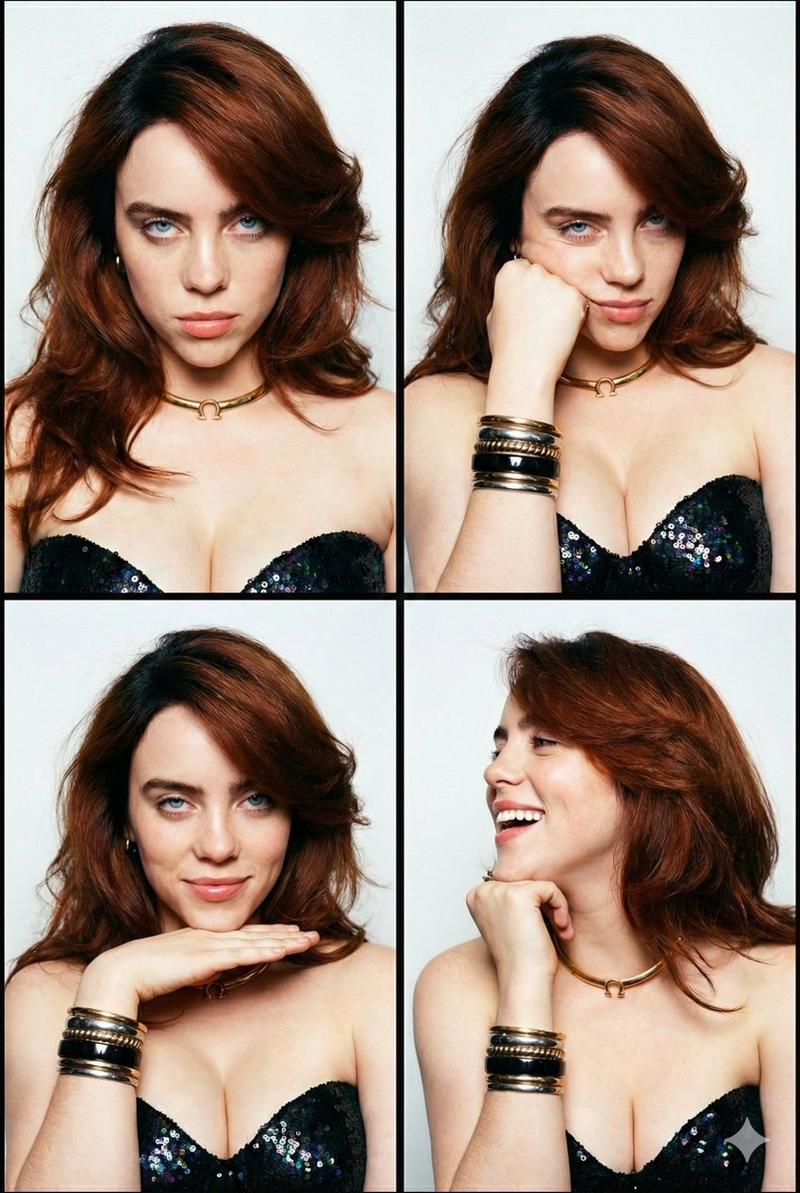
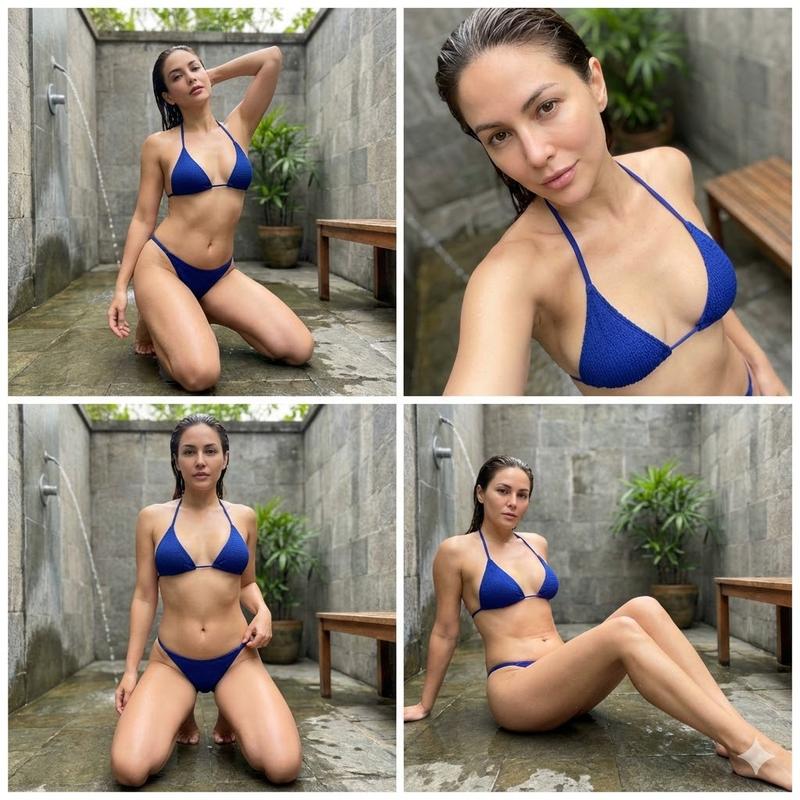
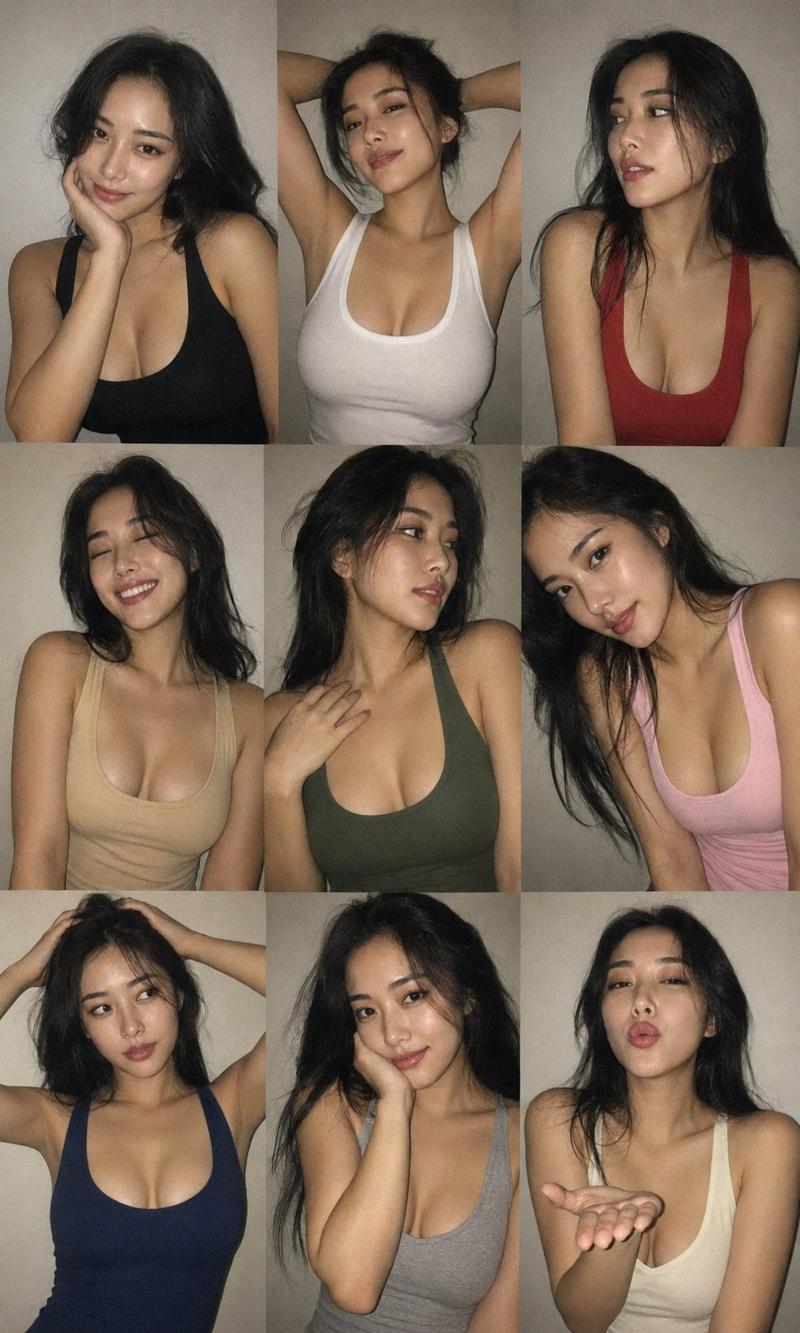
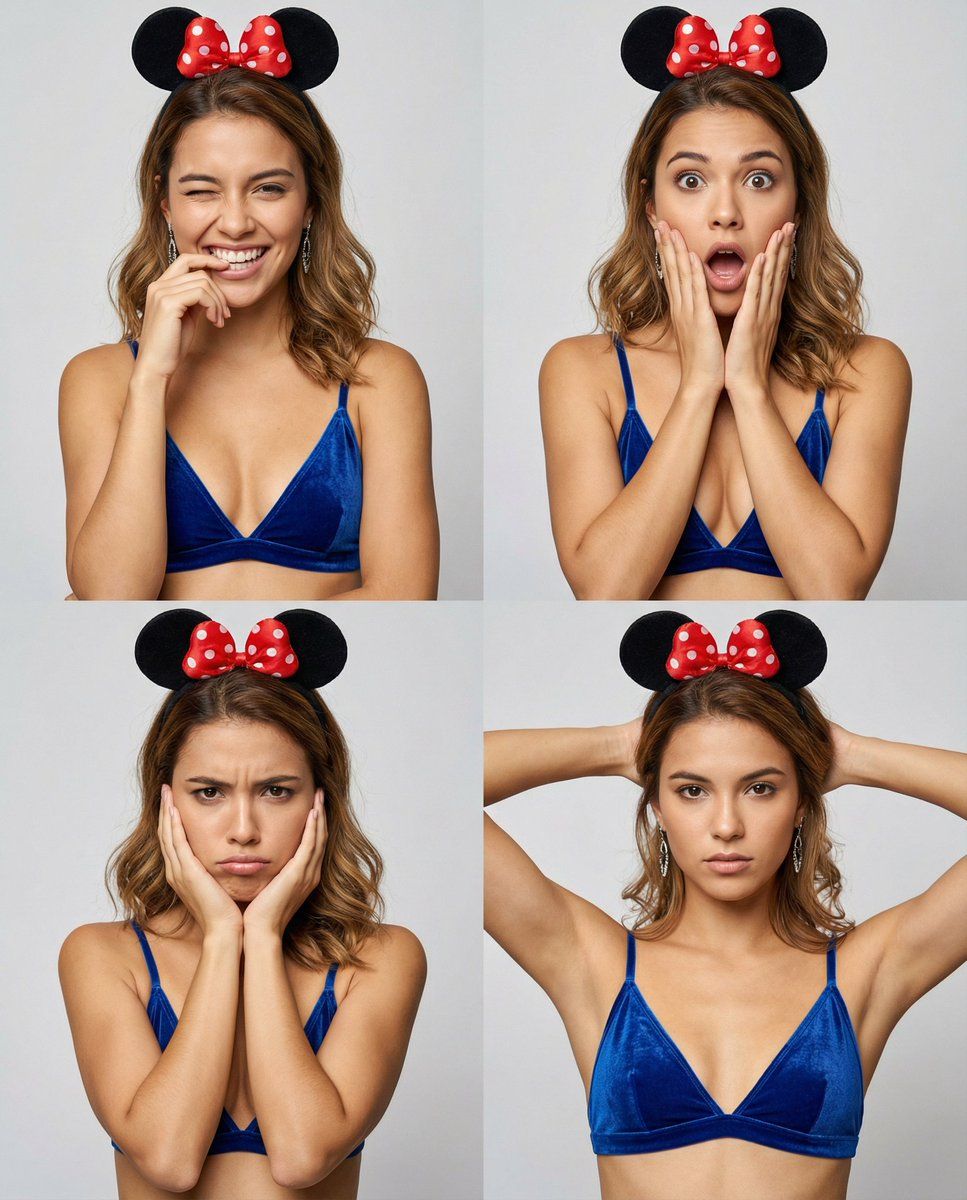
米妮头箍摄影棚照片表情网格
Enlarge

米妮头箍摄影棚照片表情网格

Prompt
Photorealistic studio photo of a slim young woman in her early 20s with light-to-light medium warm beige skin and smooth natural texture. She has a soft oval face, defined cheekbones, a soft jawline, a straight medium-small nose, medium-full natural pink lips, and almond-shaped brown eyes with softly arched dark brows. Makeup is light and natural with subtle mascara, soft blush, and neutral lips. Her hair is shoulder-length medium brown with warm golden highlights, center parted, slightly wavy and natural.
She wears a royal blue velvet triangle bralette with thin beige straps, dangling silver earrings, and a Minnie-style headband with black round ears and a red bow with white polka dots. Background is a clean light gray studio backdrop with soft, diffused lighting and minimal shadows for a bright fashion look.
The image is a 2x2 vertical collage (4:5 ratio), medium close-up framing, camera at eye level, subject centered.
Expressions in each panel:
playful wink with a wide smile showing teeth, one hand near mouth
surprised face with wide eyes, mouth open, both hands on cheeks
pouting/annoyed face with brows slightly furrowed, cheeks resting in palms
serious confident look with neutral lips, both arms raised and hands behind head adjusting hair.
High resolution, sharp focus, detailed skin and fabric texture, natural colors.
Category
创意图片
Model
Nano Banana Pro
Creator
sammy
Views0
Source ID
f9fb3fc0-a107-4160-b3dd-74f45c66efa9
Published
Mar 8, 2026

Guide

About "米妮头箍摄影棚照片表情网格"

What is this prompt for?

"米妮头箍摄影棚照片表情网格" AI image prompt for Nano Banana Pro (创意图片). 一个详细的提示,用于生成一张年轻女性在影棚环境中的逼真 2x2 垂直拼贴画。它指定了自然的皮肤纹理、淡妆、皇家蓝色天鹅绒文胸式上衣和米妮风格的发带,并在网格中展示了四种不同的表情(眨眼、惊讶、噘嘴、…

The full copyable prompt and example visuals above are ready for AI image generation or one-click recreate in Picva.

How to use this prompt

  1. Step 1

    Open the prompt detail

    Review the example visuals, category, and full prompt text for "米妮头箍摄影棚照片表情网格".

  2. Step 2

    Copy the prompt

    Copy the prompt body from this page, or load it directly in Studio.

  3. Step 3

    Pick a model (Nano Banana Pro)

    Prefer Nano Banana Pro. If you switch models, keep subject and composition and tweak style terms.

  4. Step 4

    Generate and export

    Recreate the look in Picva, or export into your workflow for editing and publishing.

FAQ

What is the "米妮头箍摄影棚照片表情网格" prompt?
It is an AI image-generation prompt for Nano Banana Pro in the 创意图片 category. This page includes the full prompt text, example visuals, and a one-click recreate path in Picva.
How do I use this prompt to generate an image?
Copy the prompt from this page, or use Generate / Studio. Paste it into a compatible image model, or recreate the look in Picva with optional reference images.
Which model is this prompt for?
This page lists Nano Banana Pro. Most descriptive prompts also transfer to nearby image models such as GPT Image, Flux, or Midjourney with light style tweaks.
Can I use the result commercially?
You can usually copy the prompt for creation, but commercial use of the final image depends on the model terms, reference-image rights, and the generated content. Follow the source author and platform rules.