20

奥本海默场景换脸与修复
Enlarge

奥本海默场景换脸与修复

Prompt
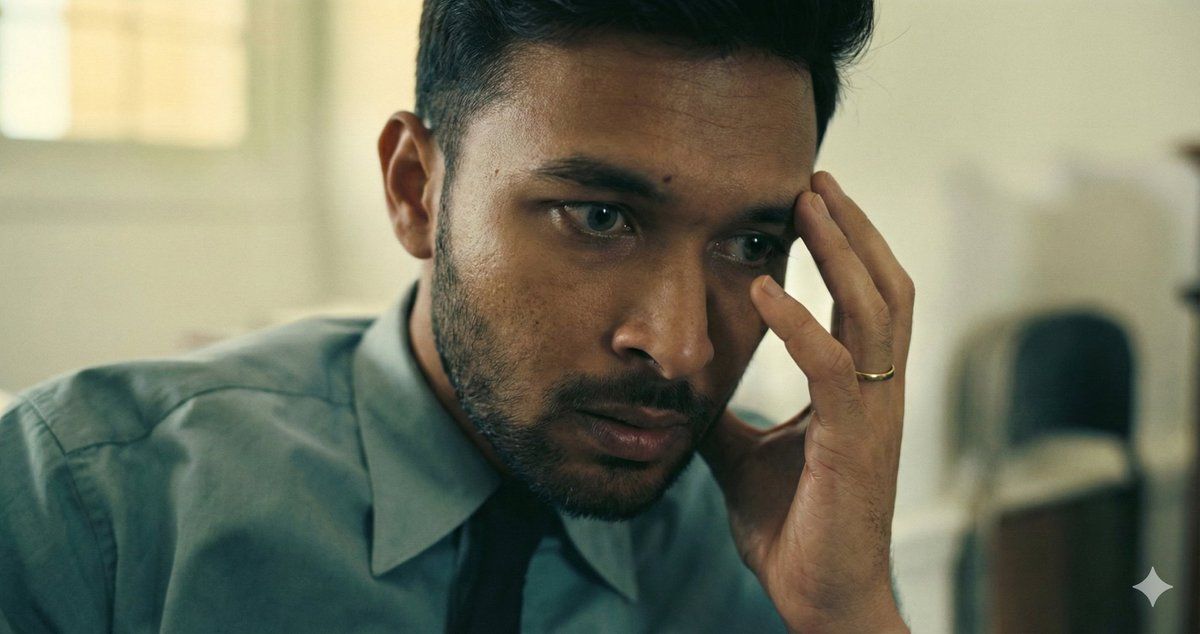
Use the uploaded Oppenheimer movie frame as the PRIMARY and ONLY scene reference.

Reproduce the scene EXACTLY as shown:
same interior room and background blur,
same soft daylight from camera-left,
same muted green–yellow color temperature,
same camera angle and proximity (tight close-up),
same framing and crop,
same shallow depth of field,
same outfit (teal shirt, dark tie),
same hand-to-temple gesture,
same ring on finger,
same anxious, mentally strained expression,
same eye direction and tension,
same posture and head tilt.

DO NOT reinterpret the scene.
DO NOT change the environment, lighting, or composition.

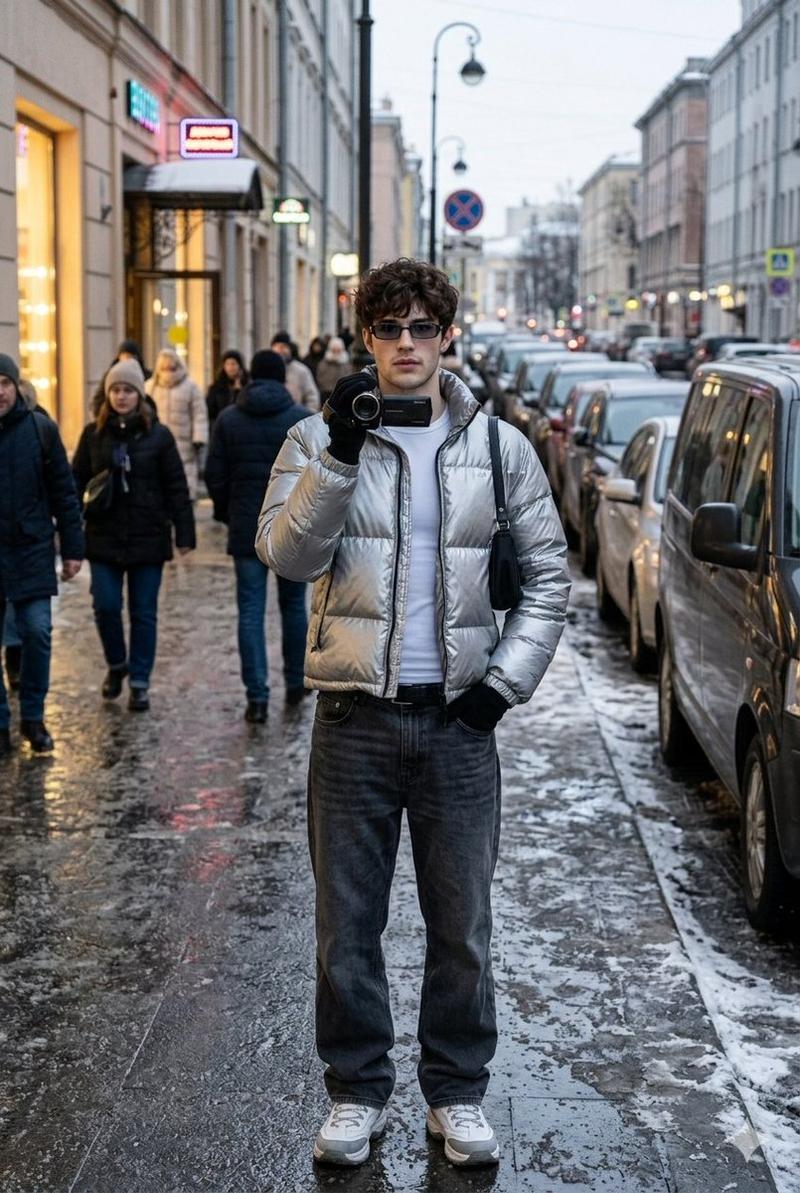
Replace ONLY the face with my uploaded face reference.
My face must remain 100% identical:
exact facial structure,
skin tone,
eye shape,
nose,
lips,
jawline,
hairline,
stubble pattern preserved.

Face swap must perfectly match:
original head angle,
original facial muscle tension,
original eye direction,
original lighting and shadow falloff.

Ultra-realistic cinematic realism.
Natural film grain preserved.
No stylization, no creative liberty.

Aspect ratio: 1.90:1 (IMAX digital frame).
Full headroom preserved.
No crop, no zoom, no reframing.
No background change
No lighting change
No pose change
No hand movement
No expression change
No color grading
No stylization
No AI artifacts
No face morphing
No resemblance to Cillian Murphy
Category
创意图片
Model
Nano Banana Pro
Creator
Mahesh
Views0
Source ID
70d40eae-0a7e-47c4-ae92-5d5634d47e6e
Published
Mar 8, 2026

Guide

About "奥本海默场景换脸与修复"

What is this prompt for?

"奥本海默场景换脸与修复" AI image prompt for Nano Banana Pro (创意图片). 一个高度具体的提示,指示 AI 重现电影《奥本海默》中的一个精确帧(构图、灯光、表情、服装和姿态),并仅将基里安·墨菲的脸替换为上传的参考脸,要求达到超现实的电影级真实感,且不允许任何创作自由。 ---…

The full copyable prompt and example visuals above are ready for AI image generation or one-click recreate in Picva.

How to use this prompt

  1. Step 1

    Open the prompt detail

    Review the example visuals, category, and full prompt text for "奥本海默场景换脸与修复".

  2. Step 2

    Copy the prompt

    Copy the prompt body from this page, or load it directly in Studio.

  3. Step 3

    Pick a model (Nano Banana Pro)

    Prefer Nano Banana Pro. If you switch models, keep subject and composition and tweak style terms.

  4. Step 4

    Generate and export

    Recreate the look in Picva, or export into your workflow for editing and publishing.

FAQ

What is the "奥本海默场景换脸与修复" prompt?
It is an AI image-generation prompt for Nano Banana Pro in the 创意图片 category. This page includes the full prompt text, example visuals, and a one-click recreate path in Picva.
How do I use this prompt to generate an image?
Copy the prompt from this page, or use Generate / Studio. Paste it into a compatible image model, or recreate the look in Picva with optional reference images.
Which model is this prompt for?
This page lists Nano Banana Pro. Most descriptive prompts also transfer to nearby image models such as GPT Image, Flux, or Midjourney with light style tweaks.
Can I use the result commercially?
You can usually copy the prompt for creation, but commercial use of the final image depends on the model terms, reference-image rights, and the generated content. Follow the source author and platform rules.