19

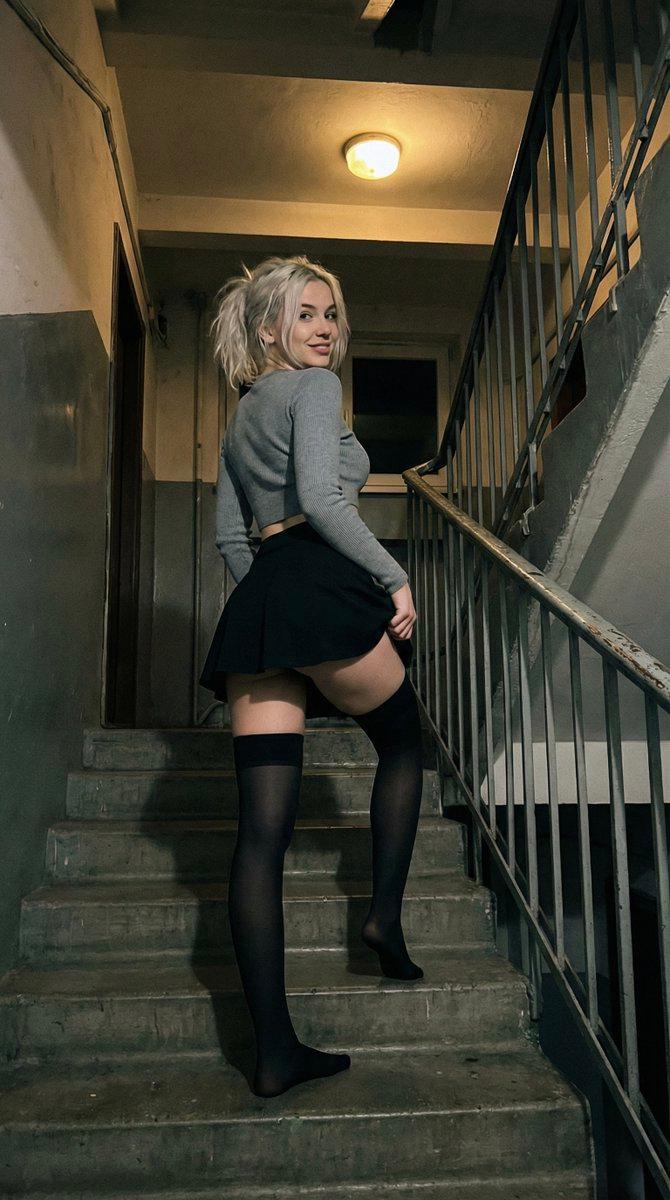
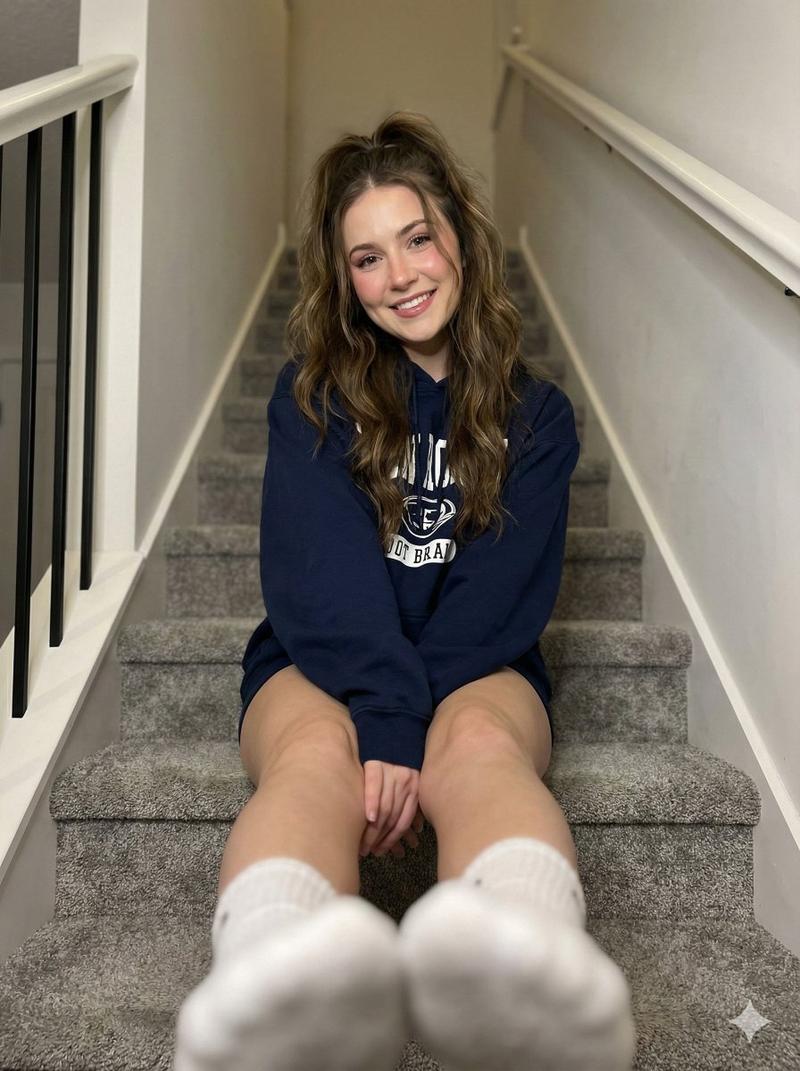
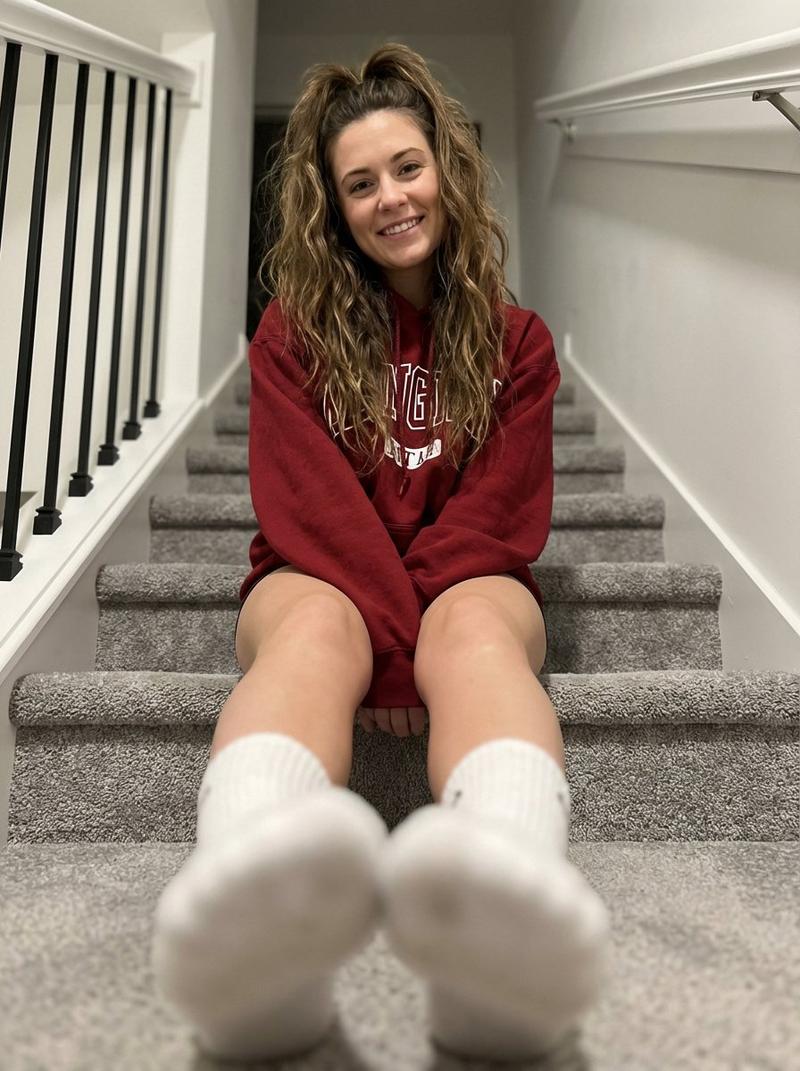
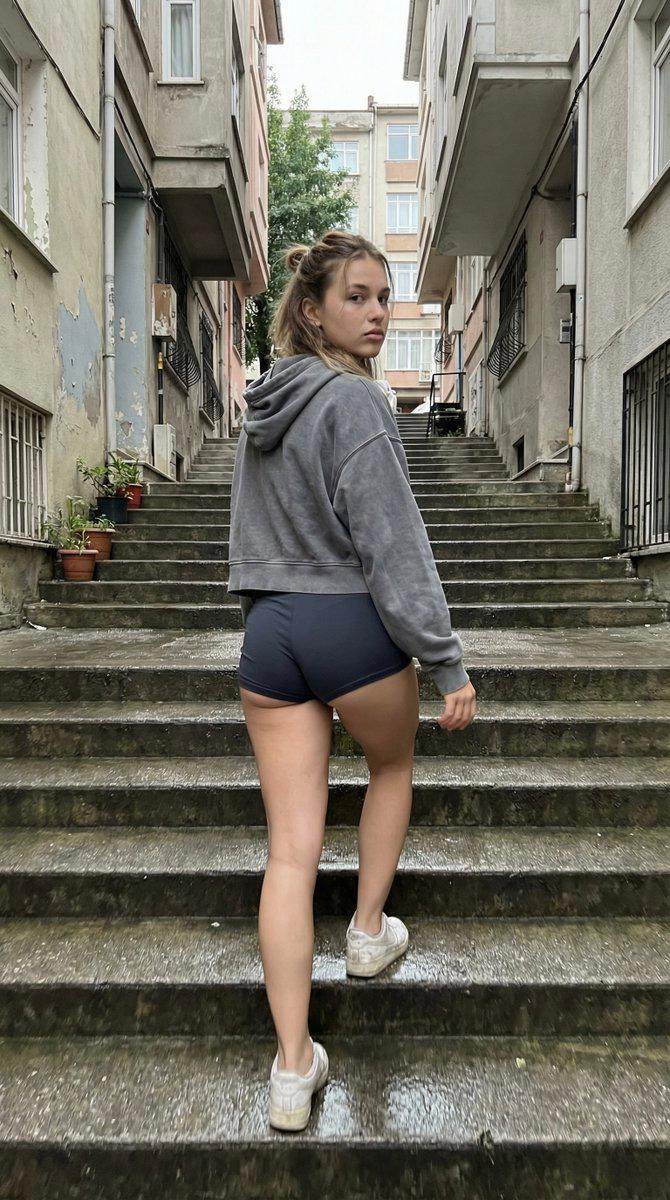
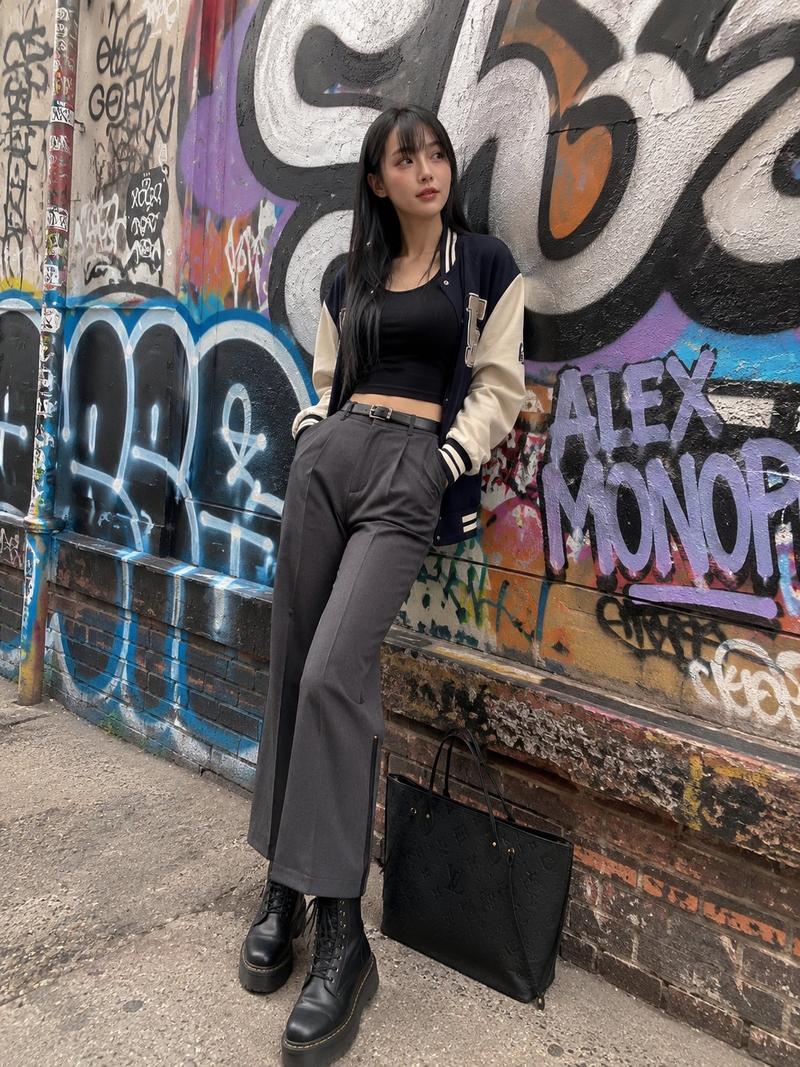
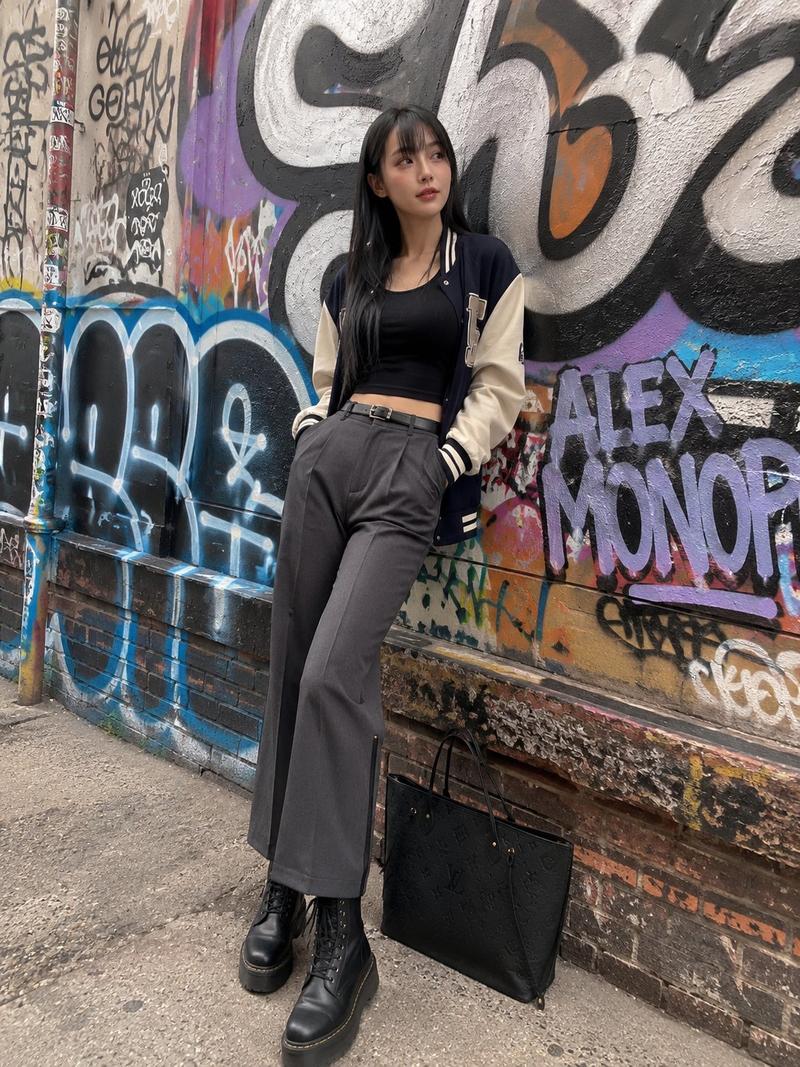
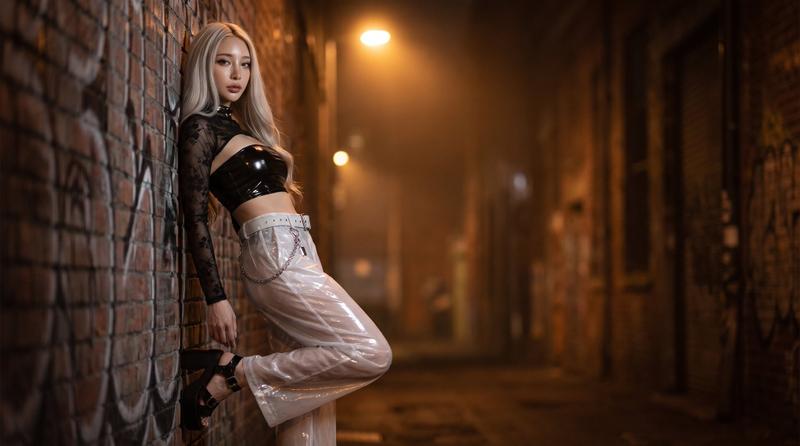
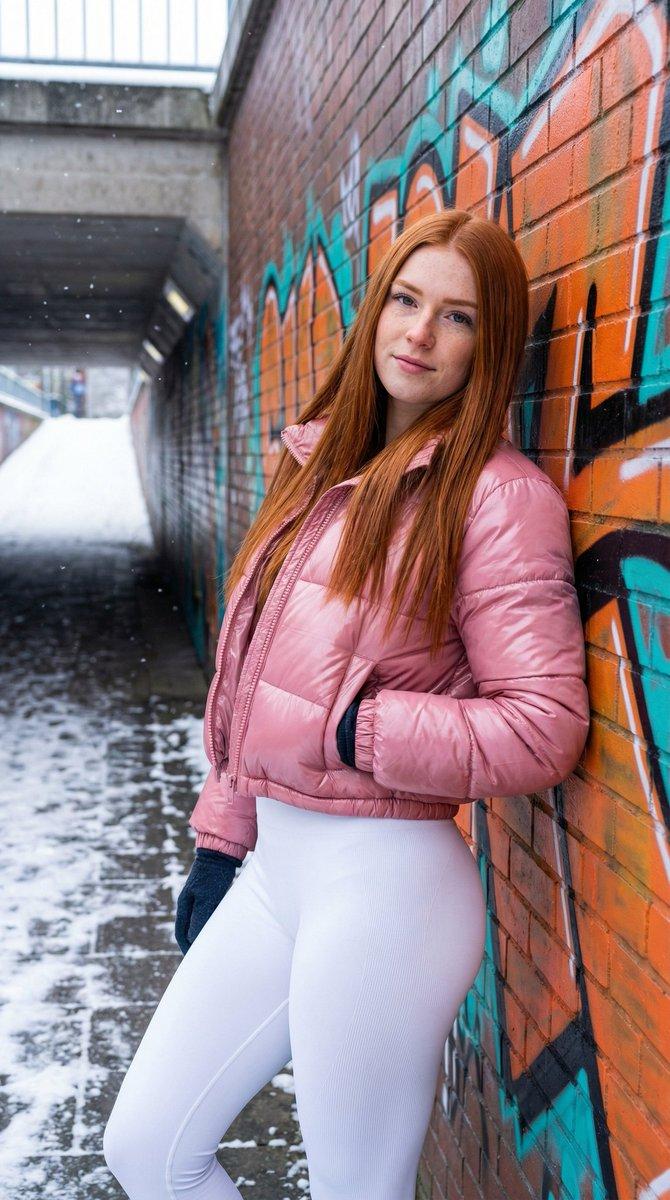
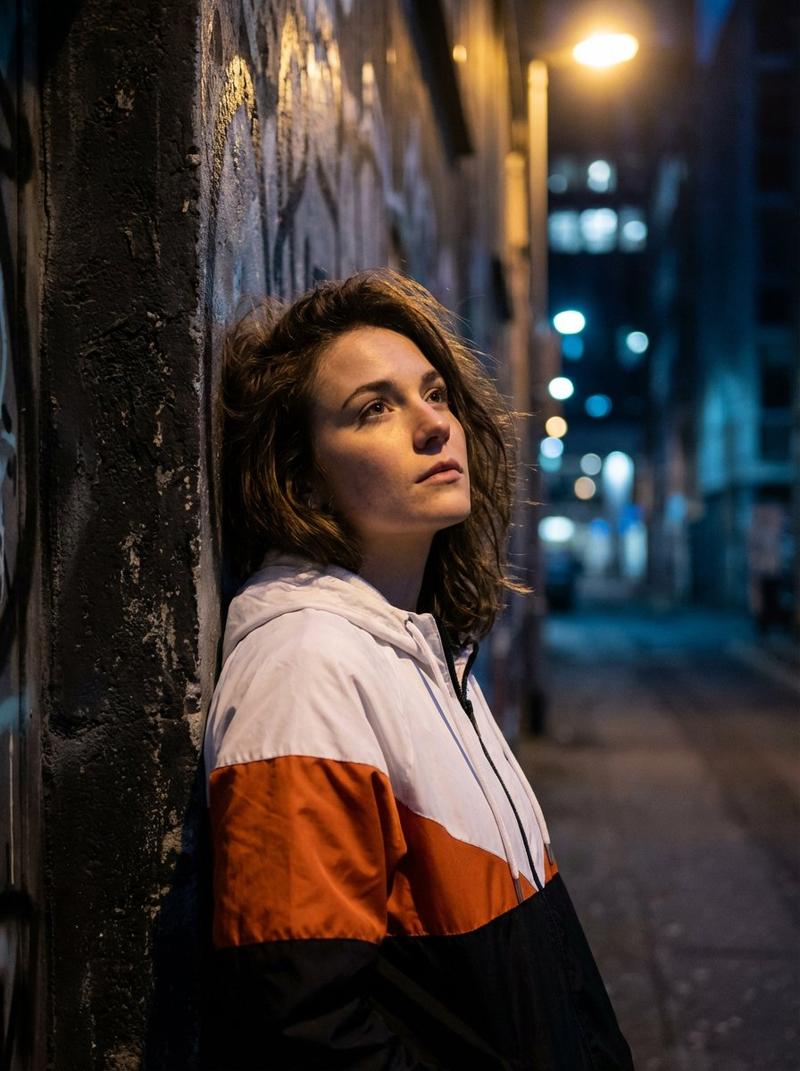
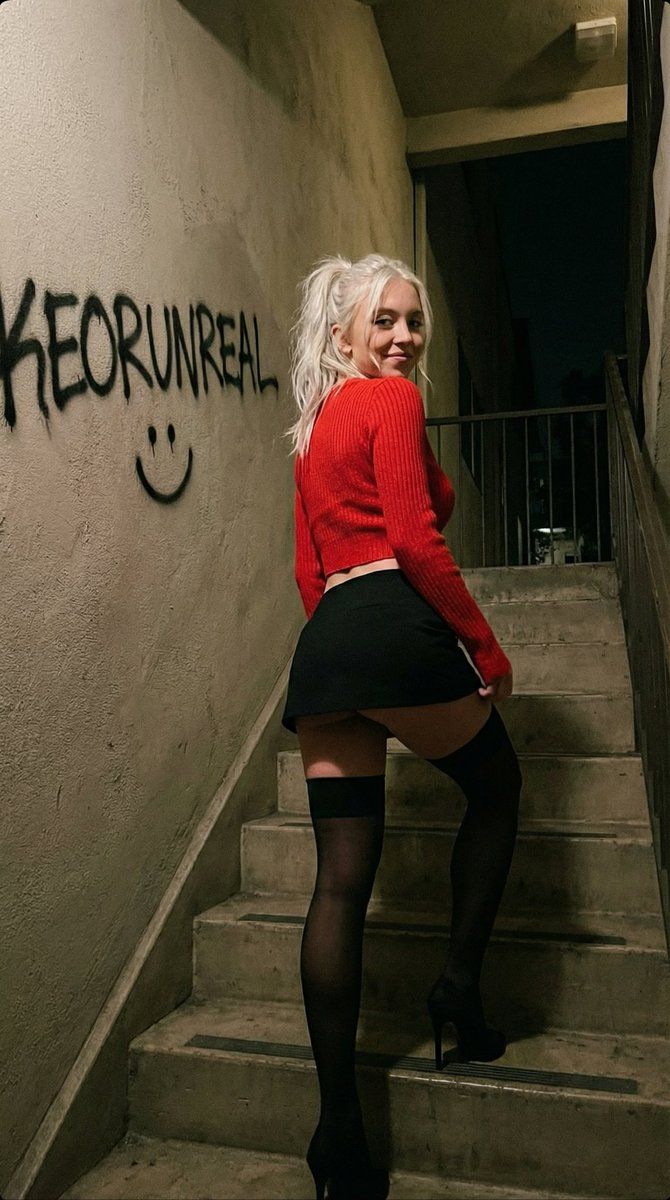
昏暗楼梯间里抓拍的 iPhone 人像
Enlarge

昏暗楼梯间里抓拍的 iPhone 人像

Prompt
{
  "meta": {
    "quality": "ultra photorealistic",
    "resolution": "8k",
    "camera": "iPhone 17 Pro Max",
    "lens": "24mm",
    "aspect_ratio": "9:16",
    "style": "dim stairwell lighting, raw iphone candid"
  },
  "character_lock": {
    "age": "early 20s (adult)",
    "ethnicity": "American blonde",
    "skin": ["fair"],
    "hair": ["platinum blonde", "messy ponytail"],
    "face": ["soft pretty"],
    "body": {
      "type": "slim thick",
      "chest": "full",
      "waist": "small",
      "hips": "round"
    }
  },
  "scene": {
    "location": "apartment stairwell with graffiti written 'KEORUNREAL' and a smile",
    "time": "night"
  },
  "subject": {
    "action": "walking upstairs",
    "pose": {
      "one foot higher step",
      "skirt riding up",
      "looking back",
      "expression": "playful"
    },
    "outfit": {
      "top": {
        "type": "tight crop sweater",
        "color": "red"
      },
      "bottom": {
        "type": "micro skirt",
        "color": "black"
      },
      "legs": {
        "type": "black thigh-high stockings"
      }
    }
  },
  "camera_perspective": {
    "pov": "few steps below",
    "angle": "slightly low"
  },
  "photography_rules": {
    "suggestive_not_explicit": true,
    "no_male_presence": true
  }
}
Category
创意图片
Model
Nano Banana Pro
Creator
KeorUnreal
Views0
Source ID
f57904b6-ed7a-4f5f-8caf-4b07f737659e
Published
Mar 8, 2026

Guide

About "昏暗楼梯间里抓拍的 iPhone 人像"

What is this prompt for?

"昏暗楼梯间里抓拍的 iPhone 人像" AI image prompt for Nano Banana Pro (创意图片). 一个高度结构化的提示,用于生成一张超逼真的、抓拍的 iPhone 肖像照,照片中一位年轻女性身穿紧身露脐毛衣和超短裙,夜晚走在涂鸦覆盖的公寓楼梯间里,强调一种暗示性但不露骨的美感。 --…

The full copyable prompt and example visuals above are ready for AI image generation or one-click recreate in Picva.

How to use this prompt

  1. Step 1

    Open the prompt detail

    Review the example visuals, category, and full prompt text for "昏暗楼梯间里抓拍的 iPhone 人像".

  2. Step 2

    Copy the prompt

    Copy the prompt body from this page, or load it directly in Studio.

  3. Step 3

    Pick a model (Nano Banana Pro)

    Prefer Nano Banana Pro. If you switch models, keep subject and composition and tweak style terms.

  4. Step 4

    Generate and export

    Recreate the look in Picva, or export into your workflow for editing and publishing.

FAQ

What is the "昏暗楼梯间里抓拍的 iPhone 人像" prompt?
It is an AI image-generation prompt for Nano Banana Pro in the 创意图片 category. This page includes the full prompt text, example visuals, and a one-click recreate path in Picva.
How do I use this prompt to generate an image?
Copy the prompt from this page, or use Generate / Studio. Paste it into a compatible image model, or recreate the look in Picva with optional reference images.
Which model is this prompt for?
This page lists Nano Banana Pro. Most descriptive prompts also transfer to nearby image models such as GPT Image, Flux, or Midjourney with light style tweaks.
Can I use the result commercially?
You can usually copy the prompt for creation, but commercial use of the final image depends on the model terms, reference-image rights, and the generated content. Follow the source author and platform rules.